Installation in the HYTE X50
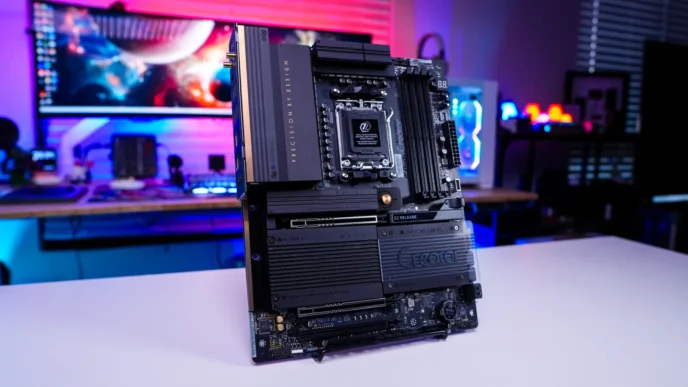
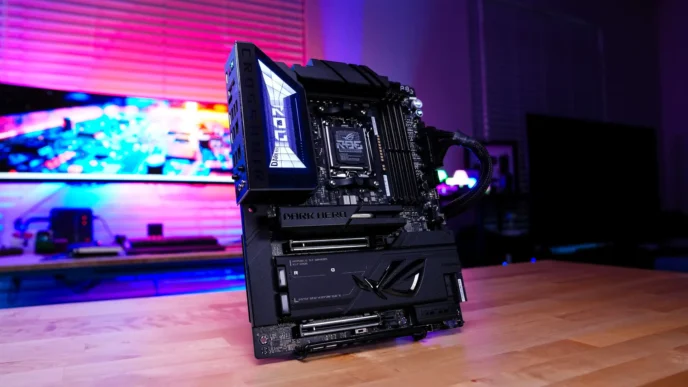
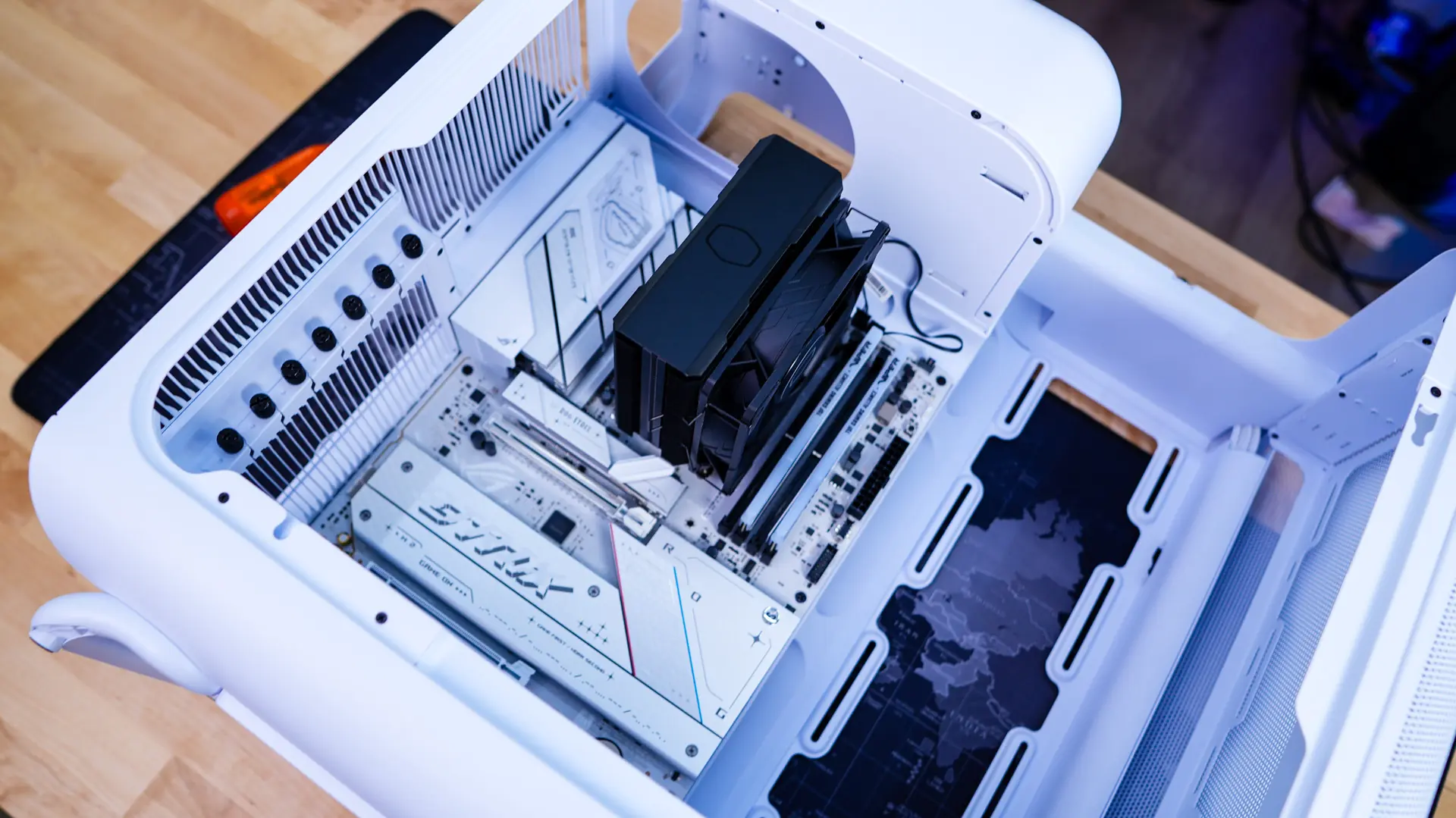
When it comes to installation in the HYTE X50 things are pretty easy and straight-forward. We are going to start with our motherboard, which goes in quite easily as we have a lot of room to work with.
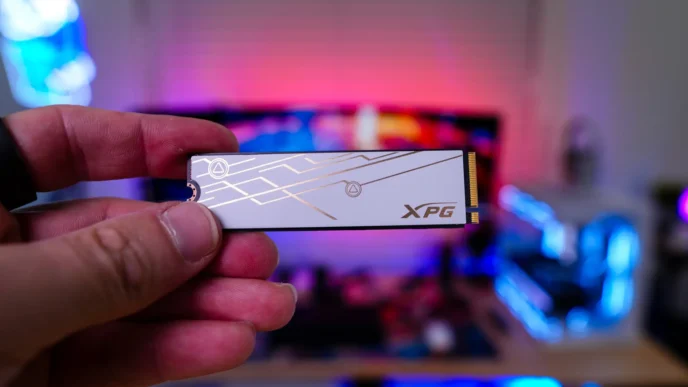
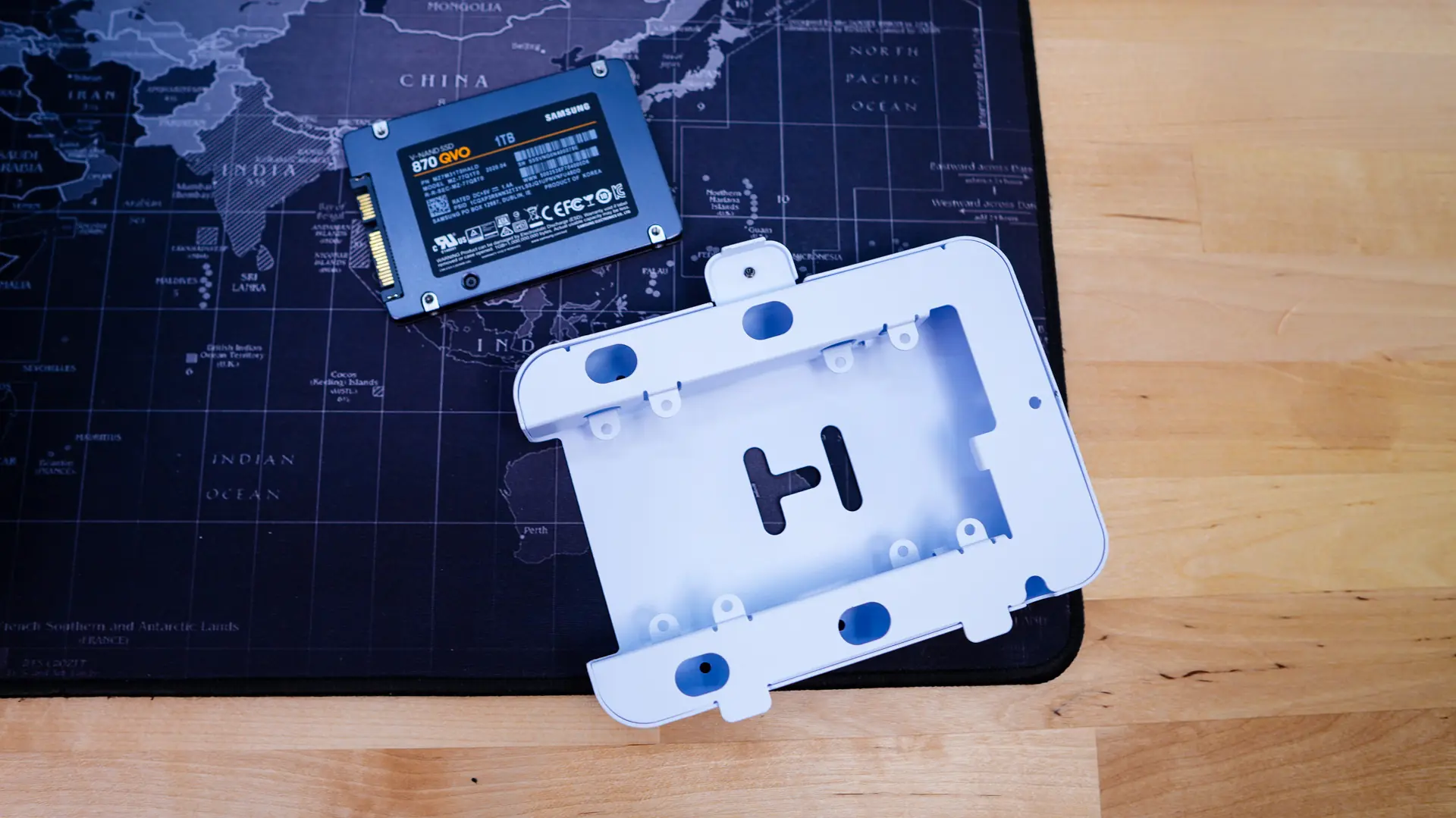
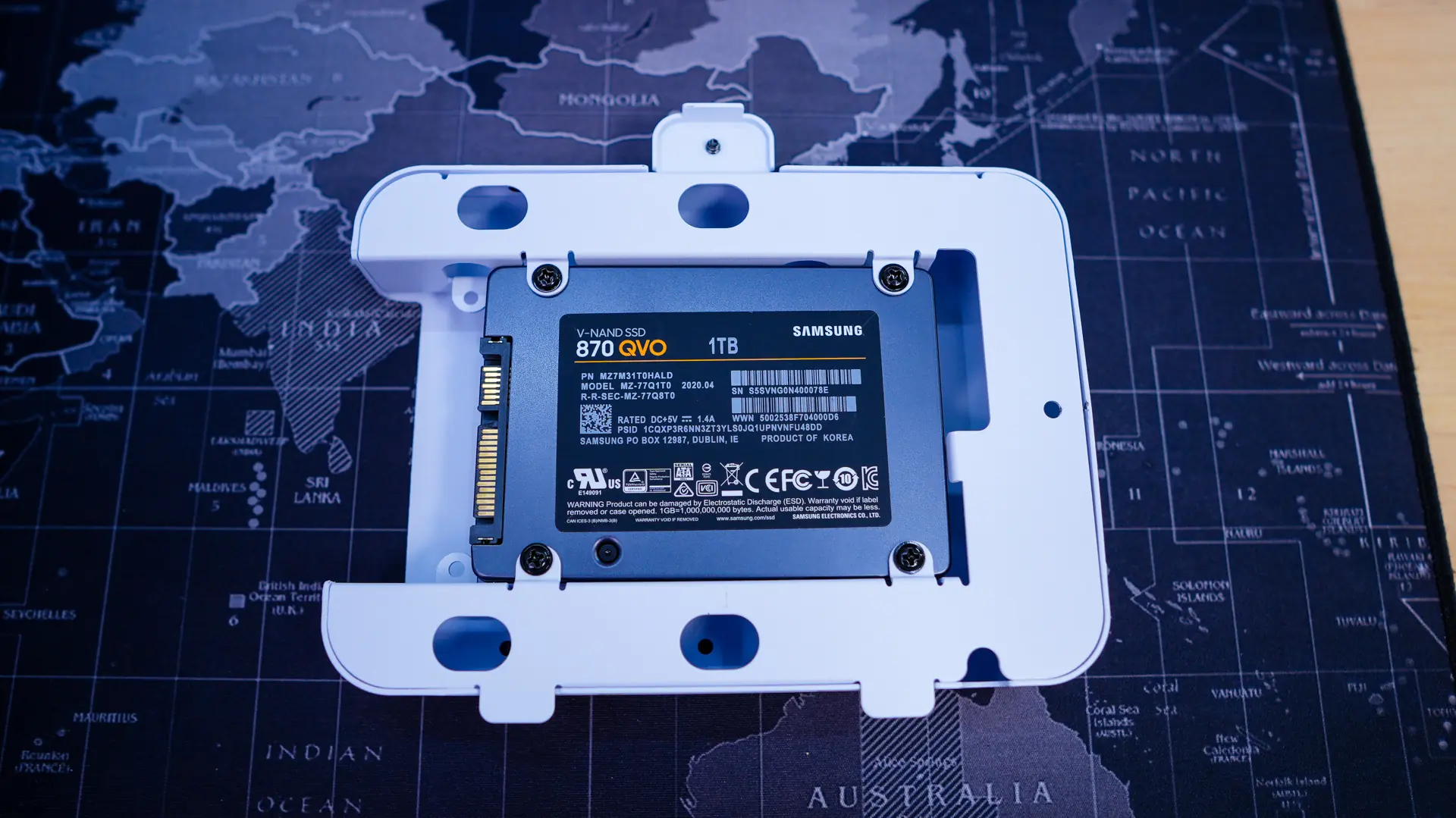
For hard drive installation you remove the storage bracket. Drives are easily installed with the included screws. Now you don’t want to re-install the storage bracket yet, it is going to be the last thing you’ll want to install actually.
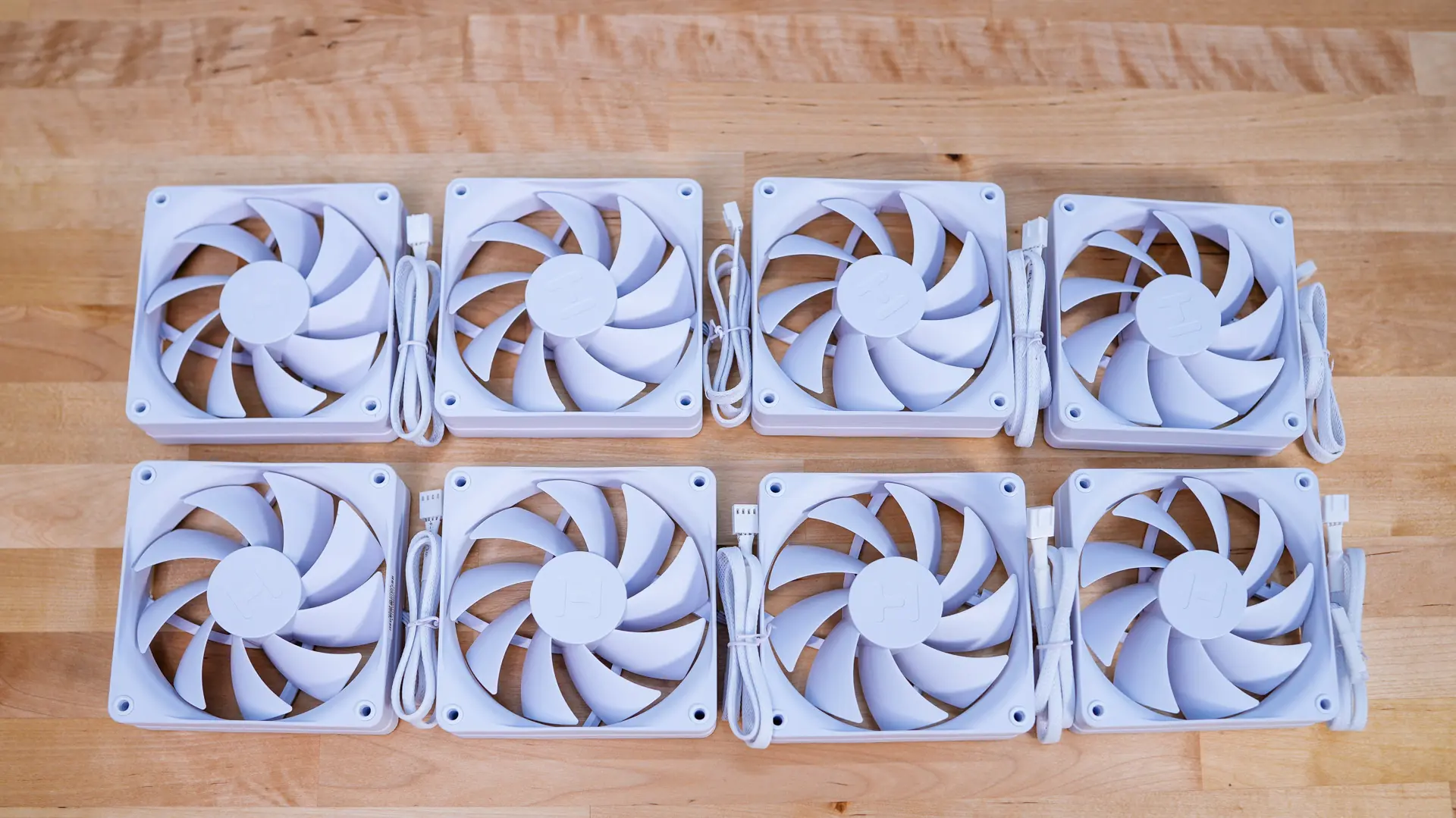
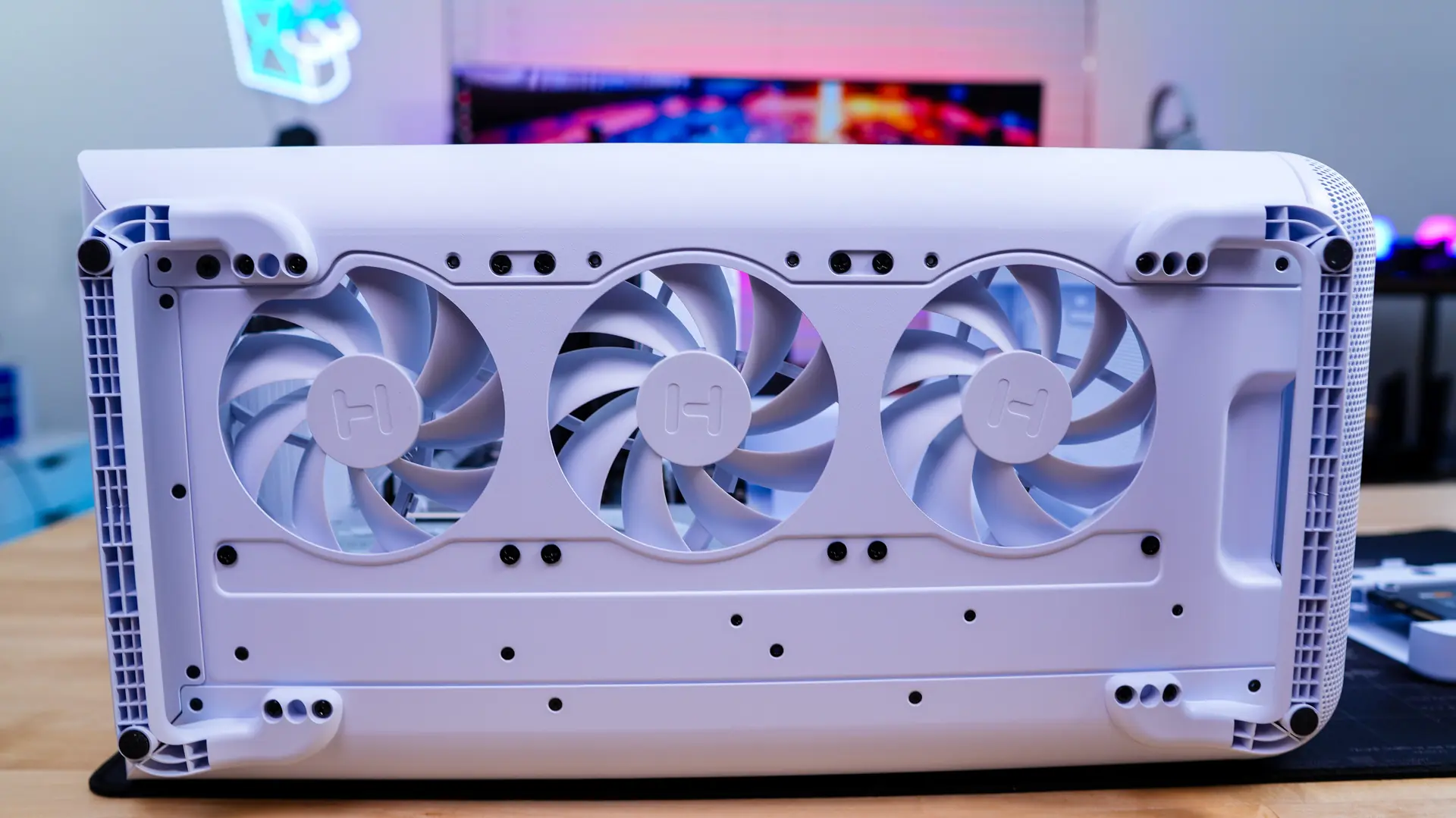
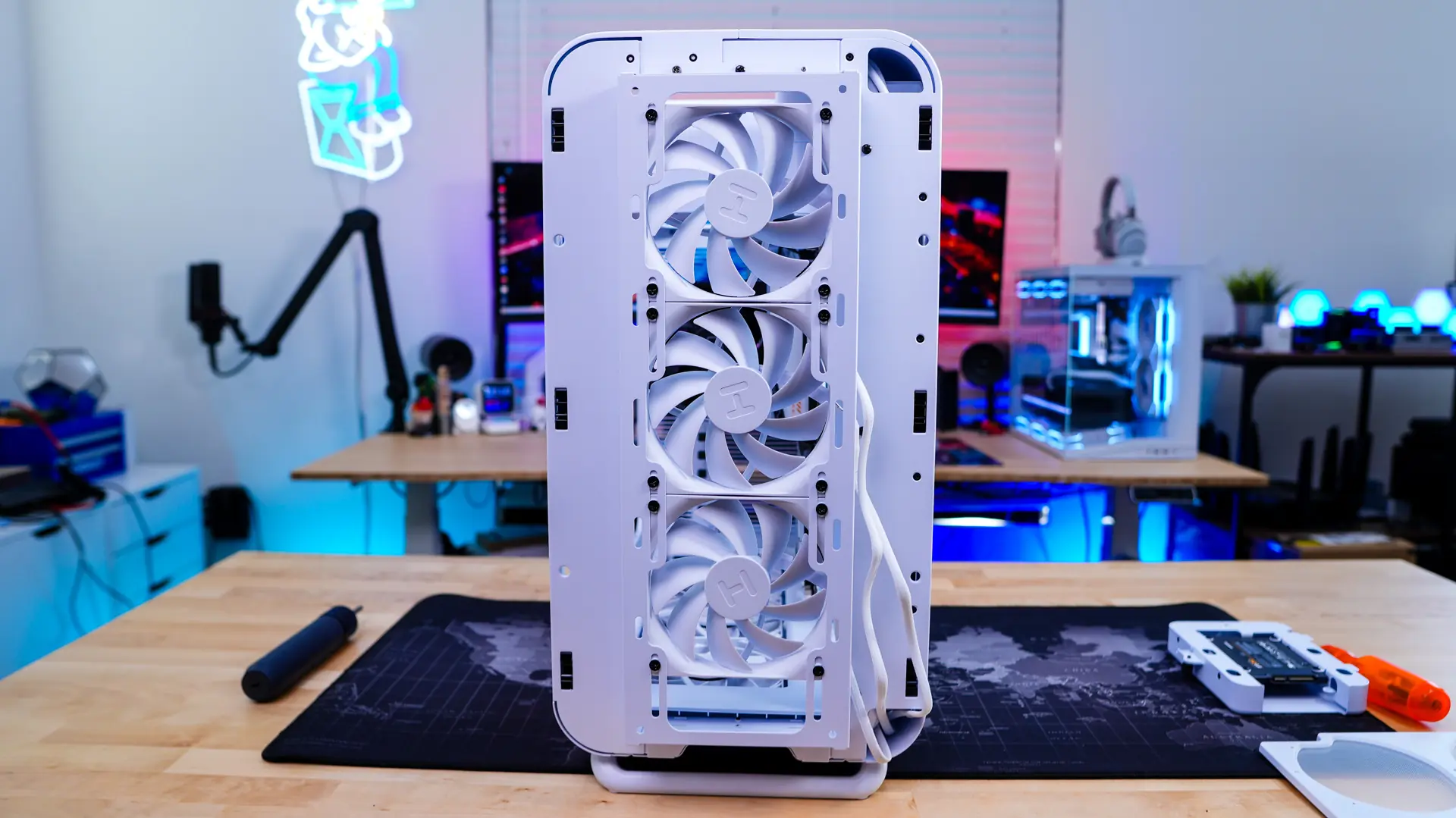
The X50 does not come with any fans, but HYTE was nice enough to send over two packages of their FA12 fans, which come in 4-packs. These 120mm fans are available in every color that the HYTE X50 is offered in.
I decided to install these fans in the front and bottom of the case and a single fan in the rear of the case. The fans were quite easy to install as the cooling mounts are very easy to access. On the front of the case you can easily route your cables down through the section where your front panel cables are routed.
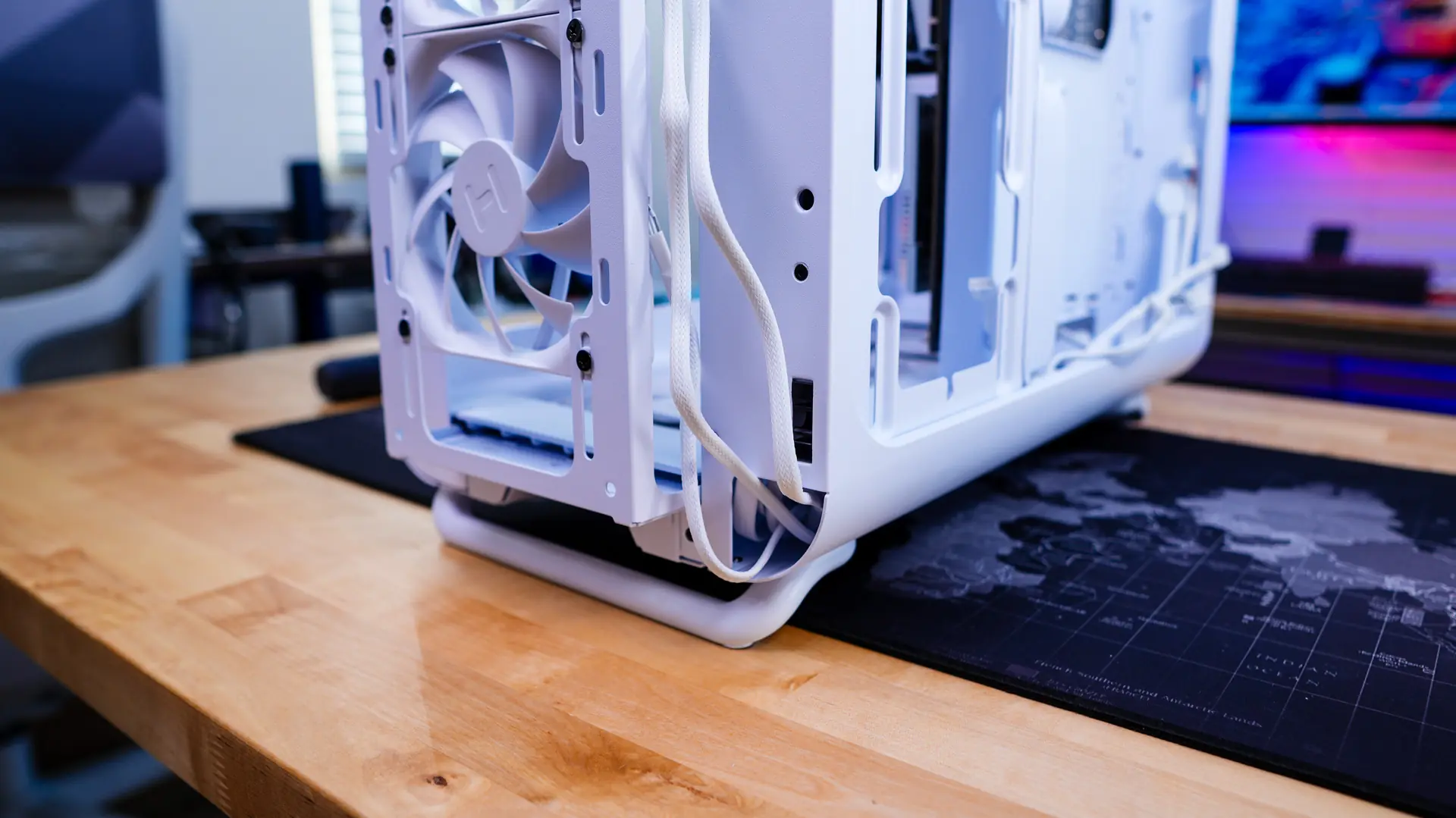
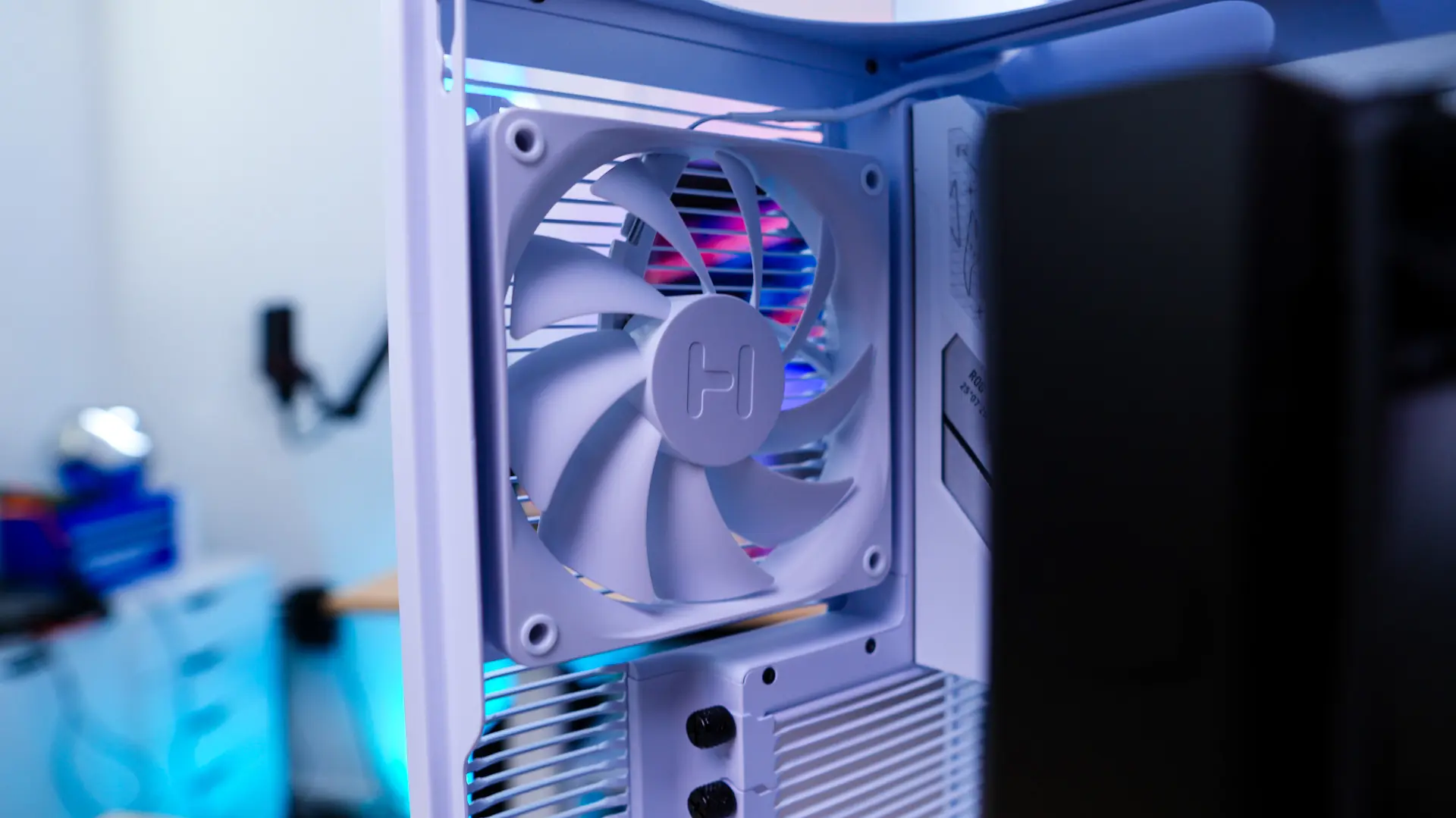
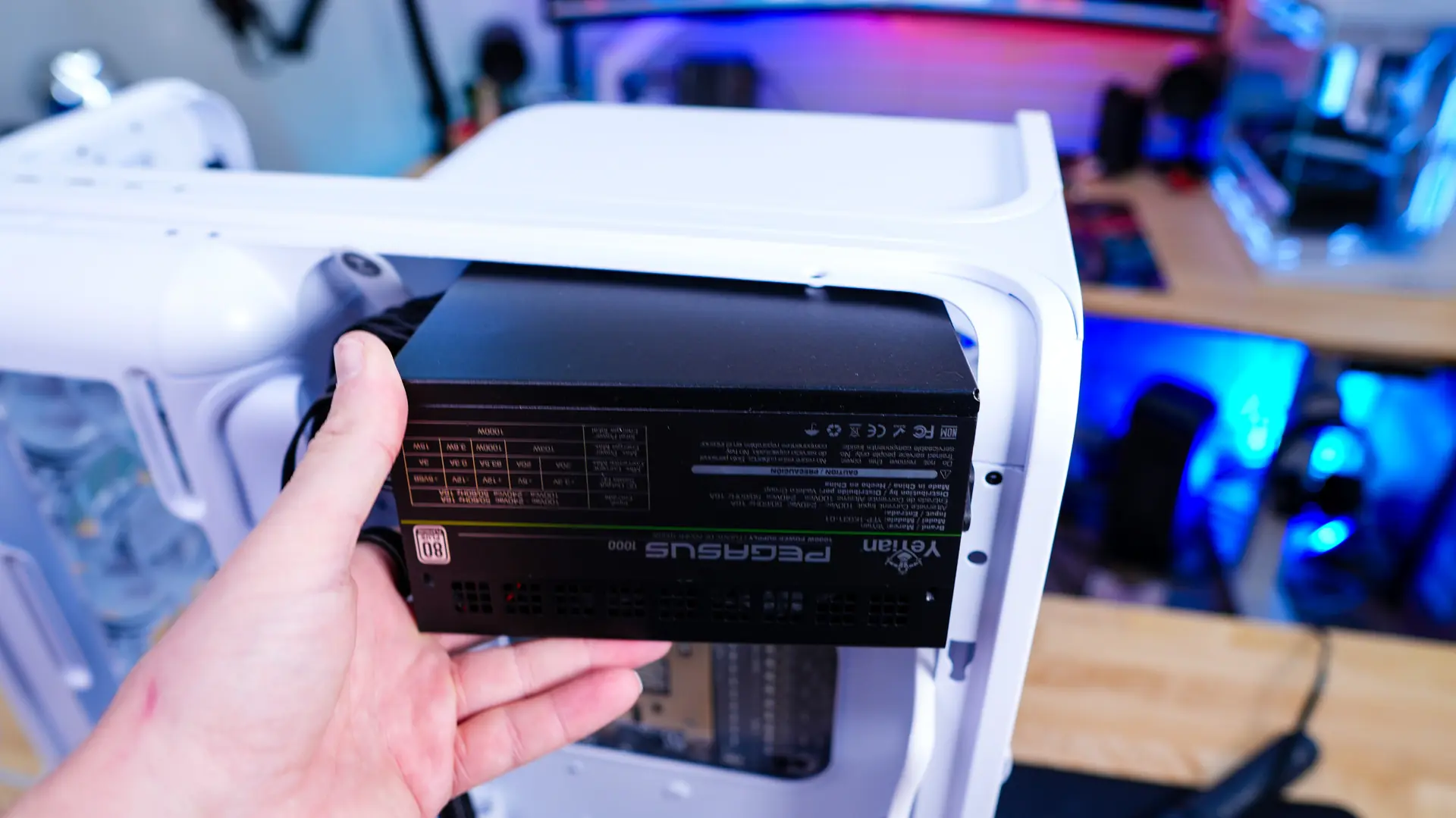
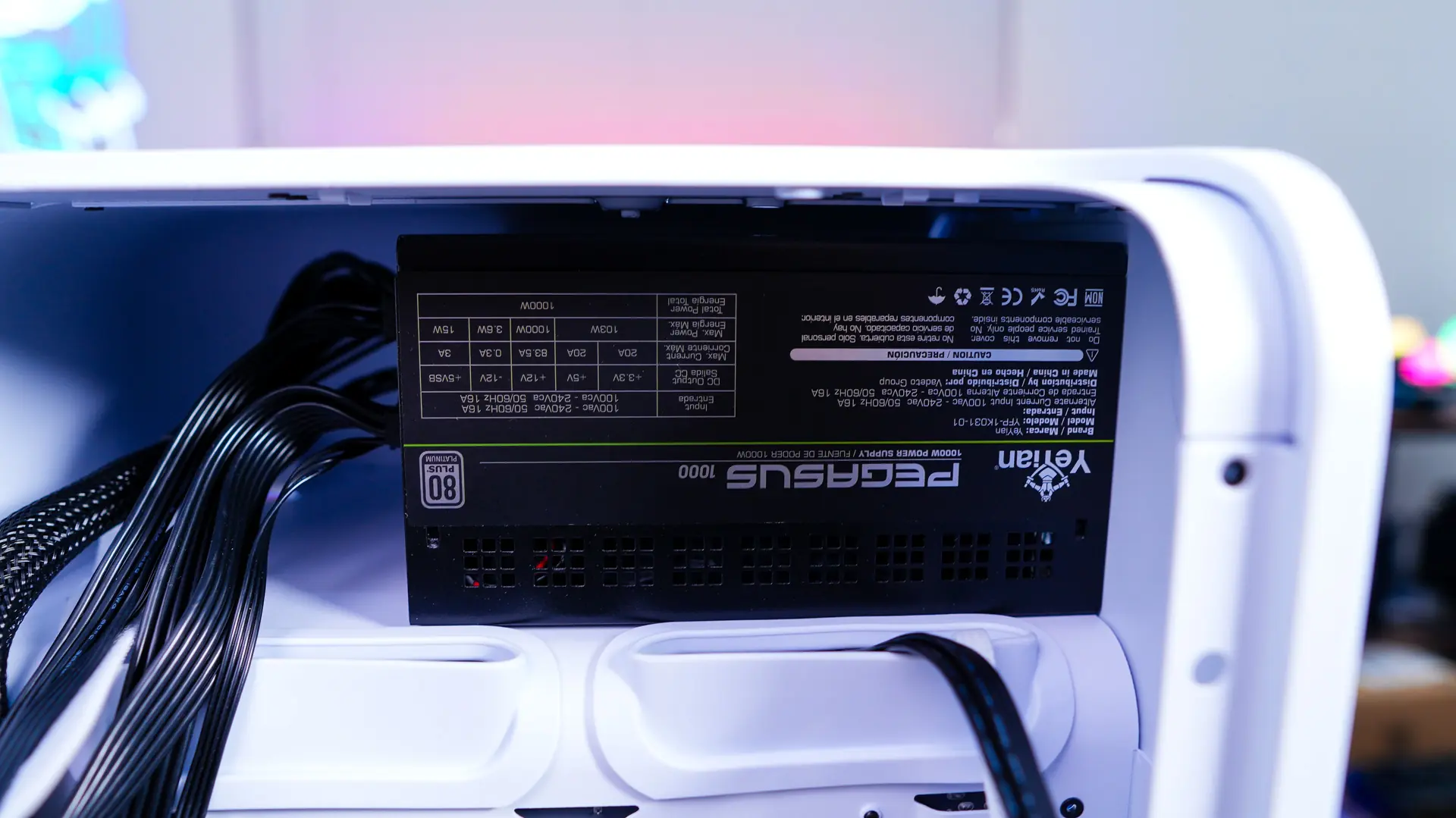
Your power supply will slide in from the back of the case, of course make sure you are installing it with the fan facing down.
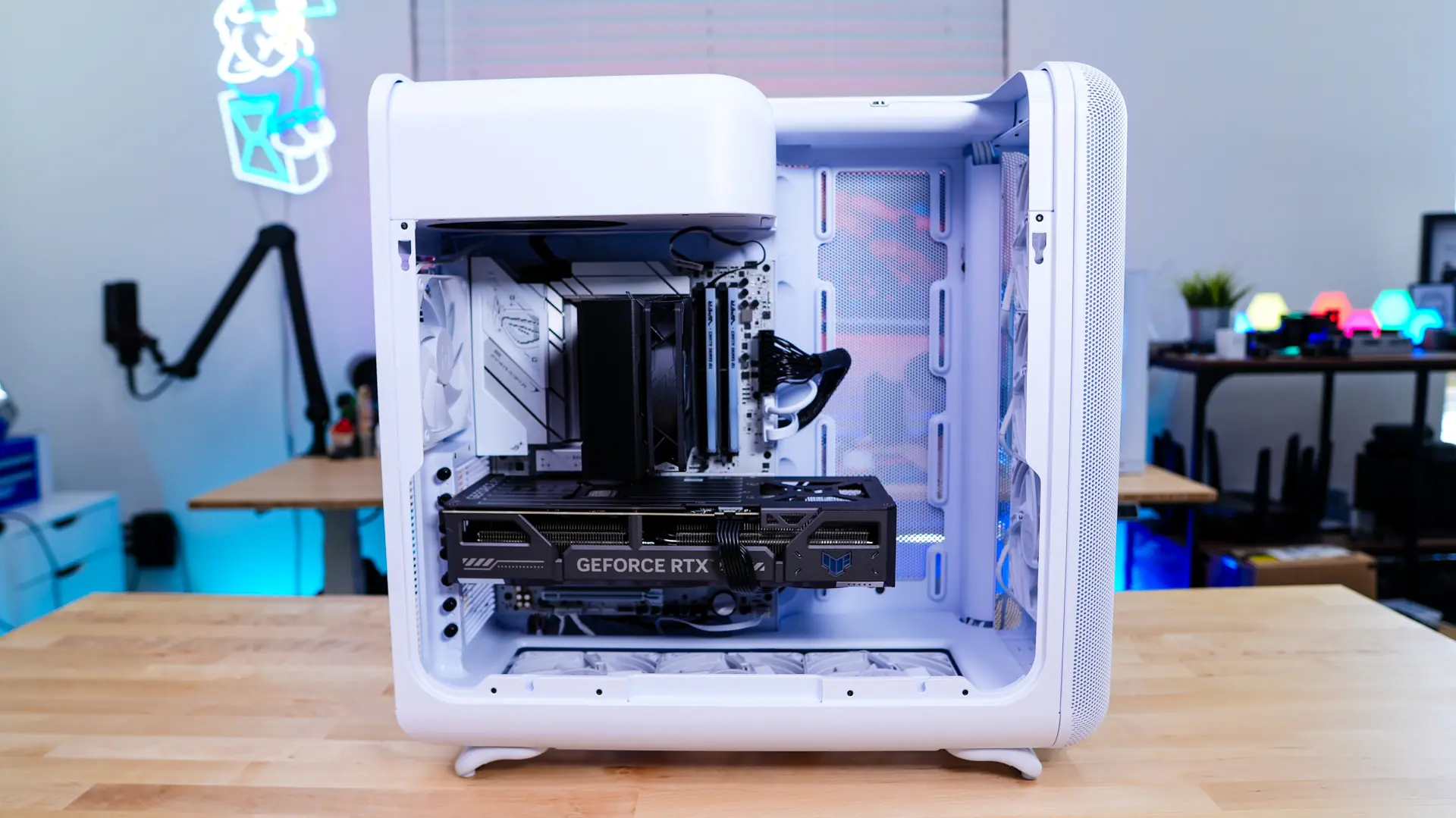
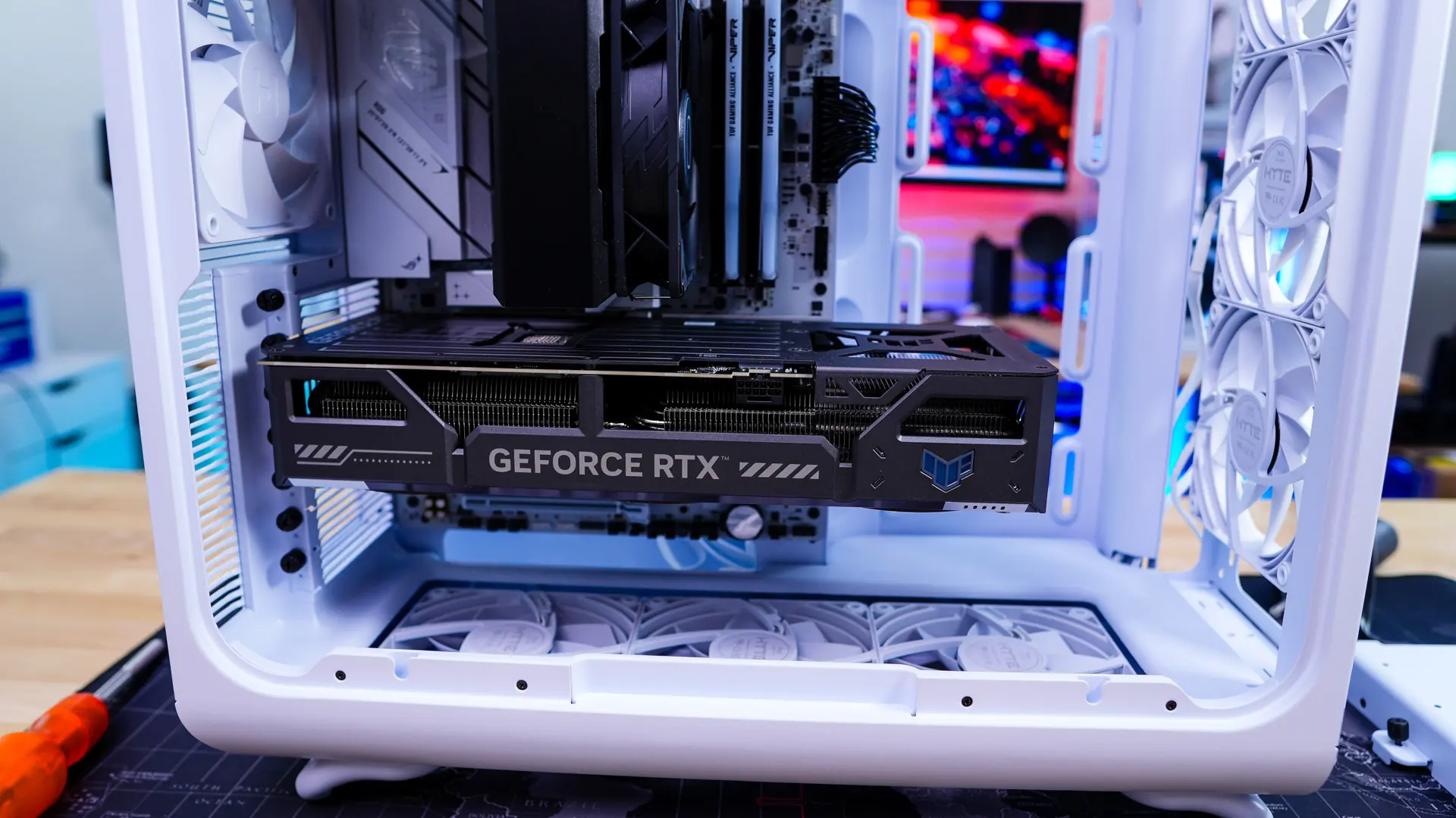
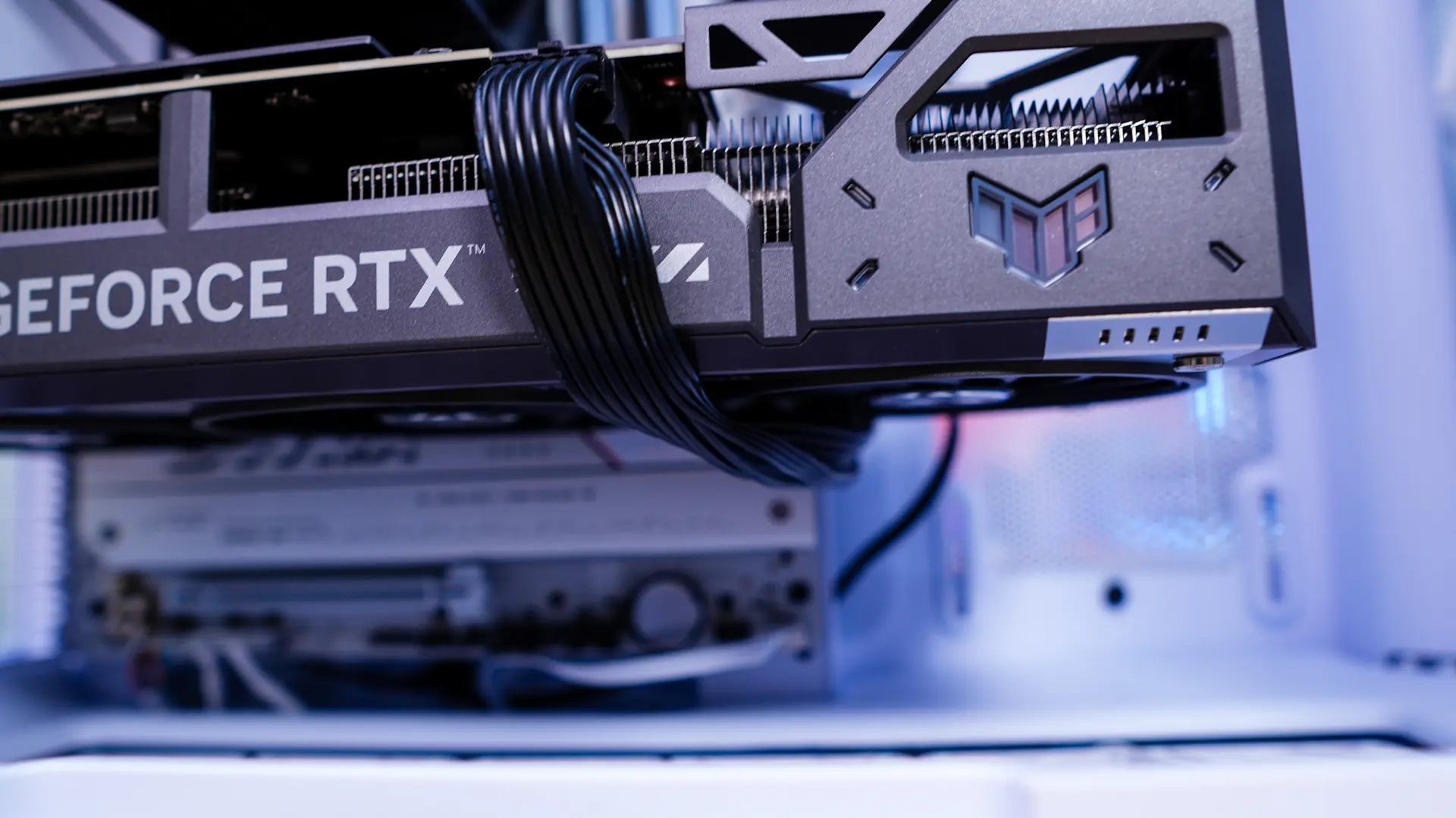
Our graphics card goes in no problem as we have more than enough room. It is worth noting that our 16-pin power cable for the power supply would not reach if we brought it under the motherboard. So keep that in mind.
Now you are going to want to re-install that storage bracket and route / organize the rest of your cables. All of the pre-installed Velcro straps make tying down your cables a breeze.
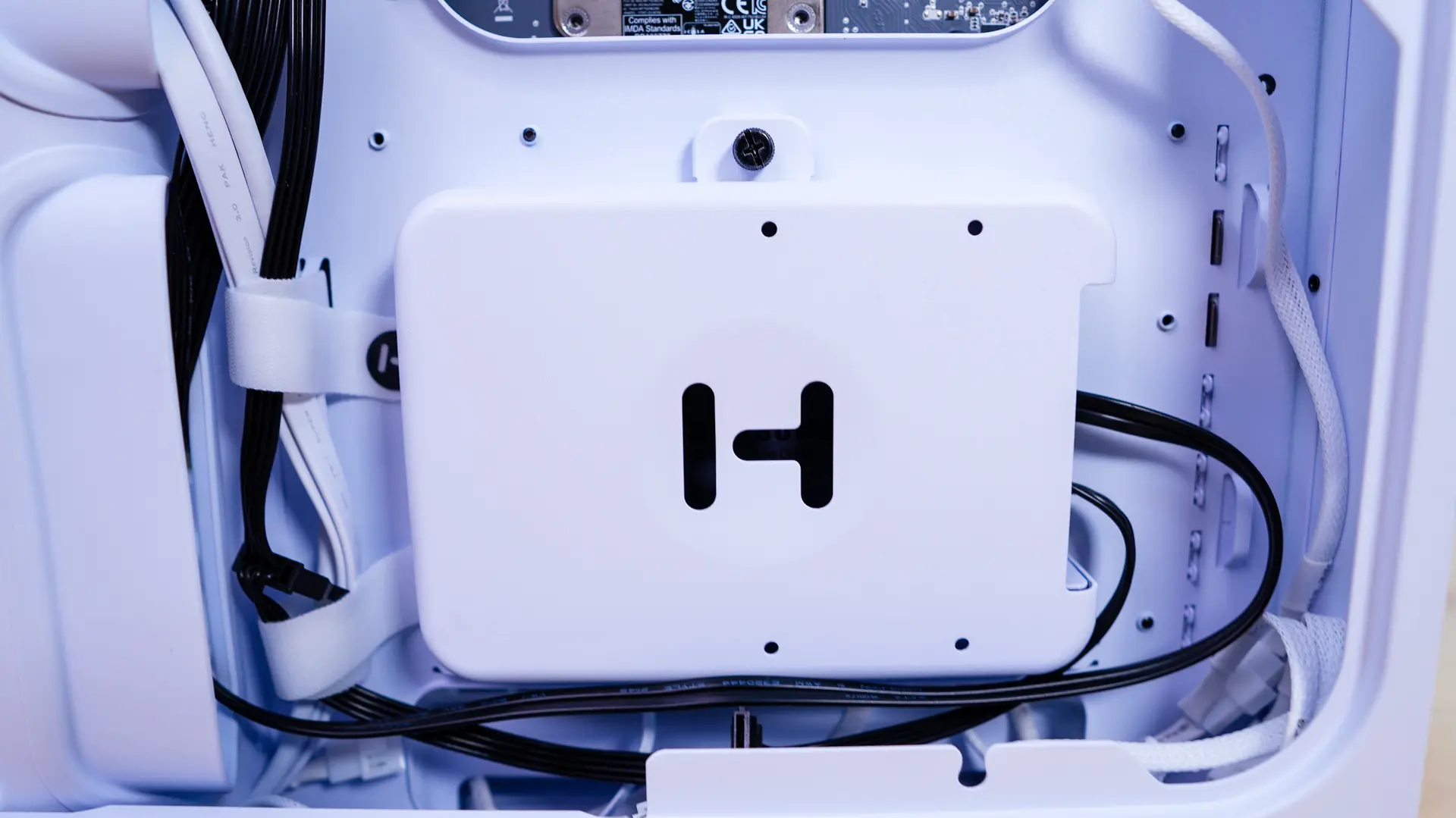
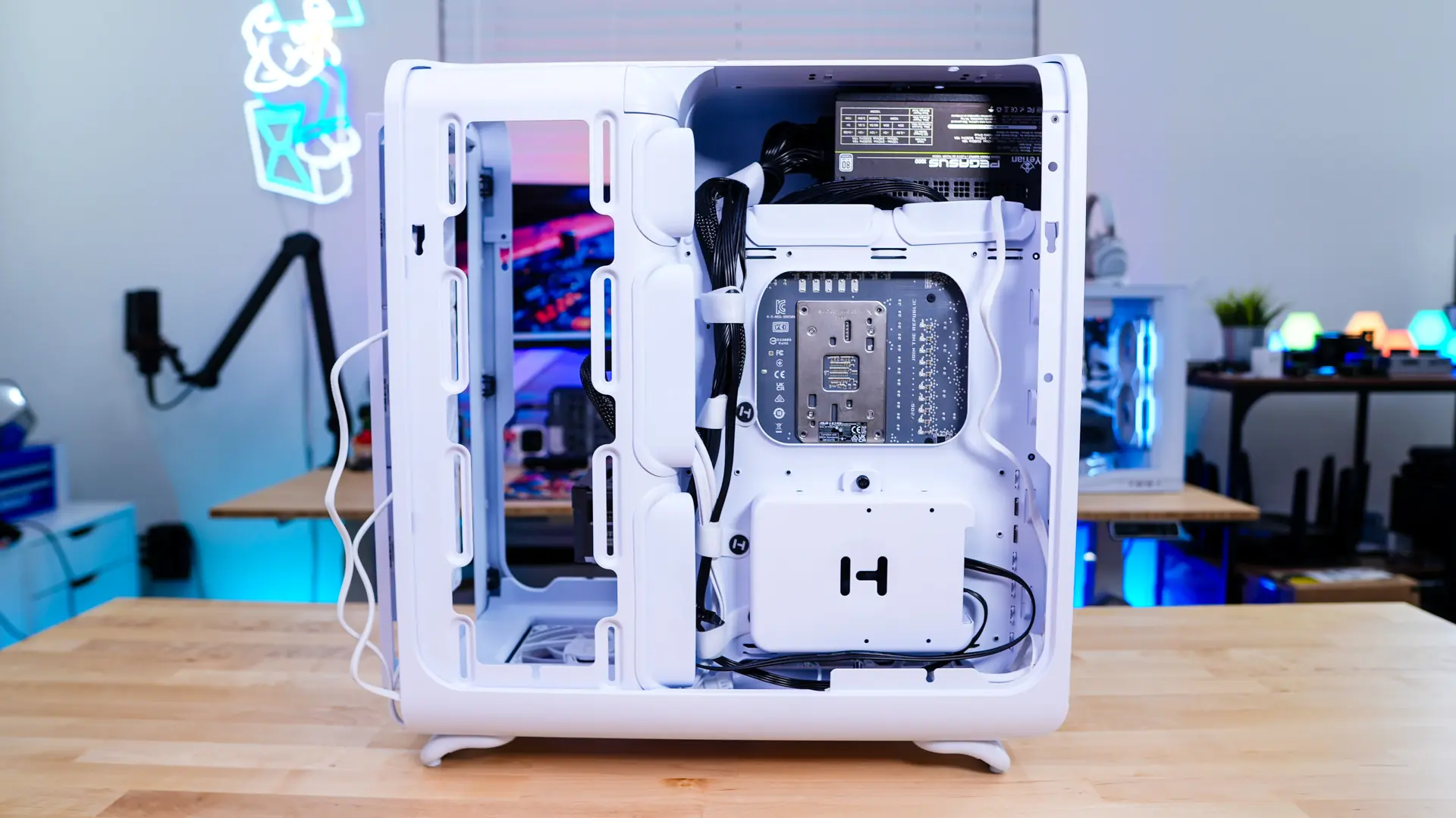
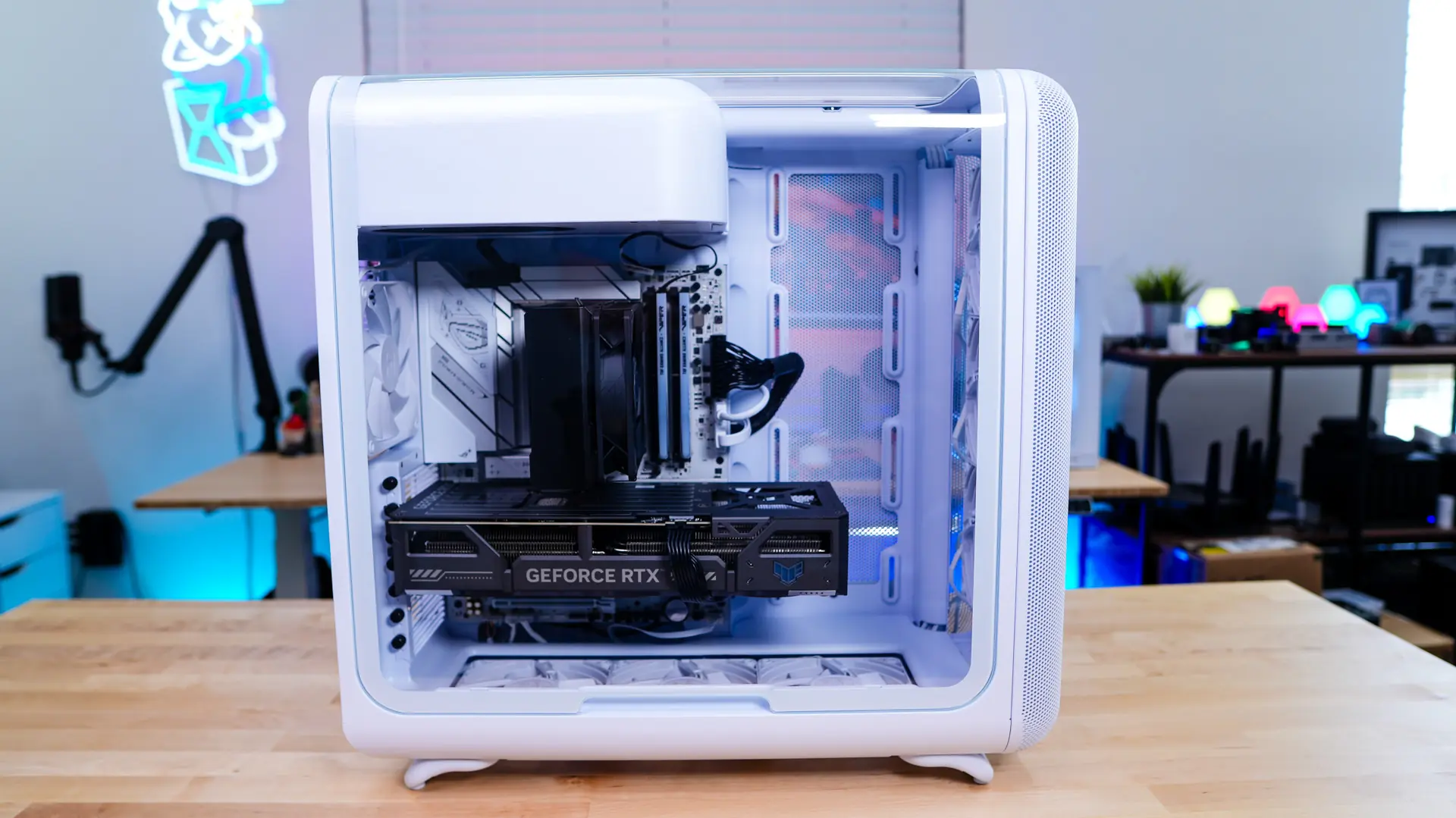
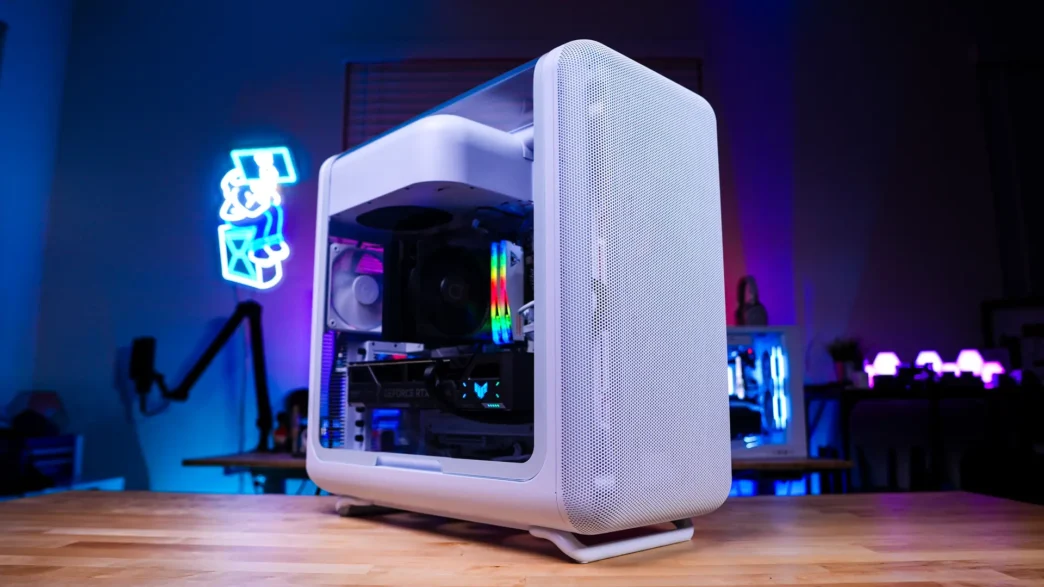
Looking at the main side of our system you can see we have a very clean final build. And with the main side panel on we still have a full view in our system.