
IQUNIX MQ80 Overview
My first impression of the MQ80 when taking it out of the carrying case is just how heavy and sturdy this keyboard is – 1180g/2.6lbs. The base is a solid CNC’d Aluminum platform that provides most of the heft for this keyboard. Available in Shadow Black or Moonlight Silver colorways, our review sample is the darker of the two. This colorway looks so professional, clean, and purpose-driven – it could easily be found on Bruce Wayne’s desk in the Batcave. There are a few color accents that make their way onto this dark design, including some hints of red and gray on the keycaps.
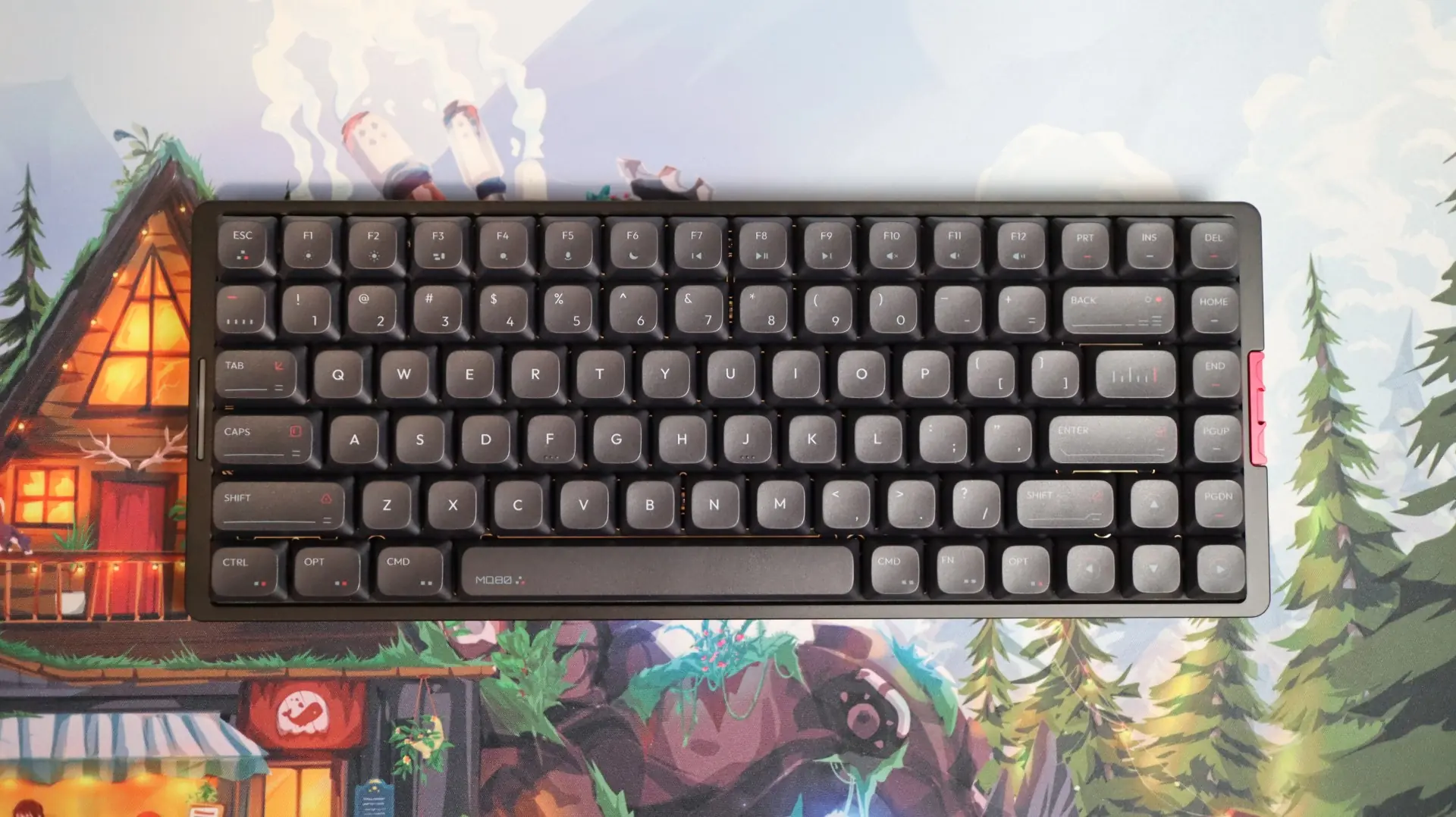
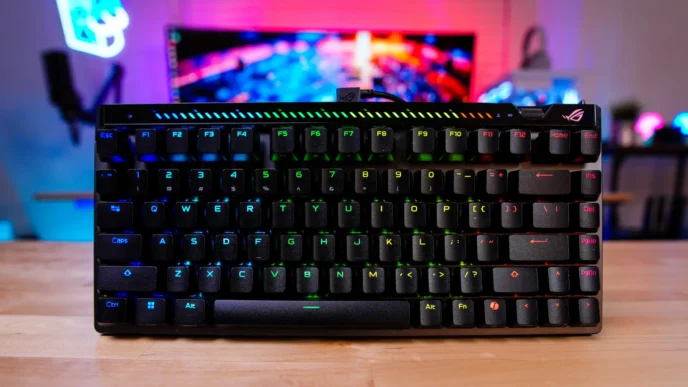
As the name hints, the MQ80 provides an 80% layout, with a full Function Key row above the numbers, as well as a full set of arrows, and seven (PRT, INS, DEL, HOME, END, PGUP, and PGDN) of the standard nine keys that are typically found above the arrows. Above and below the keys is a thing bezel creating the top and bottom portions of the keyboard’s frame, while a slightly wider left and right bezel make room for a light bar on the left, and a red metal accent piece on the right. You won’t find the IQUNIX name anywhere on the top of this keyboard, thought the Space Bar does have the MQ80 name printed in the bottom left corner.
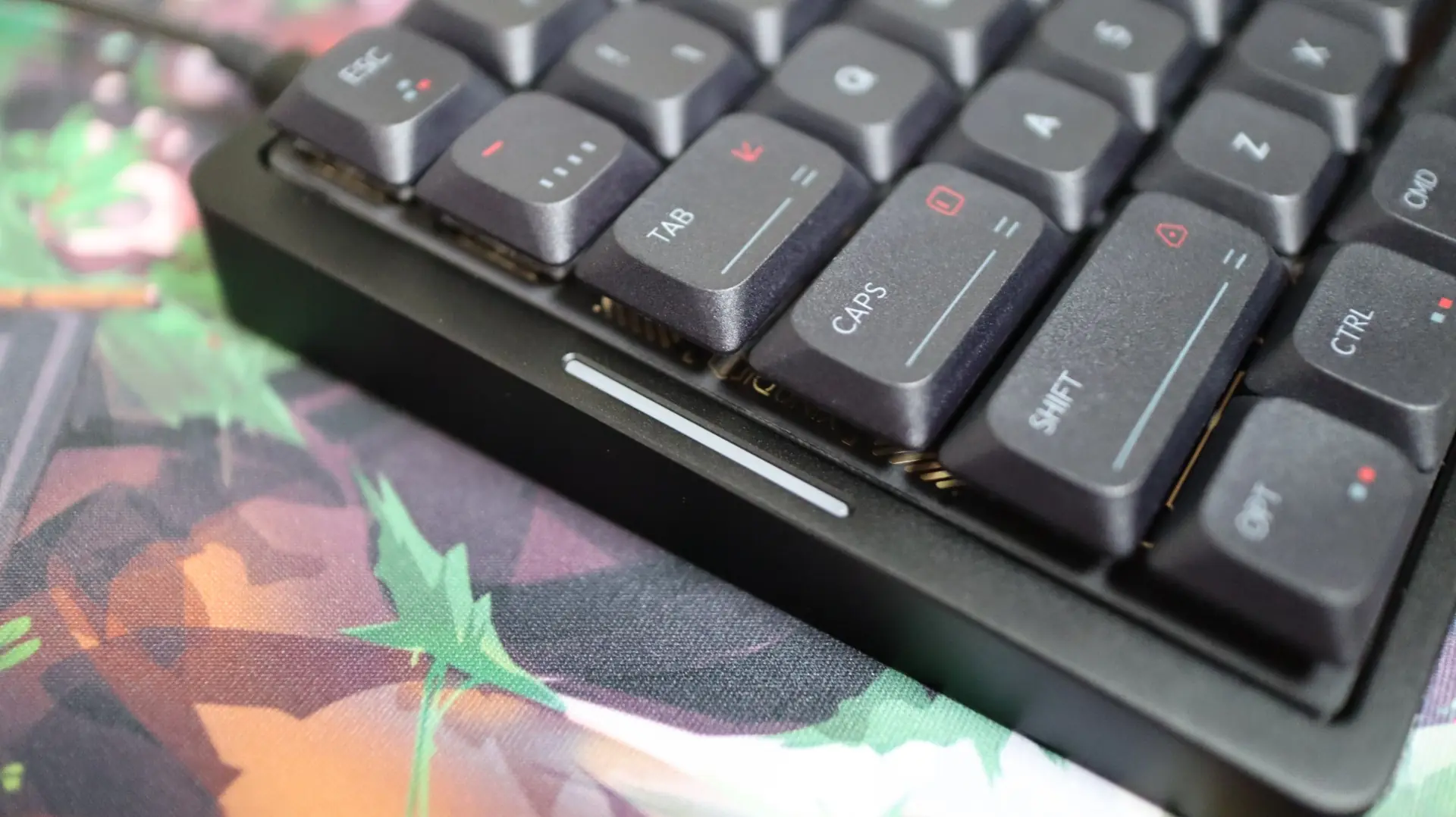
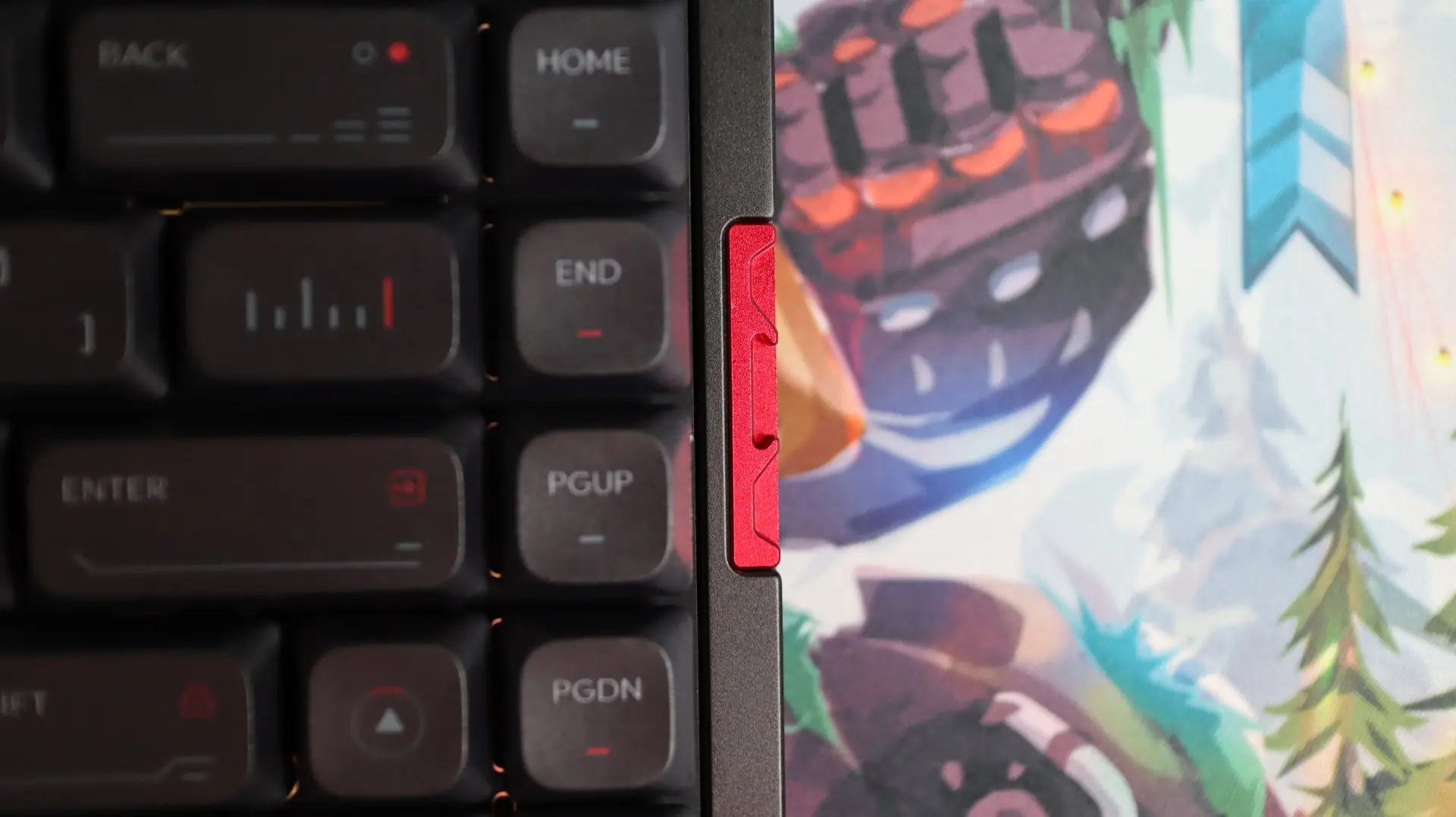
Taking a look at the MQ80 from the sides, you can see that the design is very straightforward – simple, yet sophisticated. The left side is clear of any markings at all, while the right side displays a bit of the red accent piece in the center. The slight angle of the MQ80 results in a front height of just 10.2mm, which is used to help reduce wrist strain. There are not any adjustments to the height/angle of this keyboard, so keep that in mind if you are someone that is used to extending feet on the bottom of your keyboard.
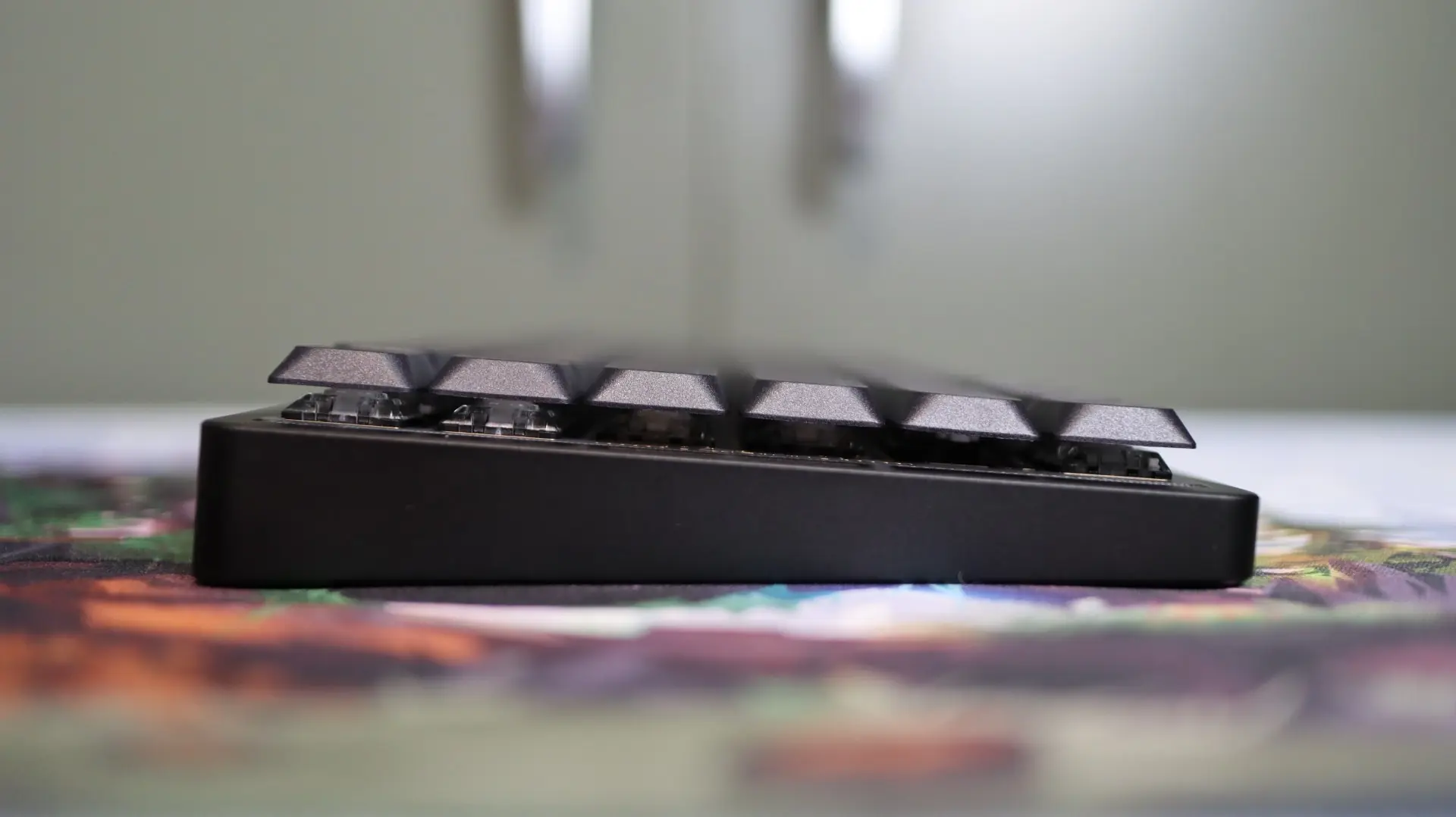
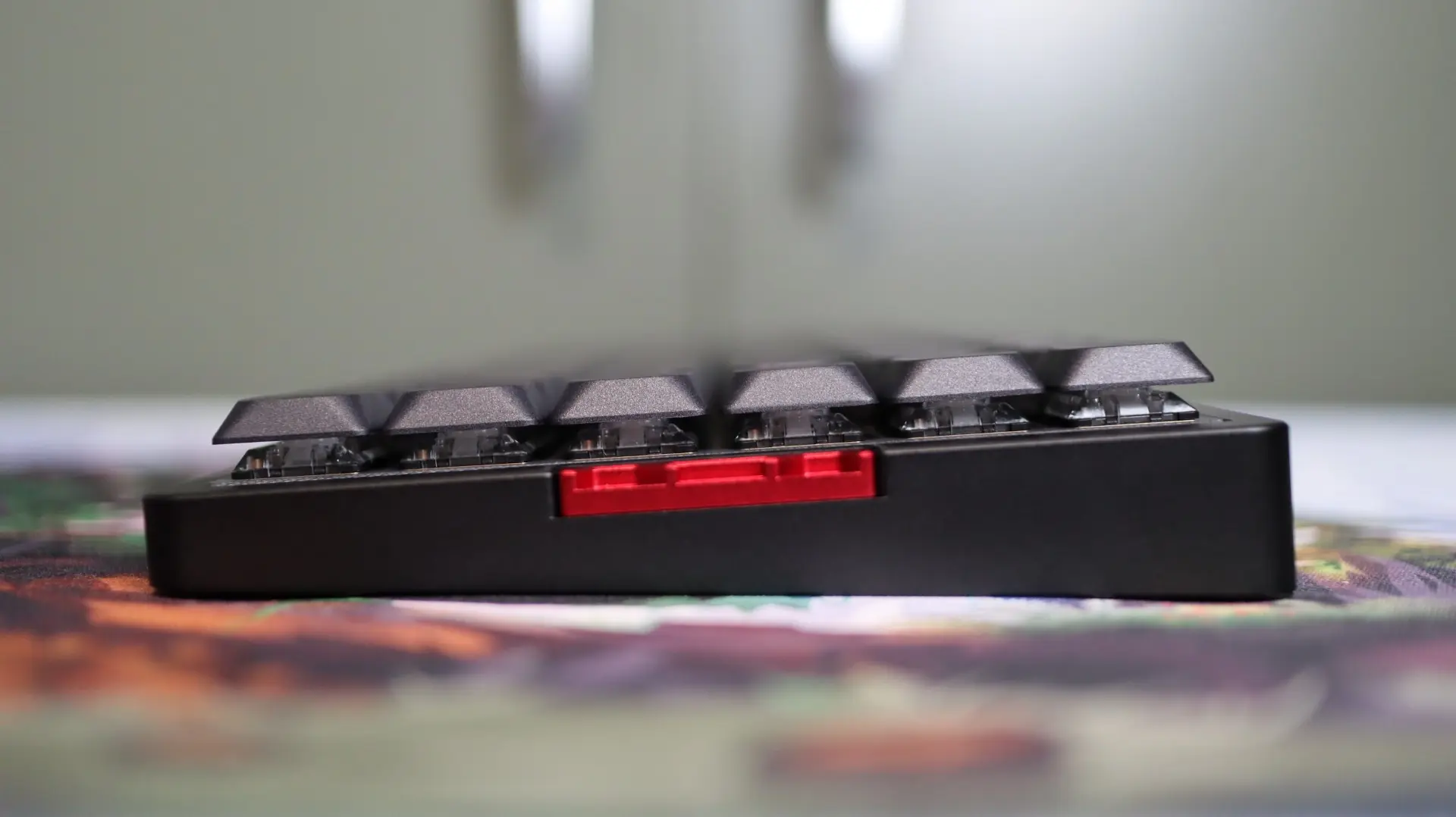
Also visible from the side is the low-profile nature of the MQ80. You can easily see the low-profile switches and keycaps from this angle, but we will cover those a bit more in a bit.
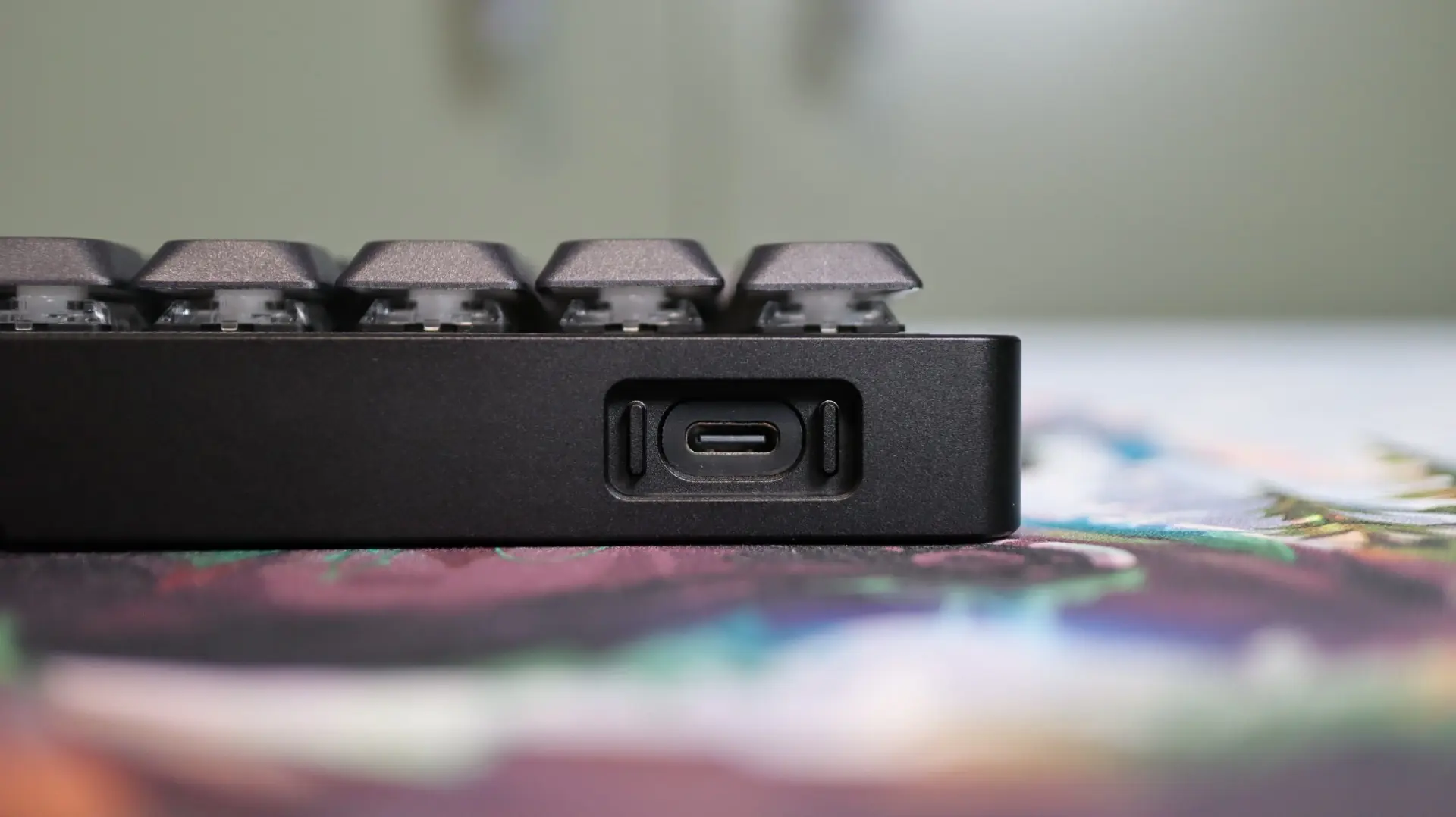
Along the top edge of the keyboard, the only disruption of the smooth surface is on the right side. This is where the USB Type-C port is placed to enable charging and wired use of the MQ80. Of note is the rubber material surrounding the Type-C port. This separates the port on the PCB from the body of the keyboard, ensuring that no noise is introduced to the keyboard due to the two hard materials making contact with each other.
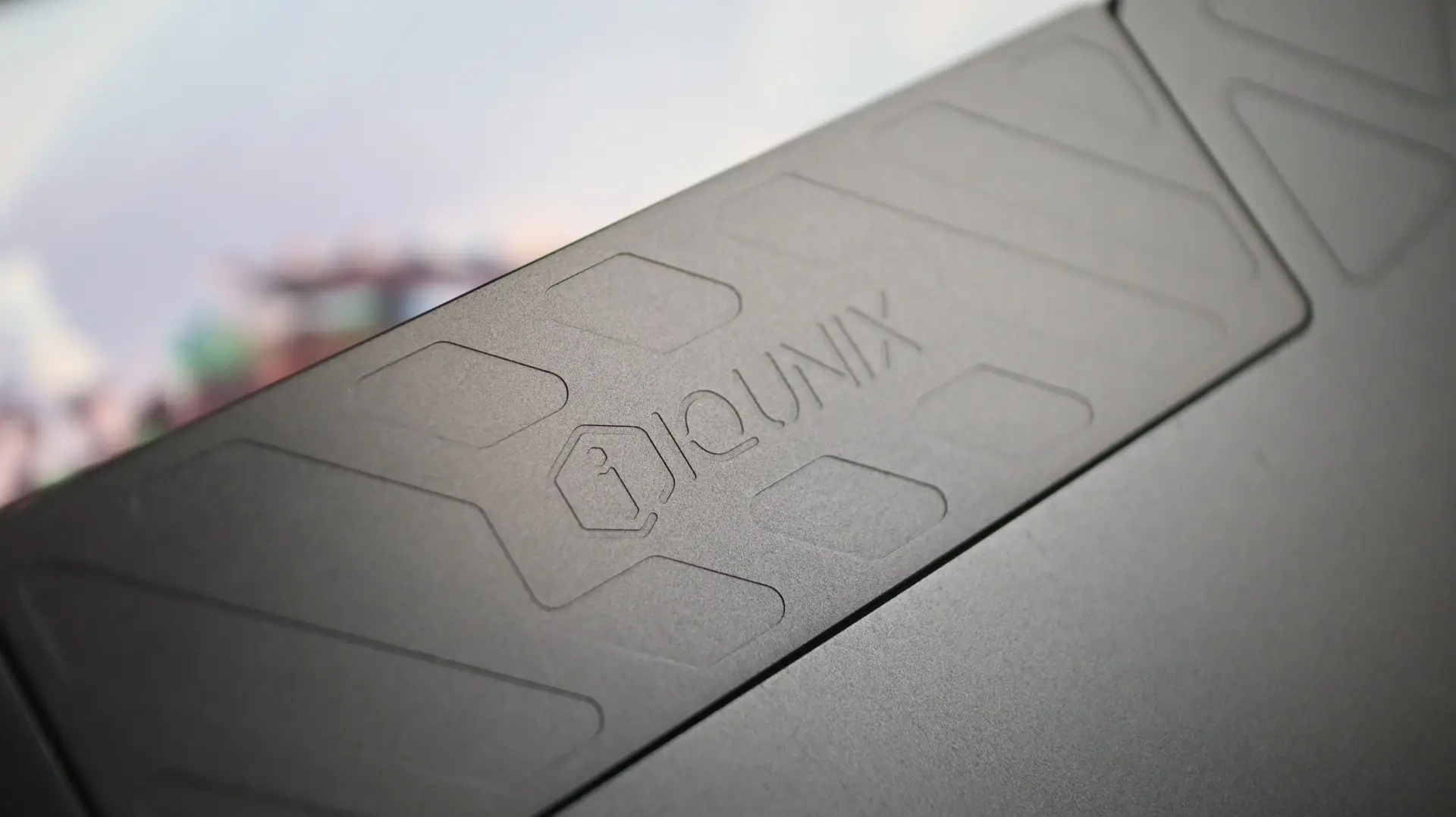
Flipping the MQ80 onto its back we find the only really visible indicators of the CNC machining on the keyboard body. There are multiple milled shapes towards the sides and corners of the keyboard, as well as a separate IQUNIX nameplate that looks like it might open up or slide to reveal a secret compartment, but unfortunately it is just there for looks.
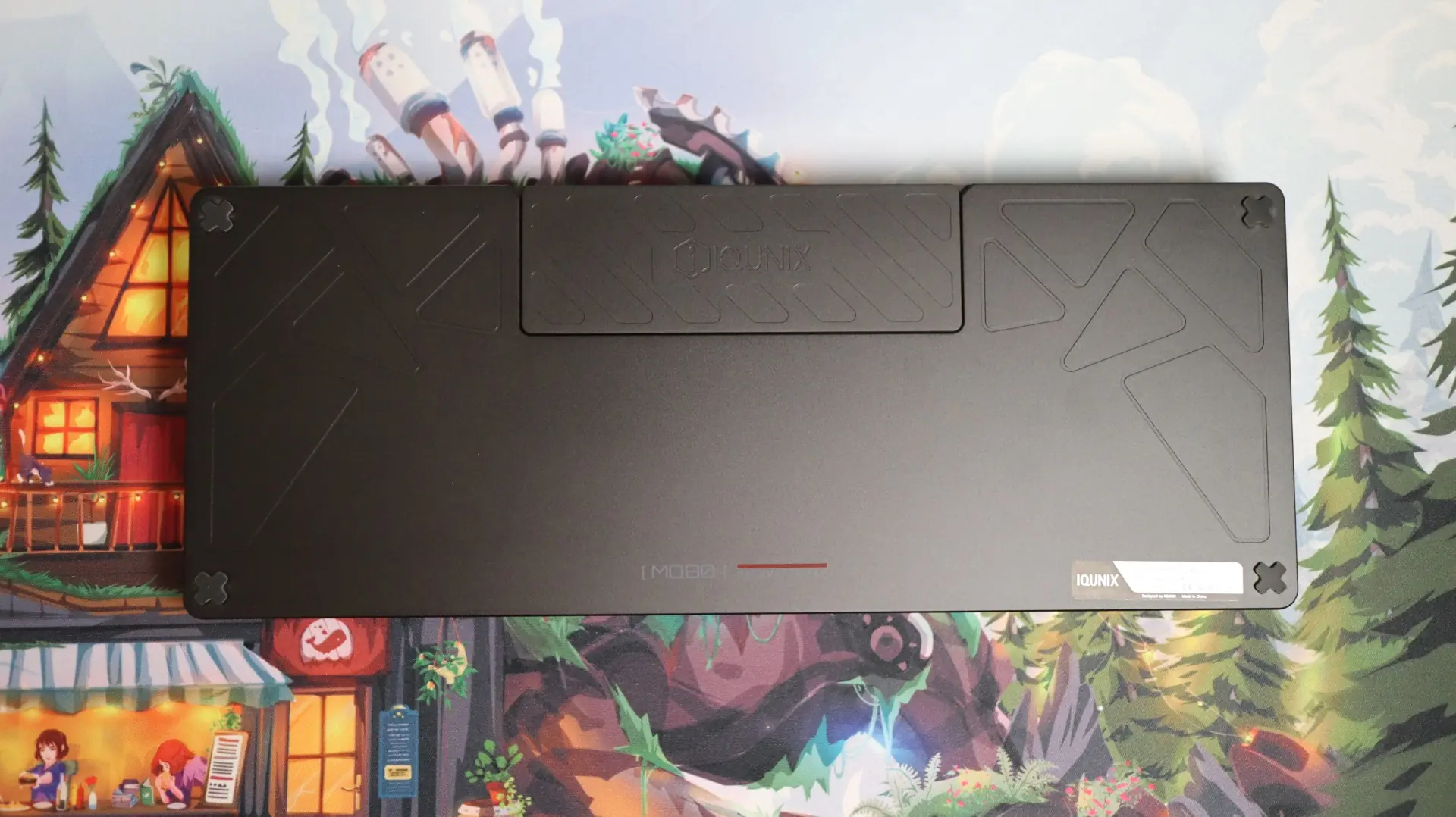
Mostly noticeable here on the bottom side of the keyboard is the premium 180-Grit anodized aluminum finish. Many other keyboards come with a coarser 150-Grit finish, resulting in a rougher finish.
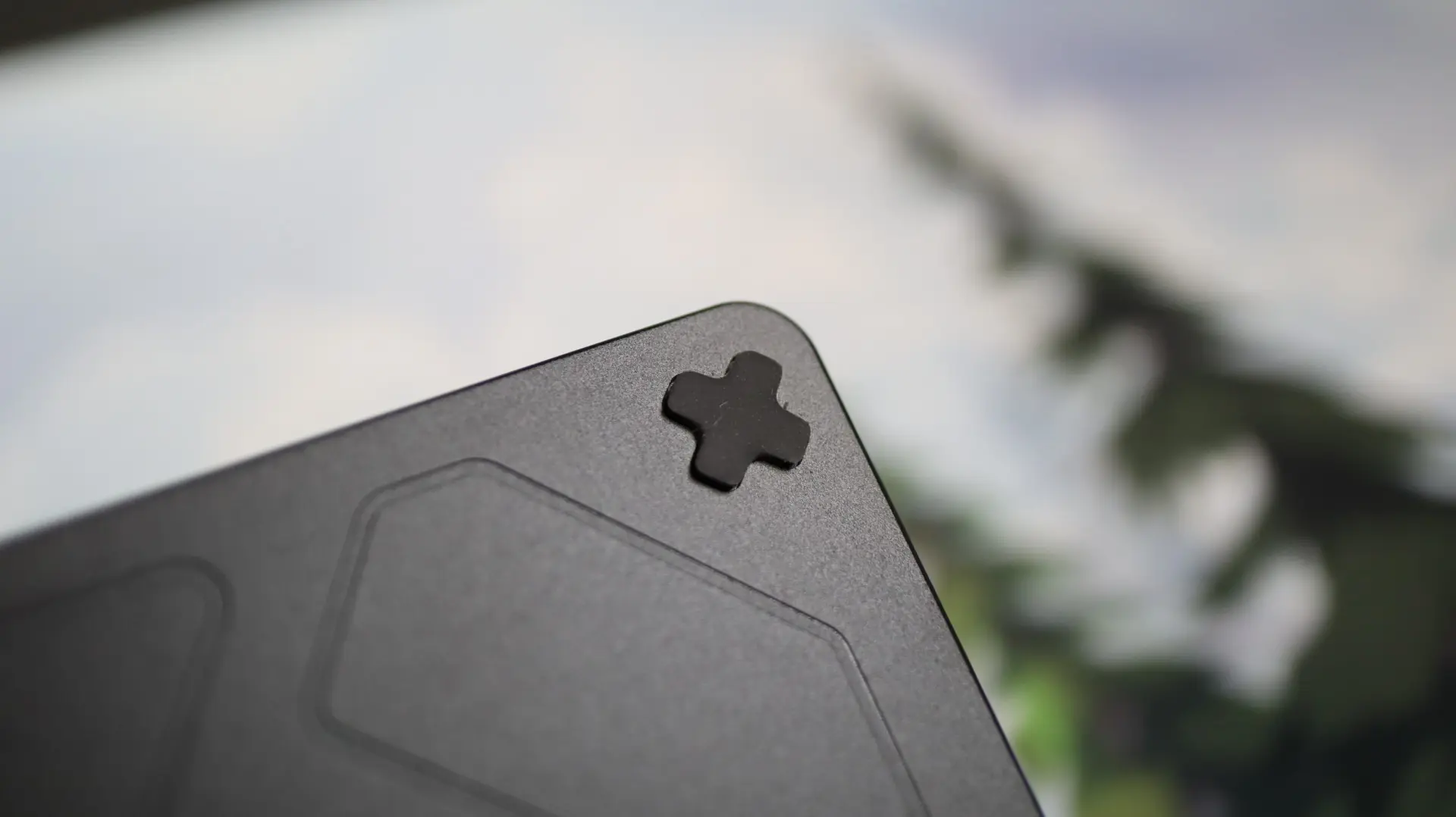
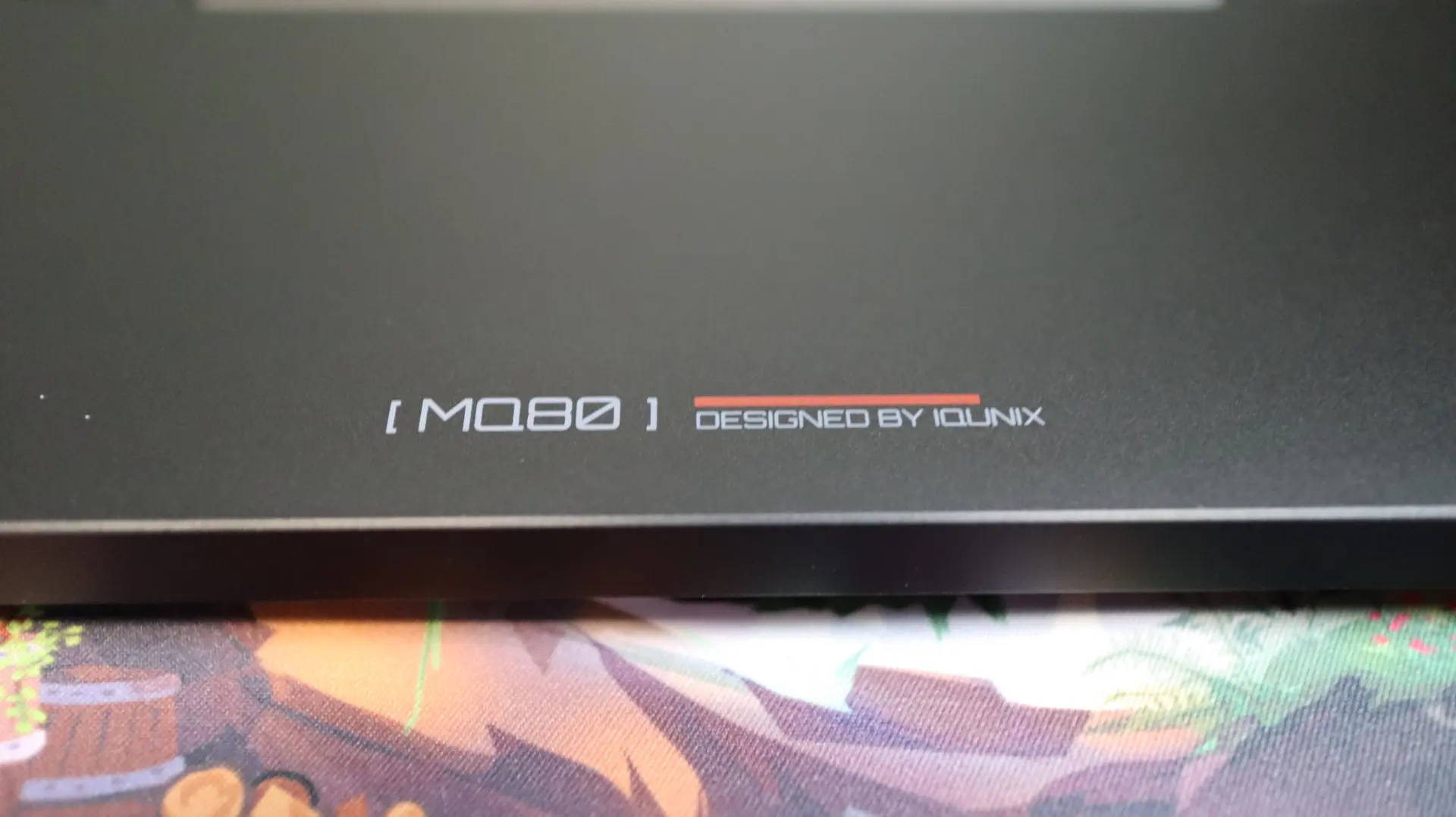
Each corner has its own “X” shaped rubber pad for a bit of grip, and a nice MQ80 name badge is found in the center along the bottom edge.
Popping off a few keycaps reveal the Kailh Gold Red switches, which are conveniently hot-swappable. These linear switches have a 40GF actuation force, 1.2mm of pretravel, and 2.8mm of total travel. The enclosed stems offer a bit more stability for the low-profile, double-shot PBT keycaps.
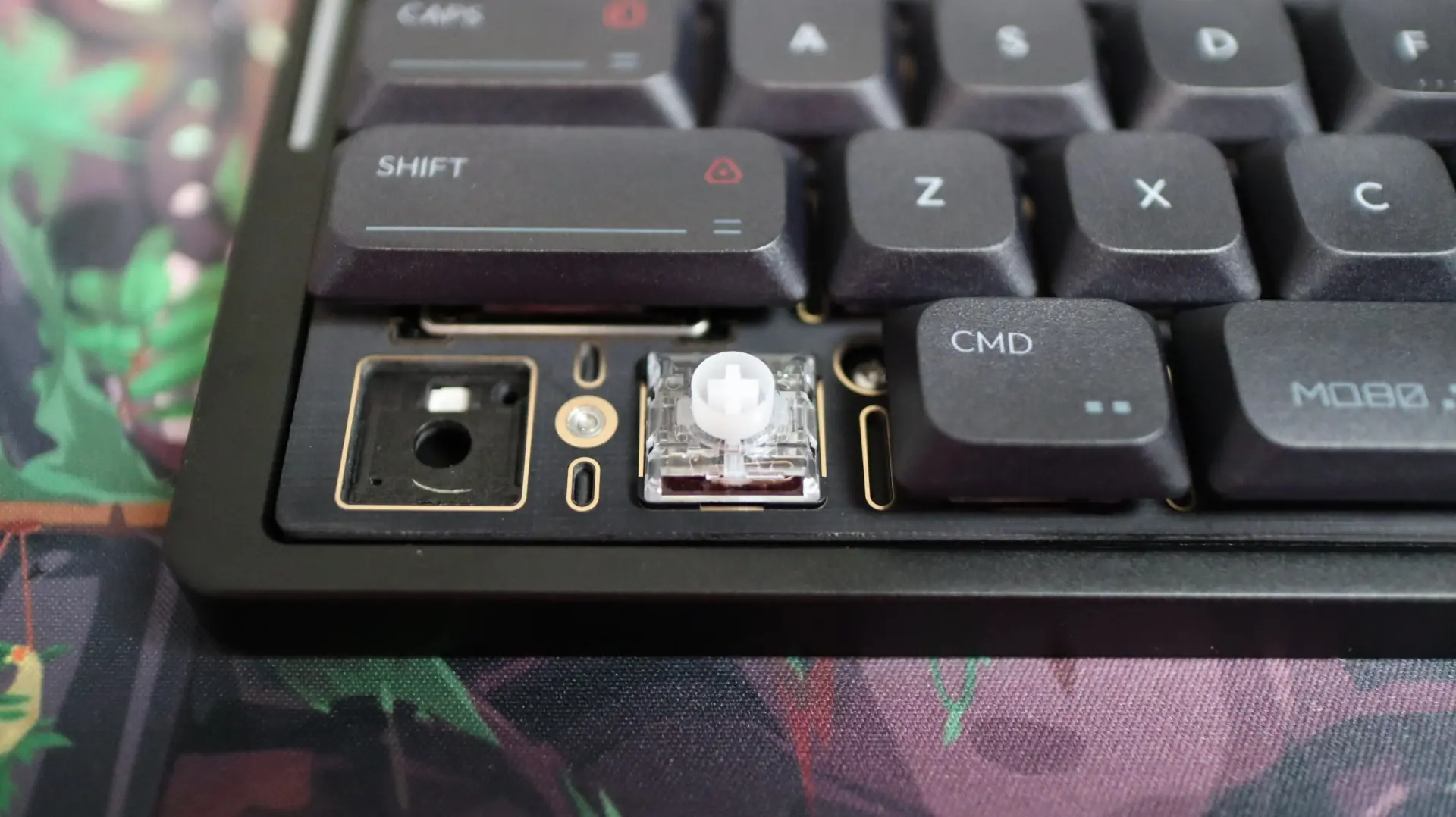
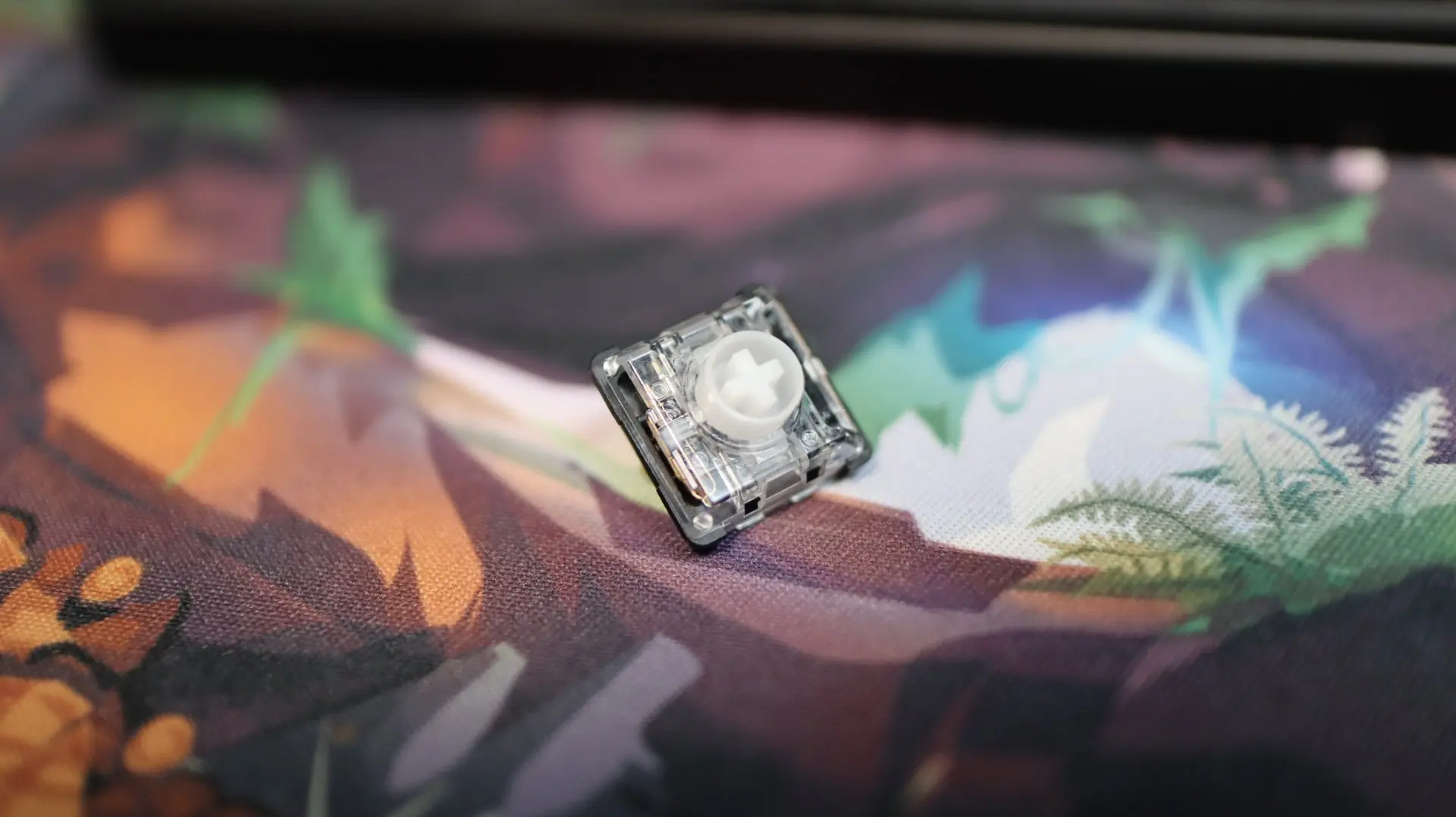
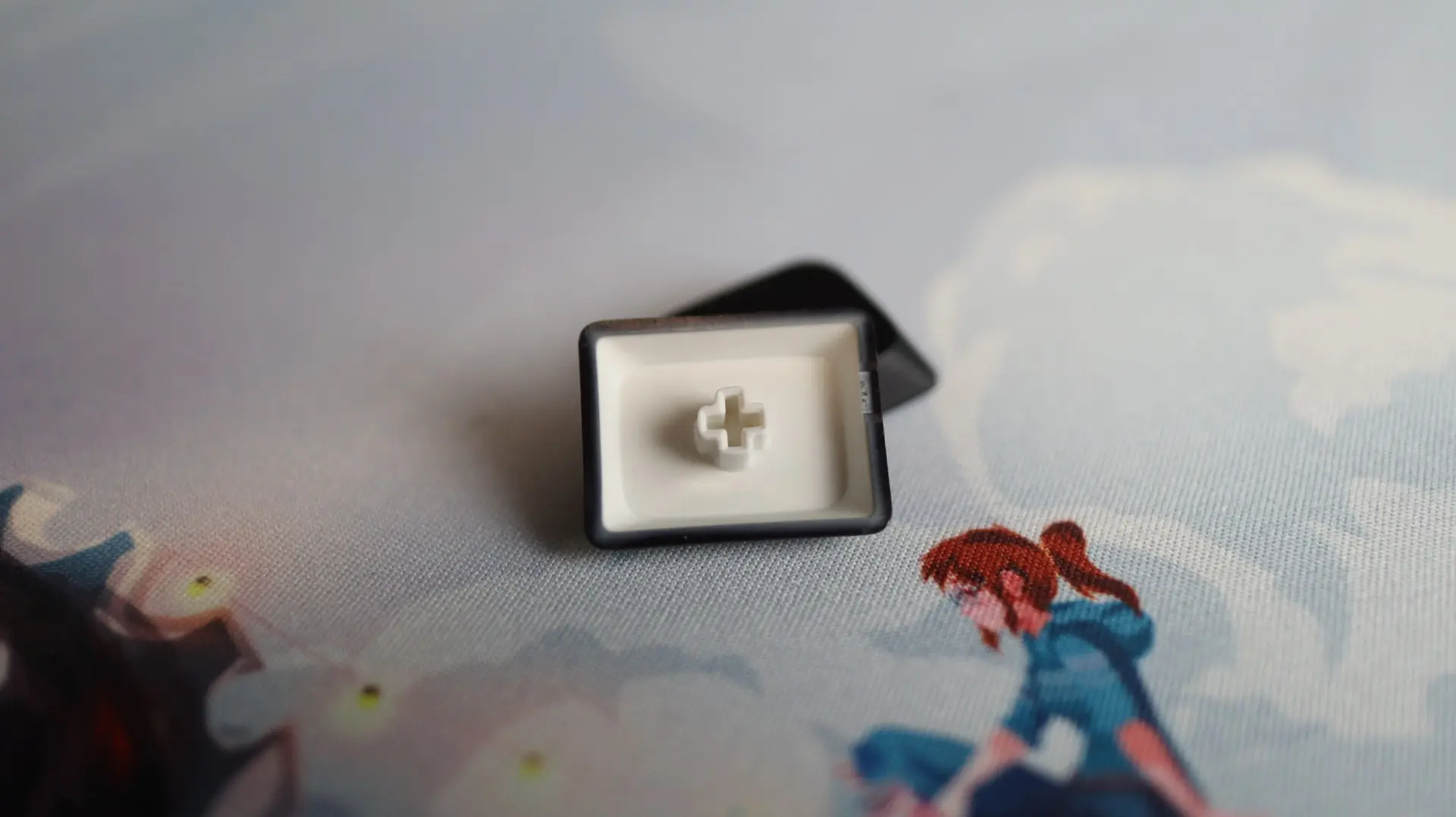
Speaking of keycaps, in addition to those installed on the keyboard from the factory, IQUNIX has provided the four aforementioned keycaps for when you are using this on a Windows-based PC and just have to have a WIN key. The finish on the keycaps has a slight bit of texture, and they are coated with an anti-oil formula to ensure a shine-free look.
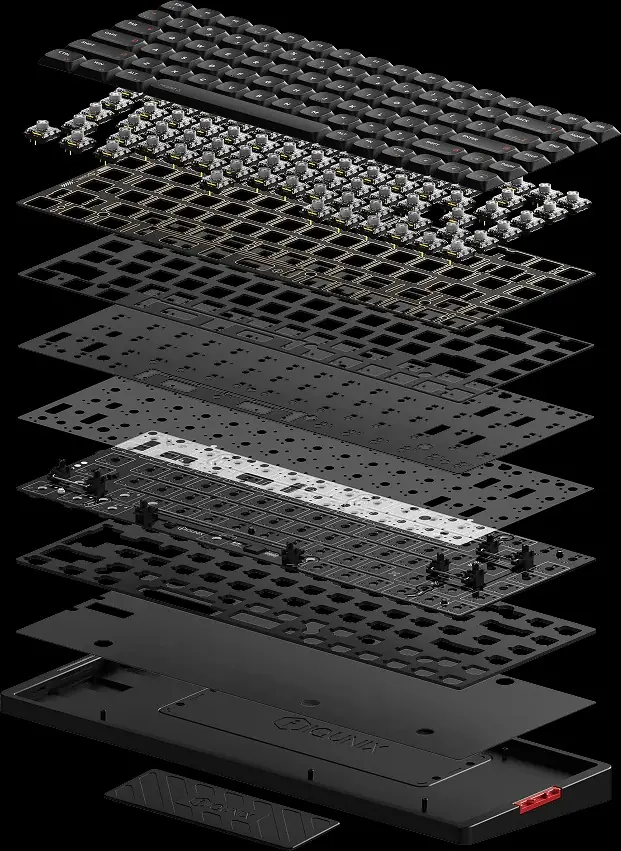
Internally, a mix of dampening and support layers, along with the PCB, make up a stacked design that results in a premium feel and sound. Starting with the CNC Aluminum base, next up is a full-coverage IXPE pad, and a Poron foam layer above it. Next up is the PCB, with integrated RGB lighting. Next up is a PET switch sheet and IXPE switch pad, an additional Poron foam layer, and a top-level Gold-plated top plate. Next up are the Kailh Gold Red switches, capped off with the PBT keycaps.
As far as the performance of the MQ80 goes, a wired and 2.4GHz polling rate of 1000Hz is pretty standard for a keyboard not dedicated to gaming. That said, this keyboard is more than capable for gaming duties if you so choose.