
Setup and Using the IQUNIX MQ80 Keyboard
Getting started with the MQ80 is as straightforward as it gets. For the initial use of the MQ80, it is recommended to connect the included USB cable in order to fully charge the keyboard’s 4,000 mAh capacity internal battery. After a full charge, you can then either continue to utilize the keyboard in wired mode, or switch over to 2.4 GHz wireless or Bluetooth 5.0. The included 2.4GHz dongle requires a USB Type-A port, though it does come with a handy adapter that lets you use the included USB Type-C cable for this connectivity. Unfortunately there is no integrated storage for the 2.4GHz adapter on the MQ80 – I was really hoping that bottom panel would open to reveal hidden storage.
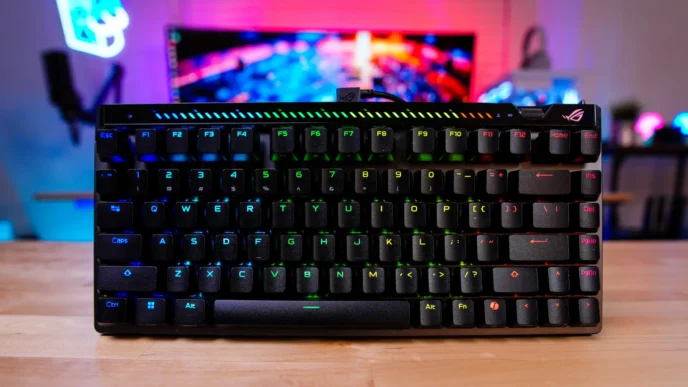
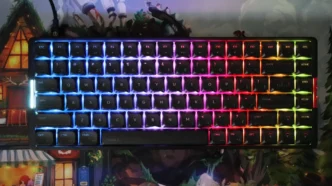
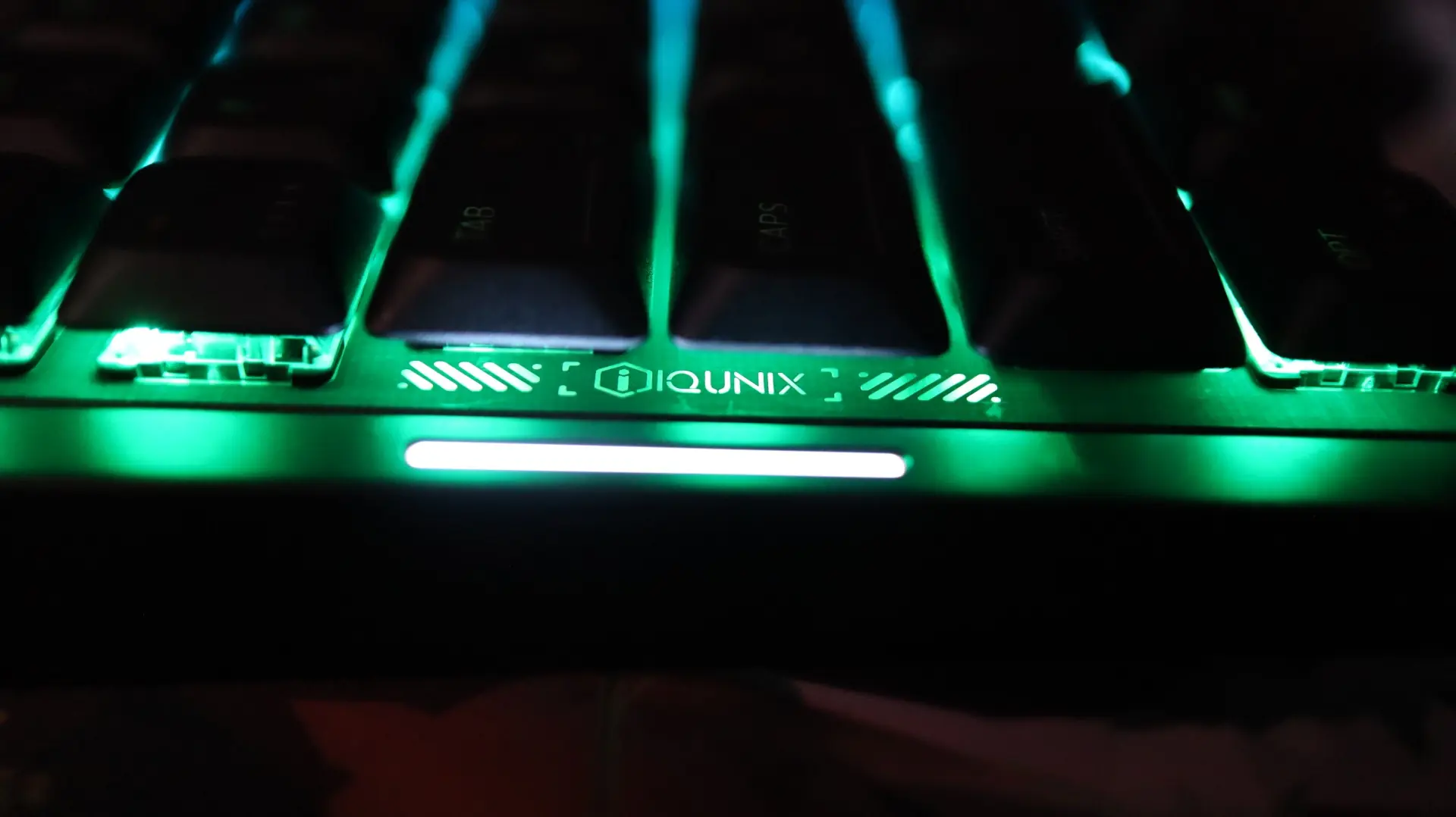
When powered on, the light bar along the left side of the keyboard will illuminate with white light that moves in an upward flowing line. I did find this always-on light bar to be a bit distracting to start, as you can not adjust its brightness. That said, I quickly became acclimated to the light bar and it was a non-issue.
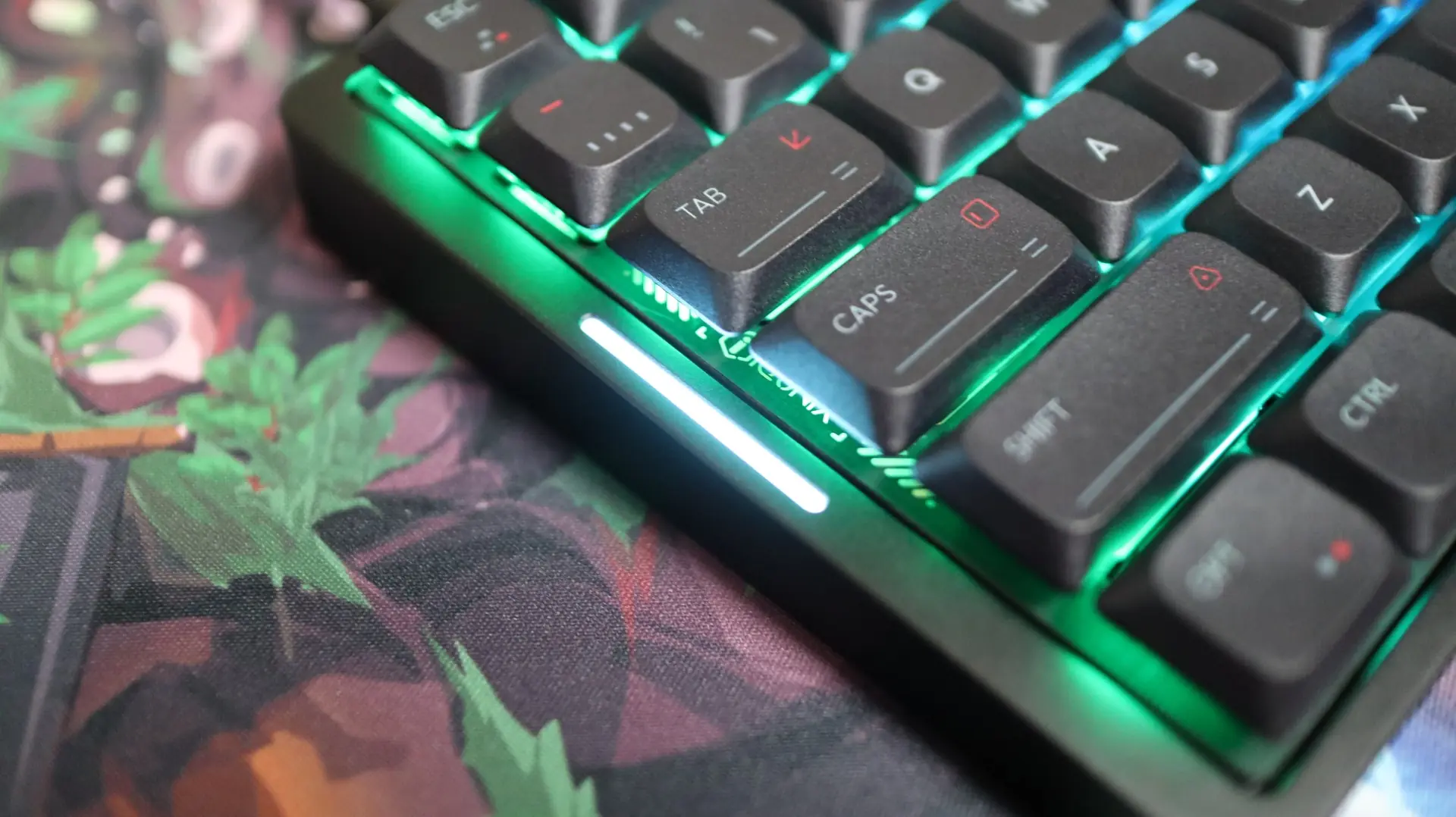
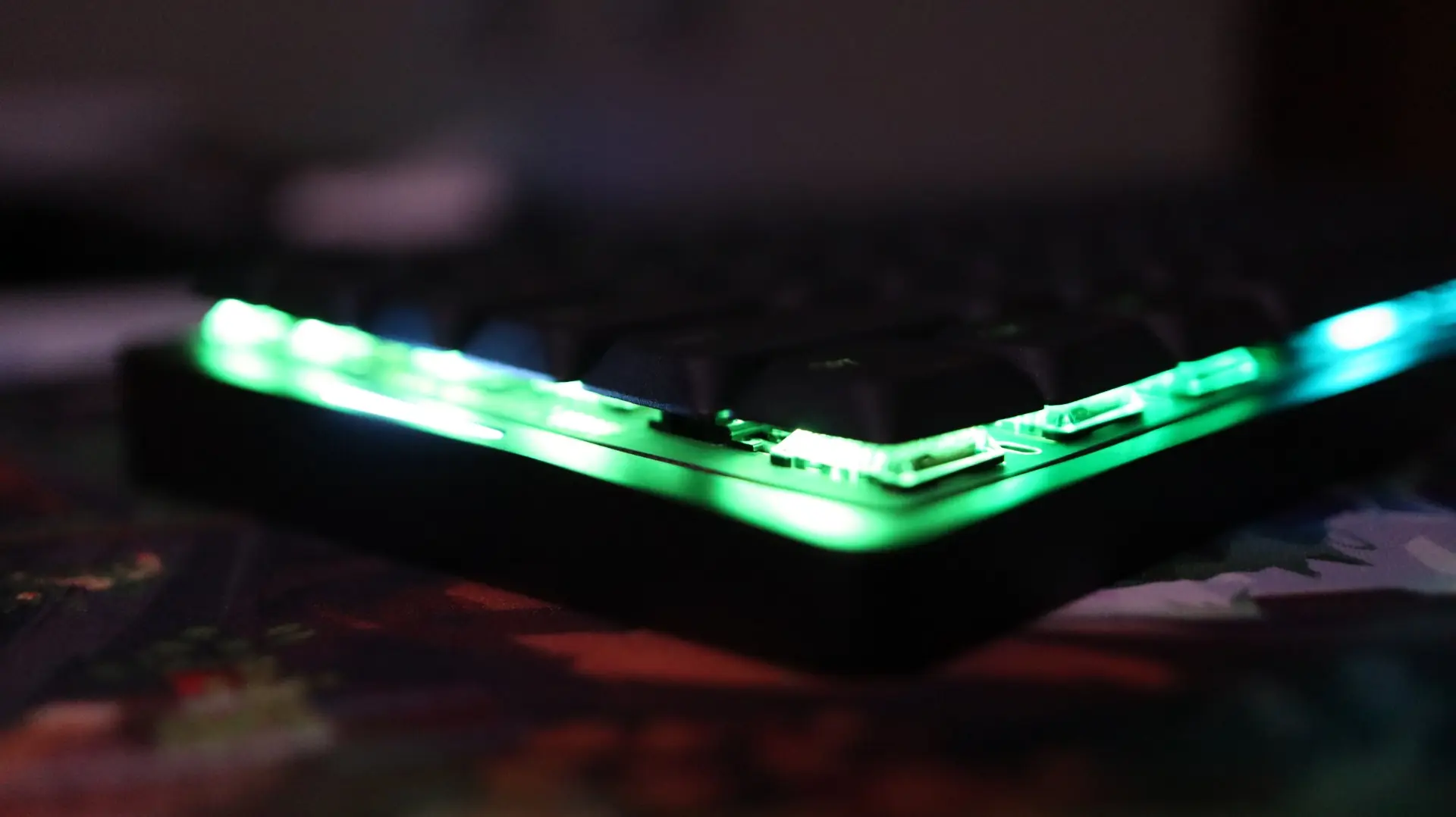
With regards to the switch lighting, it is definitely a bit muted on the MQ80. This is due to a few factors. First is that the keycaps do not have very bright shine-through legends, so there is very limited on-cap lighting found here. Second, the caps themselves are also very close to one another, so there isn’t a ton of room between them for the lighting underneath to really shine through.
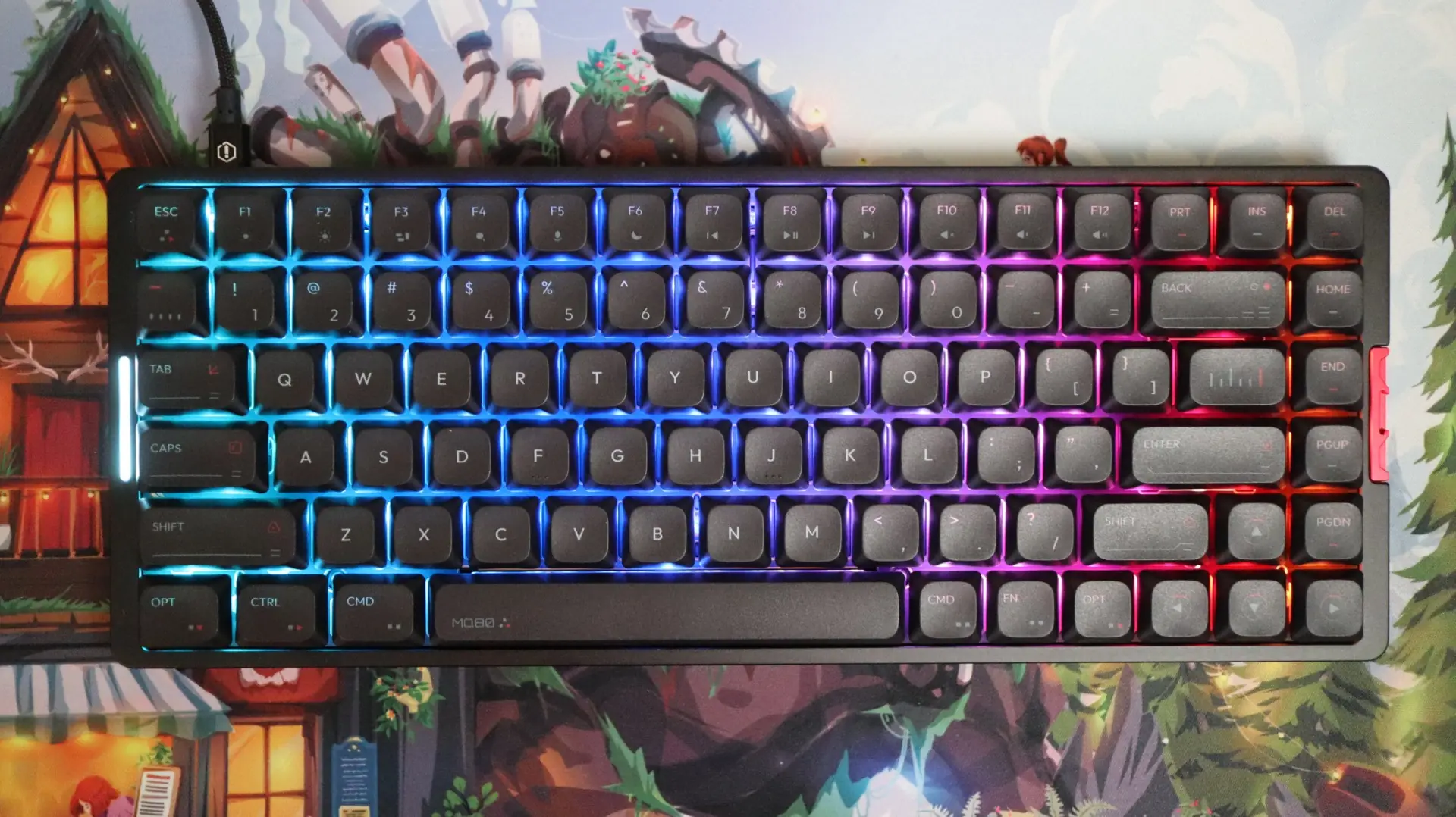
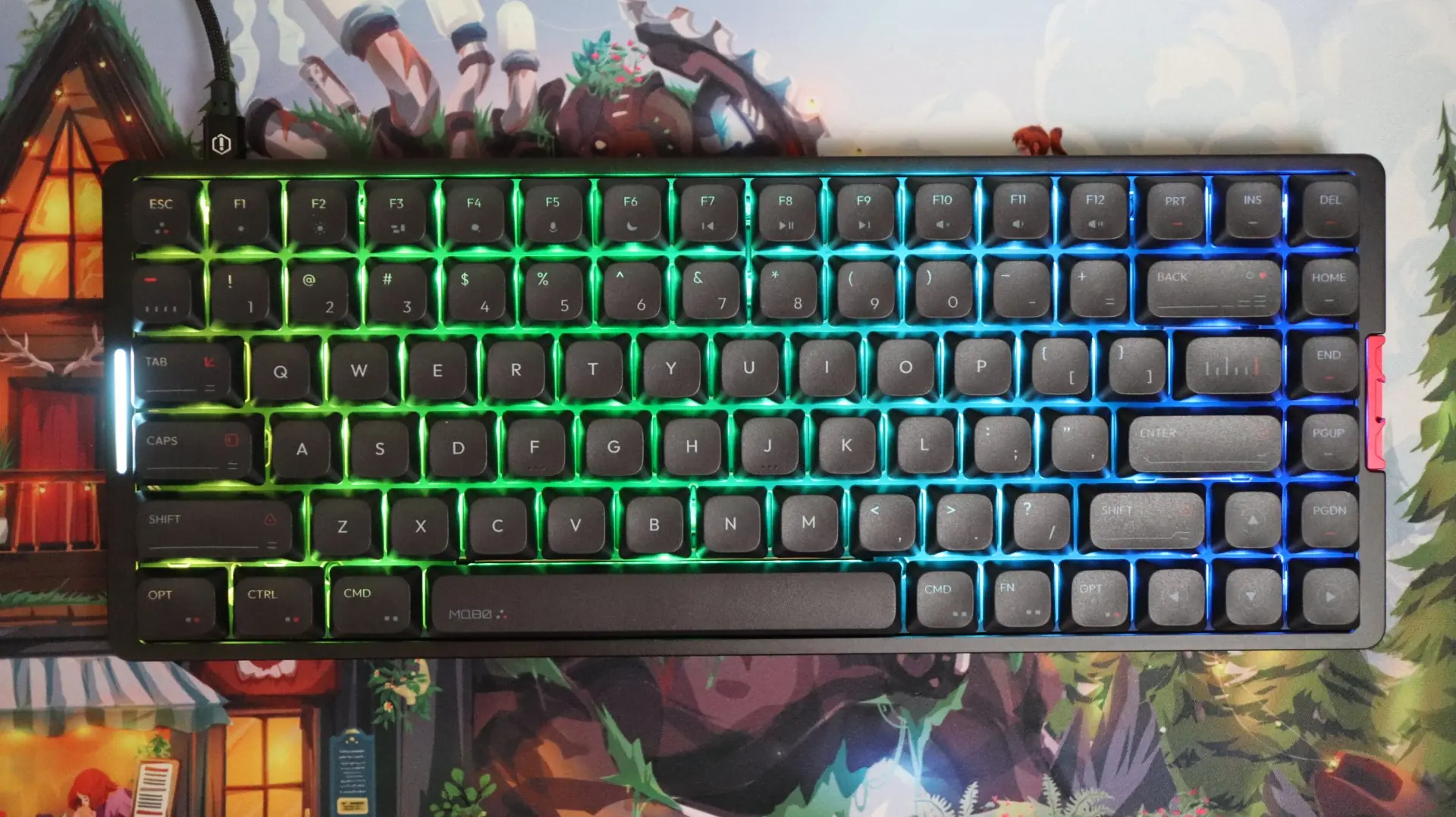
Swapping between wired, 2.4GHz, and Bluetooth 5.1 is all done via key combinations, so make sure you keep the included user guide card handy. That goes for adjusting the lighting modes, colors, brightness, etc. You can additionally use VIA to program the keyboard in a more visual, software-based manner if you so desire.
As far as the typing and gaming experience goes, I absolutely LOVE typing on the MQ80. Low-profile mechanical keyboards with linear switches are my number one choice when I have to do a lot of typing, and I utilize one in my day job. The feel of the MQ80 when typing is phenomenal. There is no bounce or flex that I can feel when typing – just a solid, yet comfortable typing feel. That feel is backed up by a very satisfying sound, which can be heard in our typing sample below.
Regarding gaming with the MQ80, low-profile keyboards are not my preference for this type of activity. That said, I still found this keyboard to be more than capable of keeping up with my actions in a couple of first and third-person shooters, as well as in a few slower RPG-style games.