
Lenovo Legion Go S Overview
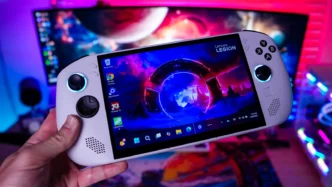
The Lenovo Legion Go S has a uni-body design as I mentioned. It does feel good in the hand and is pretty ergonomic. The Windows version of the handheld will be white with the SteamOS version being a sort of dark blue.
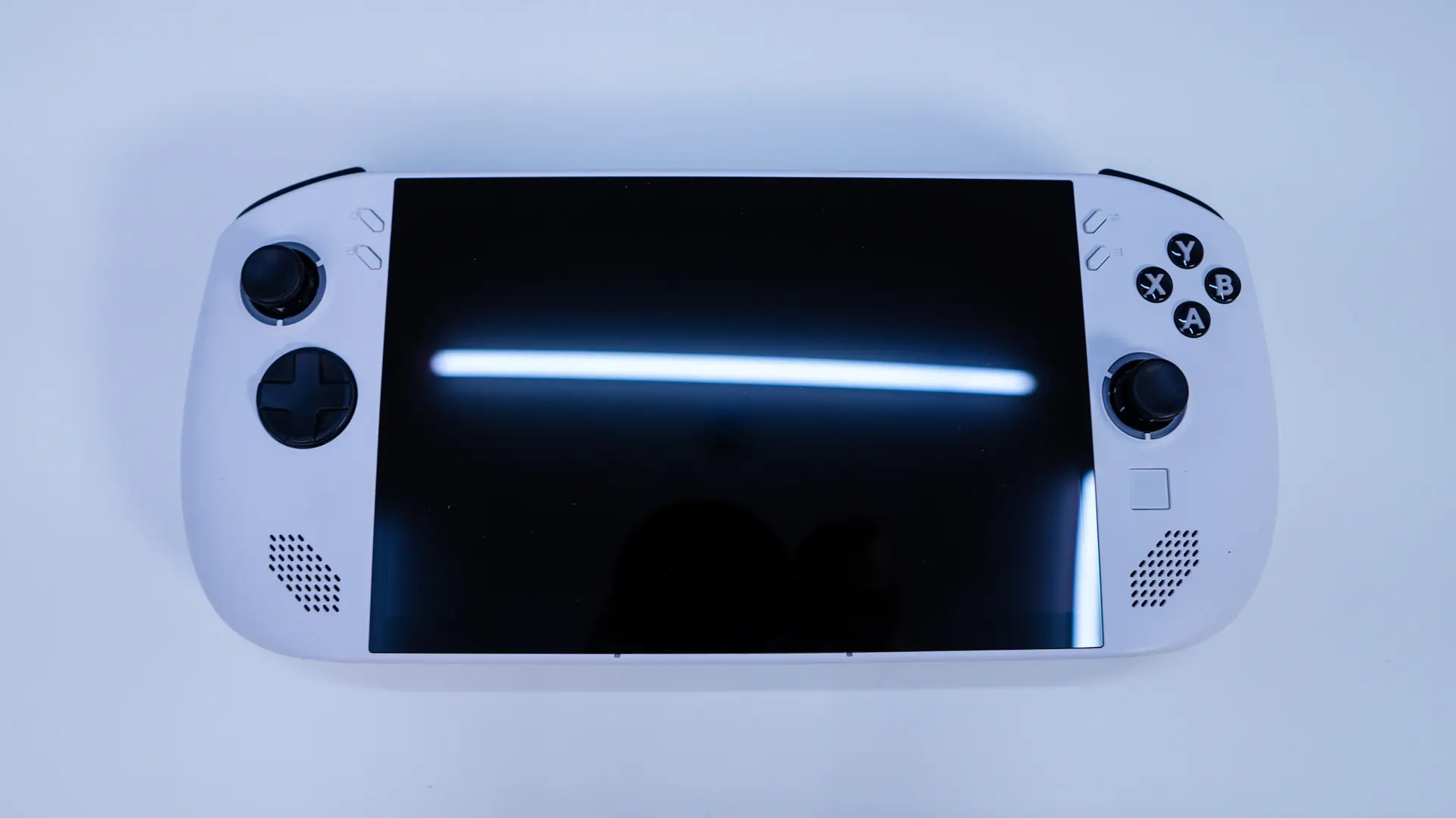
Right in the center of the unit you have your display which is an 8-inch 1920 x 1200 resolution IPS display with a 120 Hz variable refresh rate. The screen offers 500 nits of brightness and is a 10-point touchscreen.
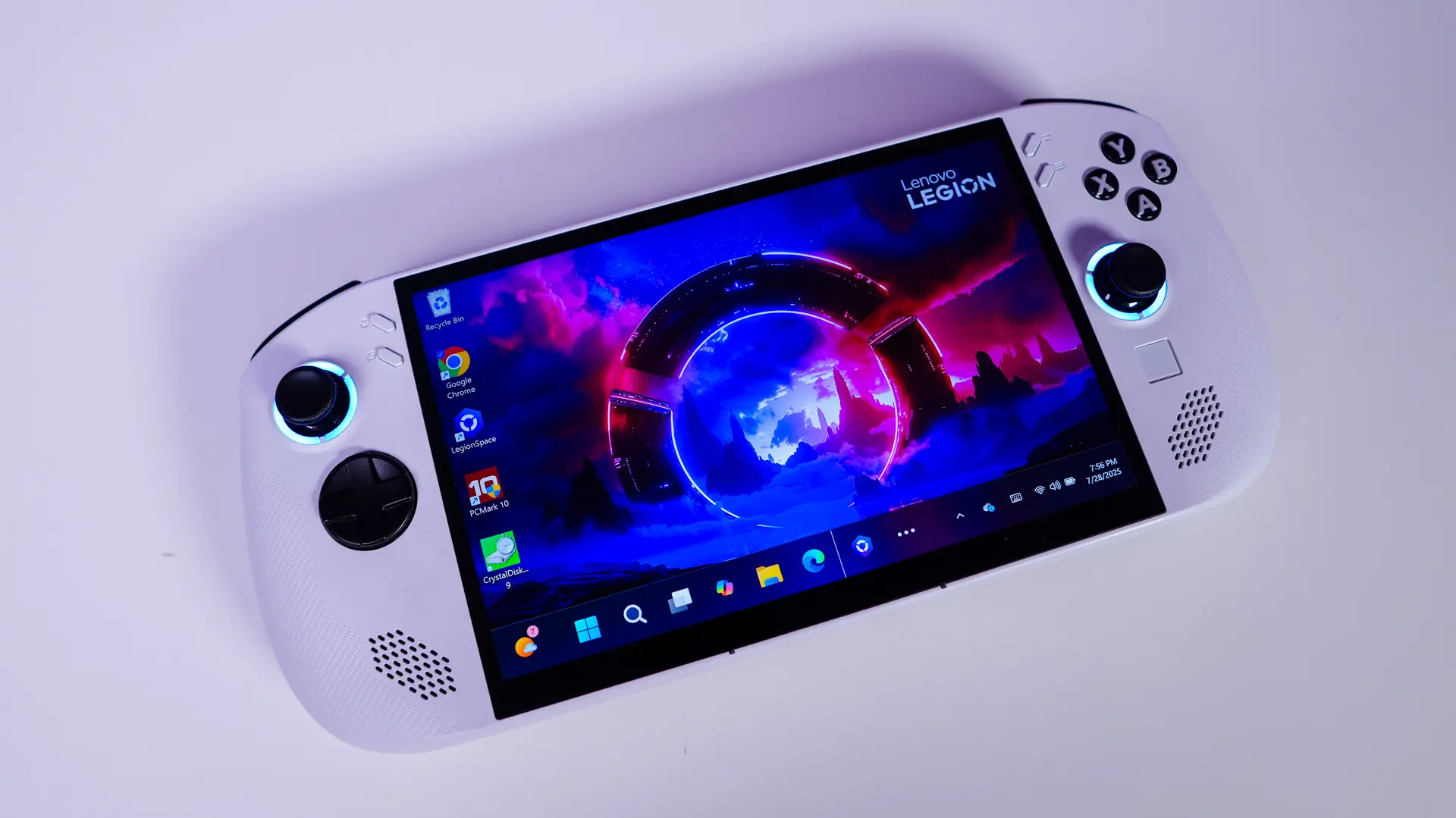
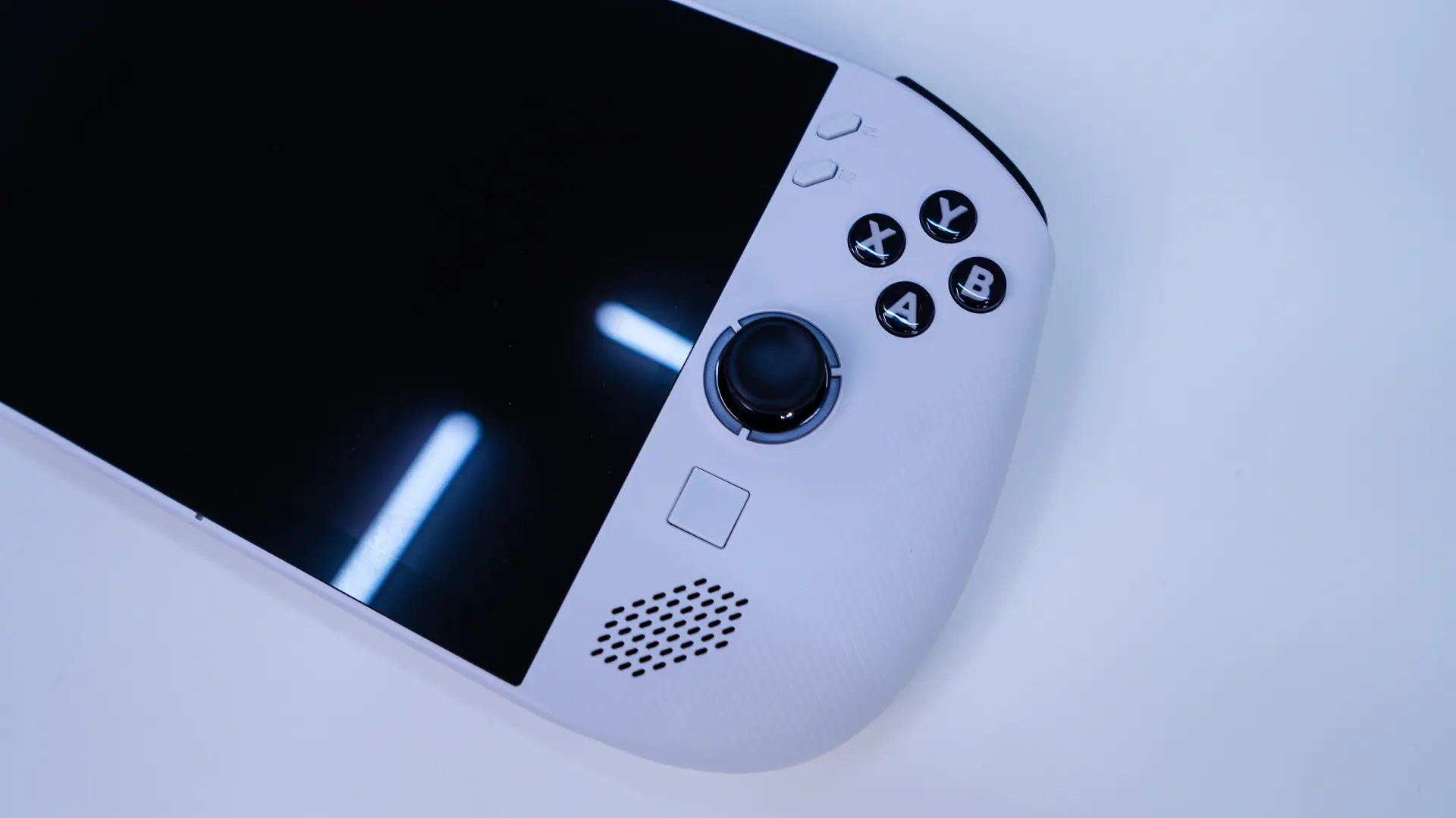
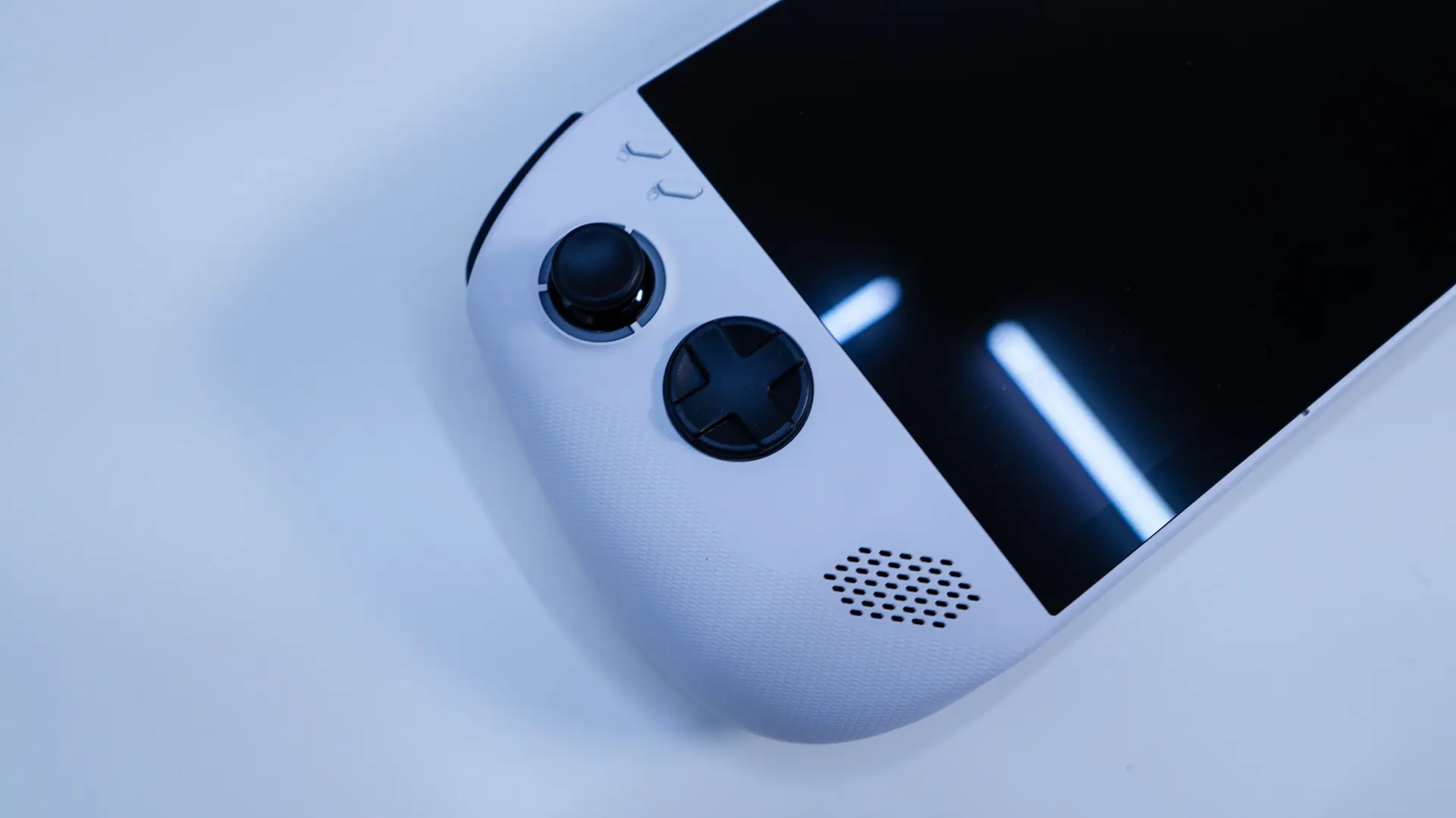
One each side of the screen you have your controls. There are two hall effect joysticks, on each side which seem to be positioned perfectly. On the right side there is a cluster of buttons (X,Y,A,B), two smaller buttons (Legion Space shortcut & Menu), and a very small touchpad. The left side has your traditional D-pad and two more small buttons (Legion Space shortcut, view button). All of these buttons are very easy to access and nothing seems out of place.
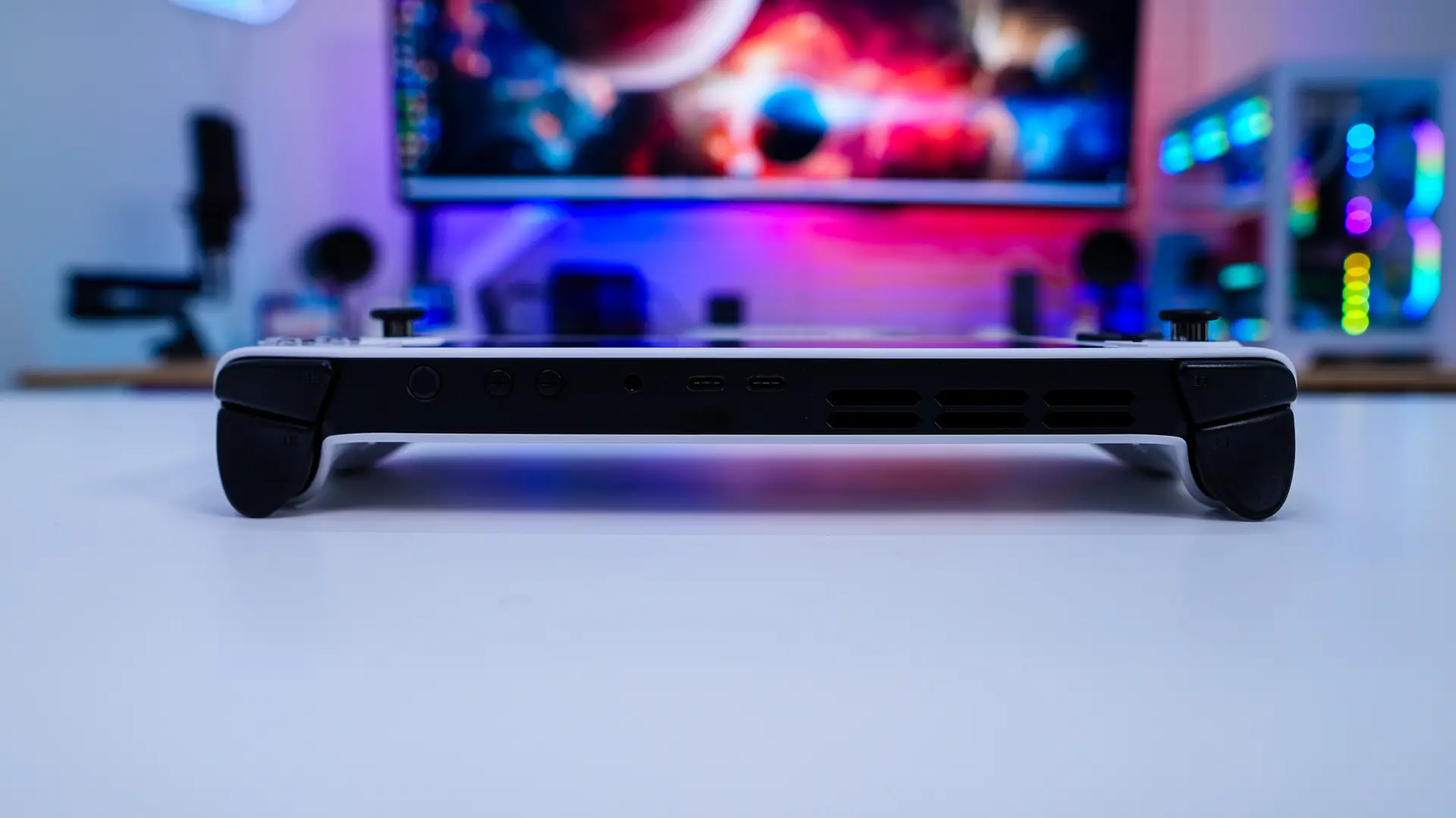
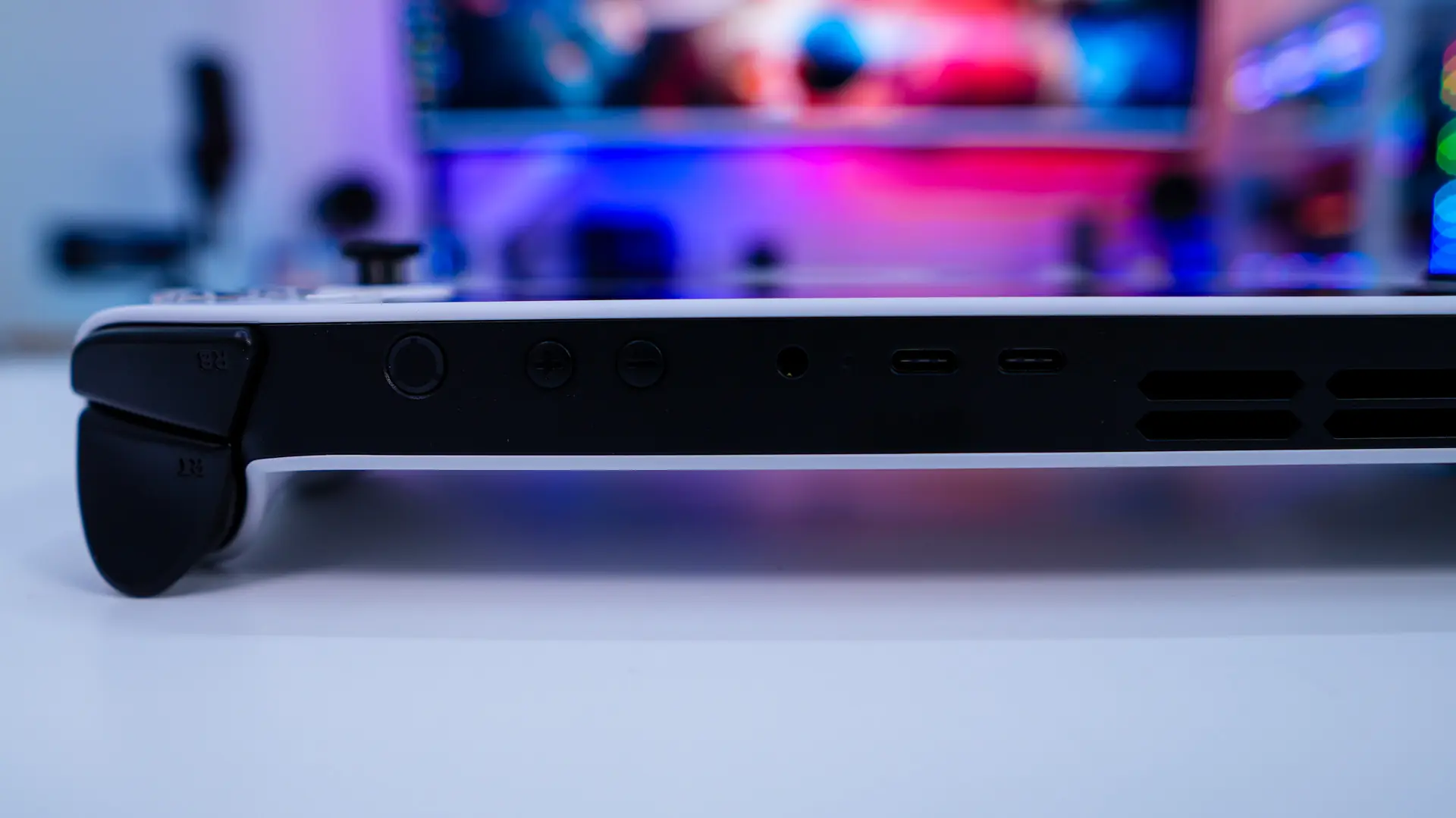
On the top-edge of the unit you’ll find a smaller trigger button and a large bumper button on each side. Again, this are quite easy to access when you are using the handheld. Then you have a power button, volume up and down buttons, a headphone / mic combo port, two USB-C 4.0 ports, and some ventilation. The USB-C ports are used to charge up the Legion Go S and also support DisplayPort 1.4.
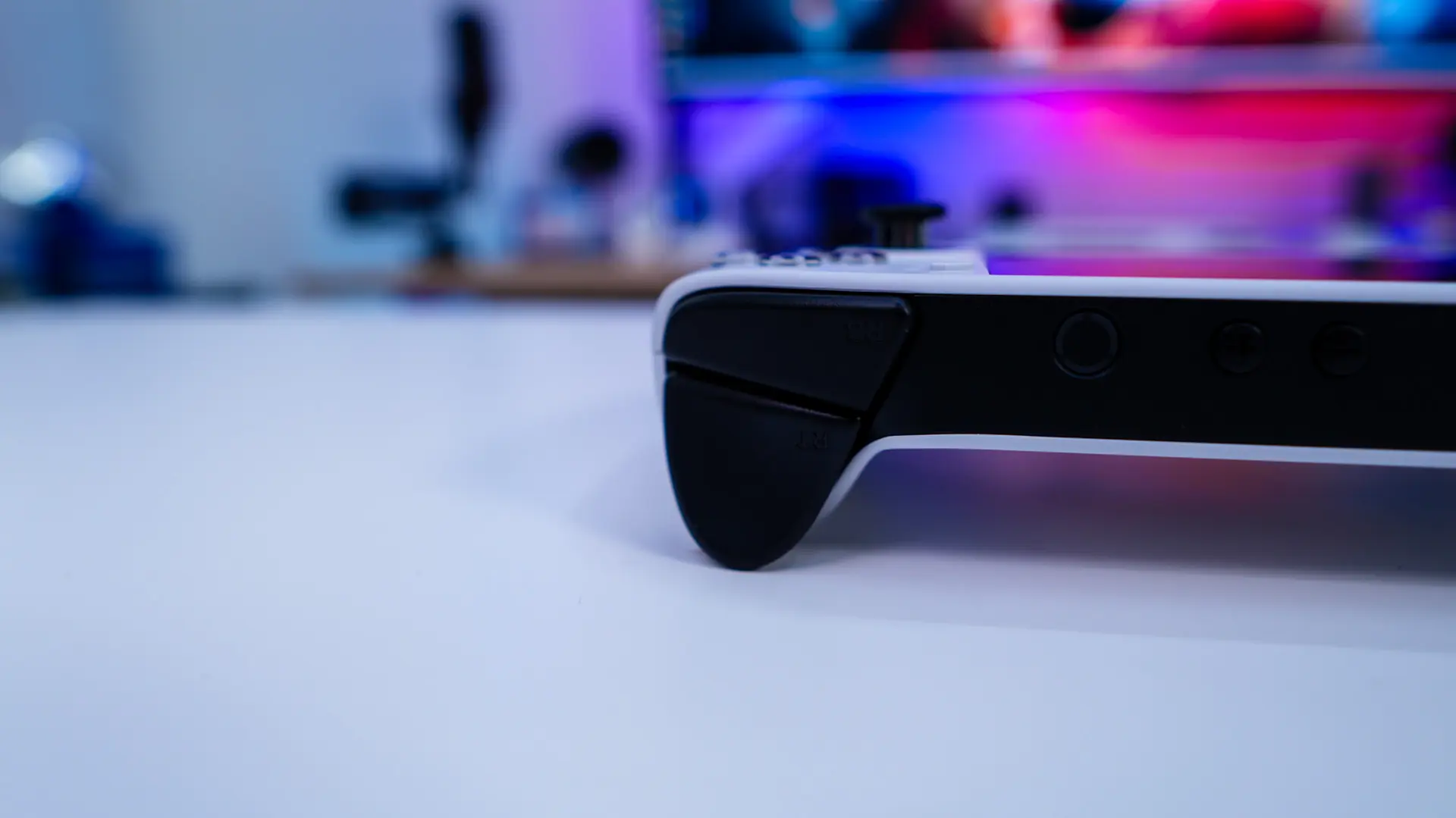
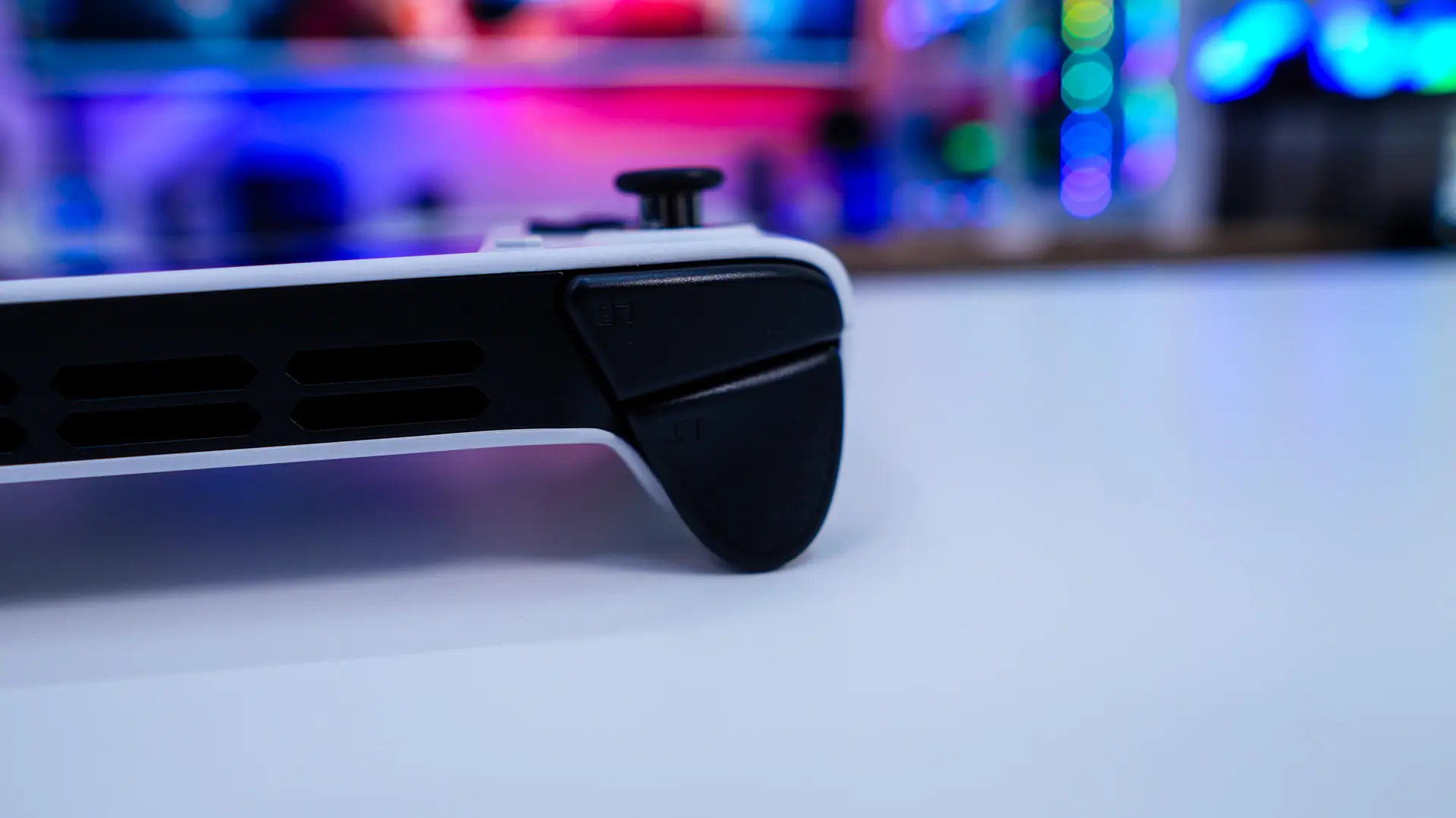
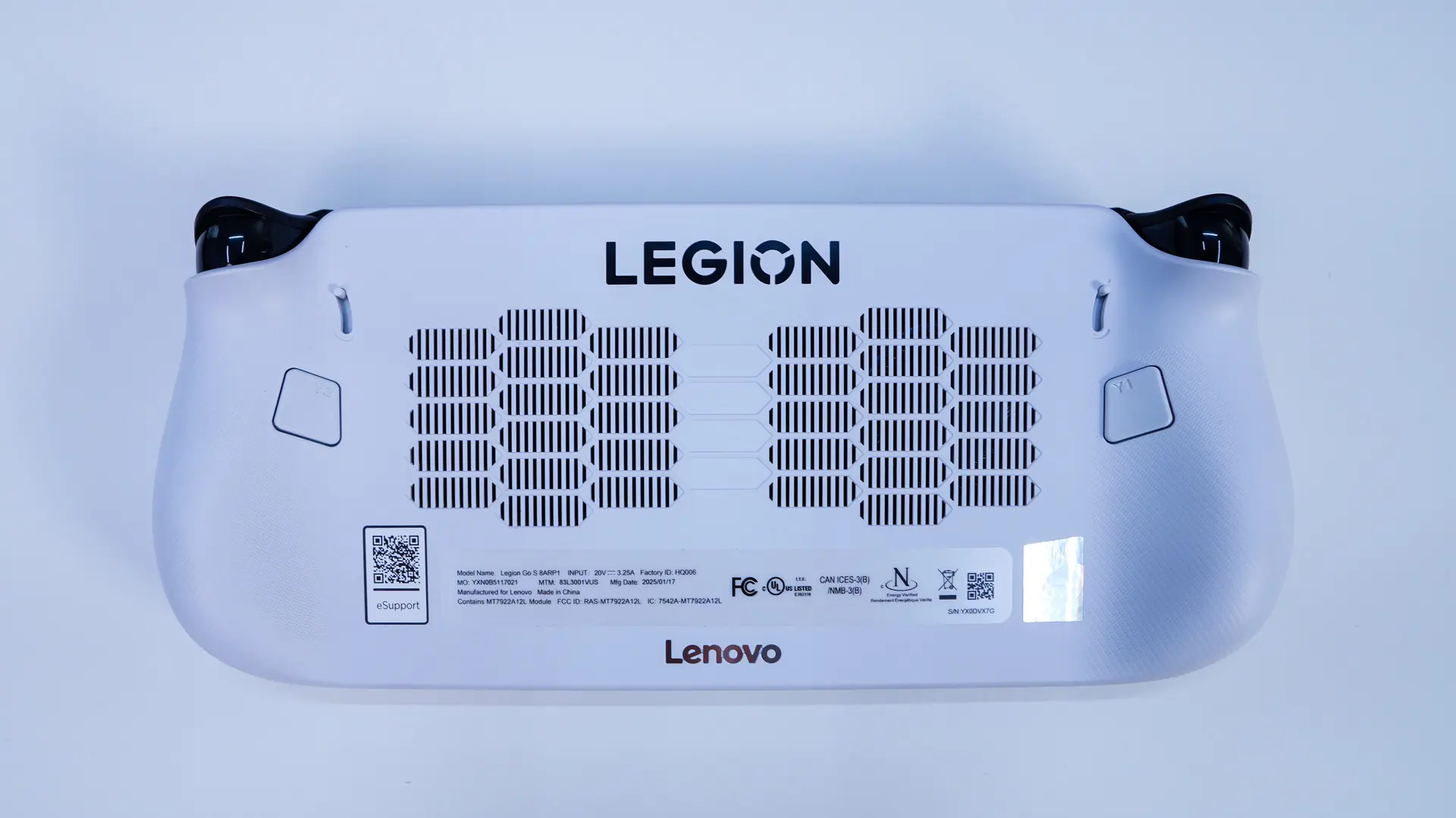
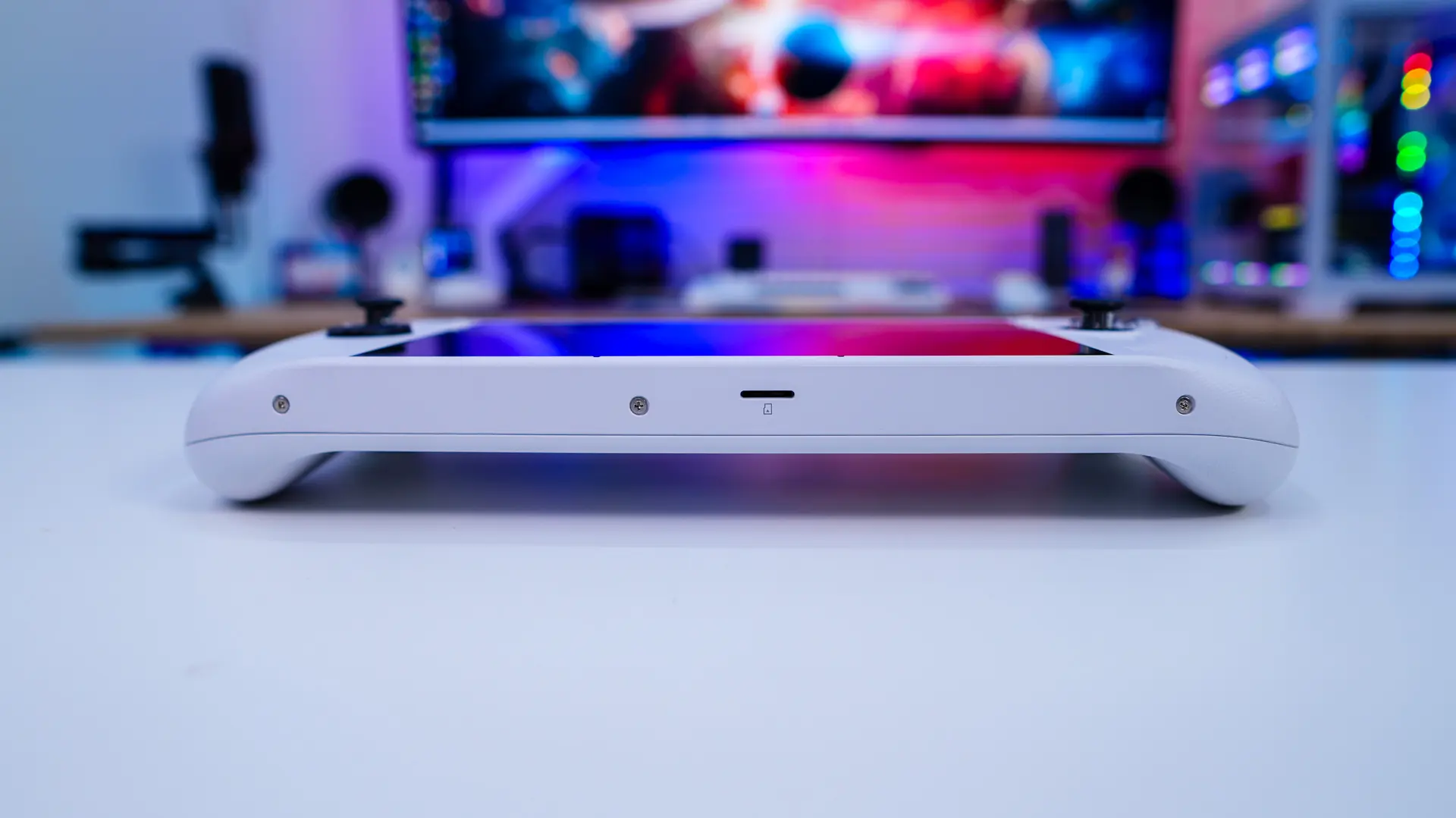
On the back of the unit there are your Y buttons on each side and an adjustable trigger slider. These allow you to change how far down you can press the trigger buttons. There is also a lot of ventilation on the back of the unit. On the bottom edge of the unit is a microSD card slot.