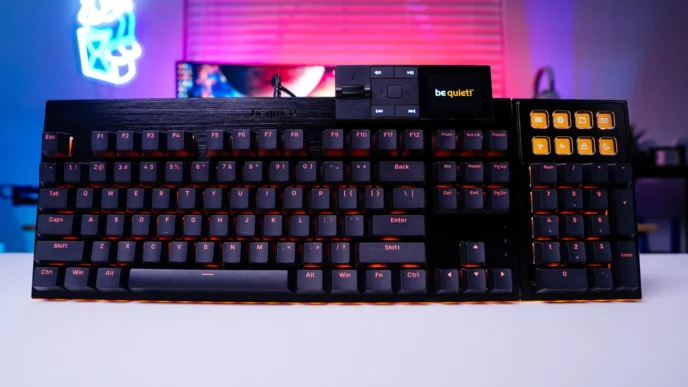
Melgeek MADE68 Air Gaming Keyboard Overview
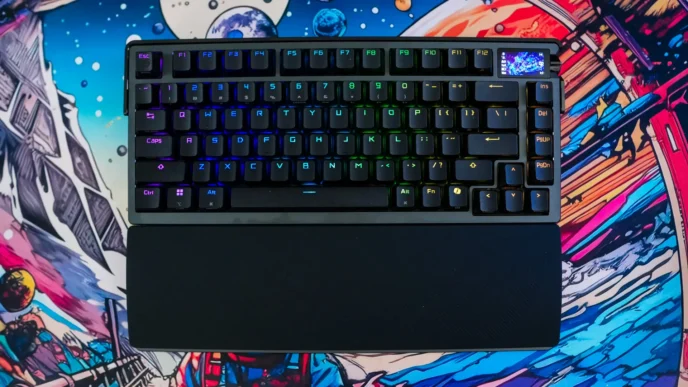
So to start things out this is a 68-key or 65% keyboard. If you are not familiar with 65% it is a more compact version of a tenkeyless keyboard, where you still get your arrow keys, but you do lose your entire function row. Unlike a full-on 60% keyboard you also retain the Home, Del, Page Up and Page Down keys. This is also a compact 65%, where there is no extra space between the arrow keys and the rest of the keyboard.
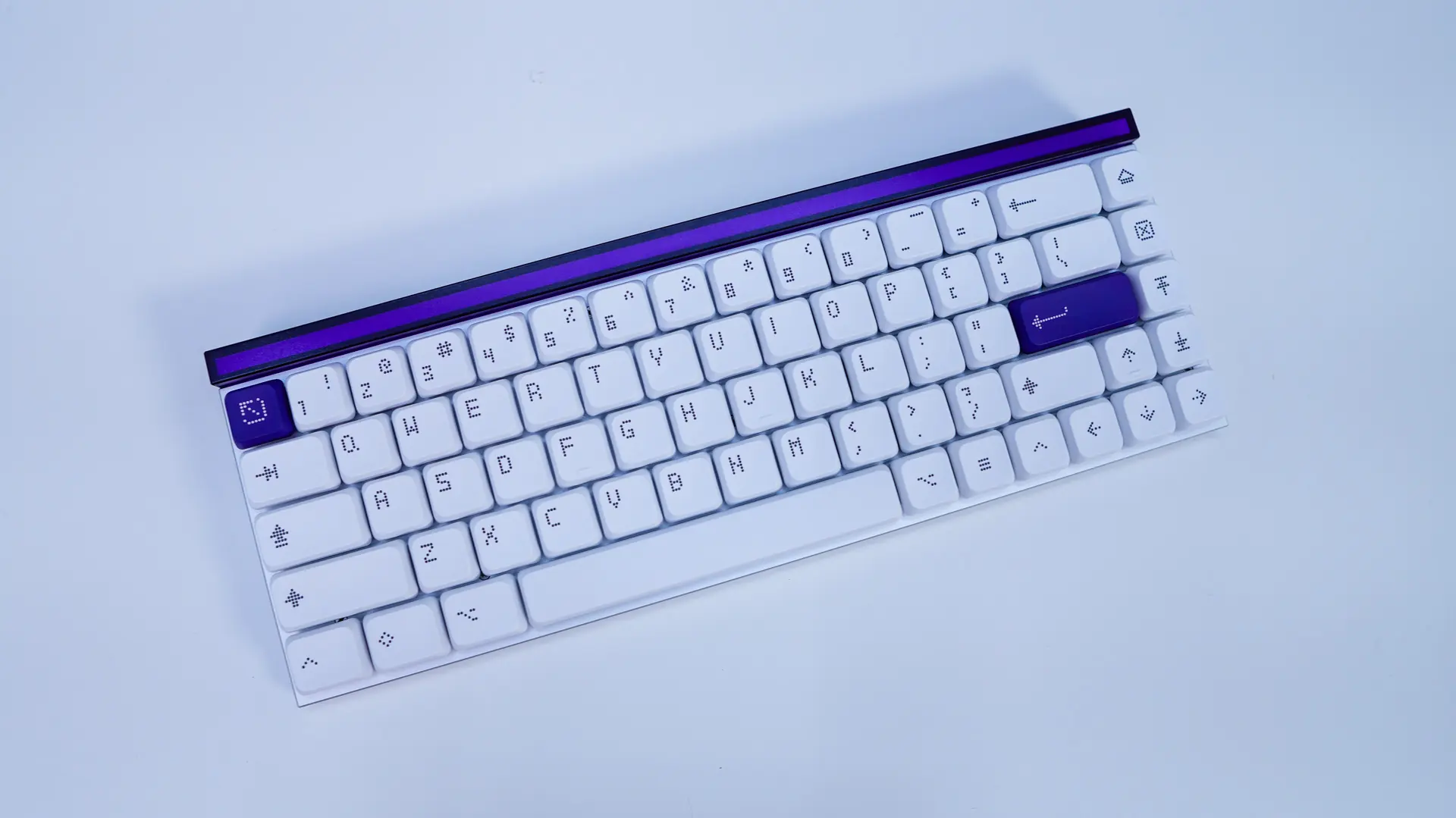
Melgeek currently is offering two colorways for the MADE68 Air. We received the Purple version which is mostly white and silver with a purple top bar and two purple accent keys. Beyond purple there is also a Pink version.
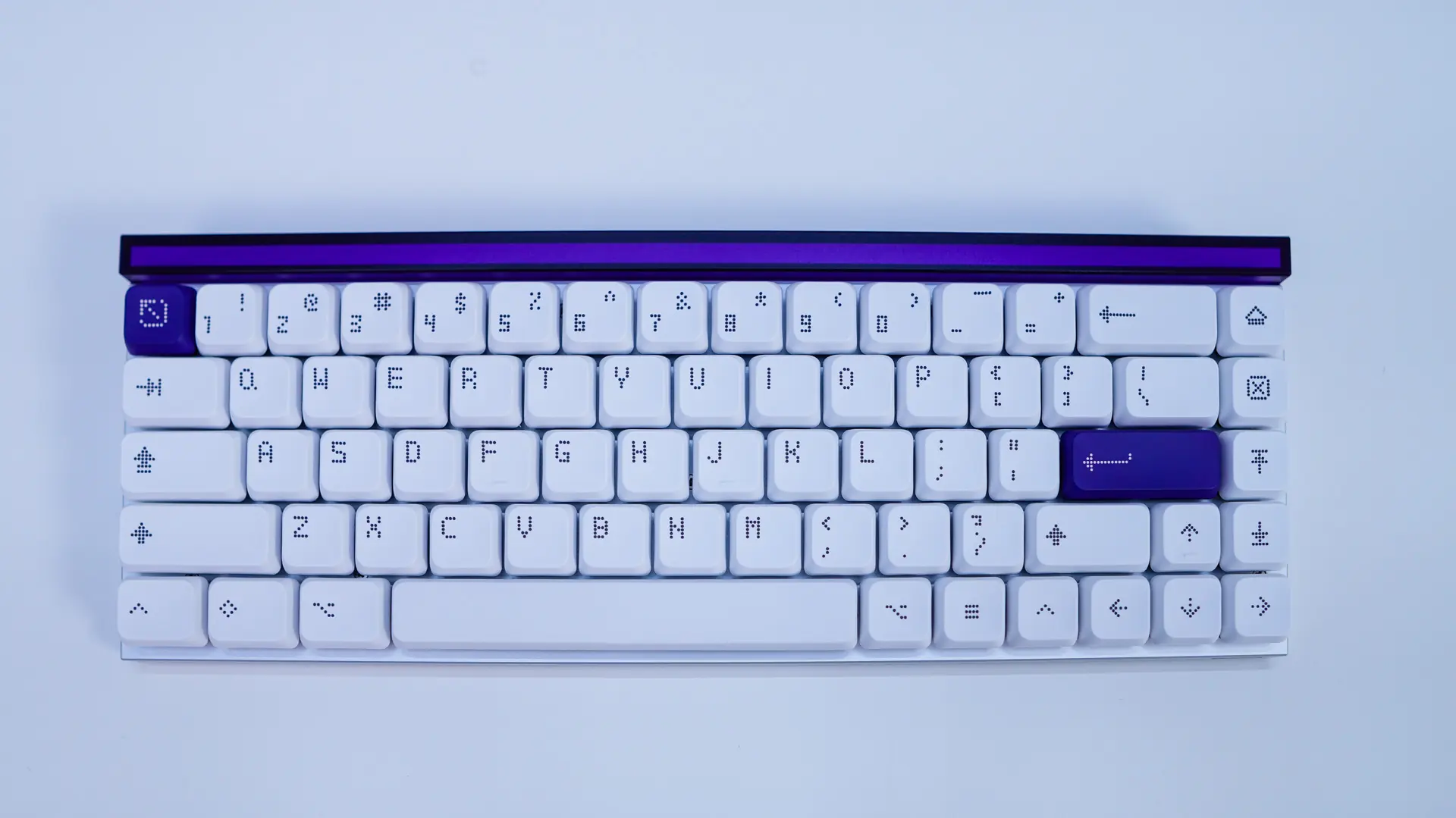
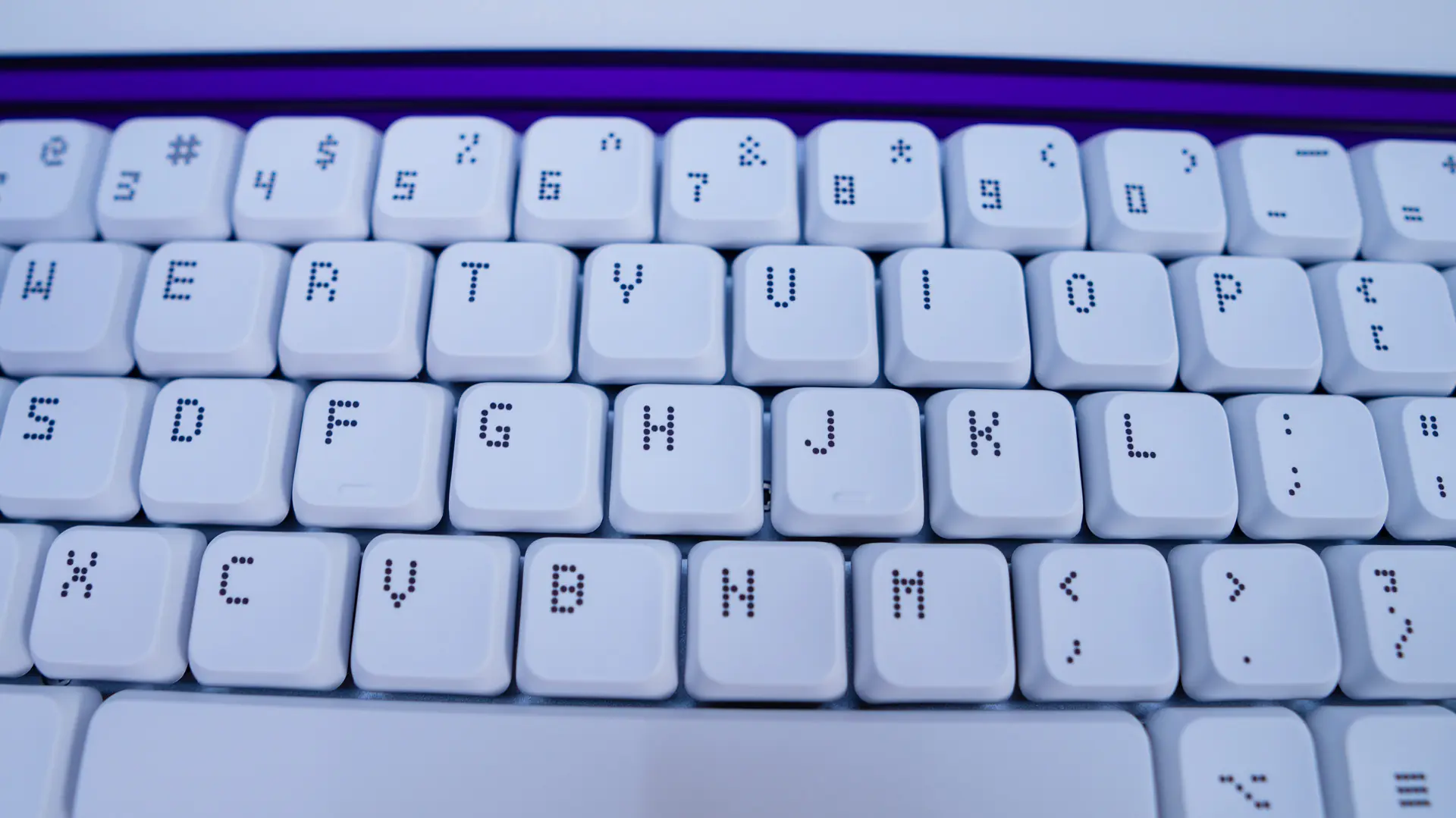
When it comes to the keycaps we of course have low-profile keycaps, which are PBT and do not have any noticeable shine on them. They feature what I would call “dot” legends, where dots make up your legends. I feel this works really well on this keyboard. While most of the keycaps are white with dark grey legends, the ESC and Enter keys are purple.
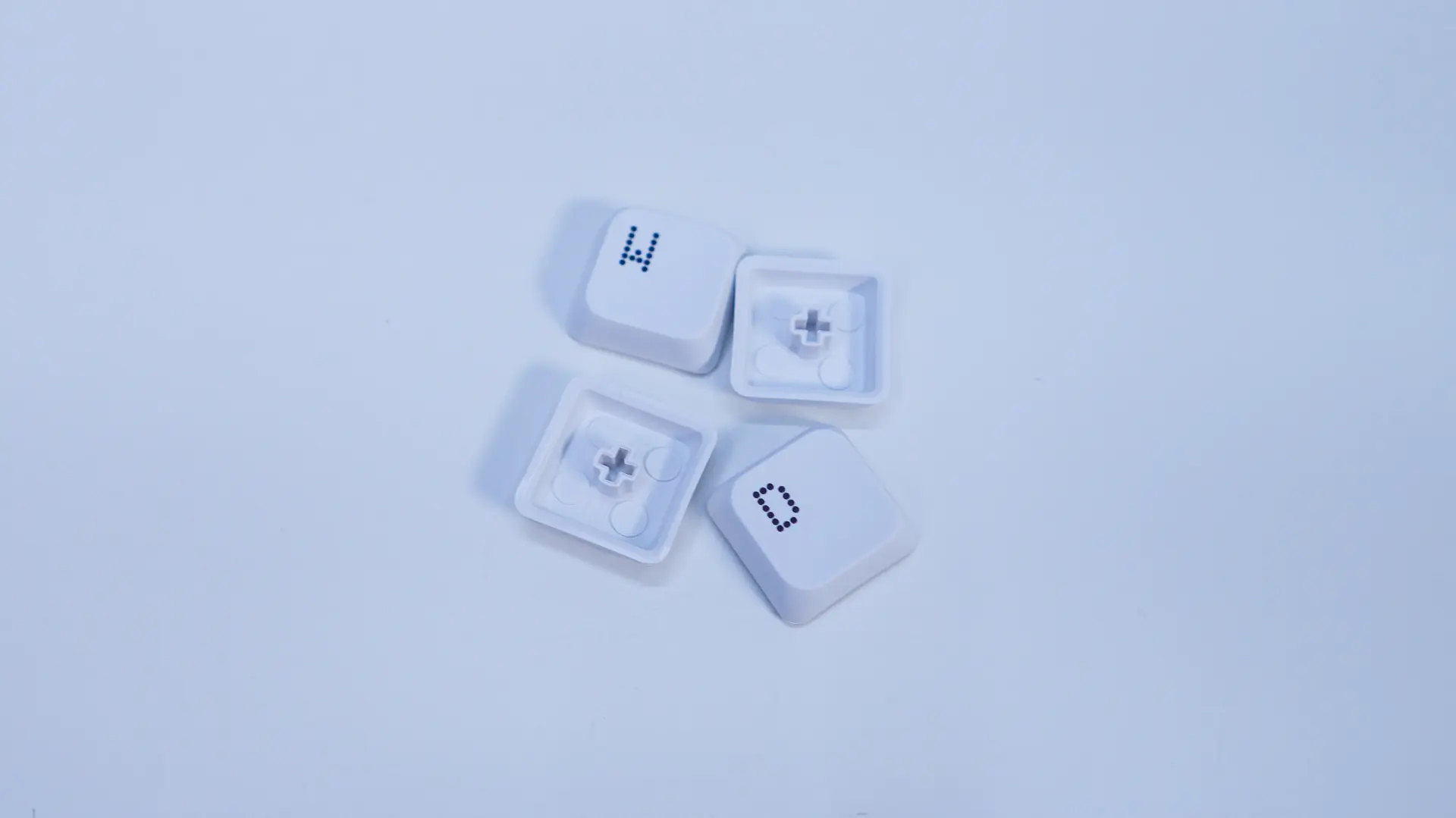

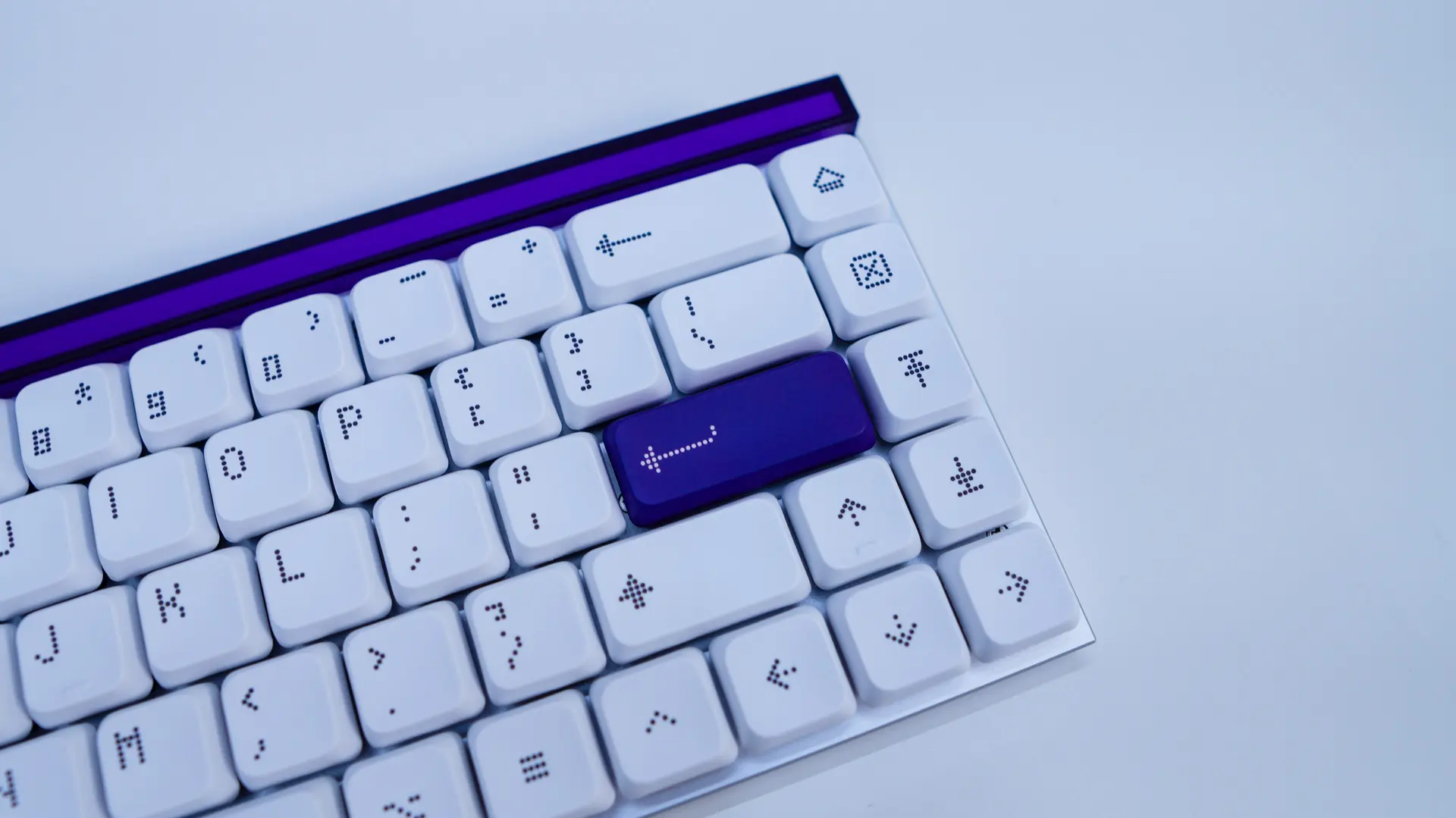
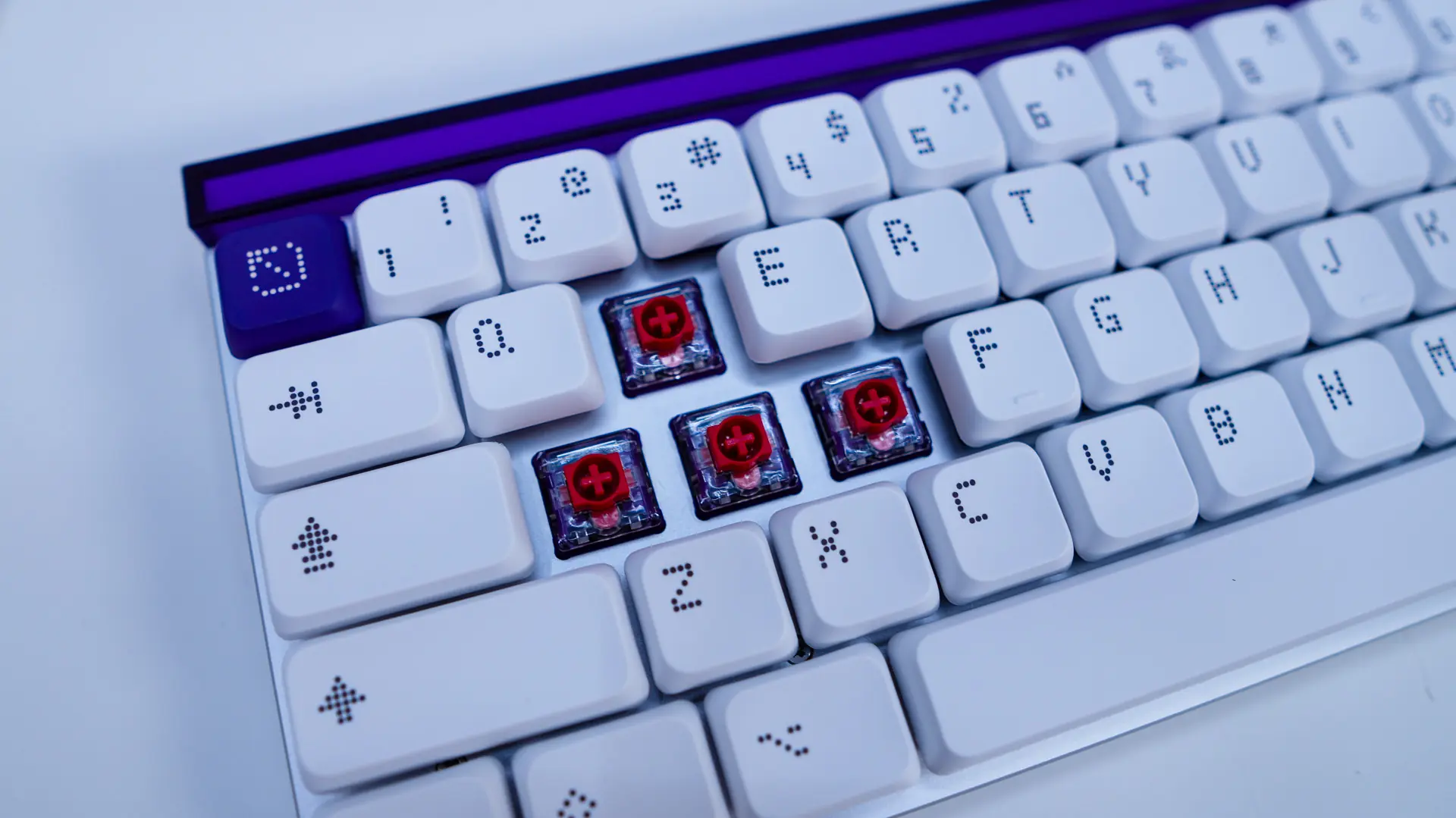
Under these keycaps we have our switches which are the TTC KOM Mini. These magnetic switches offer 2.8mm of total travel and have an operation force of 34gf.
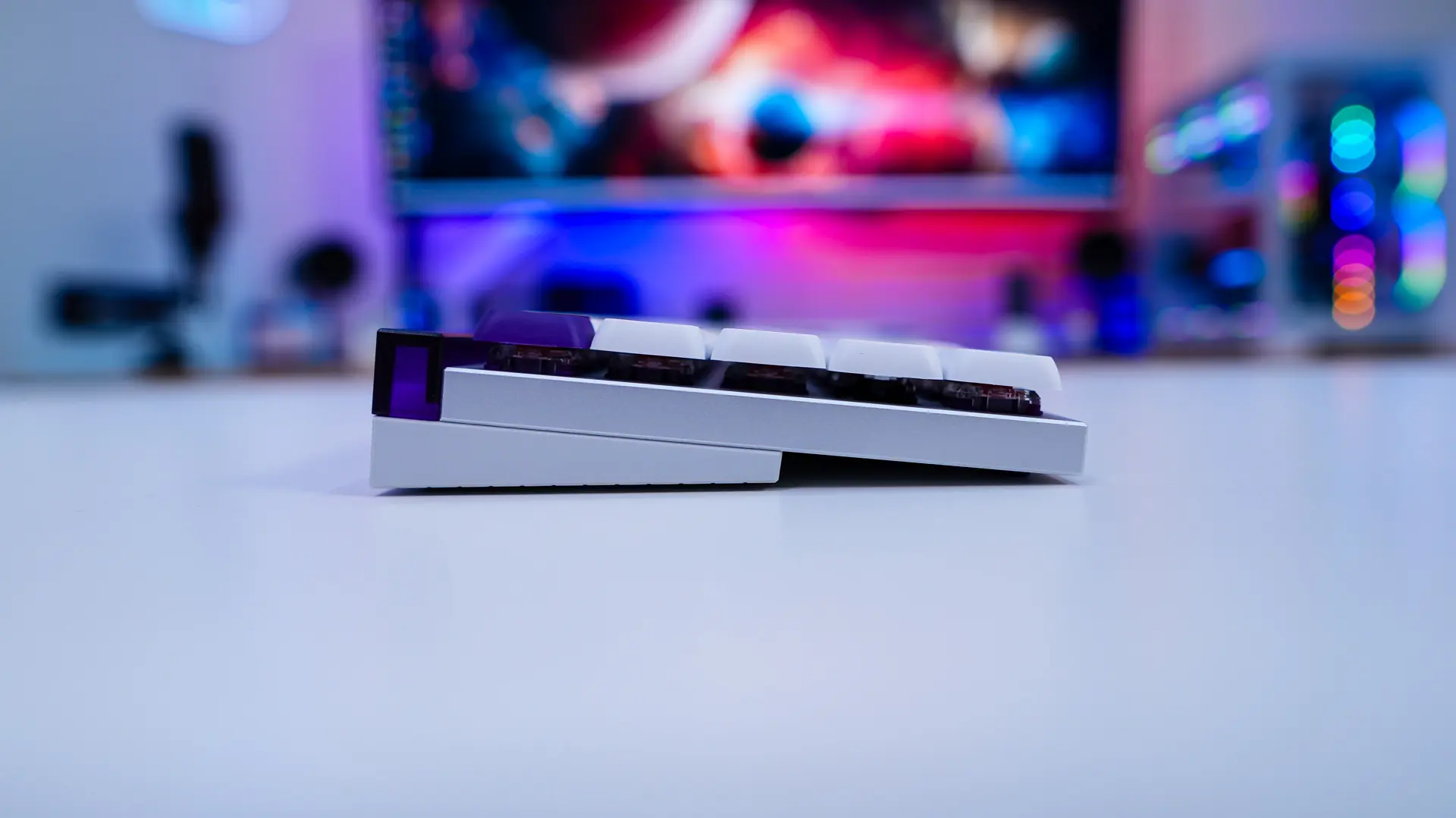
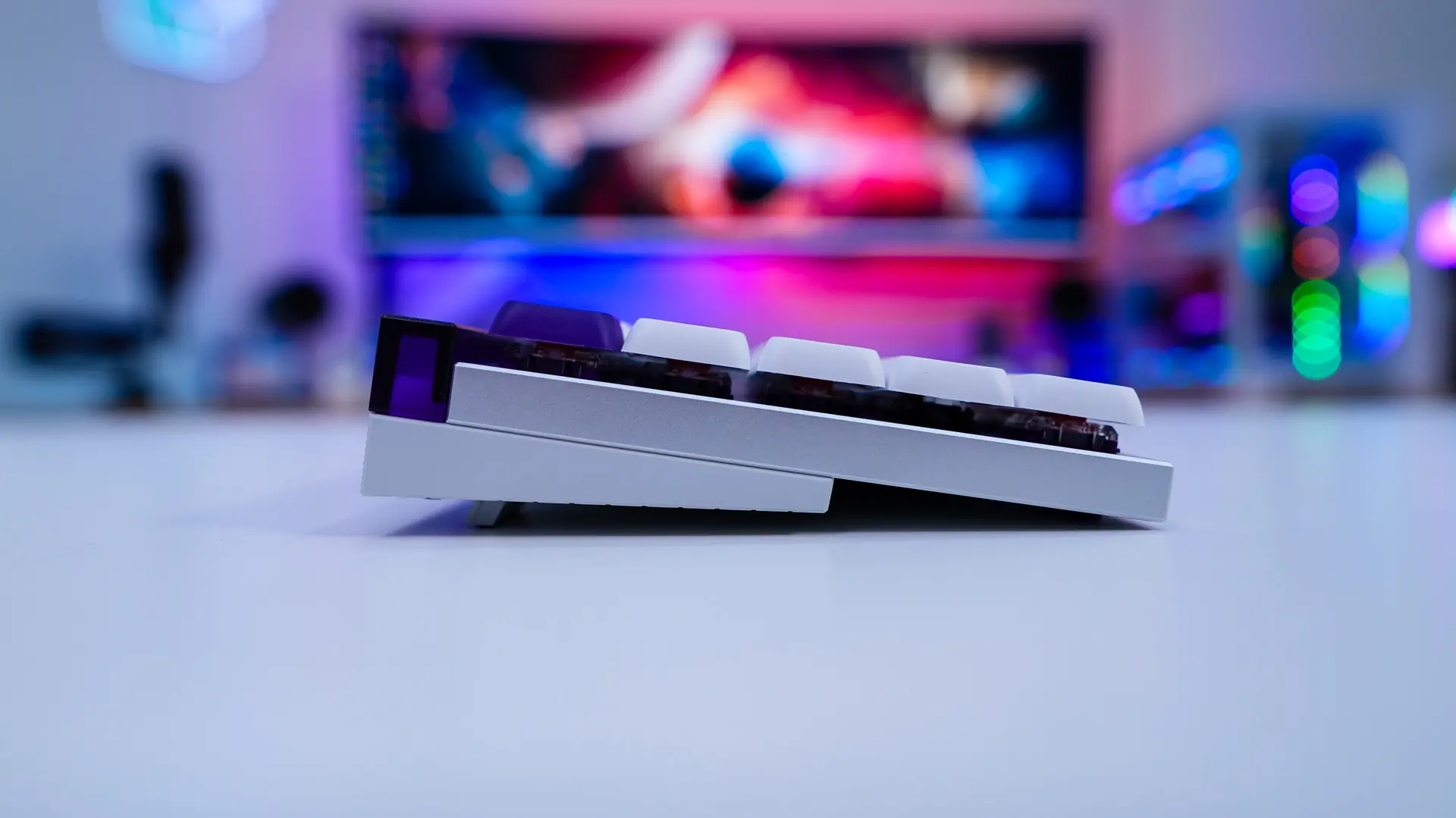
Looking at the keyboard from the side we can see that the keyboard does sit at a slight angle. You can use the pop-out feet to adjust that angle if you need to. We can also see that the keyboard has a sort of two material design with a metal plate and plastic bottom.
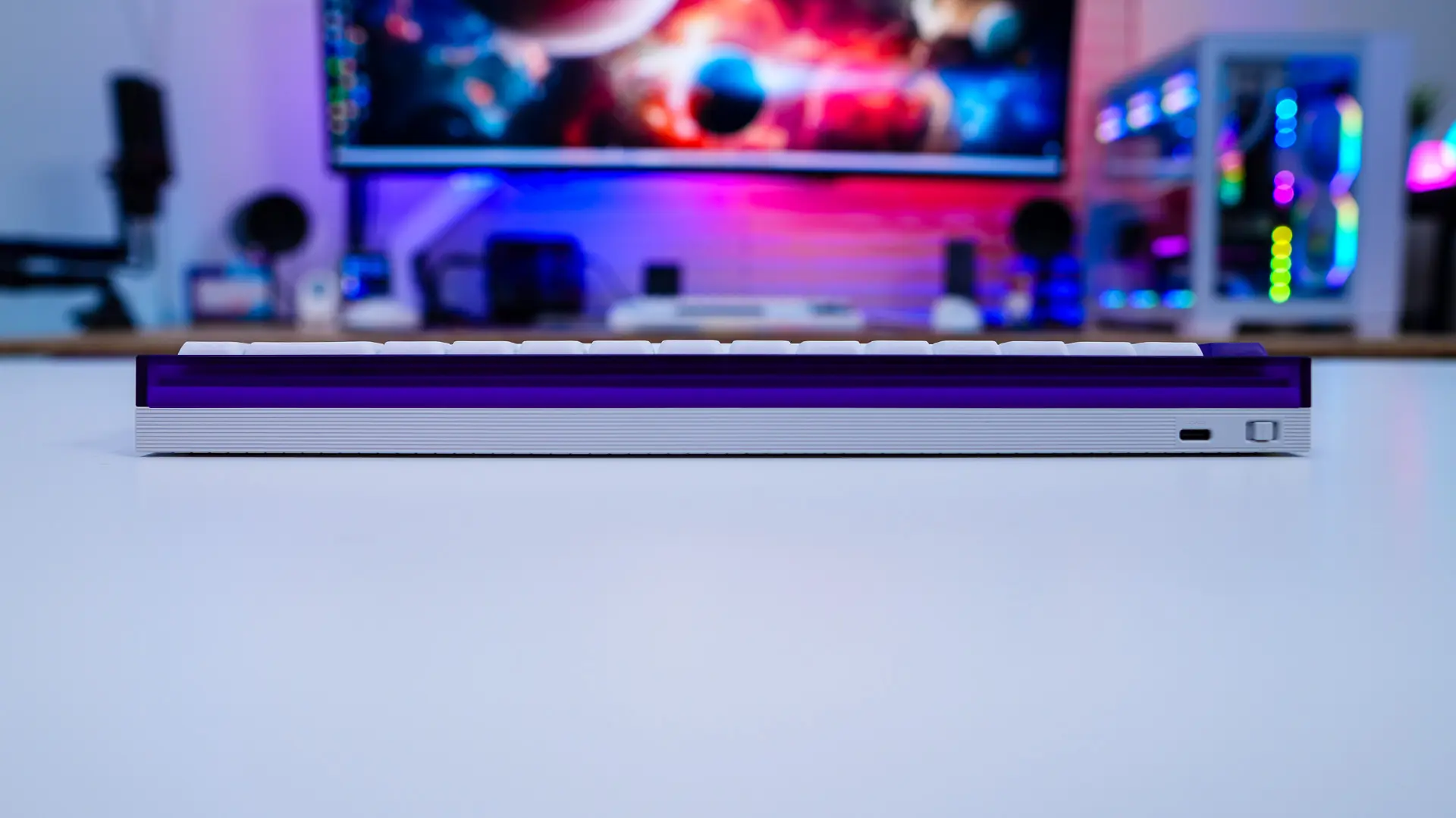
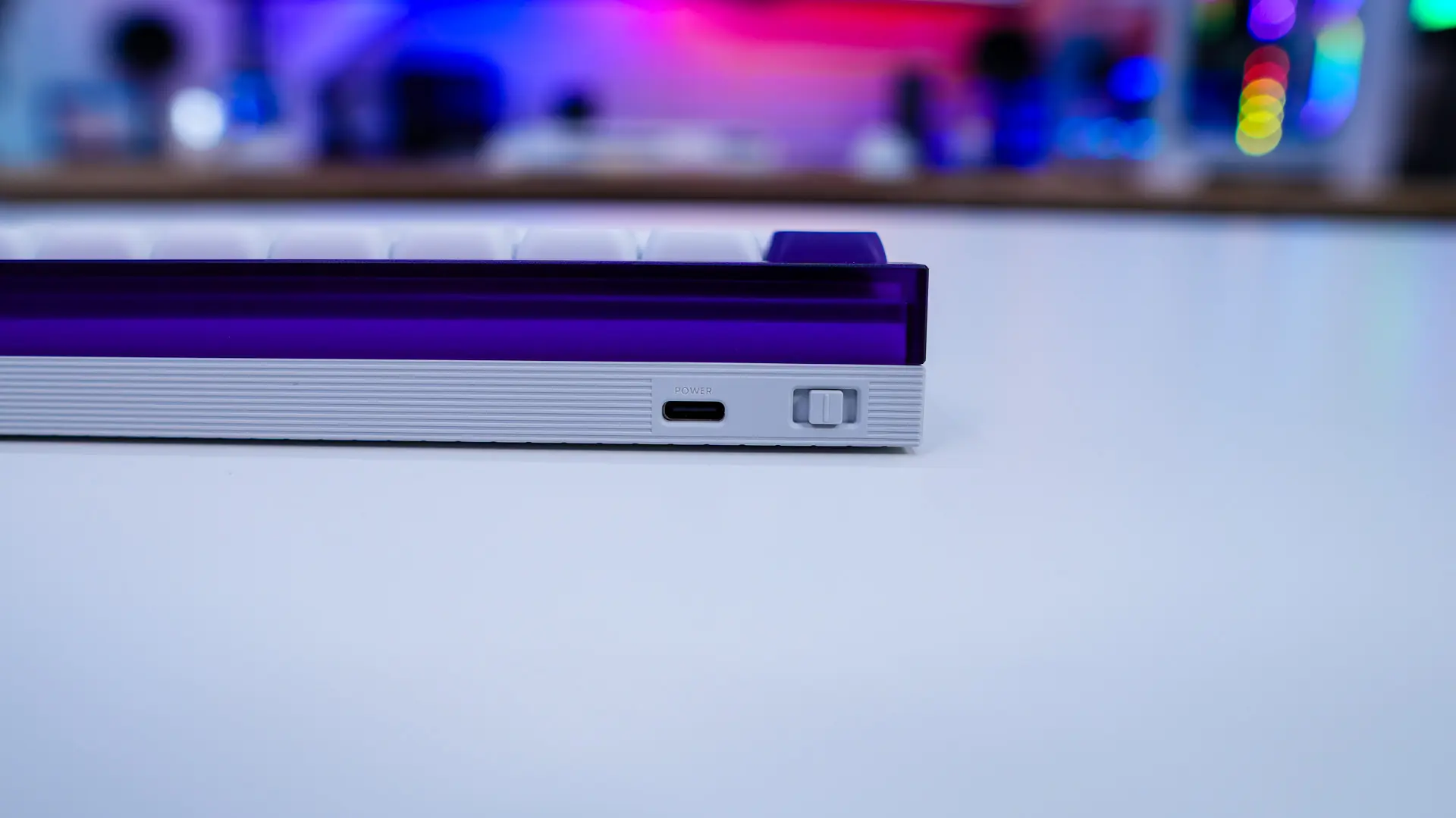
At the top-edge of the keyboard you will find a USB-C connection for the included USB cable as well as a switch. This switch is what Melgeek is calling their dynamic switch. This allows you to easily switch between 3 different modes with different settings. So think one for gaming, one for typing, and one for work. You can adjust these profiles in the software, which we’ll get to in just a bit.
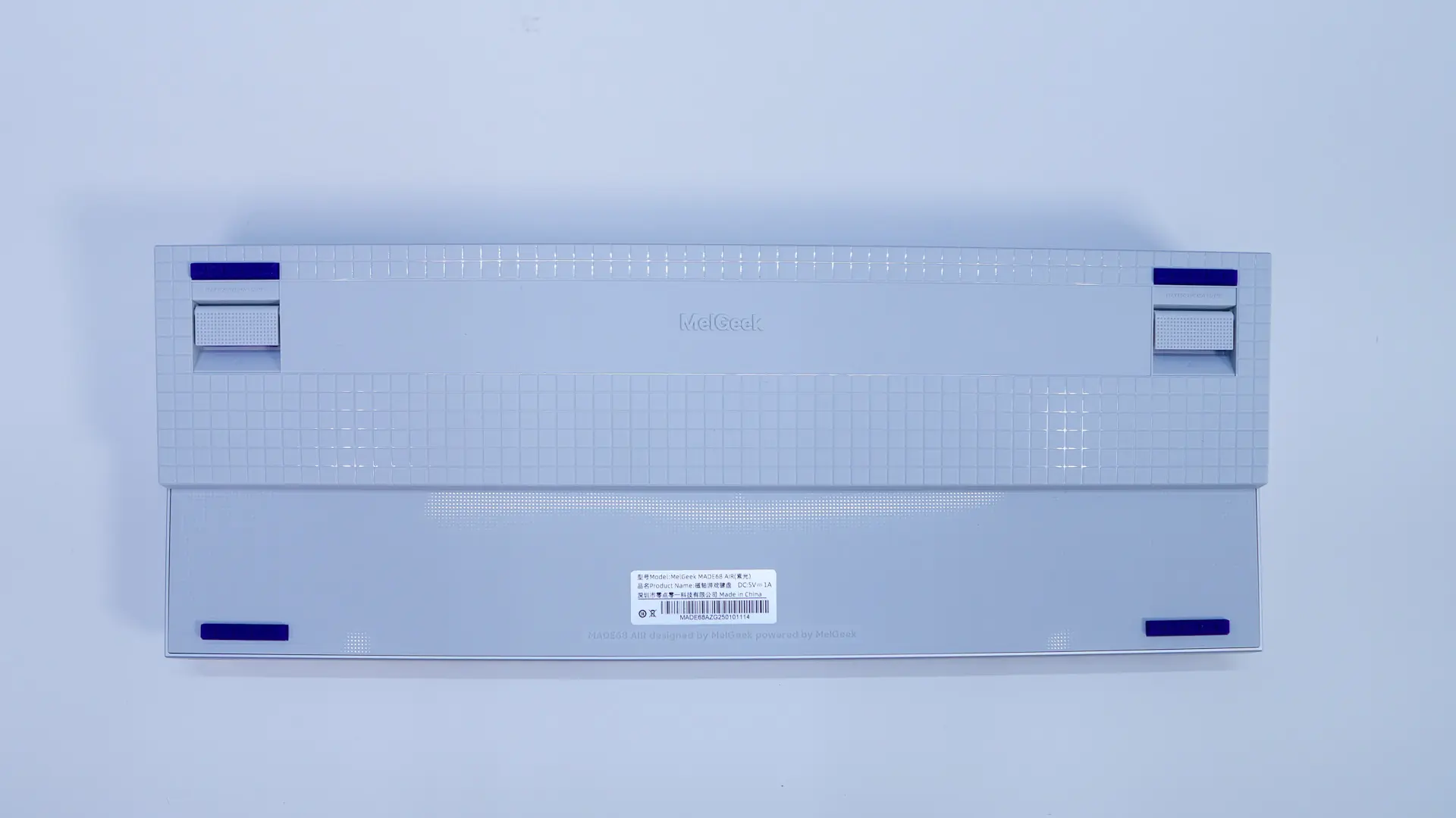
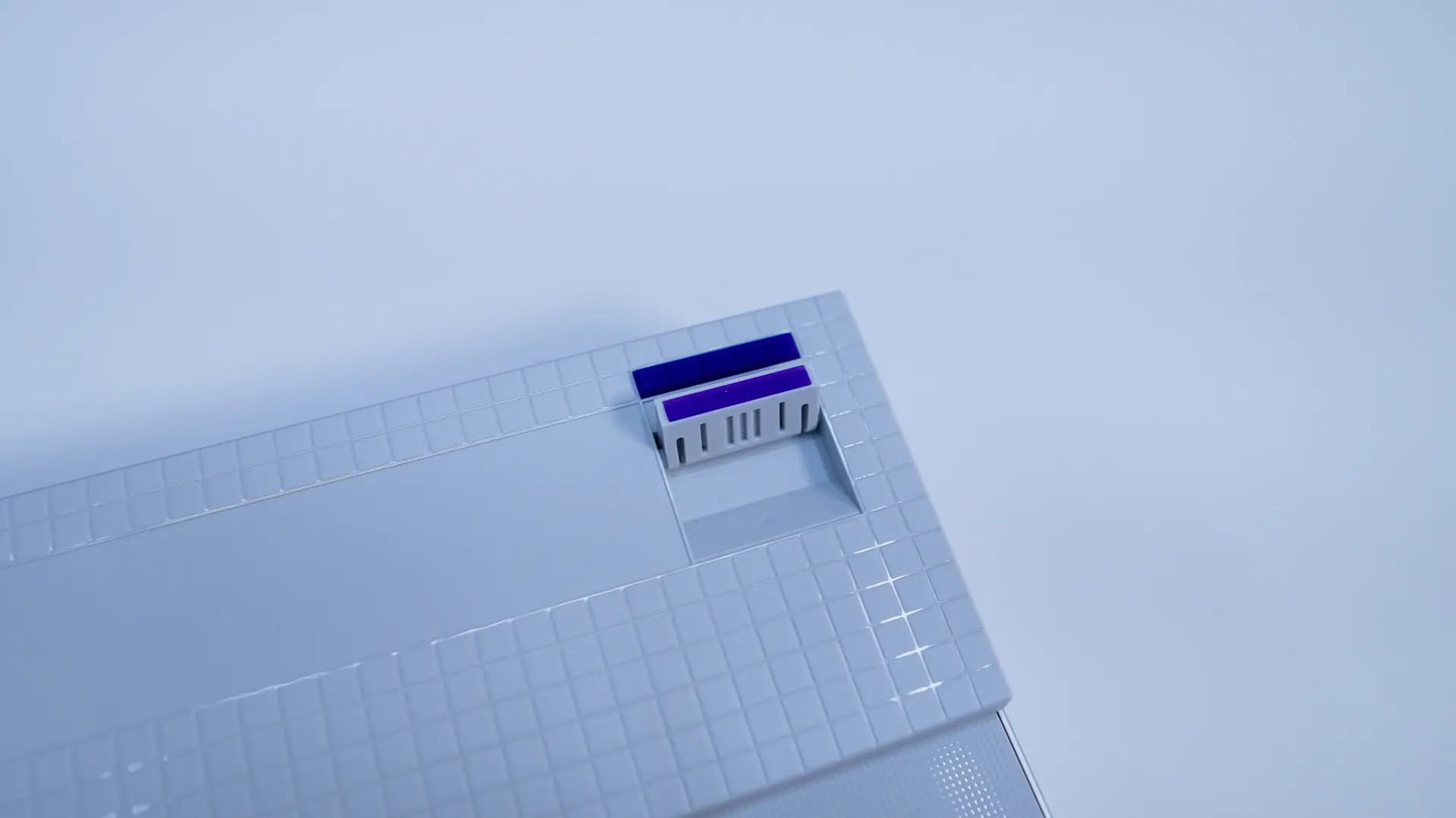
Flipping the keyboard over at the bottom we have four small rubber feet to keep the keyboard in place as well as those pop-out feet that I mentioned.