Testing & Final Thoughts on the Melgeek MADE68 Air Gaming Keyboard
I’ve reviewed both the MelGeek MADE68 Pro and MADE68 Ultra so I was quite excited to take a look at this keyboard as those were some of my favorite keyboards over the past couple of years. After using this keyboard for about a month I do have some mixed feelings.
Let’s first talk about what really sets this keyboard apart from other low-profile keyboards out there. While we have seen many low-profile mechanical keyboards, there really aren’t that many magnetic low–profile keyboards out there. Being magnetic means you have quite a lot more customization options than what you would get with a mechanical keyboard. First you have adjustable actuation points for each key, allowing users to precisely configure the travel distance required before a keypress registers. Rapid Trigger technology continuously monitors key position and immediately resets the switch when upward movement is detected after actuation. This eliminates the traditional requirement to fully release a key before re-pressing, resulting in substantially faster input registration for rapid key sequences. Dynamic Keystroke (DKS) leverages the analog nature of magnetic switches to assign multiple functions to a single key based on press depth and release distance. This feature effectively transforms each key into a multi-input device, enabling complex gaming macros and shortcuts. The latest evolution in this technology is SODC (also known as Snap Tap), which addresses a fundamental limitation of traditional keyboards. Standard gaming keyboards experience input conflicts when opposite directional keys (such as A and D for left/right movement) are pressed simultaneously, causing character movement to cease entirely. Users must fully release one key before the opposing input registers. SOCD resolves this by implementing a priority system that recognizes the most recent input, allowing seamless transitions between conflicting keys. This capability is particularly valuable for counter-strafing techniques in competitive first-person shooters, where rapid directional changes are crucial for maintaining accuracy while moving. Having all of these technologies in a single device represents a comprehensive solution for competitive gaming applications.
While the performance and responsiveness of the switches were great, I have to say that the keycap profile made the keyboard not that comfortable to type on. And the keyboard felt a bit hollow, it just didn’t have that satisfying feeling that I’ve got from typing on other keyboards. The sound profile was also not very great, below is an audio sample of me typing on the keyboard.
I know this can be subjective, but at least for me the whole typing experience and sound profile is just sub-par on this keyboard. So much so that I swapped out this keyboard as soon as I was done testing it.
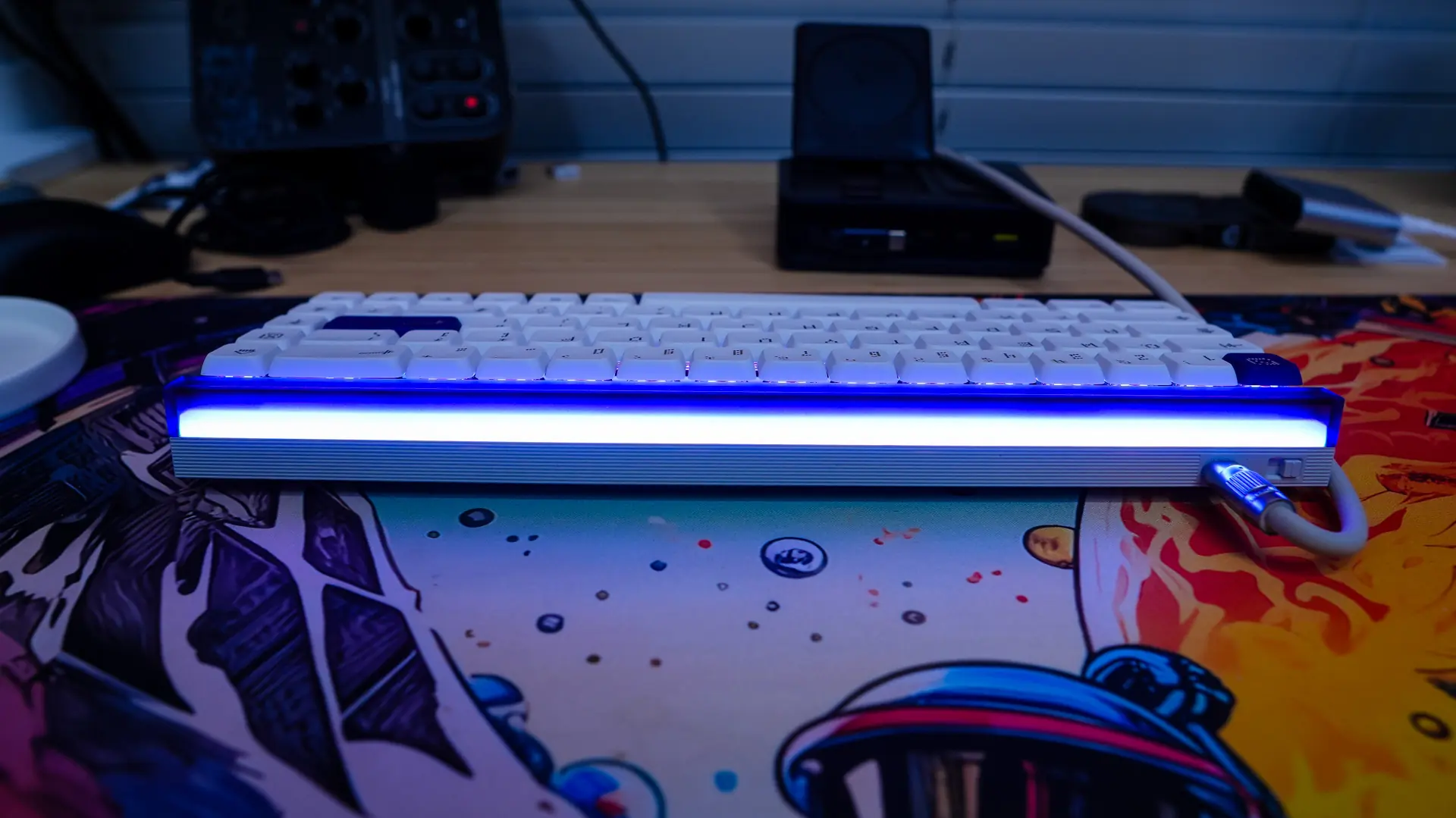
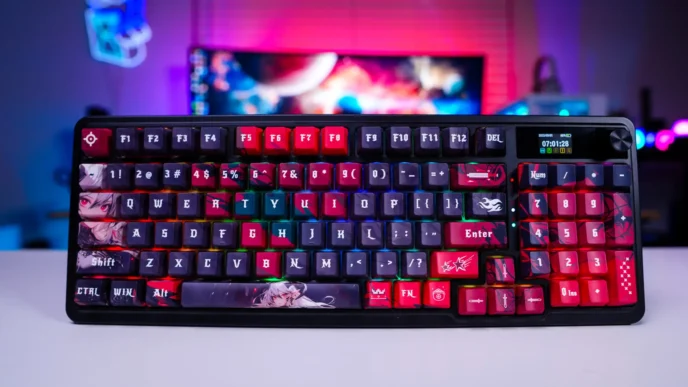
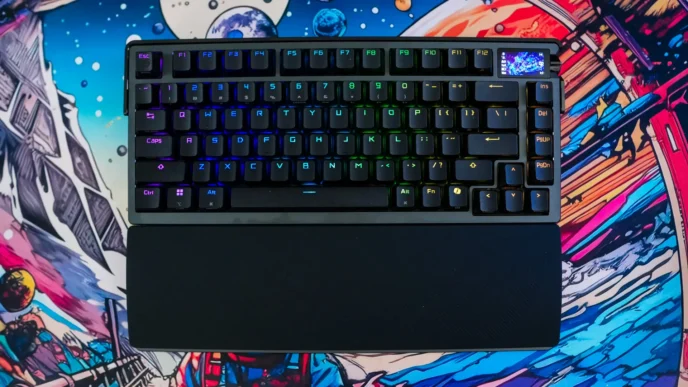
The keyboard does look great sitting on my desk and I love the elegant light bar on the top-edge of the keyboard. Also the small size makes this keyboard very practical to travel with. I just wish the typing experience was better for me.
Right now you can pick this keyboard up at our favorite online retailer for $129.99. Overall ThinkComputers gives the Melgeek MADE68 Air Gaming keyboard a 7 out of 10 score.

Pros:
– Sleek design
– One of a few magnetic switch low-profile keyboards available
– Top-edge light bar
– Web-based software
– Very responsive
Cons:
– Not all that comfortable
– Pretty bad sound profile
– Feels a bit hollow