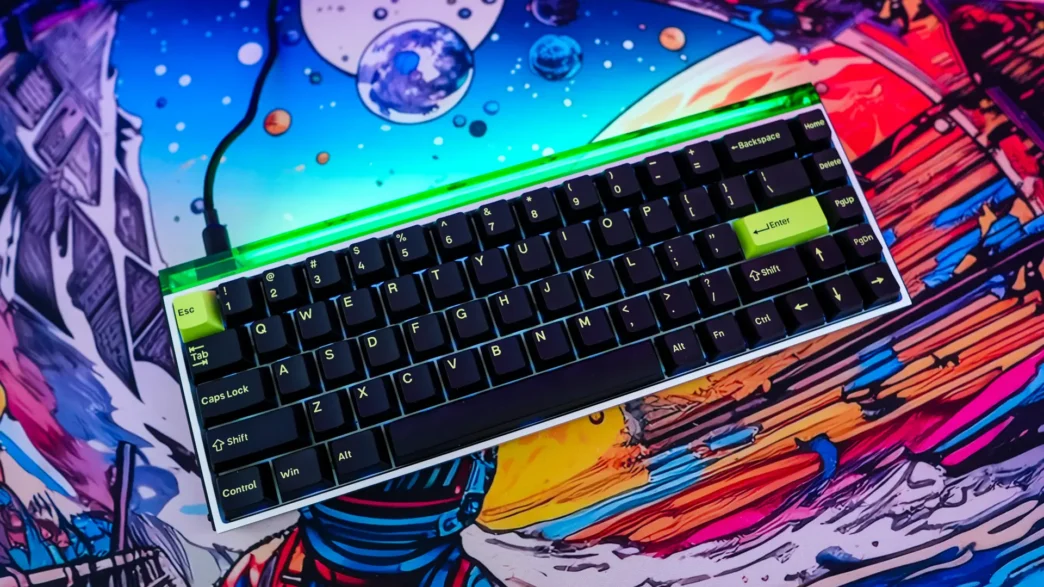
MelGeek MADE68 Ultra Rapid Trigger Keyboard Overview
So to starting things off MelGeek sent me the “Anodized Silver” version of the keyboard. What is interesting about this colorway is there is not all that much silver. I would call this a more dark design, with a silver anodized aluminum chassis. MelGeek also offers this keyboard in a “Anodized Black” and “Electrophoresis White”.
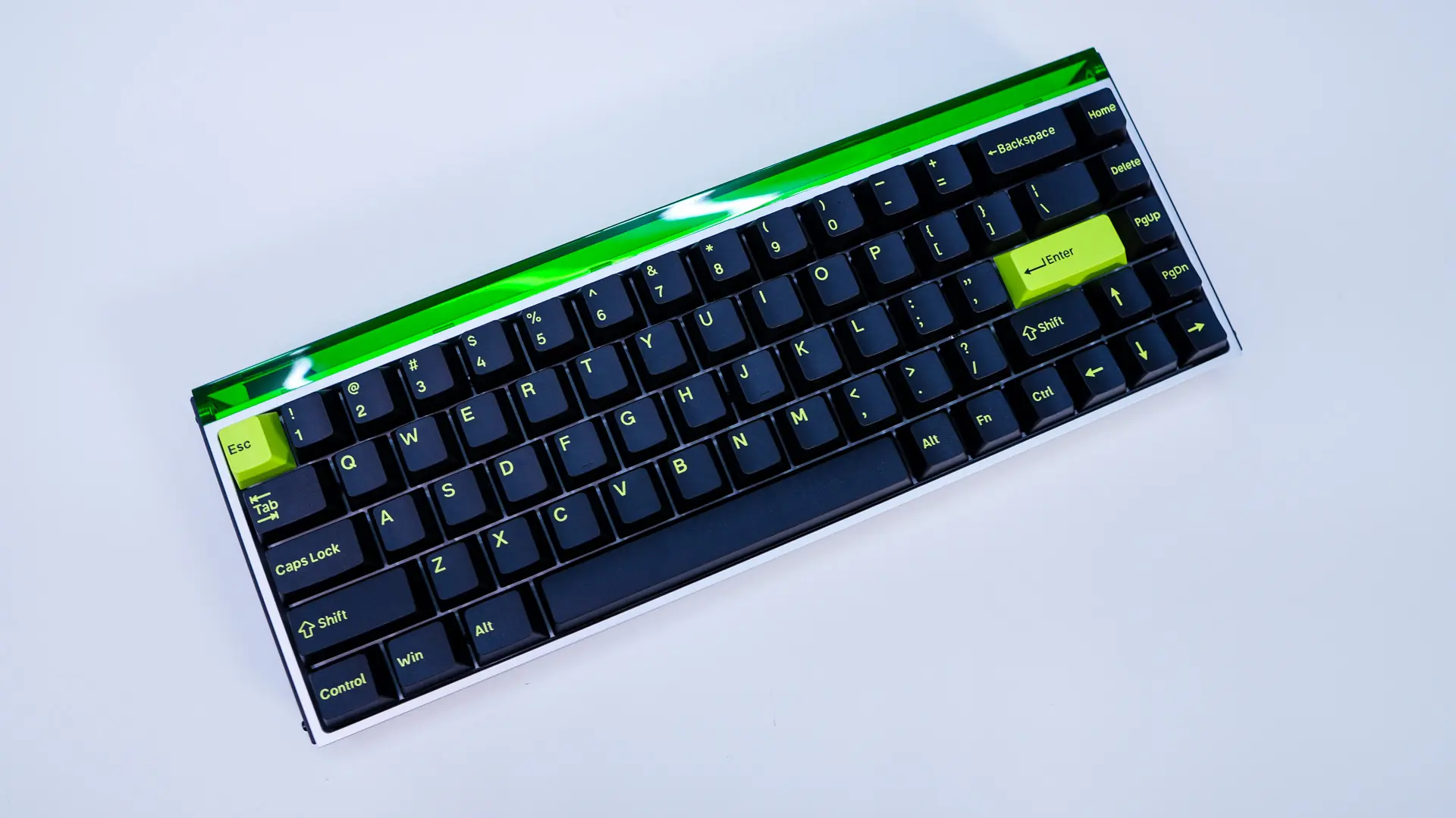
As the name suggests this is a 68-key keyboard in a 65% form factor. I’ve come to really love the 65% form factor as it is a more compact version of a tenkeyless keyboard where you still get your arrow keys, but the entire function row has been removed from the keyboard itself. Unlike a full-on 60% keyboard you also retain the Home, Del, Page Up and Page Down keys. This is also a compact 65%, where there is no extra space between the arrow keys and the rest of the keyboard.
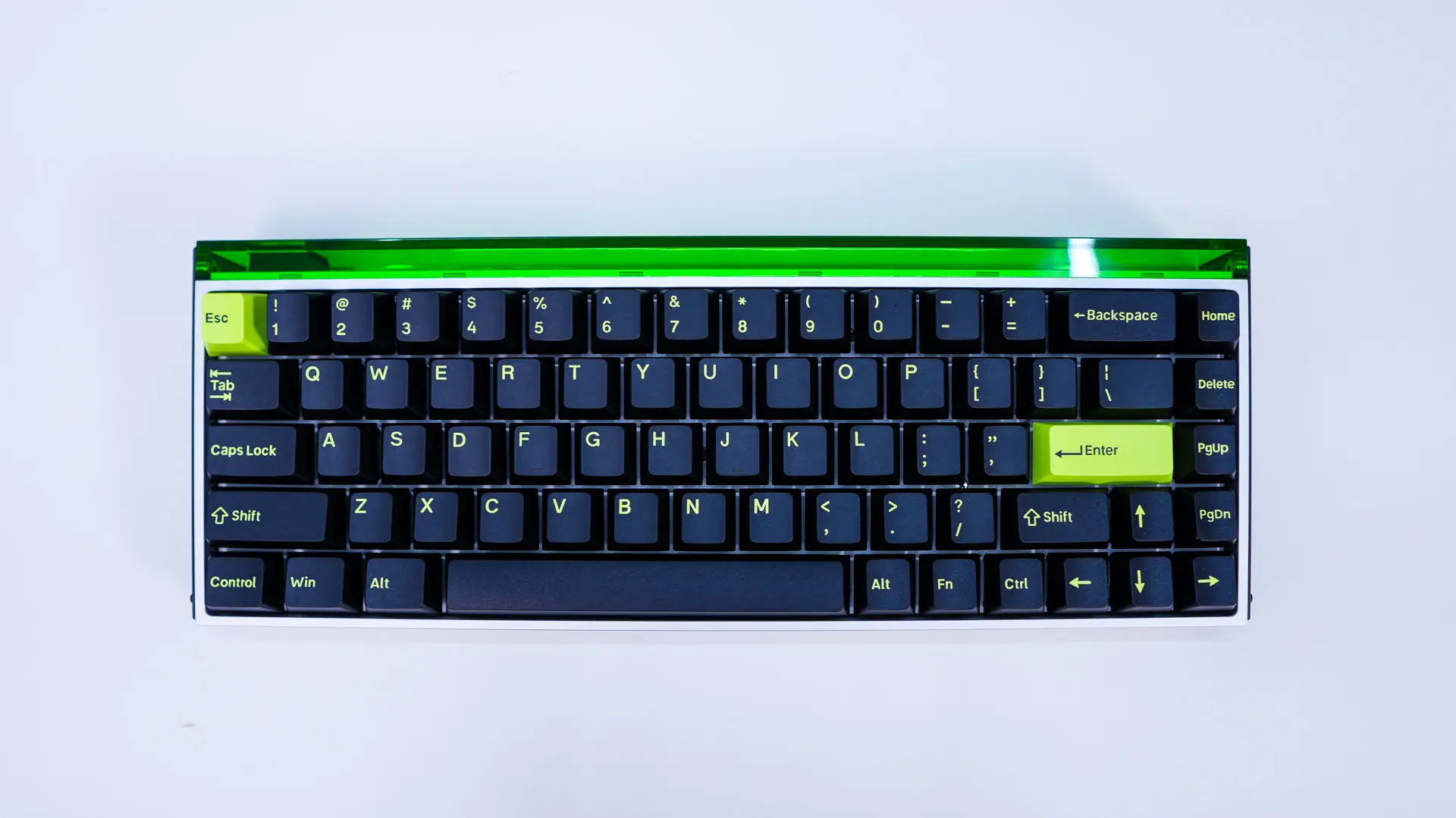
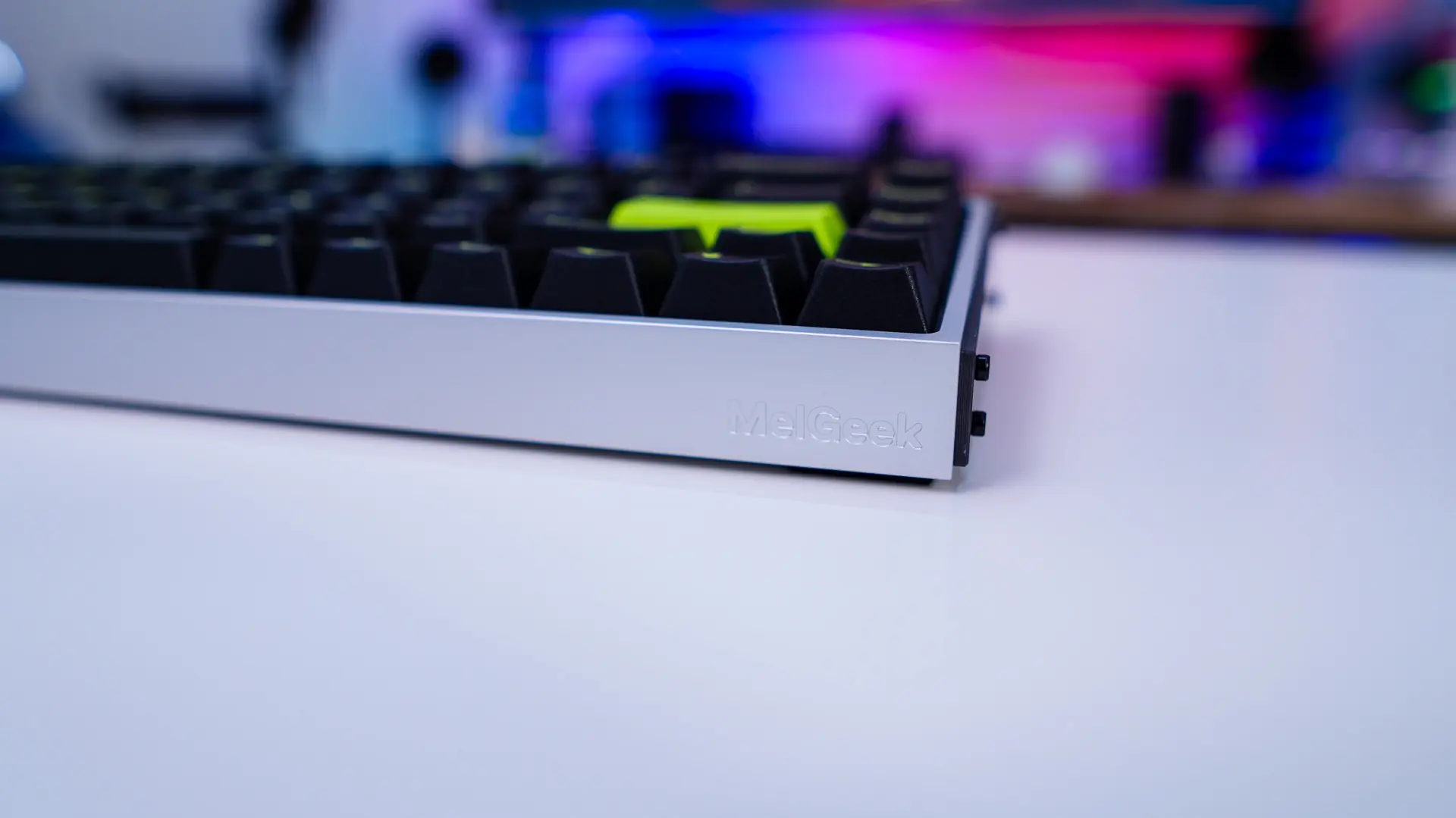
The big change with this keyboard compared to the MADE68 Pro from MelGeek is that we have a full aluminum alloy body. This not only makes the keyboard quite heavy, but really adds that high-end quality. As mentioned earlier we have the version with the anodized silver color. Right on the front-edge of the keyboard is an engraved MelGeek logo.
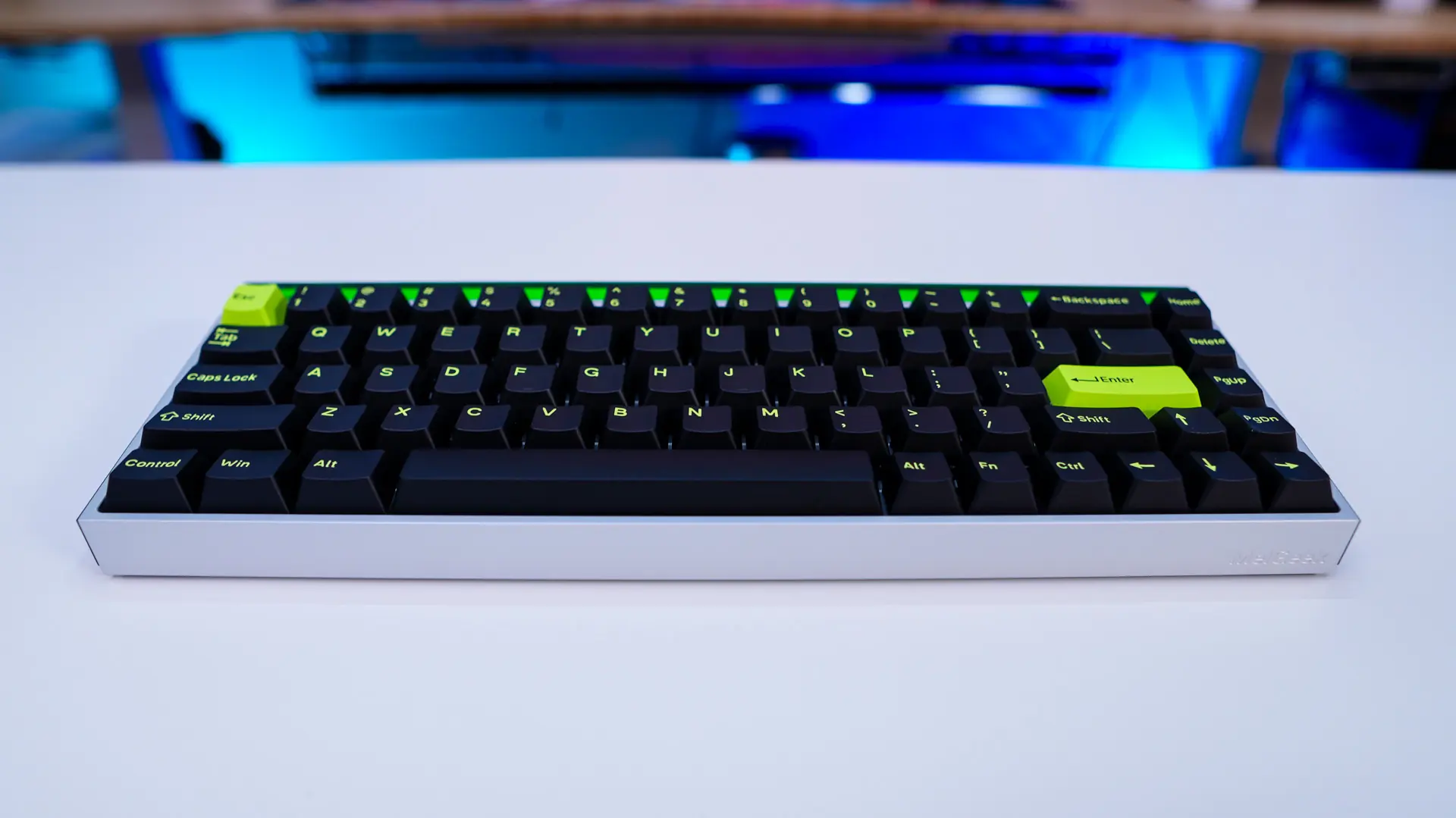
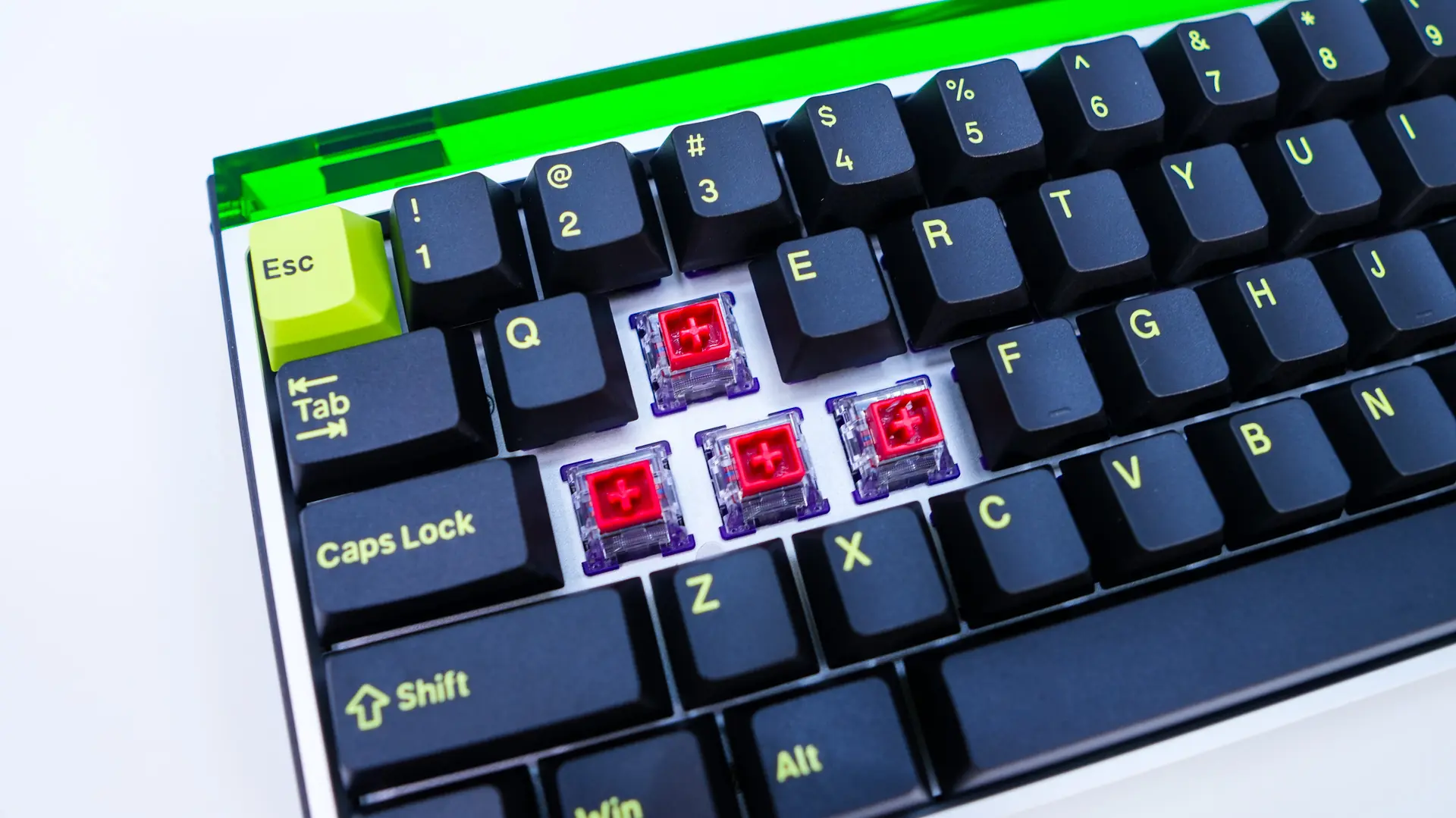
The keycaps themselves are black with neon yellow legends. We then have the ESC and Enter keys being the opposite, neon yellow with black legends. This colorway matches the neon acrylic on the top-edge of the keyboard.
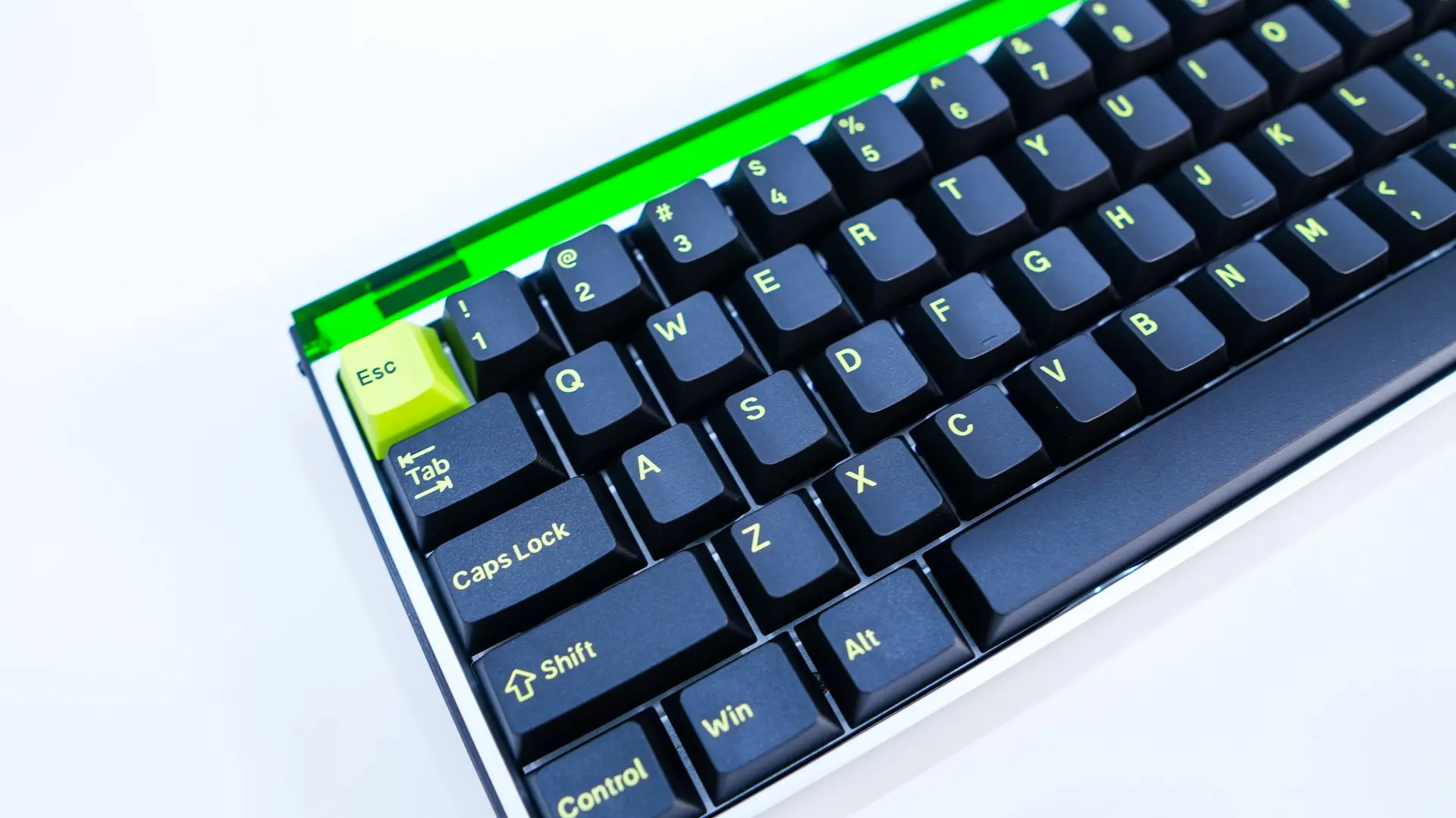
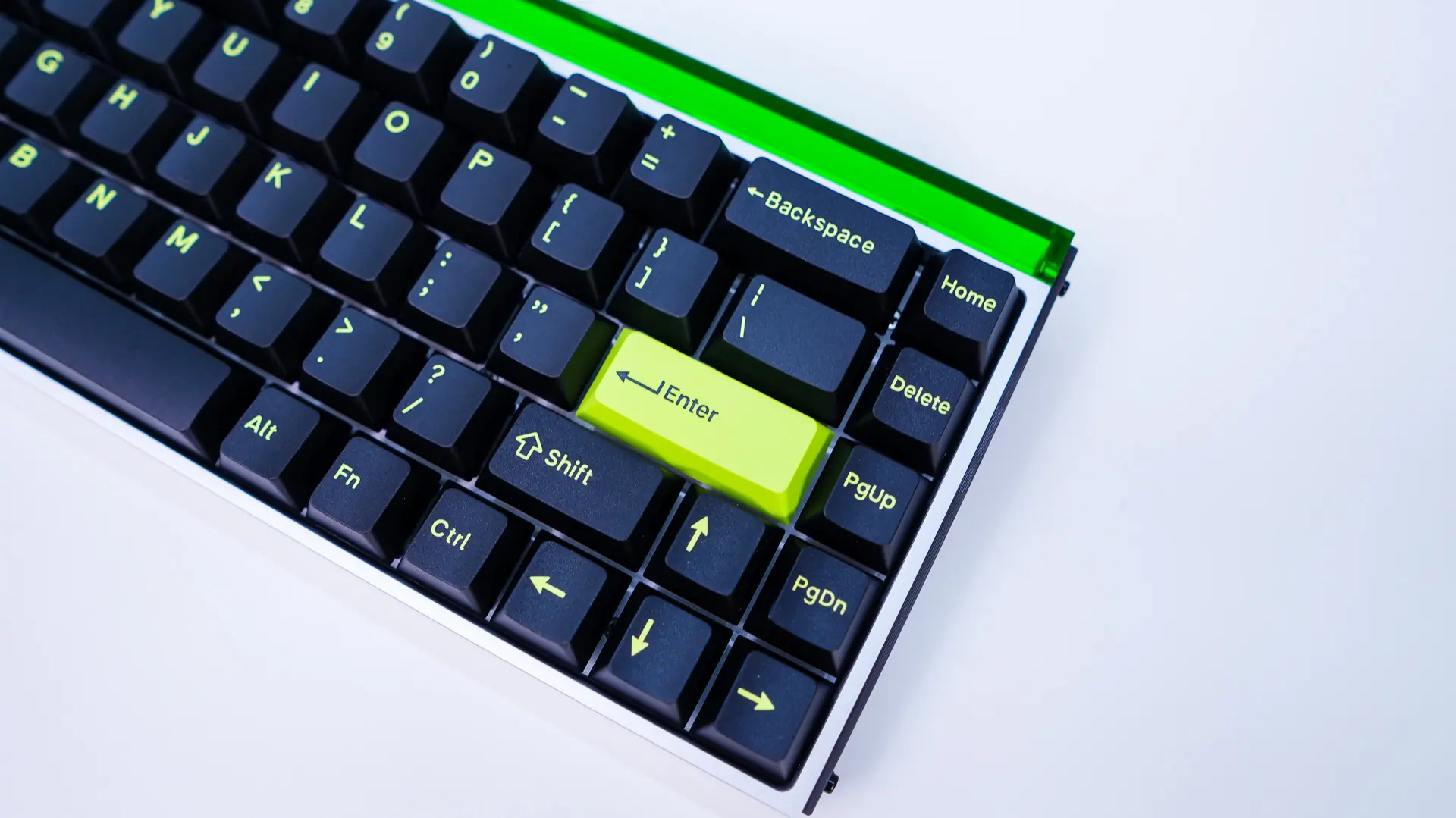
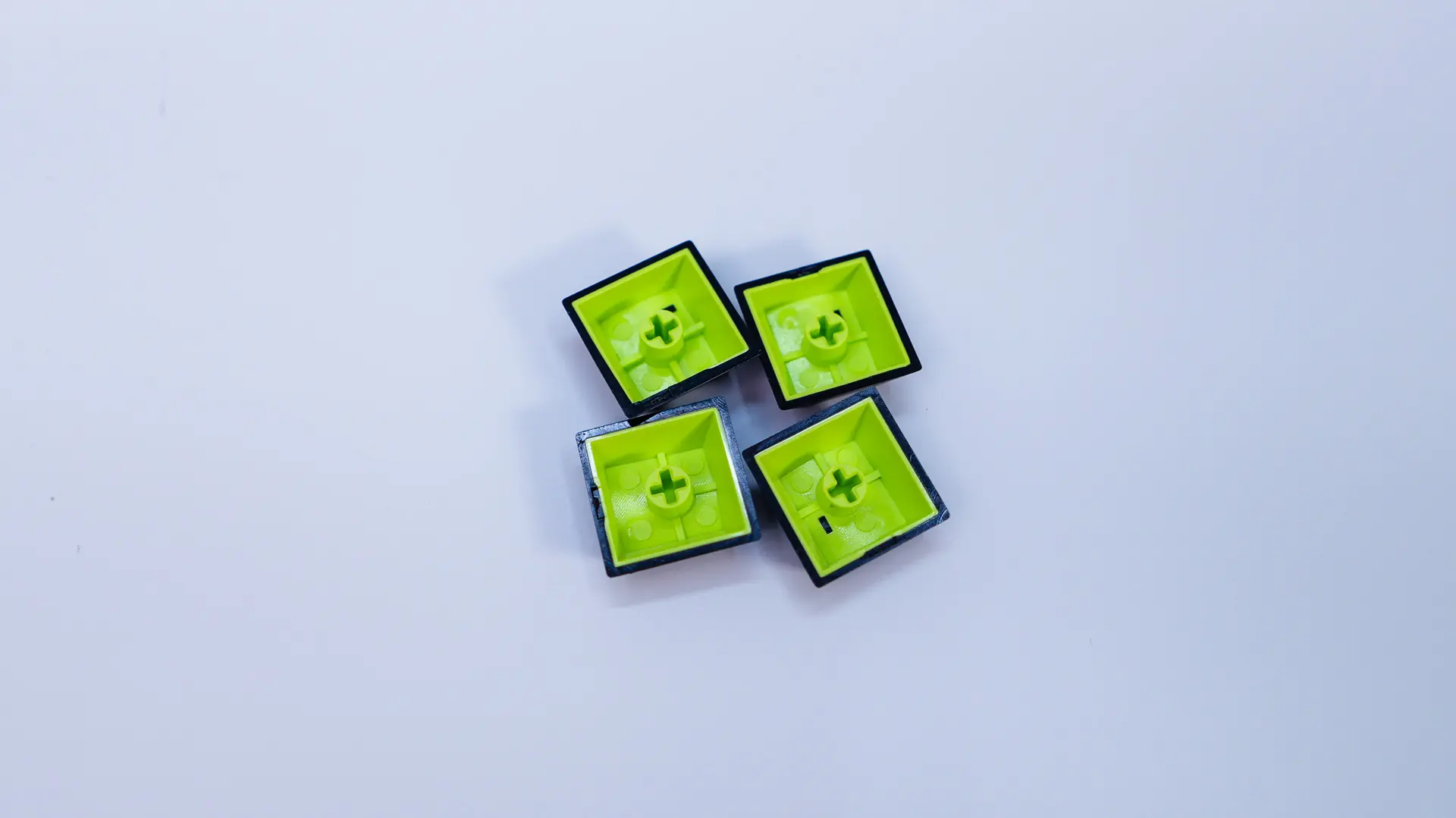
The keycaps themselves have been upgraded to double-shot PBT keycaps. Under these keycaps we find out magnetic switches which are from TTC and are their King of Magnetic (KOM) switches. These linear switches have a total travel of 3.5mm and are rated for 100 million presses.
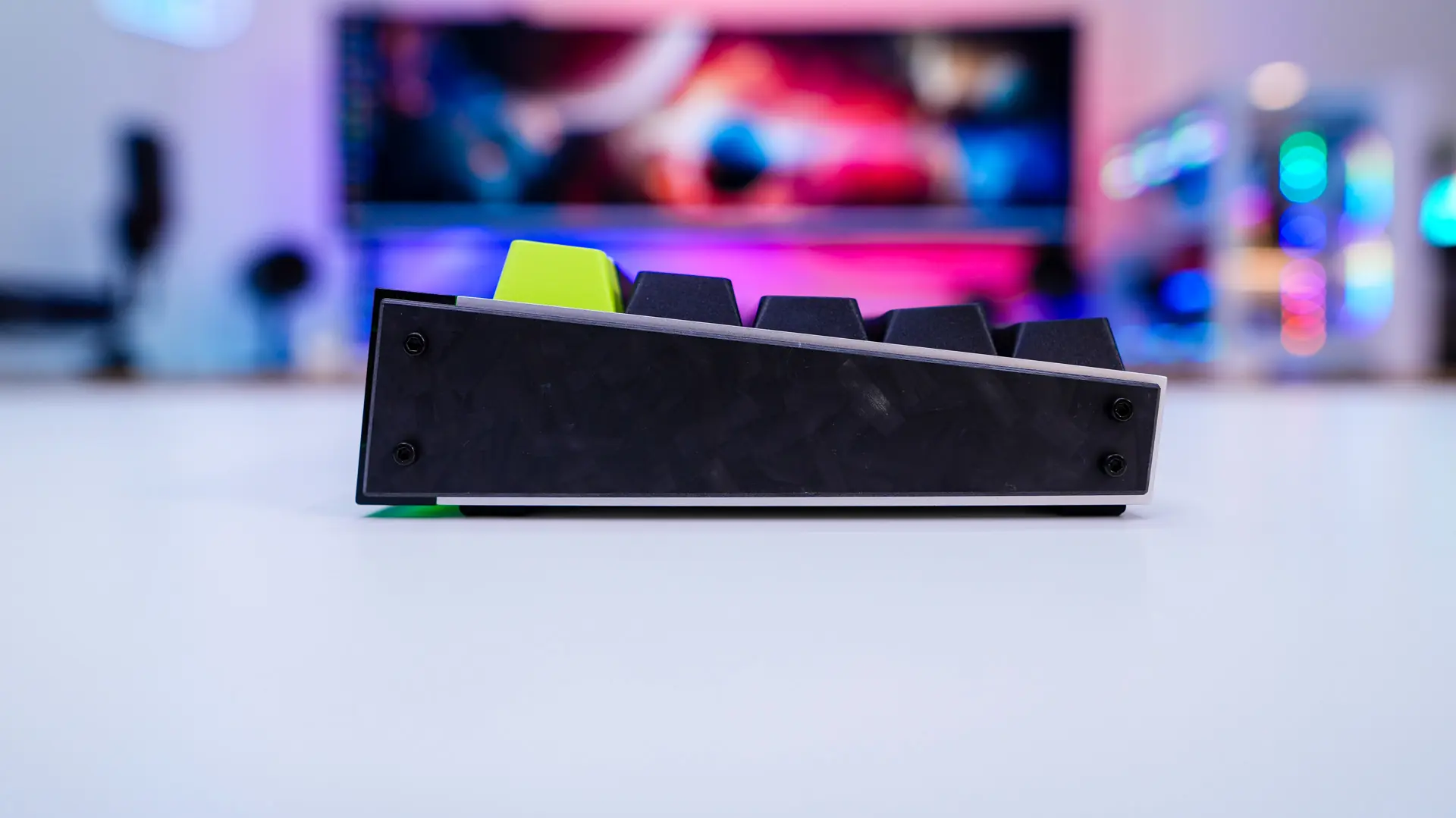
Looking at the keyboard from the side we can see our keys are set at an angle. Now there are no pop-out feet on this keyboard so you are set at this predefined angle. We can also see the accent pieces that are attached to each side of the keyboard. These are actually made of carbon fiber.
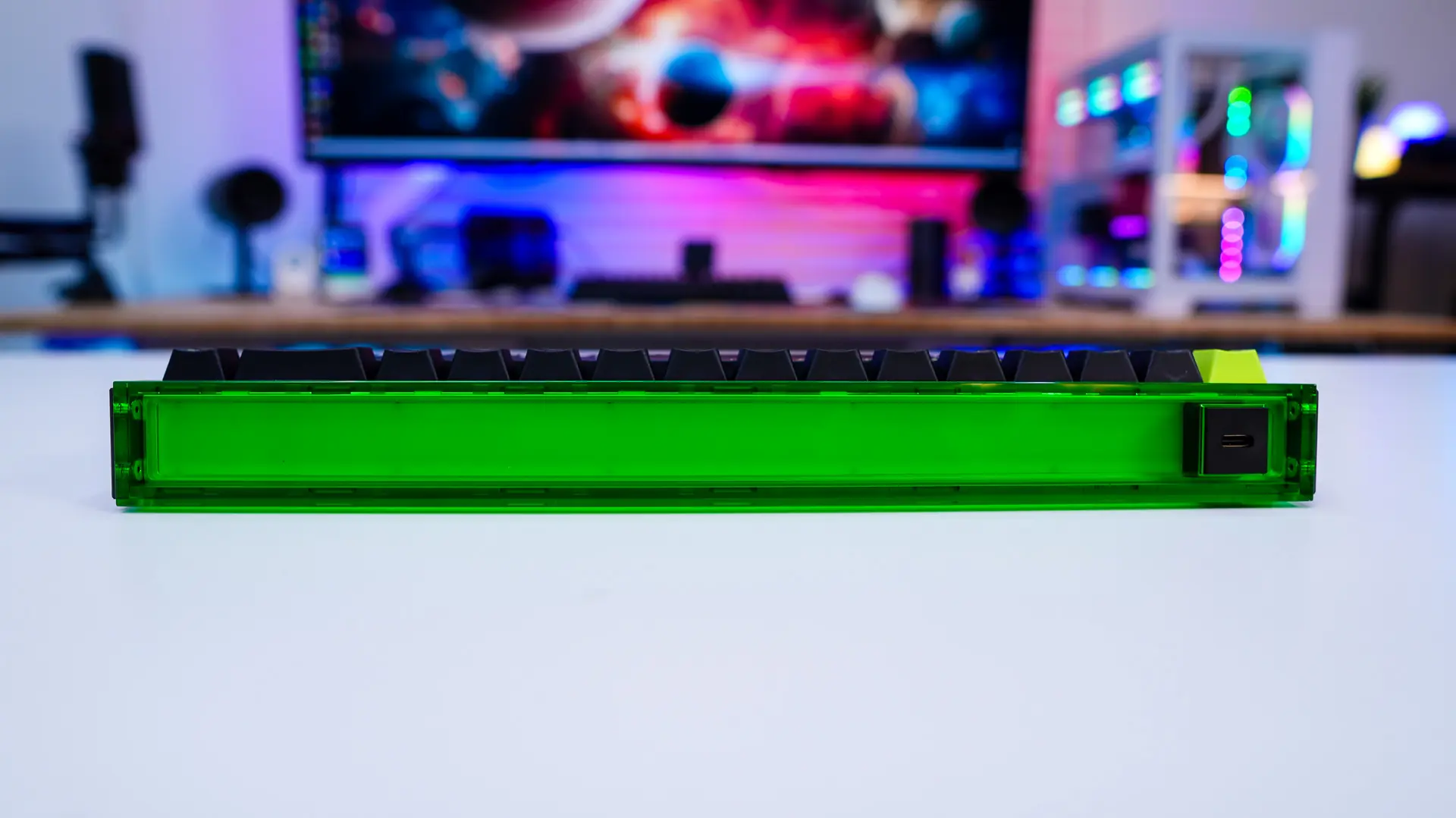
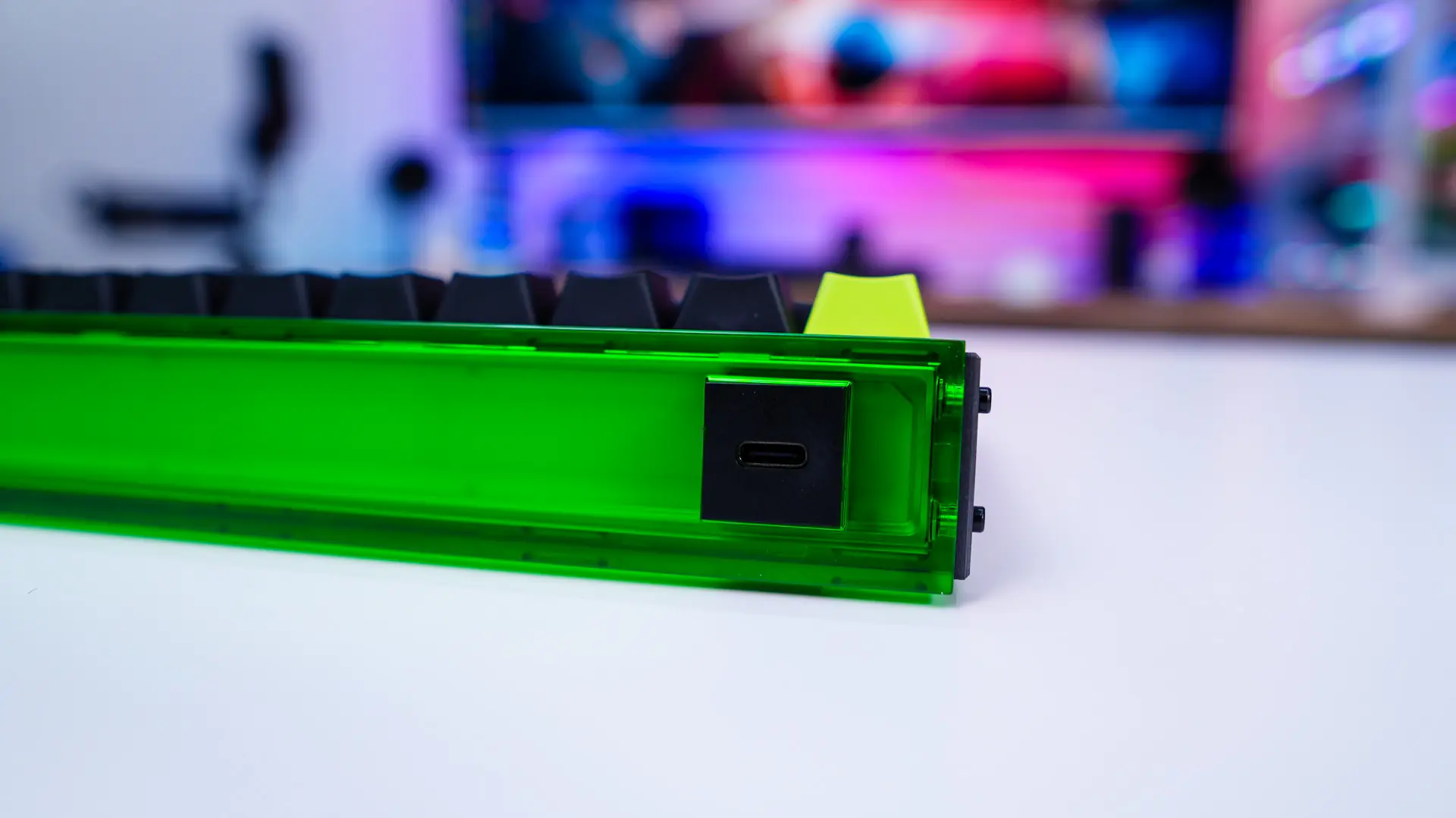
The top-edge of the keyboard has a neon acrylic housing. Inside is some lighting which I’ll show you in just a bit. In the corner is your USB-C connection.
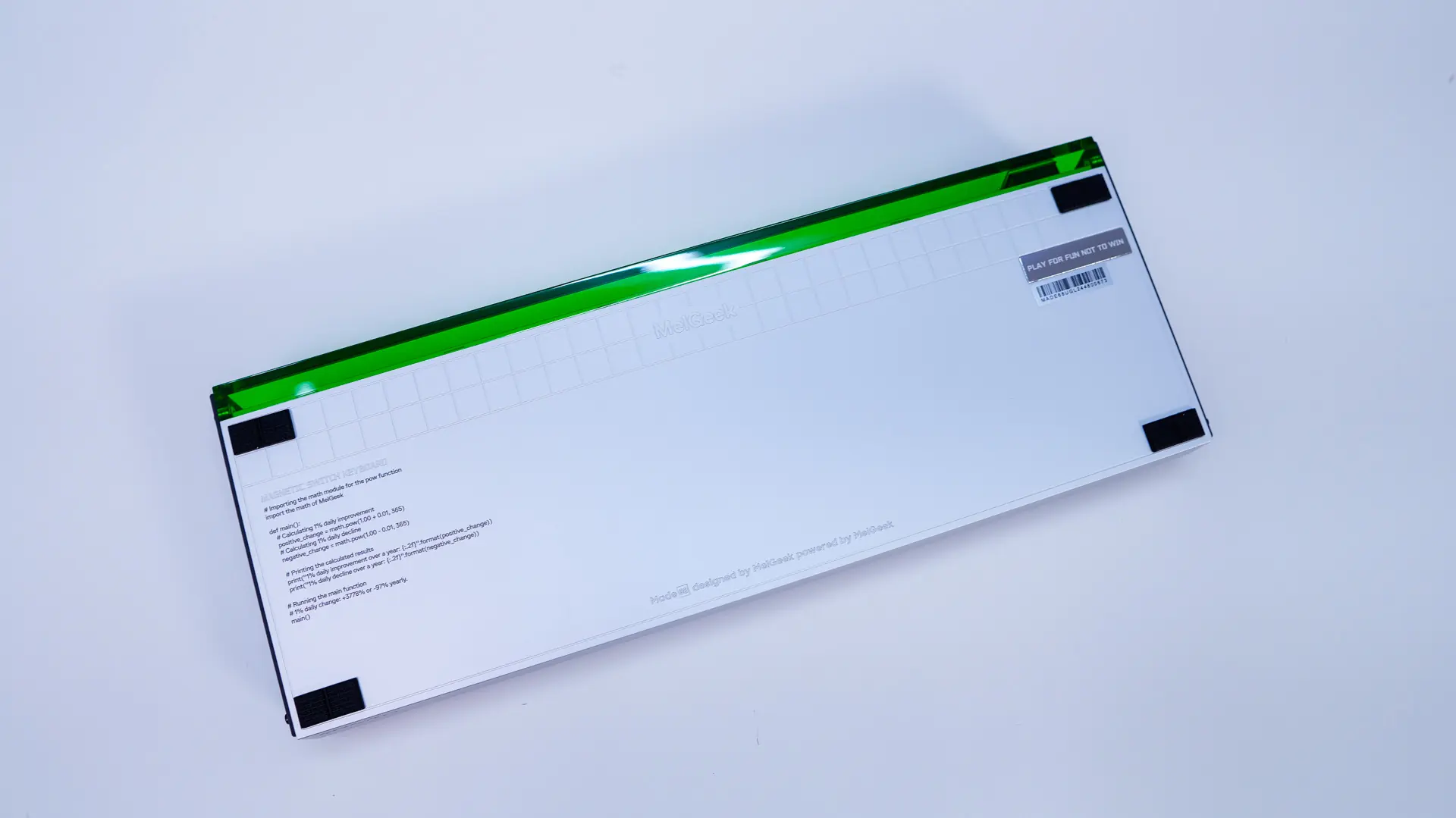
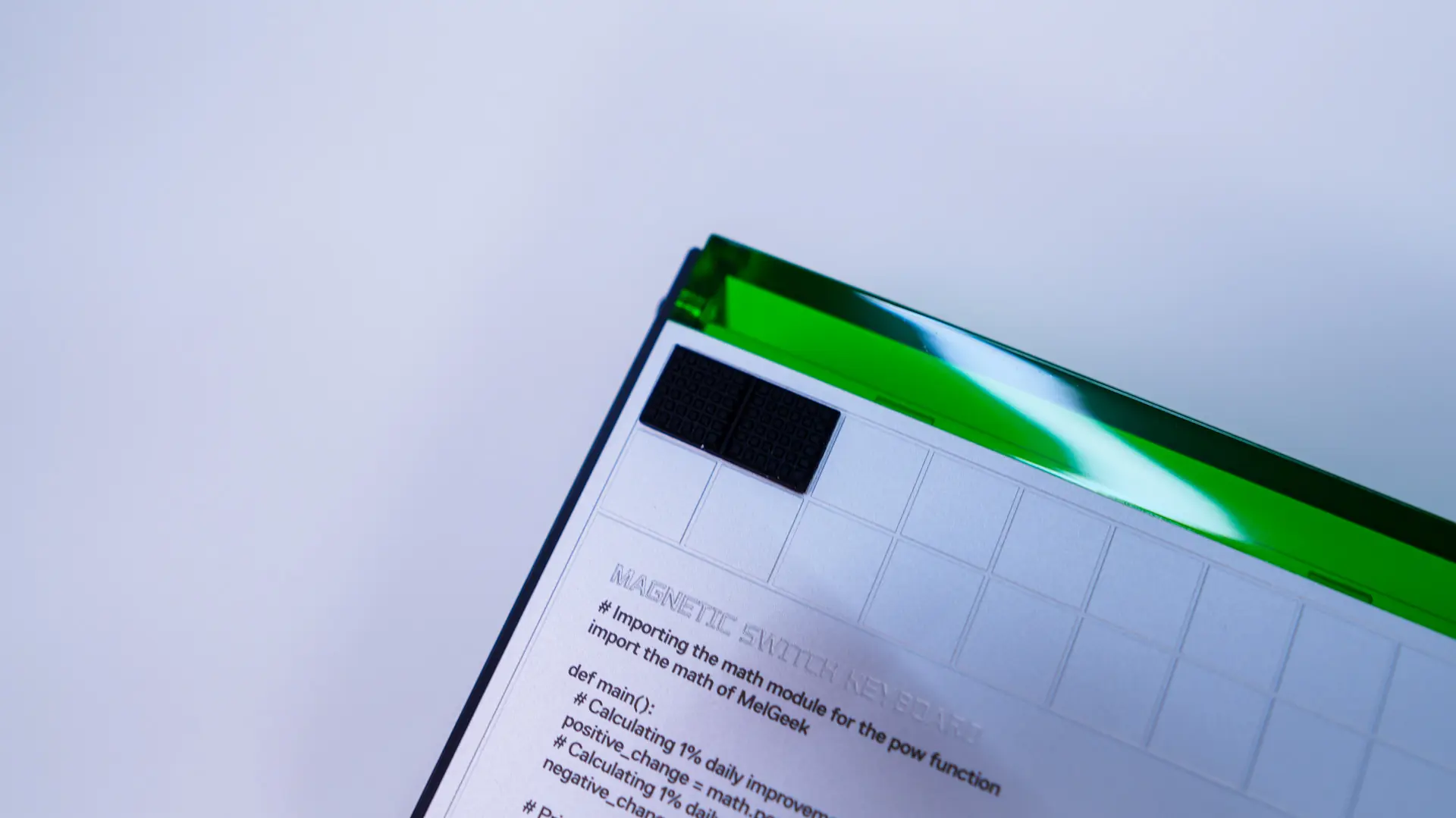
Flipping the keyboard over while we don’t have any pop-out feet we do have 4 small rubber feet.