Setup & Software of the MADE68 Ultra Rapid Trigger Keyboard
This is a 100% wired keyboard so you’ll need to take the included USB cable and plug the keyboard into your PC to get things up and running. Now the keyboard will be recognized right off the bat and there are no drivers to install, but if you want to do any customization you’ll have to use MelGeek’s Hive software. Now the cool thing is that you can either download the software or just head to https://hive.melgeek.com/ and run it from there.
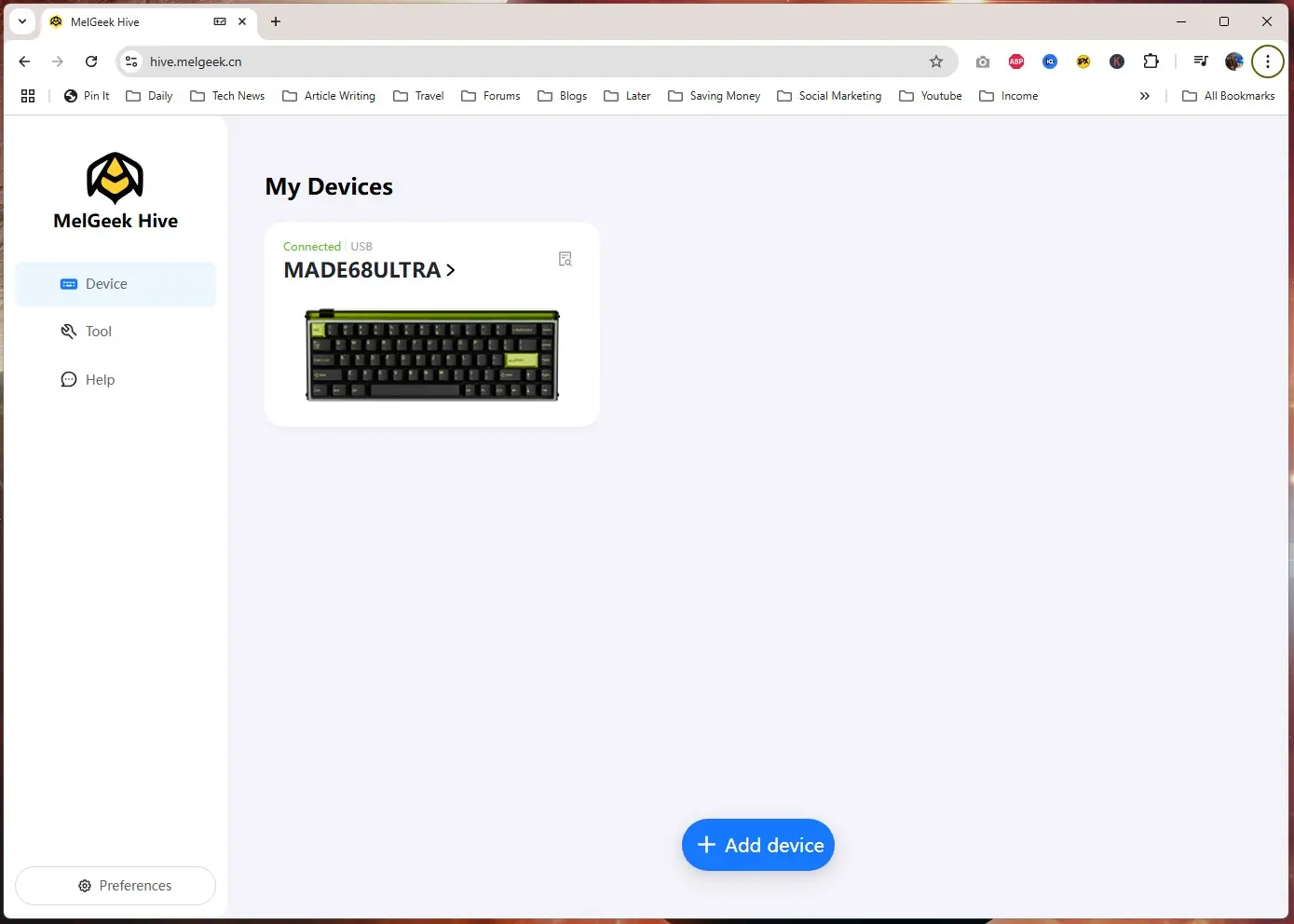
I decided to use the web version of the software, which works quite well. If you do not see your device, just click on the Add Device button to add it. Once added it should show up here.
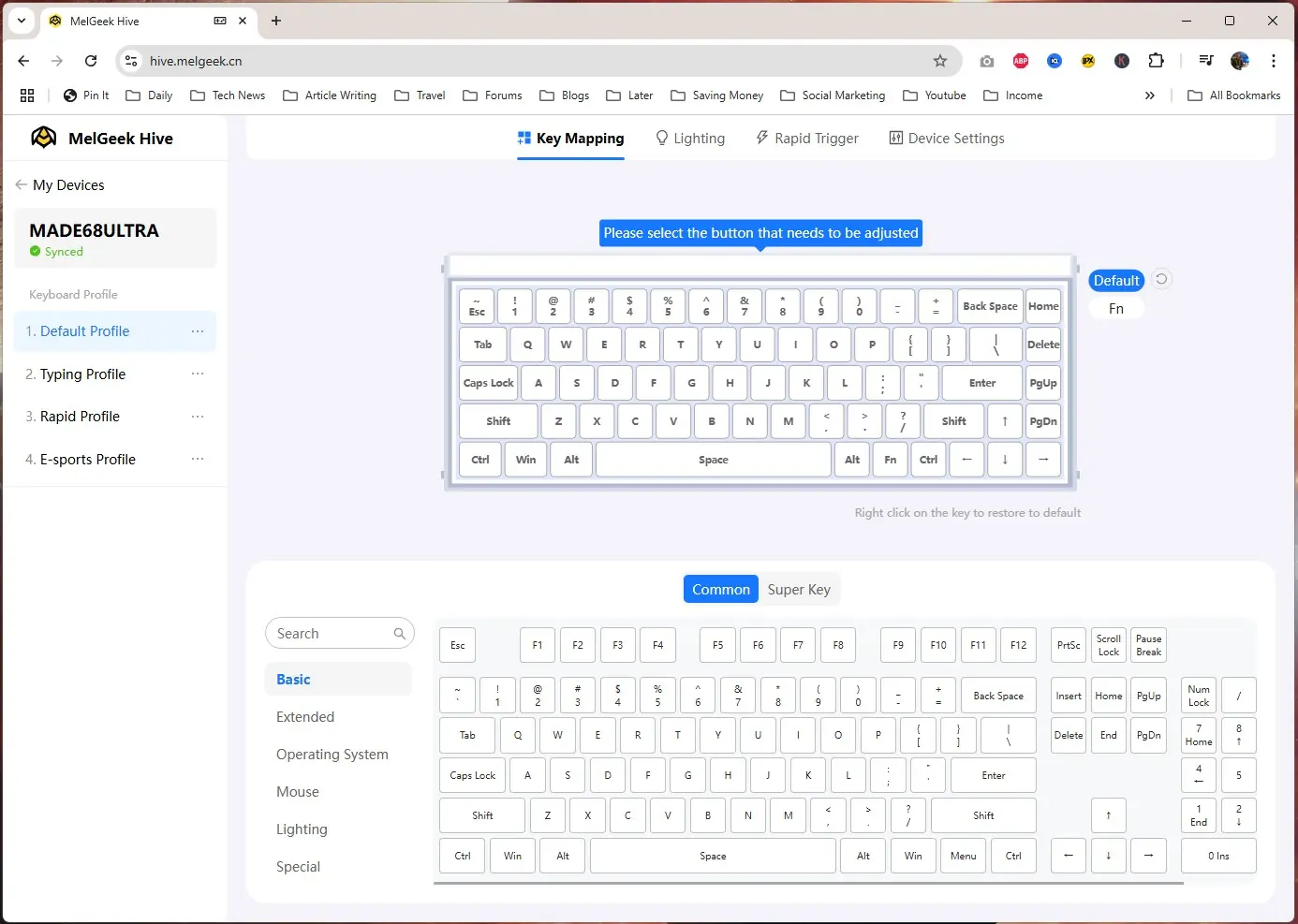
Clicking into the keyboard we are brought to the Key Mapping section. We are given 4 different profiles as well as a function layer. You have the ability to completely reprogram the keyboard and there are quite a lot of options.
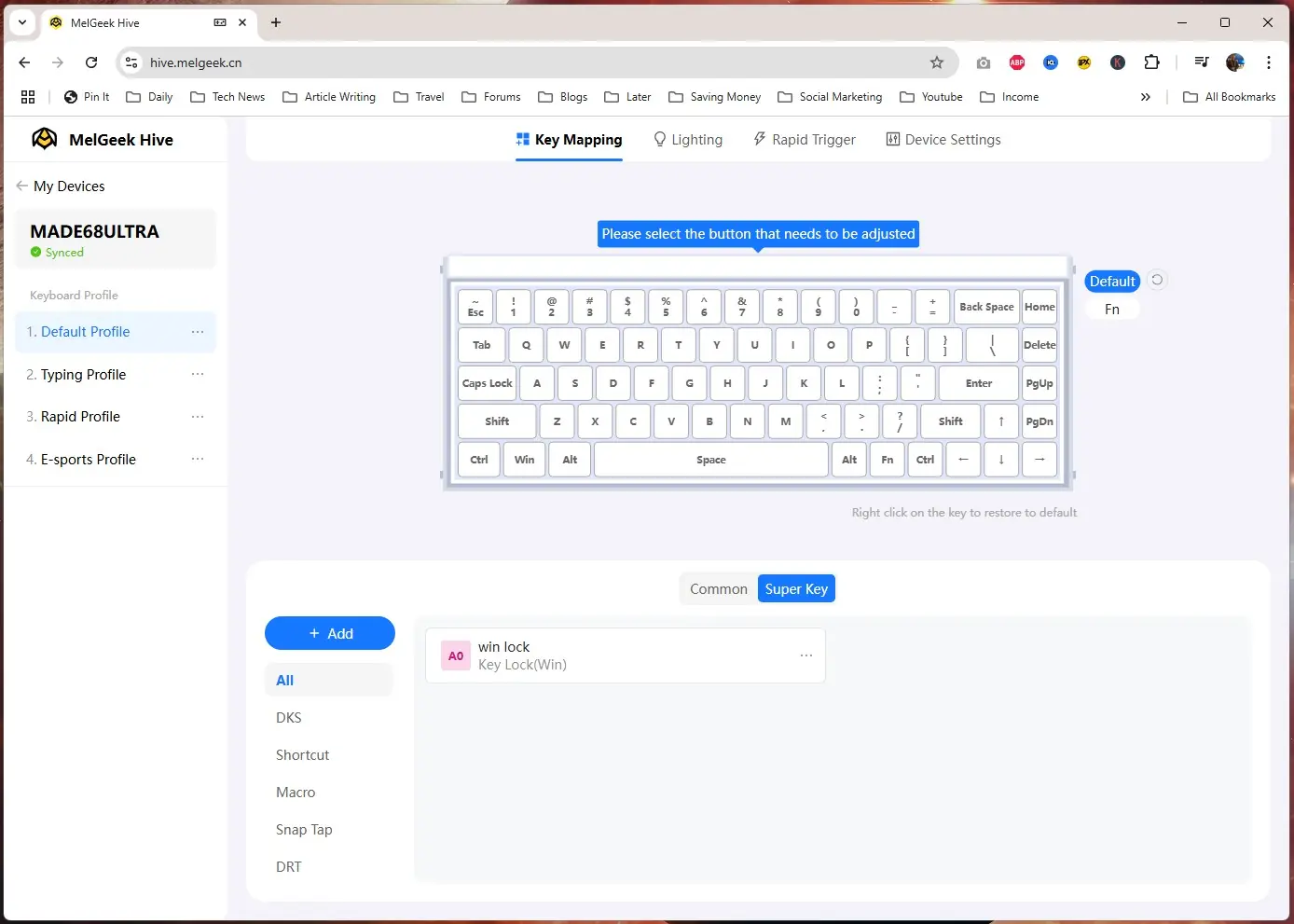
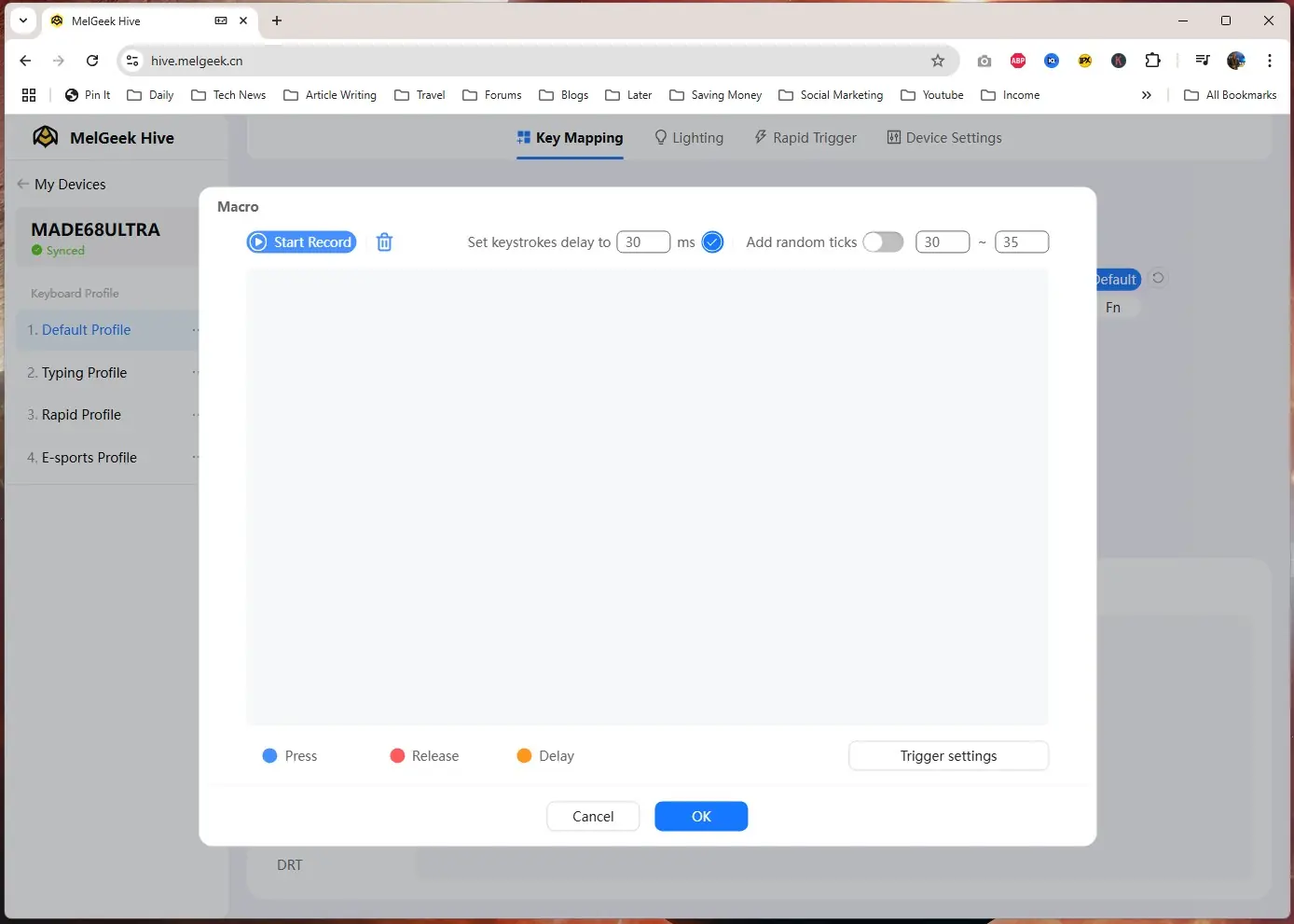
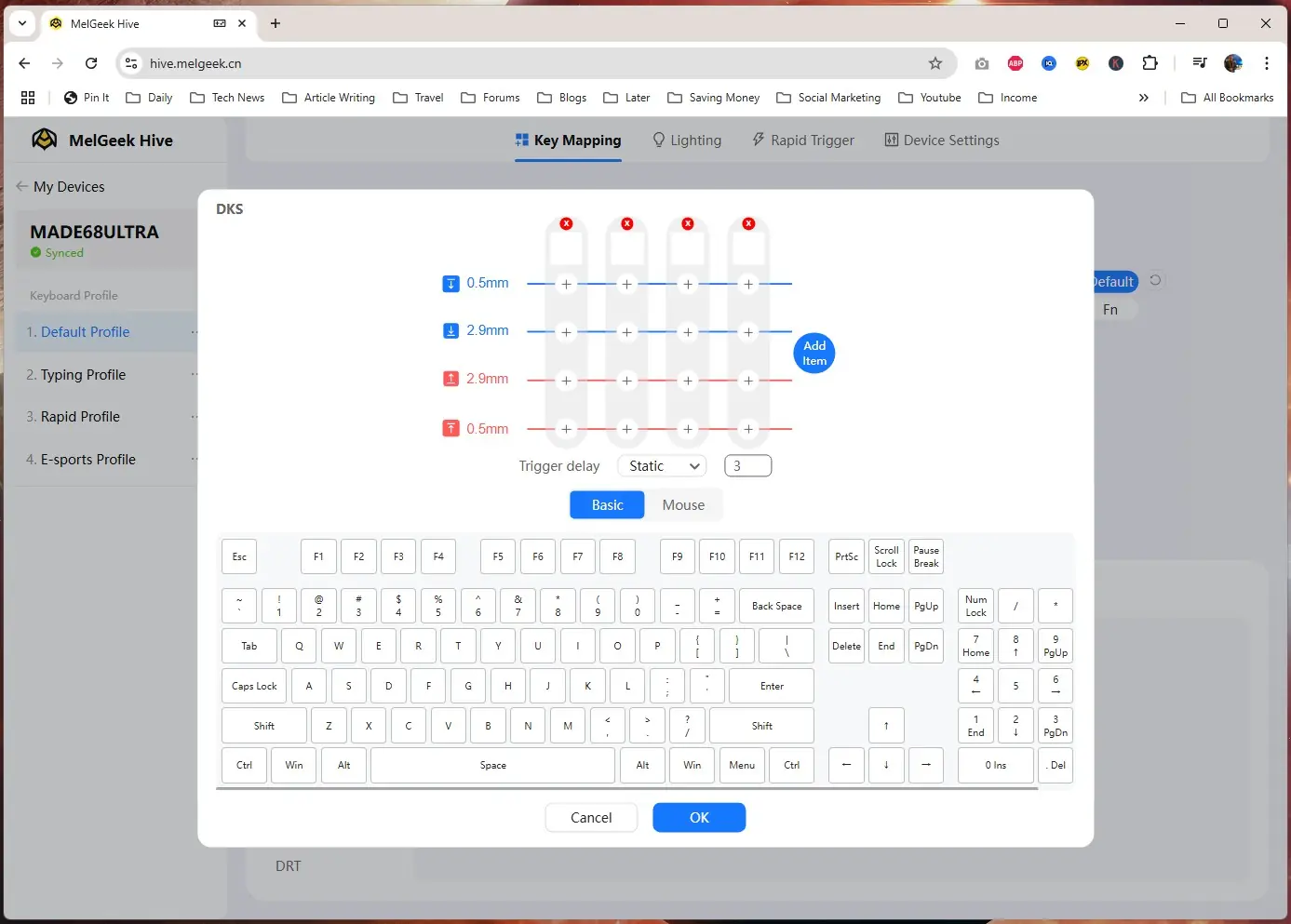
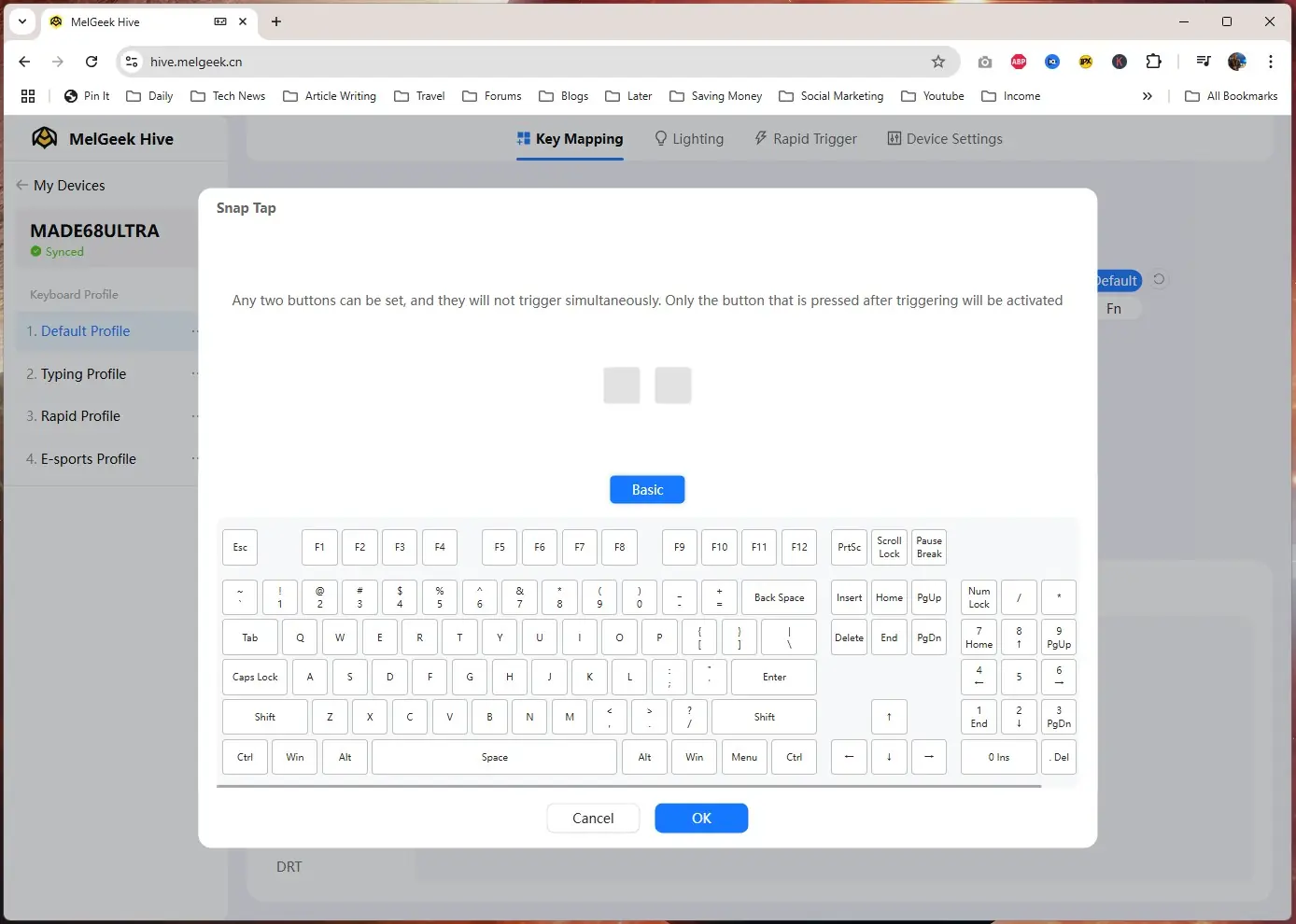
If we click on the Super Key tab we can set up Dynamic Keystroke and our Macros. Dynamic Keystroke allows you to create multiple actions within one keystroke depending on how far down you press the key. This is the power of a magnetic switch keyboard as it knows how far down you are pressing each key. In this menu you can also select Snap Tap. On a normal gaming keyboard if you press A and D at the same time it will not register anything, which causes you to stop in-game. You have to essentially let go of one of the keys for the other to be registered. With Snap Tap it will register the last input as the priority, so you could still be pressing down A then quickly press D and it will register that as movement. This allows for more responsive counter-strafing in fast-paced FPS games. Here you can set any two buttons for Snap Tap.
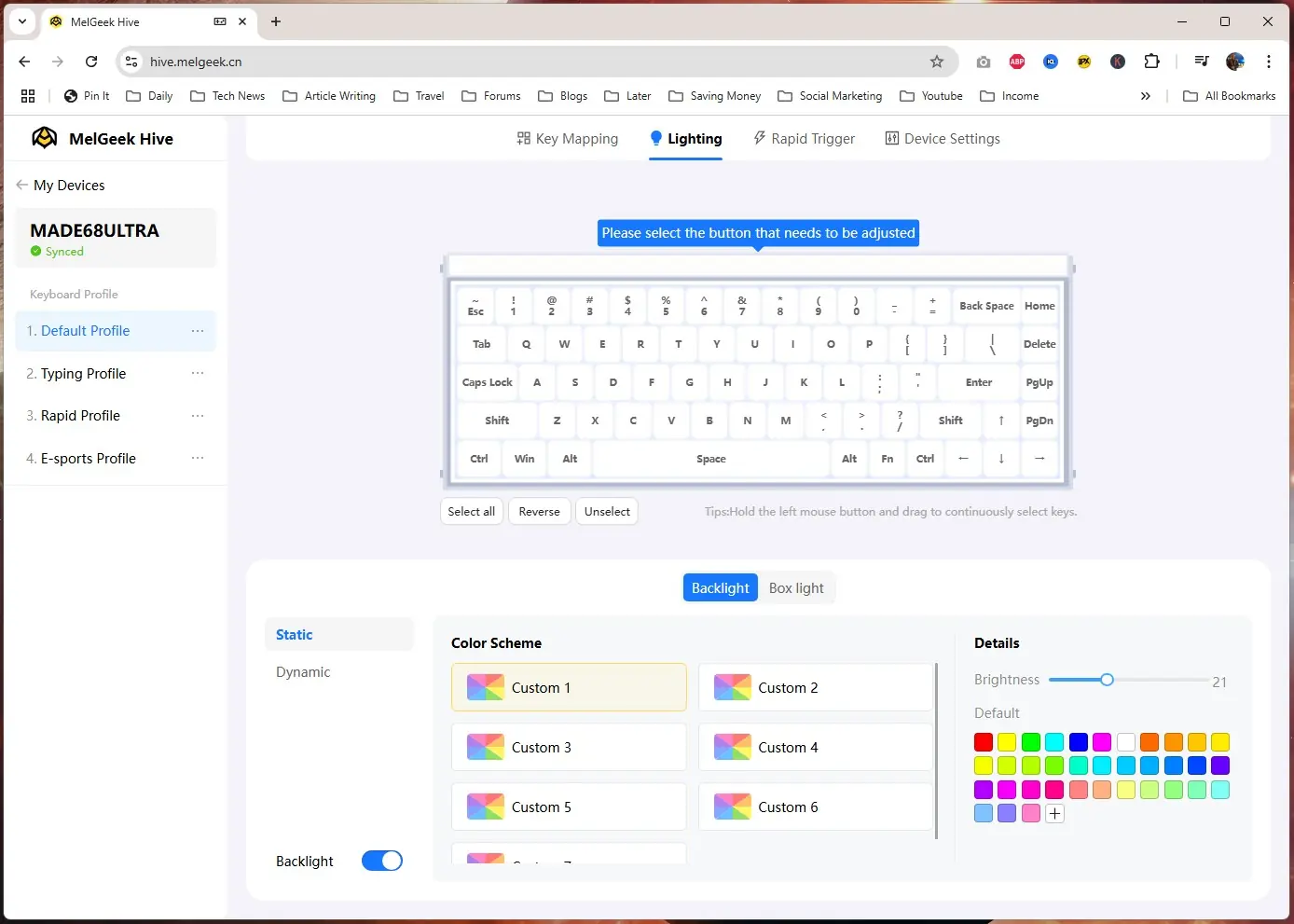
The next tab is Lighting and we do get full per-key RGB lighting. You can select individual keys or the whole keyboard and set effects and different colors.
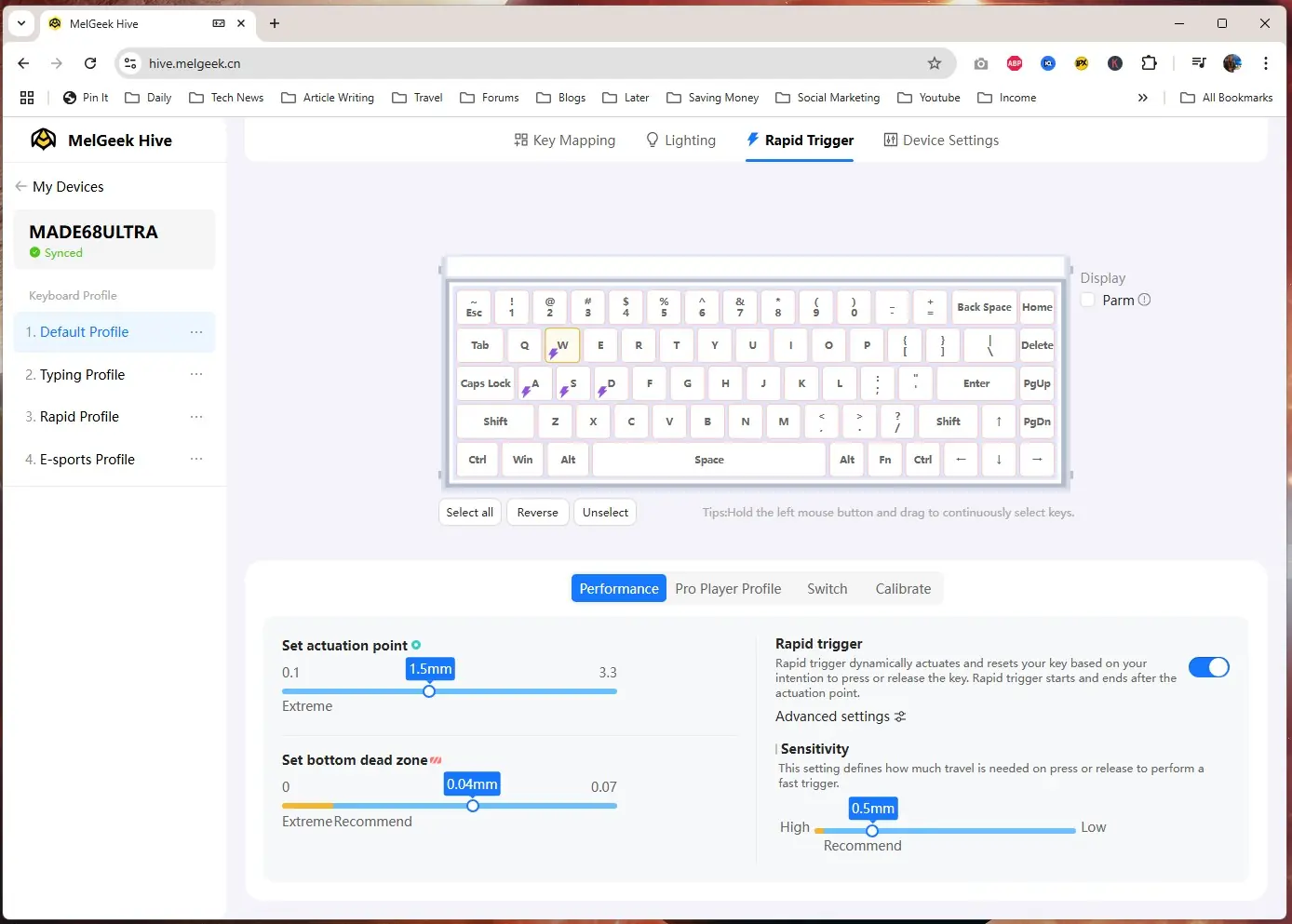
After Super Key we have Rapid Trigger. Another great thing about magnetic switch keyboards is the ability to set your actuation point (when a keystroke is registered) and a bottom dead zone for each key. The software allows you to set this on all of the keys or per-key.
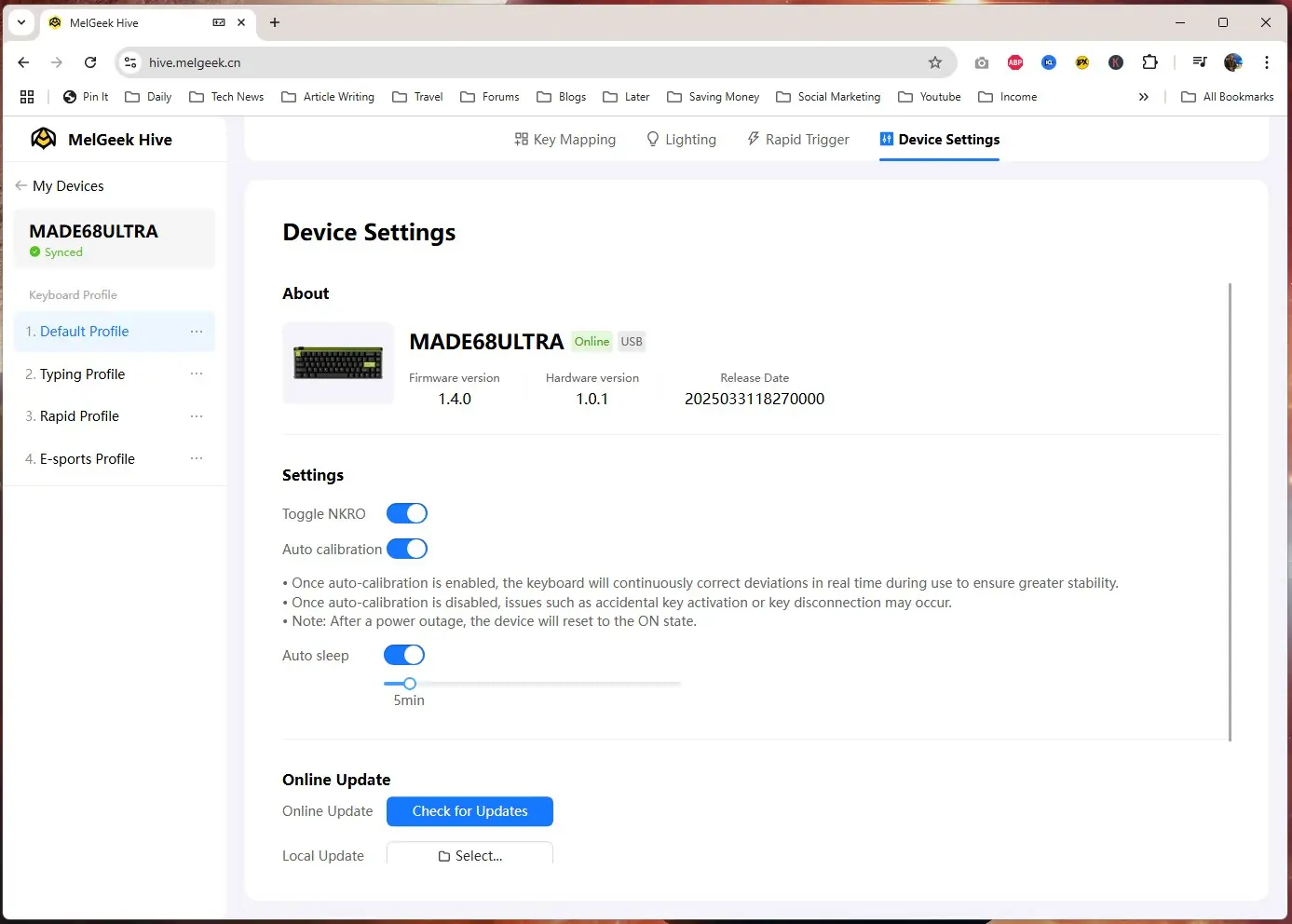
The final tab is Setting where you can see the keyboard information, enable NKRO, update the firmware, and reset the keyboard to its factory settings.