What are the main features of the MSI Crosshair 16 HX E14W Gaming Laptop?
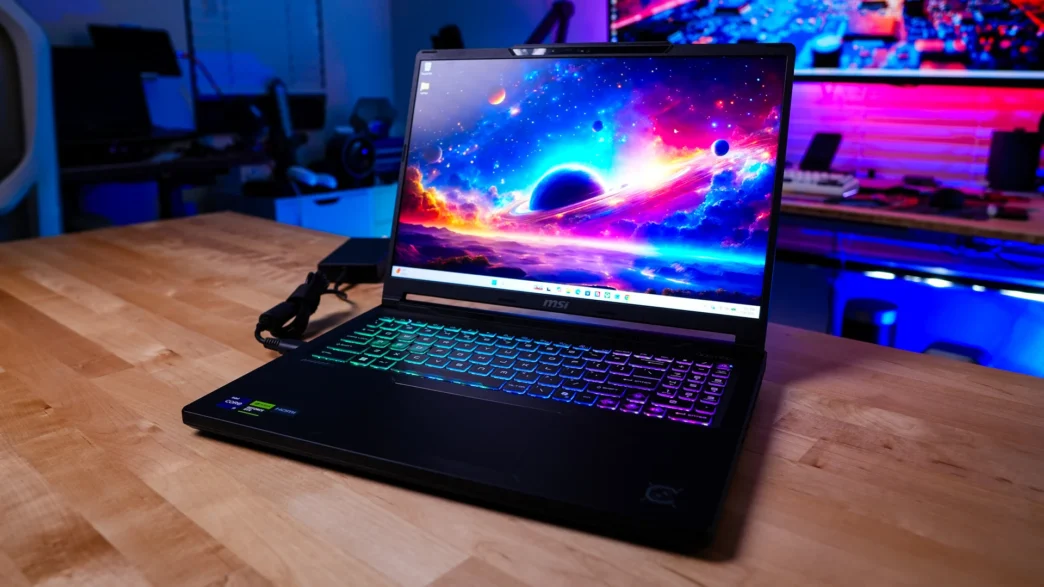
Picking up the Crosshair 16 HX E14W for the first time it doesn’t feel like a massive 16-inch laptop. It is quite impressive to see over the past few years how thin and light serious gaming laptops have gotten, while still being able to pack in some serious hardware. The official dimensions of the laptop are 14.29″ x 10.62″ x 0.86 – 1.01″ and it weighs in at 5.07 lbs.
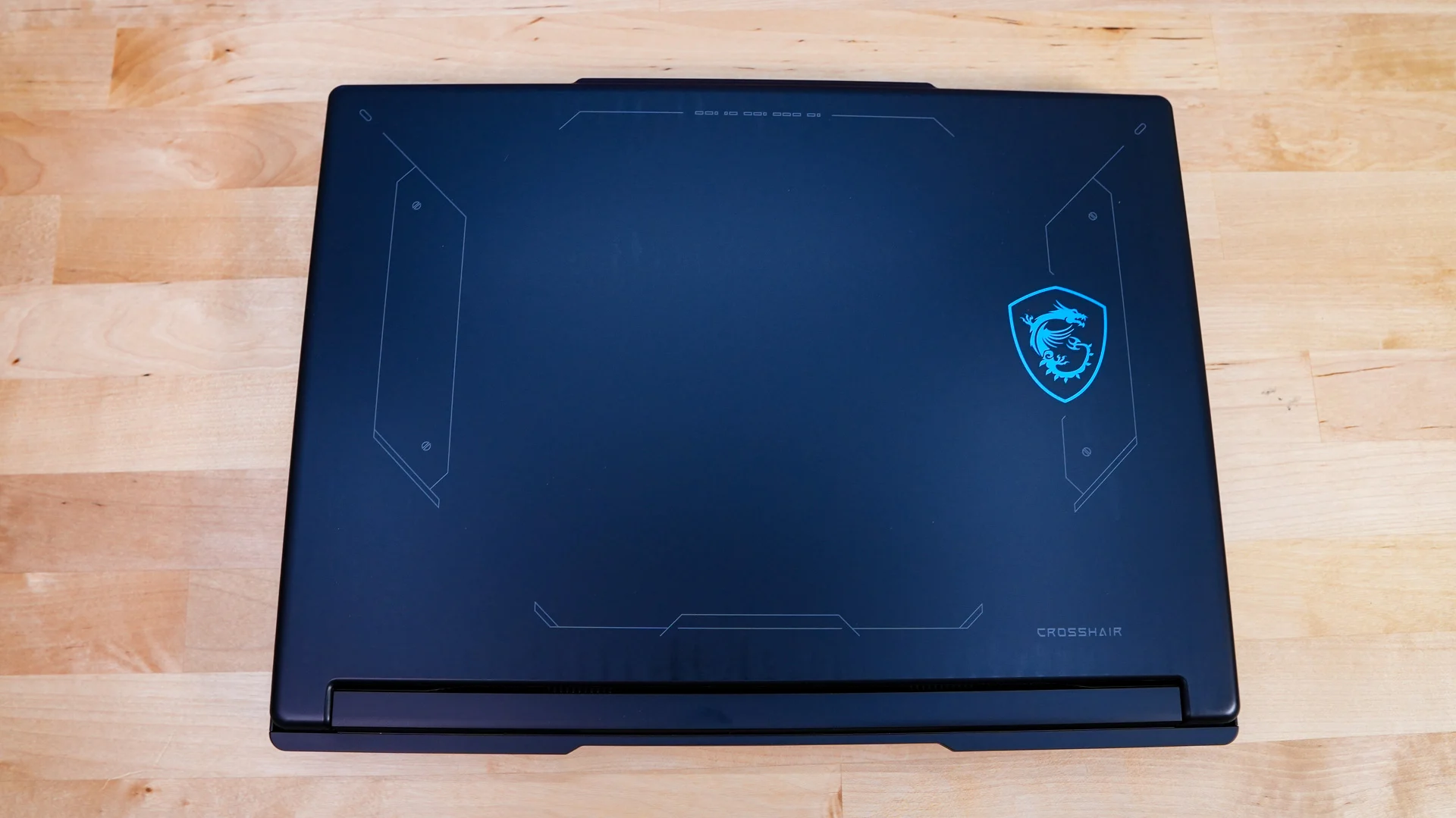
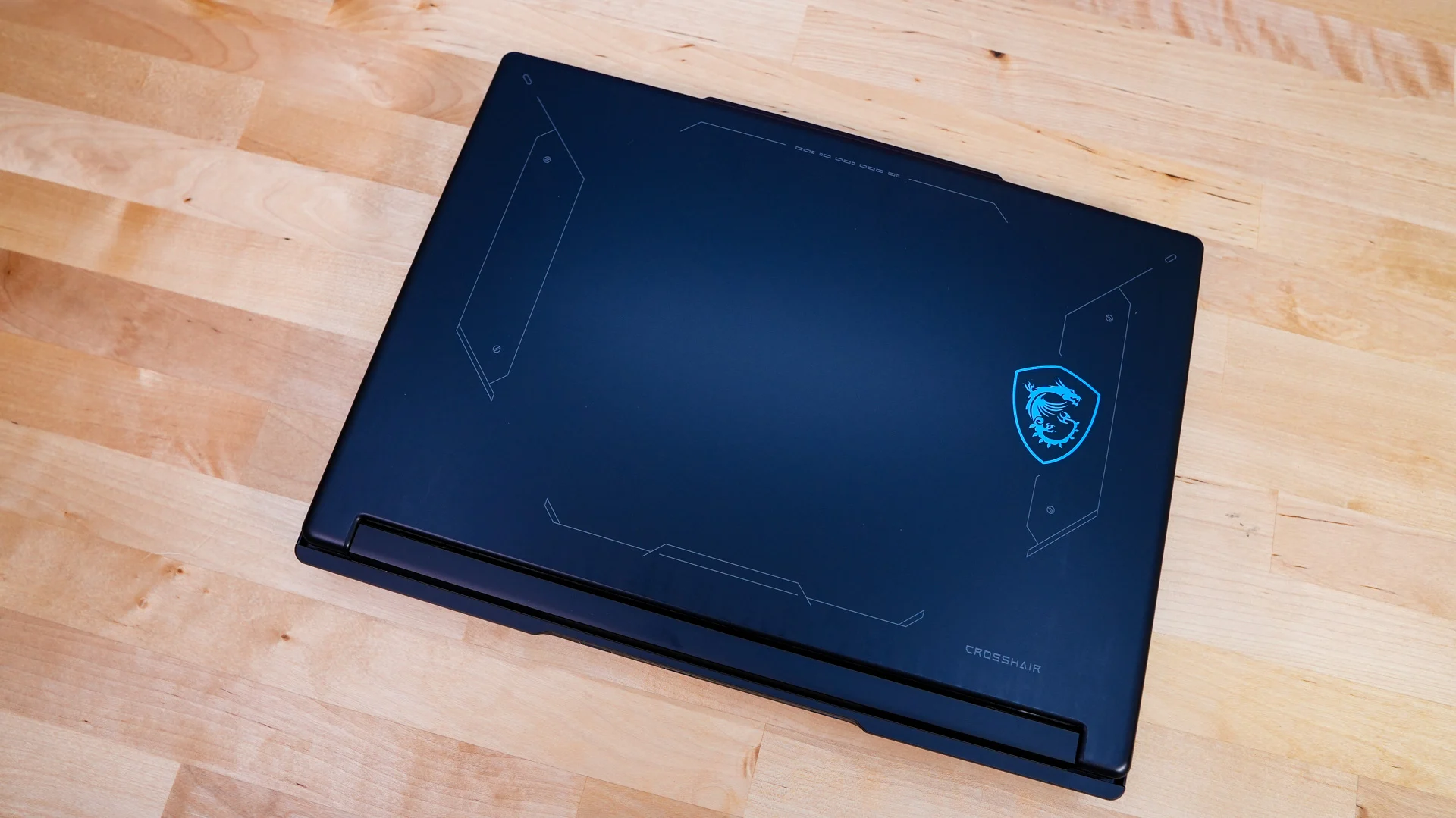
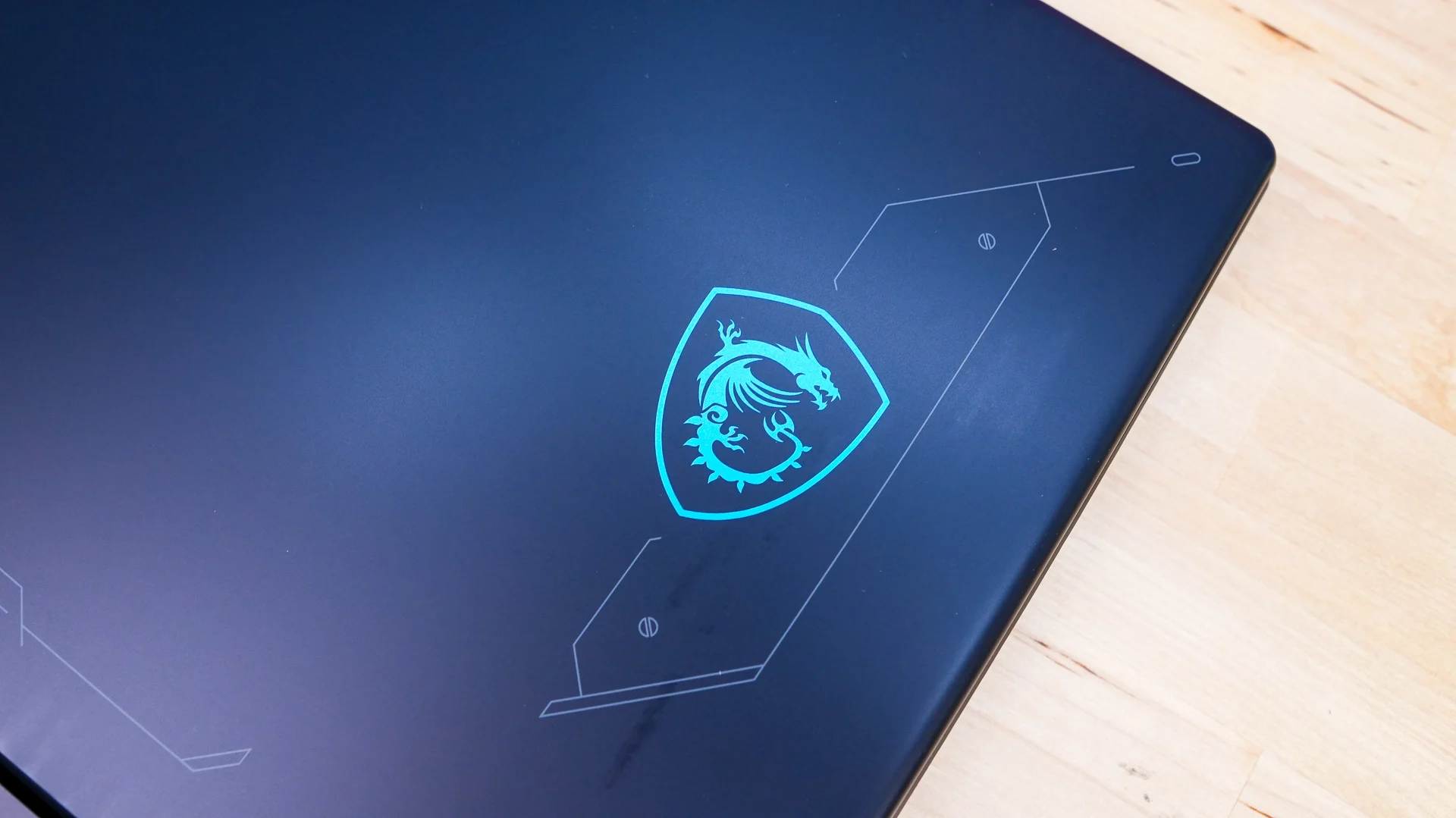
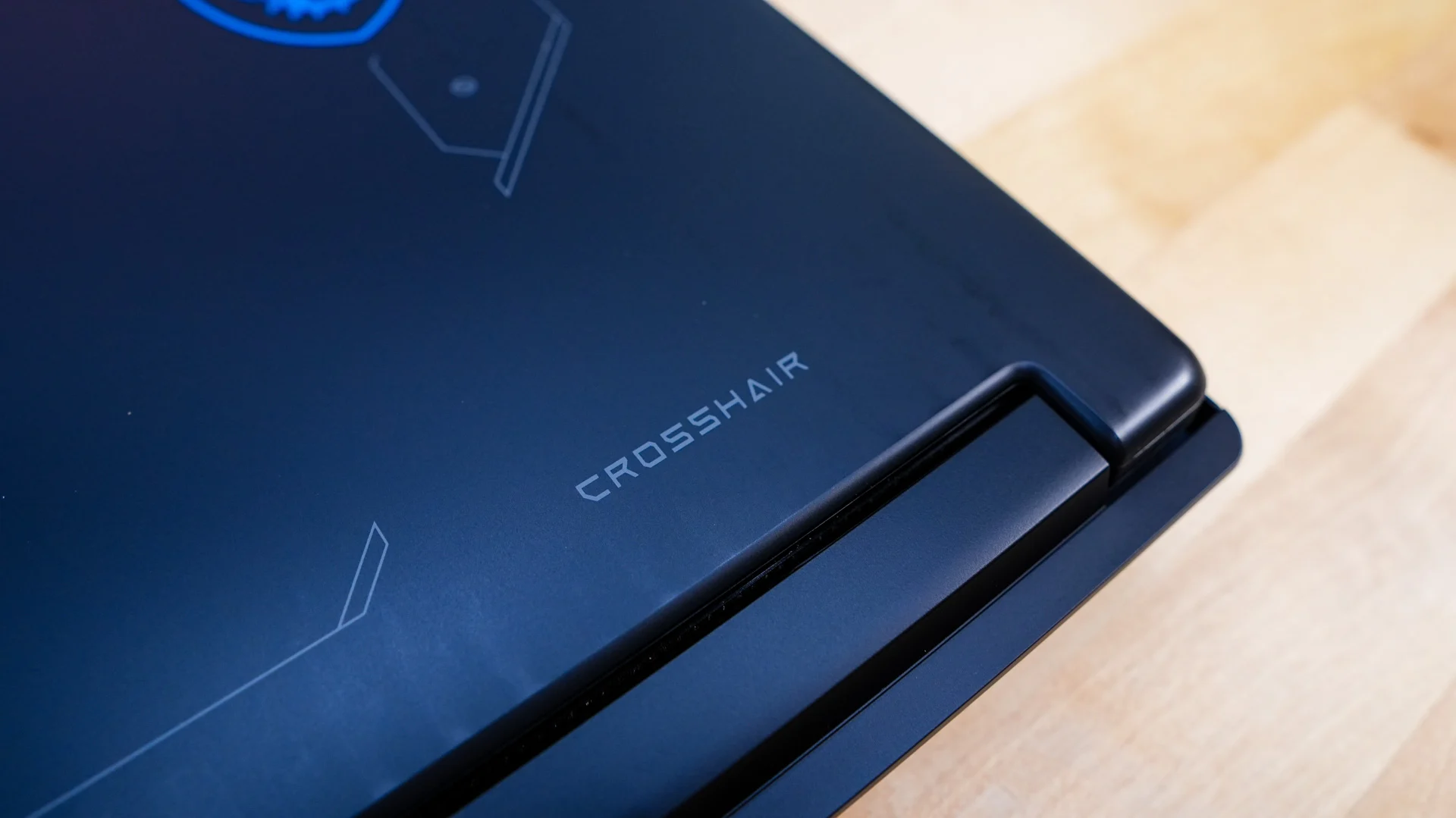
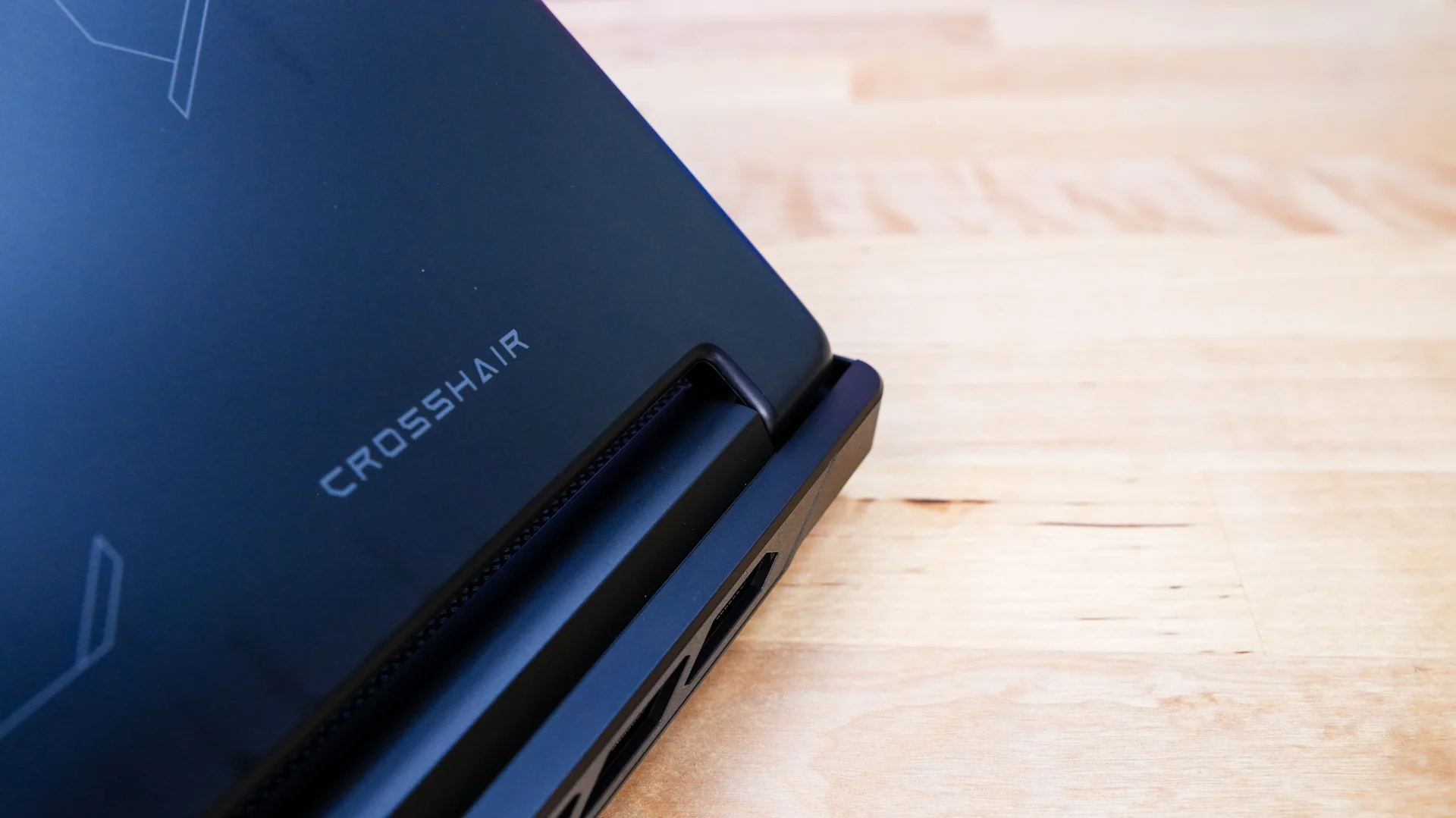
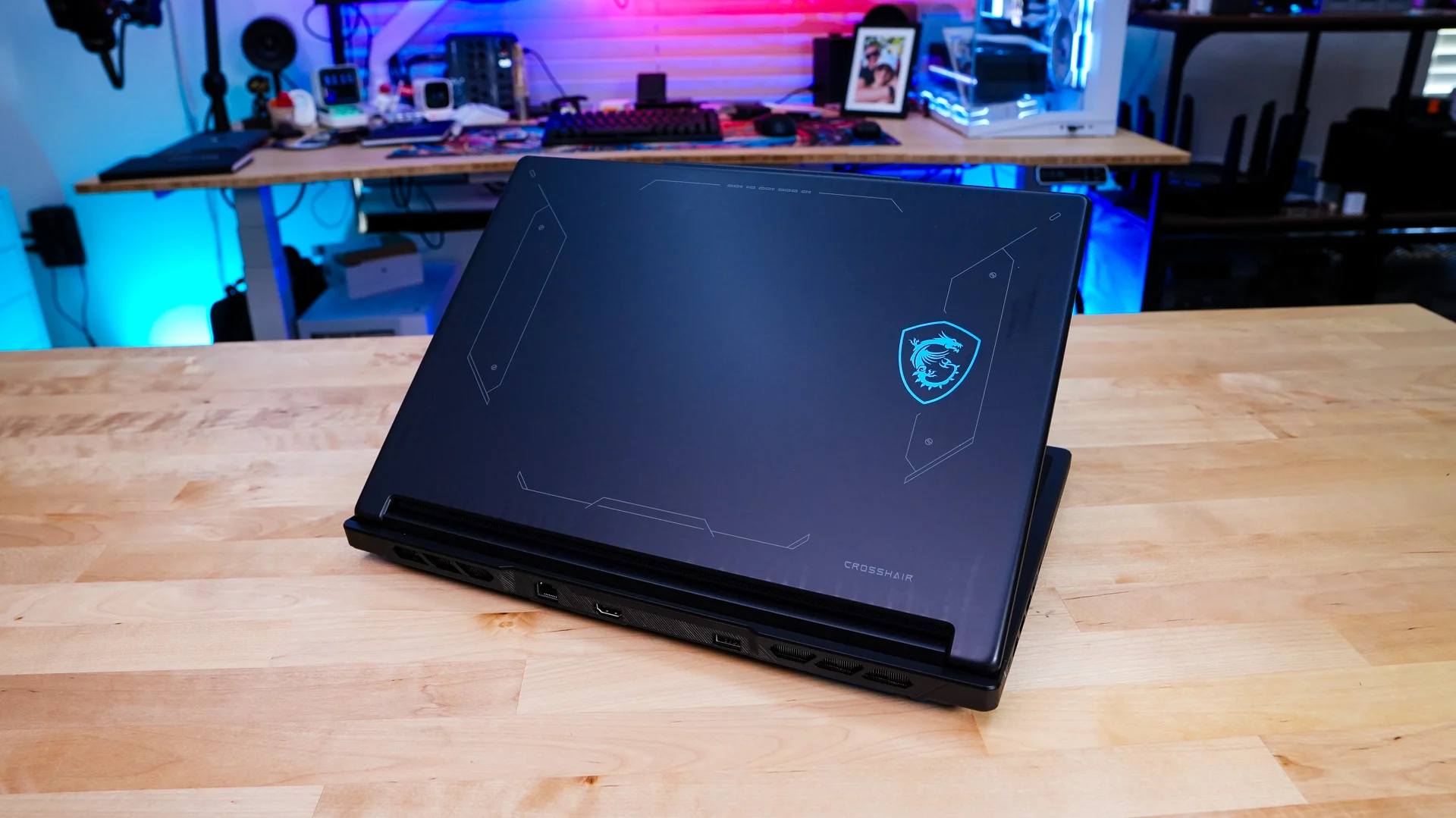
MSI is making use of a mecha-inspired aesthetic when it comes to the design of the Crosshair 16 HX E14W and you can see that by taking a look at the lid of the laptop. We have a sort of futuristic design with a light blue MSI logo on one side with a smaller Crosshair logo on another side. If you are wondering, MSI is using an aluminum chassis here.
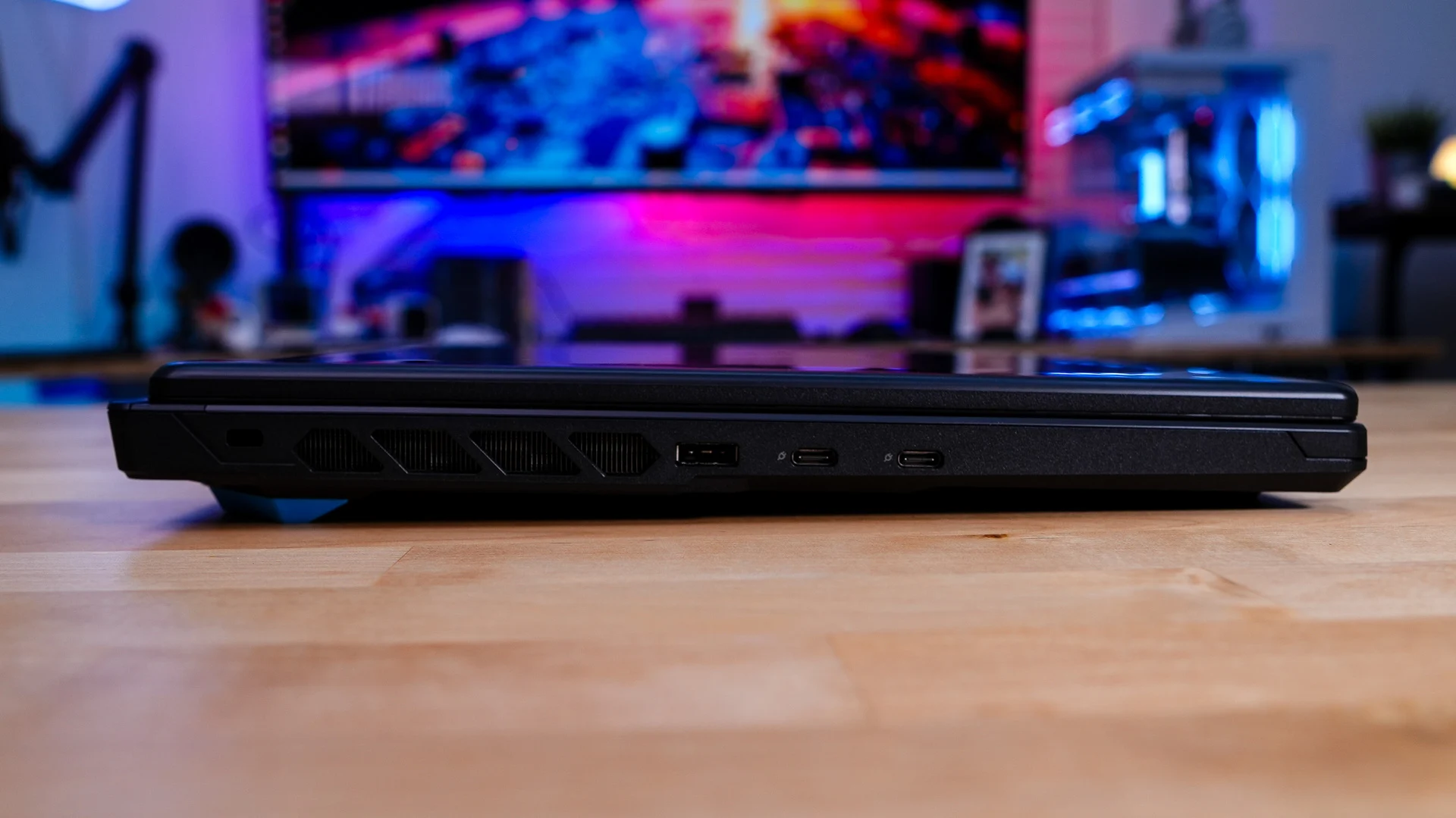
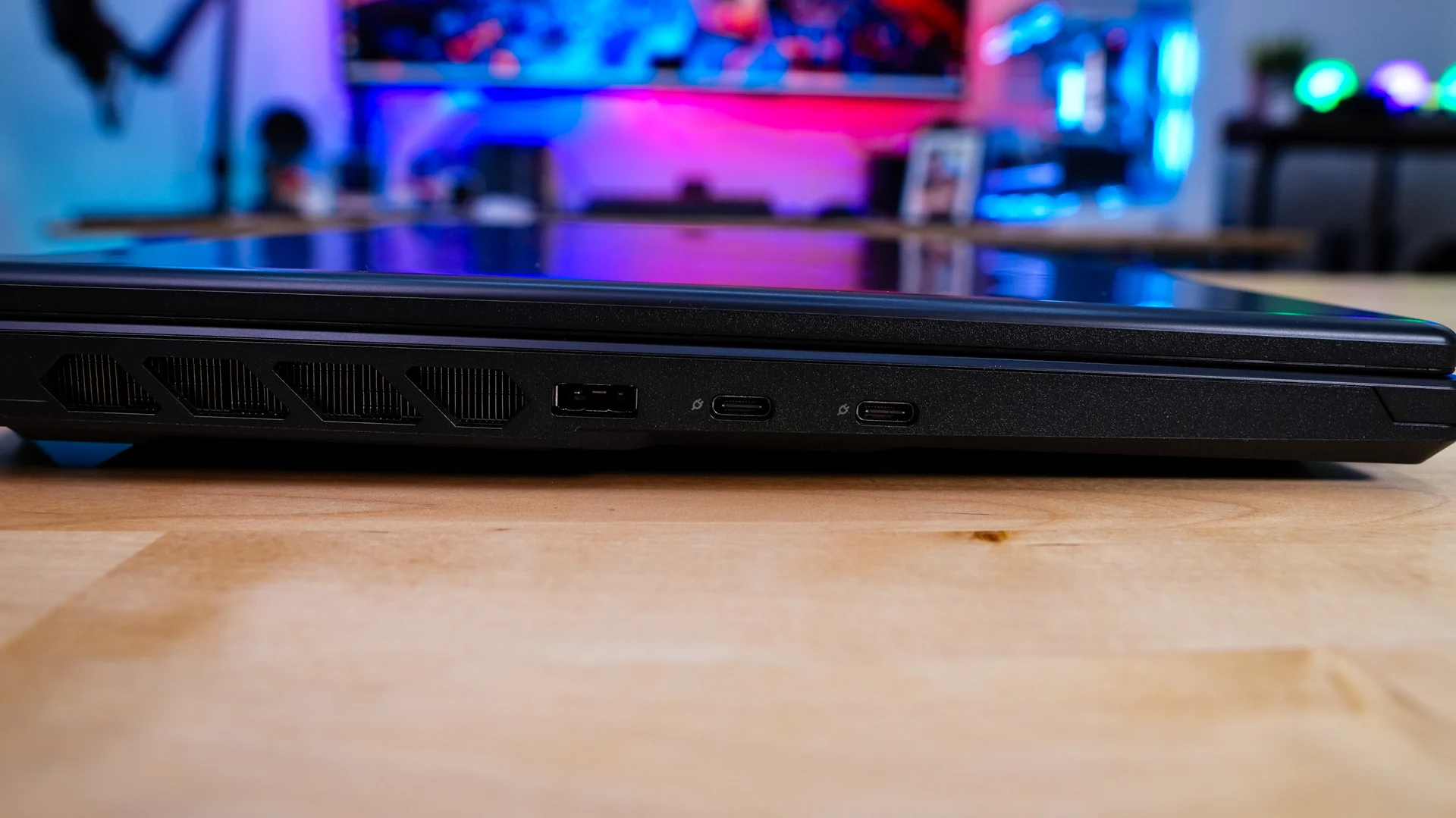
Looking at the left side of the laptop you can see it is not all that thick at all. When it comes to ports on this side you’ll find two USB 3.2 gen 2 Type-C ports and the power adapter connector, which actually looks like a USB Type-A port. These Type-C ports support DisplayPort and Power Delivery 3.0. If you are wondering, you can charge the laptop using these ports too.
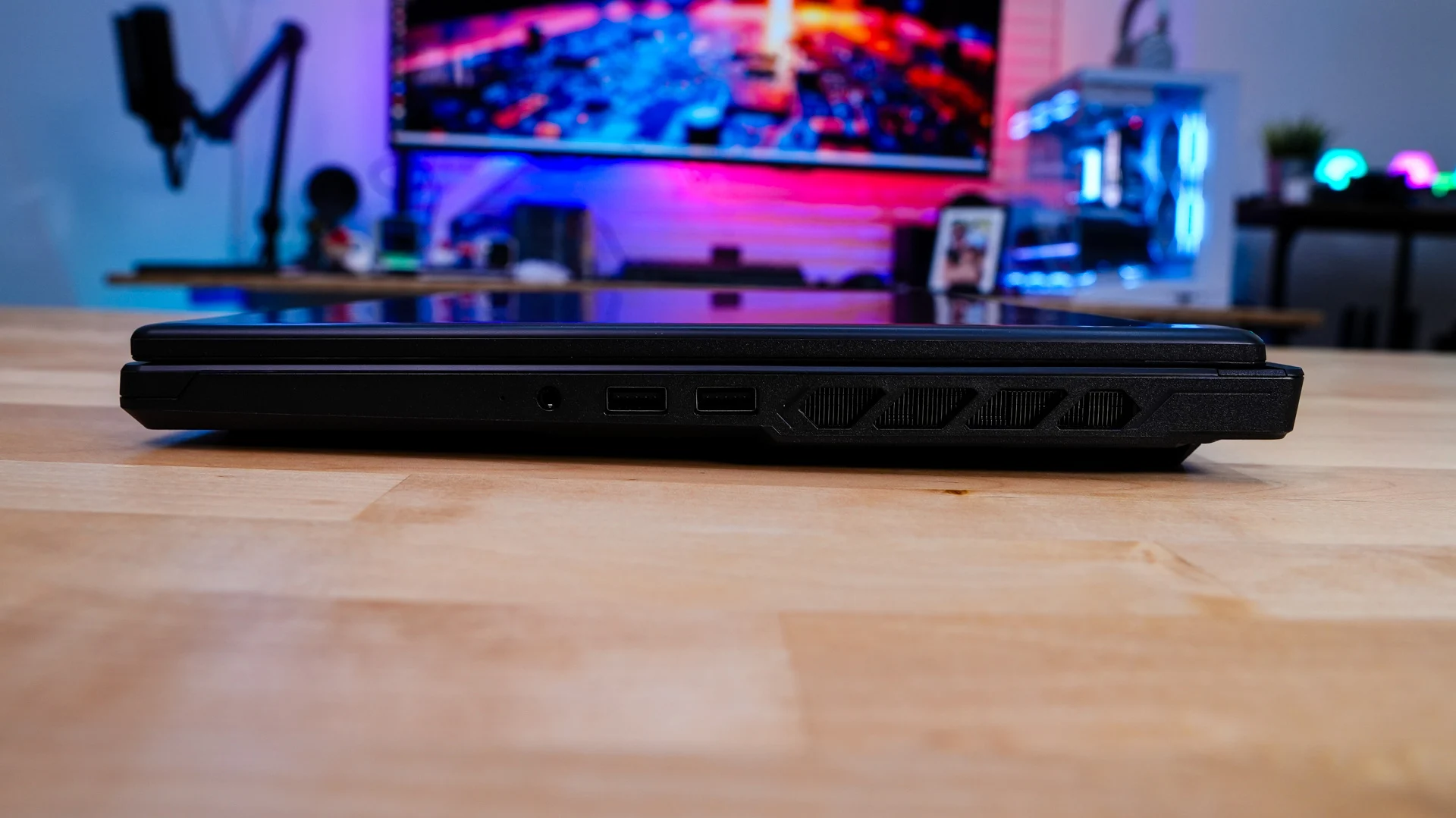
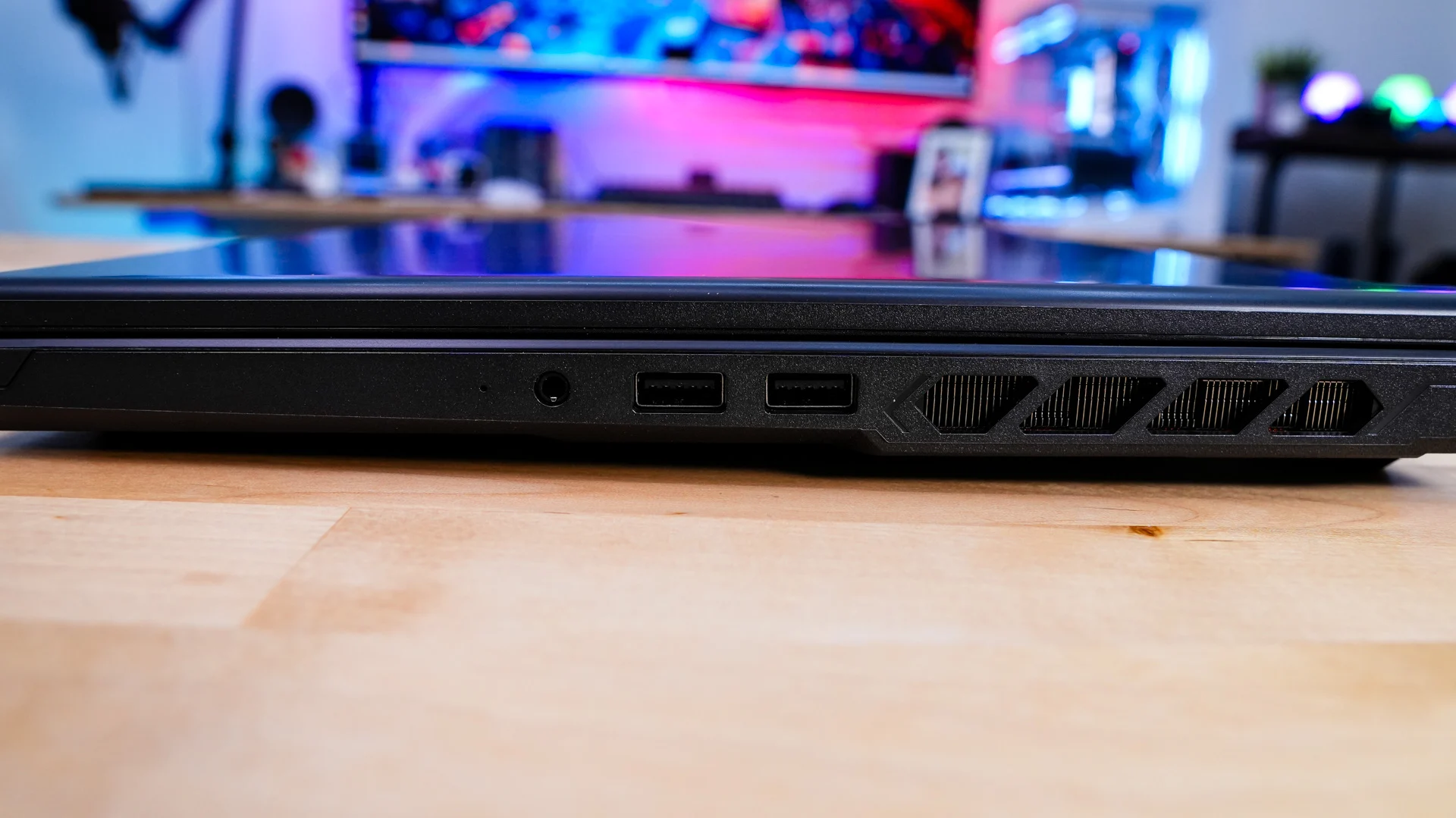
On the opposite side of the laptop is going to be two USB 3.2 gen 1 Type-A ports, a combination microphone and headphone jack, and an indication LED.
There are more ports on the top-edge of the laptop. There is a single USB 3.2 gen 2 Type-A port, full-size HDMI, and a gigabit Ethernet port. It is great to see full-size HDMI here and I love that the port is on the top-edge of the laptop. This makes it really easy to connect if you are bringing this laptop home to your gaming setup and you simply want to plug in. As far as other connectivity goes you are also going to get WiFi 6E and Bluetooth 5.4. Another thing you might have noticed on each side of the laptop as well as on the back are all the heatsinks and ventilation. This is part of the cooling system that MSI is using here, which they say pushes 51.1% more air than the previous version and gives you up to 17.6% better cooling performance.
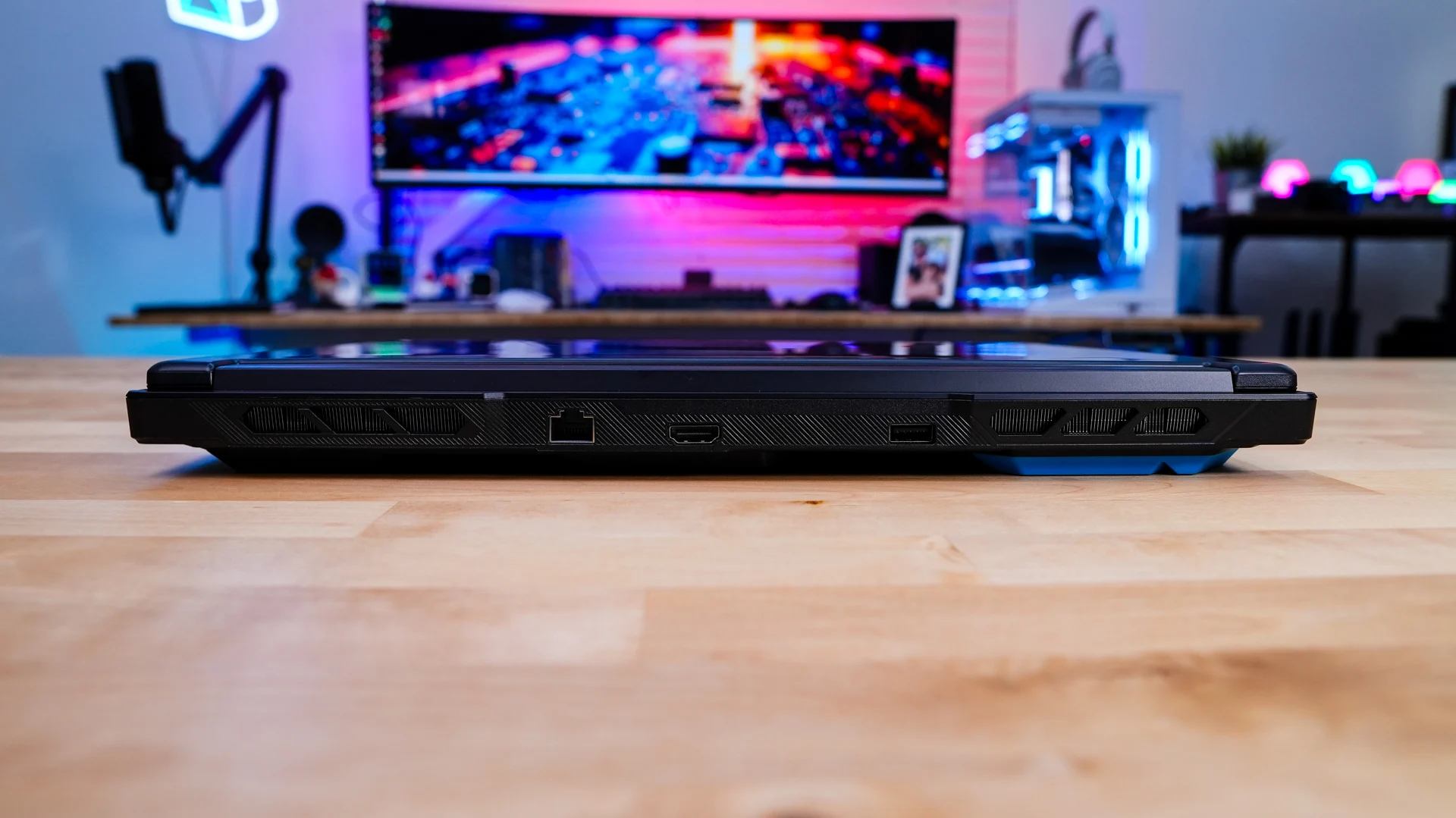
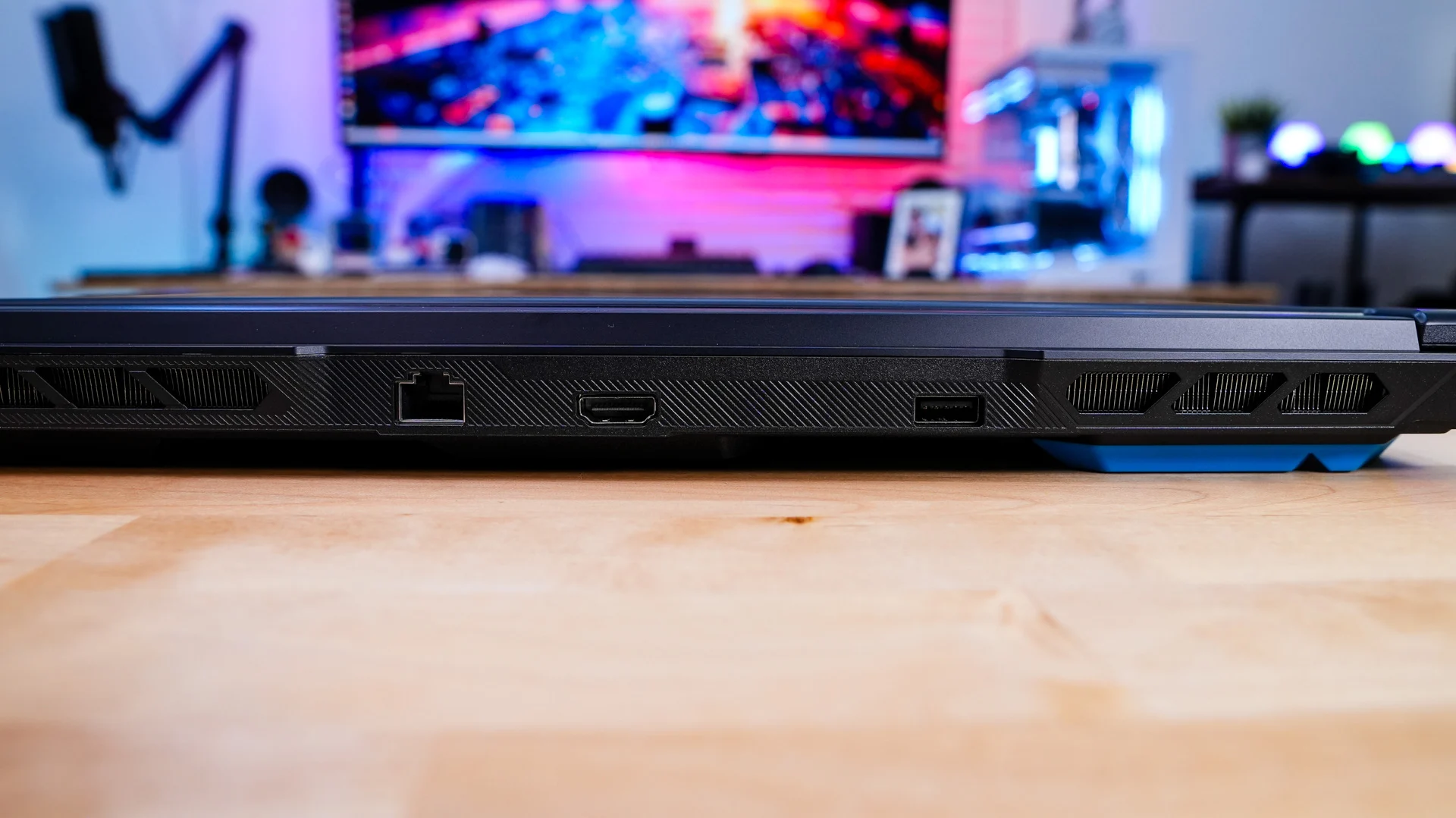
The lid of the laptop lifts up pretty effortlessly, but the hinge itself is a bit flimsy for my liking.
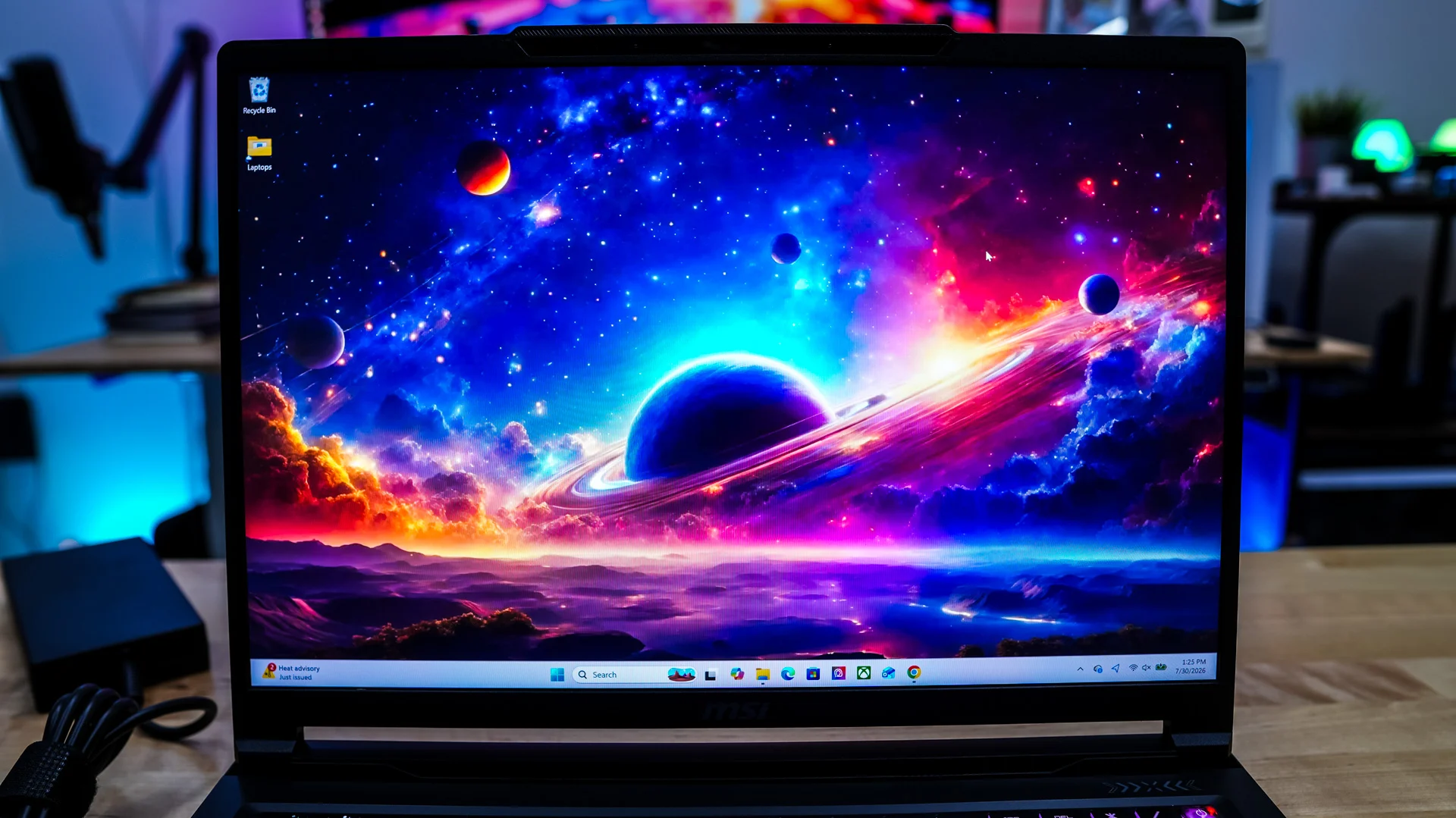
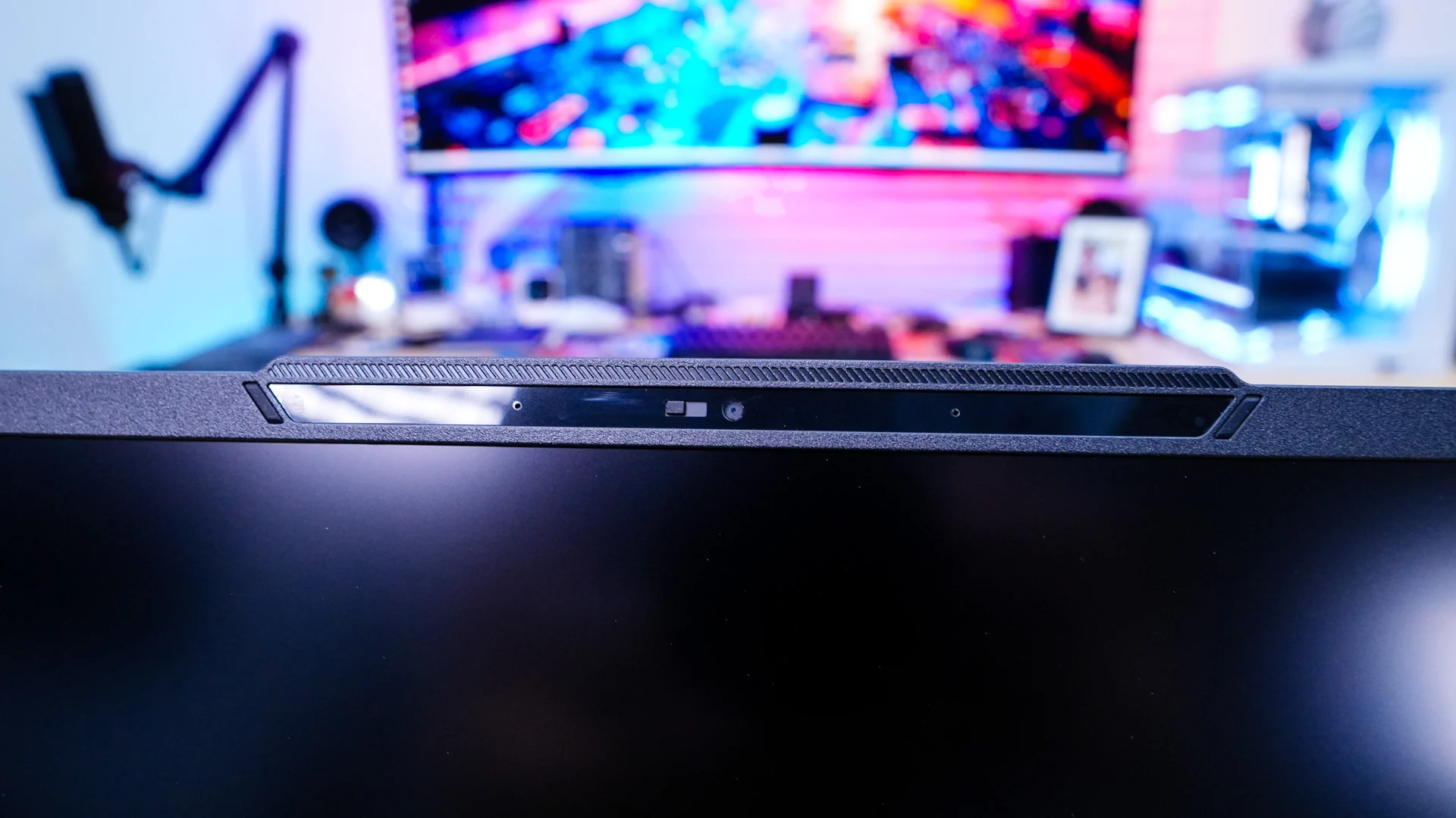
With the laptop open we can get a good look at the display itself. MSI is making use of a 16-inch 240 Hz IPS display with a max resolution of 2560 x 1600 that covers 100% of the DCI-P3 color space, this results in great cinematic color accuracy, vibrant colors, as well as HDR readiness. This means if you are a content creator, digital artist, or videographer / photographer that relies on a color-accurate display you won’t have anything to worry about. Above the screen is going to be your webcam and microphone array. The webcam is a simple 720p webcam (at 30FPS), which does have a privacy filter.
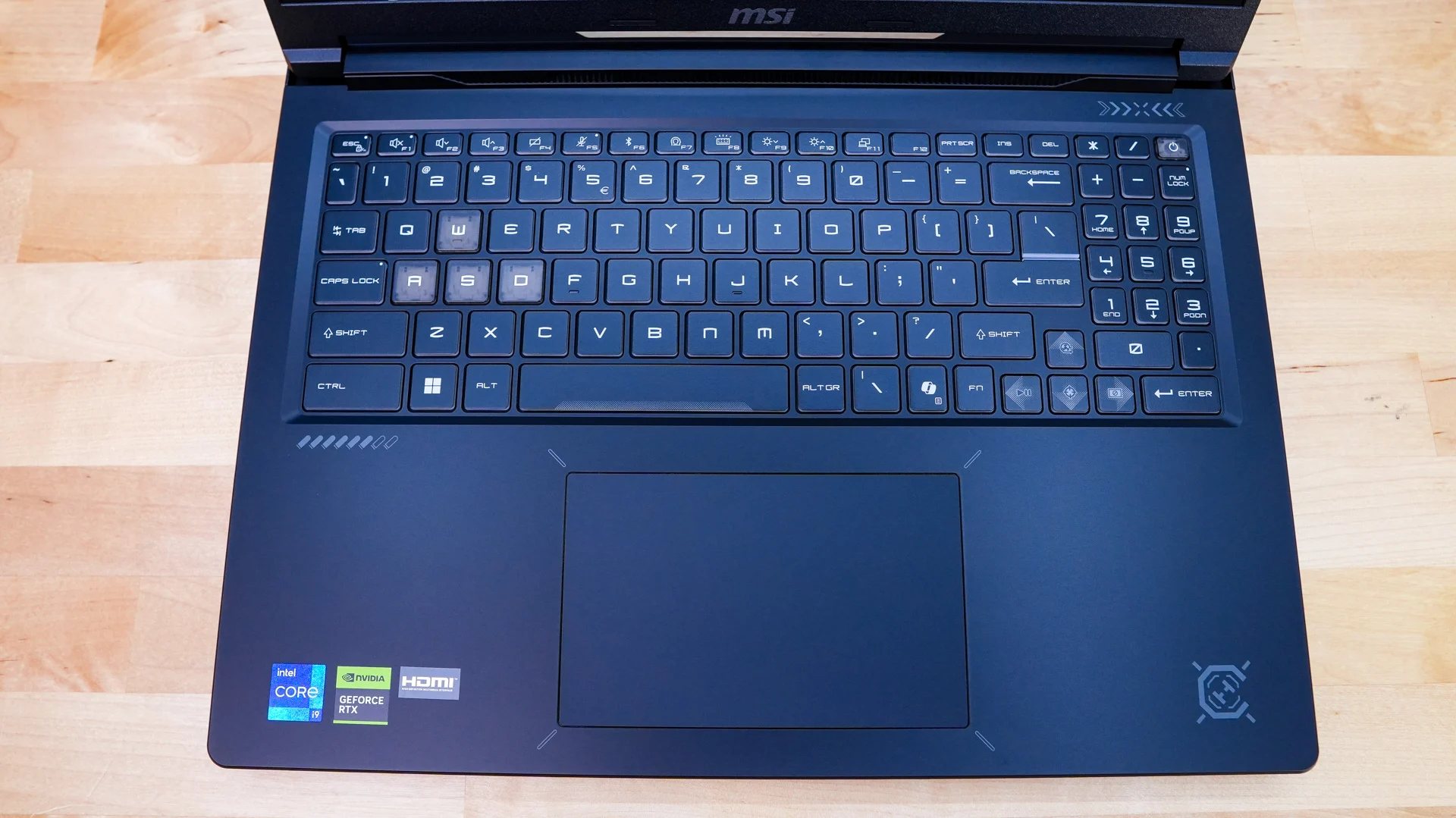
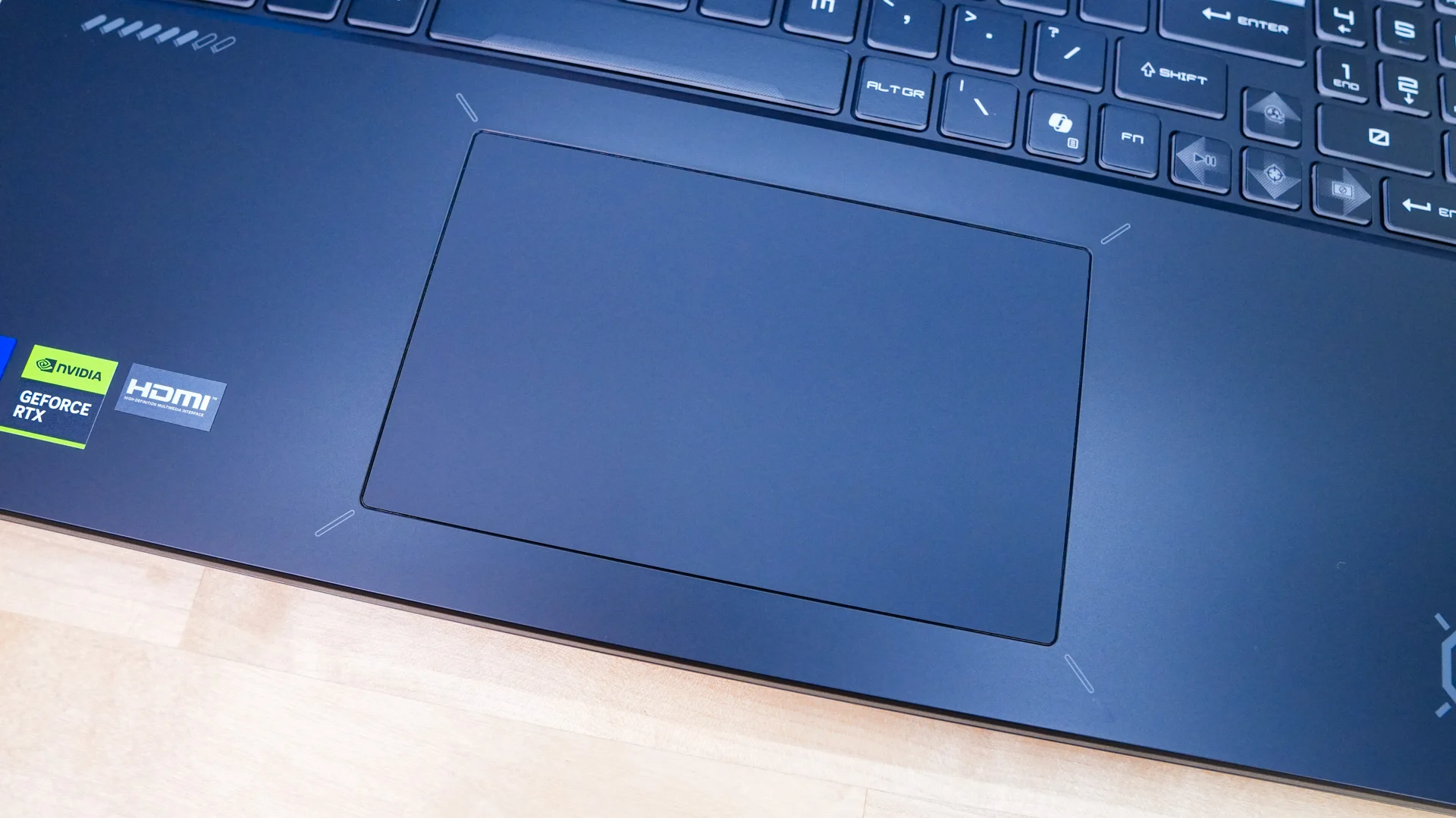
Moving down to the keyboard we have a full-size keyboard that does include a numberpad, so if a numberpad is needed for your work you are covered here. The keys themselves are low-profile with a square design. They have 1.7mm of travel, which makes them very comfortable to type on. While most of the keycaps are normal your WASD and power button keycaps have a clear keycap design. The keyboard offers 4-zone RGB lighting too. And we can’t forget that we do have a dedicated Copilot key. Below the keyboard is going to be your trackpad.
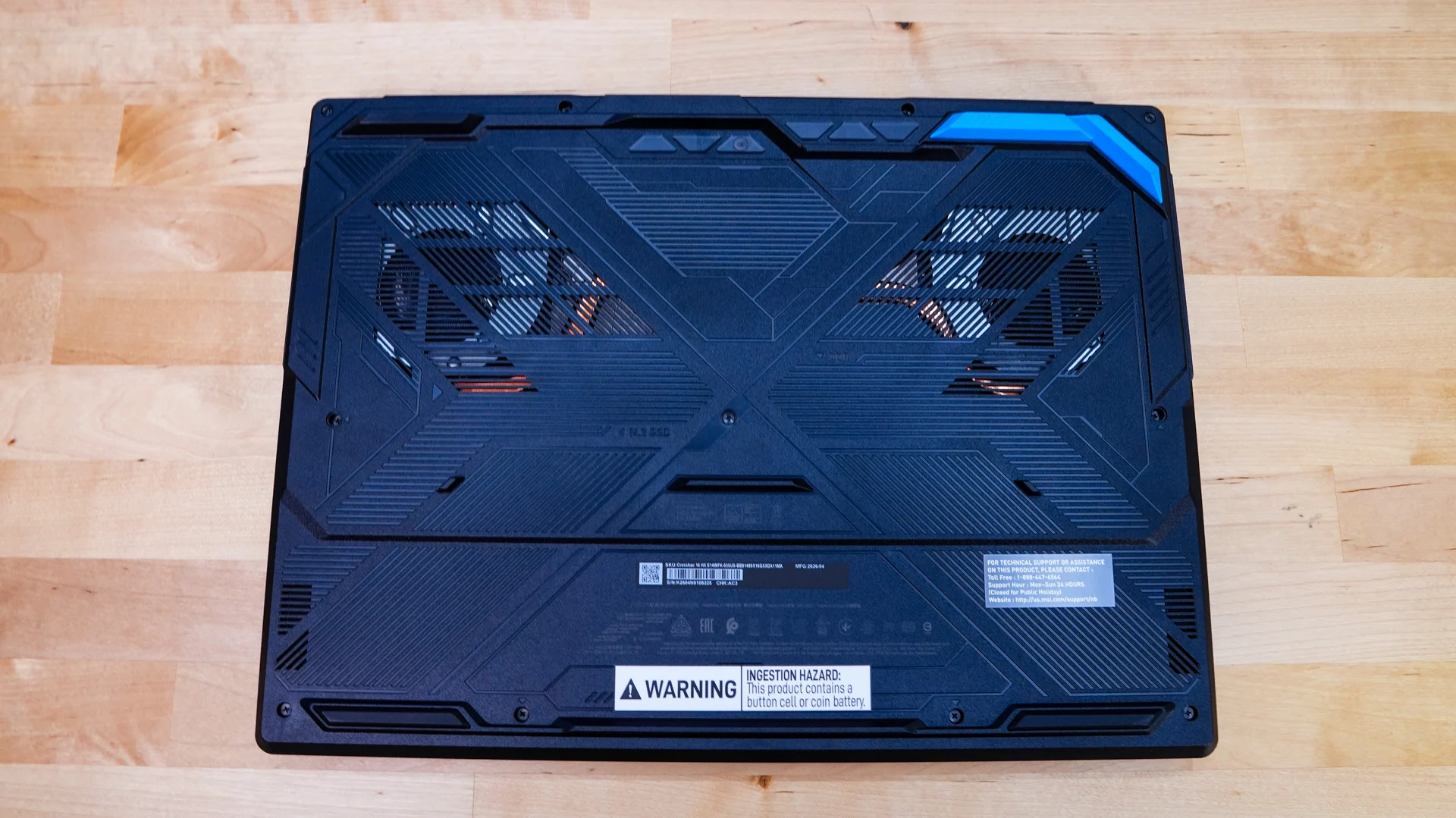
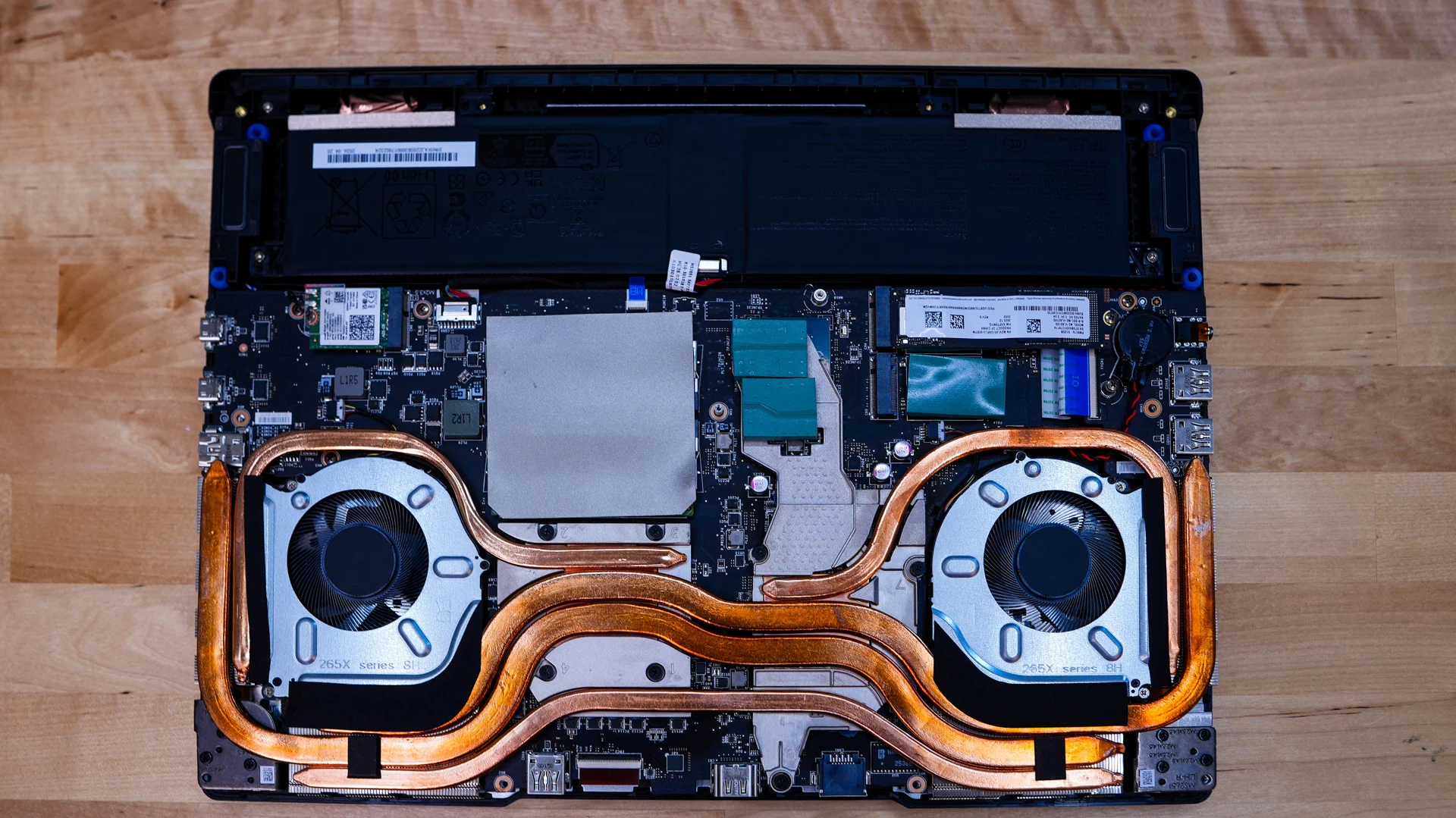
Flipping the laptop over we can see the large rubber feet that keep it in place on your laptop, but they also lift the laptop up so you do get airflow for the ventilation that is on the bottom of the laptop. Removing a handful of screws on the bottom of the laptop you can open it up. Once opened we can get a better look at the cooling system. We can also see that we do have access to the memory and M.2 slots for future upgrades. There are two M.2 slots with only one populated so it will be pretty easy to add a secondary drive.