Is the MSI Crosshair 16 HX E14W Gaming Laptop Worth Picking Up?
After spending considerable time putting the MSI Crosshair 16 HX E14W through its paces, it’s clear that this laptop occupies an interesting middle ground in MSI’s gaming lineup—one that manages to feel both aspirational and grounded at the same time. It doesn’t chase the ultra-premium positioning of the Titan series, nor does it settle for budget-tier compromises. Instead, it carves out its own identity as a machine built for gamers and creators who want serious performance without an equally serious dent in their bank account.
On the performance front, the Crosshair 16 HX E14W delivers exactly what its HX-series branding promises. The combination of a high-wattage Intel HX-series processor and a capable discrete GPU makes short work of modern AAA titles at high settings, while still leaving enough headroom for demanding creative workloads like video editing, 3D rendering, and multitasking across dozens of browser tabs and applications. Looking at our gaming results you are going to see performance close to 100 FPS at 1080p and at 1440p you’ll see respectable results too. In Cyberpunk 2077 using the High preset and DLSS set at balanced we achieved an average FPS 78.26, which is really impressive.
How do gaming laptops support performance for running local AI models?
One area where the Crosshair 16 HX E14W pleasantly surprised me is AI workloads, particularly running local large language models. Thanks to the discrete GPU’s VRAM allocation, this machine handles quantized models in the 7B–13B parameter range without much fuss through tools like Ollama and LM Studio, and inference speeds stay comfortable enough for real-time chat-style interaction rather than the frustrating word-by-word crawl you get on integrated graphics alone. Larger models—anything pushing into the 20B+ range—are still possible with heavier quantization, but you’ll start to feel the VRAM ceiling, and generation speeds slow to a pace better suited for batch tasks than live conversation.
Beyond text generation, the GPU horsepower translates well to other AI-adjacent tasks: local image generation with Stable Diffusion variants runs at respectable speeds, and Whisper-based transcription chews through audio files quickly. For developers and hobbyists experimenting with fine-tuning small models or running inference pipelines locally rather than routing everything through the cloud, this laptop offers a genuinely usable sandbox. It’s not a replacement for a dedicated workstation with a top-tier data center GPU, but as a portable machine that can double as an AI tinkering rig after hours of gaming, it punches well above what you’d expect from a laptop in this price bracket.
The cooling system deserves particular praise more broadly. MSI’s thermal engineering on this model does an admirable job of keeping clock speeds stable during extended gaming sessions, and while fan noise under full load is noticeable and the overall thermal design suggests MSI put real thought into balancing sustained performance against everyday livability.
Worth noting: sustained AI workloads generate heat in a similar pattern to gaming, so if you’re planning long fine-tuning sessions or extended local inference runs, expect the fans to spin up accordingly. The cooling system handles it without thermal throttling becoming a major issue, but it’s not a silent experience.
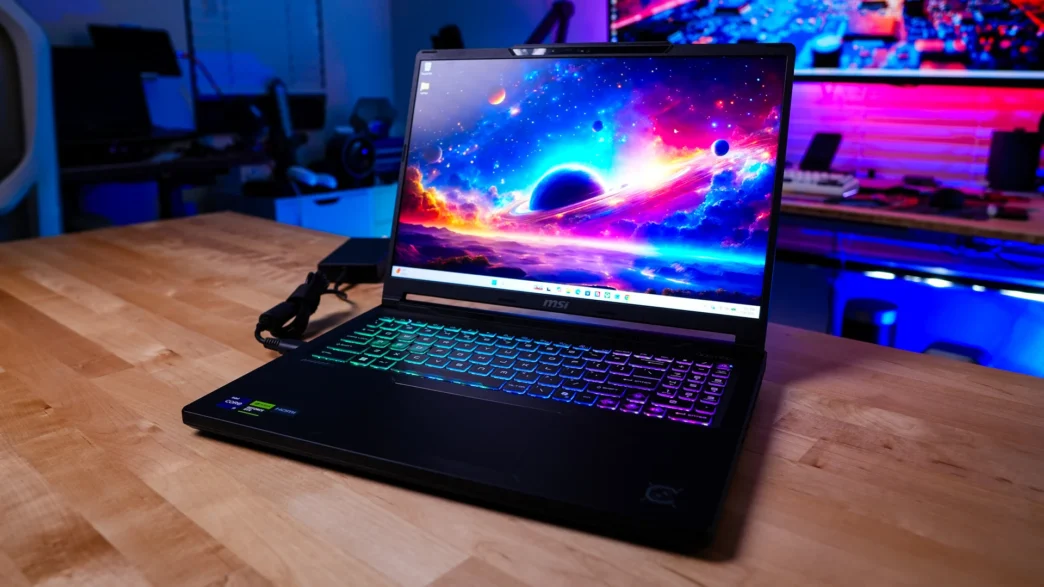
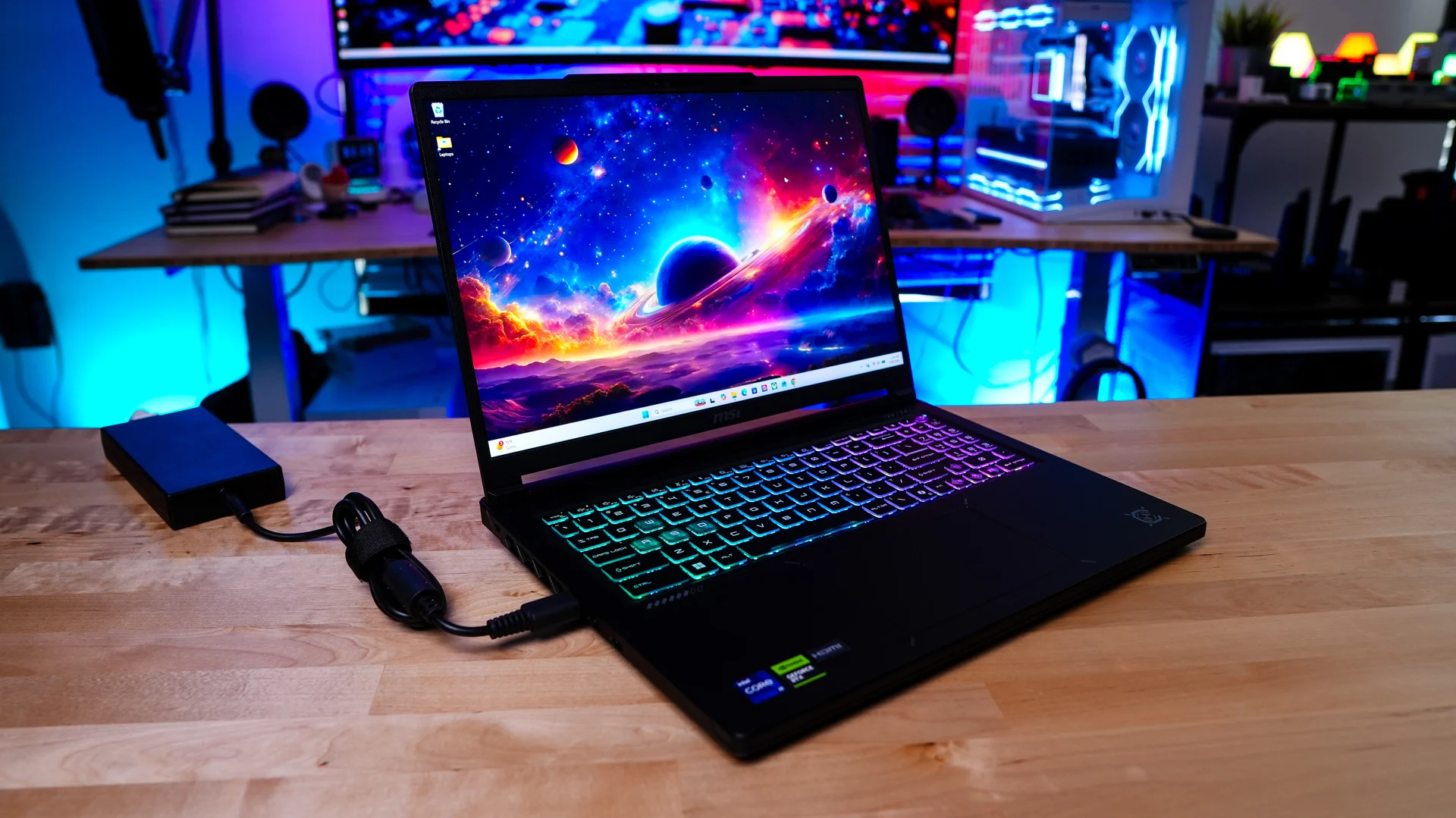
Where the Crosshair 16 HX E14W really shines, though, is in its display and design language. The 16-inch IPS panel offers vibrant colors, respectable brightness, and the 240 Hz refresh rate is great for competitive gamers, while the overall aesthetic strikes a nice balance between “look at me” gaming flair and something you could reasonably bring into a meeting without turning heads for the wrong reasons.
Ultimately, the MSI Crosshair 16 HX E14W is a laptop that understands its audience. It’s for the gamer who also renders video on the side, the student who needs serious horsepower for both coursework and downtime, the AI enthusiast tinkering with local models outside the cloud ecosystem, and anyone who wants flagship-adjacent performance without flagship-adjacent pricing. It’s not perfect—no gaming laptop at this price point ever truly is—but it hits enough of the right notes in performance, cooling, design, and now AI versatility to make a compelling case for itself in a crowded market. For anyone shopping in this segment, it absolutely deserves a spot on the shortlist.
Right now you can pick up the Crosshair 16 HX E14W in the configuration that we reviewed directly from Walmart for $1299, which is actually quite impressive considering the cost of all PC hardware seems to be going up! There is also another configuration for $2099 which includes an RTX 5070 GPU and Core i9-14900HX. Overall ThinkComputers gives the MSI Crosshair 16 HX E14W Gaming Laptop a 9 out of 10 score!

Pros:
– Price
– Respectable gaming performance at both 1080p and 1440p
– 16-inch QHD+ 240Hz display
– Both storage and memory can be upgraded
– Full-size HDMI and Ethernet ports
Cons:
– Can be a bit loud when gaming
Frequently Asked Questions about the MSI Crosshair 16 HX E14W Gaming Laptop
What processor is in the MSI Crosshair 16 HX E14WFK-036US?
This configuration features an Intel Core i7-14650HX processor with 16 cores, including eight Performance cores and eight Efficient cores. It supports 24 processing threads, includes 30 MB of Intel Smart Cache, and can reach a maximum turbo frequency of 5.2 GHz.
What type of display does the MSI Crosshair 16 HX E14W have?
The laptop has a 16-inch IPS-level display with a QHD+ resolution of 2560 x 1600. It also features a 240 Hz refresh rate and covers a typical 100% of the DCI-P3 color gamut, making it suitable for fast-paced gaming as well as photo and video work.
How much memory does the MSI Crosshair 16 HX E14WFK-036US include?
The E14WFK-036US comes with 16 GB of DDR5 memory installed as two 8 GB modules. The laptop has two memory slots and supports up to 96 GB of DDR5-5600 memory, although the actual operating frequency can vary based on the installed memory and processor capabilities.
Can the memory be upgraded?
Yes. The MSI Crosshair 16 HX E14W has two accessible memory slots and supports up to 96 GB of RAM. Since both slots are occupied in the E14WFK-036US configuration, upgrading will require replacing one or both of the included 8 GB modules.
What ports are available on the MSI Crosshair 16 HX E14W?
The laptop includes two USB 3.2 Gen1 Type-A ports, one USB 3.2 Gen2 Type-A port, and two USB 3.2 Gen2 Type-C ports. Both Type-C ports support DisplayPort output and Power Delivery 3.0. You also get HDMI 2.1, Gigabit Ethernet, and a combined microphone and headphone audio jack.
How much does the MSI Crosshair 16 HX E14W weigh?
The laptop weighs 5.07 pounds with the battery installed. It measures 14.29 inches wide, 10.62 inches deep, and between 0.86 and 1.01 inches thick.
What AI features does the MSI Crosshair 16 HX E14W support?
The Crosshair 16 HX E14WFK-036US uses an NVIDIA GeForce RTX 5060 Laptop GPU based on the Blackwell architecture. Its fifth-generation Tensor Cores accelerate supported AI workloads, including generative AI, image and video processing, NVIDIA DLSS, and AI-enhanced creative applications.
How much AI performance does the RTX 5060 Laptop GPU provide?
NVIDIA rates the GeForce RTX 5060 Laptop GPU at up to 572 AI TOPS. TOPS stands for trillions of operations per second and is a measurement used to describe a processor’s ability to handle certain AI calculations. This figure should not be directly compared with the NPU TOPS ratings used for Copilot+ PCs, as the GPU and NPU are different types of processors designed for different workloads.
Can the MSI Crosshair 16 HX E14W run AI applications locally?
Yes. The RTX 5060 Laptop GPU can accelerate compatible local AI applications, including image generation, video effects, photo enhancement, transcription, and some locally hosted AI models. Actual performance will depend on the application, model size, available video memory, and whether the software supports NVIDIA CUDA or RTX acceleration. The GPU’s 8 GB of GDDR7 memory may limit especially large AI models, but it should be capable of handling many consumer and creator-focused AI workloads.
Is the MSI Crosshair 16 HX E14W good for content creation?
The Crosshair 16 HX E14W should be a capable option for photo editing, video production, streaming, and other creative workloads. Its 16-core Intel processor, RTX 5060 Laptop GPU, upgradeable DDR5 memory, and QHD+ display with 100% DCI-P3 coverage provide a strong combination for both gaming and content creation.
Is the MSI Crosshair 16 HX E14WFK-036US a good gaming laptop?
The E14WFK-036US has the key hardware you would expect from a modern gaming laptop, including an RTX 5060 Laptop GPU operating at up to 115 W, a 240 Hz QHD+ display, and up to 200 W of combined CPU and GPU power. It should be well-suited for competitive games and modern AAA titles, although the ideal resolution and graphics settings will depend on the game.