MSI MAG CORELIQUID A12 240 Overview
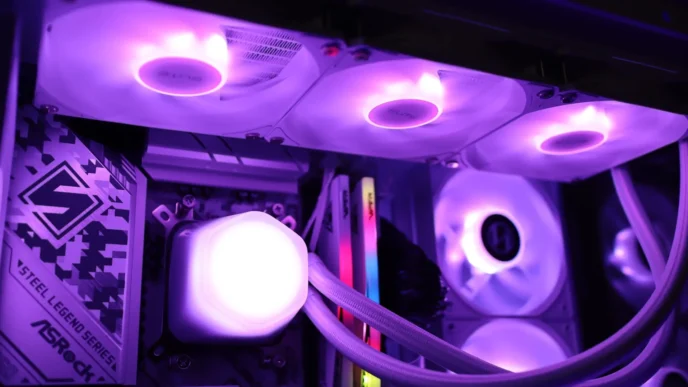
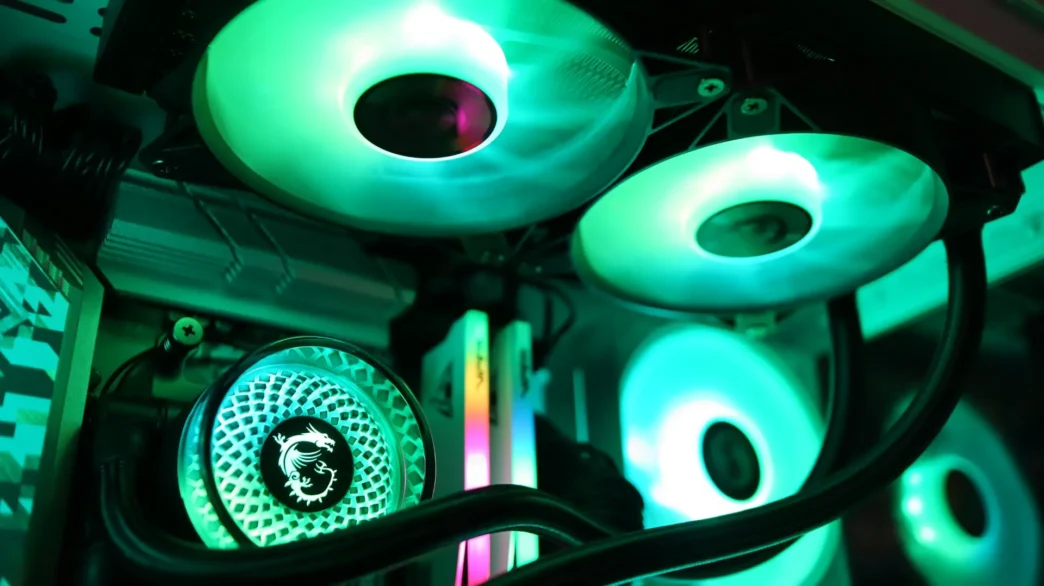
Available in both 240mm and 360mm sizes, both version are available in a single black colorway. The A12 240 is a 240mm cooler, and out of the box it is a pretty standard looking entry-level AIO. For cooling duties you have two, 9-blade 120mm ARGB fans attached to a 27mm thick 240mm radiator, and a pump housing with a circular design.
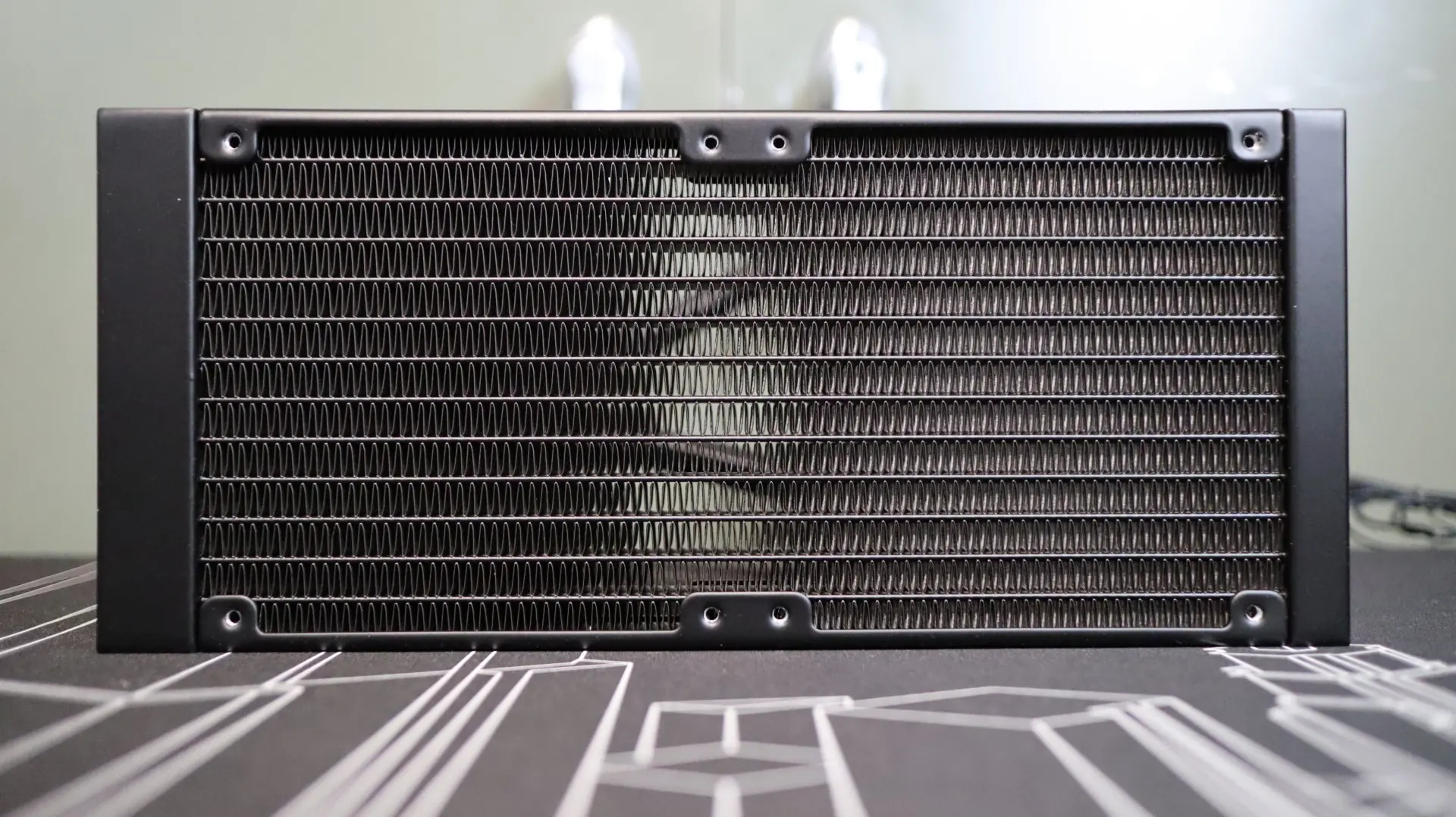
The first component up in our overview is the 240mm aluminum radiator. This radiator is very straight forward in it’s design, with a black paint job and a small MSI badge on each side. The 27mm thickness is right in line with the standard size we see on most AIOS. With 21 fins-per-inch, the included 120mm PWM fans are a bit of a mystery when it comes to their ability to push air through this fin density, but we will let the testing process handle that determination.
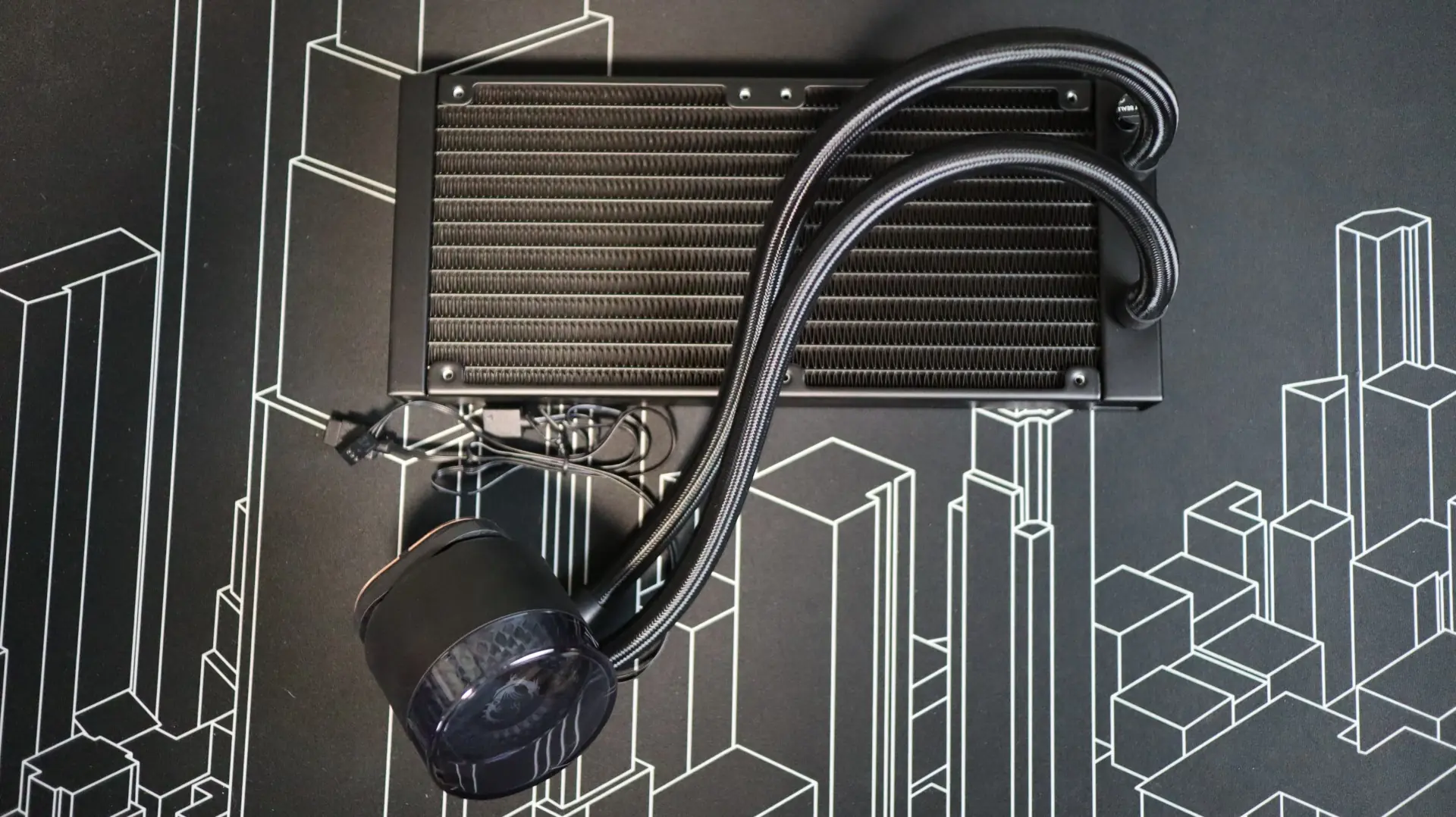
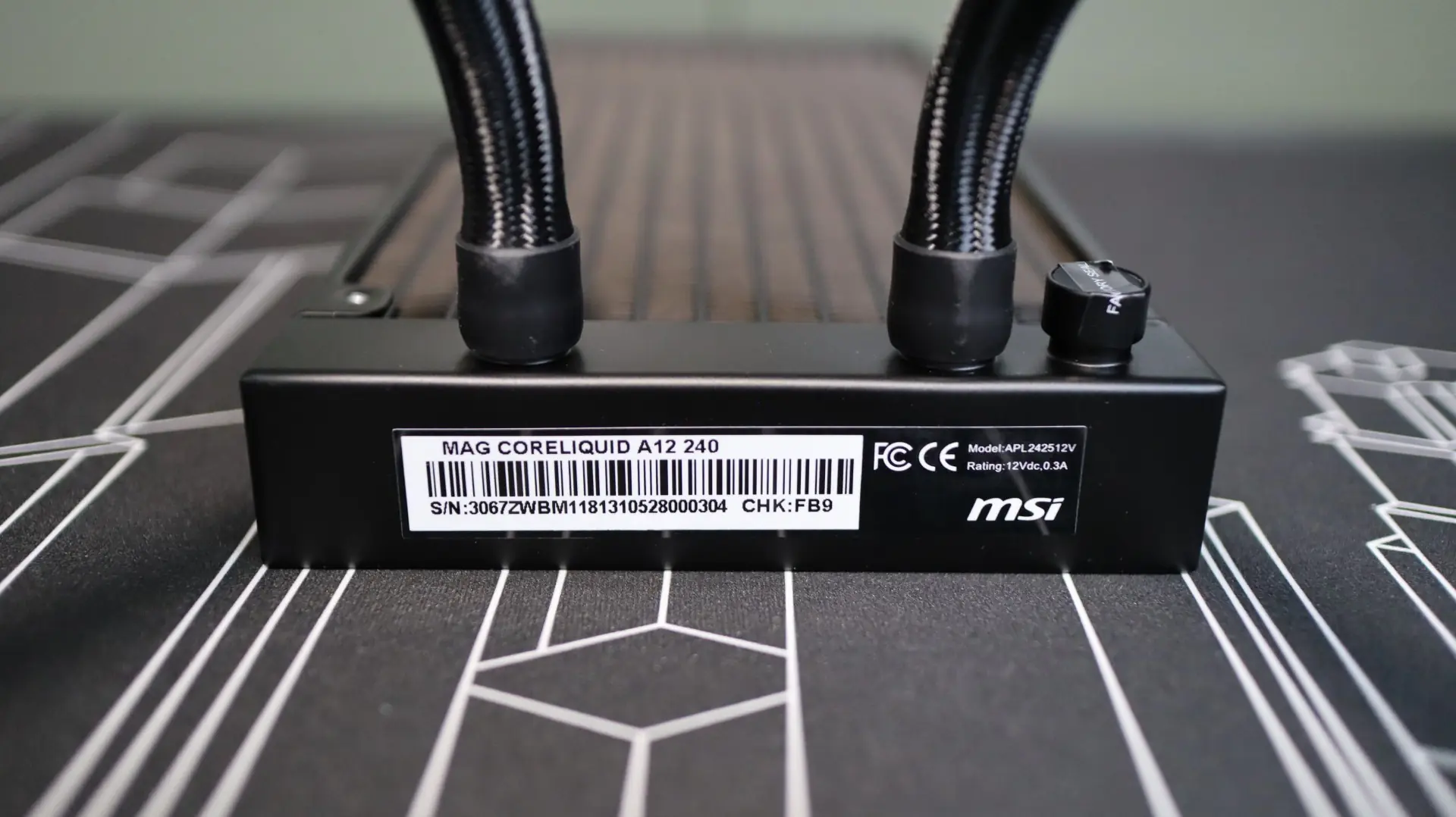
The nylon-braided EPDM cooling lines exit from one end of the radiator’s end cap, and connect to the radiator via crimped connectors. These lines are decently flexible and have an adequate length for installing in a mid-tower case, but it almost seemed like our lines were just a little bit twisted, even when trying multiple combinations of fitting positions.
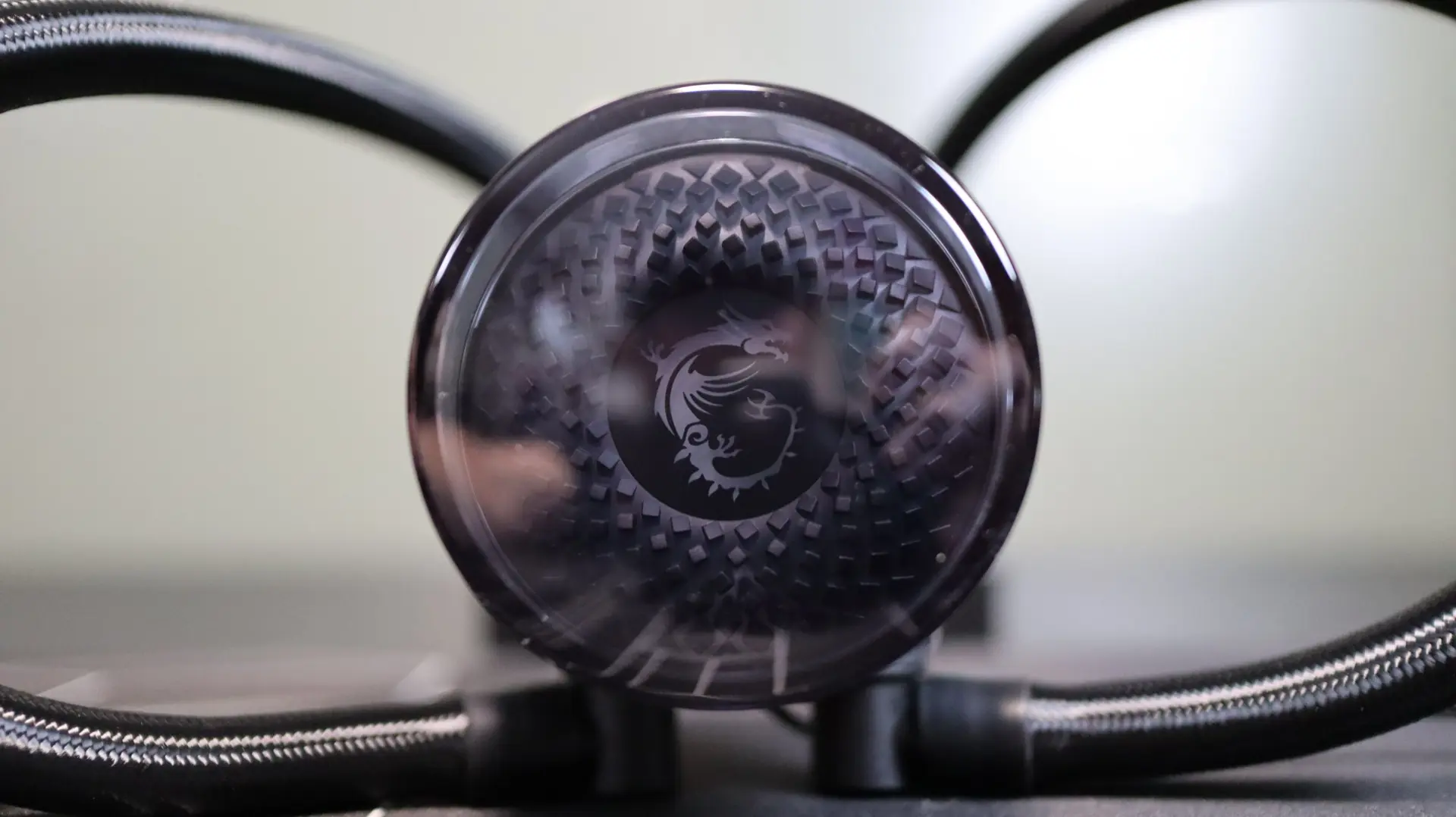
Moving on to the pump housing, we have a very basic design. The cylindrical body is very straightforward, with a transparent top cap on top, and an ARGB LED illuminated MSI dragon logo and radial design work beneath.
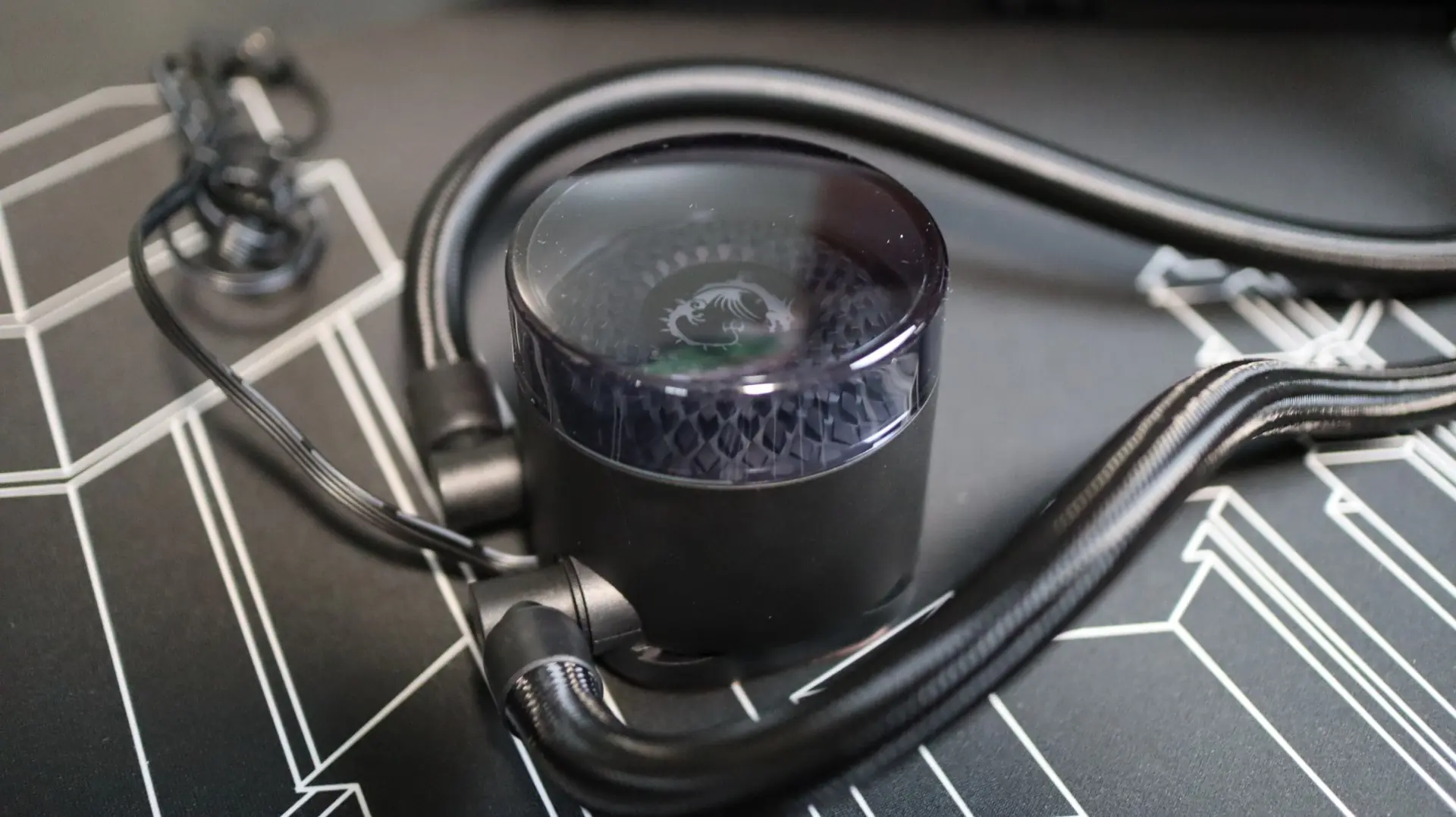
This transparent top cap sticks up off of the top of the pump housing a bit, giving view to the glowing area not only from directly on, but at an angle as well. Additionally, this top cap can be rotated in 90-degree increments to make sure it is aligned properly for a variety of installation needs.
Moving around to the sides we find the two cooling lines exiting from the bottom side of the pump housing. Each line is paired up with a swiveling fitting to make installation and fitment much easier than with fixed connections. Internally, the pump provides an operating speed of up to 3100 RPM, with an average noise rating of just 15 dBA.
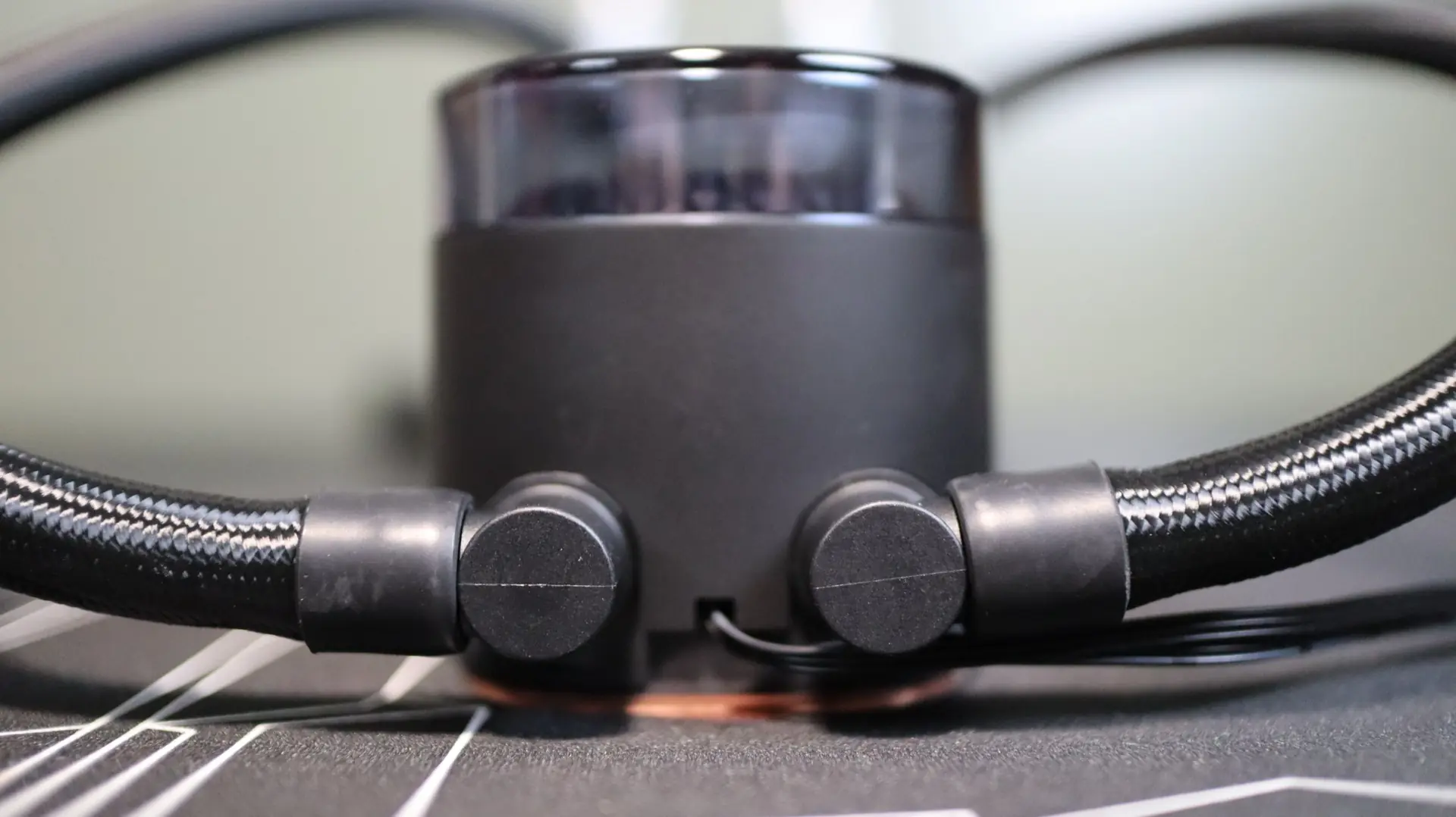
The other sides of the pump housing are free from any features, simply providing a seamless surface that adds to the basic look of the housing. Both a 3-pin power and 3-pin ARGB cable exit from the pump housing in between the two fittings for the pump and LED control, respectively.
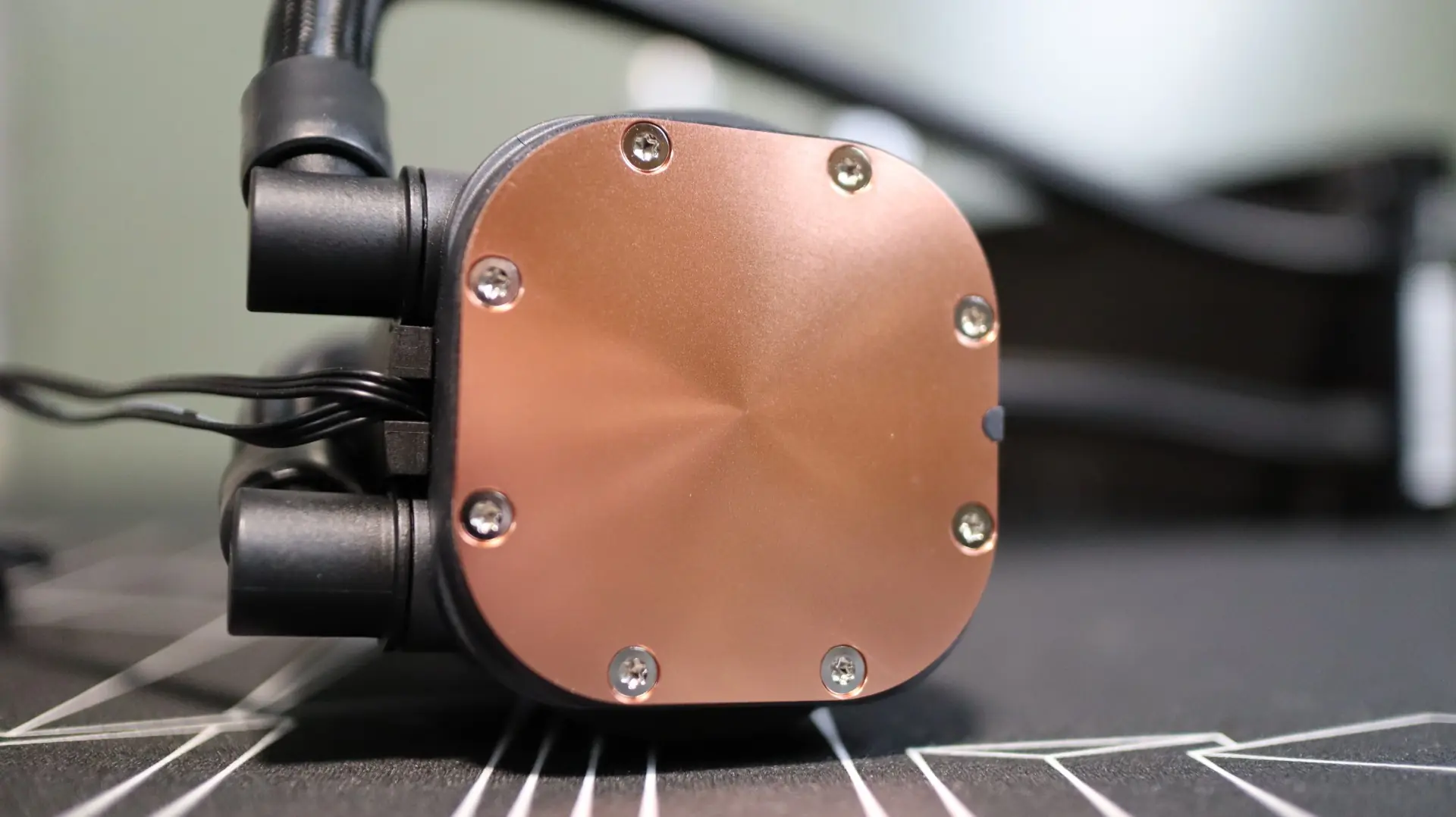
Taking a look at the base of the cooler, we find a large copper base, free from any pre-applied thermal material. MSI includes a small syringe of thermal paste for installation needs. While not really visible, there are small channels along the sides that allow the AMD and Intel mounting hardware to slide on and off of the pump housing depending on your installation needs.
As far as the included fans go, MSI has provided two 120mm ARGB fans that provide up to 94.65 CFM of airflow at their full speed of 2,200 RPM. MSI does not provide any specifications regarding static pressure, which is a bit of a shame, considering that is a very important specification when thinking about their ability to push air through a restrictive area like a radiator fin array.
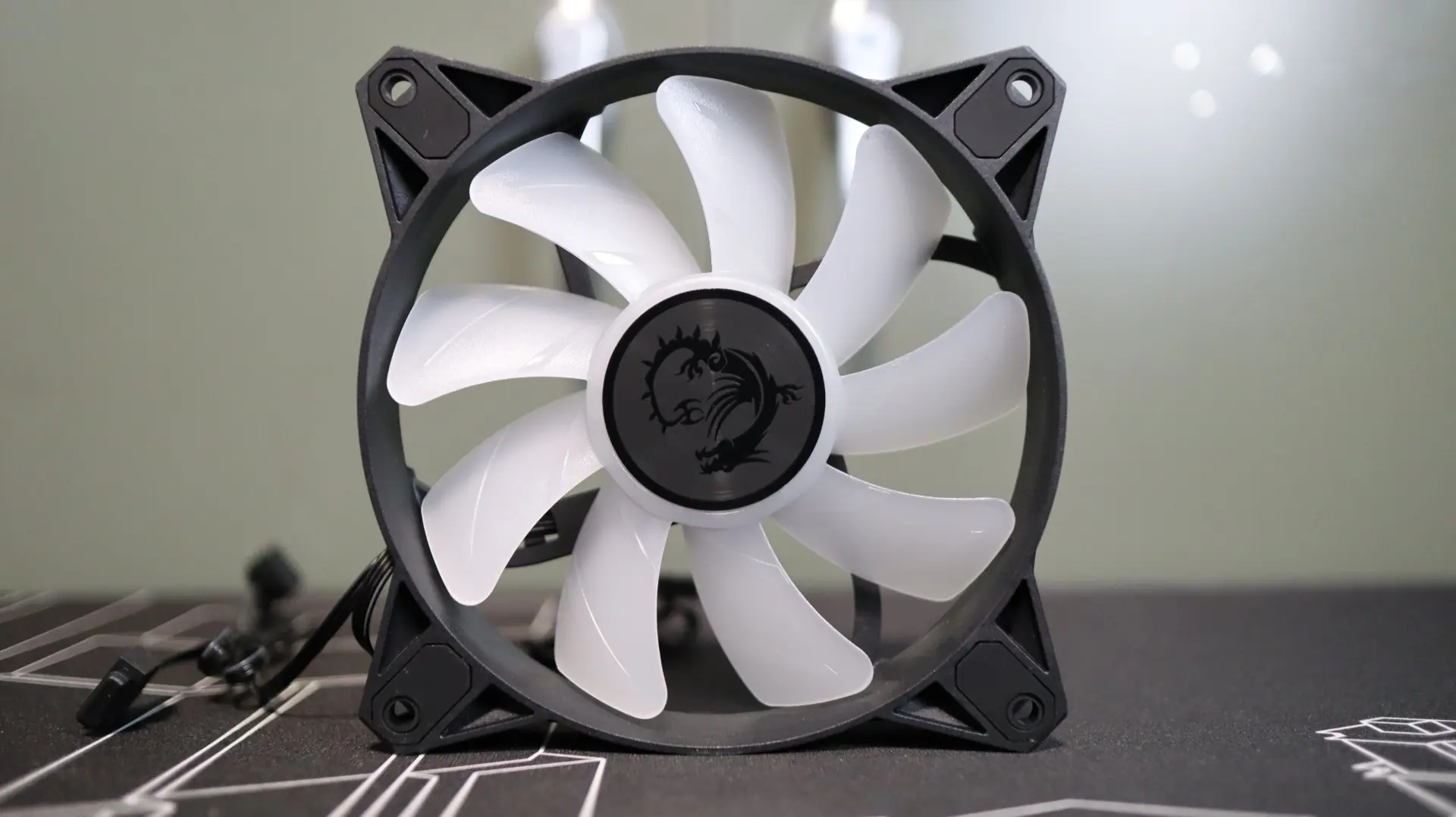
The rubber feet at each corner help isolate any vibrations that may come from the nine fan blades, which is always a welcome feature. Speaking of the number of blades, the use of nine blades is typically associated with a high airflow fan design, which matches up well with their very high maximum of 94.65 CFM. These fans do not have any connecting ring around their outer edges, which typically helps guide all of the airflow through the radiator and not out across the edges of the blades.
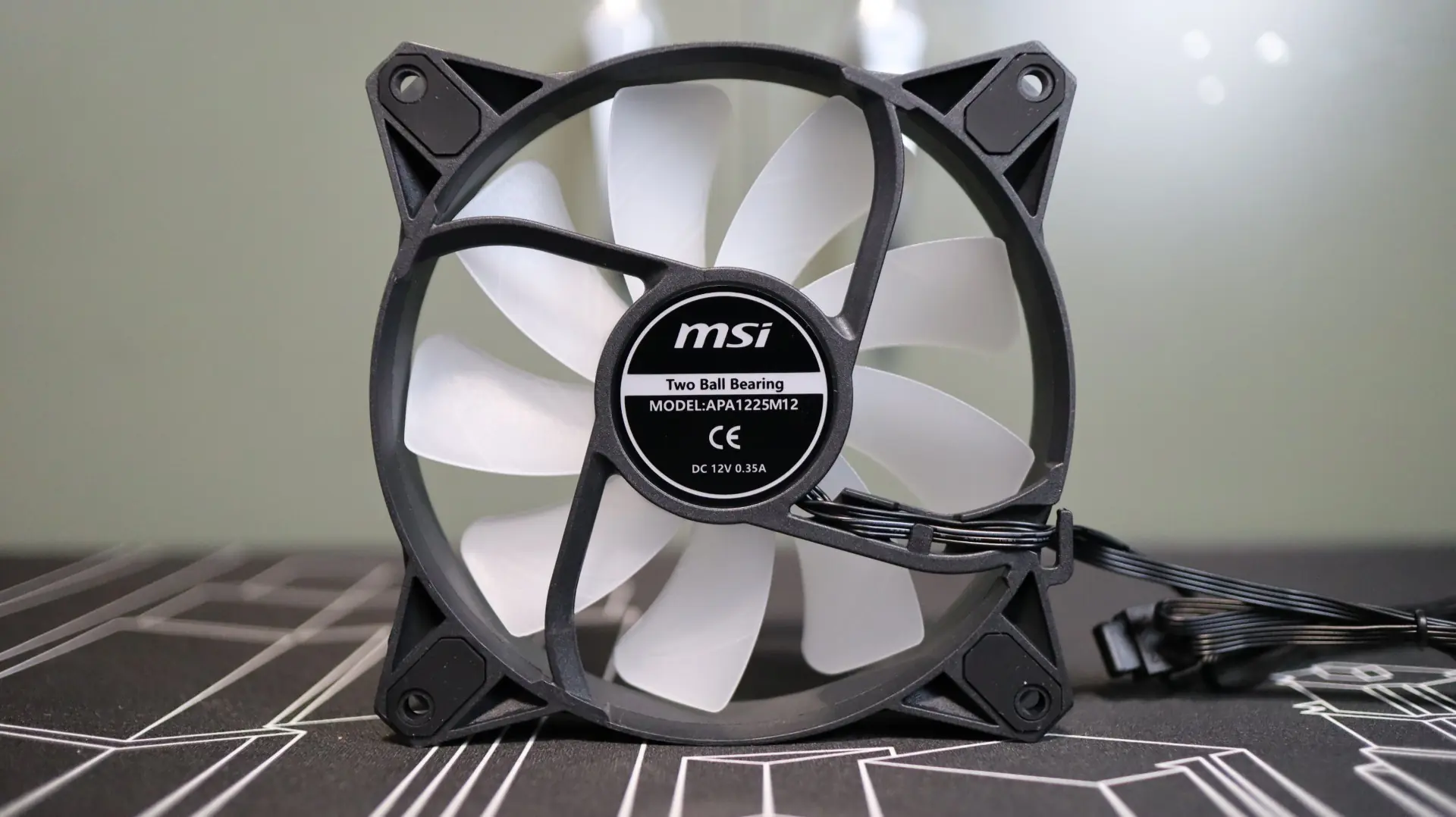
MSI does not mount these fans to the radiator from the factory, so installation is up to the customer. These fans also do not support power daisy chaining, so an included 2-to-1 adapter is used to tie the two fans together in order to use a single 4-pin PWM motherboard header. Thankfully the ARGB cables attached to the fans allow for daisy chaining, and can be paired up with the ARGB lead from the pump housing. All of this adds up to a decent amount of cabling that needs to be tidied up if you want your system to stay organized.