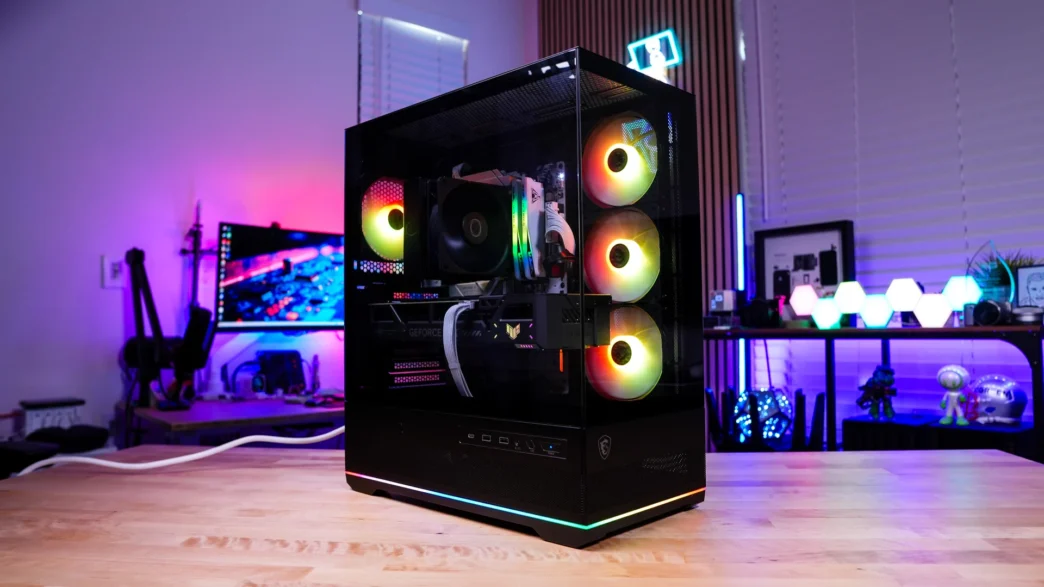
A Look Inside the MSI MAG PANO 110R PZ Case
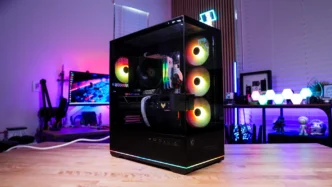
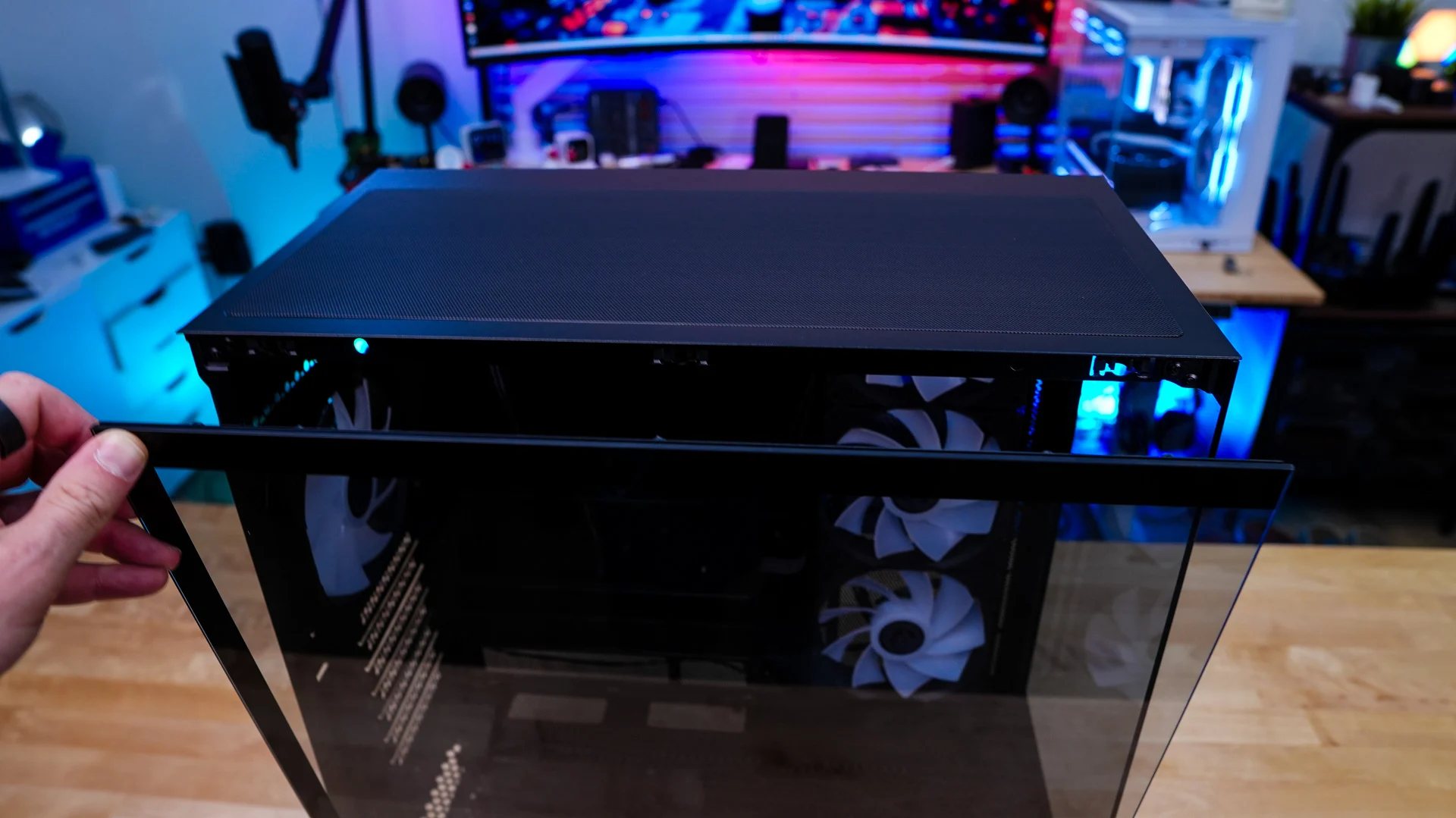
Removing the main side panel of the case is quite easy. Simply pull on it, and it will release. Be sure to catch it as it does not stay in place. Once removed we can get a closer look at the motherboard tray. This case will support mini-ITX, micro-ATX, and ATX motherboards as well as back-connect motherboards. There are plenty of cable routing holes around the motherboard tray.
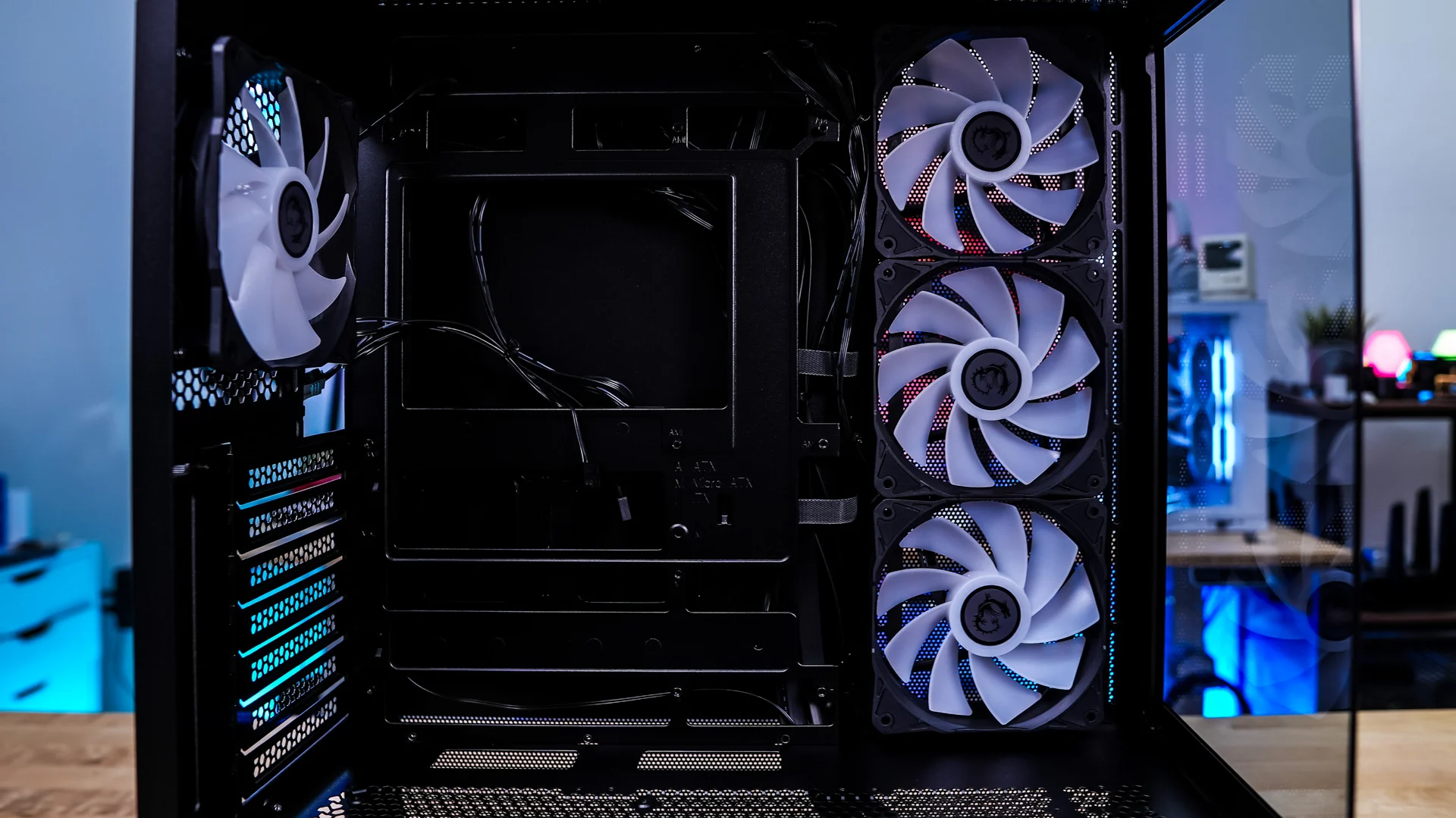
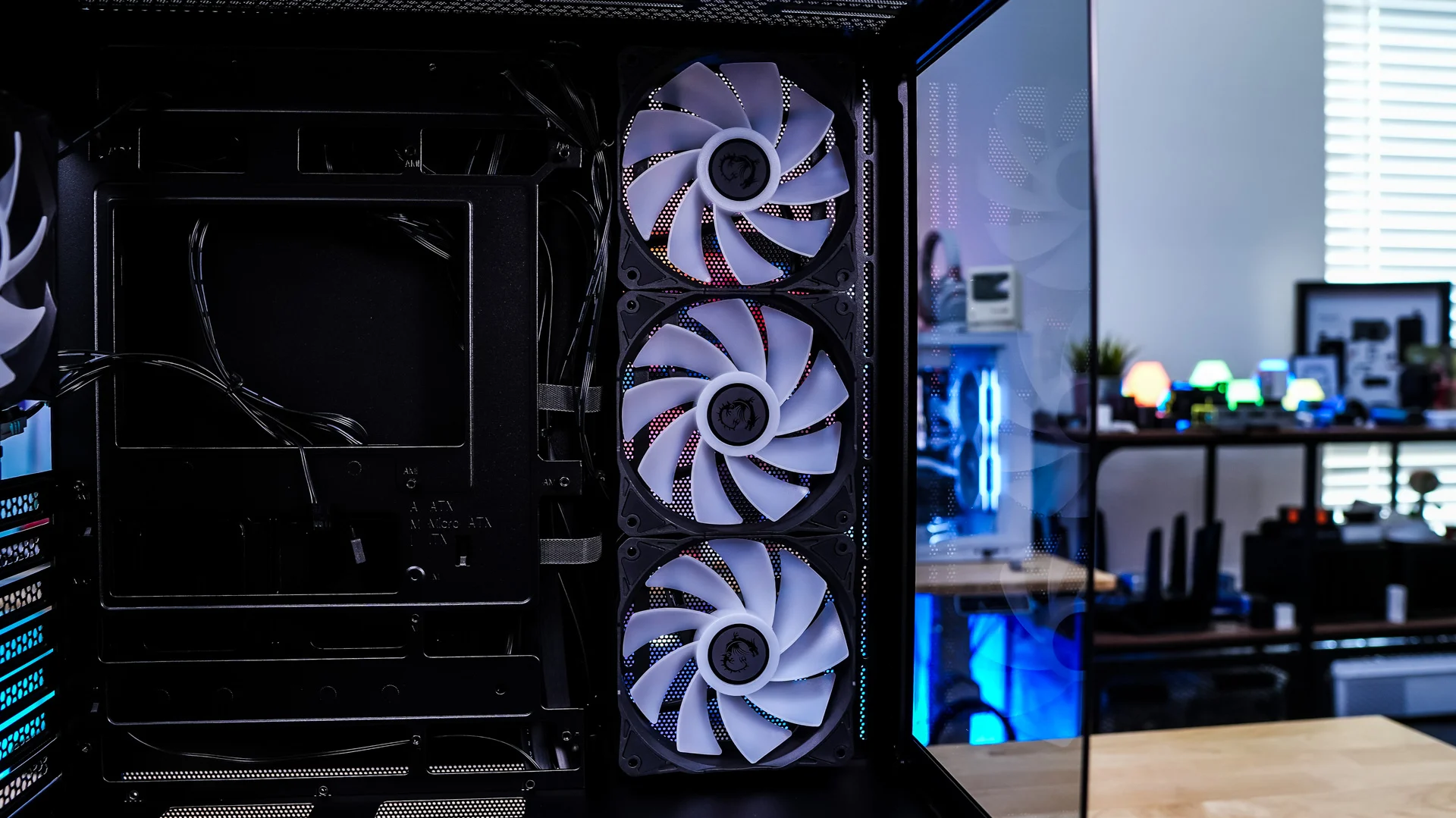
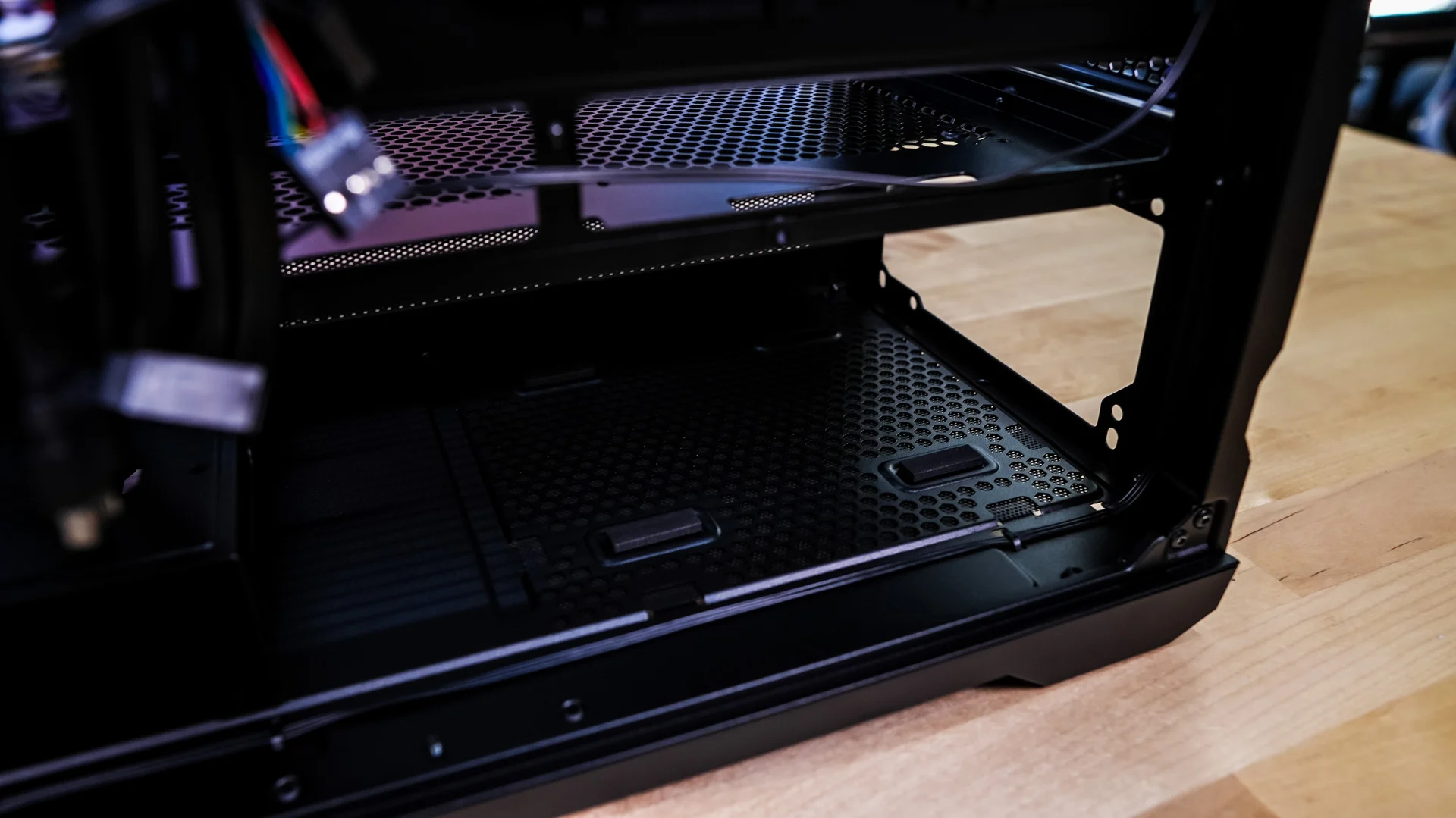
The power supply cover has ventilation on it as well as multiple cable routing holes, including a routing hole for your graphics card power cables.
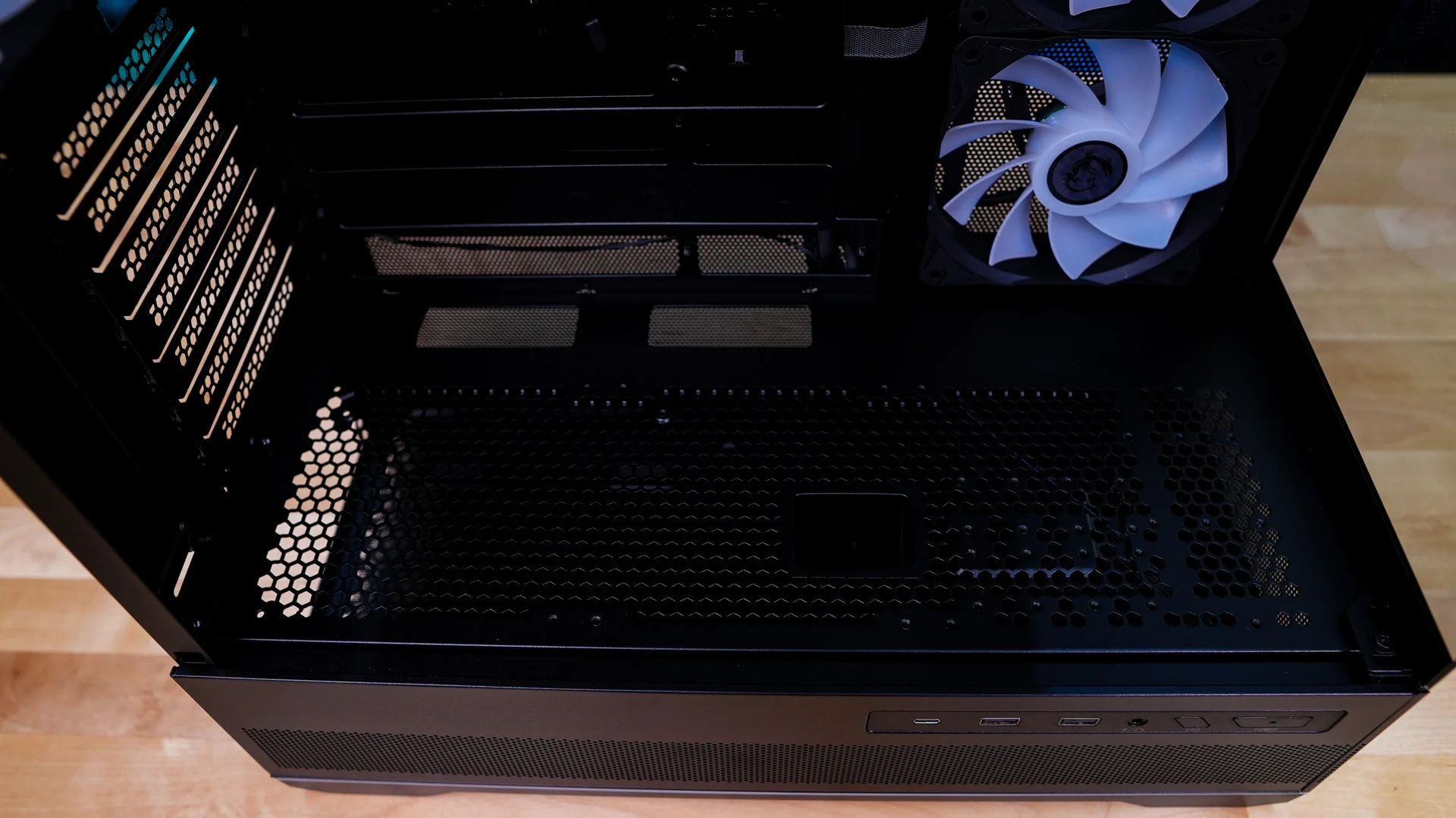
Moving to the back of the case we can see our 4th included fan, which is a 120mm ARGB unit. It is also pre-wired.
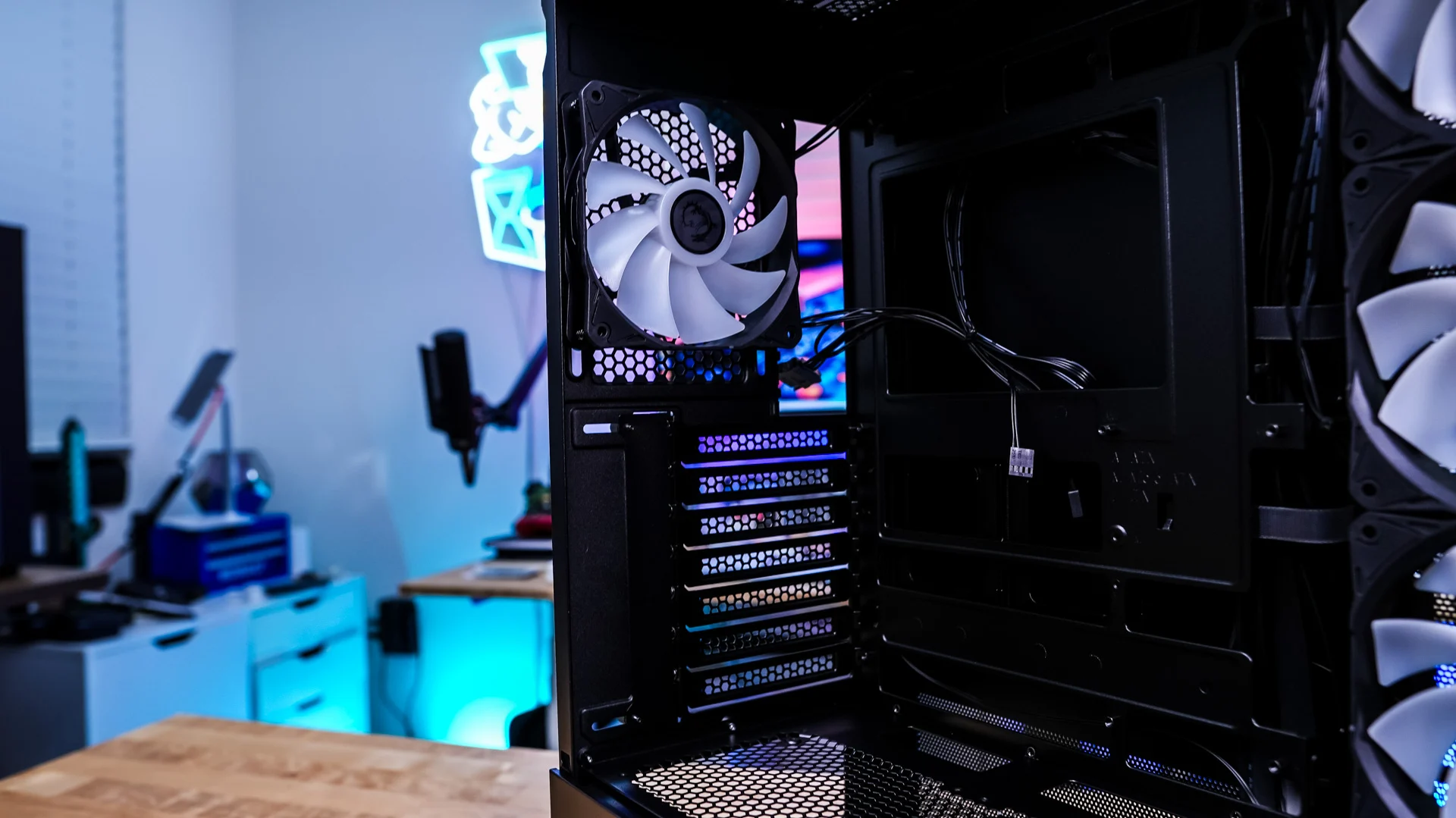
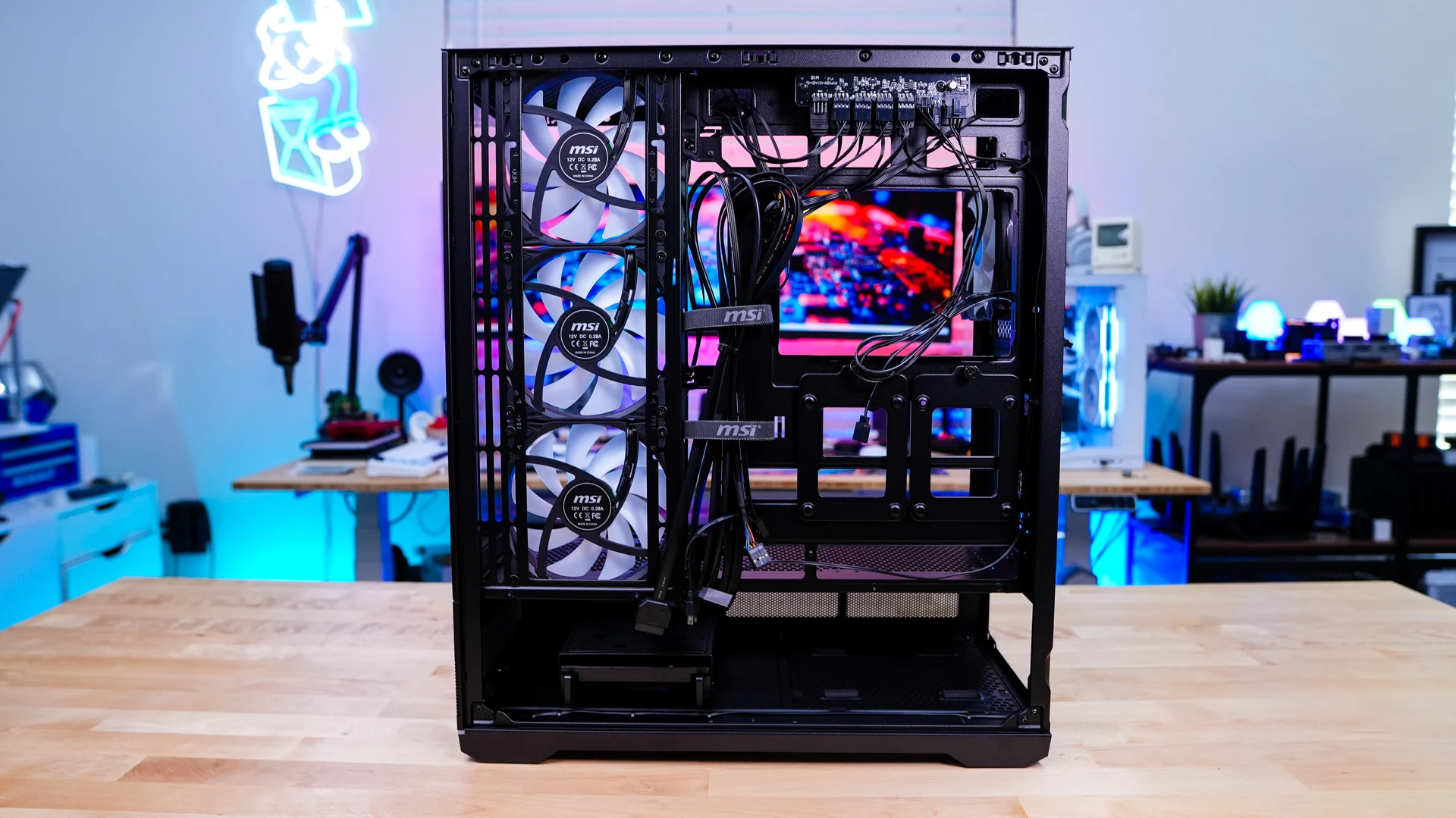
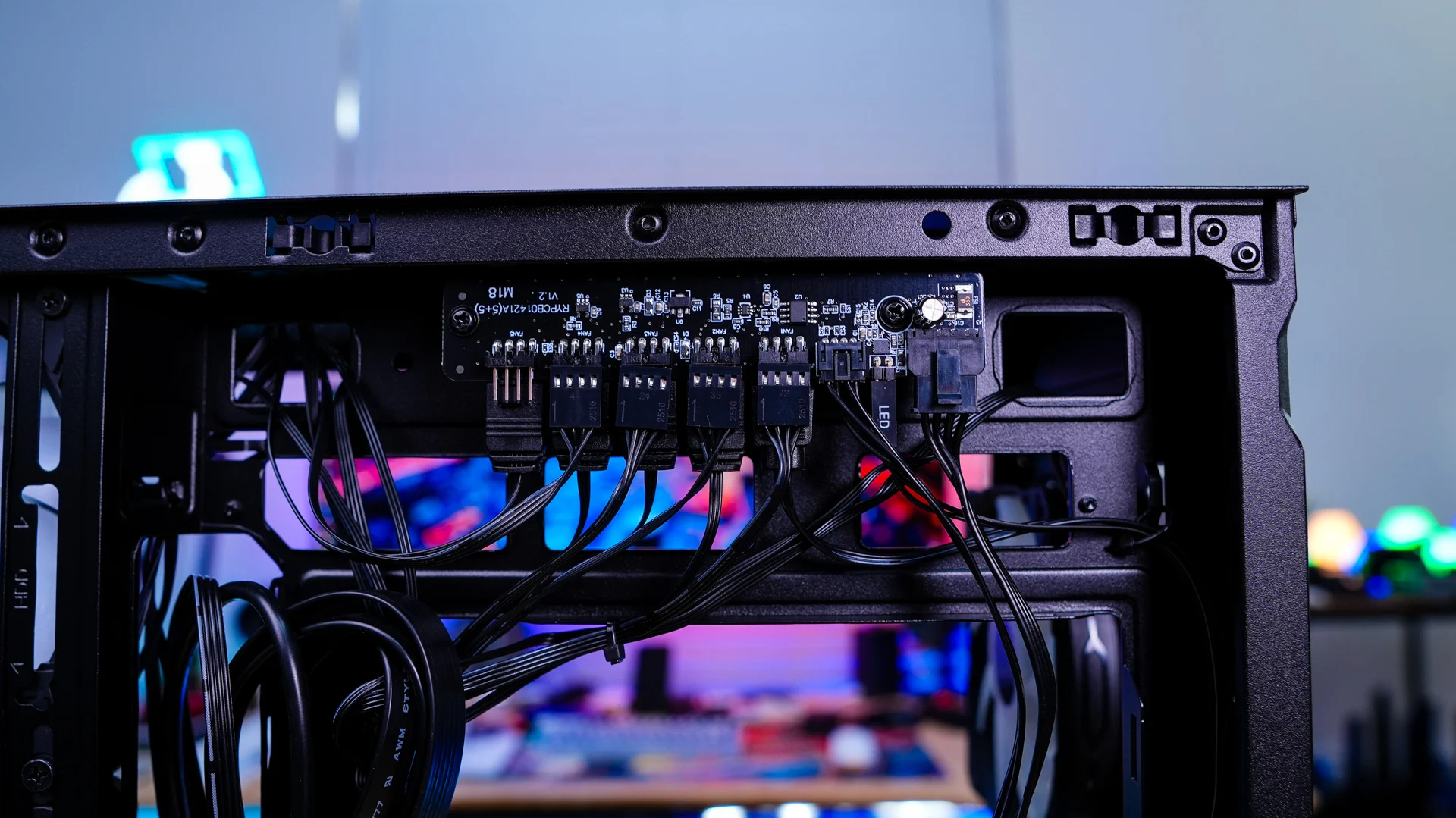
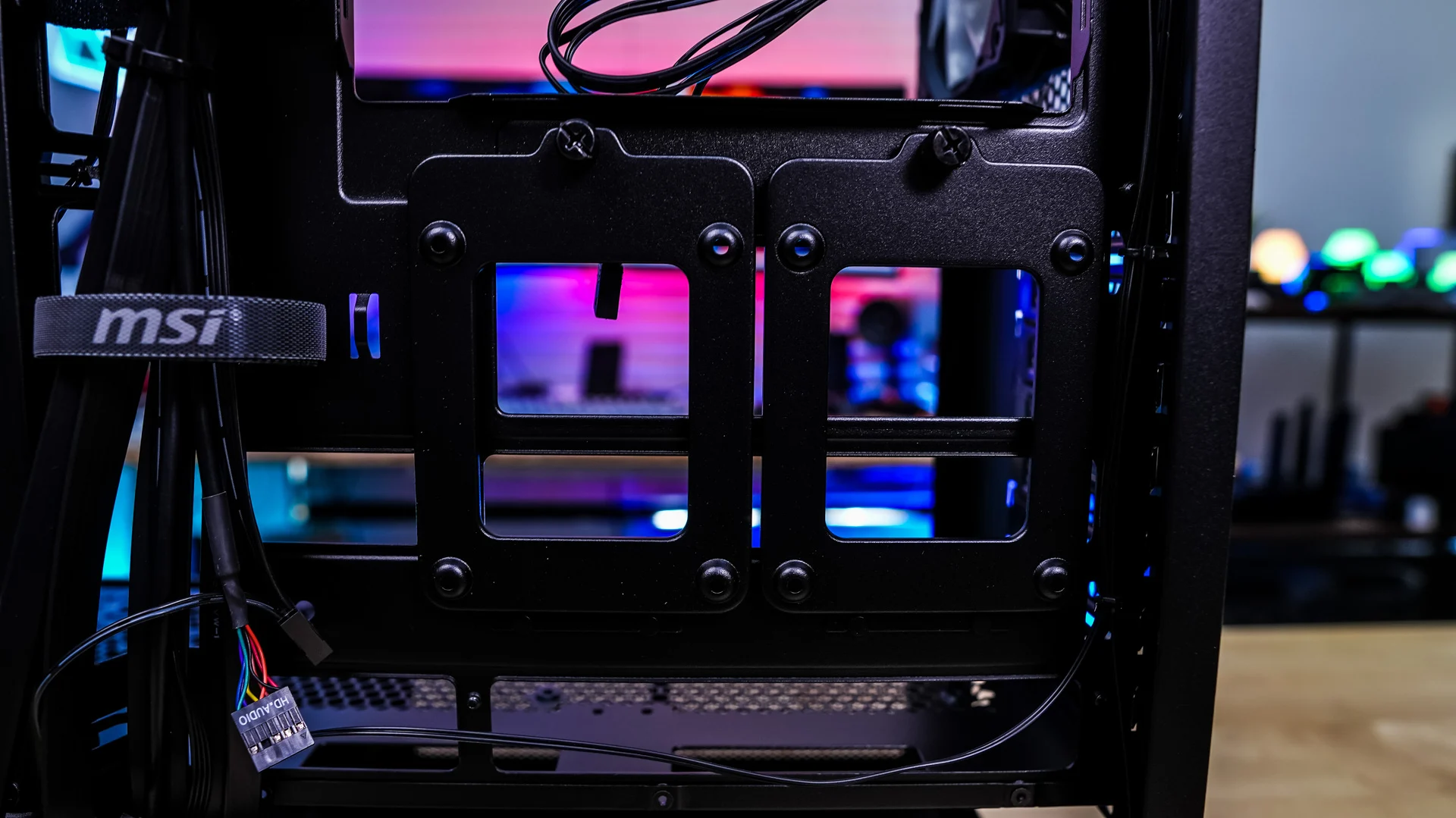
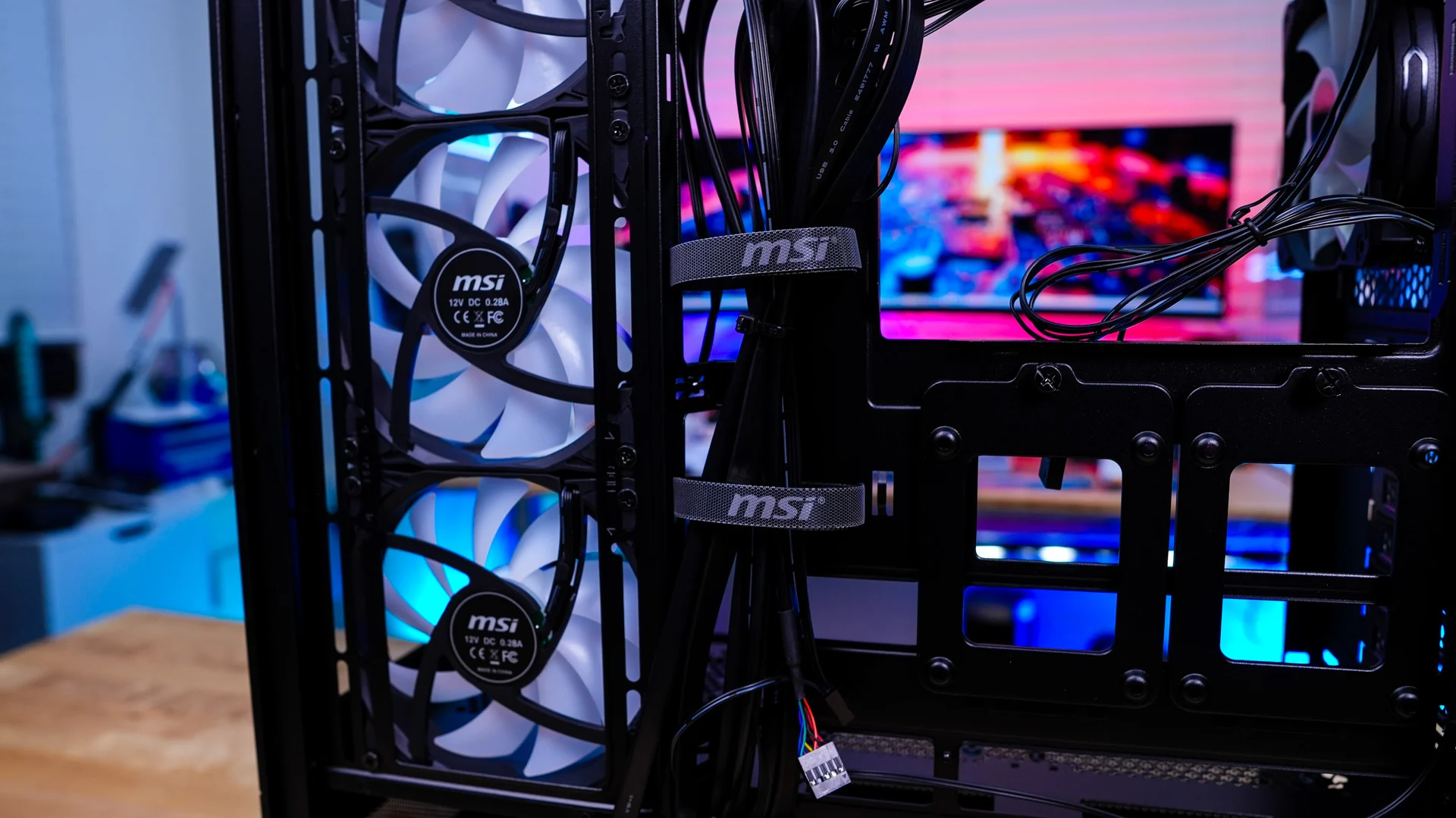
Removing the opposite side panel we can get a better look at the rest of the case. The first thing that caught my attention was the fan and RGB controller towards the top of the case. This controller supports up to 5 fans and 5 ARGB devices. As I mentioned all of the included fans are pre-wired to this controller and this controller works with the LED button on the side of the case. You can also connect this controller to your motherboards 3-pin ARGB header for software control.