MSI MPG B850 EDGE TI WIFI Motherboard Overview
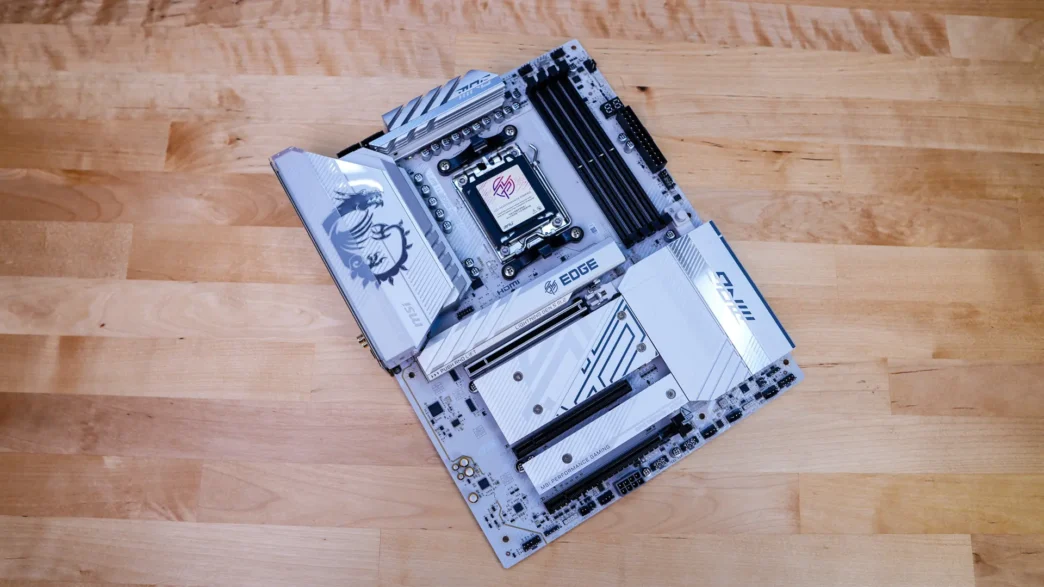
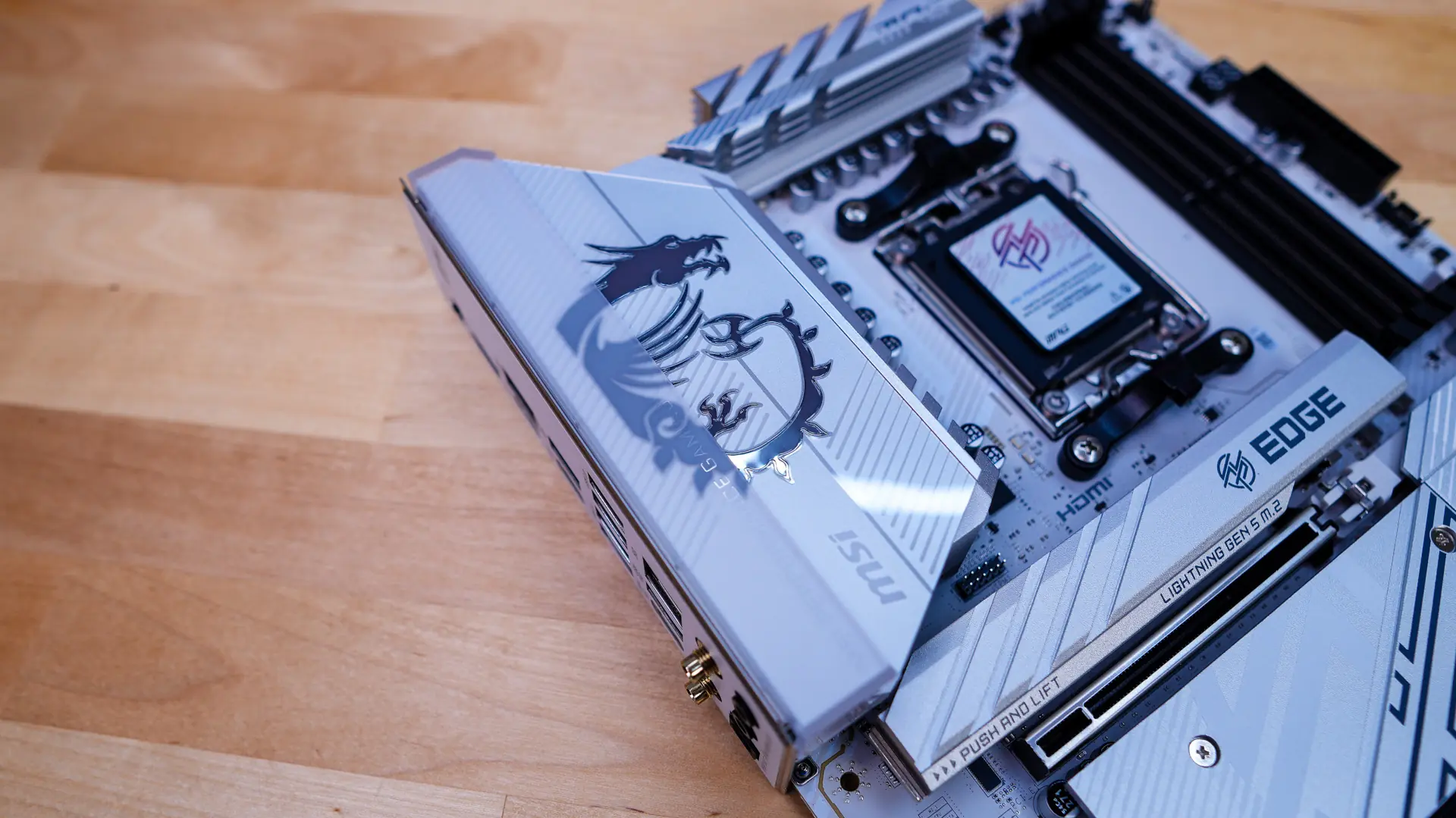
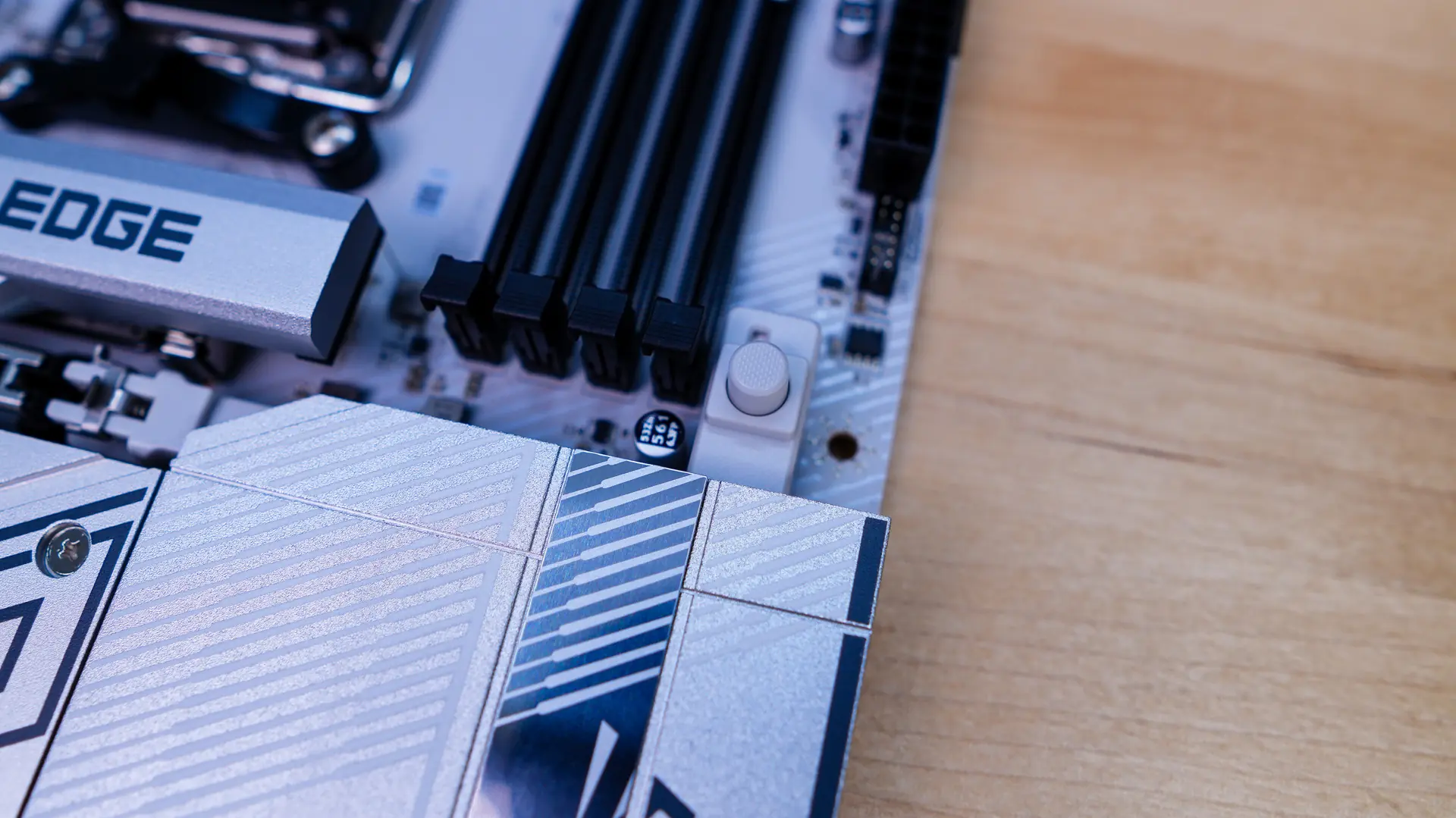
Taking a first look at the MPG B850 EDGE TI WIFI it has a really sleek design with its white PCB with mainly silver and white accents on the heatsinks. There is some black on the memory slots and PCI-Express slots so you do have some contrast. This is going to be a perfect motherboard if you are doing an all-white build.
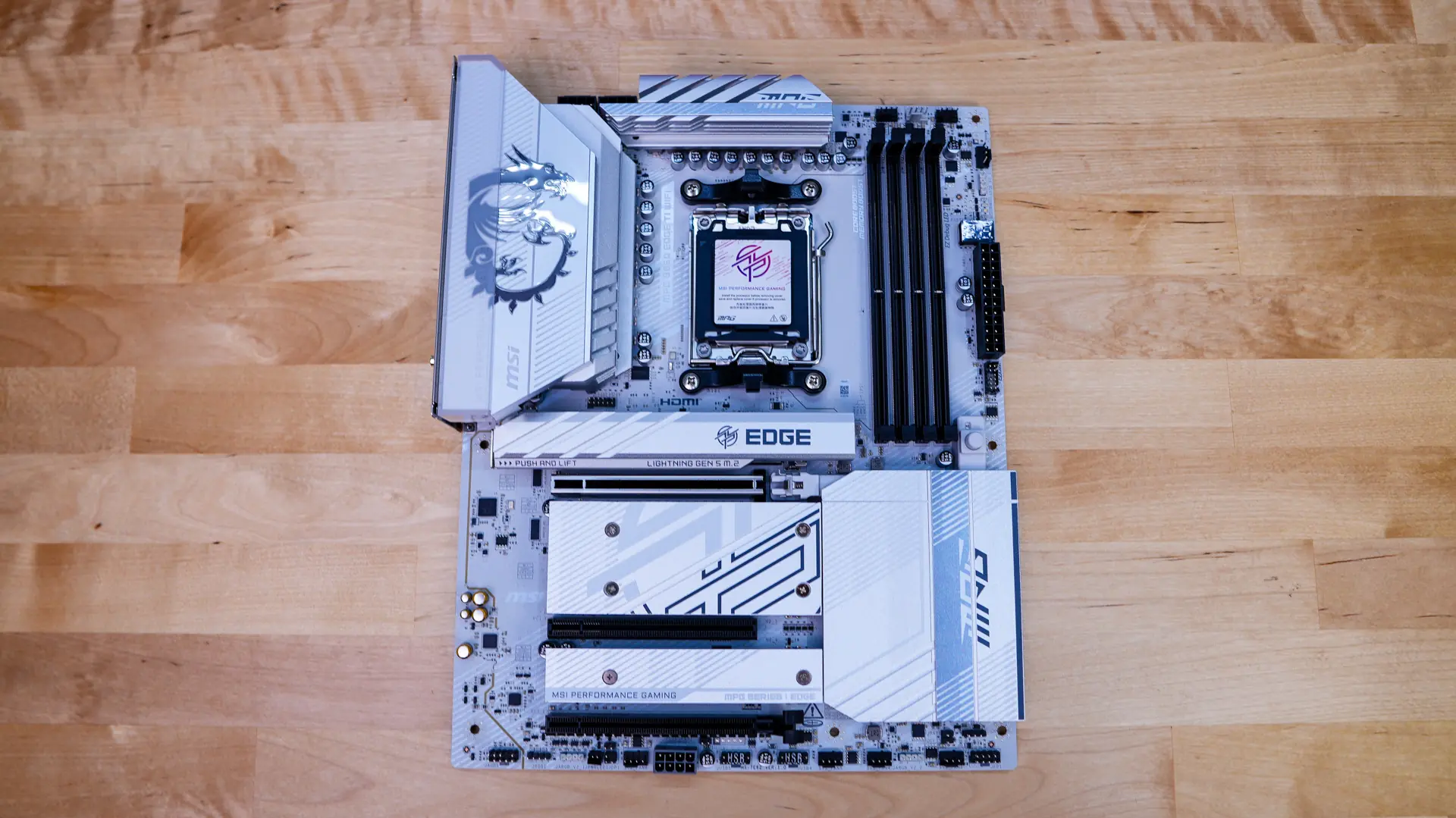
Starting at the CPU socket we have AMD’s AM5 socket. This socket will support AMD’s Ryzen 9000, 8000, and 7000 series processors.
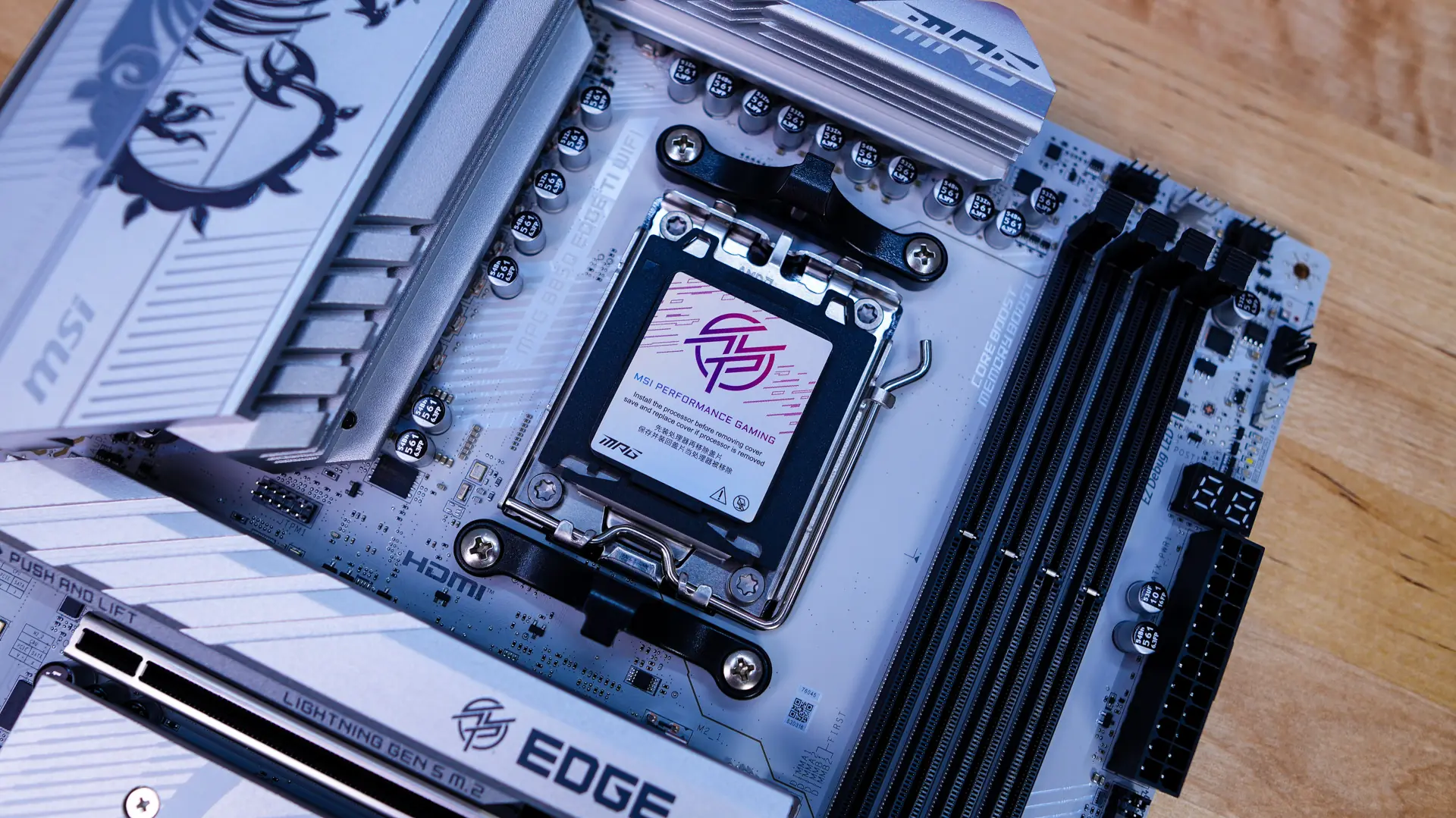
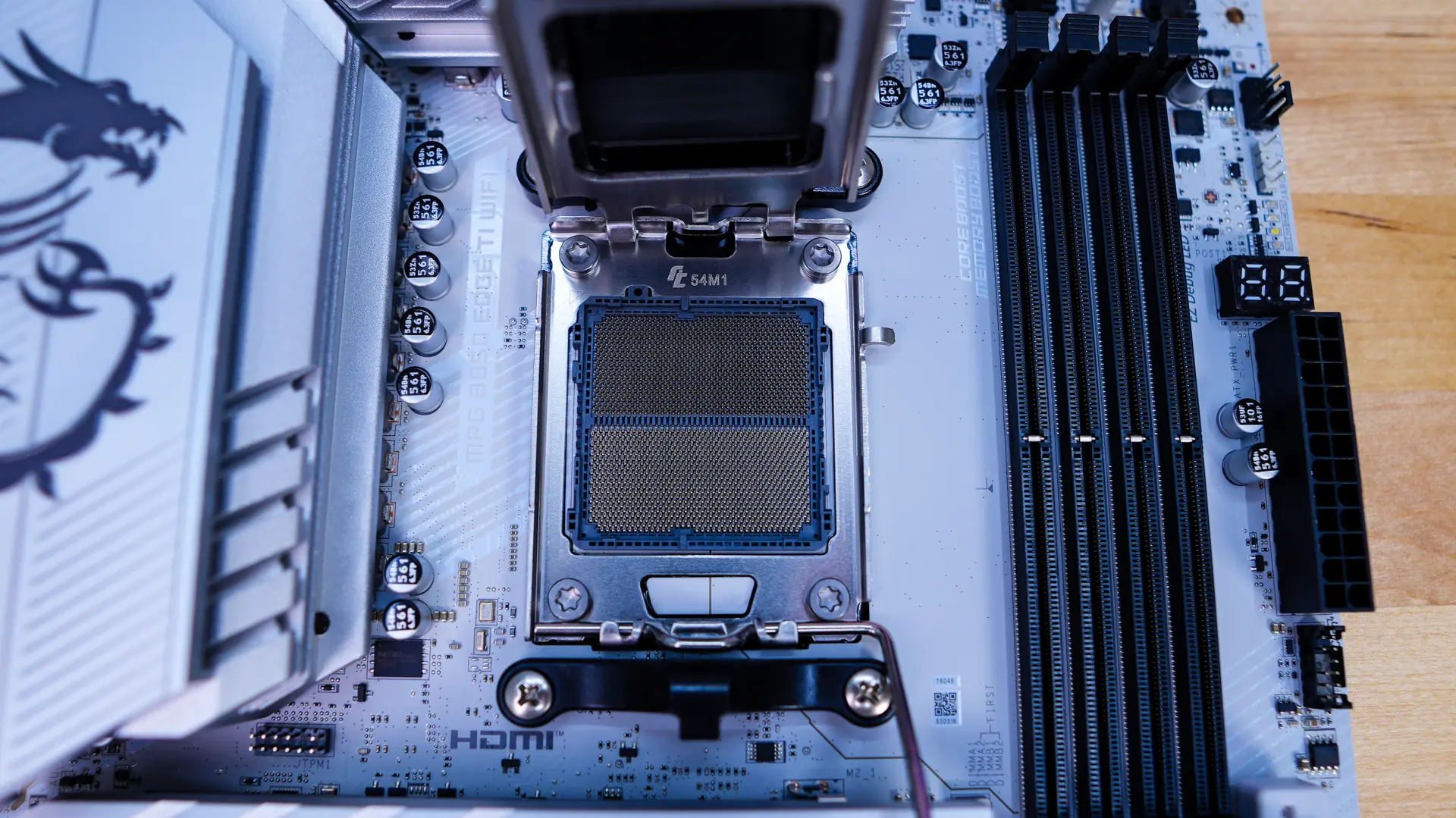
Surrounding the CPU socket you’ll find the power delivery components and MSI is making use of a 14+2+1 power phase design with the 80A power stages for the CPU. These power delivery components are are covered by two large heatsinks, which will keep VRM temperatures in check.
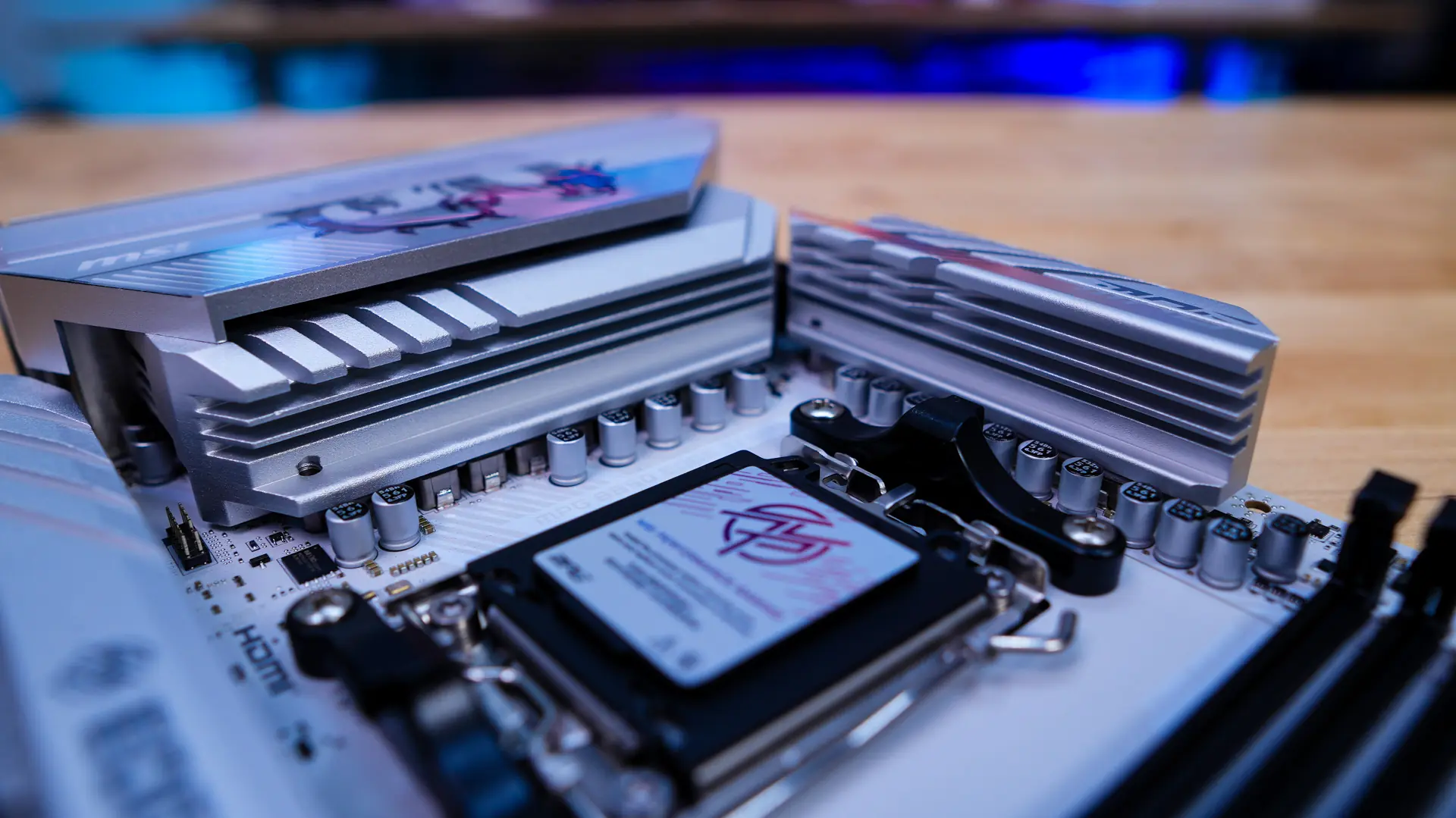
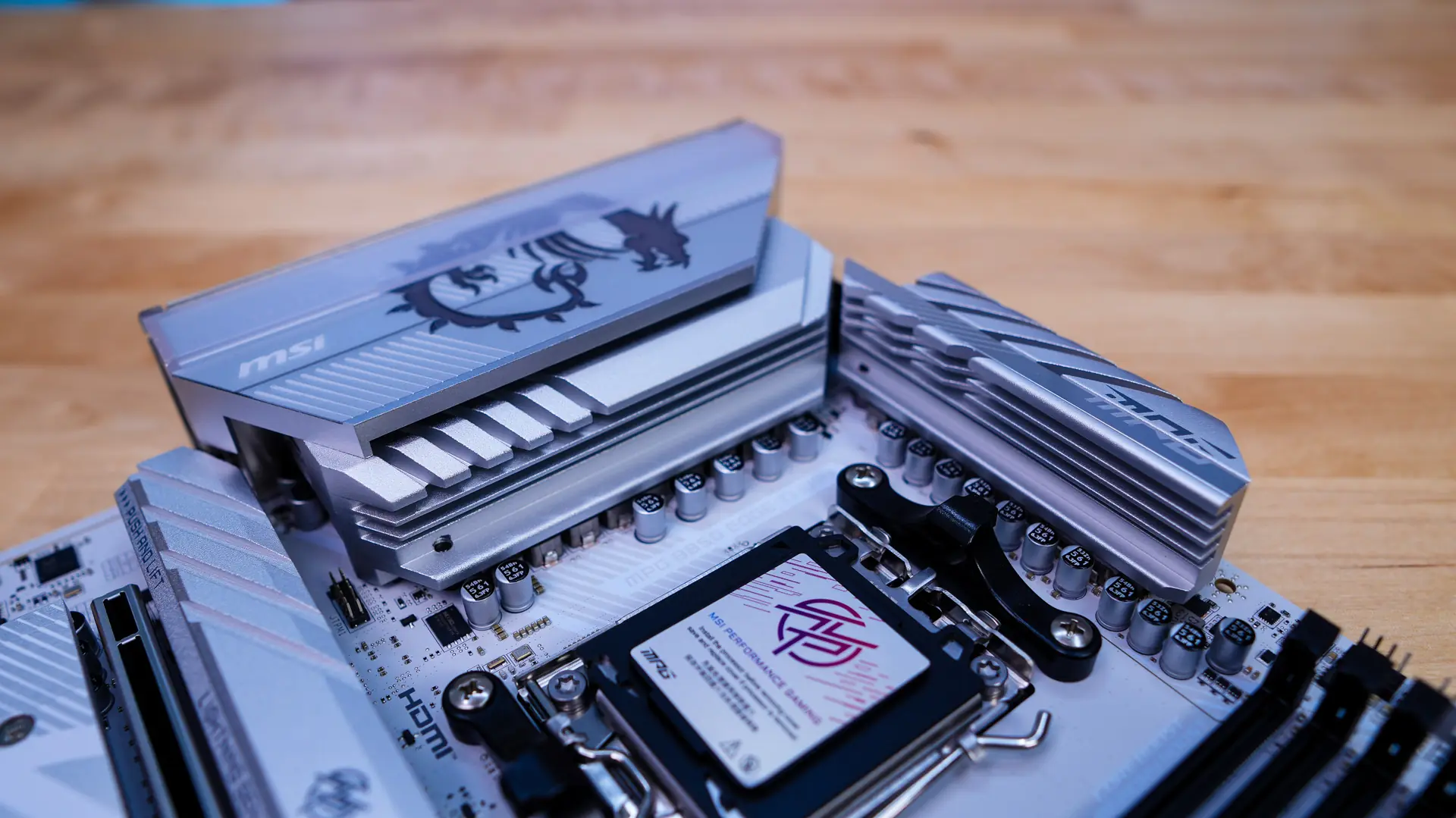
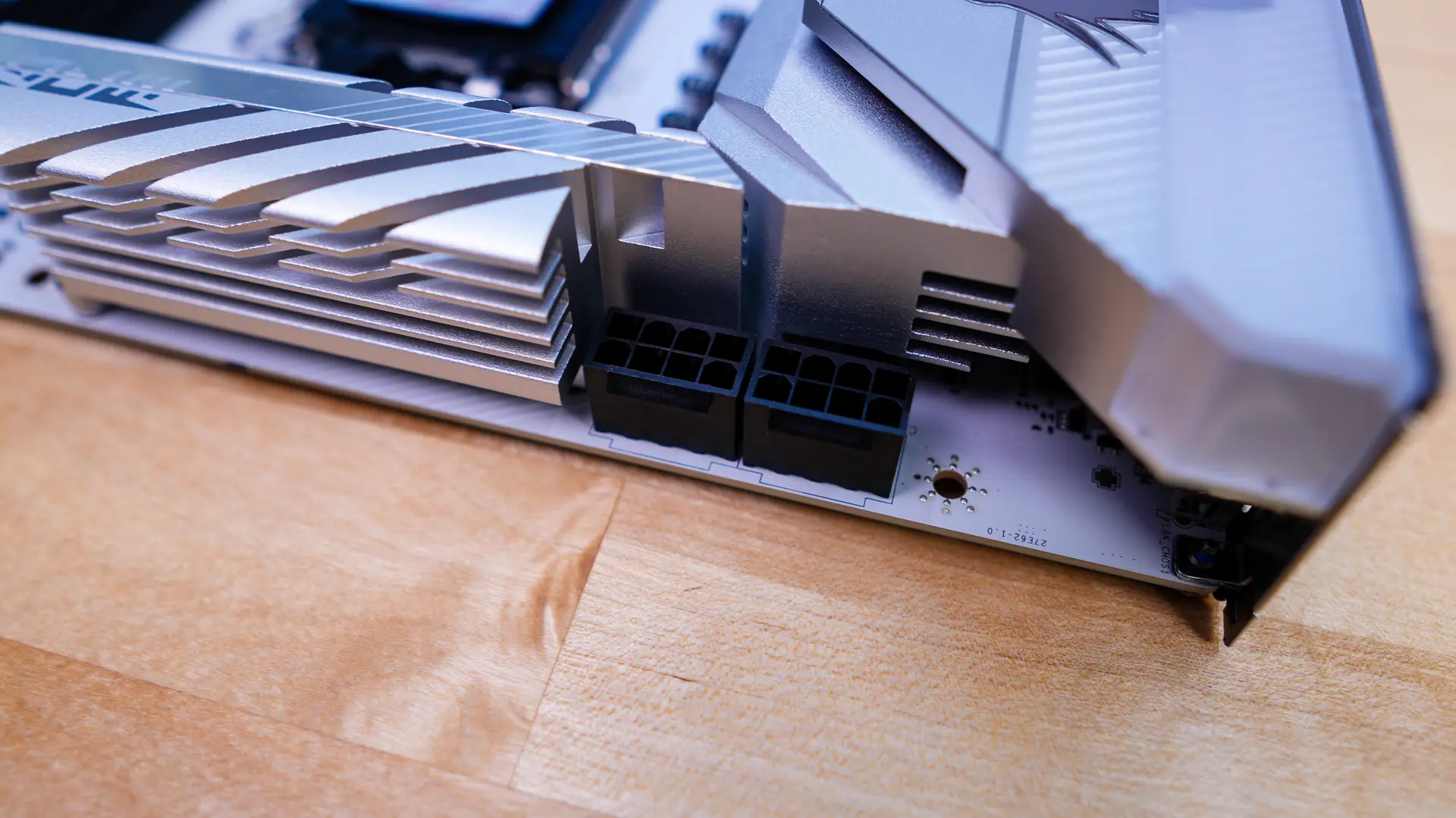
The I/O cover sits over one of the heatsinks and really brings the top-half of the board together. This I/O cover has a large reflective MSI dragon logo on it. Hiding in the top corner of the board are two 8-pin EPS connectors.
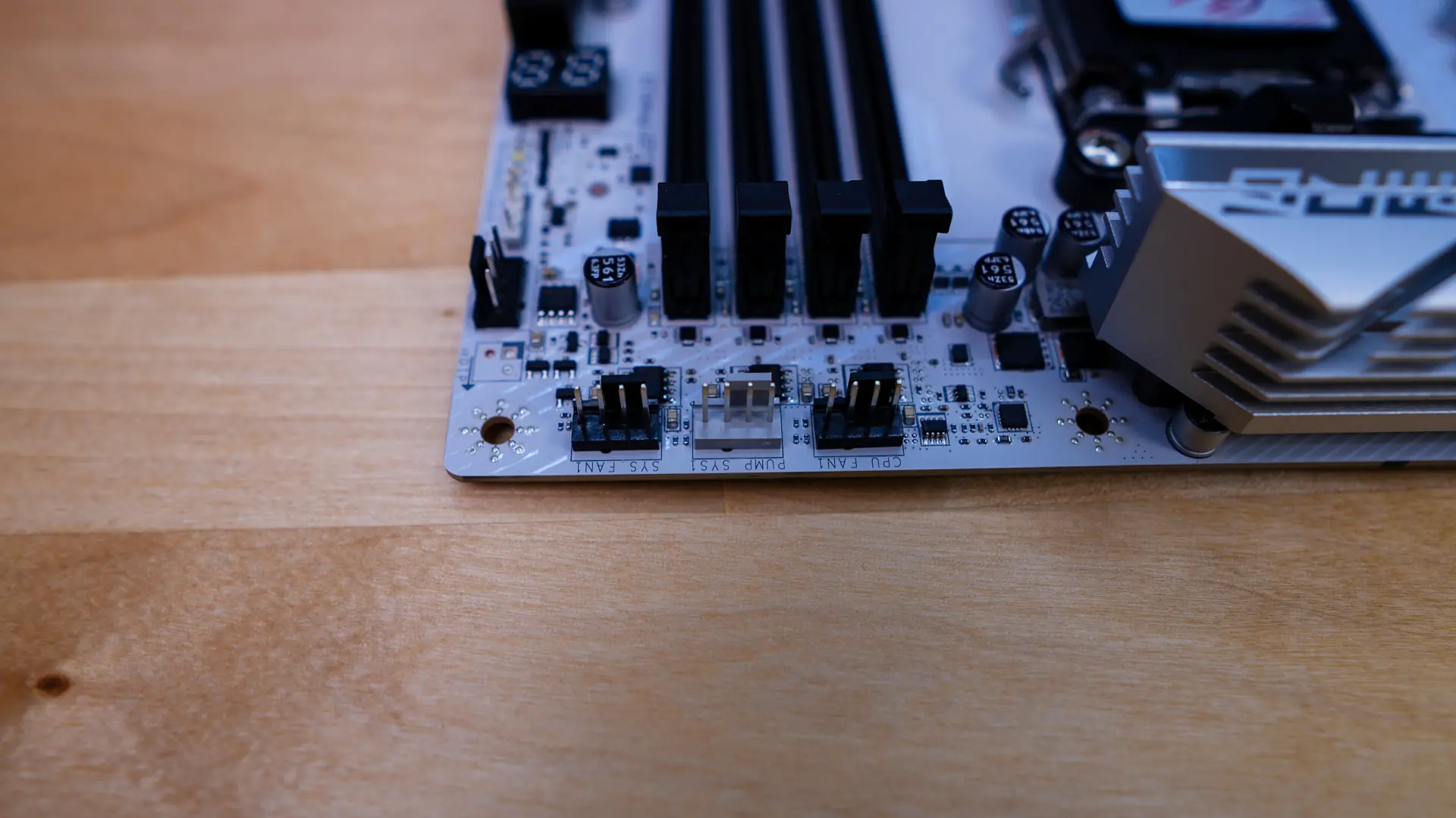
As we move across the top of the board we’ll find three 4-pin headers, these are your CPU fan header, pump header, and a system fan header. The pump header is color-coded grey and of course the CPU fan header is the one closest to the CPU socket. For the memory slots we have four DDR5 DIMM slots which support up to 256GB of DDR5-8400 memory.
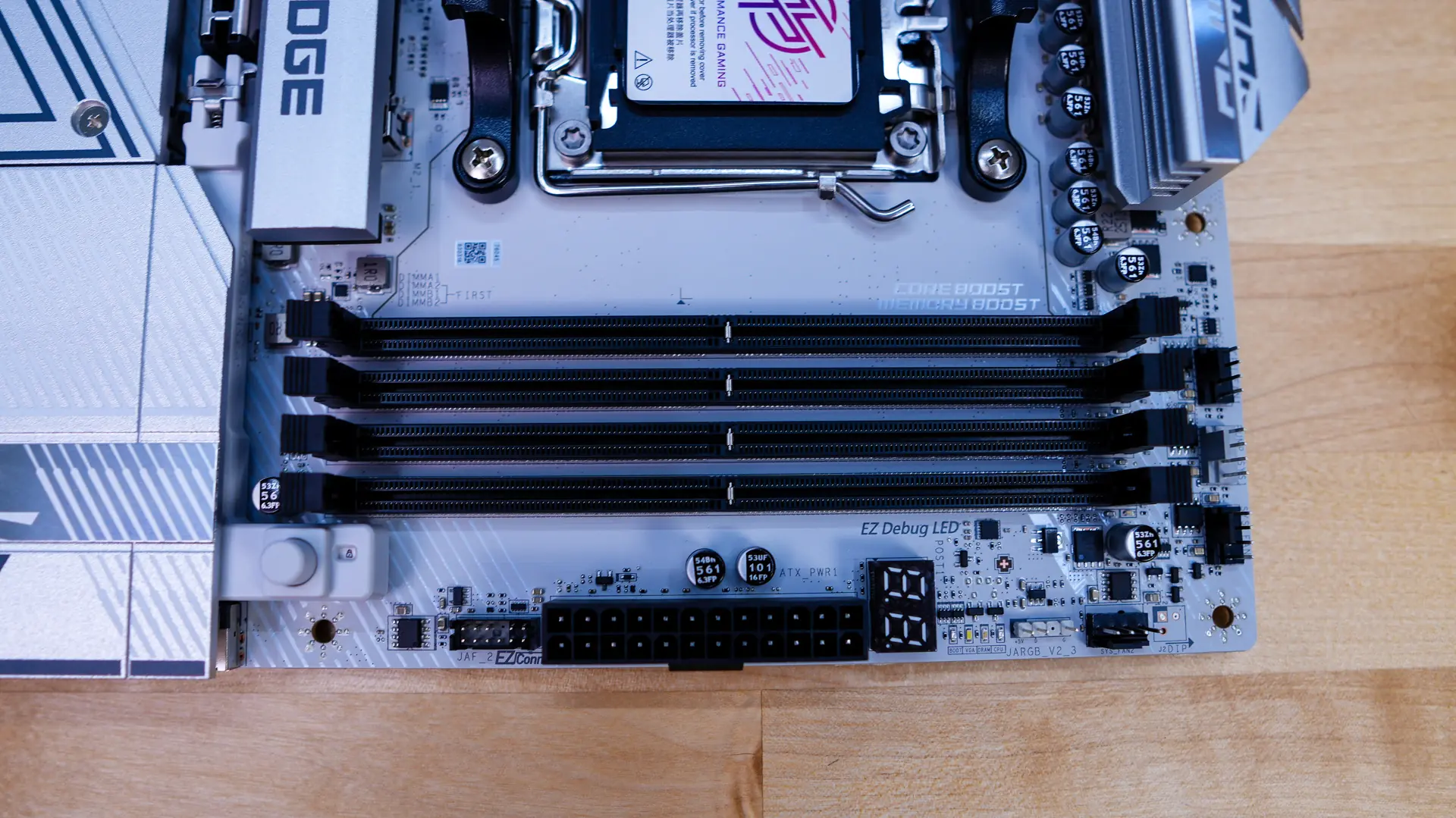
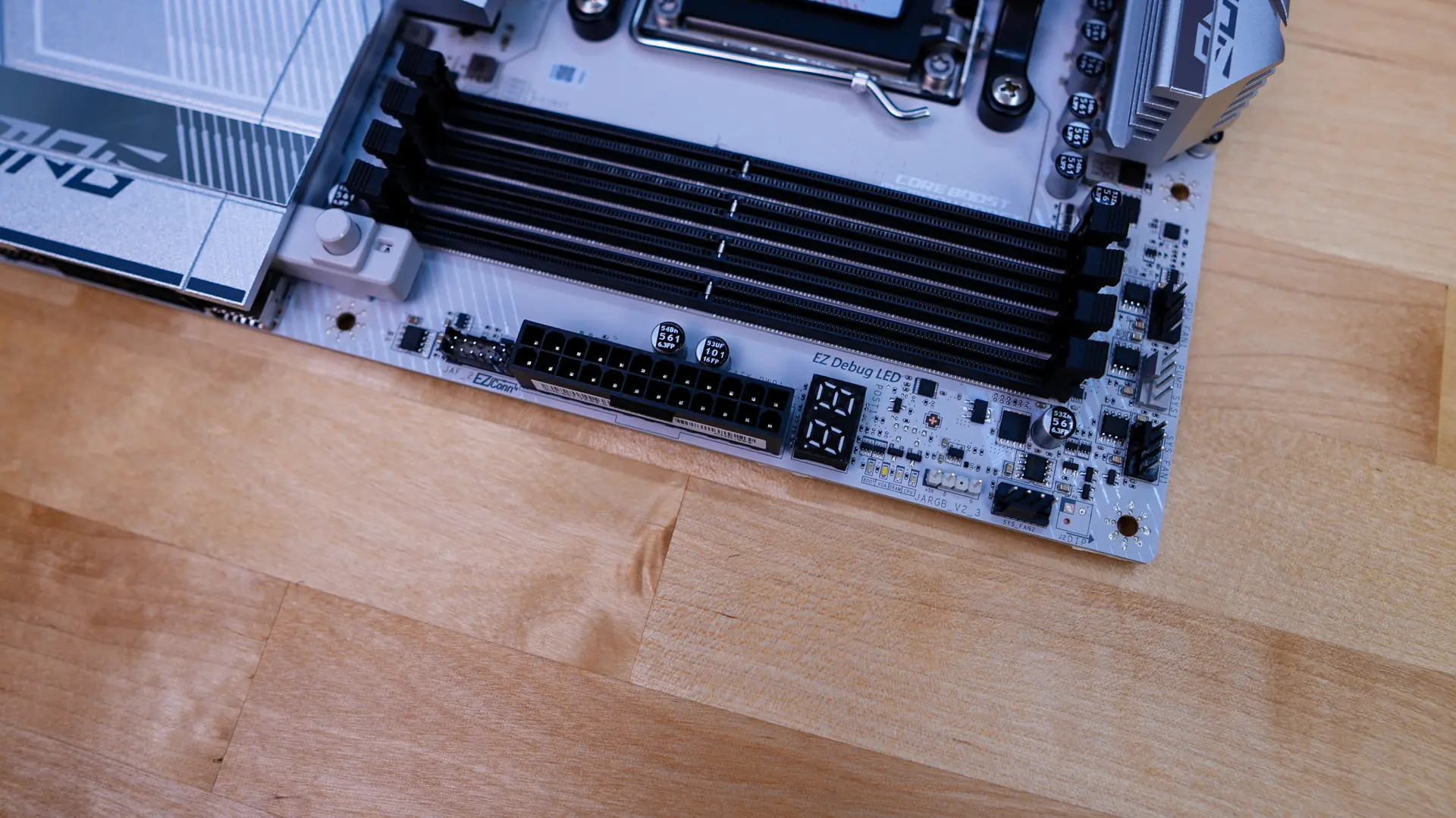
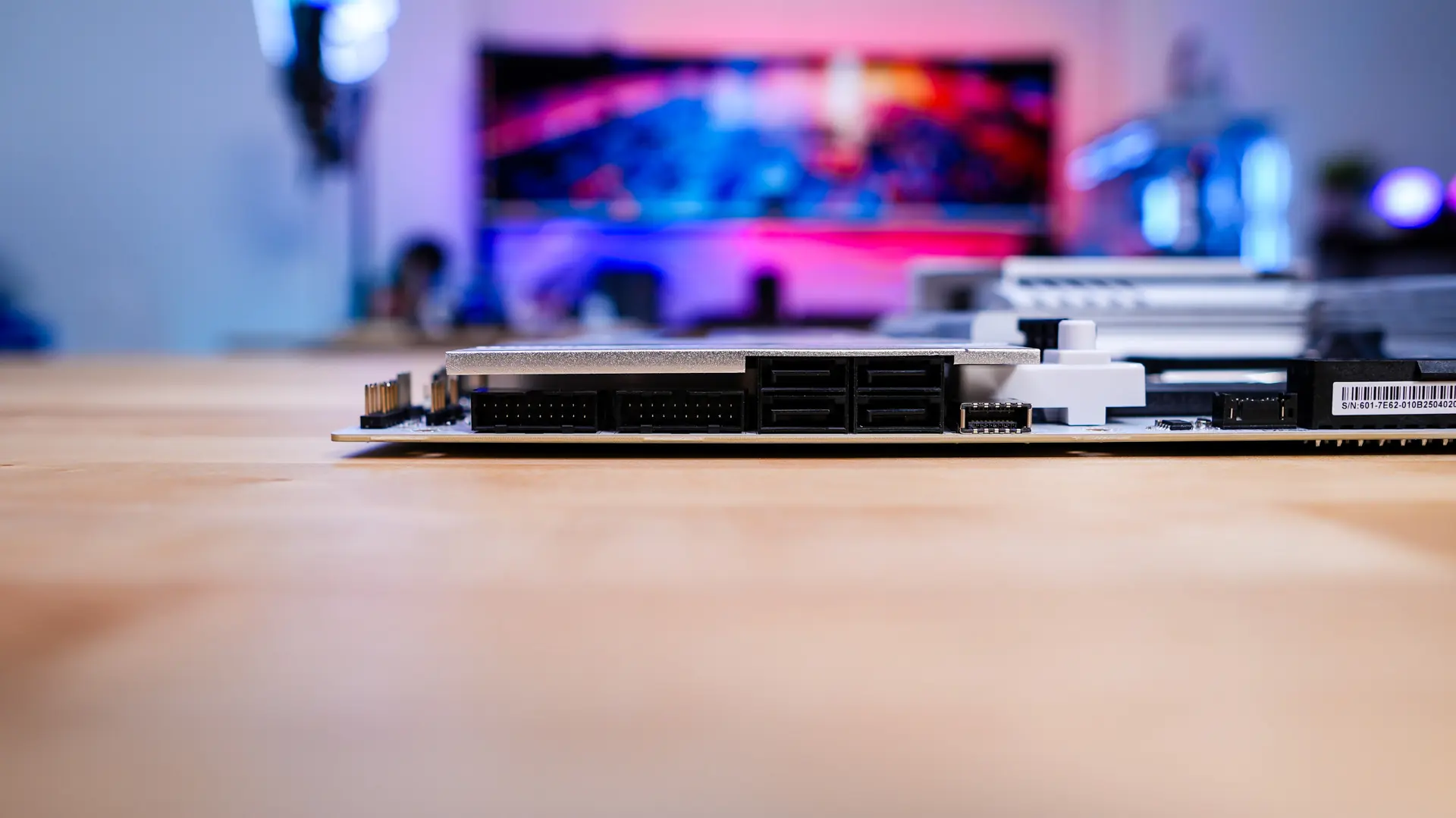
Coming to the edge of the board you’ll find a 4-pin fan header, 3-pin addressable RGB header, POST code display, 24-pin ATX power connection, and the EZ connector. The EZ connector integrates a system fan, 5V ARGB headers, and a front USB 2.0 header into a single 11-pin connector. MSI provides a break-out cable for this connector. Coming down the board we have a USB 3.2 gen 2×2 header, four SATA 6GB/s ports, and two USB 3.2 gen 1 headers. All of these are at a 90-degree angle so they don’t get in the way of your expansion cards.
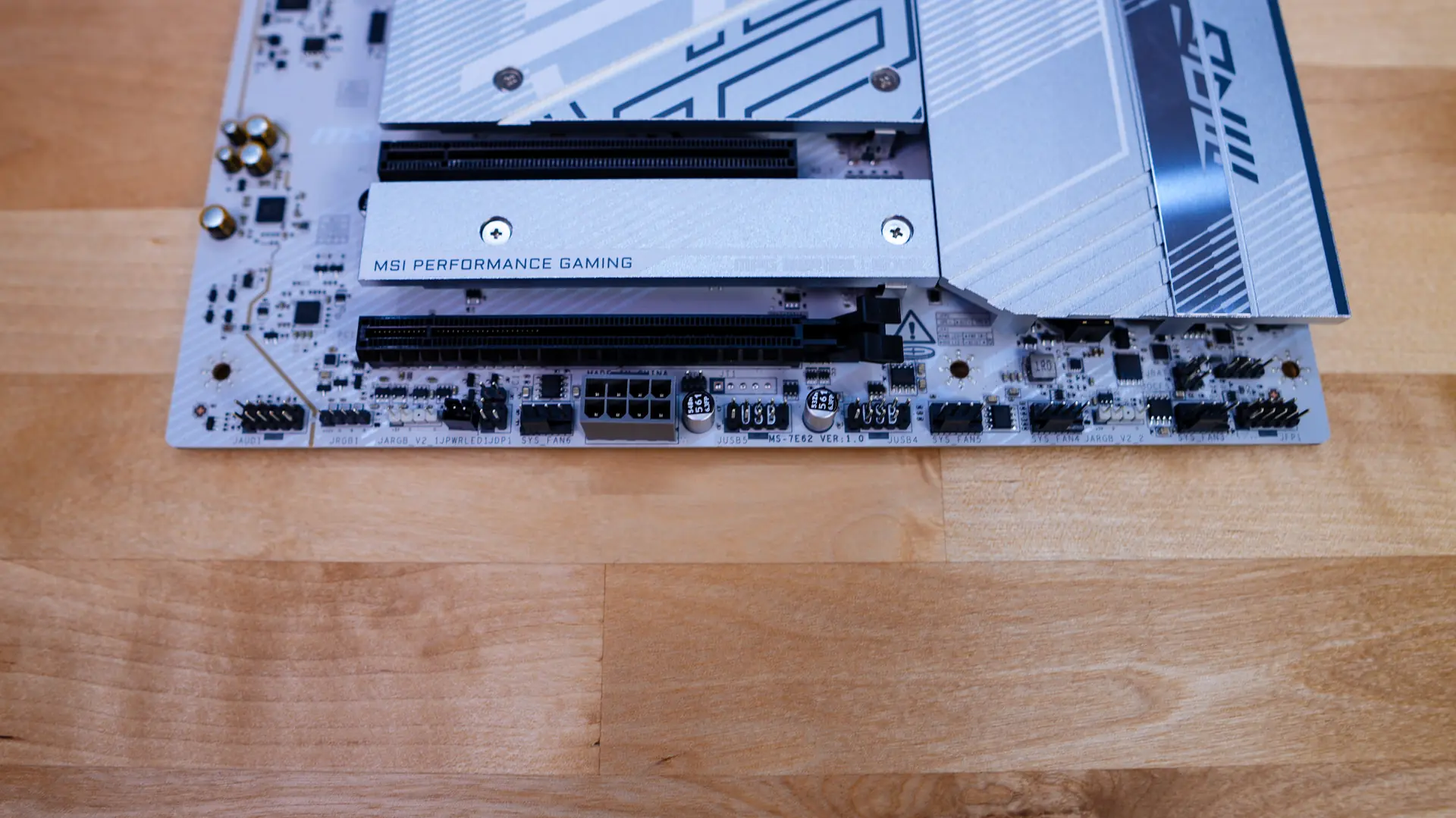
At the bottom of the board you’ll find the rest of your headers and connections. From left to right you have your front panel audio header, 4-pin standard RGB header, 3-pin addressable RGB header, a 4-pin fan header, 8-pin auxiliary power connector, two USB 2.0 headers, two more 4-pin fan headers, a 3-pin addressable RGB header, another 4-pin fan header, and your front panel headers.
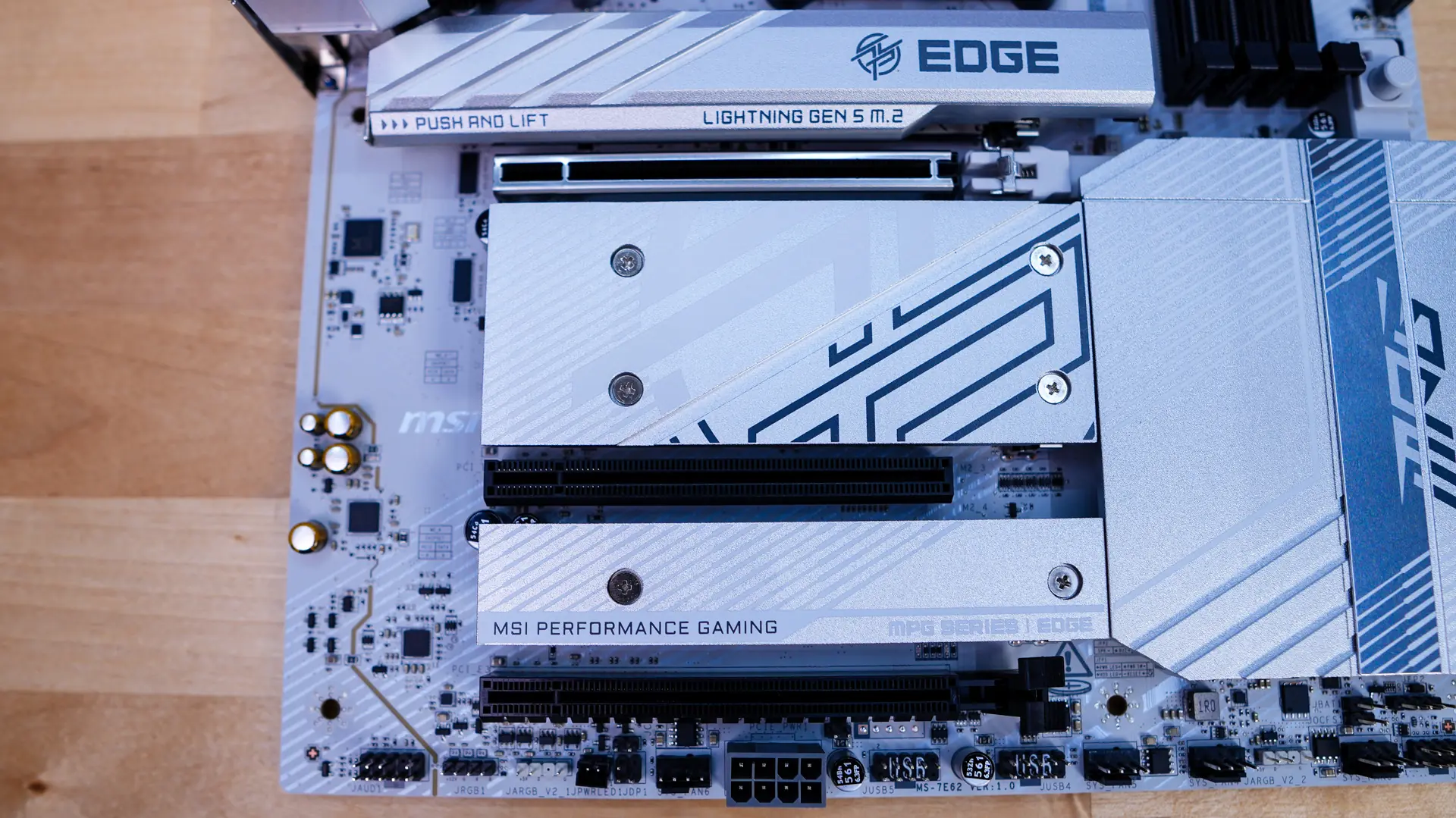
The bottom-half of the board is made up of heatsinks, three of which are removable. The top heatsink is of course made to cool off newer PCI-Express 5.0 M.2 drives so it is larger than the others. This heatsink is the only tool-less one and has a latch on one side you press in to remove it. Once we removed we have a PCI-Express 5.0 x4 slot which will support M.2 2280 and M.2 22110 drives. It has a tool-less locking system for your drive which MSI calls their EZ M.2 CLIP II, essentially you press your drive down into the clip and it will lock into place. Removing the bottom two heatsinks we have three more M.2 slots, these are PCI-Express 5.0 x4, PCI-Express 4.0 x2, and PCI-Express 4.0 x4. These bottom three slots also use a tool-less system for the drive, but its a simple plastic piece that slides over to lock in the drive.
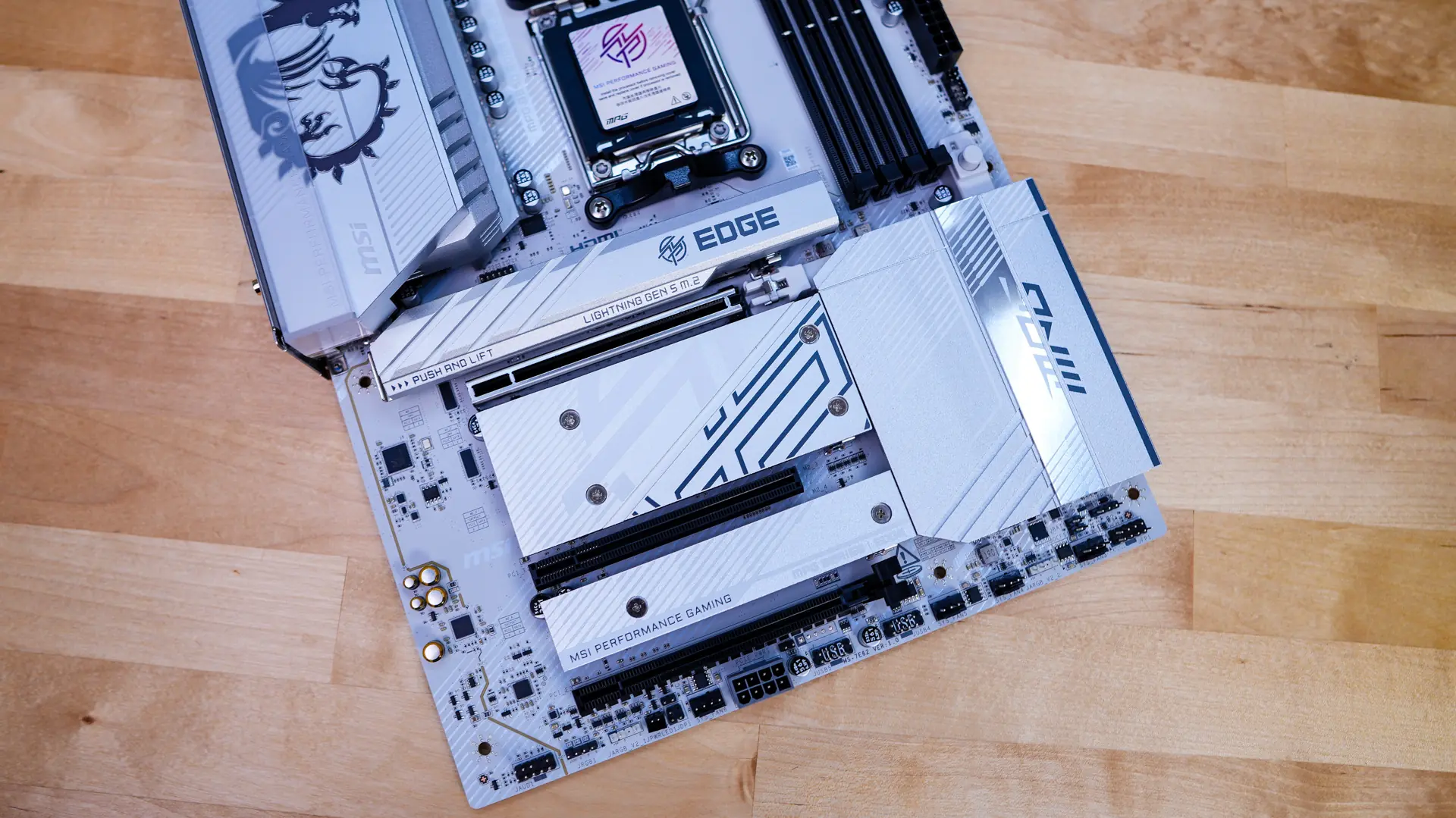
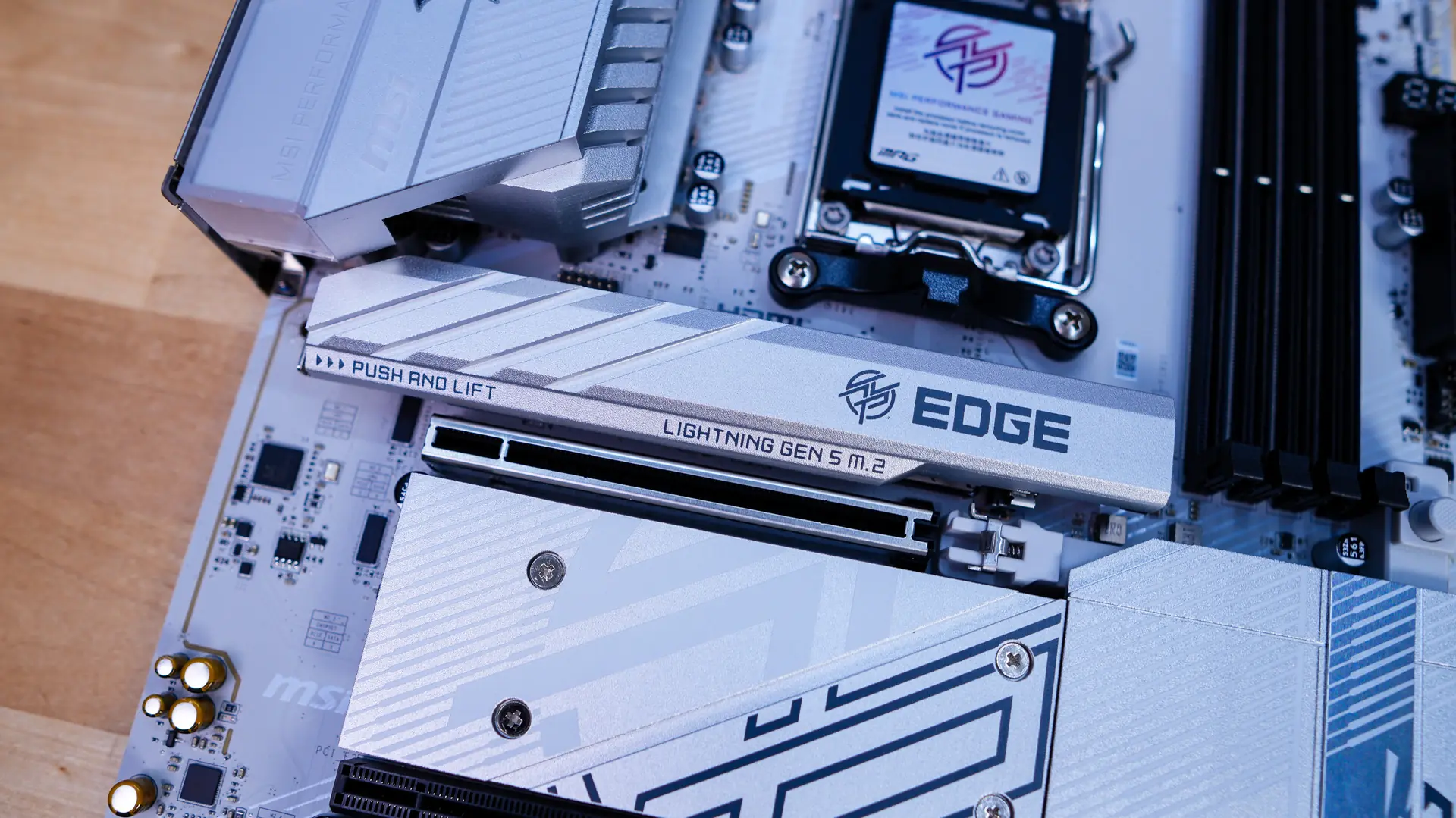
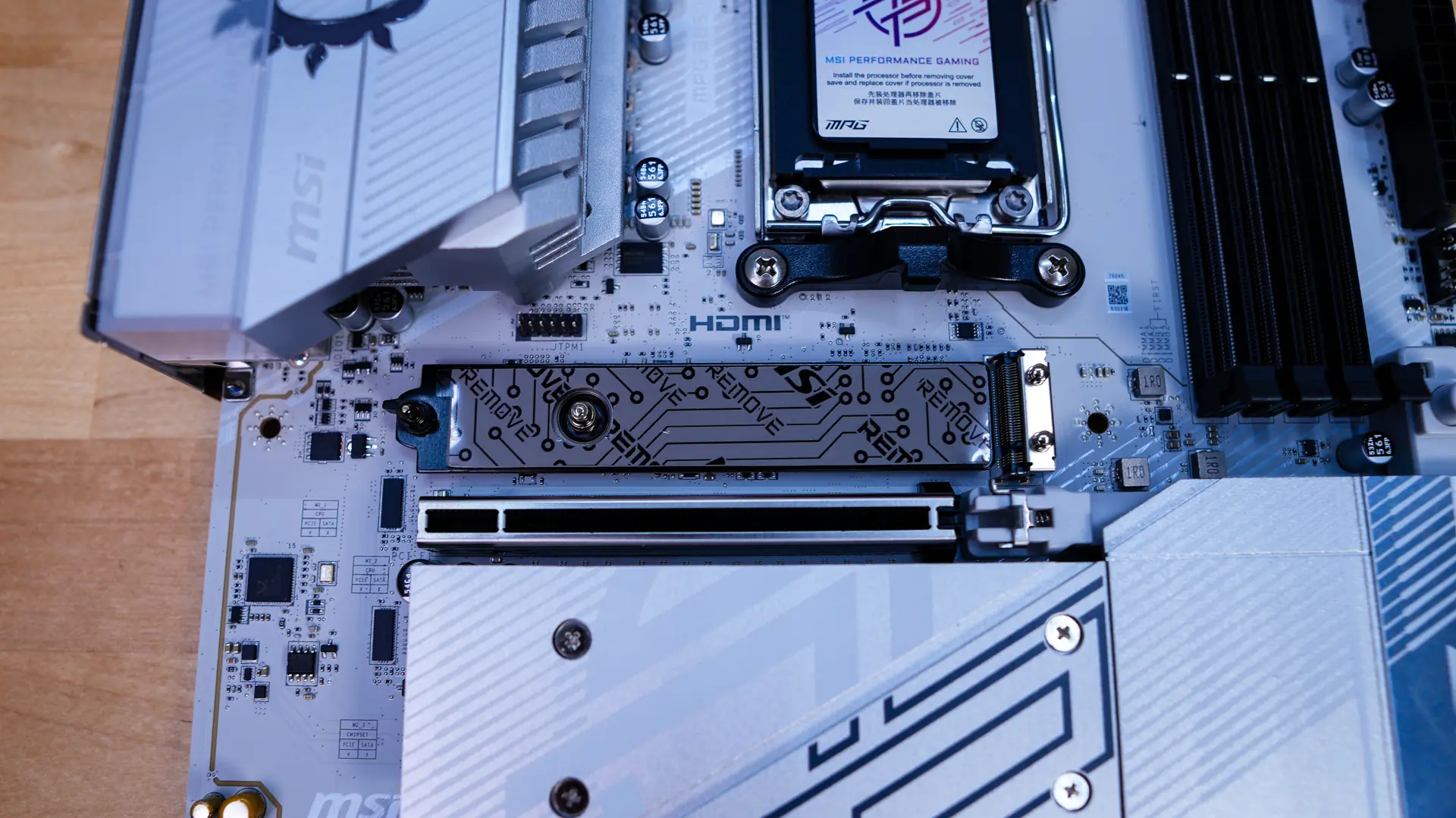
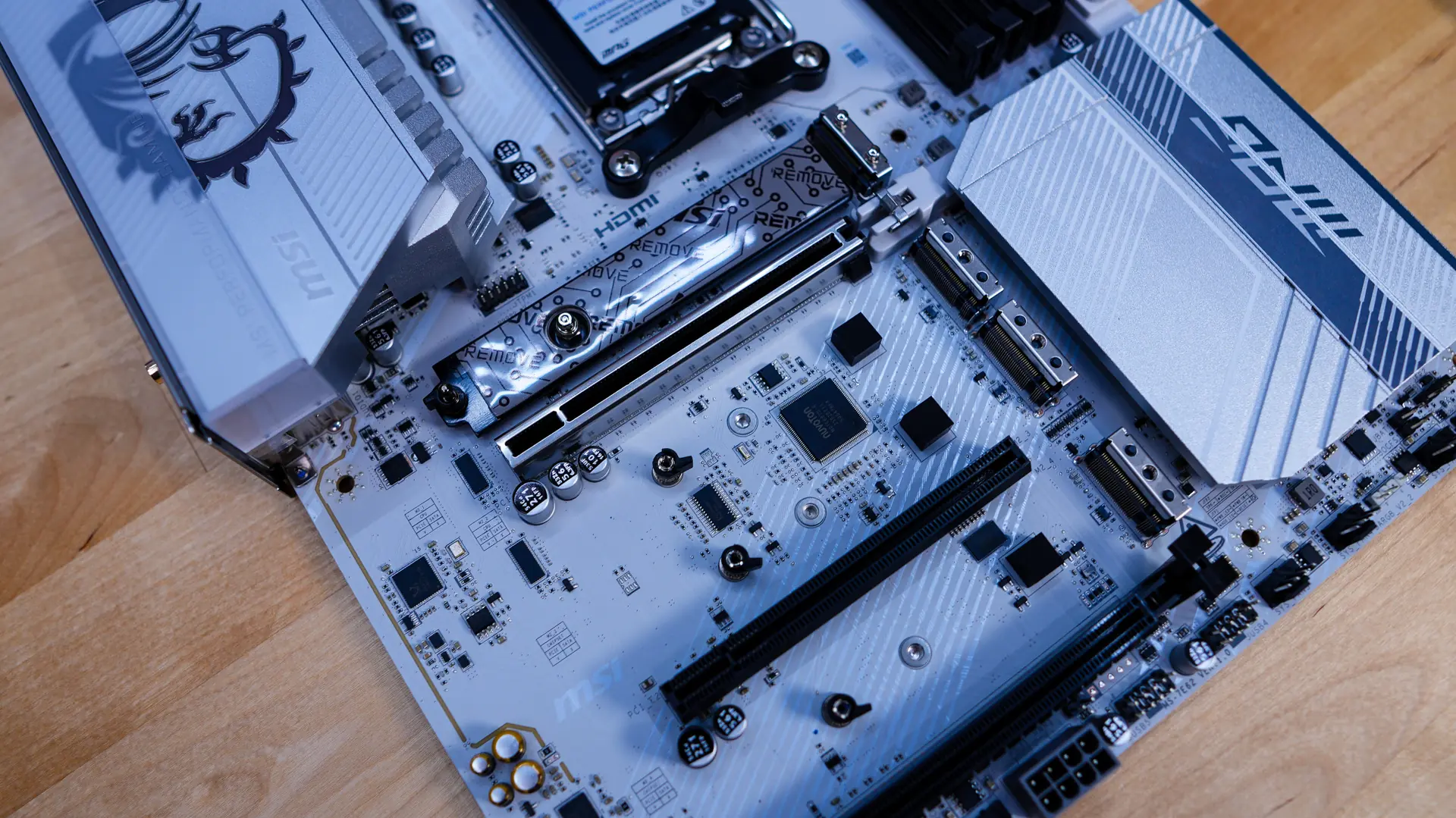
As far as expansion slots go you have three PCI-Express x16 slots. The top slot is PCI-Express 5.0 and is metal reinforced. It also features a button towards the front-edge of the board to release your graphics card. The middle slot is PCI-Express 3.0 x1, and finally the bottom slot is PCI-Express4.0 x4. It is worth noting that the bottom slot will drop down to PCI-Express 4.0 x2 if you have a drive installed in the M2_3 slot.
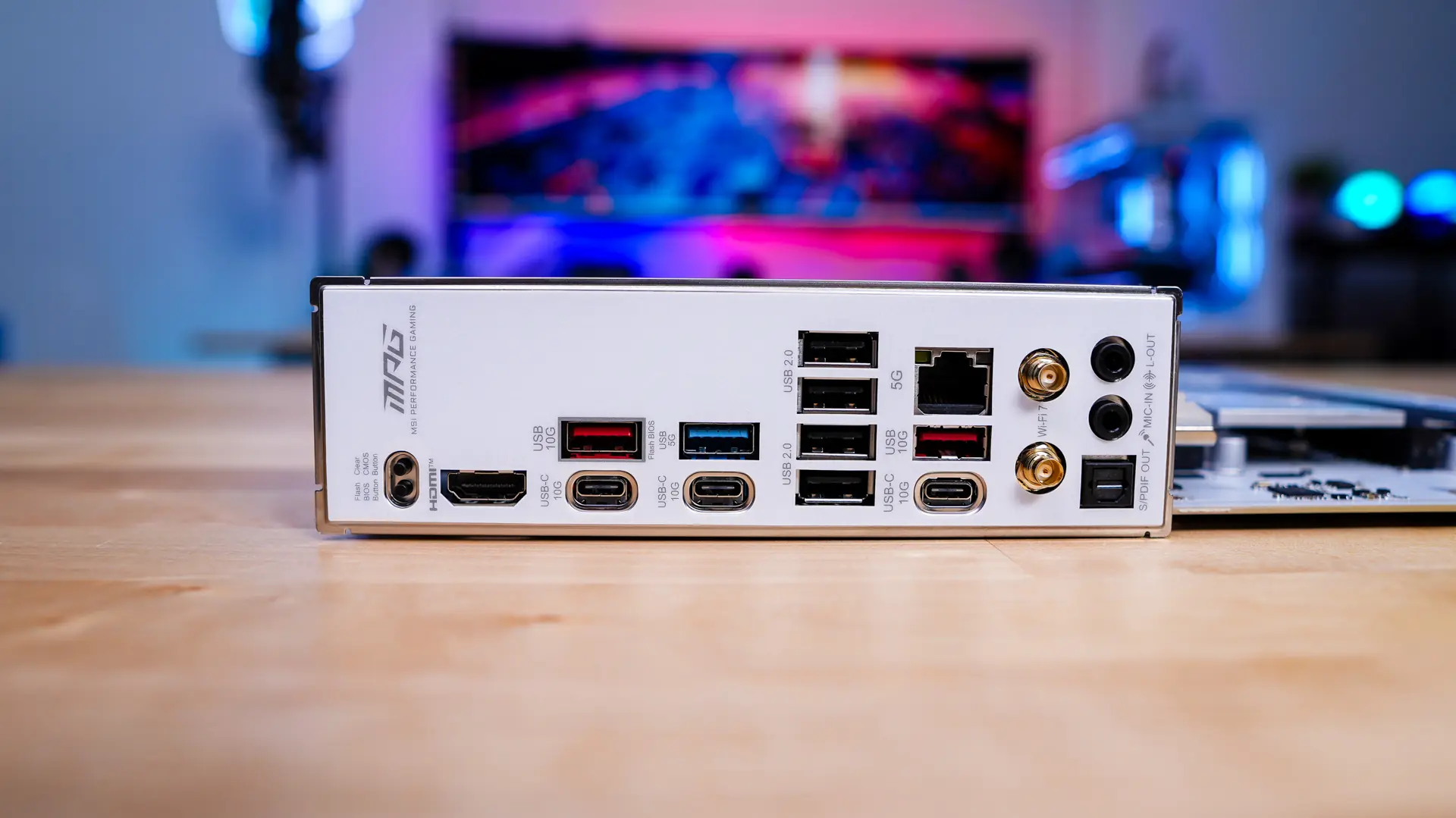
For our rear I/O we of course have an integrated I/O shield, which is all white to match the board. Here you’ll find clear CMOS and flash BIOS buttons, HDMI, three USB 3.2 gen 2 ports (1 Type-A, 2 Type-C), a USB 3.2 gen 1 Type-A port, four USB 2.0 ports, 5G Ethernet, a USB 3.2 gen 2 Type-C port, WiFi 7 antenna connections, and your audio connections.