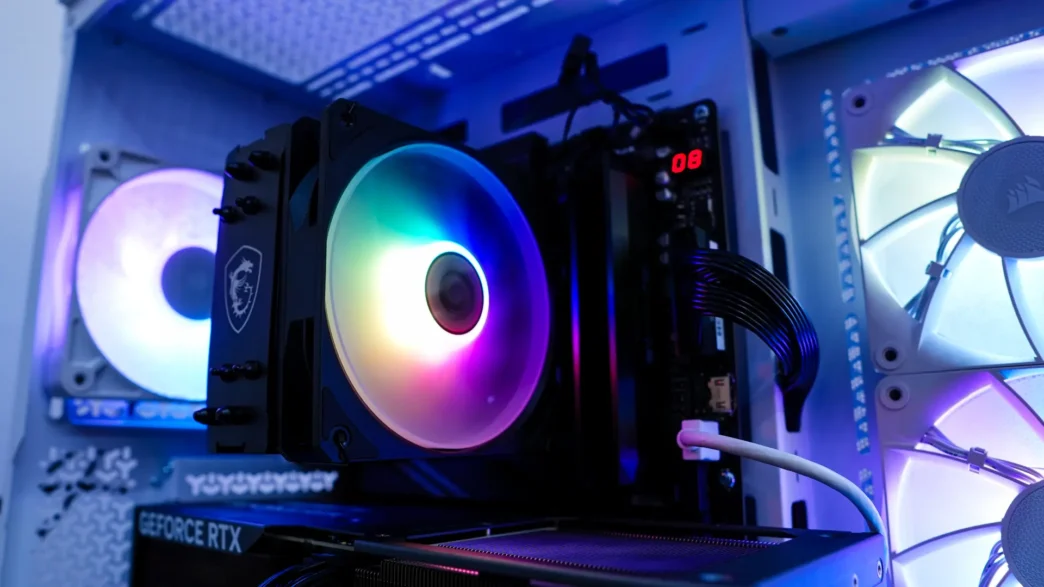
When you hear the name MSI you likely think of graphics cards and motherboards, but they actually make pretty much every other component for your PC as well. We’ve had the chance to take a look at a few of their liquid CPU coolers, so now it is time to see what their air coolers are all about. Today we are taking a look at the MAG COREFROZR AA13. This single-tower, single-fan air cooler is positioned as a very affordable option at under $25 and should offer easy installation and a sleek look with the RGB lighting on the fan. Let’s take a look and see what this cooler is all about!
Special thanks to MSI for providing us with the MAG COREFROZR AA13 CPU Cooler to review.
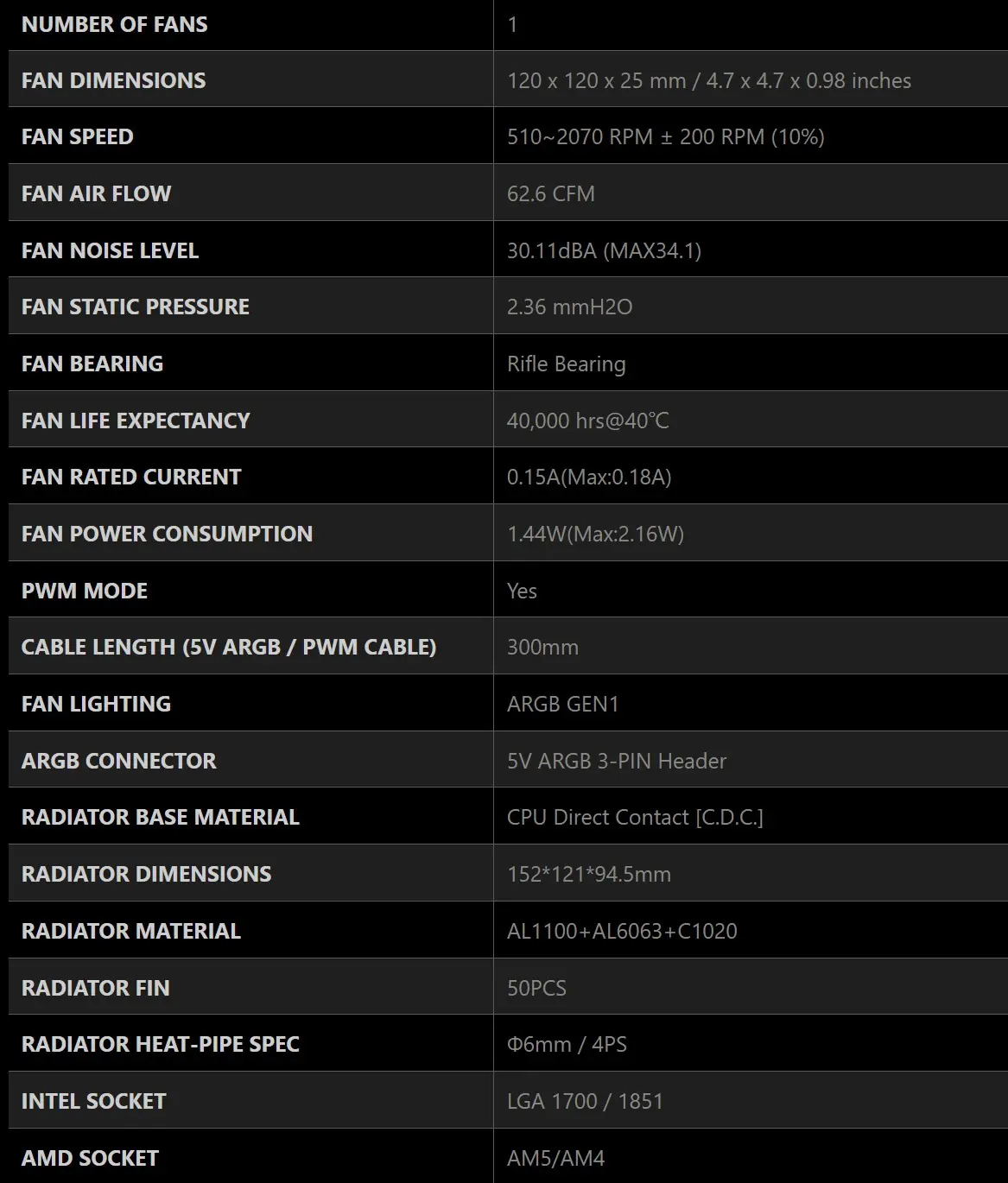
Specifications of the MSI MAG COREFROZR AA13 CPU Cooler
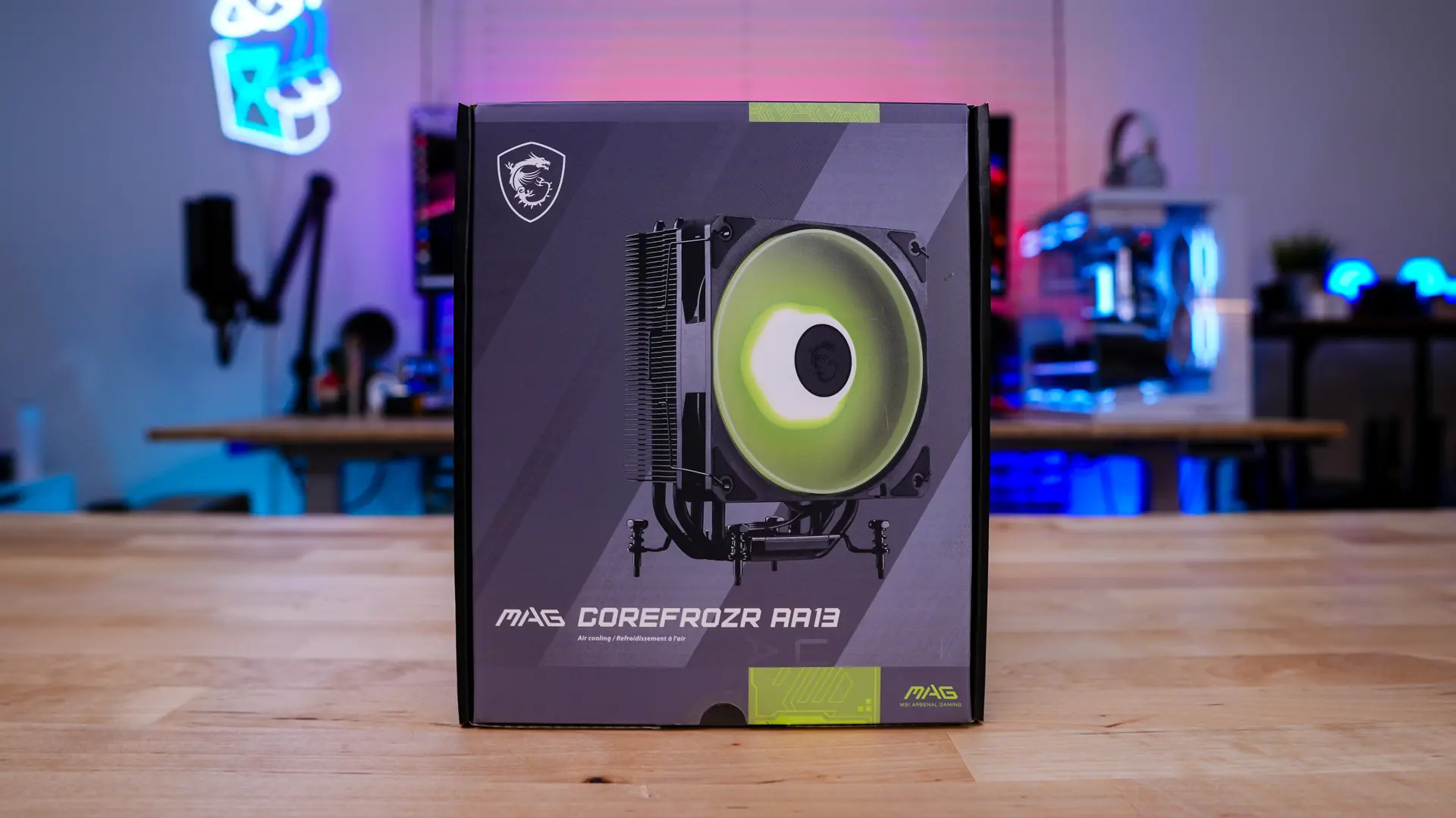
Packaging of the MSI MAG COREFROZR AA13 CPU Cooler
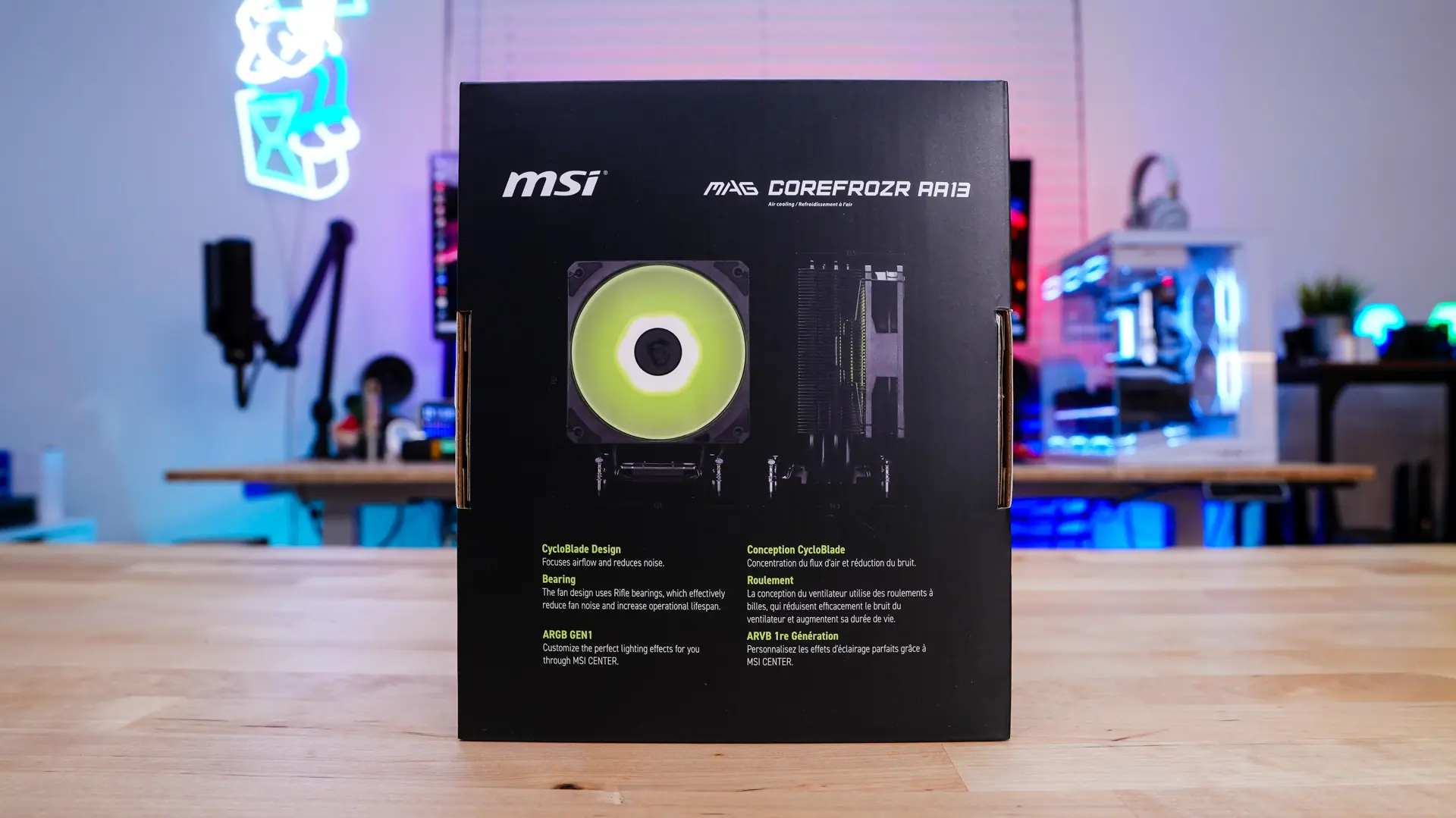
The MAG COREFROZR AA13 comes in your standard retail box from MSI. On the front we have a picture of the cooler itself. On the back some of the main features of the cooler are detailed.
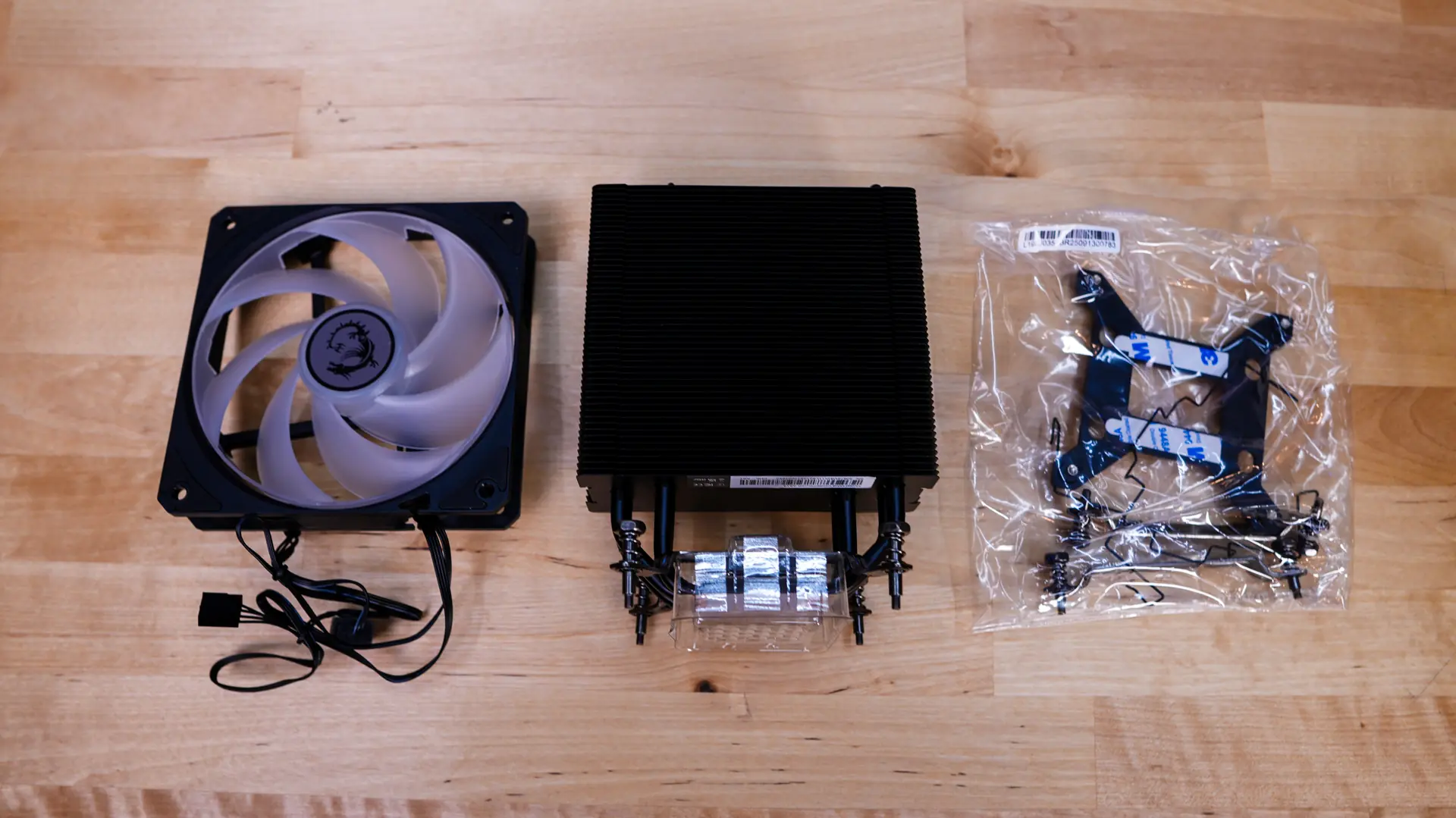
Getting everything out of the box you’ll find the MAG COREFROZR AA13, but the fan is not attached, mounting hardware, an Intel backplate, and a set of fan clips to mount the fan. By default MSI has installed Intel mounting hardware on the cooler, so if you are installing in an AMD system you’ll need to swap to the AMD mounting brackets. There is no physical installation guide included, but on the top of the box there is a QR code for it.