Final Thoughts on the MSI MAG COREFROZR AA13 CPU Cooler
Entry level CPU coolers are nothing to really get excited about, but they definitely serve a purpose and for most people they’ll get the job done and save them money that could be used towards other parts in their build. The MSI MAG COREFROZR AA13 is one such CPU cooler as it is currently selling at our favorite online retailer for under $25, so it for sure does not break the bank!
In terms of performance this cooler is not going to blow you away, but it is more than capable of handling mid-range to high-end CPUs that are running at their stock speeds. It is essentially on par with Cooler Master’s Hyper212 3DHP, which we reviewed recently. And at least currently it is a few dollars cheaper.
This is also one of the easiest CPU coolers that you’ll install. On AMD you just remove the AMD mounting brackets from your motherboard, install the AMD mounting hardware on your cooler, and then place the cooler on top of your CPU and screw it in. MSI has even pre-applied the thermal paste on the bottom of the cooler, which is great for first time builders. If anything I would have liked to have seen a physical installation guide, not just a QR code to view it on your phone.
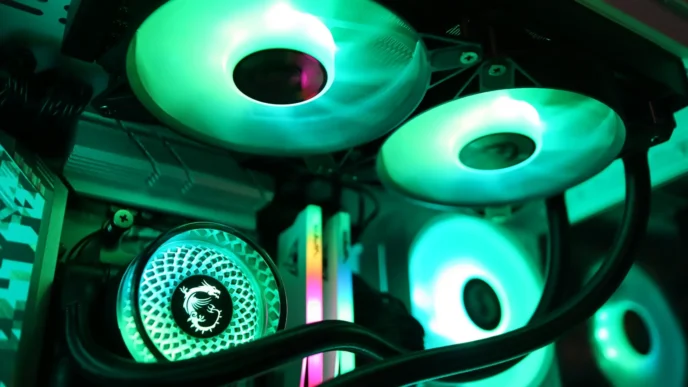
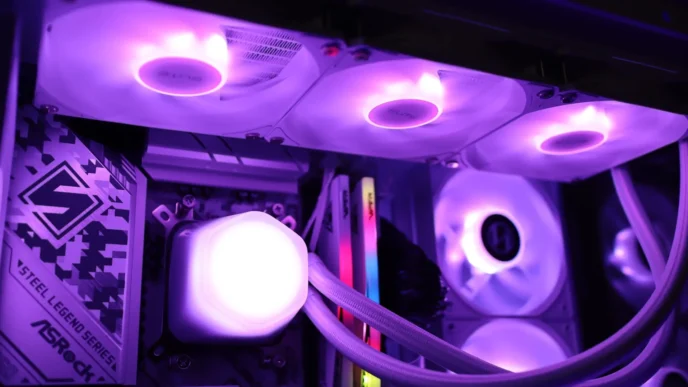
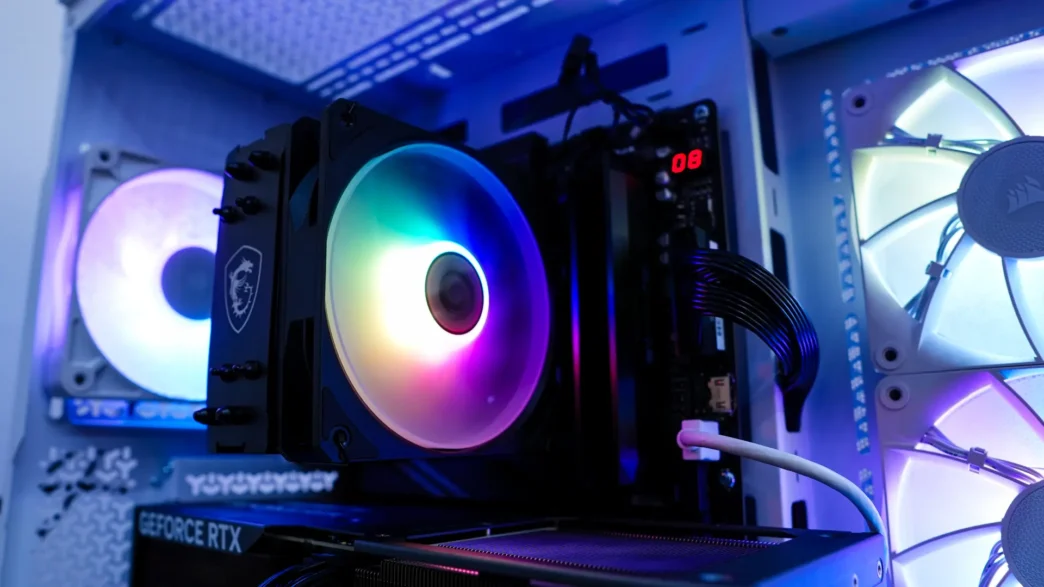
The ARGB fan on the cooler is nice and will give a bit of bling to your system. Talking about RGB lighting, even with the fan installed you are going to have 100% RAM clearance so if you were planning on installing RGB memory you don’t have to worry about it being blocked.
I think if you are looking for a good entry-level CPU cooler the MAG COREFROZR AA13 definitely fits the bill! Overall ThinkComputers gives the MSI MAG COREFROZR AA13 CPU Cooler a 9 out of 10 score and our Recommended Award!


Pros:
– Easy installation
– ARGB fan
– Quiet operation
– Good overall performance
Cons:
– No physical installation guide
– Entry-level performance