
Lighting, Screen, and Software on the Redragon ARTEMIS K719 PRO Anime Keyboard
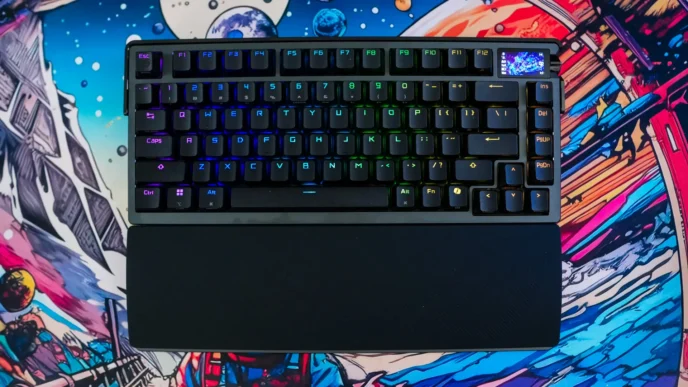
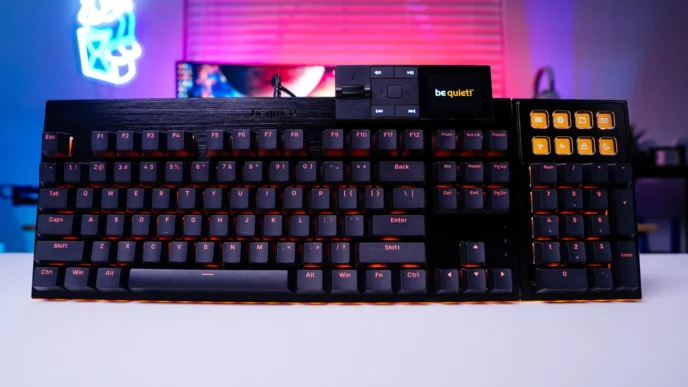
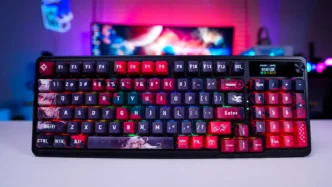
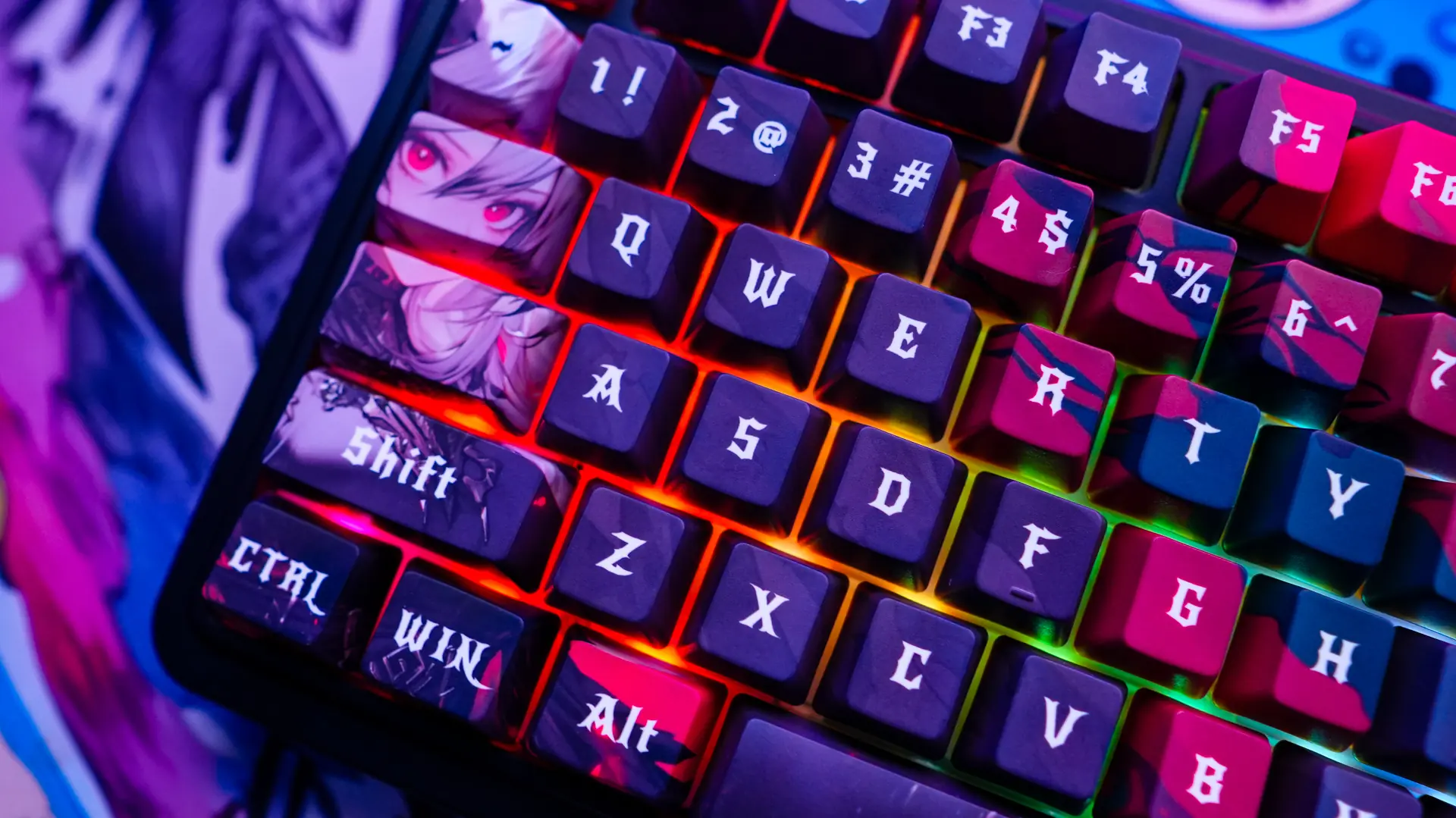
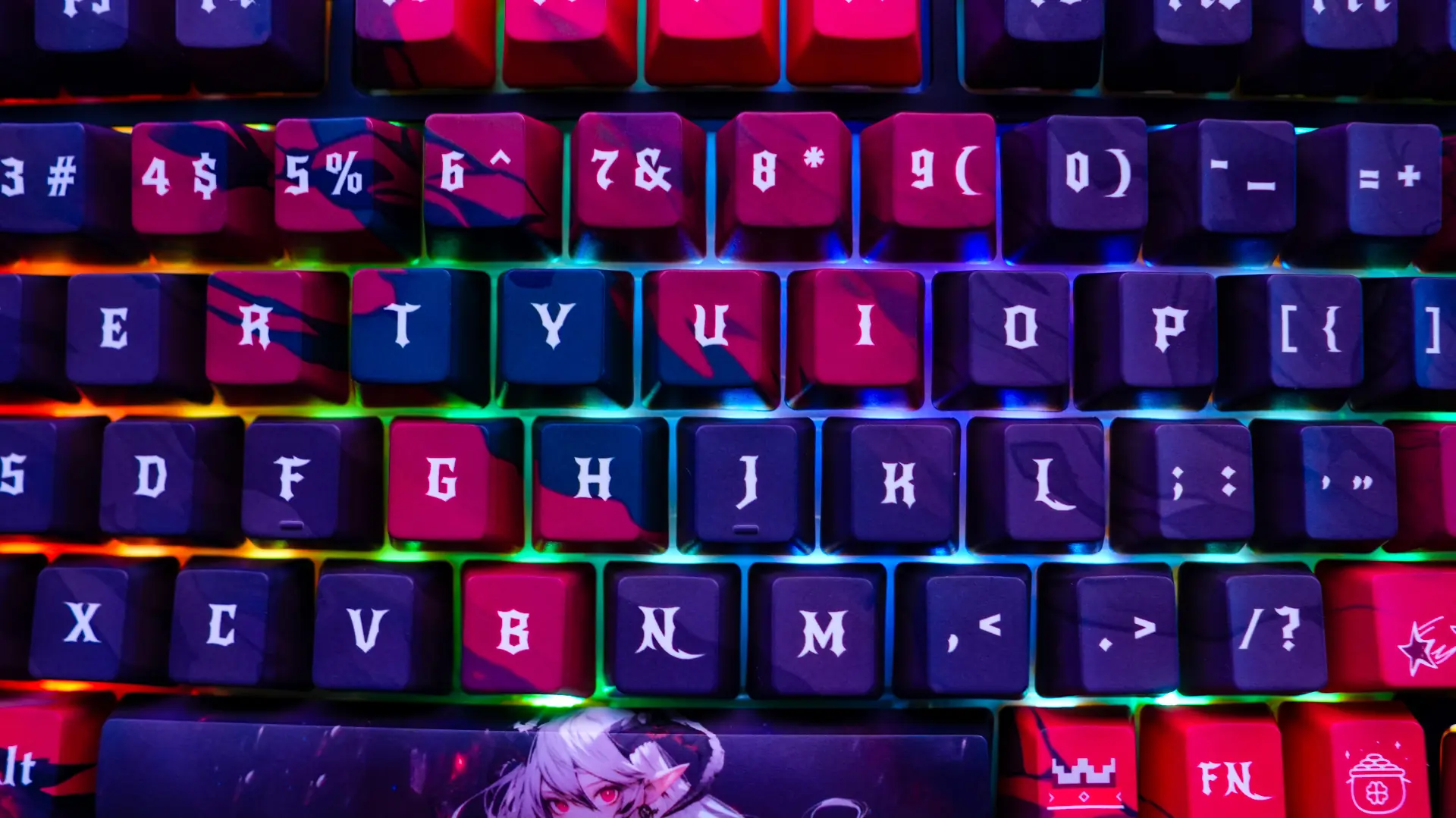
When you first turn the ARTEMIS K719 PRO Anime Keyboard on you’ll notice the RGB lighting turn on. While it is pretty visible, we do not have see-through legends on the keycaps. I think if you set the lighting to a single color it would look really good.
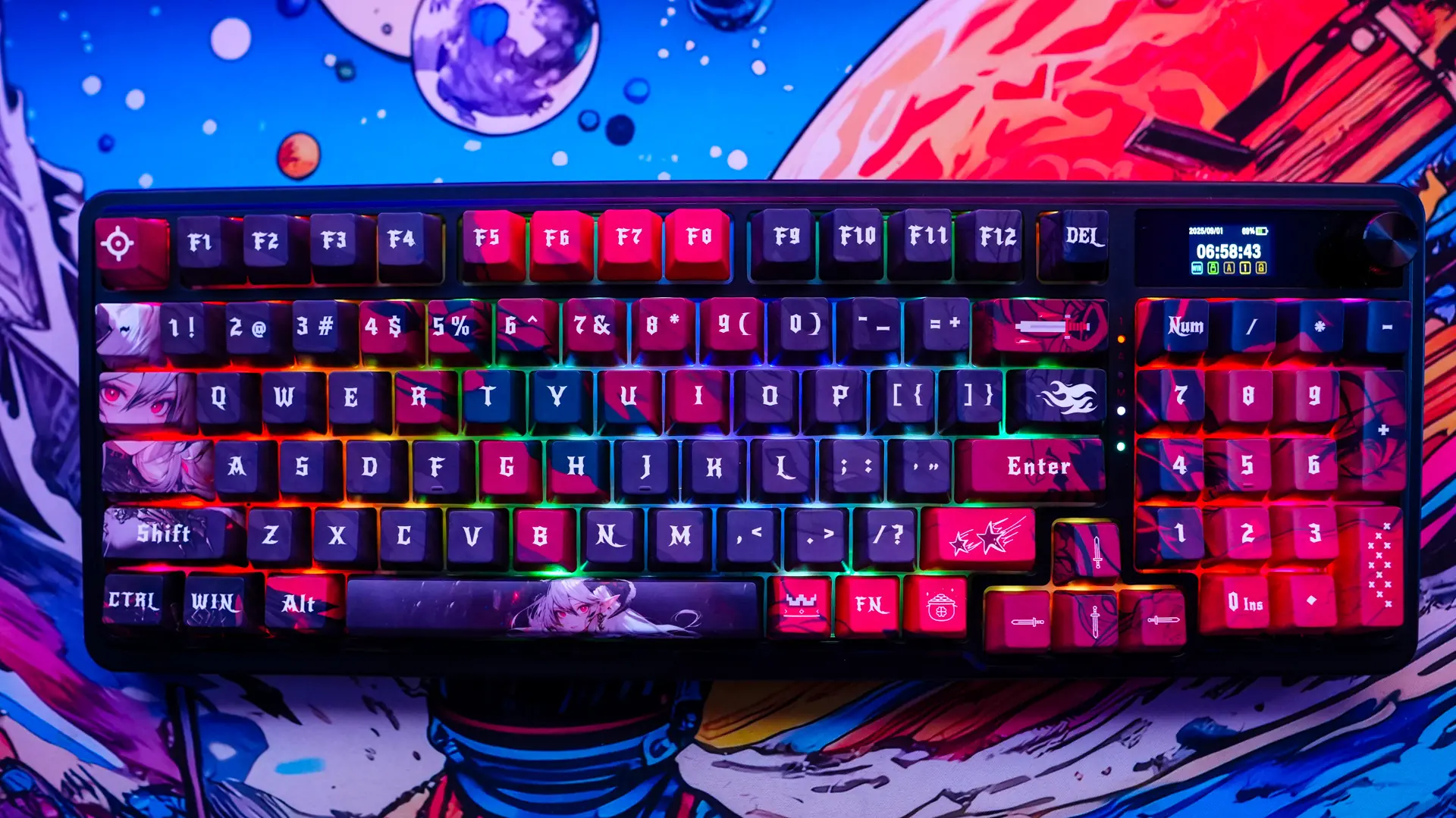
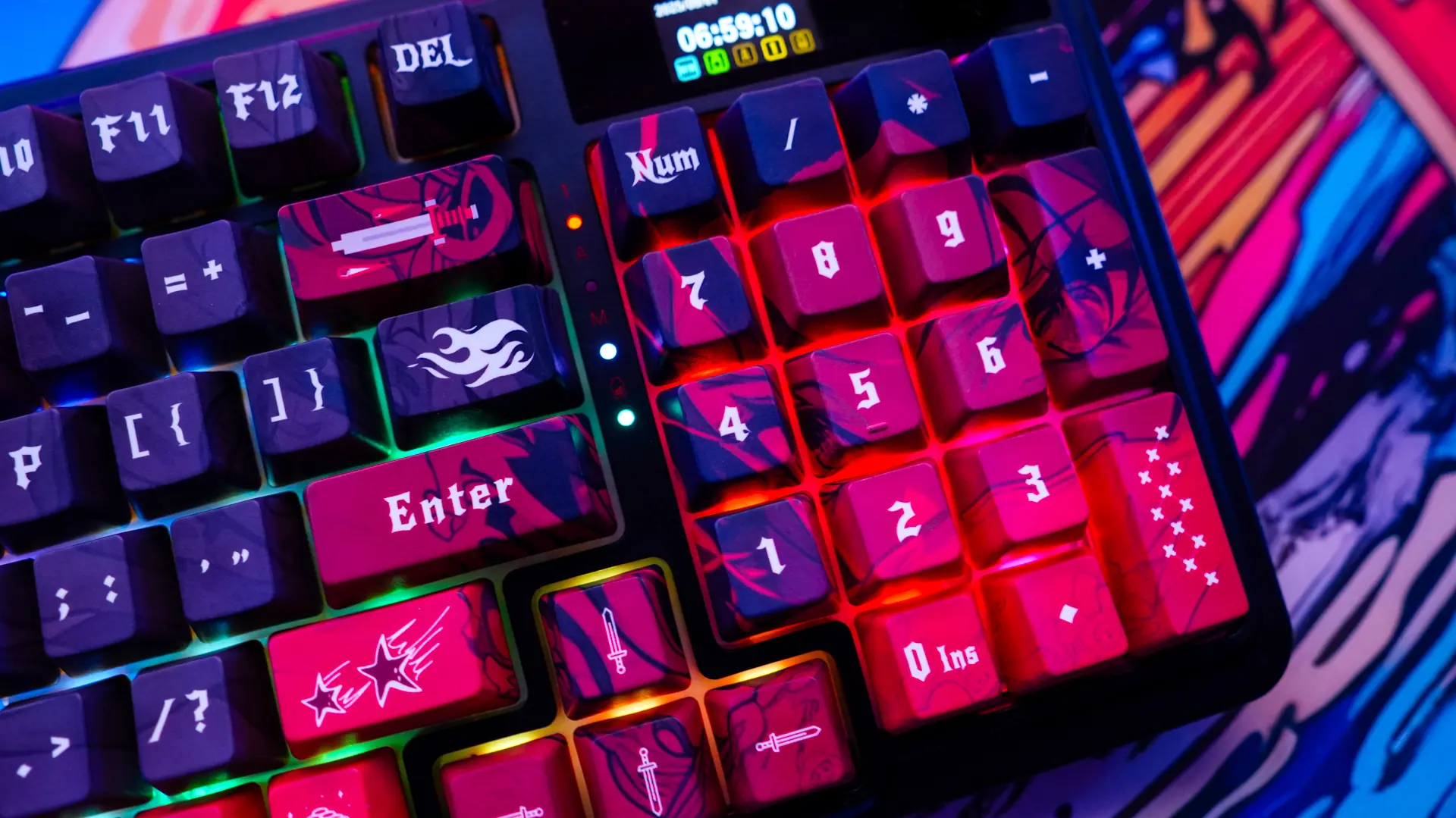
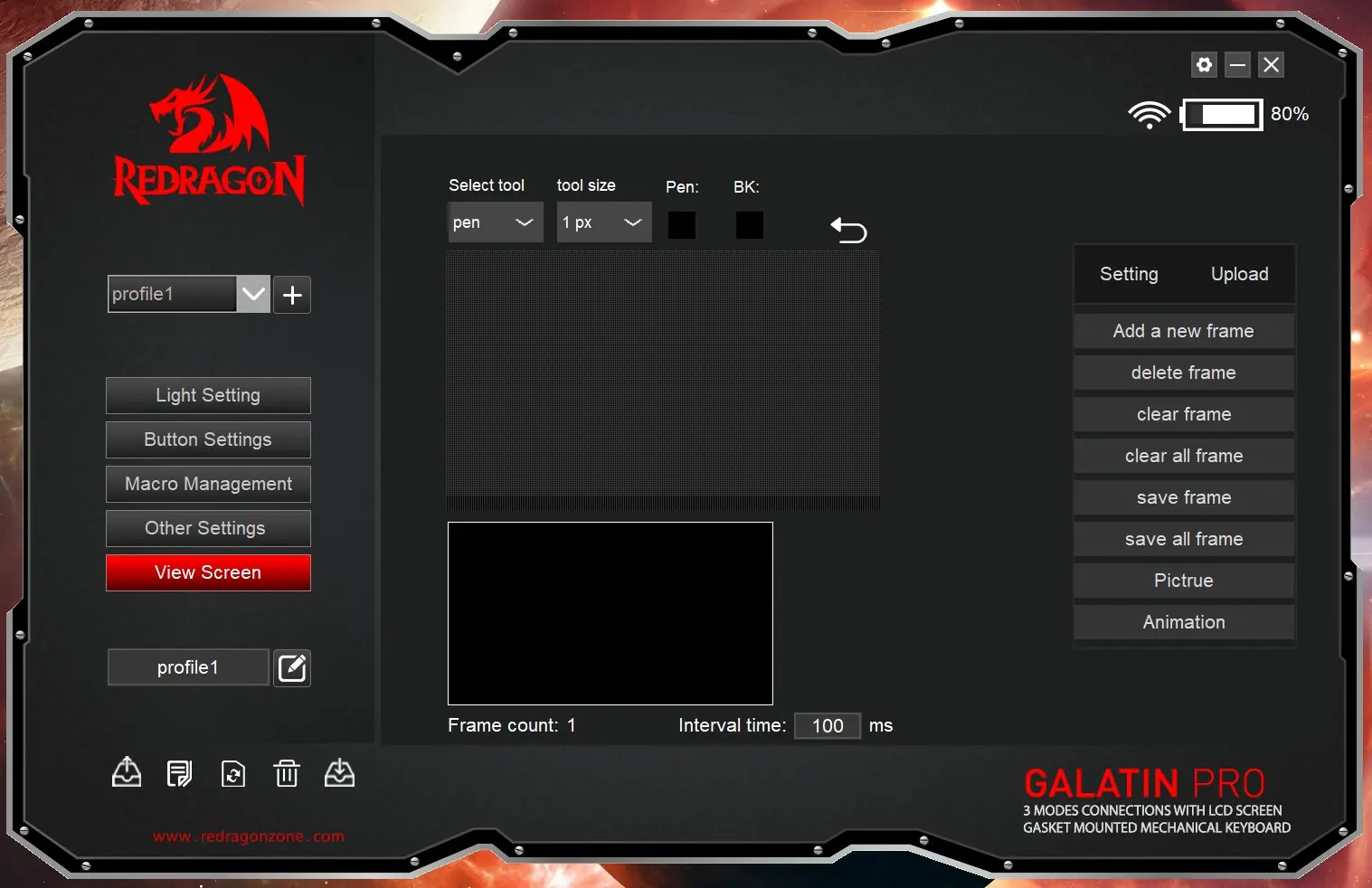
The small LCD in the top-right of the keyboard will turn on as well. By default it is going to show you the date, time, battery level, and has indicators for things like caps lock, etc. You do have the ability to add a custom image / gif. We go over the functionality of the display in our video on this keyboard.

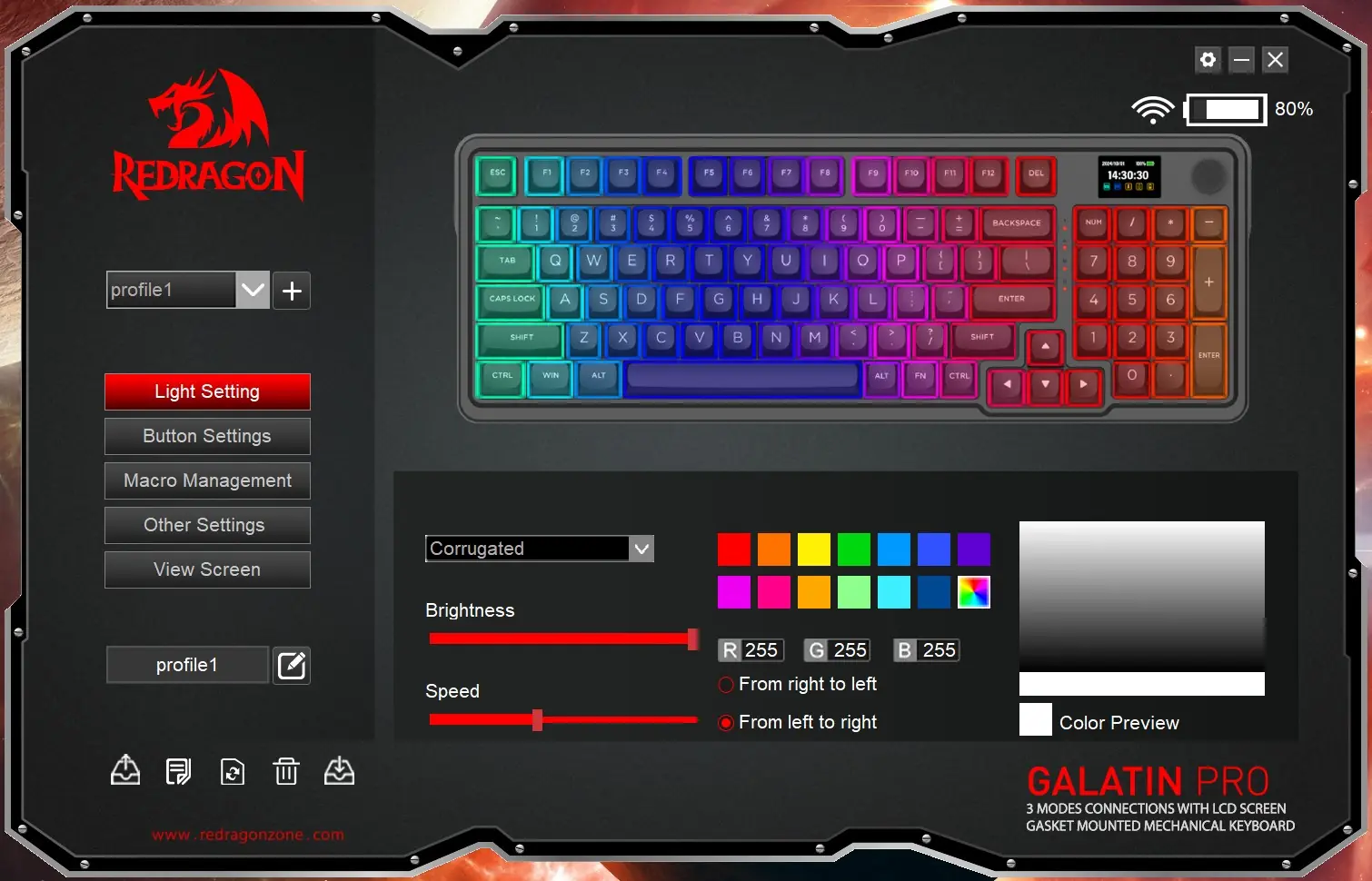
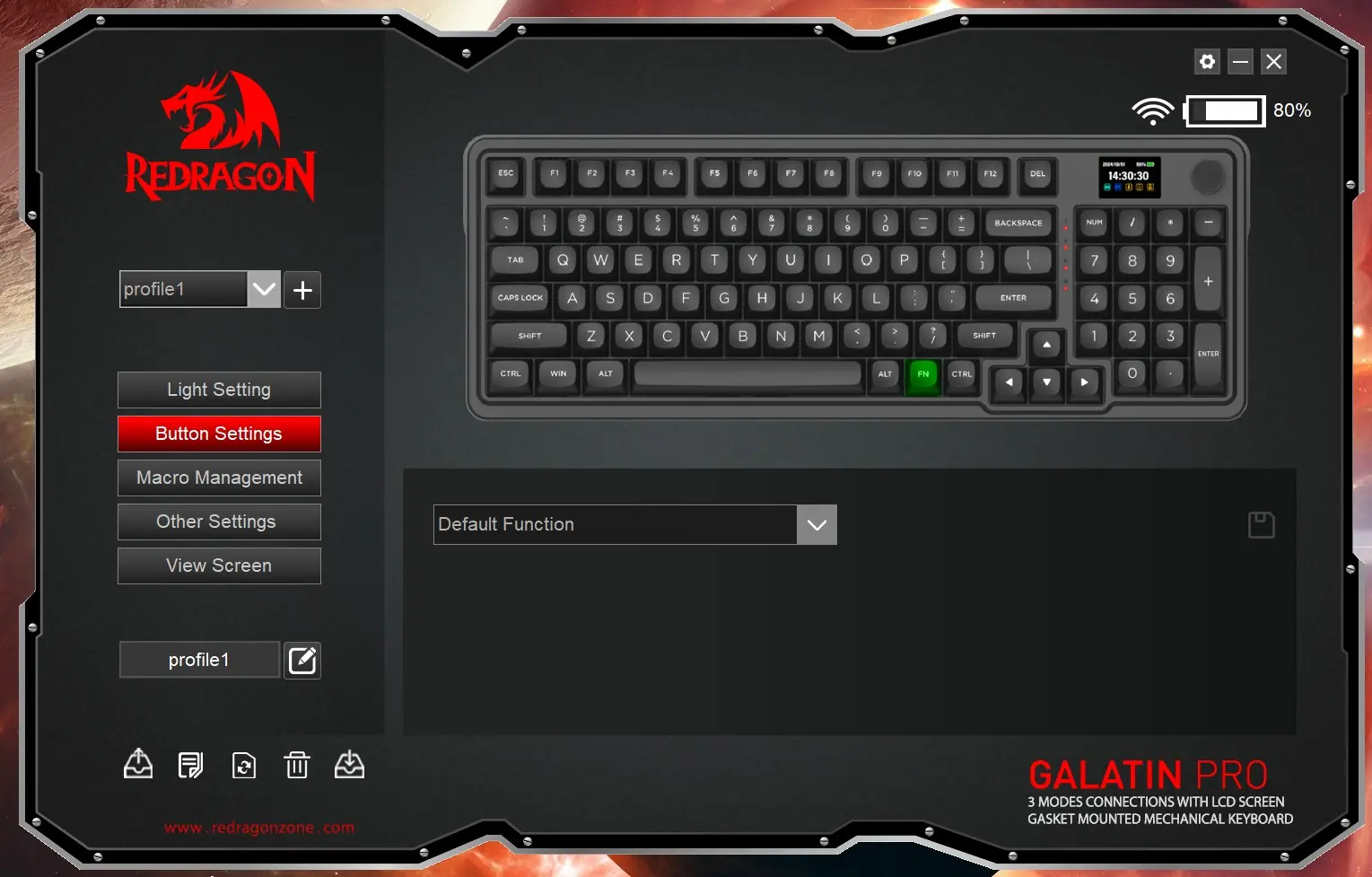
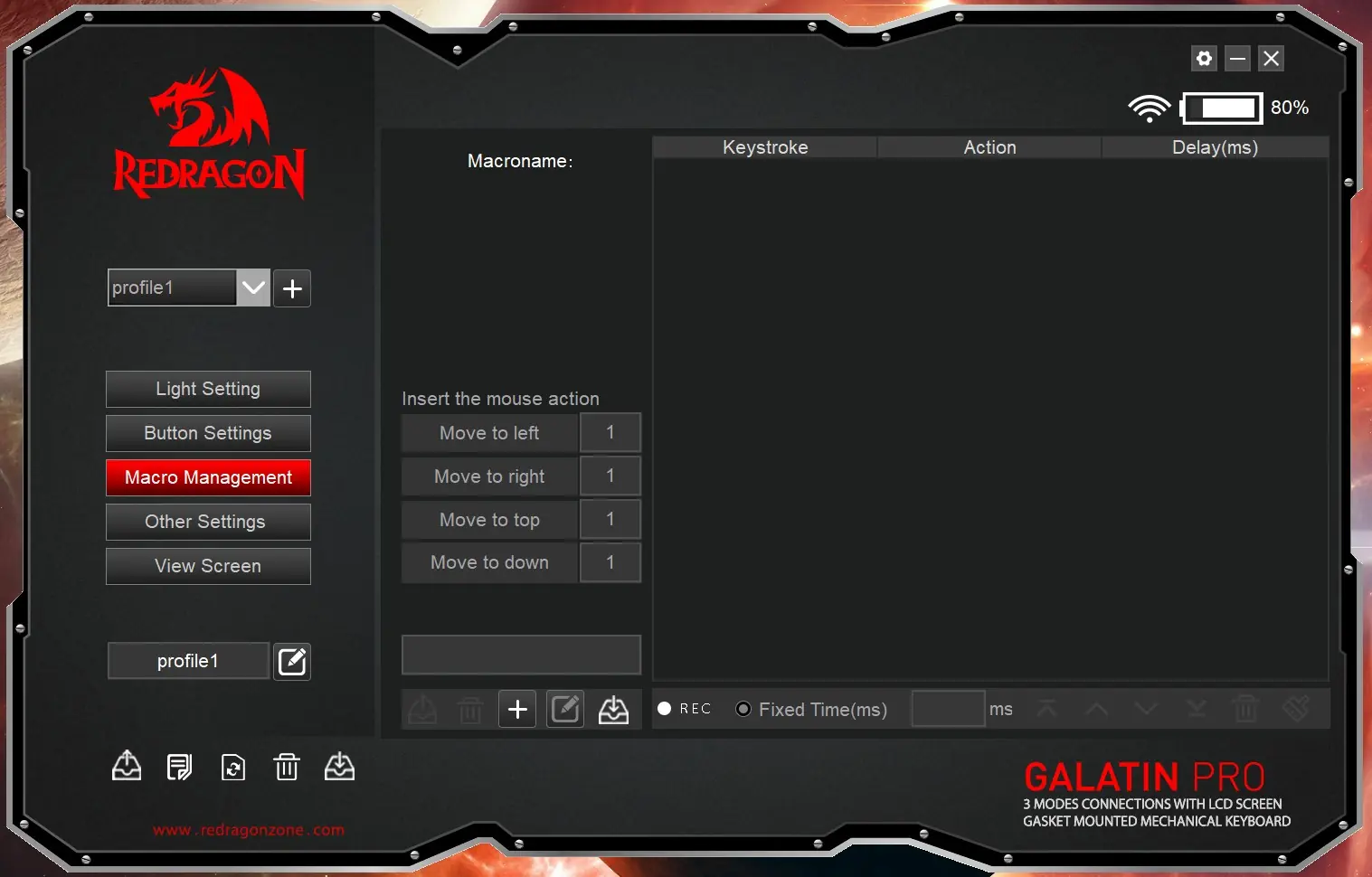
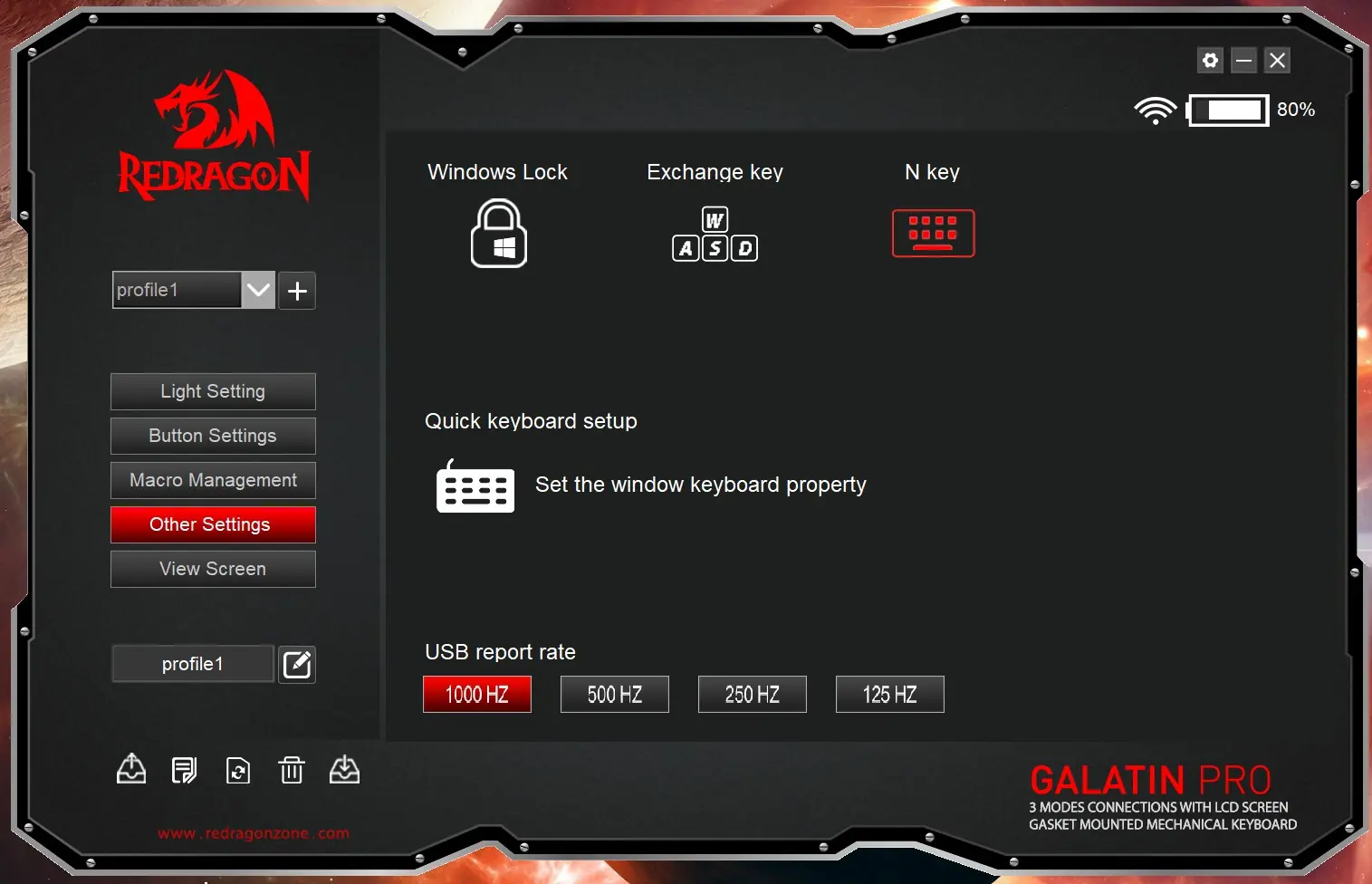
Redragon has their own software which easily allows you to completely reprogram the keyboard, change the lighting, configure the display, and even has a macro editor.