Installing the SAMA A60E CPU Cooler
We will be installing the SAMA A60E on an AMD X870 motherboard so this installation will be for the AM5 socket.
The first thing you are going to want to do is remove the AM5 mounting brackets that are on your motherboard. You will keep the backplate in place though.
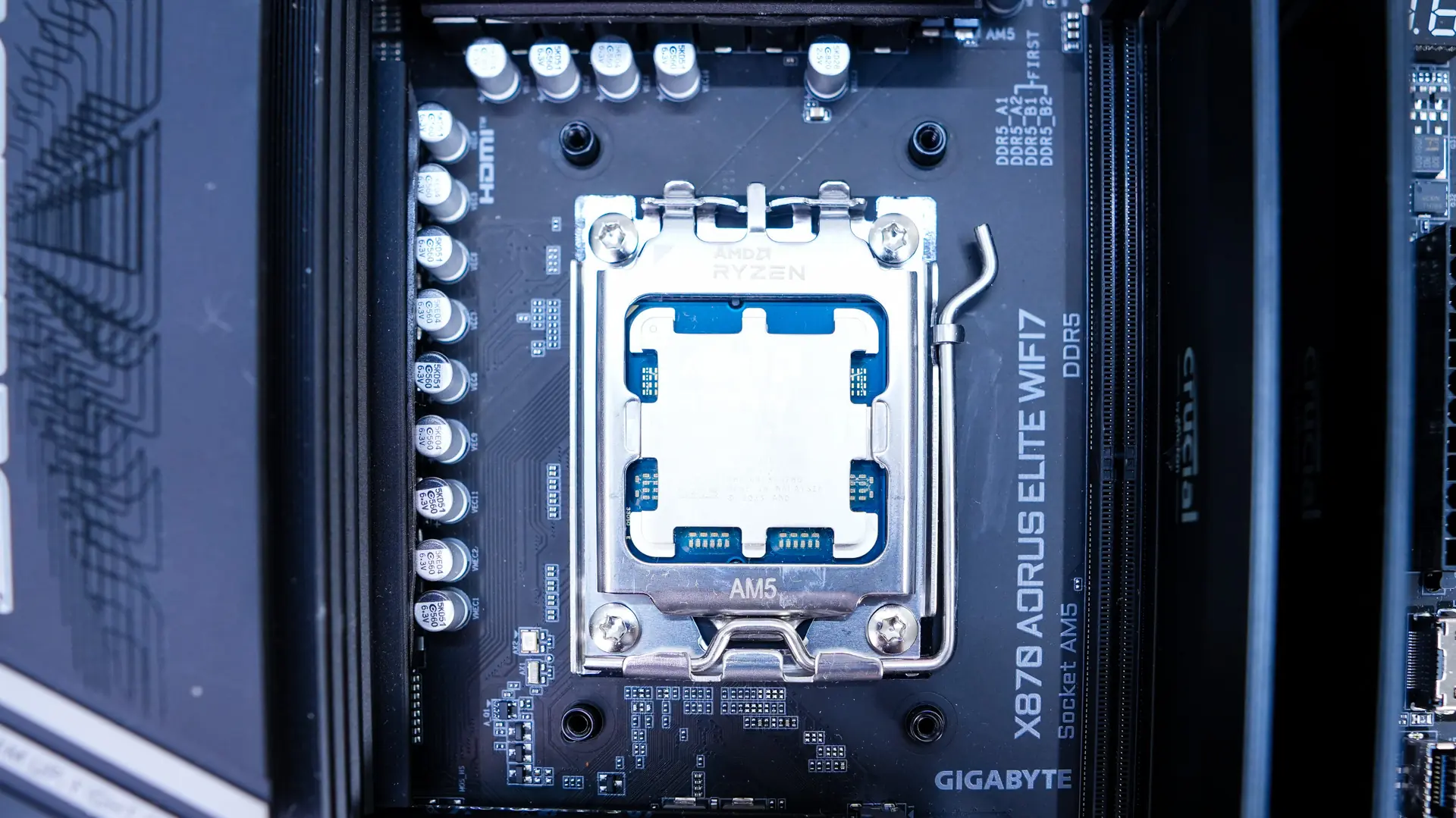
Next screw in the AMD spacing screws in the holes in the AM5 backplate. From there install the AMD brackets. These need to be installed on the top and bottom of the socket and can only be installed that way.
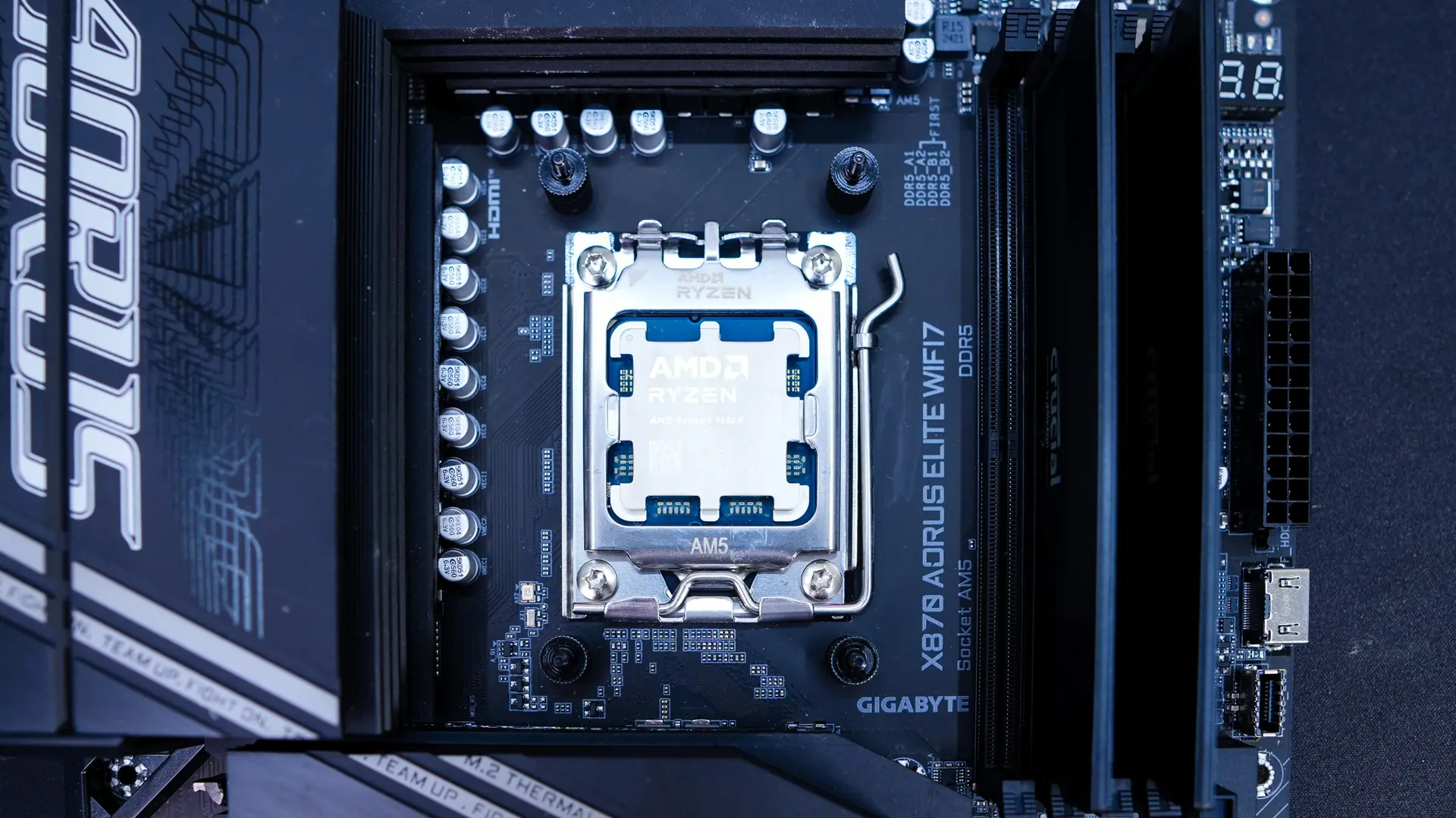
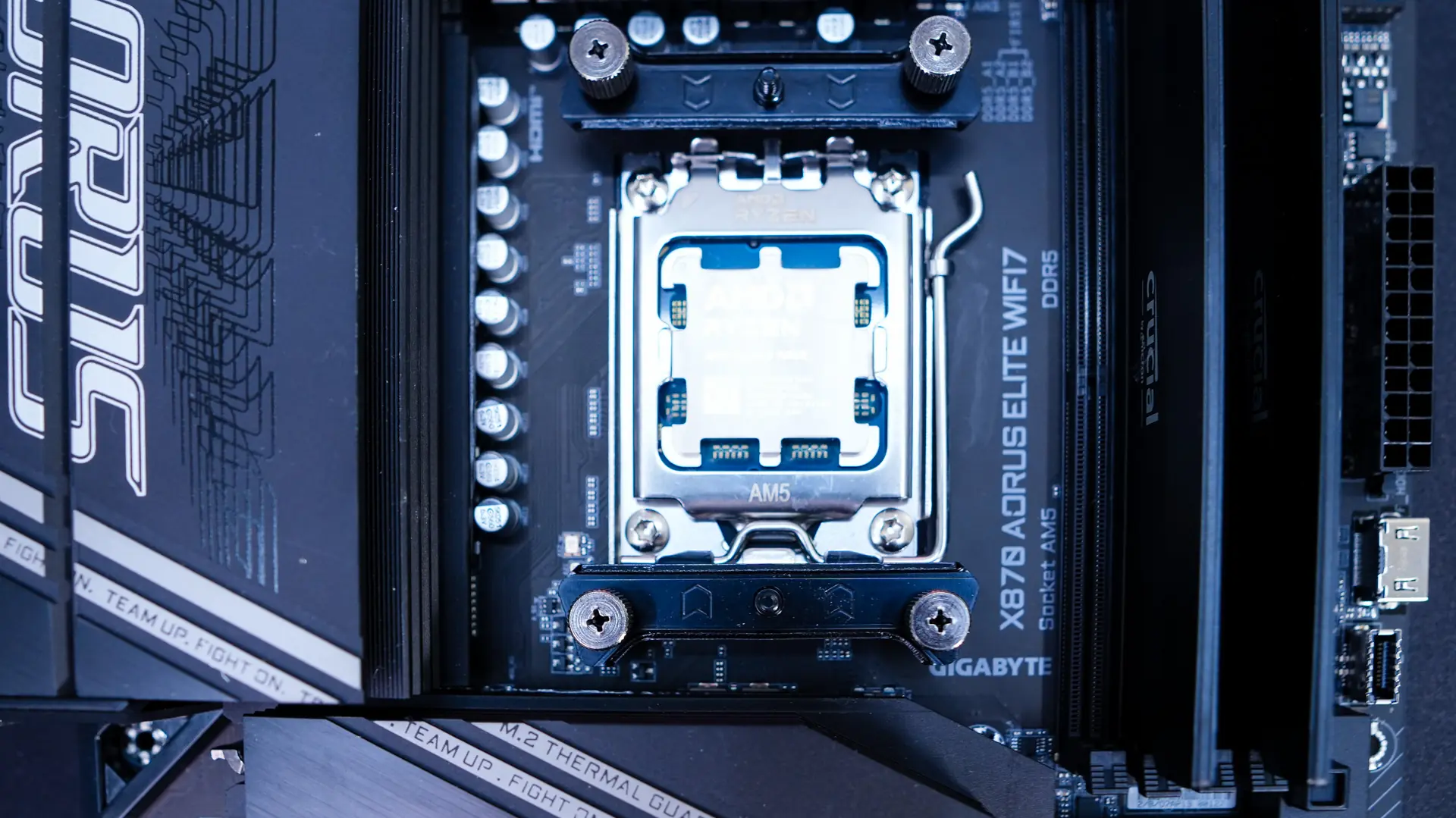
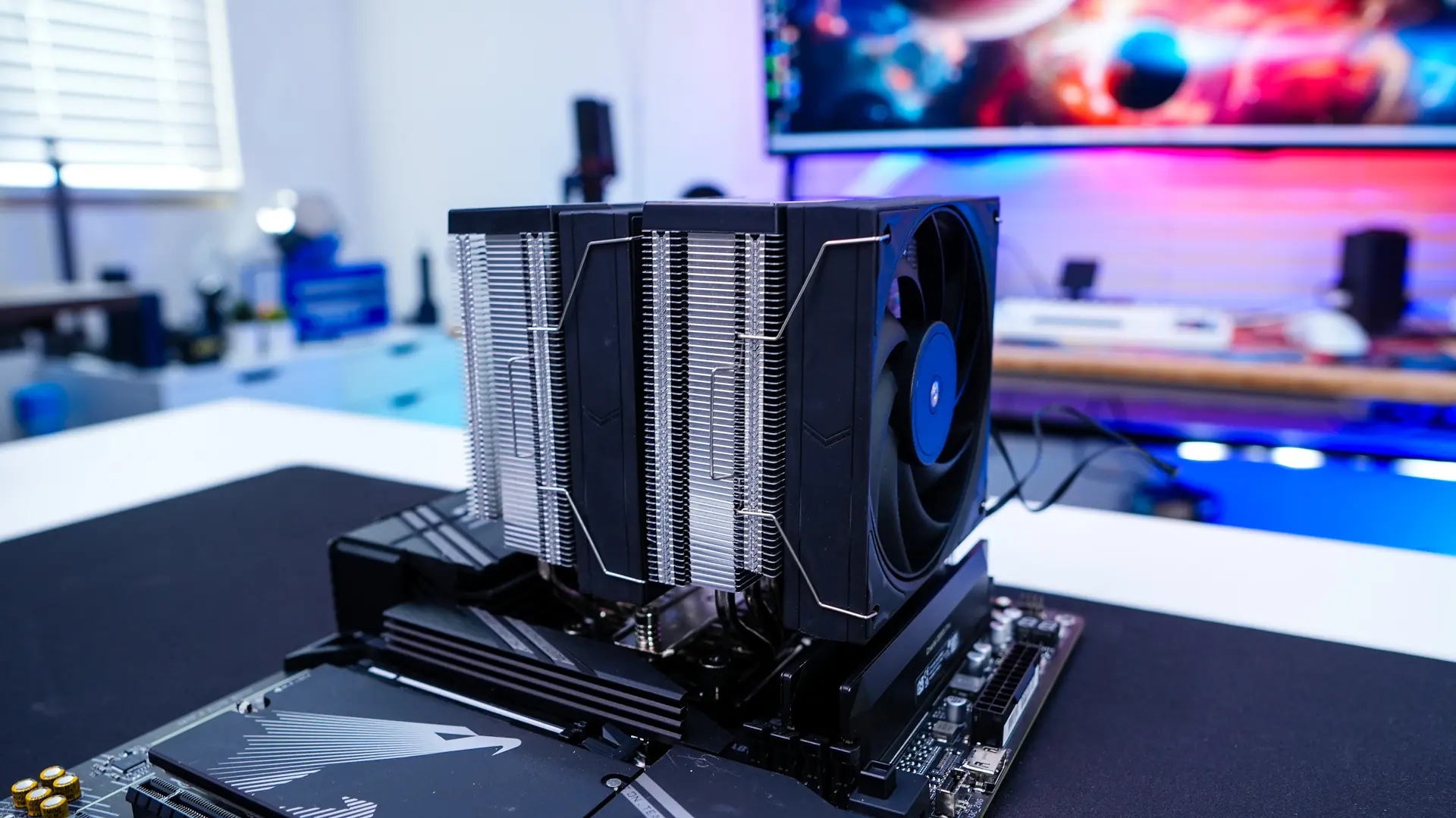
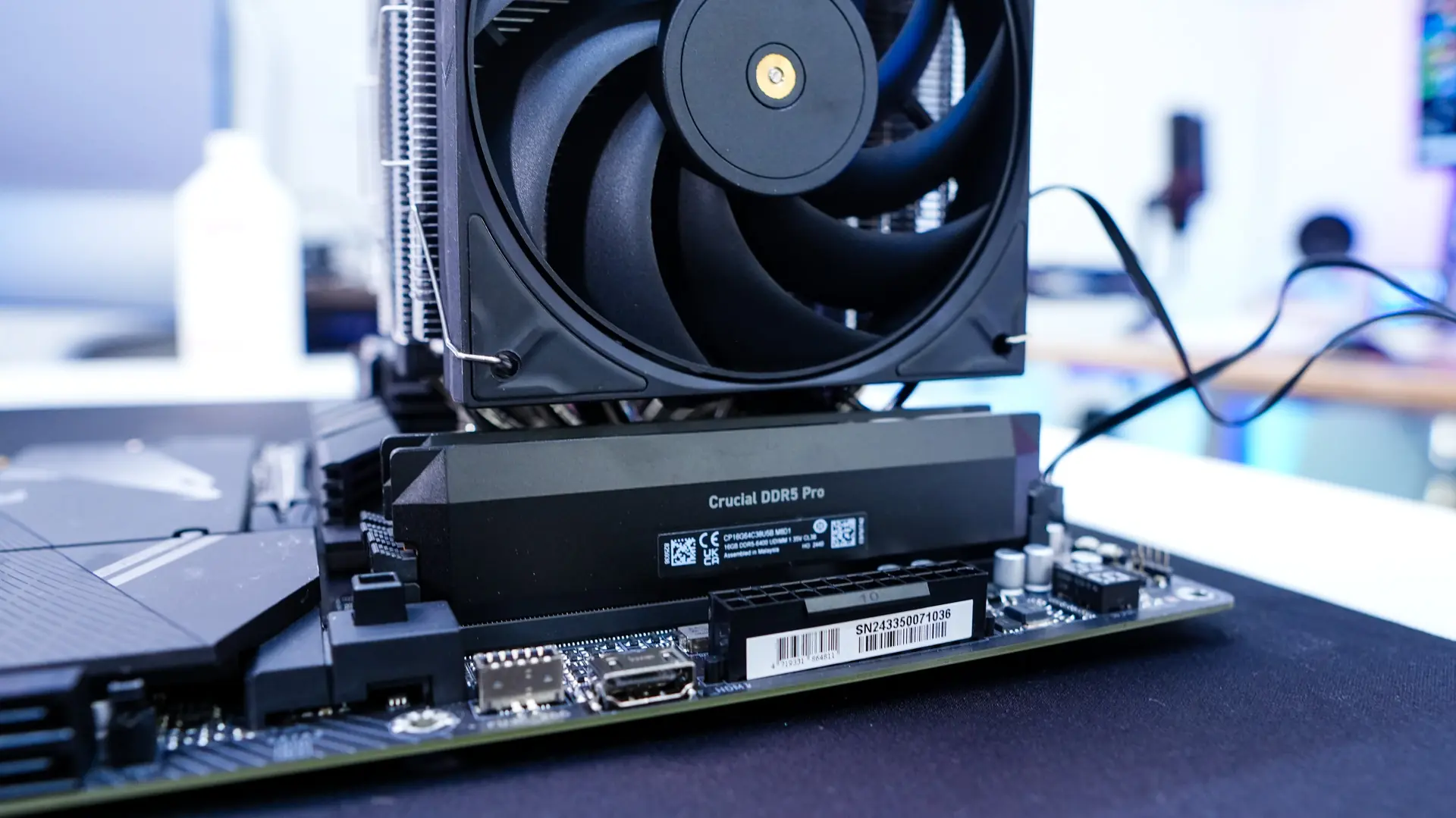
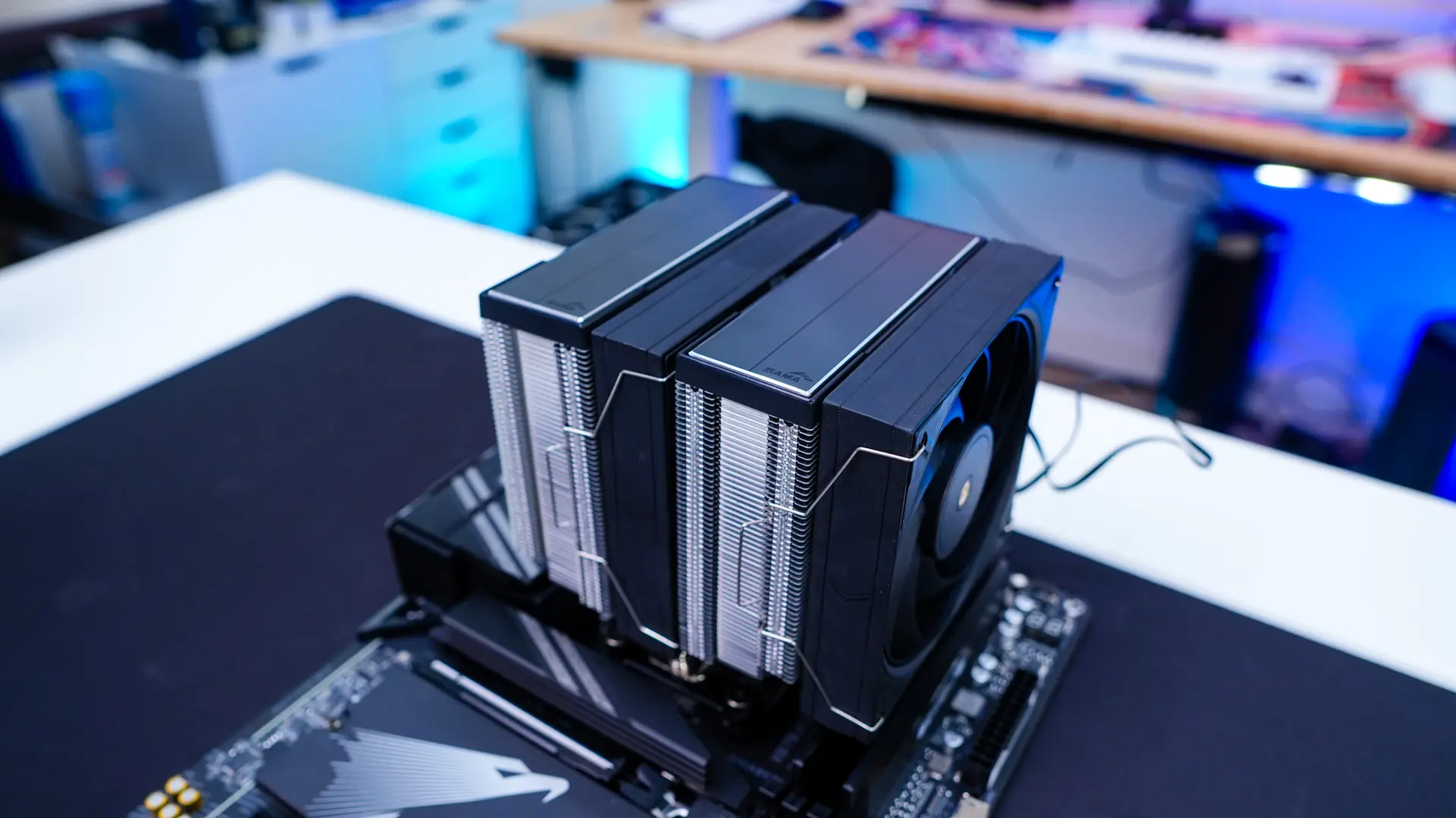
Remove the center fan from the cooler, apply the included thermal paste, then place the cooler on top of your CPU lining up the screws on the cooler with the pegs in the AMD brackets. Once lined up use a screwdriver to secure the cooler. Finally reinstall the middle fan and connect the Y-cable to the CPU fan header on your motherboard. Now I did notice that the power cable on the center fan was quite short, which did make it a bit difficult to connect to the Y-connector once I had it re-installed.
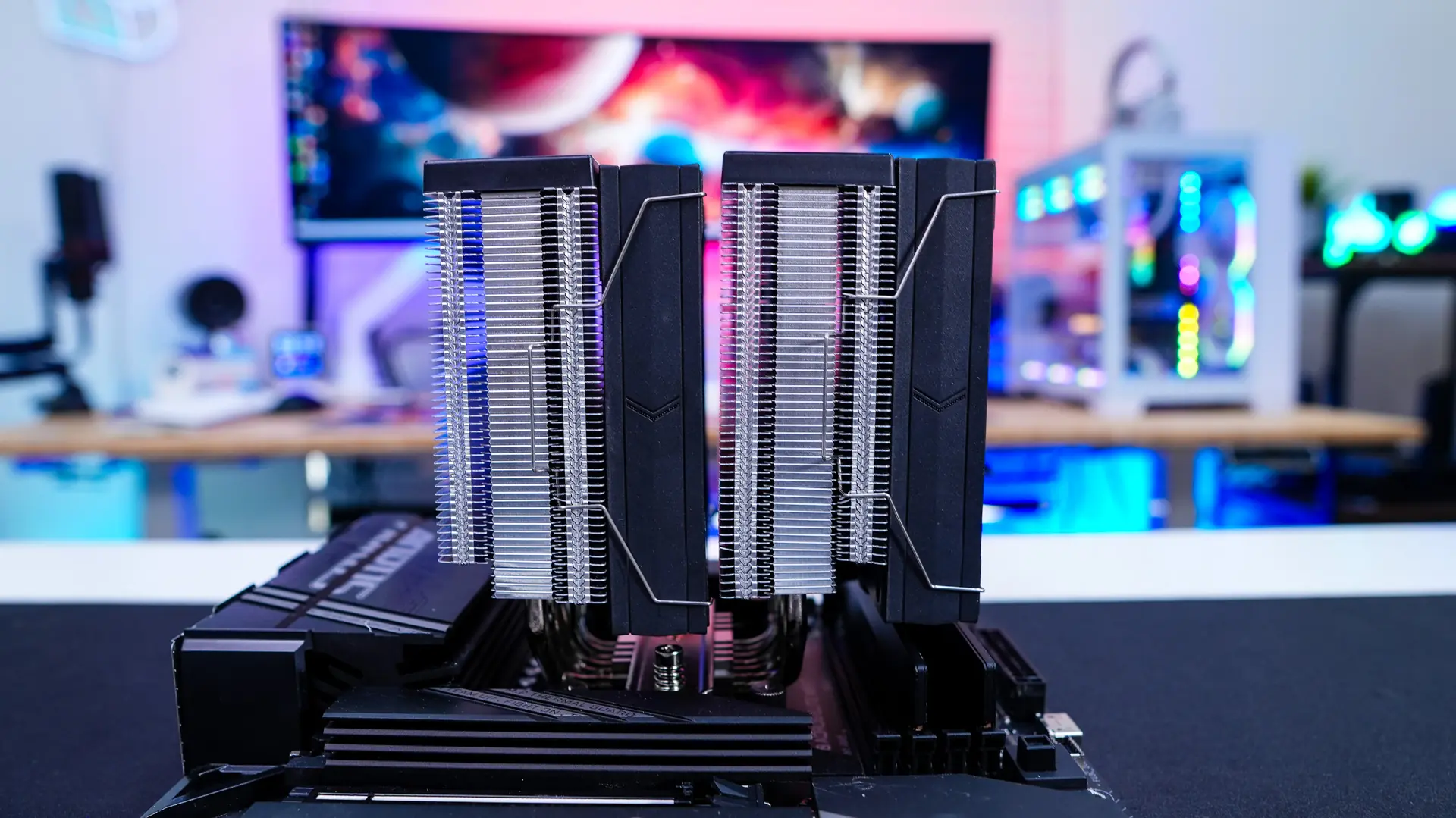
With the cooler installed you can see that we do have 100% RAM clearance, but this cooler will cover your memory so keep that in mind.