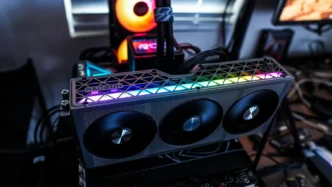

Sapphire NITRO+ AMD Radeon RX 9060 XT Graphics Card Overview
This is actually my first time taking a look at a NITRO+ card from Sapphire so the design is new to me. Overall you are getting a sort of grey design, which looks quite good. If you are wondering about size, the card is 300mm long and 118.25mm tall.
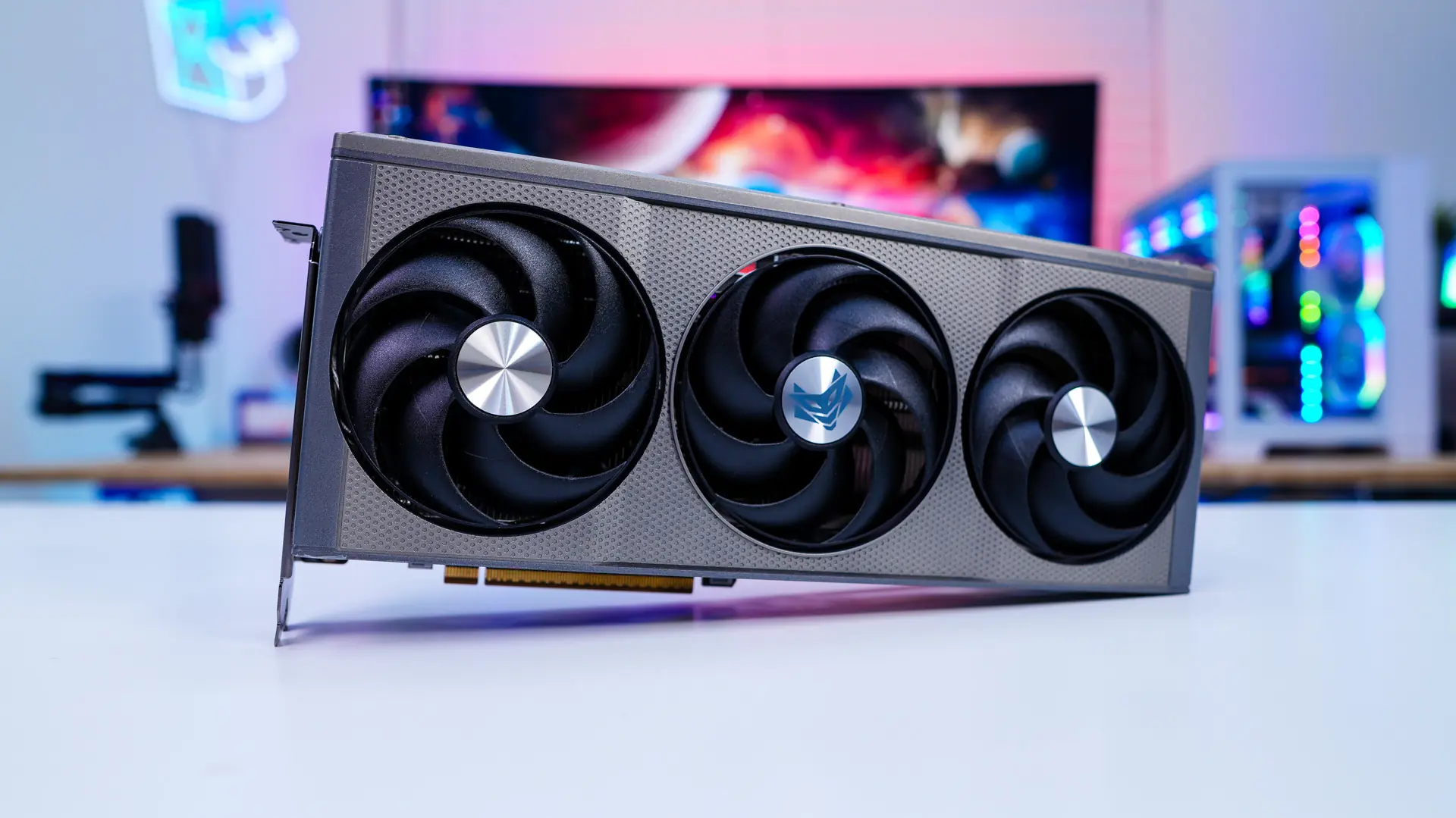
Making up the cooling system is going to be three fans. These fans feature Sapphire’s AeroCurve fan blades. This blade design builds upon its predecessor with advancements that reduce air friction, increasing the usable fan RPM range while maintaining low noise levels. This refined design ensures improved airflow, optimized static pressure, and enhanced cooling efficiency for demanding applications. These are also their quick-connect fans so you can easily remove them for cleaning or if you need to replace one.
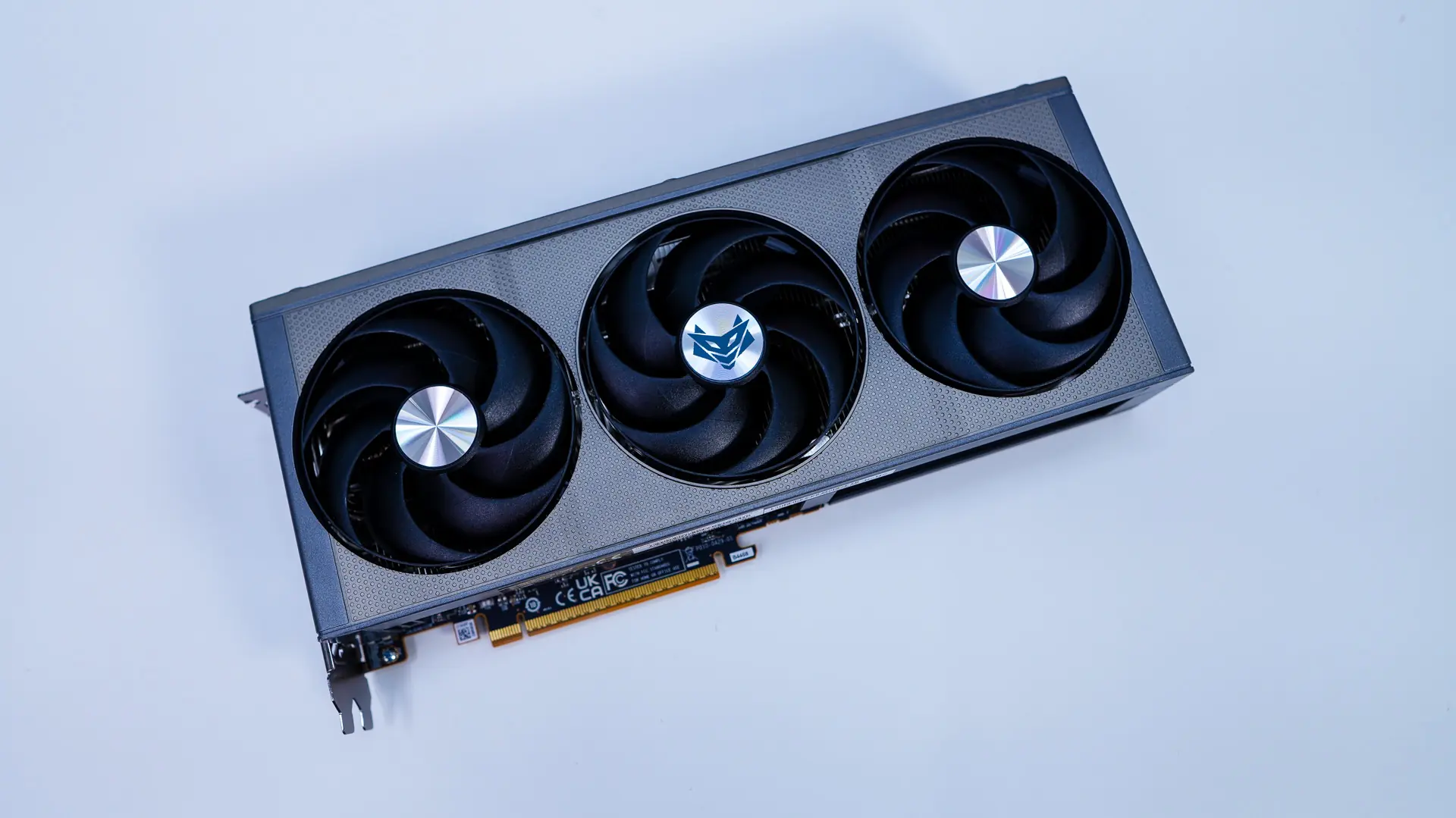
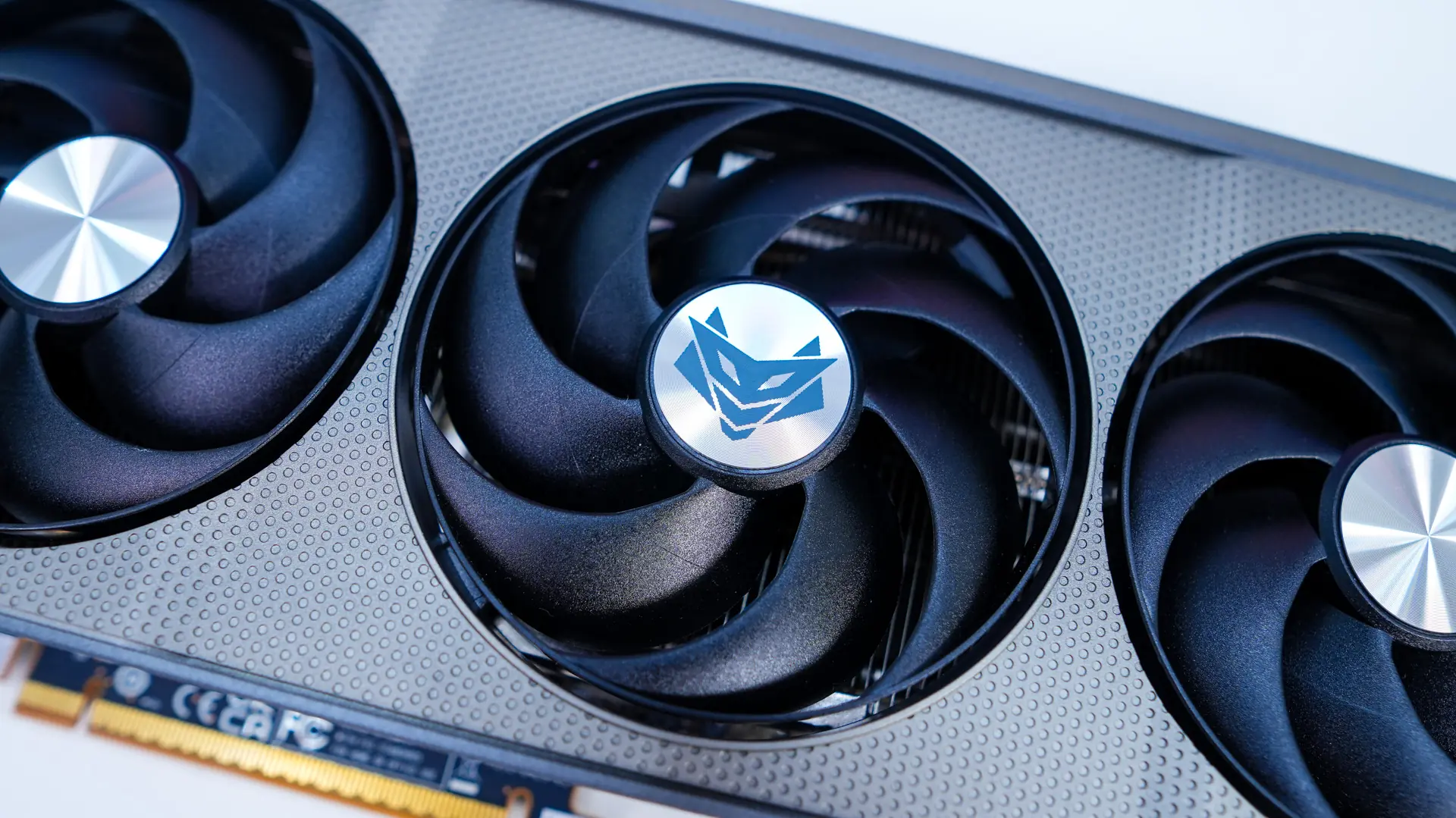
Making up the rest of the cooling solution is going to be two heatsinks stacks which are connected by multiple heatpipes.
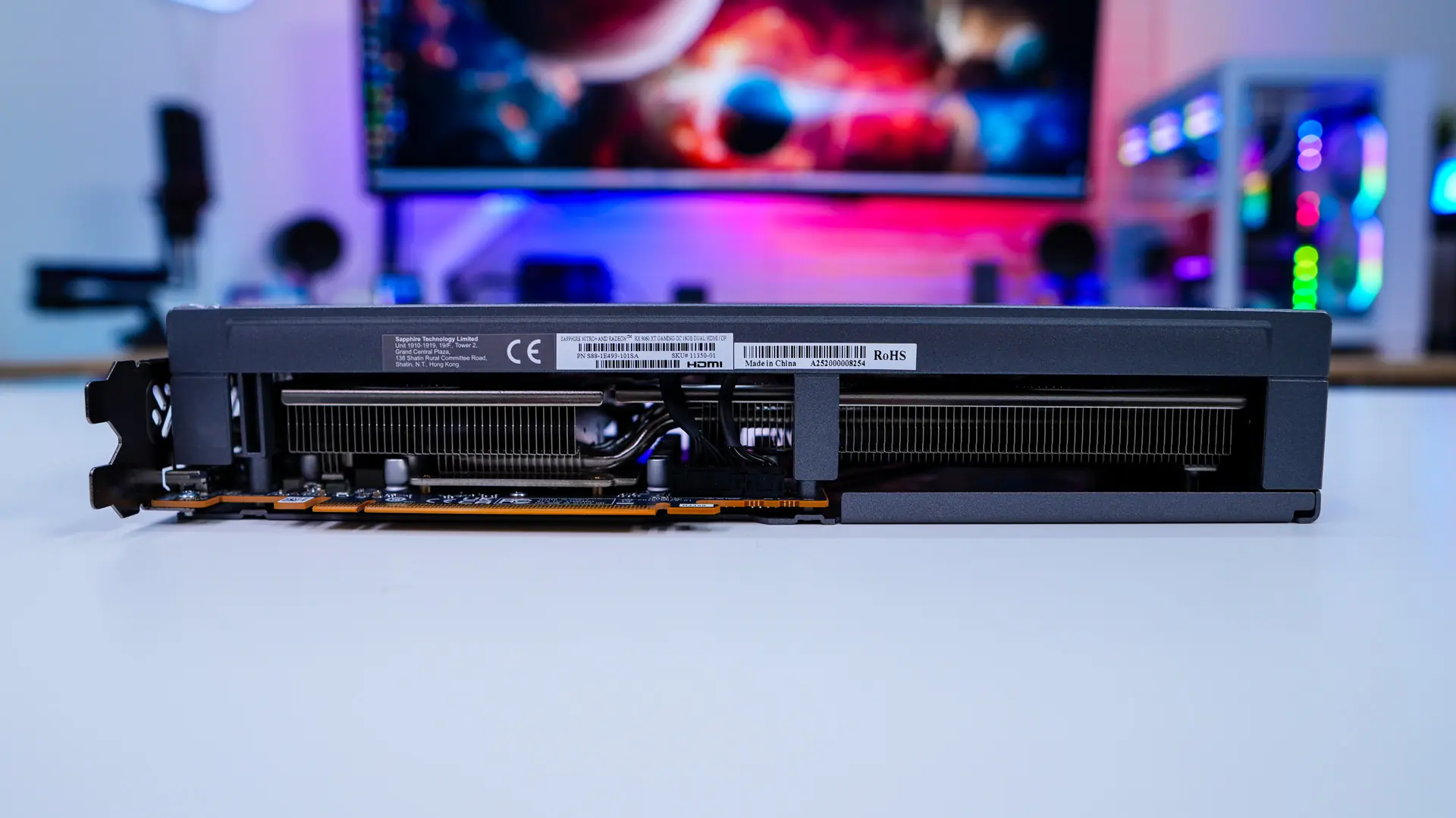
Flipping the card up on its side we can get a look at the side plate. And I have to say I wish more graphics cards had these, they add so much more style. This side plate gives the card a more industrial look and features both the Radeon and NITRO+ logos. One thing that is nice about this side plate is that it is actually easy to remove so for all of those modders out there you can take it off and paint it if you want.
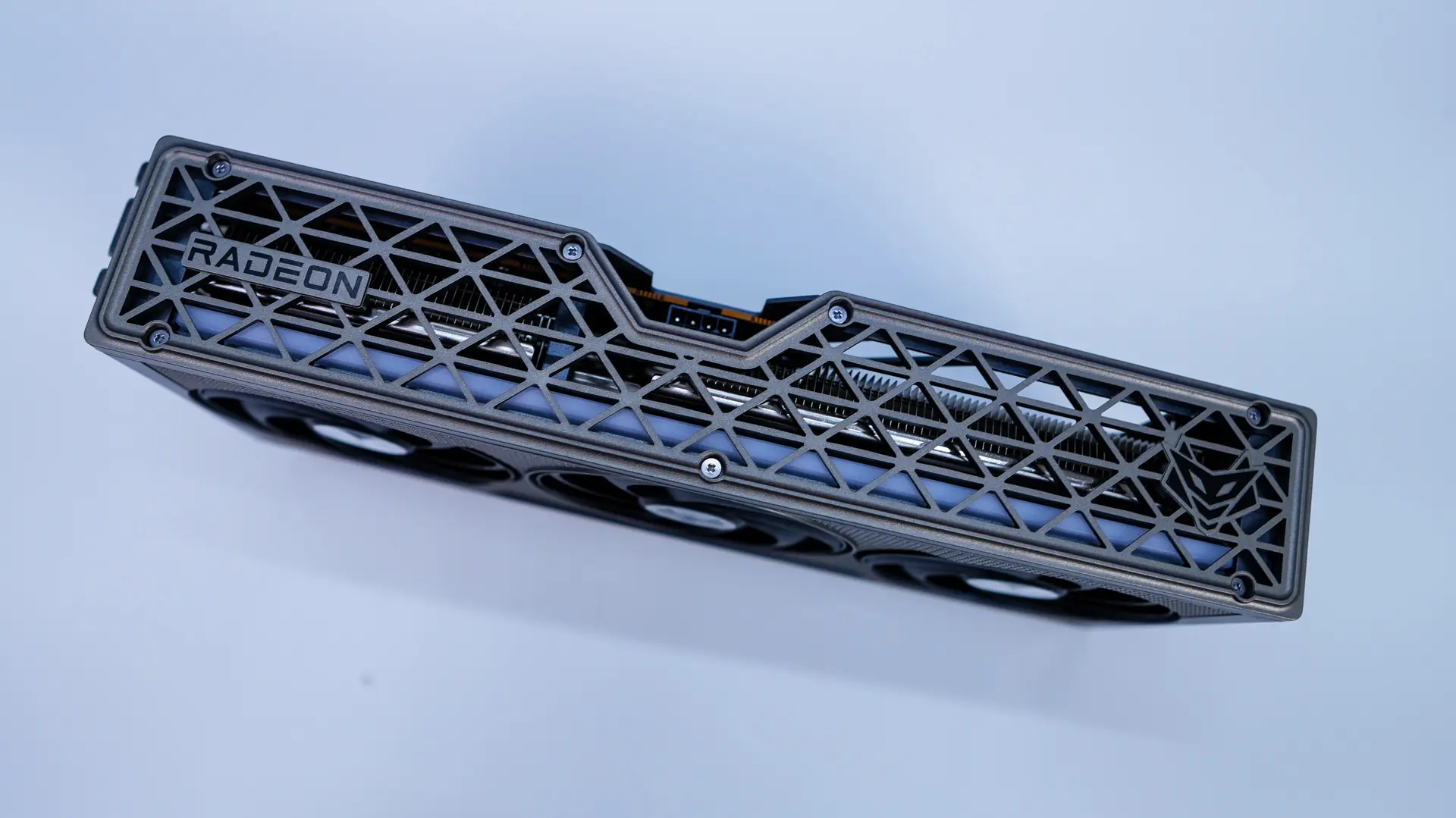
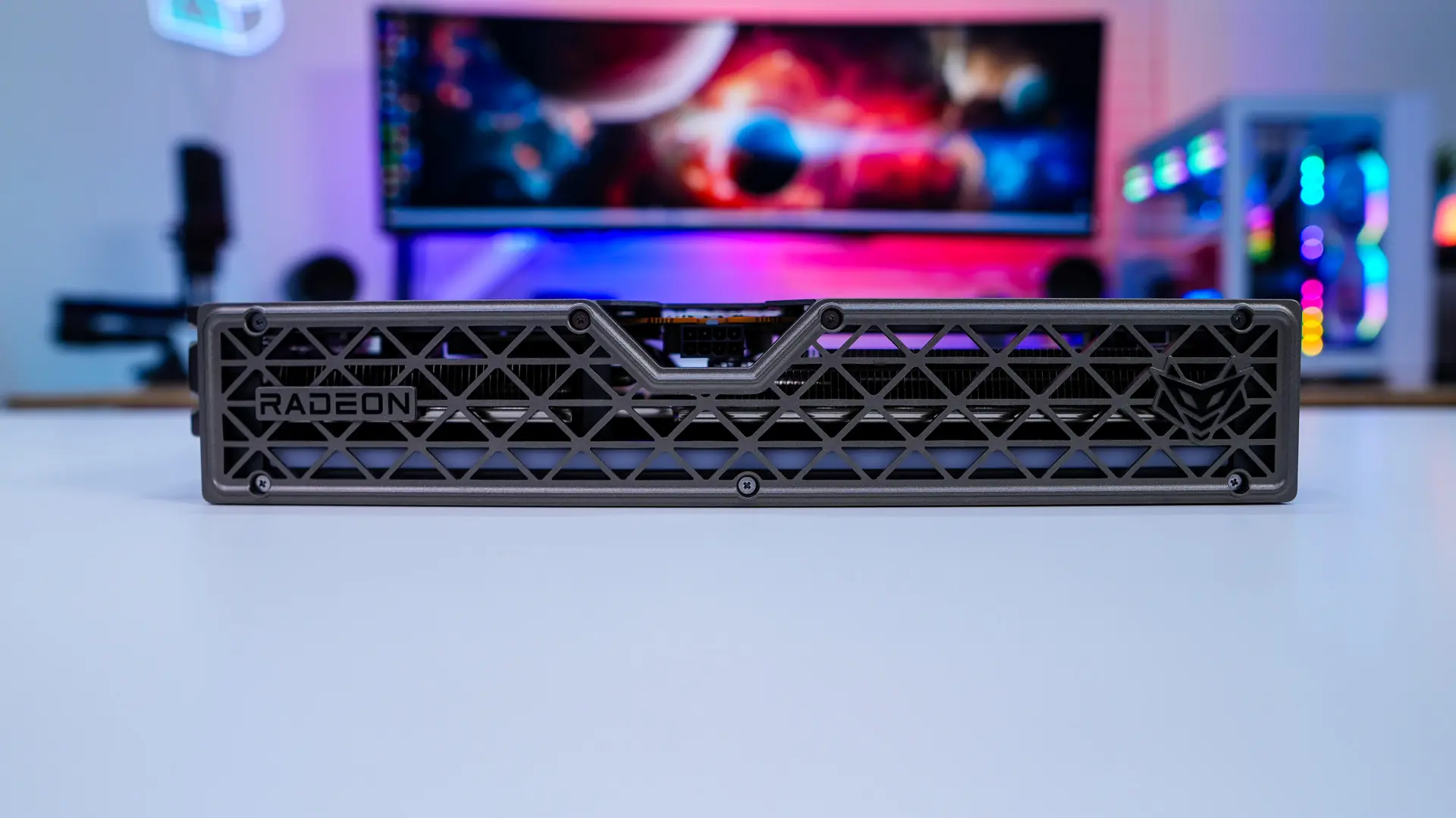
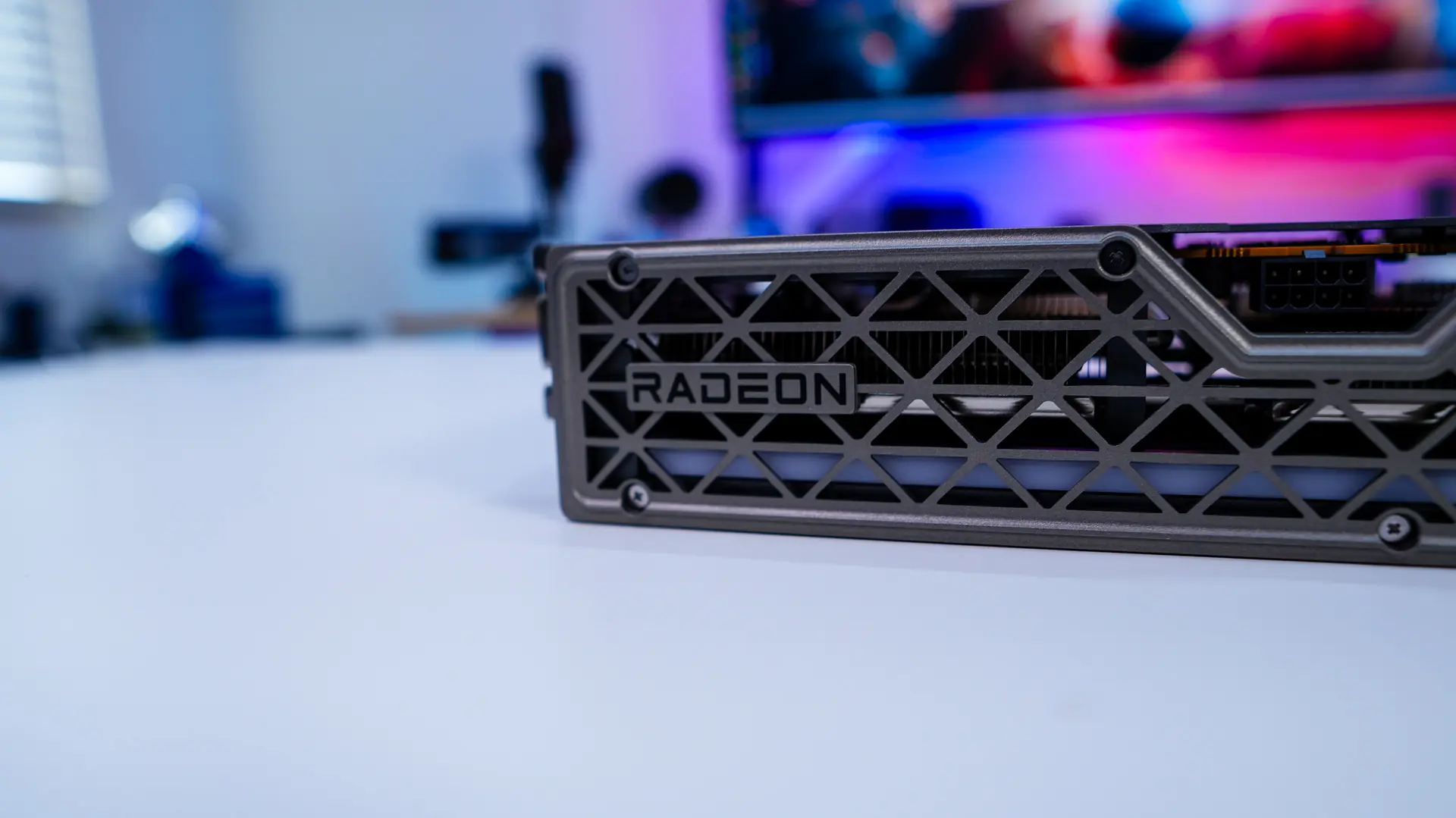
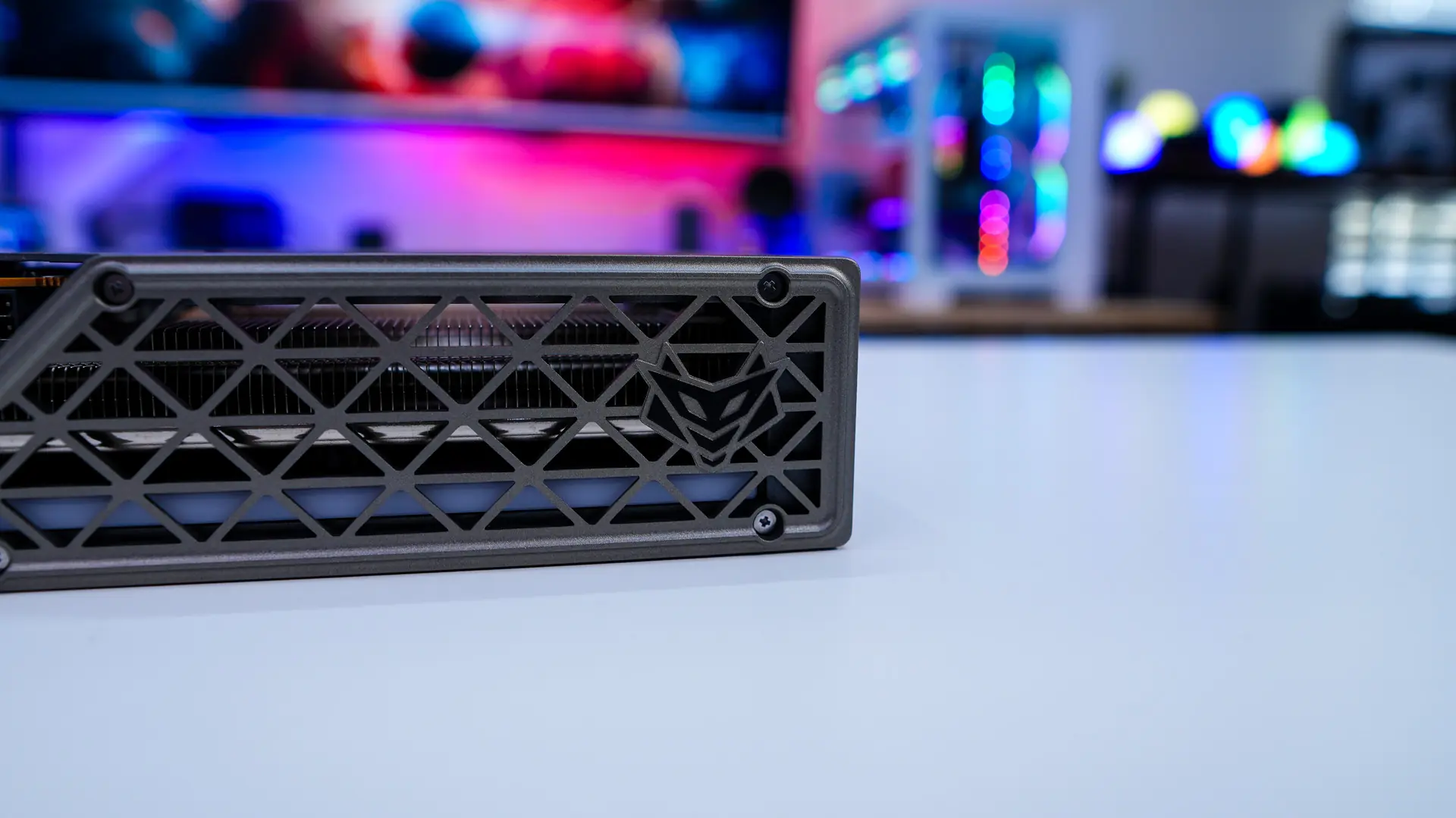
On this side of the card we can also see our power connection, which is a standard 8-pin PCI-Express power connection.

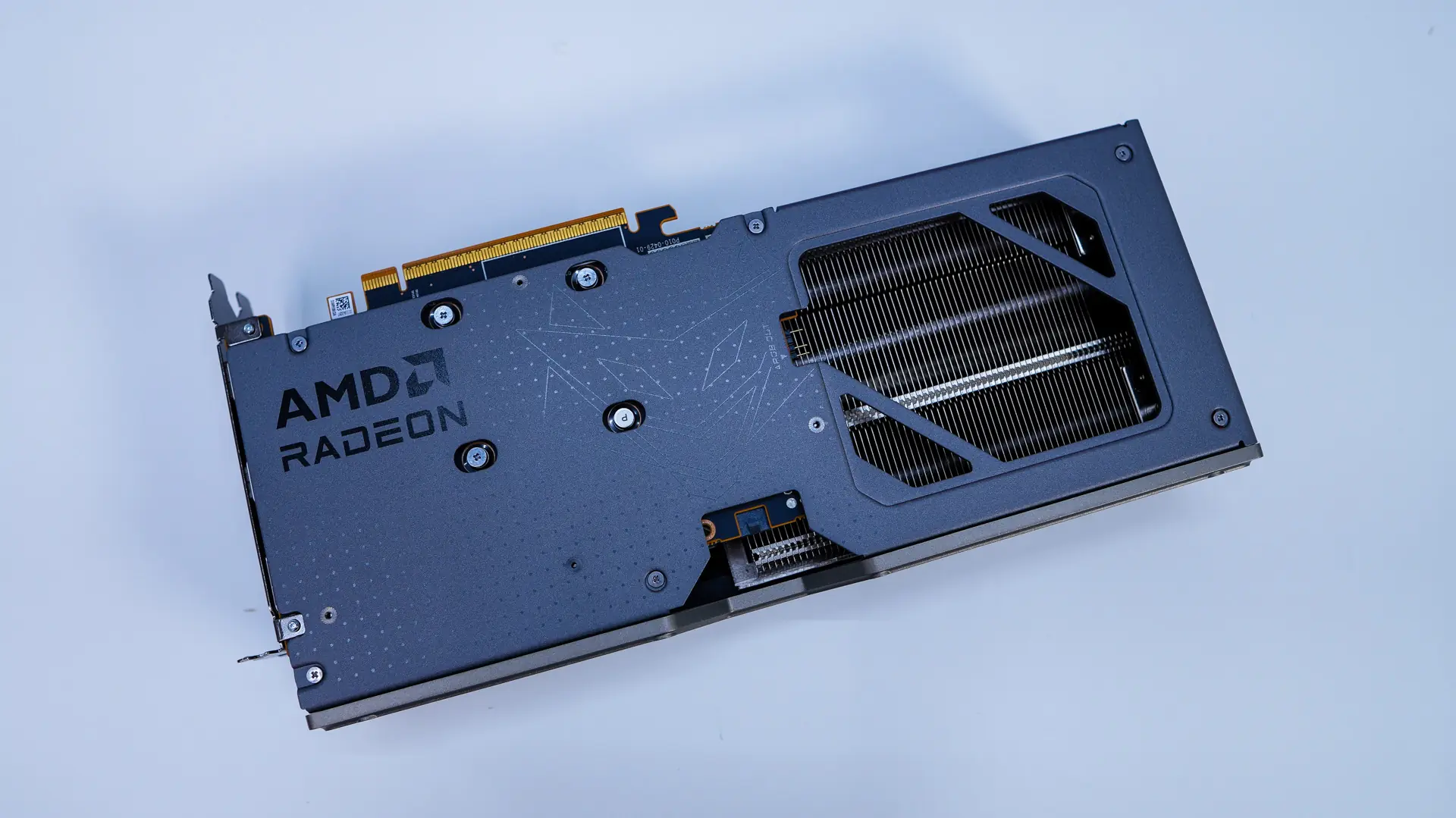
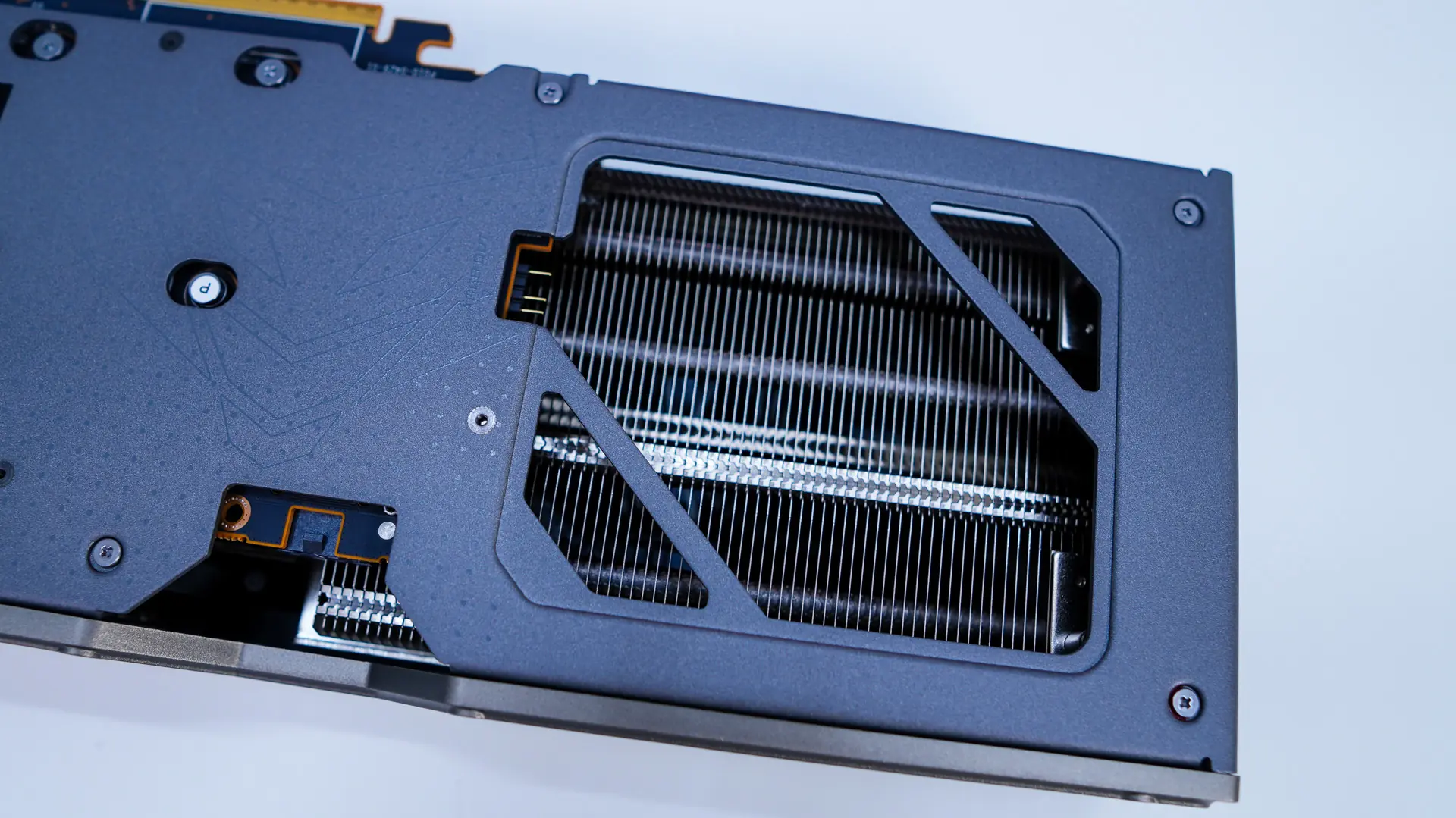
Moving on to the back of the card we have a full-coverage backplate with both the AMD Radeon and NITRO+ logos on it. This backplate of course has an opening towards the end for pass-through cooling. Down by this opening you’ll find a 3-pin ARGB connection so you can connect the card to your motherboard’s ARGB header if you want everything to be in-sync. Sapphire does provide the cable if you are wondering.
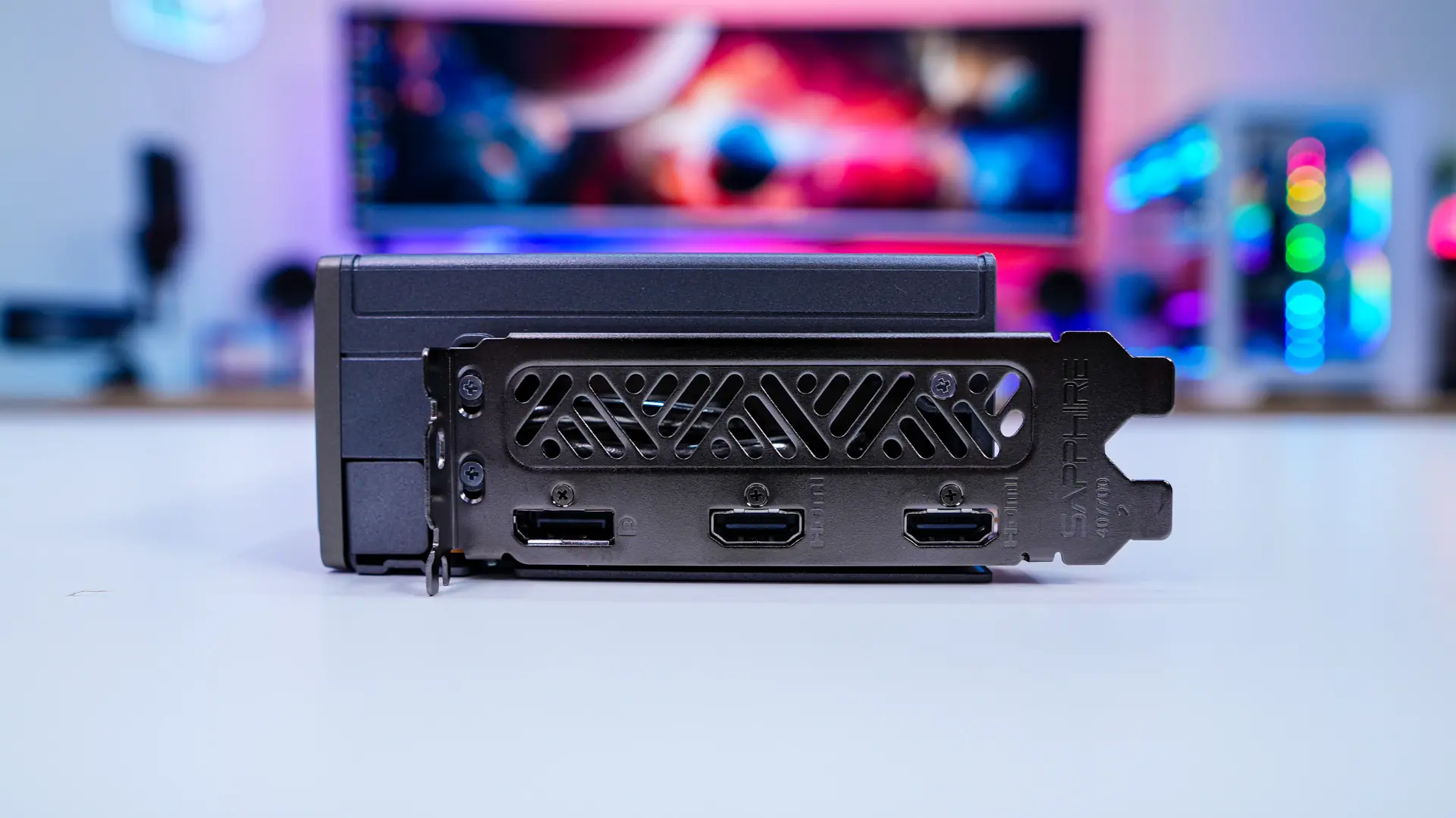
Looking at our connections we have two HDMI 2.1b and a single DisplayPort 2.1a. We can also see that the card is slotted for 2-slot, but the card is a 2.7-slot card so keep that in mind.