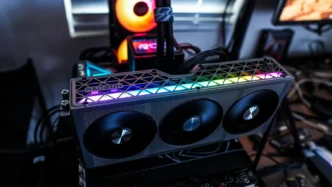

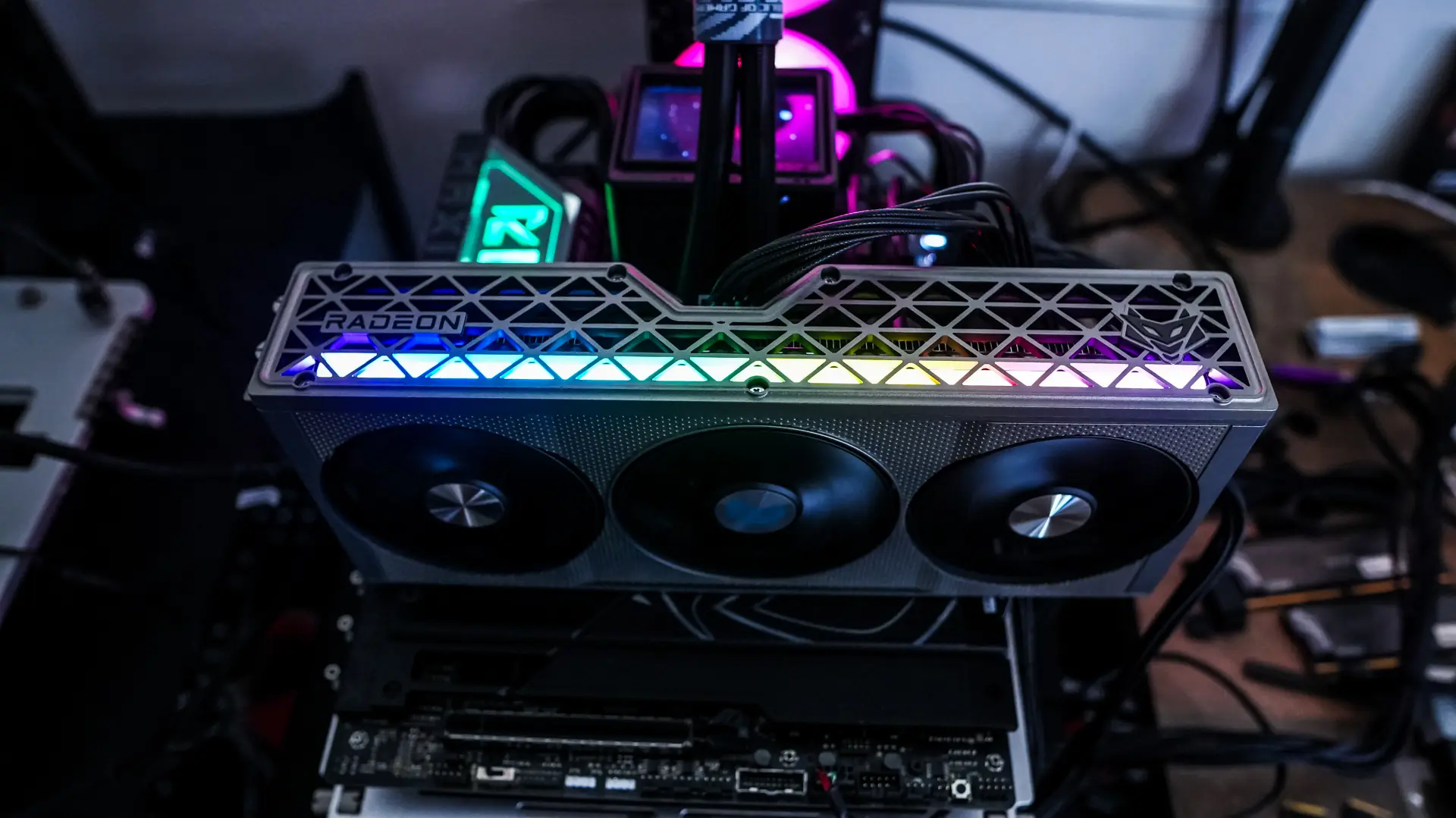
Lighting on the Sapphire NITRO+ AMD Radeon RX 9060 XT Graphics Card
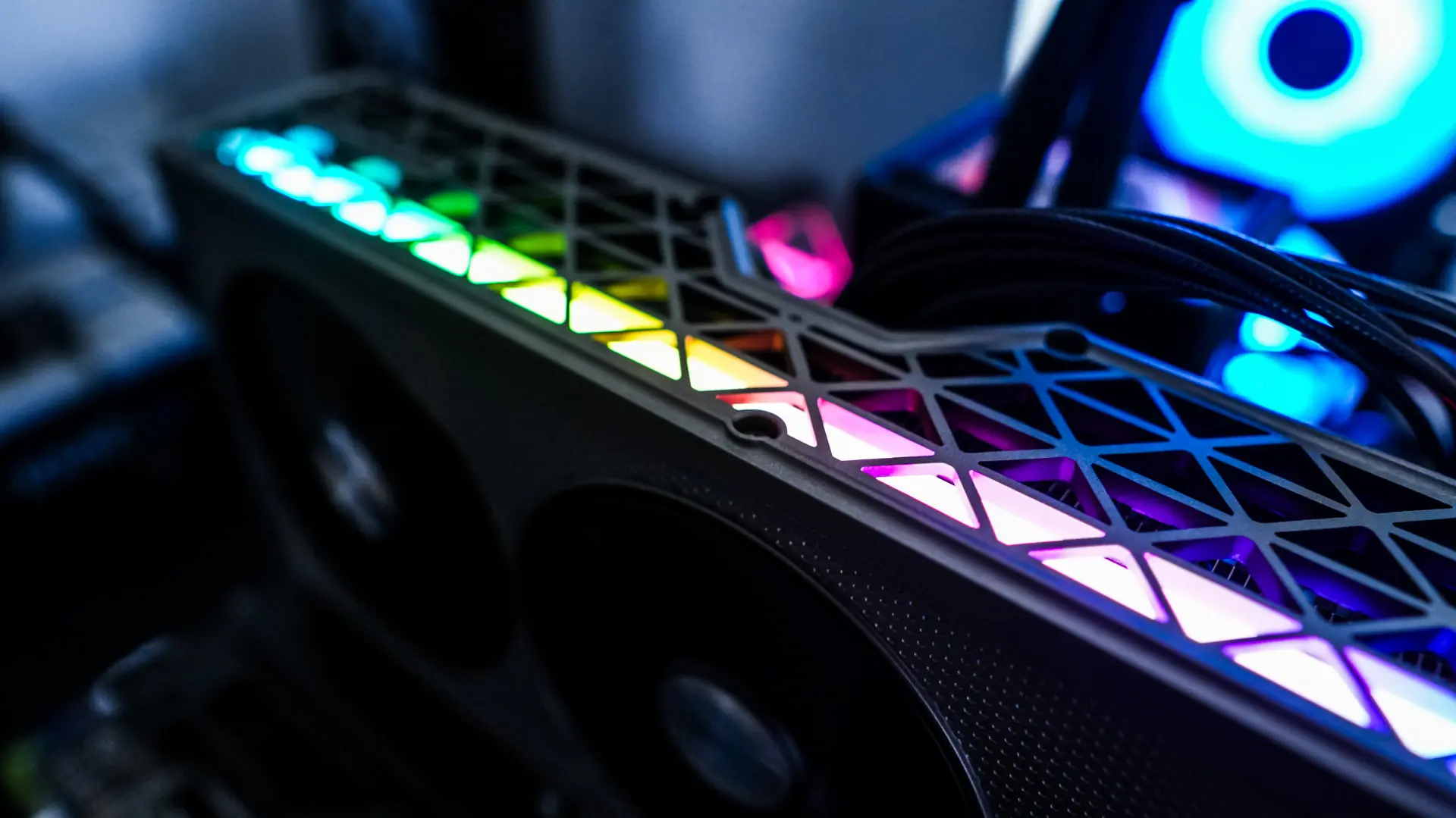
When it comes to lighting on the Sapphire NITRO+ AMD Radeon RX 9060 XT you have the single lightbar on the side of the card. I actually really like this implementation of RGB as one it is properly diffused and two it gives you that little bit of flare without overdoing it.
The Sapphire TriXX Software
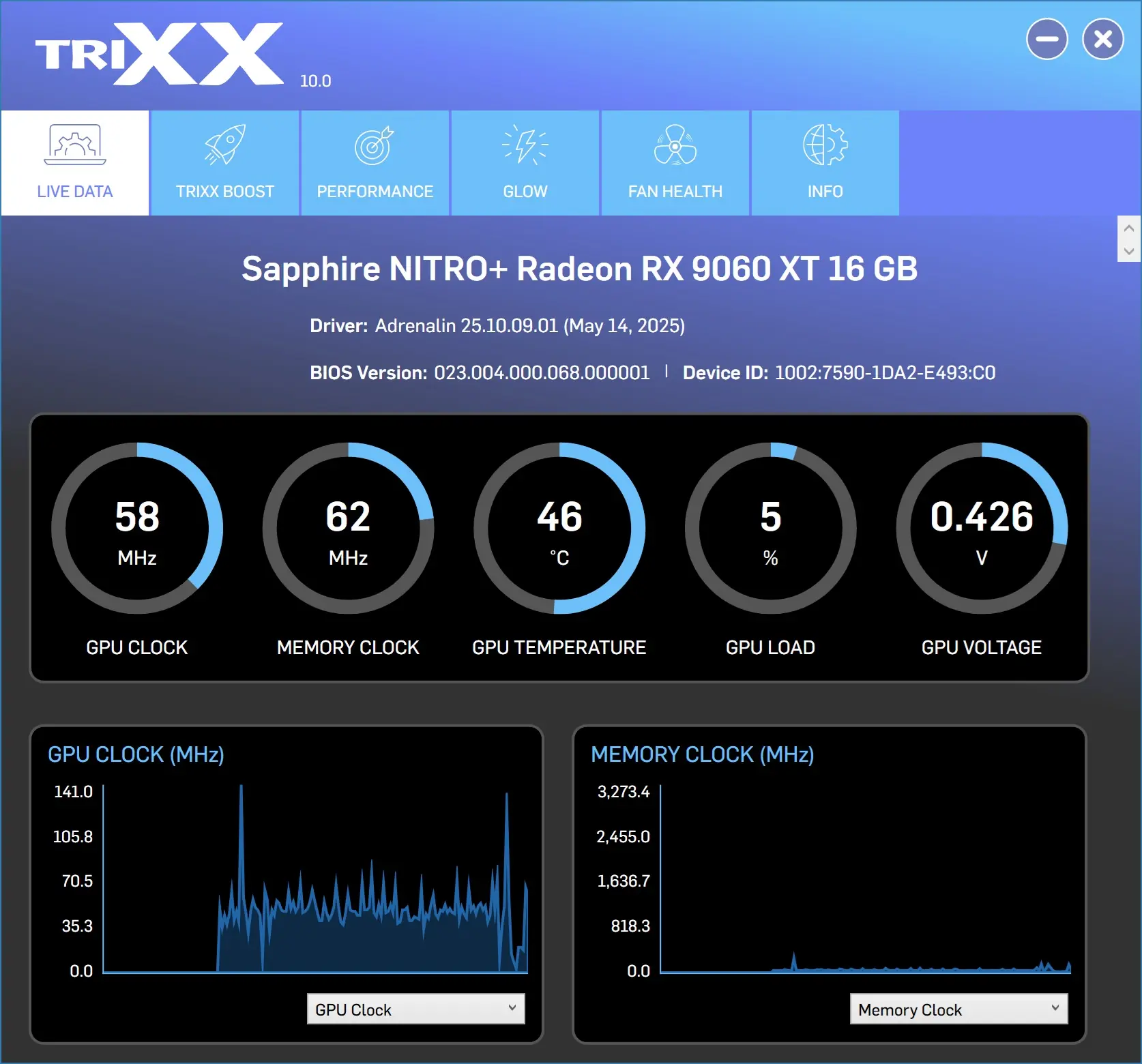
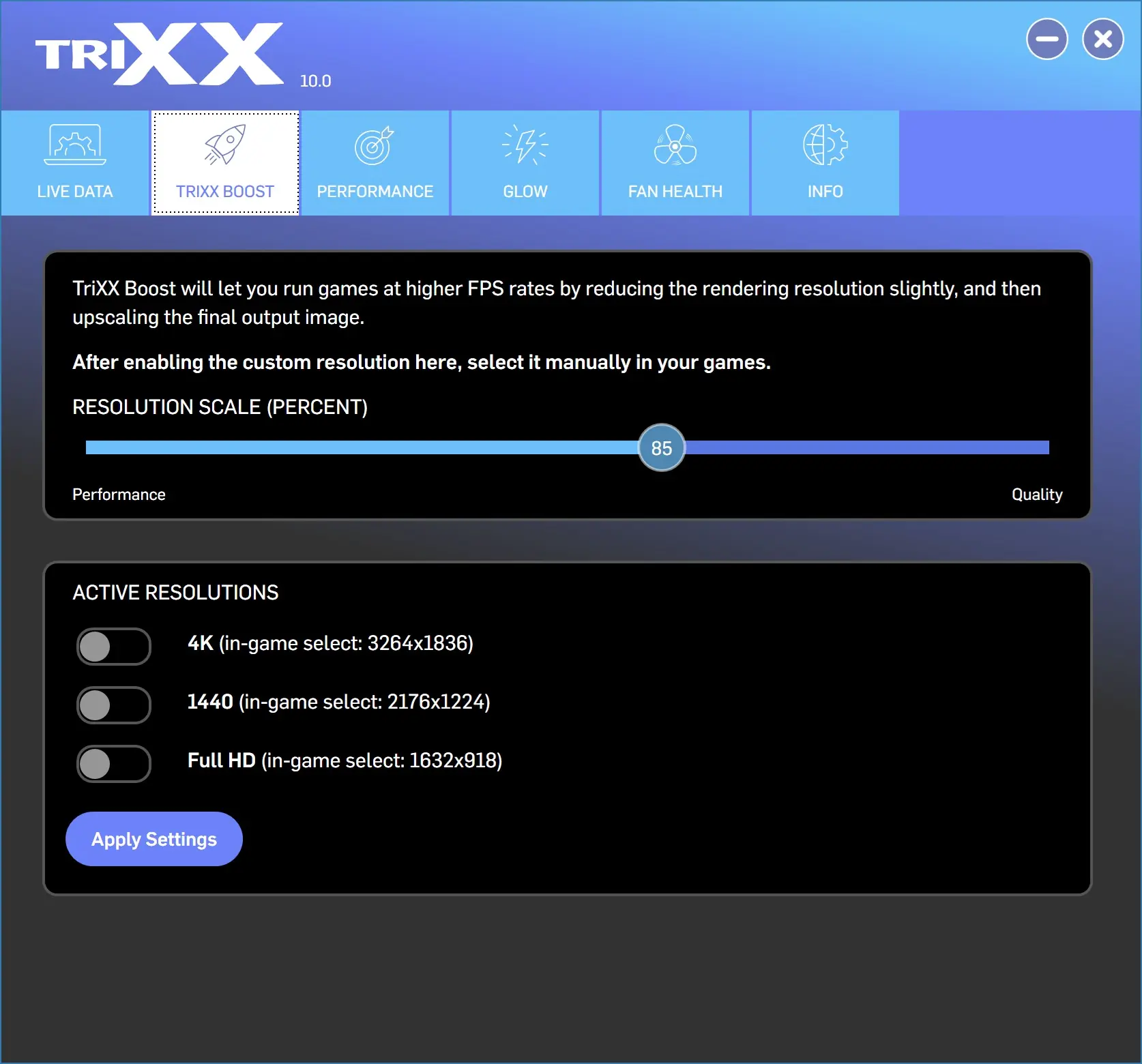
Sapphire offers their TriXX software if you want to do any customization / monitoring to the card. Opening it up you have the “Live Data” tab. Here you can see your clocks, temperature, load, voltage, and a live graph. The next tab is TriXX Boost, here you run games at a higher FPS by reducing the render resolution slightly.
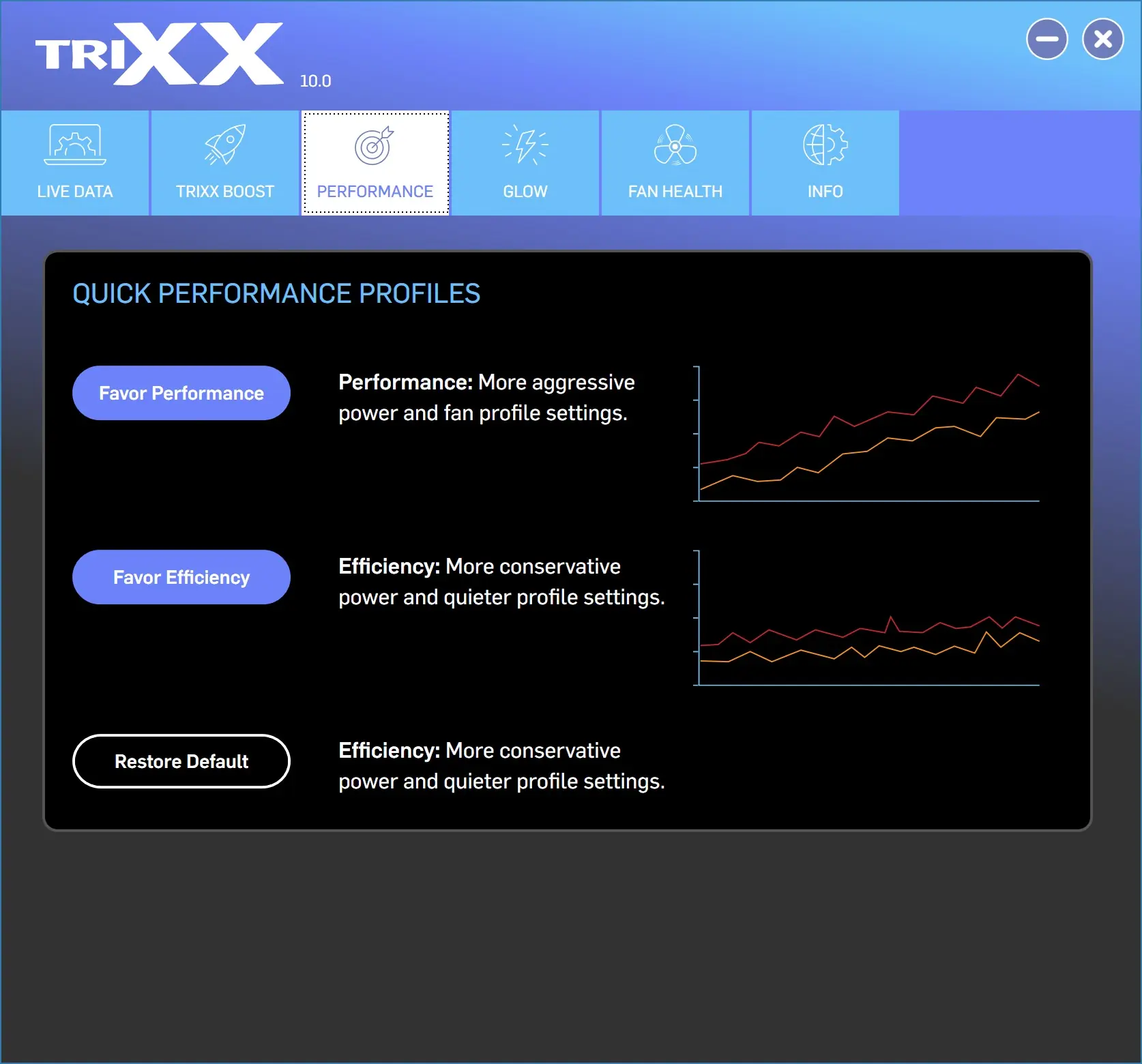
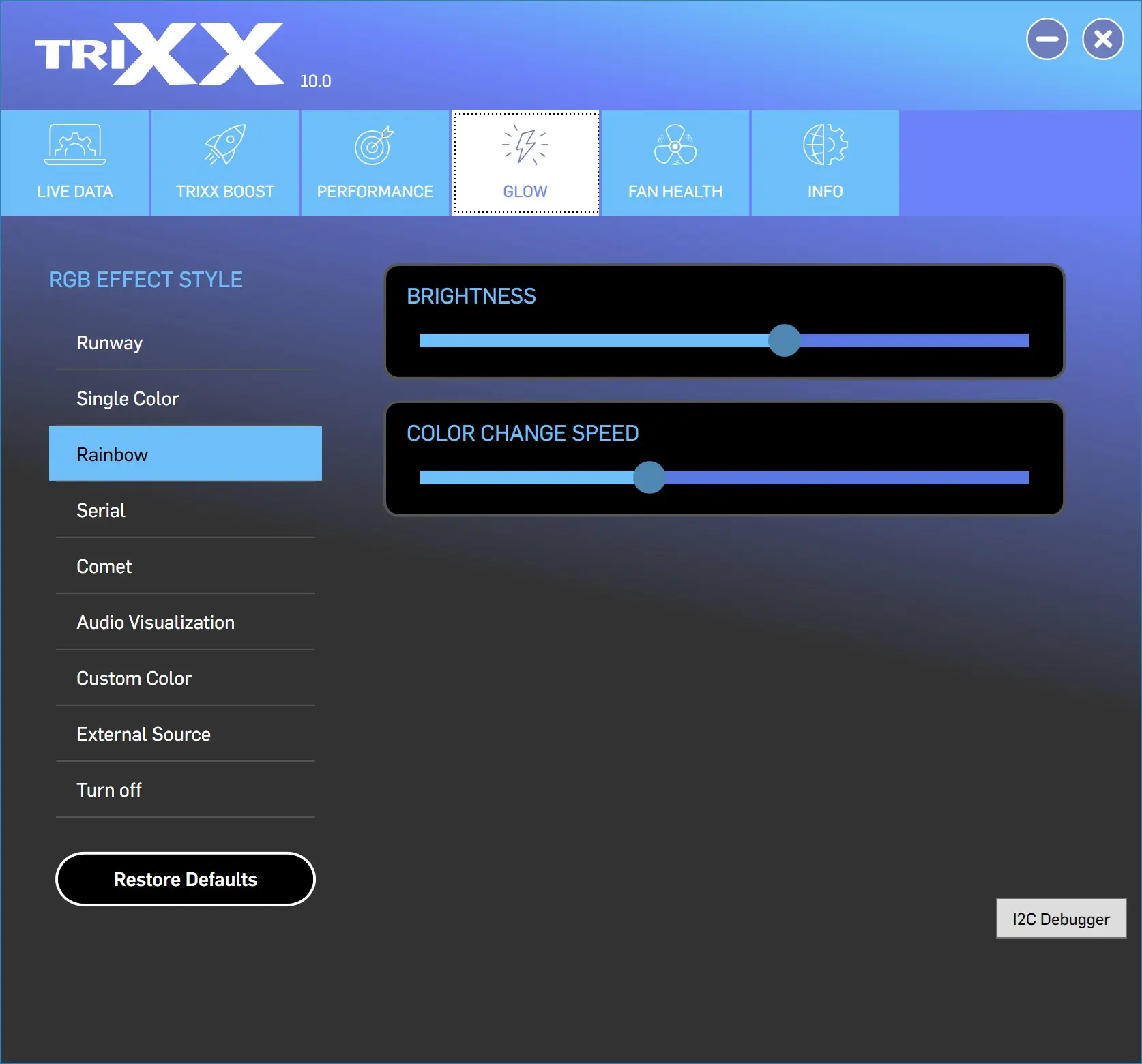
In the “Performance” tab you can set a profile to either favor performance or favor efficiency. “Glow” allows you to set the lighting effect of the light bar as well as the brightness and speed of the effect.
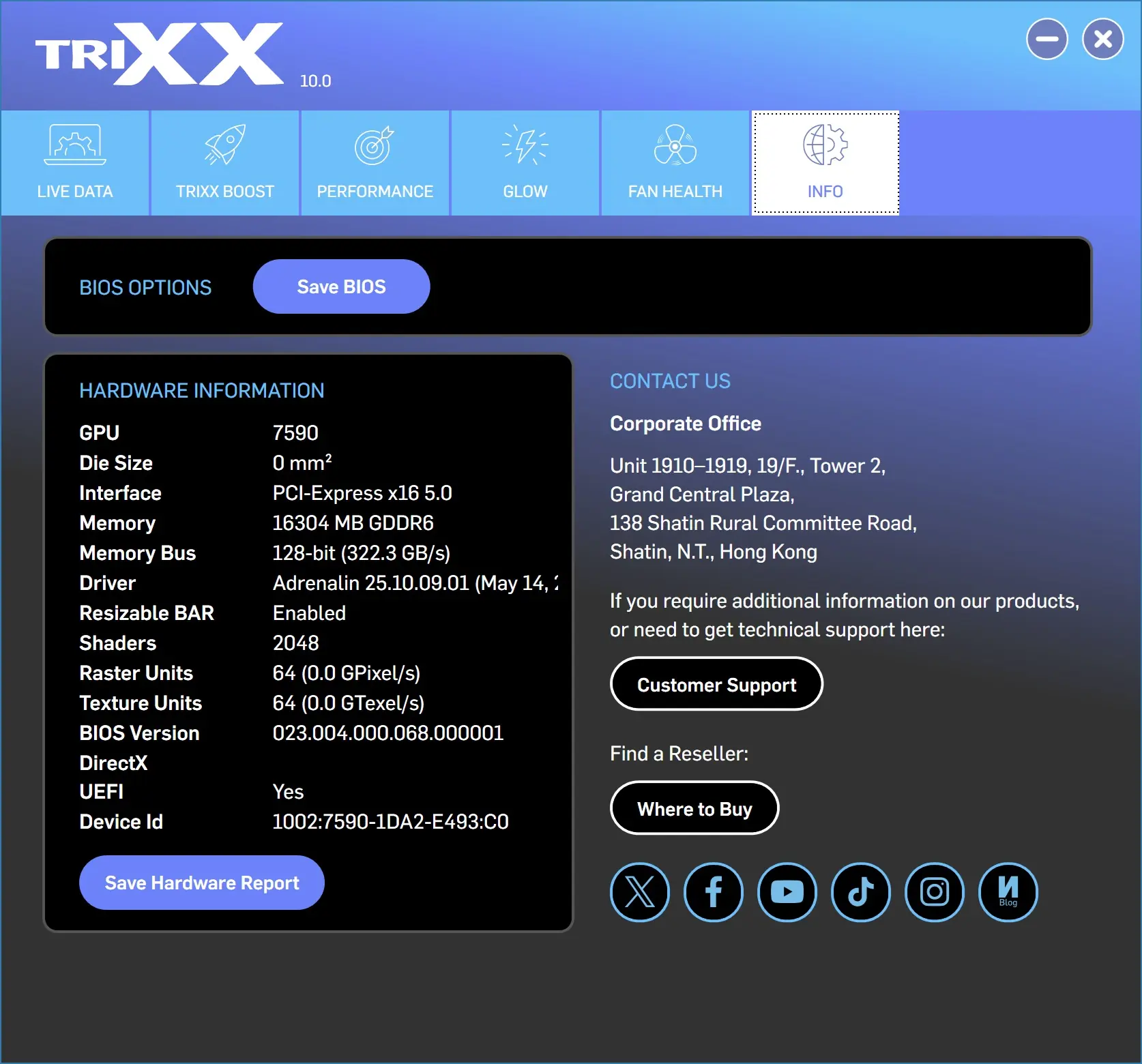
“Fan Health” allows you to run a smart fan check on your fans. And then finally “Info” gives you information on your hardware and how to contact customer support.