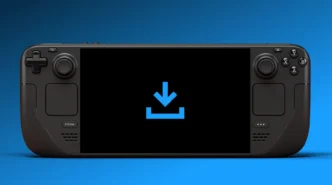
Valve has rolled out a highly anticipated update for the Steam Deck, introducing a “display-off low-power mode” that allows users to download games and updates without keeping the screen active. This long-requested feature aims to conserve battery life and prevent potential screen burn-in, bringing the handheld closer to the convenience of modern game consoles.
Key Takeaways
- The Steam Deck can now download content with the screen turned off.
- This new mode is enabled by default when the device is plugged in.
- Users can opt to use the feature on battery power, with a safeguard at 20% battery.
- The update is currently available on the Steam Deck’s Beta and Preview channels.
A Long-Awaited Convenience
For years, Steam Deck owners have had to leave their device’s screen on to download games, a process that consumed significant battery power and raised concerns about screen longevity. This new update, now available in the Beta and Preview channels of SteamOS, addresses this by allowing the handheld to complete downloads in a low-power state before automatically entering sleep mode.
How It Works
When the Steam Deck is downloading content and the power button is pressed, users will now see a prompt asking if they wish to continue the download with the screen off. Selecting “Continue” will engage the new low-power mode. The device will also automatically enter this mode after a period of inactivity. To check download progress while in this mode, users can press any button or gently move the Steam Deck, which will bring up a status screen.
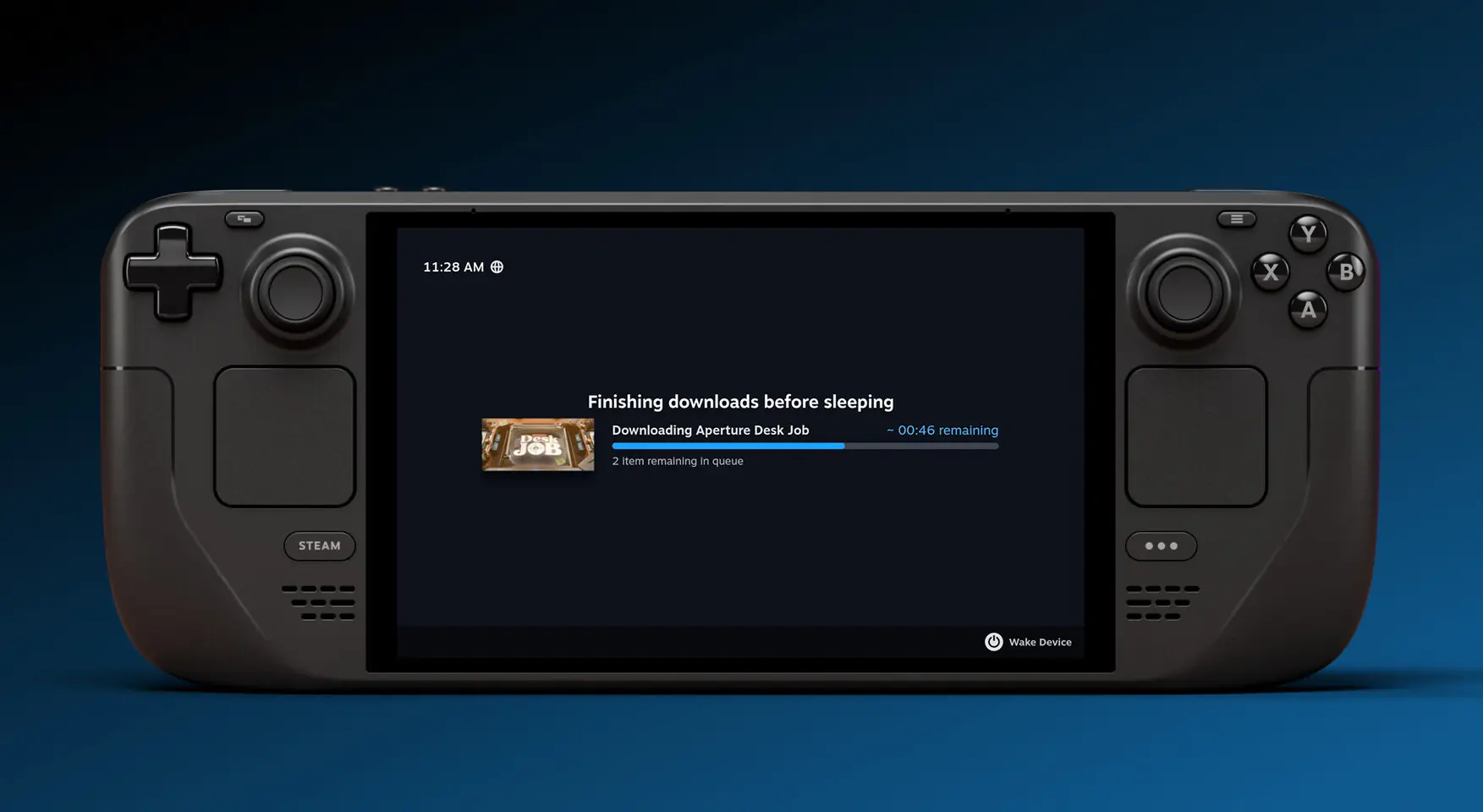
The feature is enabled by default when the Steam Deck is plugged in. Users can also enable it for battery usage via the Power settings. However, if the battery level drops below 20% while in this mode, the device will automatically switch to full sleep mode to conserve power.
Addressing User Feedback
This addition marks a significant quality-of-life improvement for the Steam Deck, aligning it with the convenience features often found in traditional consoles. While it took Valve approximately three years to implement this functionality, its arrival has been met with enthusiasm from the community, who had previously resorted to workarounds like dimming the screen to manage downloads.
The update is expected to transition from the Beta and Preview channels to the stable release in the coming weeks, making this convenient feature accessible to all Steam Deck users.
Via Valve