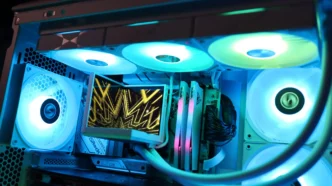
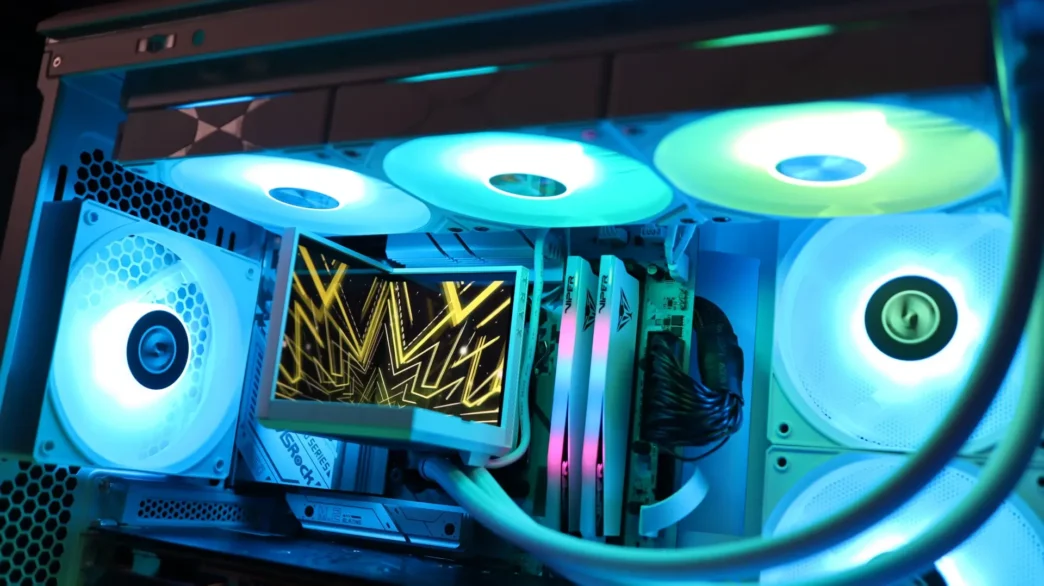
TRXY STAGE Overview
With the AIO out of the box, you can see that it looks very similar to the PANORAMA models, though there is a definite difference in the display designs and pump housings. Our review sample features the white colorway, and a few splashes of gray can be found at the center of the fans, the font on the radiator, and in a few spots on the display, but otherwise this is an all-white design. That said, TRYX does offer this cooler in a black colorway, and both colors are only available in 360mm sizes.
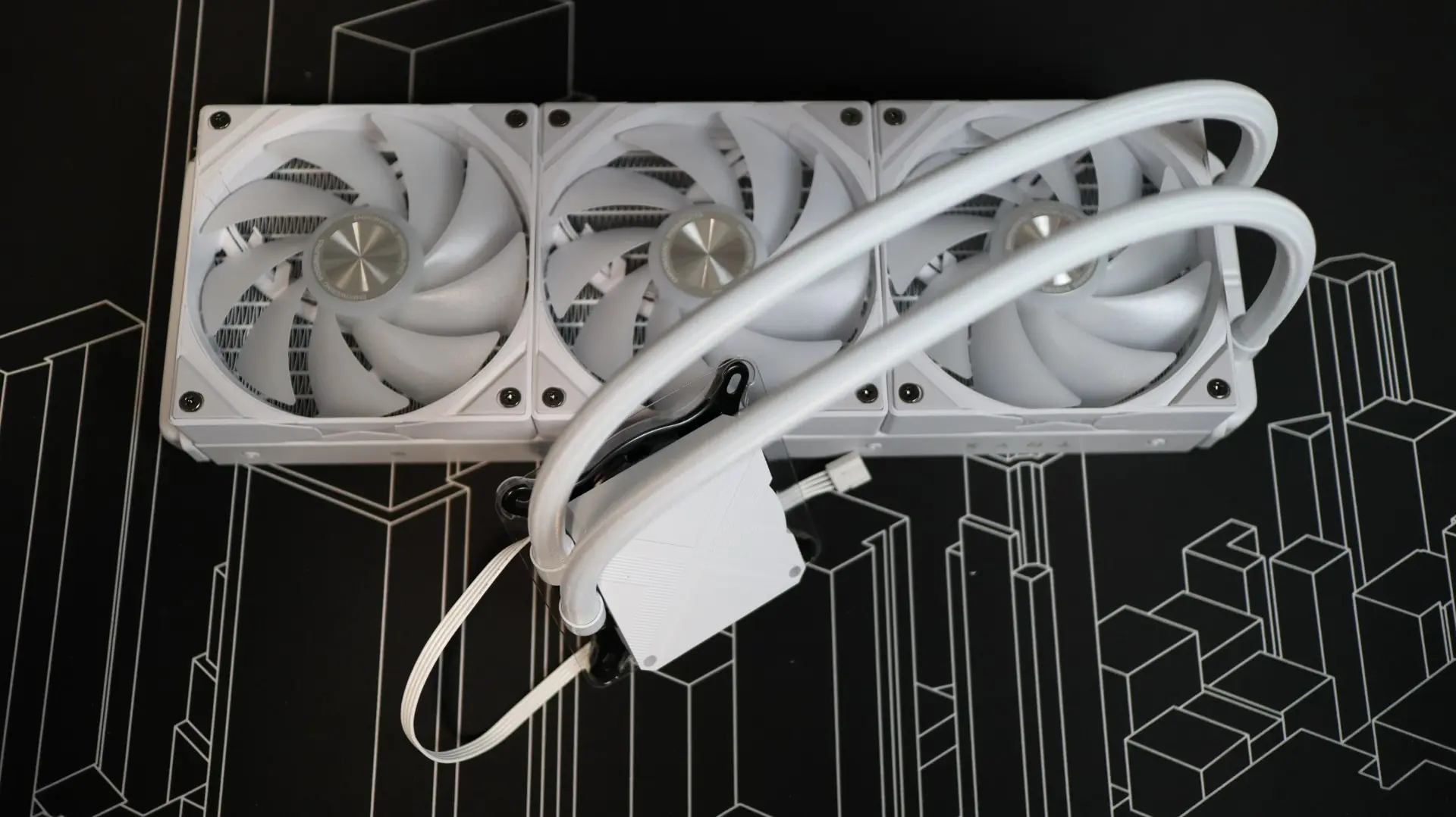
The first component up in our overview is the 360mm aluminum radiator. This radiator is very straight forward in it’s design, with a white paint job and a bit of TRYX branding along the sides. TRYX does not specifically list the thickness of the radiator, but it appears to line up with the standard 27mm we see on most AIOS.
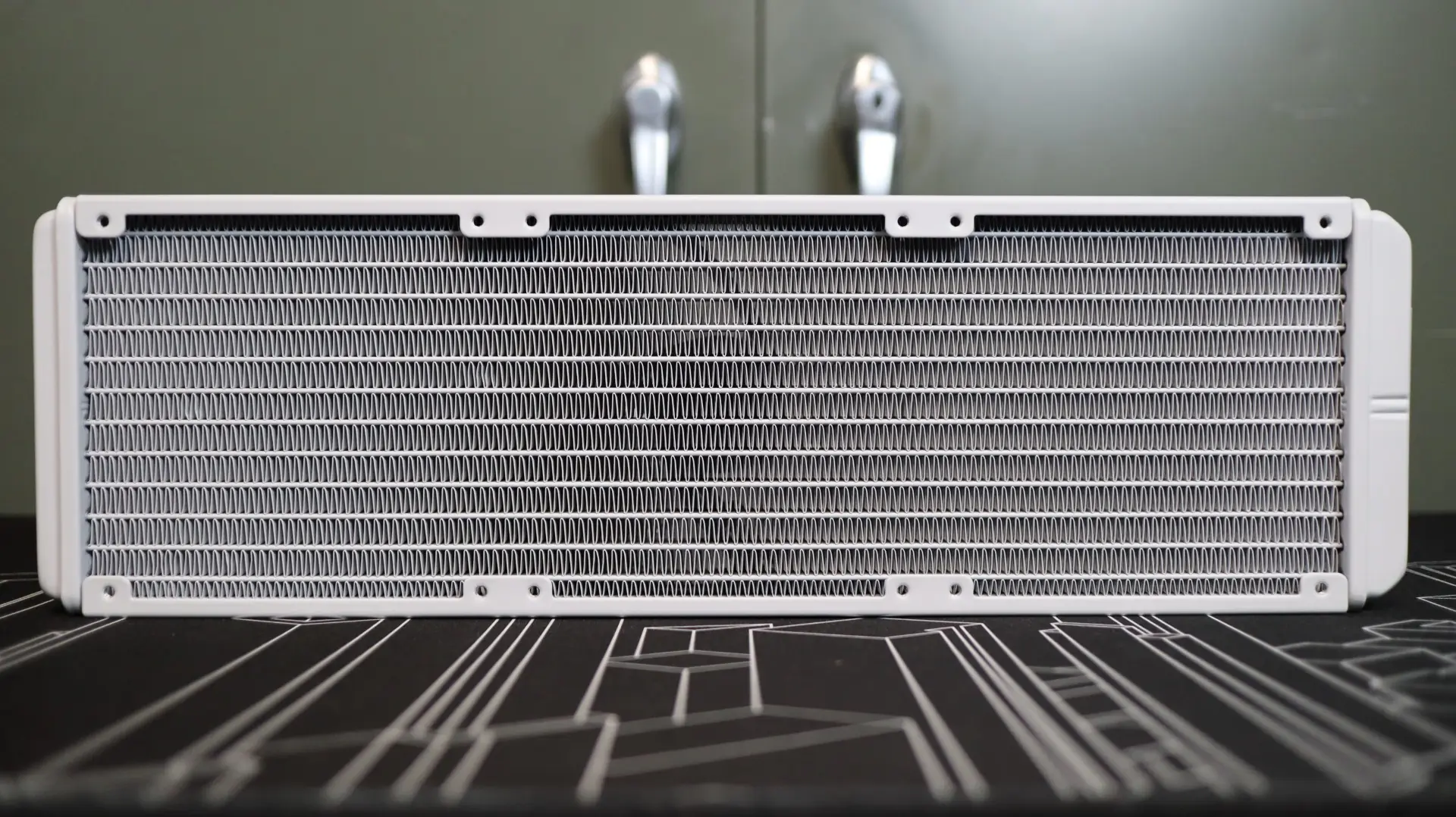
With 19 fins-per-inch, the included 120mm ROTA SL ARGB fans included with this kit should be fine for this pretty open fin density.
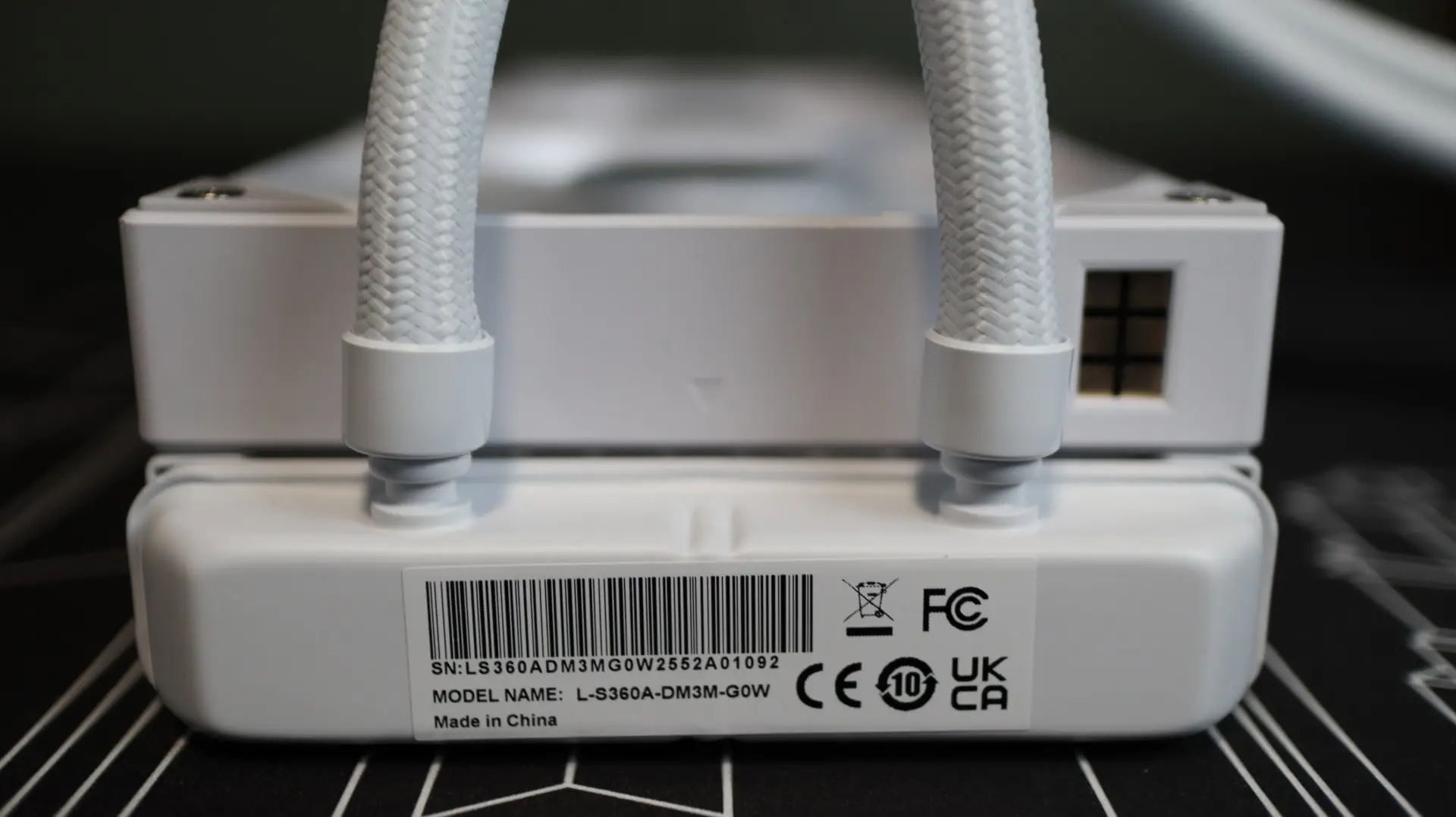
The 420mm braided cooling lines exit from one end of the radiator’s end cap, and these lines are connected to the radiator via crimped connectors. I found the cooling lines to be quite flexible during installation, and their length was just fine during installation.
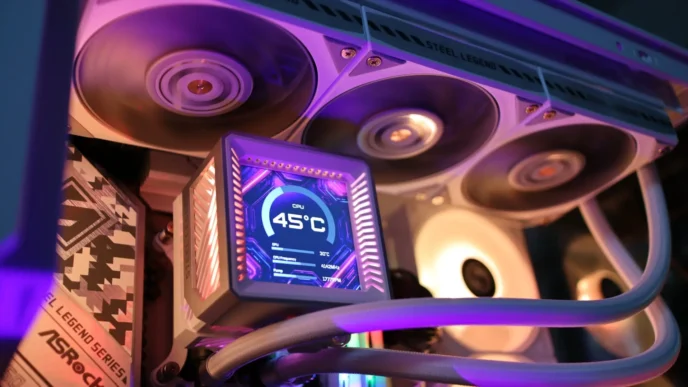
Moving over to the pump housing is where we see the showcase feature of the STAGE – dual 4″, 720 x 720 resolution IPS screens. These displays aren’t quite as impressive as those found on the PANORAMA, but they do offer 16.7 million color via the TrueColor engine, and have a 254 pixel-per-inch rating.
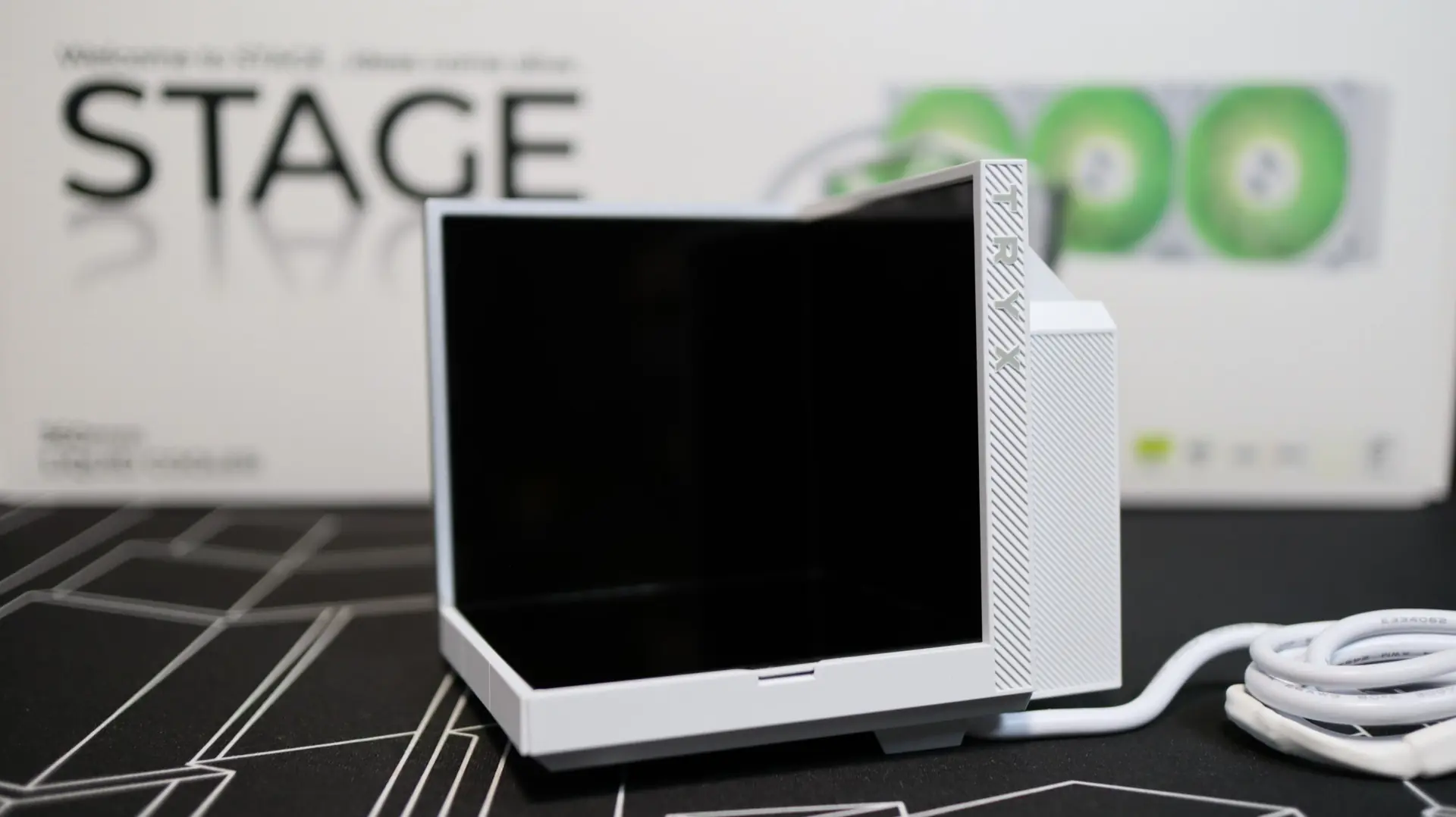
Unlike the PANORAMA SE, the screen orientation of the STAGE can not be physically adjusted, though the screen is removable. Due to some underlying tech that we will cover in a moment, the STAGE only allows for a single screen orientation layout. While that is a bit of a downside, I think most installs would prefer this orientation anyways, as it provides the best view of the cooler’s stage display.
Speaking of the stage, the STAGE offers both a mirrored and matte platform to place for favorite action figure or trinket to display alongside the LCDs. This is held in place by magnets, though three of the four magnets in our review sample were not properly glued into the display base and came out of their mounting positions when trying to swap layouts. Hopefully TRYX can resolve this issue with a little more glue, as it was actually quite a bit of work to get these small, but powerful, magnets back into place and the stage back into position.
Inside, the STAGE sports a 2-core CPU, which does a good deal of offloading, keeping your CPU available for whatever tasks you might throw at it. Internally, TRYX is using an ASETEK water pump solution for long-lasting efficiency and stable performance for a wide variety of installation scenarios. Paired with a nice copper base, this cooler supports CPUs with up to TPDs up to 280W.
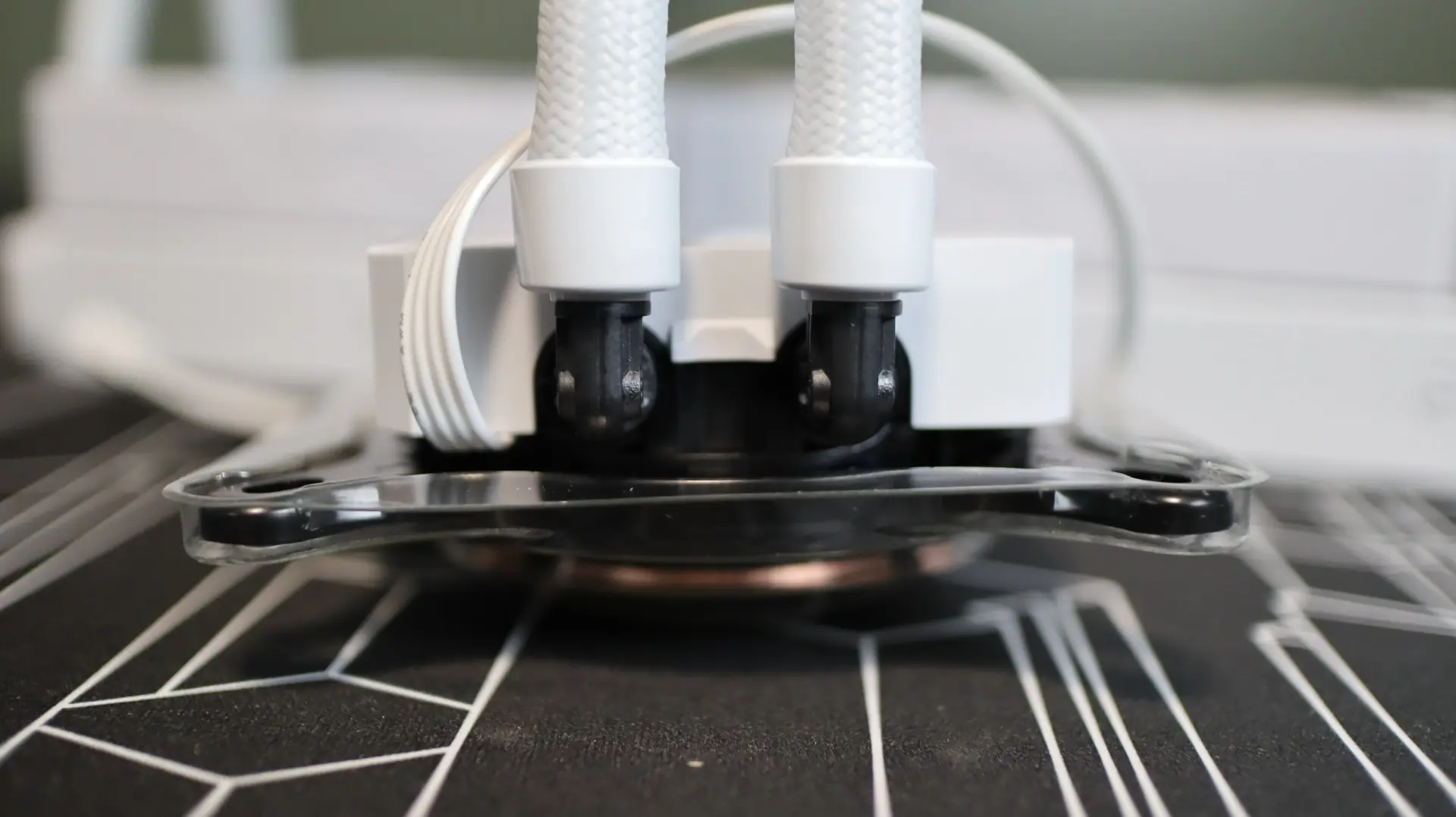
Moving around to the sides we find the two cooling lines exiting from the bottom side of the pump housing. Each line is paired up with a swiveling fitting to make installation and fitment much easier than with fixed connections. Just next to the fittings is the single PWM cable that powers the internal pump, which has a maximum speed of 2,800 RPM.
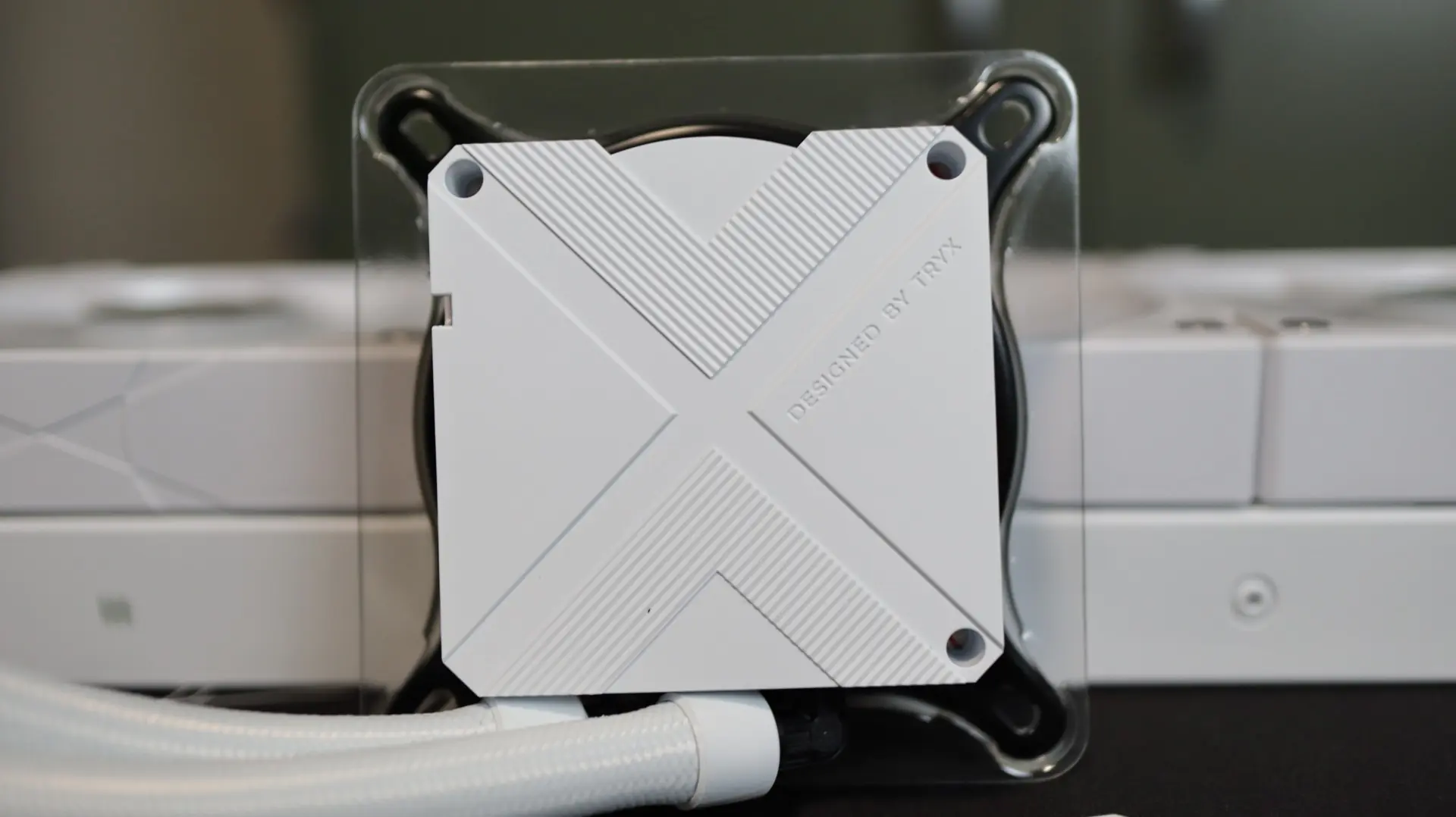
With the display removed from the pump, you can see a basic, low-profile design. Along the top edge of the cooler there are three circular openings that help orient the display, as well as a small notch that is used to lock the display into place.
Taking a look at the base of the cooler, we find a circular copper base with pre-applied thermal material. Now, I’m not entirely sure if this material is the same as the included syringe of thermal paste, but for the purposes of this review, we will be testing with the pre-applied material.
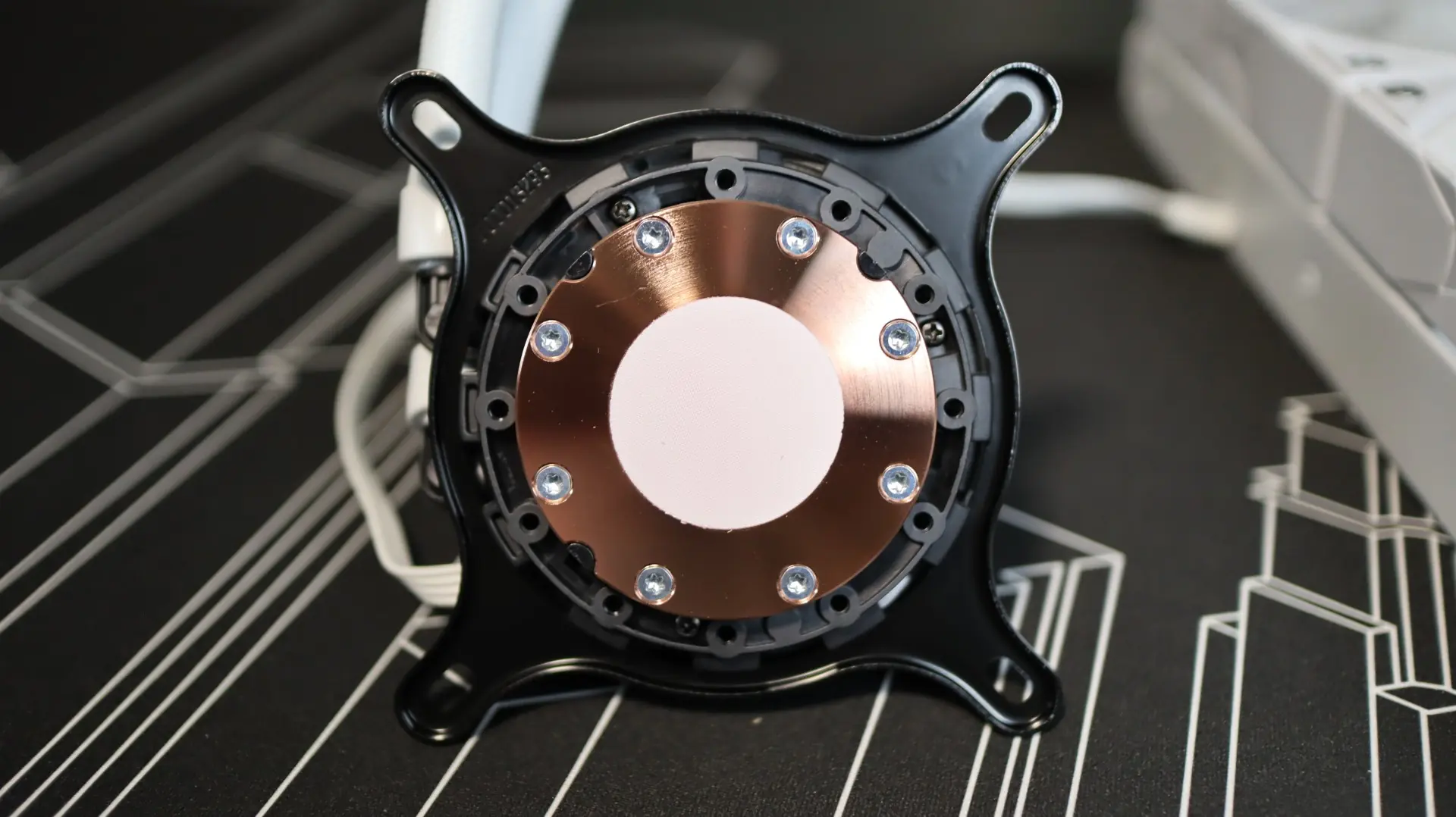
As this is an Asetek design, we have your standard Intel Asetek mounting hardware attached to the cooler from the factory. A simple swap out to the AMD bracket allows this cooler to be easily used for either type of setup.
As far as the included fans go, TRYX has provided three of their 120mm ROTA SL ARGB fans. These fans provide up to 2.49mm-H2O of static pressure at full speed, with 65.64 CFM of airflow at their full speed of 1,850 RPM. These fan specifications are quite conservative for most AIOs, but the low 19 fin-per-inch density of the radiator should allow them to perform their duties without being too underpowered.
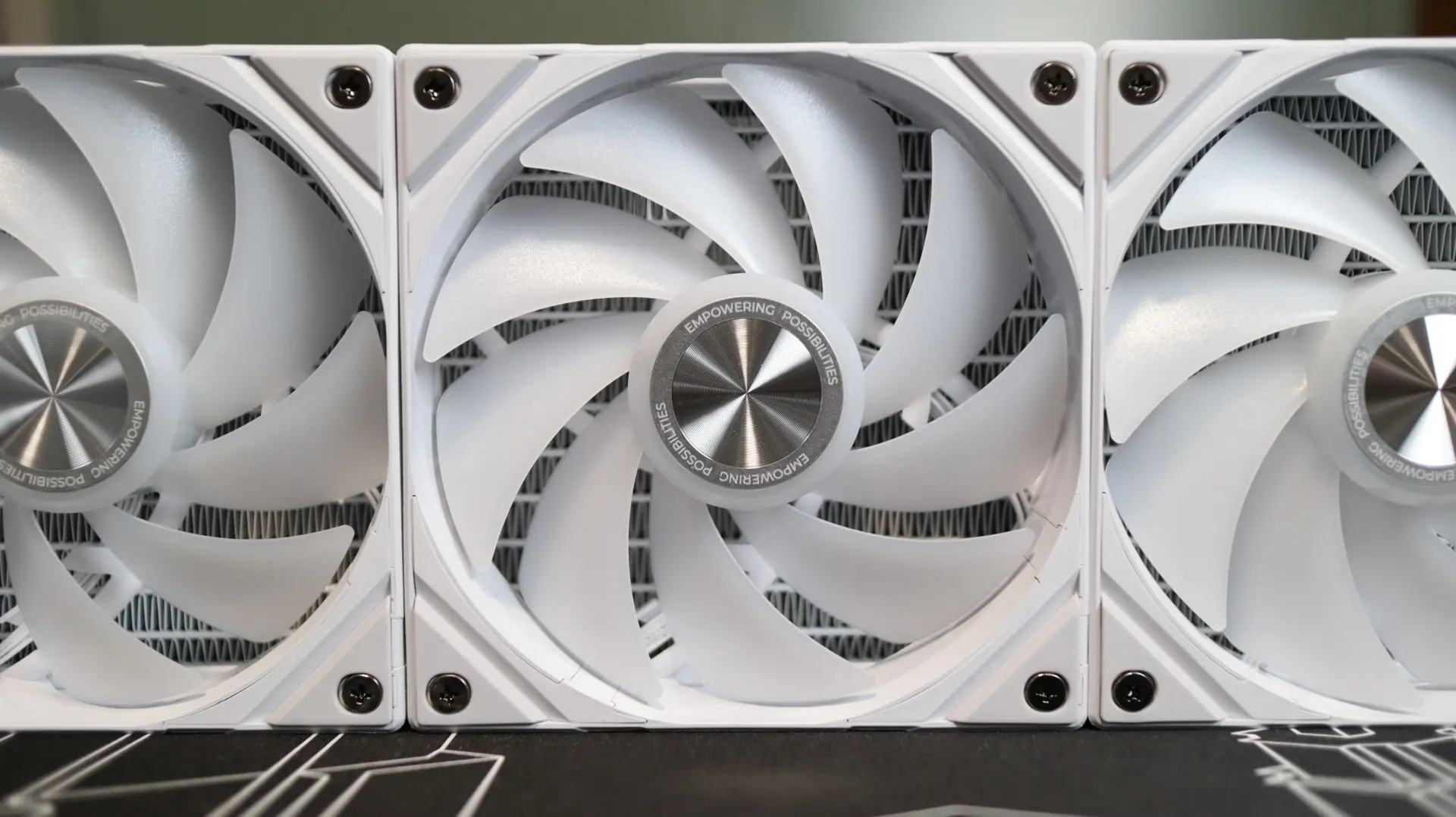
The rubber feet at each corner help isolate any vibrations that may come from the nine fan blades, which is always a welcome feature. Internally, the use of a fluid dynamic bearing should offer good performance and reliability across the lifespan of the fans.
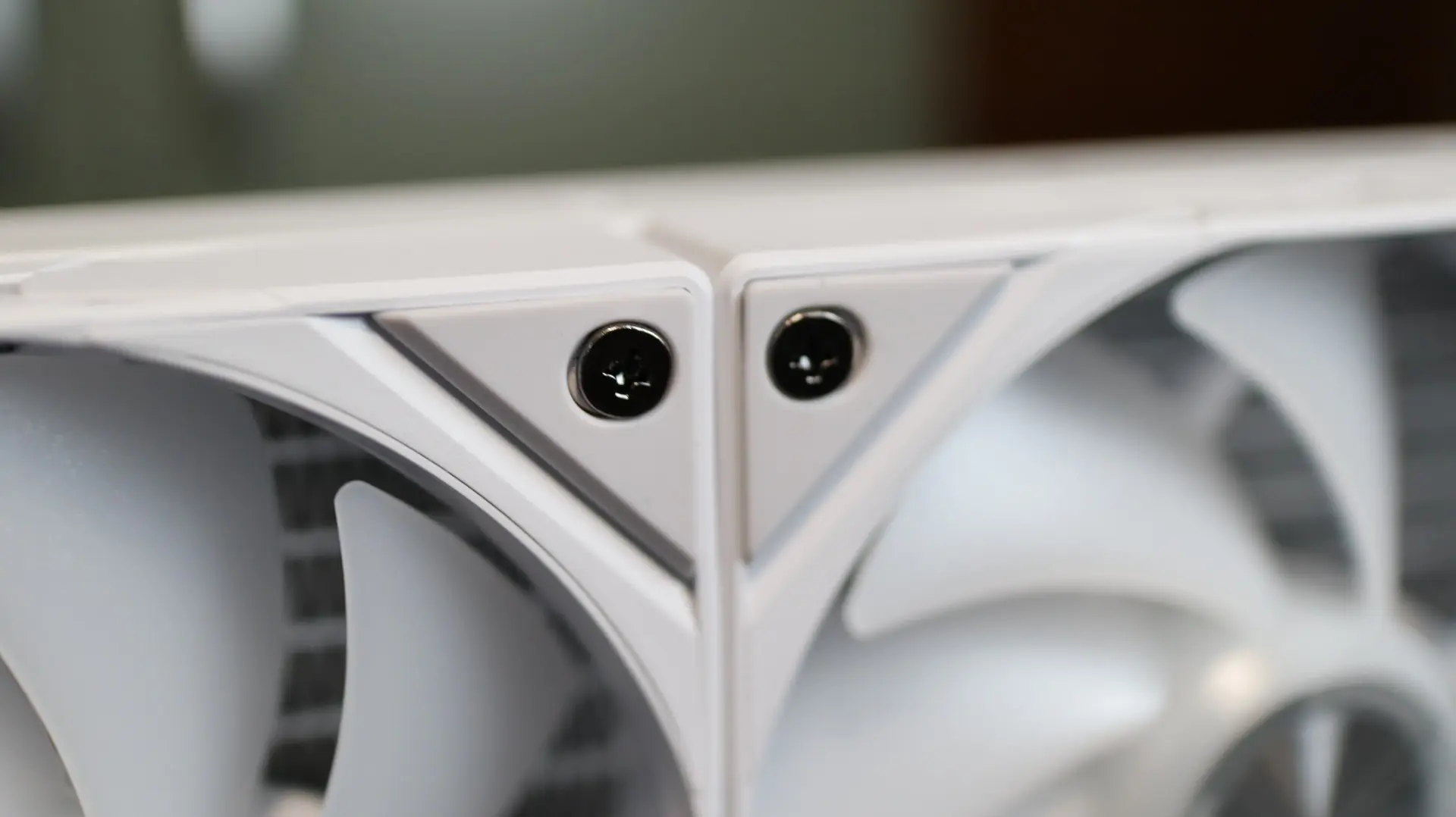
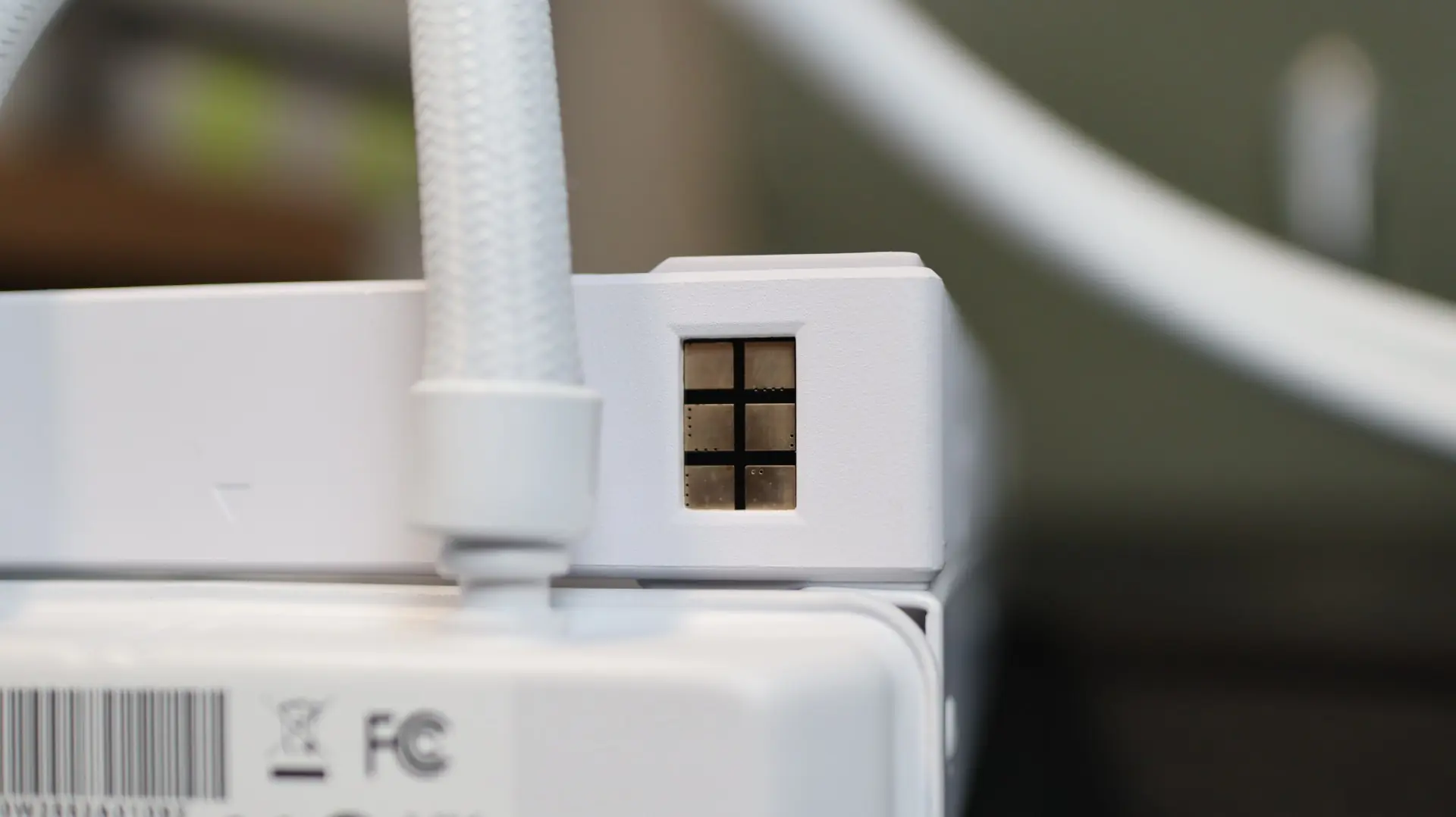
TRYX has already mounted these fans to the radiator from the factory, which is another welcome feature, and the fact that they also chain to each other without any external cabling will really help reduce cable clutter and installation headaches that can come from trying to wrangle the power and lighting cabling from each cable. These fans utilize a pogo-style connector system that removes the typical cable clutter found on most fans, and attaching the fans to your motherboard’s PWM header is super simple, thanks to the magnetic connector.
Unfortunately, I’m not a big fan of how TRYX implemented this connector cable, as there is no physical keying or guidance on the connector, which could result in backwards or misaligned connections. A simple keyed design would solve this issue, and hopefully future designs will take this into consideration.