


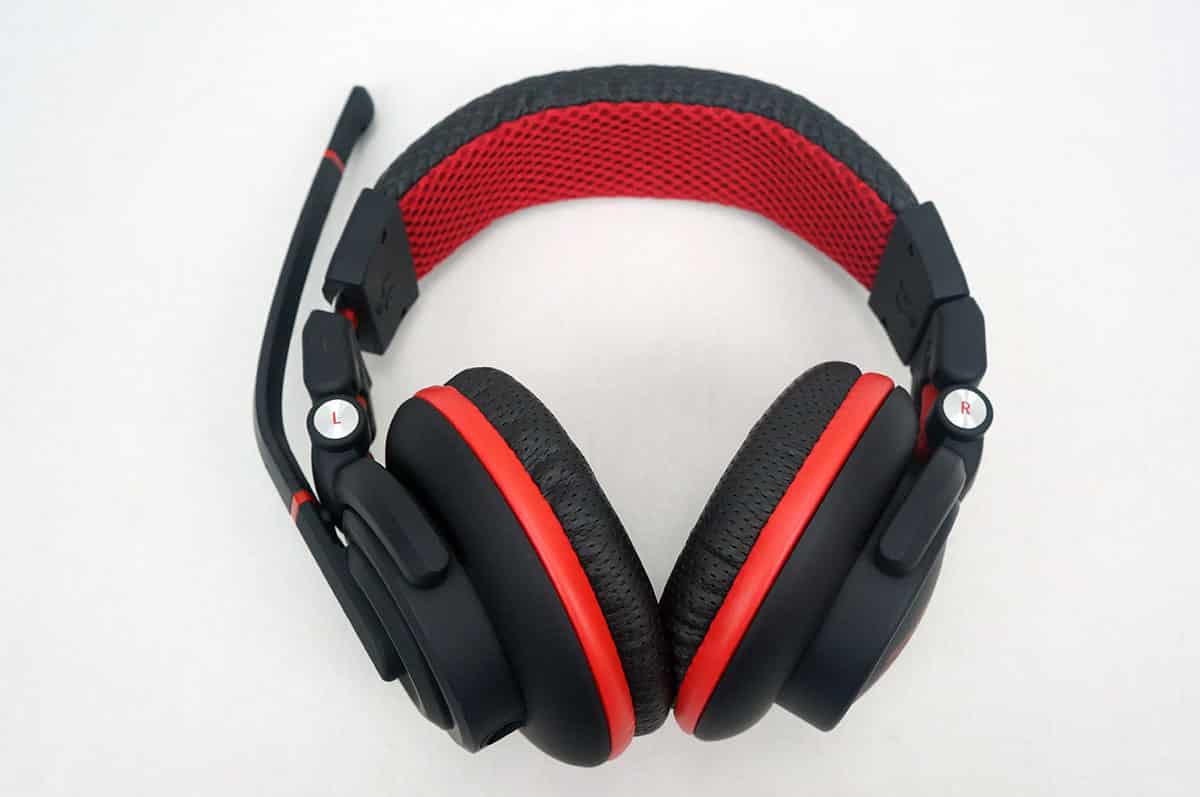
Usage & Testing
Getting the Captain Dracco setup is extremely easy. Just plug the two audio cables into your PC and the other end into the headset and you are good to go. I have been using the Captain Dracco for about a month now and it has easily become my go to headset for everything. It has even replaced my earbuds that I normally use with my laptop. I have reviewed quite a few different gaming headsets over the years and this headset just feels right. As soon as I put it on I immediately felt that way.
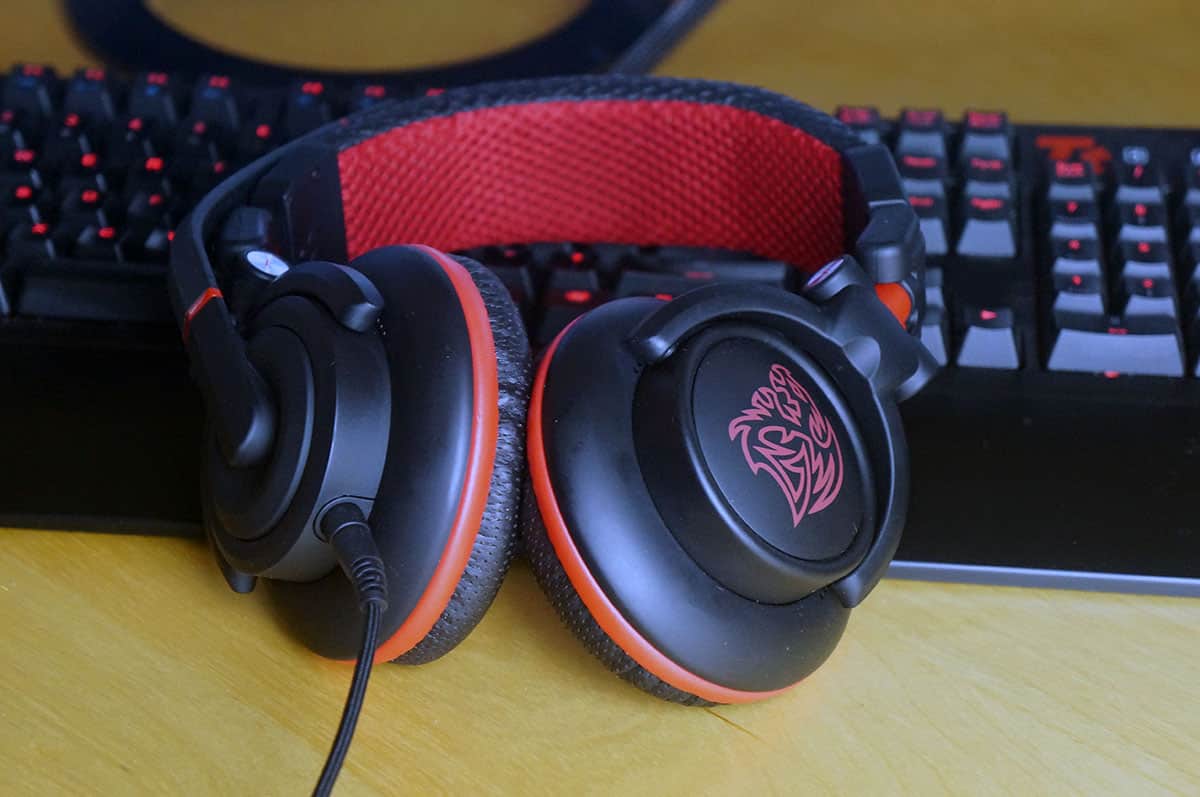
As far as gaming goes I played quite a few different games using the Captain Dracco. These include Counter-Strike: GO, Max Payne 3, Payday 2 and Battlefield 4. In all of the games the sound was very crisp and clear. I could tell where enemies were coming from and it was easy to identify where the action was coming from. Using voice communication in these games I was told I was coming across very clear and my teammates could hear me. The headset also has very good sound isolation, which means if I’m playing a game I feel like I’m there in the game, I am not distracted by other sounds around me.
As I said this headset has also replaced my earbuds on my laptop. I am really not accustomed to using a large headset like this when I’m working from a coffee shop or simply listening to music, but the Captain Dracco has really won me over. Not only does it sound great, but it is really comfortable as well.
Sadly I really want a new headset Keyboard and Mouse, but it ant going to be Logitech this time around or any other brand like Thermaltake, it’ll be Roccat gear powering my request. Plus these days it’s all about consoles, no I have a PC sure you can use it for all, but we really know it’s more for the console then the PC. Stereo only please I don’t want 5.1 or 7.1 through USB, sorry 3.5mm jack only.
PhoneyVirus
https://twitter.com/PhoneyVirus
https://phoneyvirus.wordpress.com/