Valkyrie V360 Lite Installation
Like most AIOs, the installation of the be Valkyrie V360 Lite is a very straightforward process. As DIY PC building seems to be getting more popular each and every day, the option of AIO liquid coolers is sure to entice those wanting to have a more advanced build, and easy installation will go a long way towards not scaring off first-time builders. As I mentioned when I covered the included accessories, Valkyrie has included all of the necessary mounting hardware for modern AMD and Intel platforms, as well as a physical installation guide. We are seeing more companies move to digital versions of their product manuals, and while I appreciate their reduced waste, I still prefer a physical copy of installation instructions.
Our testing is performed with the fans in a push configuration, and as Valkyrie has already mounted the fans in this orientation, that was a step that we could skip past.
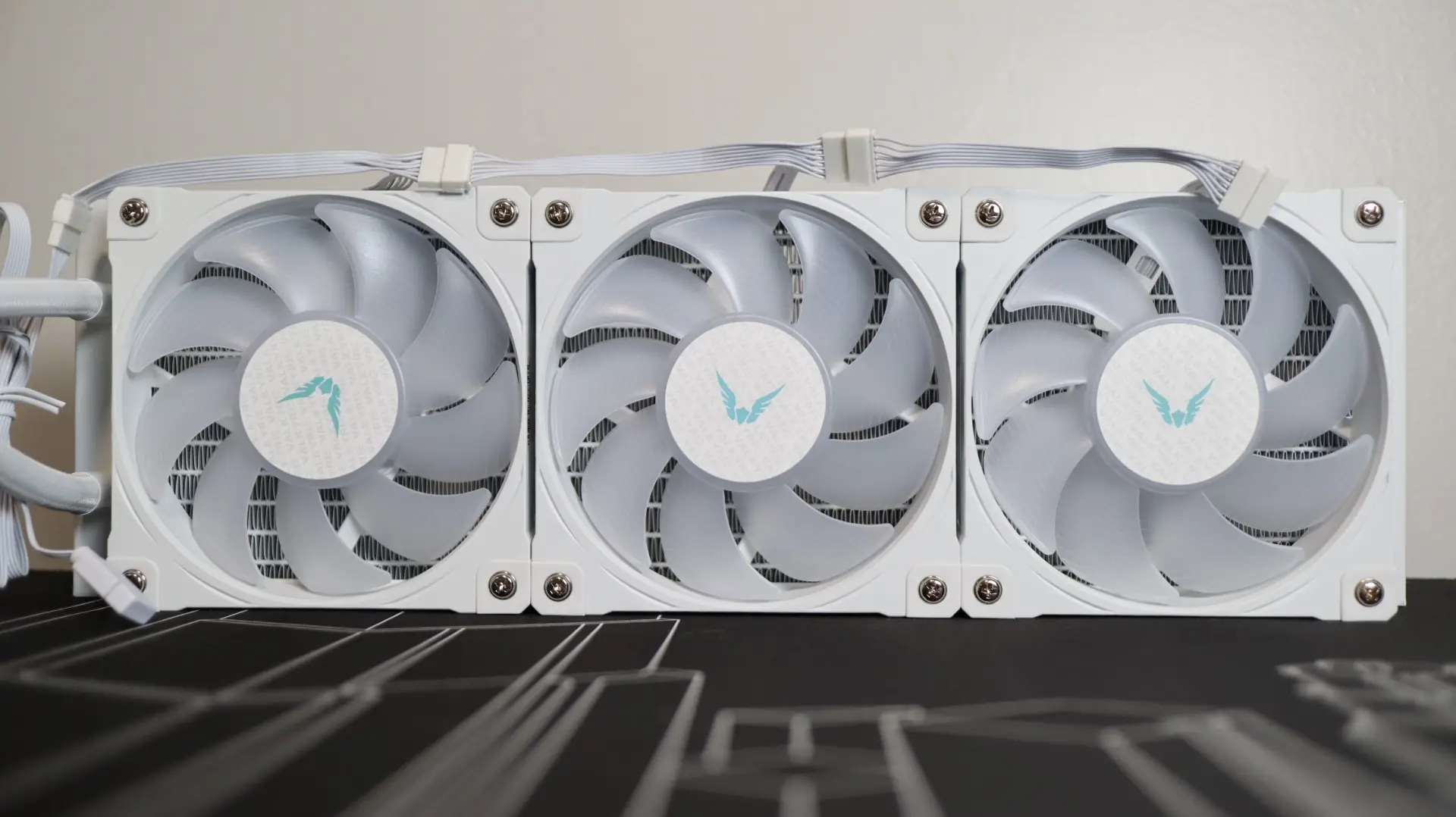
As previously mentioned, the V360 Lite has universal mounting hardware installed, so there is no need to install any AMD mounting hardware to the pump housing for my Ryzen 7 7600X test system.
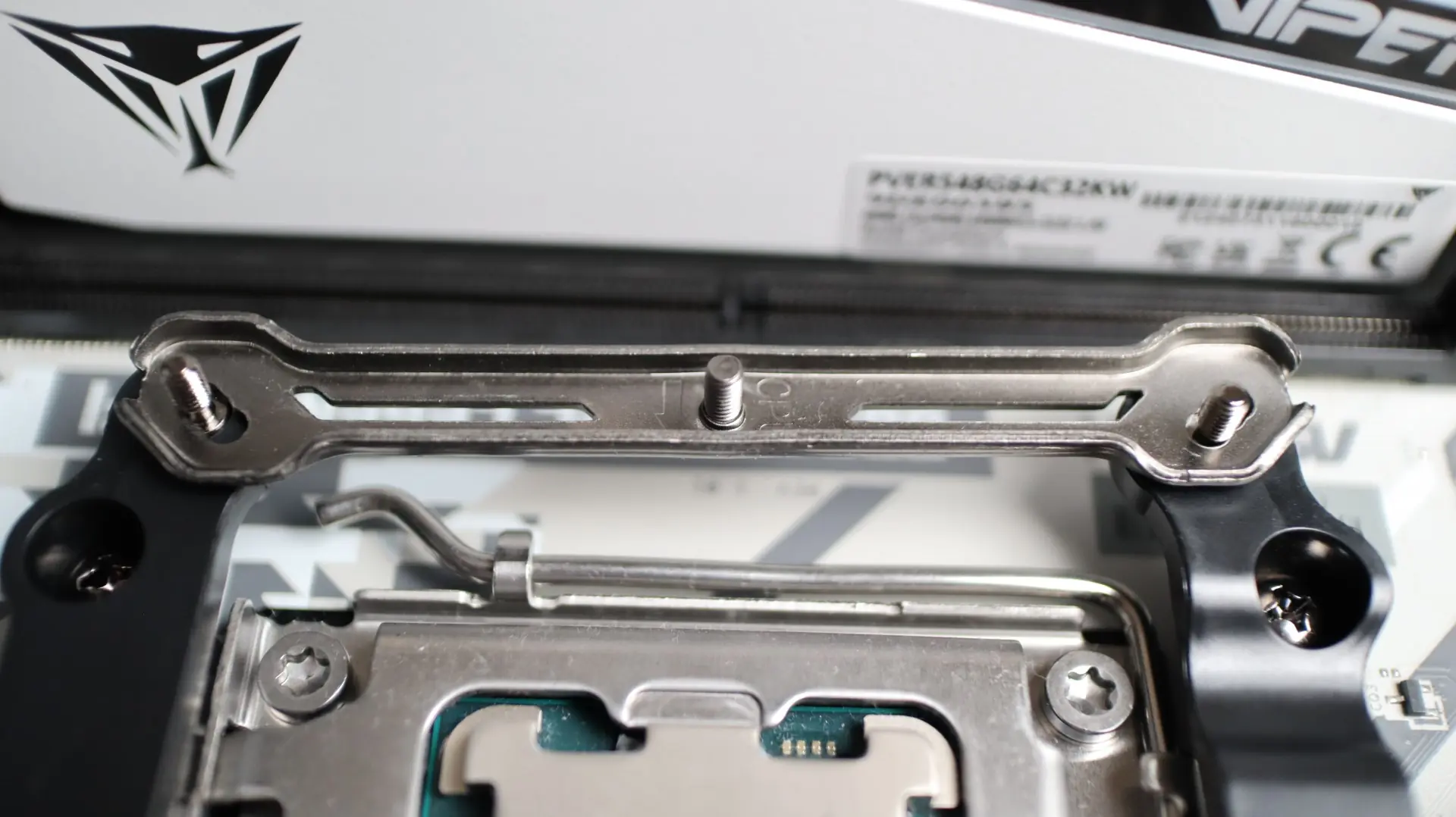
The V360 Lite does not use the factory AMD mounting clips for securing the cooler to the motherboard, so I did have to remove the plastic mounting brackets in order to secure the cooler to the motherboard. Instead, replacement brackets are attached to the board via the CPU backplate threads, and you have to use the included screws, not the ones from the motherboard.
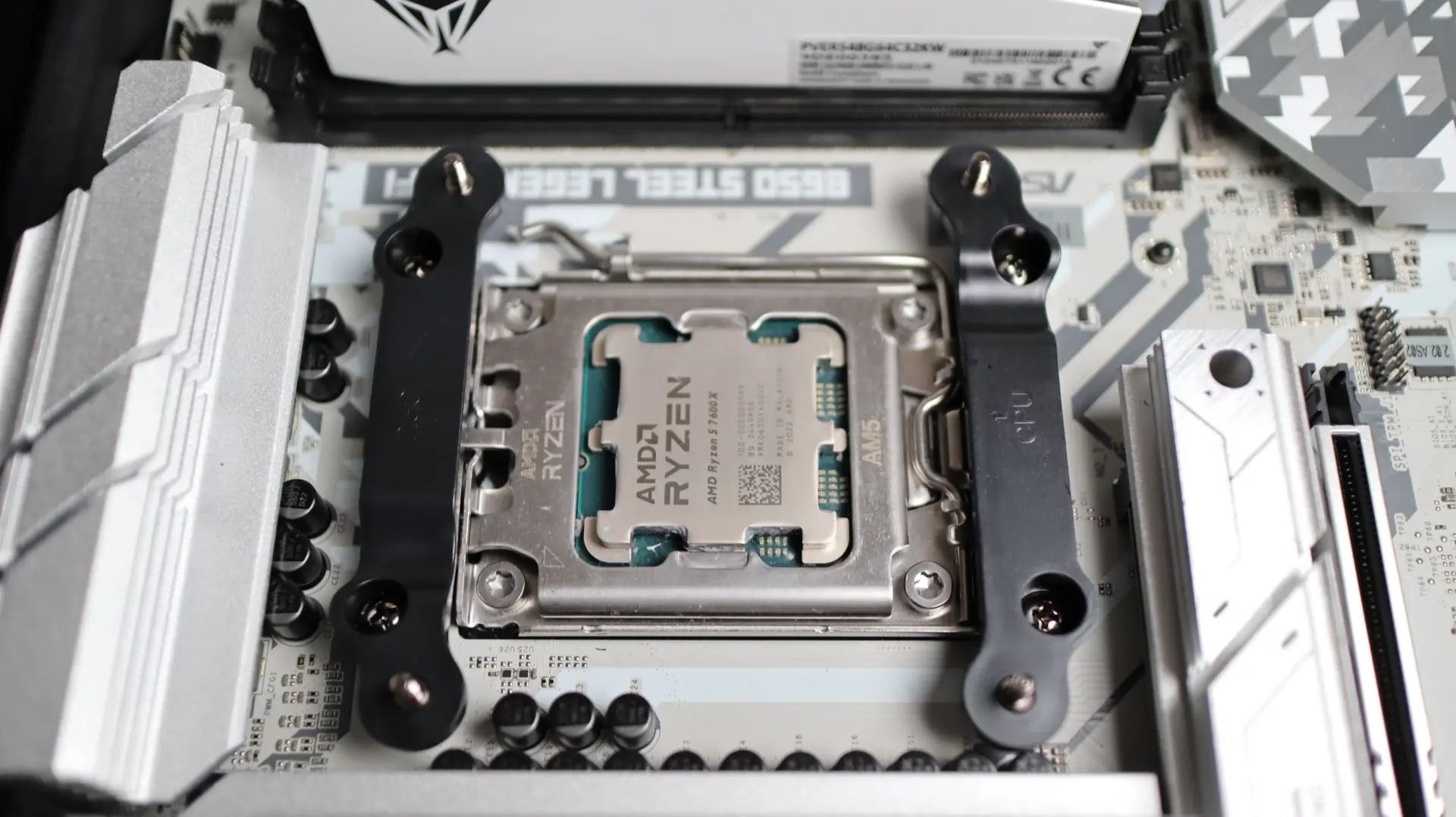
Another set of brackets must also be installed on top of the plastic brackets, which seems a bit excessive.
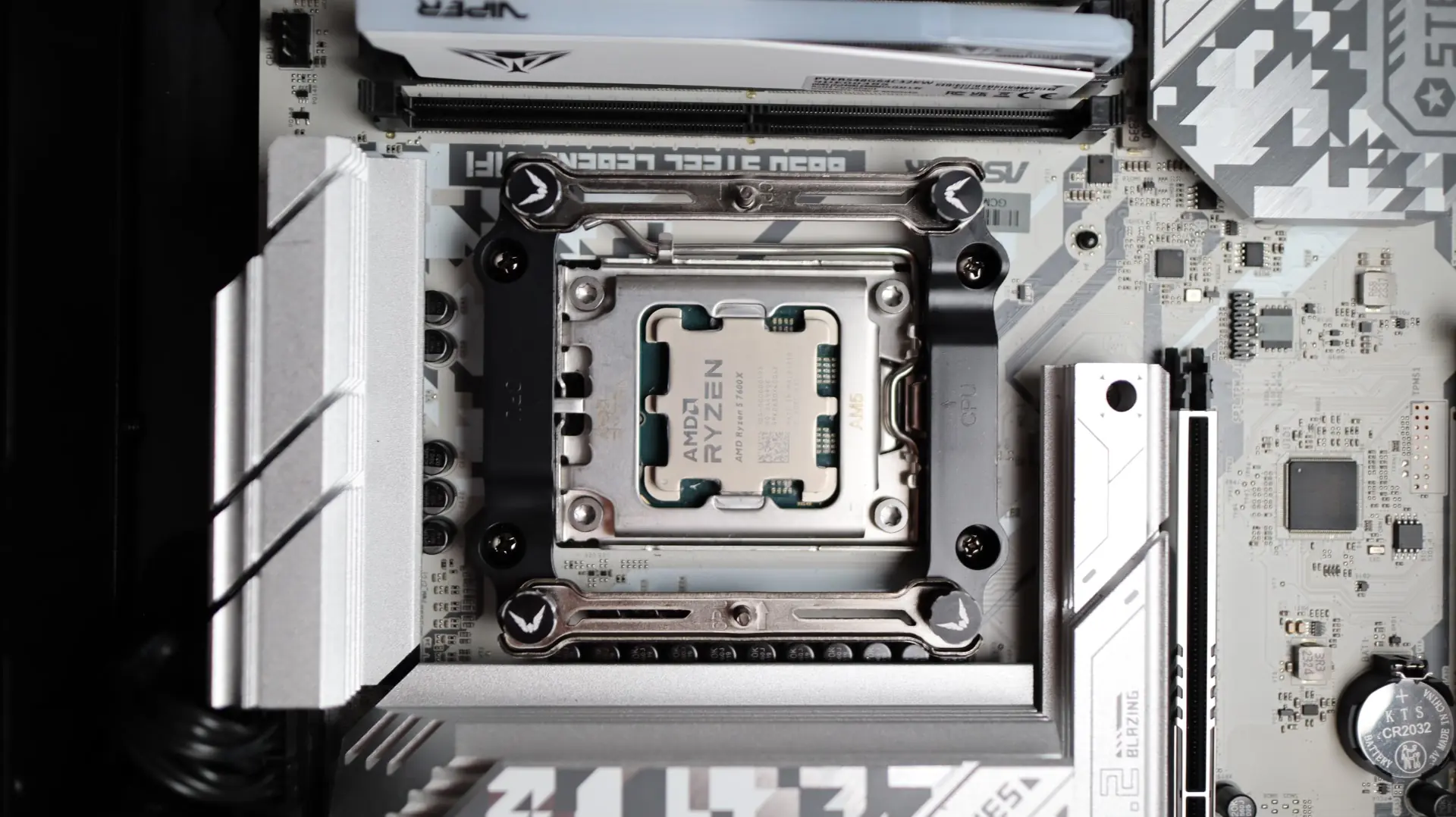
Additionally, there are multiple positioning options with these brackets, which usually isn’t a problem, but the slot design on these makes for a bit of guesswork regarding their alignment.
Another step that can be skipped is applying thermal paste to the CPU, as the V360 Lite already has pre-applied material on the base of the cooler. That said, Valkyrie does also provide a syringe of paste for any future installation needs.
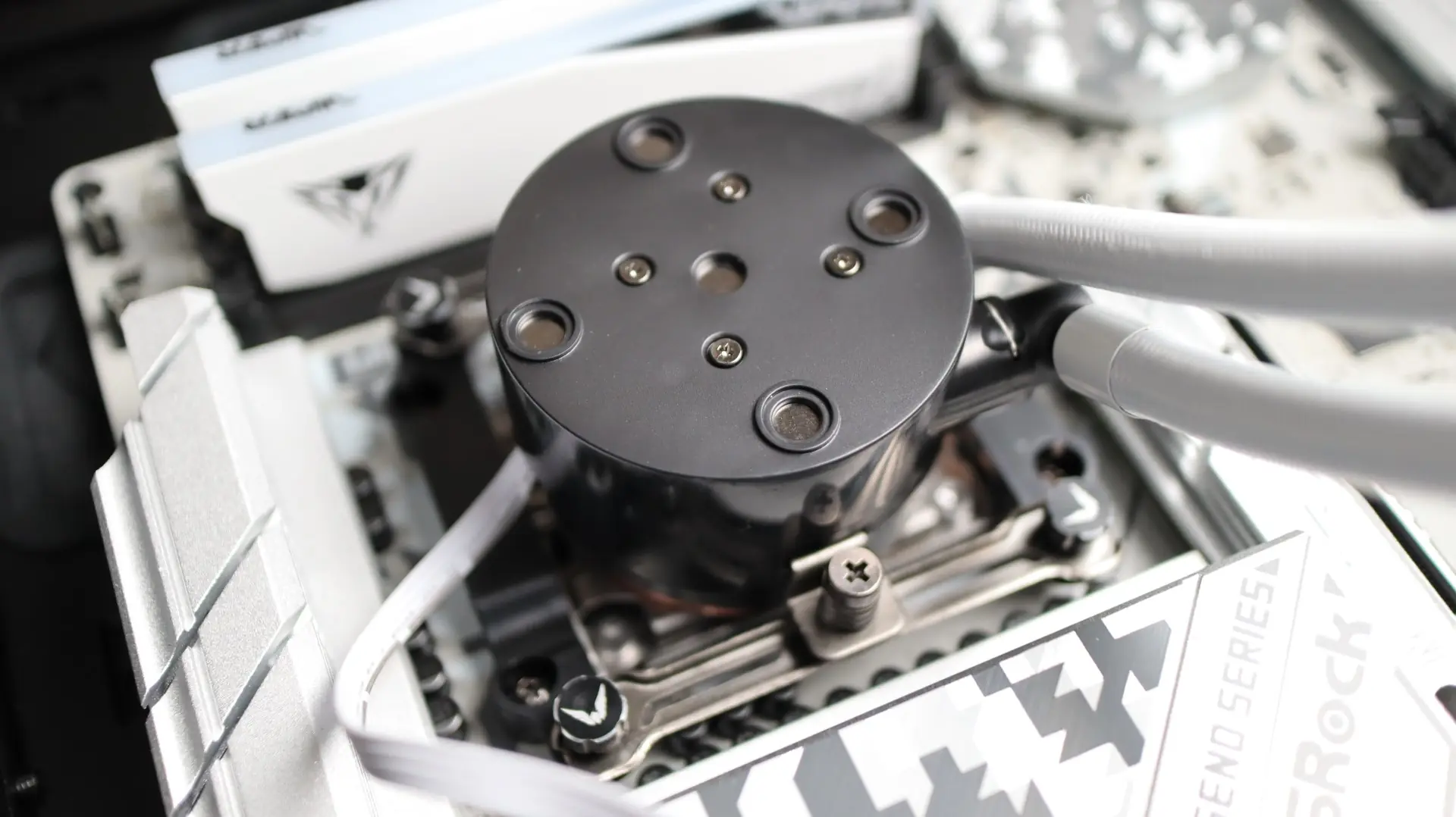
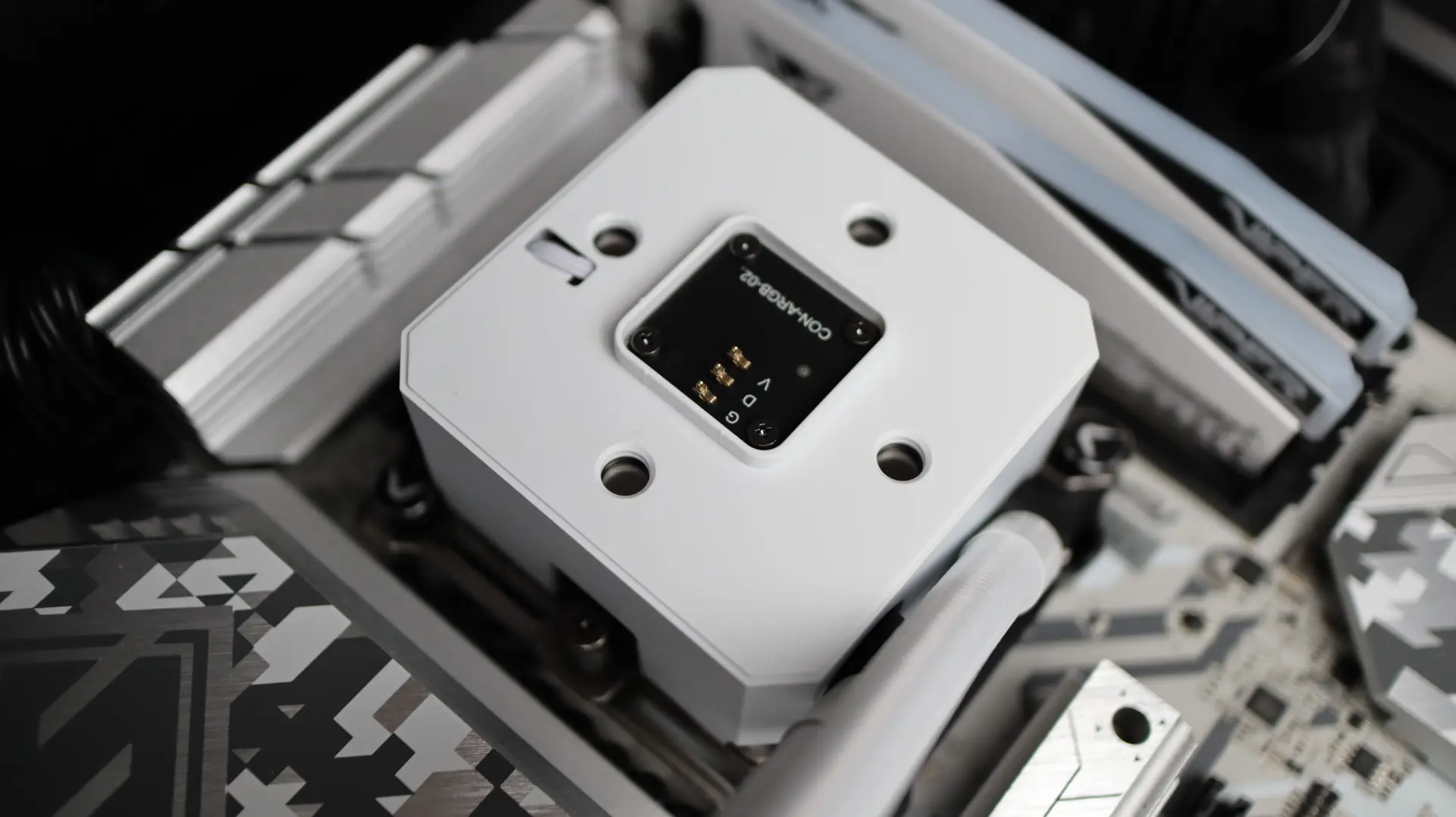
With the mounting hardware in place on the motherboard, it is time to simply line up the cooler with the brackets, and tighten everything down. Again, both the top cap, and the underlying cover can both be removed from the pump housing in order to gain better access to the two mounting screws.
Next up is attaching the radiator to the top of our case. Using the twelve included screws, simply align them with the appropriate mounting points on your case, and tighten. I also made sure to thread the cable from the fans, as well as the 4-pin PWM and ARGB cables for the pump and cap, through the cable grommets in my case in preparation of wiring everything up.
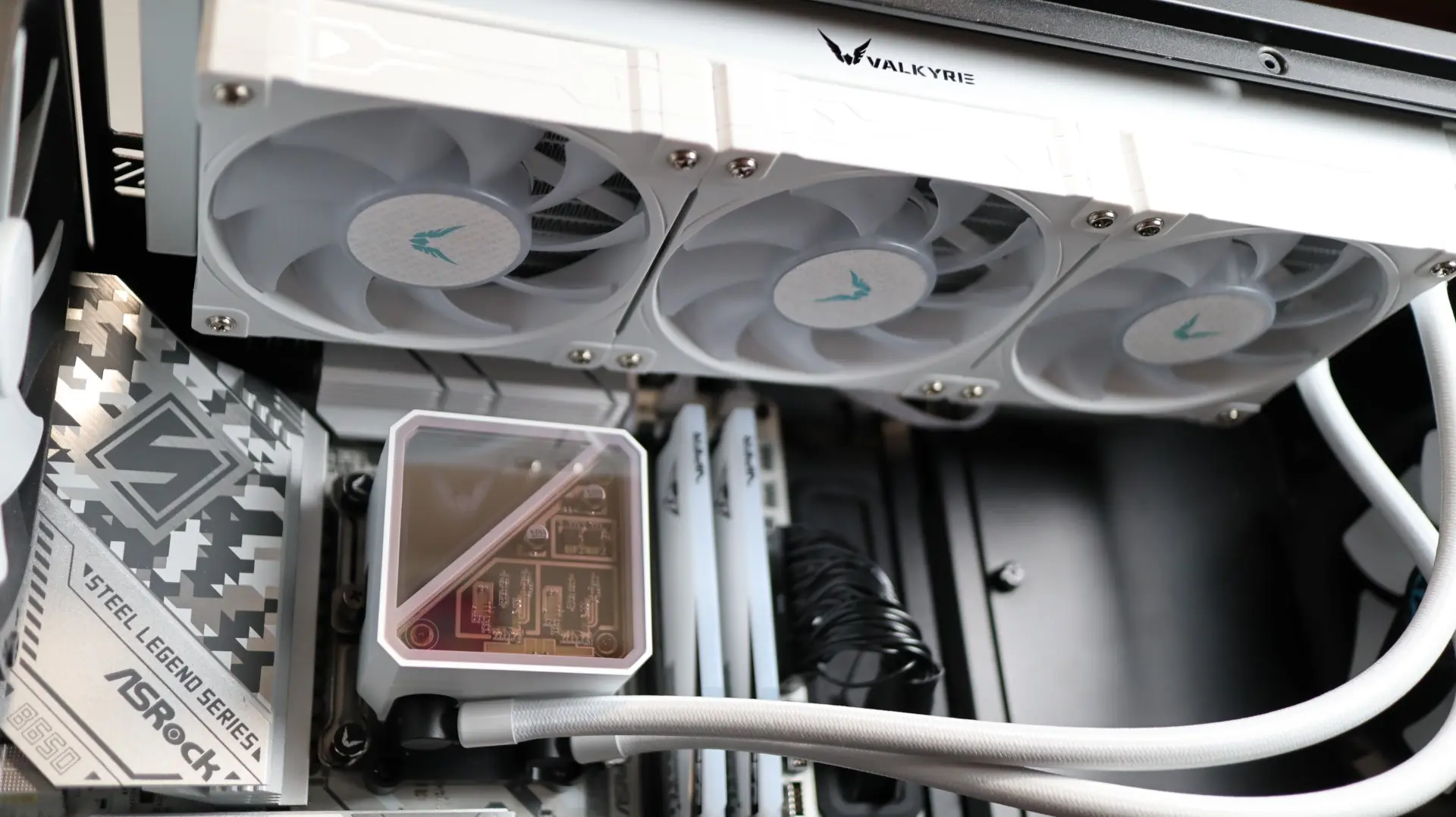
With all of the hardware in place and the wiring complete, it is time for testing.