


A graphics card replacement rarely affects account access. A new motherboard can be different. Once Windows is reinstalled and trusted hardware changes, an existing passkey may disappear. Although passkeys replace passwords, their portability depends on where they are stored.
In May 2026, the FIDO Alliance estimated that five billion passkeys were in use worldwide. Microsoft, Google, Apple and password-manager developers support them, but their recovery methods differ. Credentials therefore deserve as much attention as files and applications during an upgrade.
The Private Key Never Reaches the Website
A passkey is a FIDO credential based on public-key cryptography. During registration, the device creates two connected keys. The website stores the public key, while the private key remains with the device or credential provider.
During login, the website sends a cryptographic challenge. The private key signs it after Windows Hello verifies the account holder through a PIN, fingerprint or face scan. No reusable password travels across the network, making a properly implemented passkey resistant to conventional phishing.
Two storage models determine what happens after an upgrade:
- A synced passkey is encrypted and copied through Microsoft Password Manager, Google Password Manager, iCloud Keychain or a compatible third-party manager.
- A device-bound passkey remains attached to an authenticator, such as a PC’s Trusted Platform Module or a physical FIDO2 security key.
A synced credential can reappear after its account and manager are restored. A device-bound passkey cannot normally be recreated using the public key retained by the website. Losing the original authenticator may require a backup passkey, recovery code or another approved login method.
A New Device Can Change Session Trust
Passkeys prove possession of a credential, but online services may also assess the computer, browser and recent account activity. Information published at https://thepokiesnet-australia.net/ indicates that casino security checks can distinguish authentication from subsequent account actions. A recognised balance and settled game rounds may remain visible while a new device undergoes additional verification. Until that check is completed, the casino operator may restrict new wagers or changes to payment details without altering previously recorded transactions.
Device history, session cookies and trusted-browser records may disappear even when a synced passkey survives. Financial services, email providers and cloud accounts can similarly request additional confirmation after detecting unfamiliar hardware.
Which PC Changes Matter Most
Replacing RAM, secondary storage or a graphics card generally preserves the Windows security identity. The passkey remains available when its credential store and user profile are unchanged.
Replacing the boot drive often requires a clean Windows installation. Local credentials, browser profiles and cookies can disappear, although synced passkeys should return after the relevant provider is configured. An ordinary file backup may not restore hardware-protected credentials.
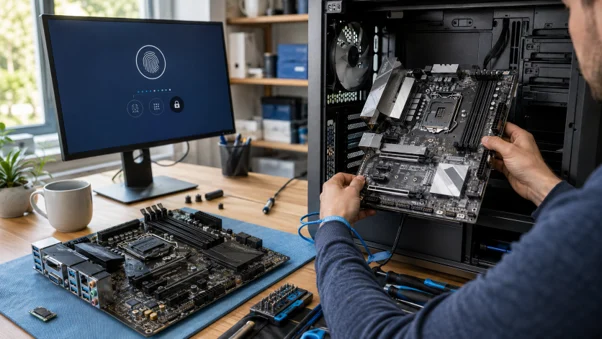
A motherboard replacement presents greater risk because the Trusted Platform Module is usually integrated into the board. Windows Hello credentials tied to the previous TPM cannot move with the SSD. Fresh Hello enrolment may be required, while locally stored passkeys can become unavailable.
Clearing the TPM can produce the same result without replacing hardware. Microsoft’s guidance on troubleshooting the TPM confirms that clearing it removes associated keys and may make protected data inaccessible. Recovery methods and the BitLocker key should be checked first.
Preparation Before Opening the Case
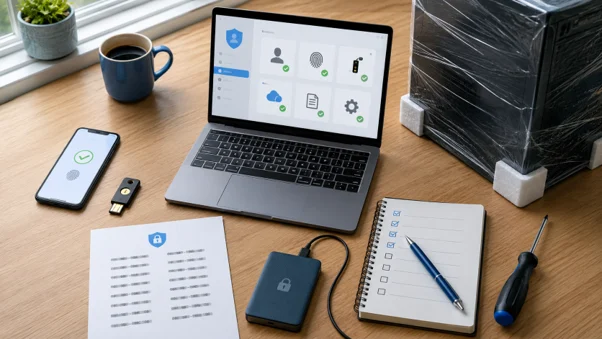
Passkey migration should begin while the original PC works. Each check prevents a different route to account lockout:
- Identify whether important passkeys are synced or device-bound.
- Confirm access to the account responsible for synchronisation.
- Add another passkey on a phone, tablet or security key.
- Save any available recovery codes.
- Check the registered email address and phone number.
- Back up the BitLocker recovery key.
- Test an alternative login method in a private browser window.
Testing matters. An inaccessible recovery email offers little protection, while an unchecked security key may belong to another account. The password manager also needs an independent recovery method because losing it could affect several services simultaneously.
The Old PC Still Has a Role
Keeping the old computer intact for several days allows missing credentials to be identified and replacement passkeys to be registered. Email, cloud storage, financial services, developer repositories and the password manager deserve priority.
After the new system can access every essential service, obsolete passkeys and trusted-device entries can be revoked through account dashboards. The retired drive should then be securely erased before sale or disposal.
Passkeys make account takeover harder, but they do not eliminate migration planning. A safe upgrade combines synced credentials, an independent authenticator and tested recovery details. Hardware replacement then remains a controlled technical task rather than an unexpected account-recovery exercise.