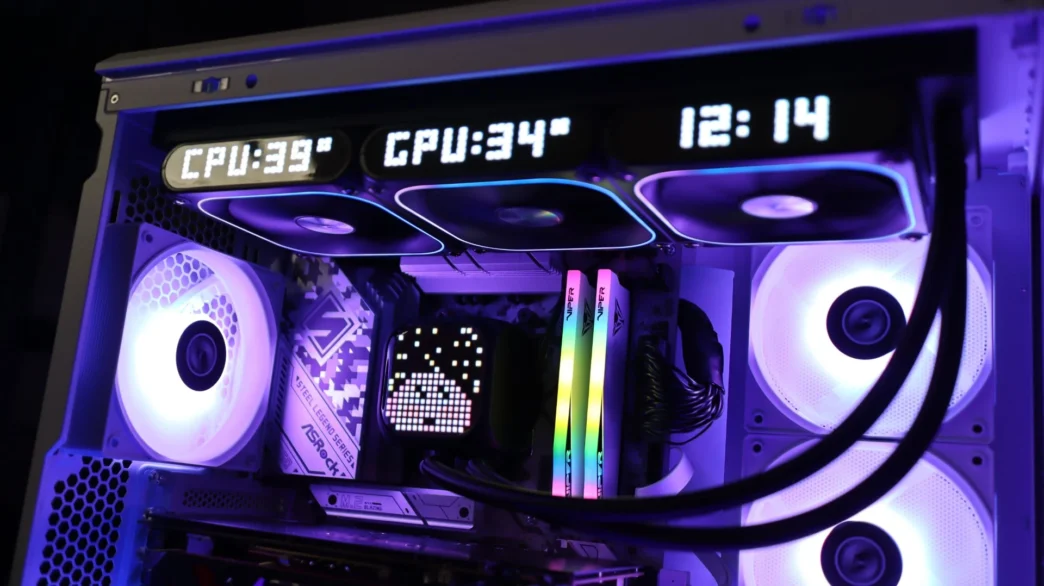
Xastra ASTRA LZ360 ARGB Overview
Available in both 240mm and 360mm sizes, the LZ series of coolers come in both black and white colorways. The LZ360 is a 360mm cooler, and right out of the box it looks like your standard AIO. For cooling duties you have three, 9-blade 120mm ARGB fans attached to a 27mm thick 360mm radiator, and a pump housing with a rounded cube shape with a glossy top that conceals the LED display underneath it.
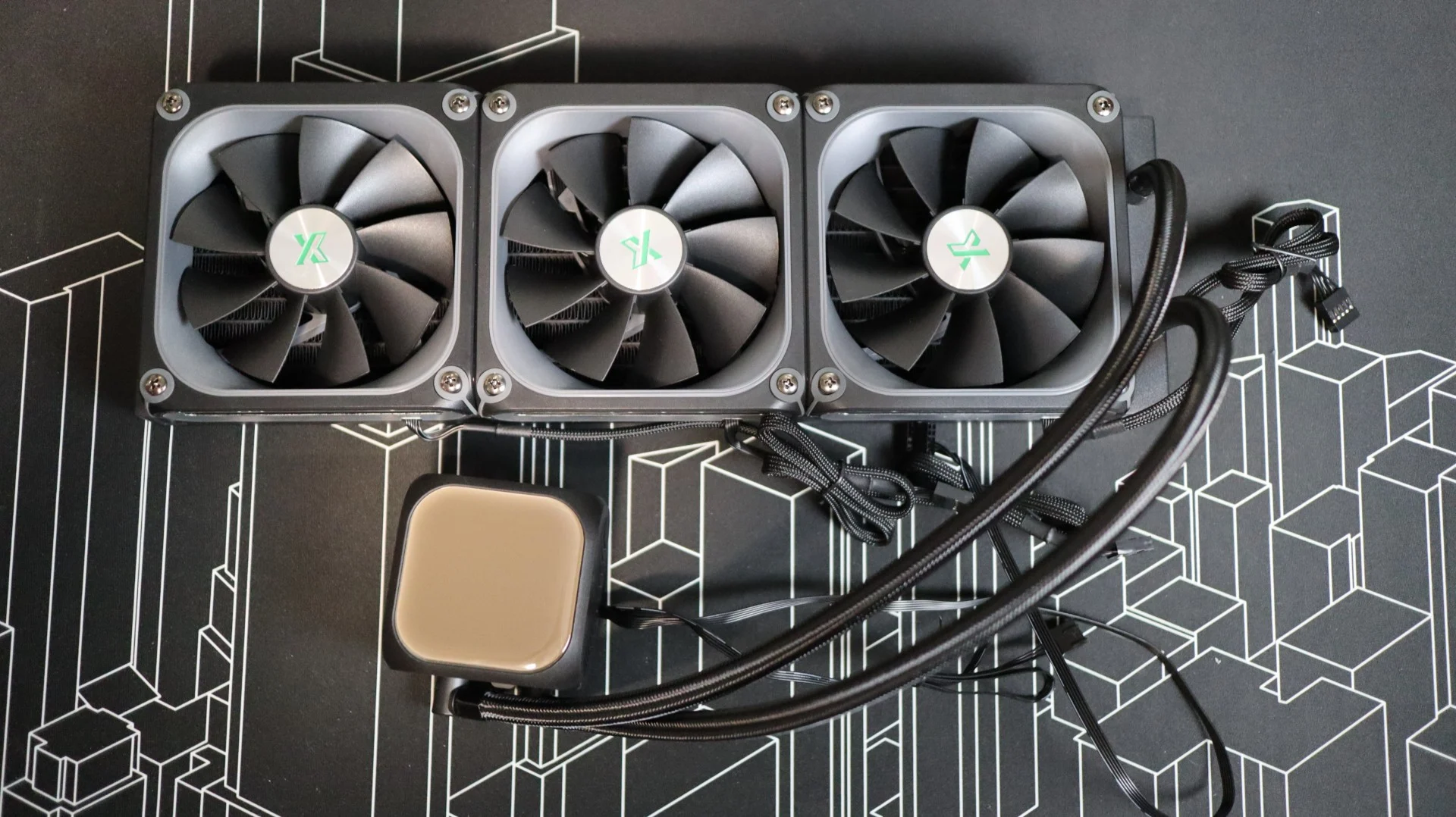
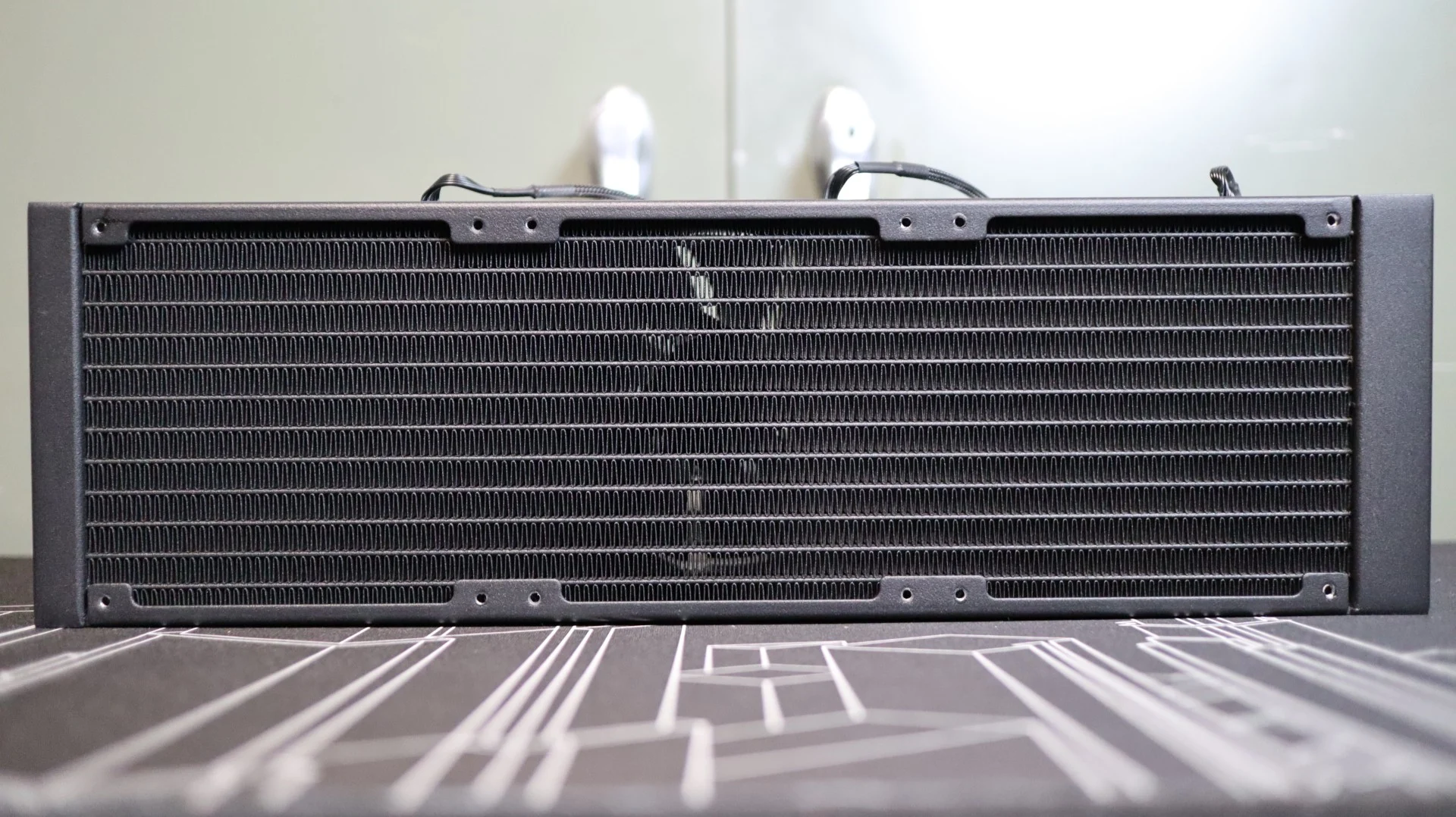
The first component up in our overview is the 360mm aluminum radiator. This radiator is very straight forward in it’s design, with a black paint job and a lack of any branding along the sides. The 27mm thickness is right in line with the standard size we see on most AIOS. With 20 fins-per-inch, the included 120mm PWM fans just need to have average air pressure ratings in order to push air though the fin array.
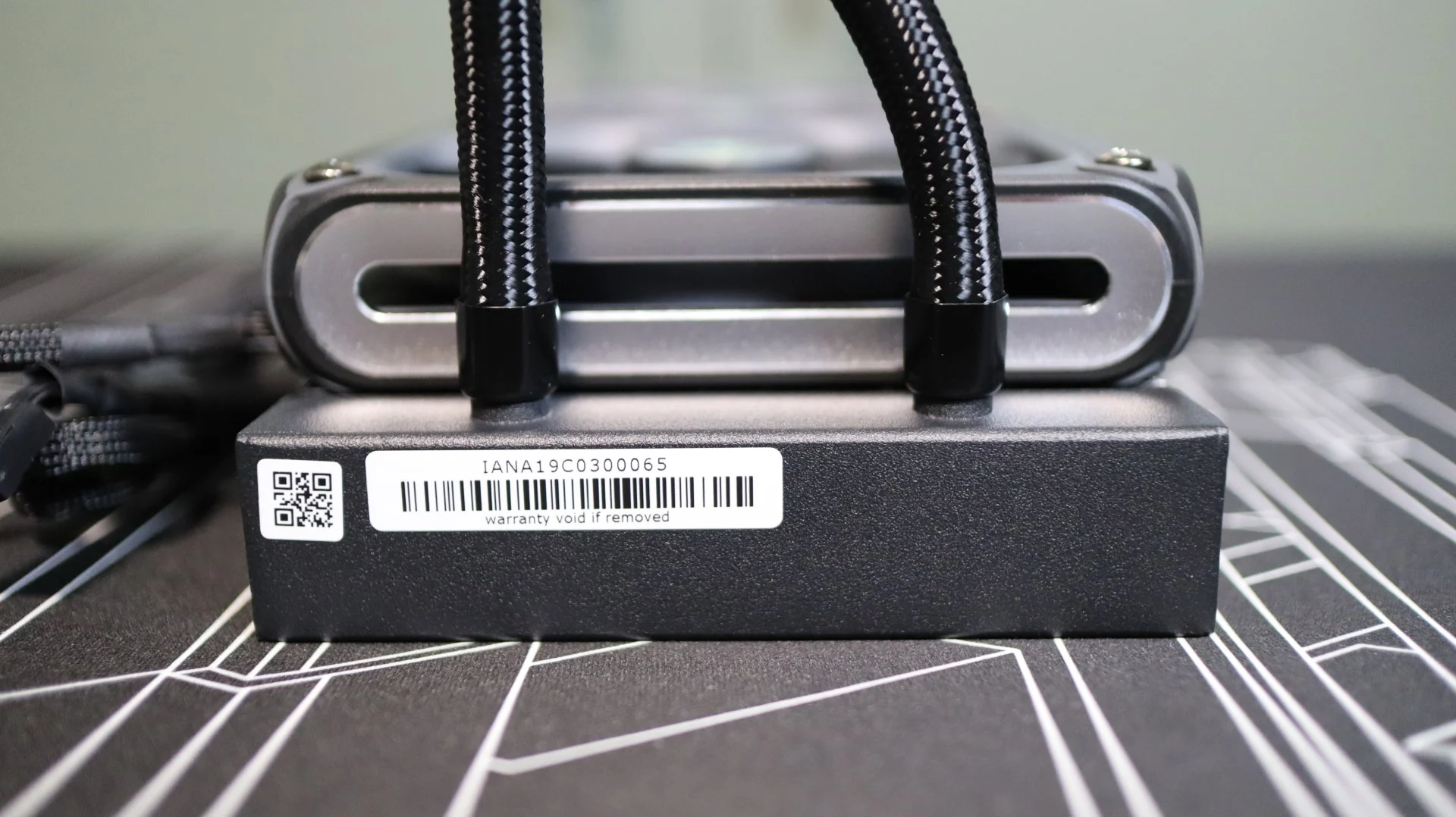
The nylon-braided cooling lines exit from one end of the radiator’s end cap, and connect to the radiator via crimped connectors. These lines are decently flexible, and their 400mm length was plenty long, making installation nice and easy.
Moving on to the pump housing, we have a very basic rounded cube shape. The design language is very straightforward, with a glossy center cap on the surface facing out that hides the 16×16 ARGB LED display. There is a bit of a frosted layer below this glossy top that assists with diffusing the LEDs below, which really helps keep the LEDs from looking like, well, LEDs. This 16×16 LED array can be controlled via software from Xastra, and offers support for static and animated imagery, as well as the ability to display some system monitoring information.
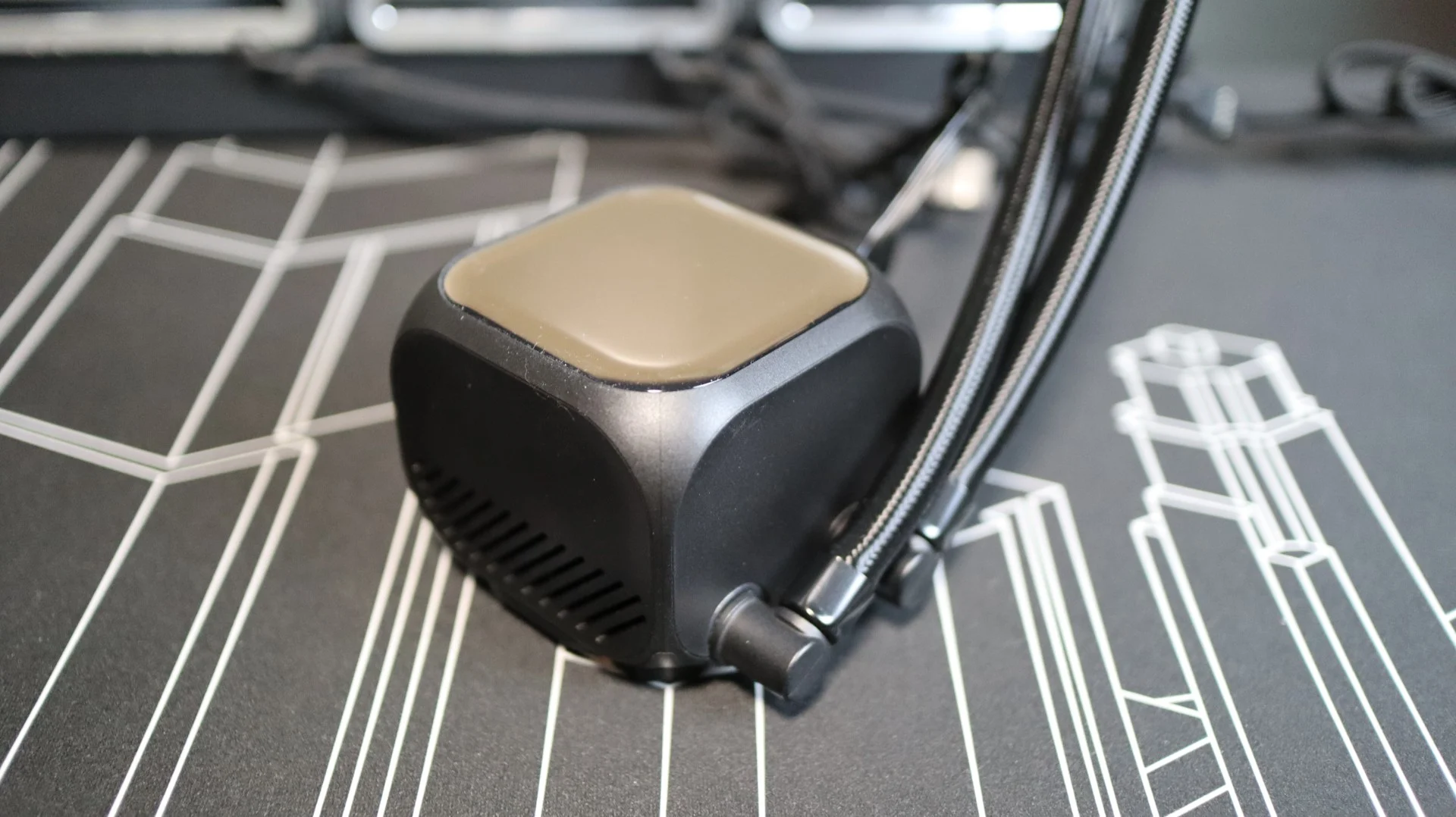

Moving around to the sides of the pump housing we find the two cooling lines exiting from the side of the pump housing. Each line is paired up with a swiveling fitting to make installation and fitment much easier than with fixed connections, though I did find these to be quite tight when adjusting their angles during installation. Internally, the pump provides an operating speed of up to 3000 RPM, with a maximum noise level of 28 dBA.

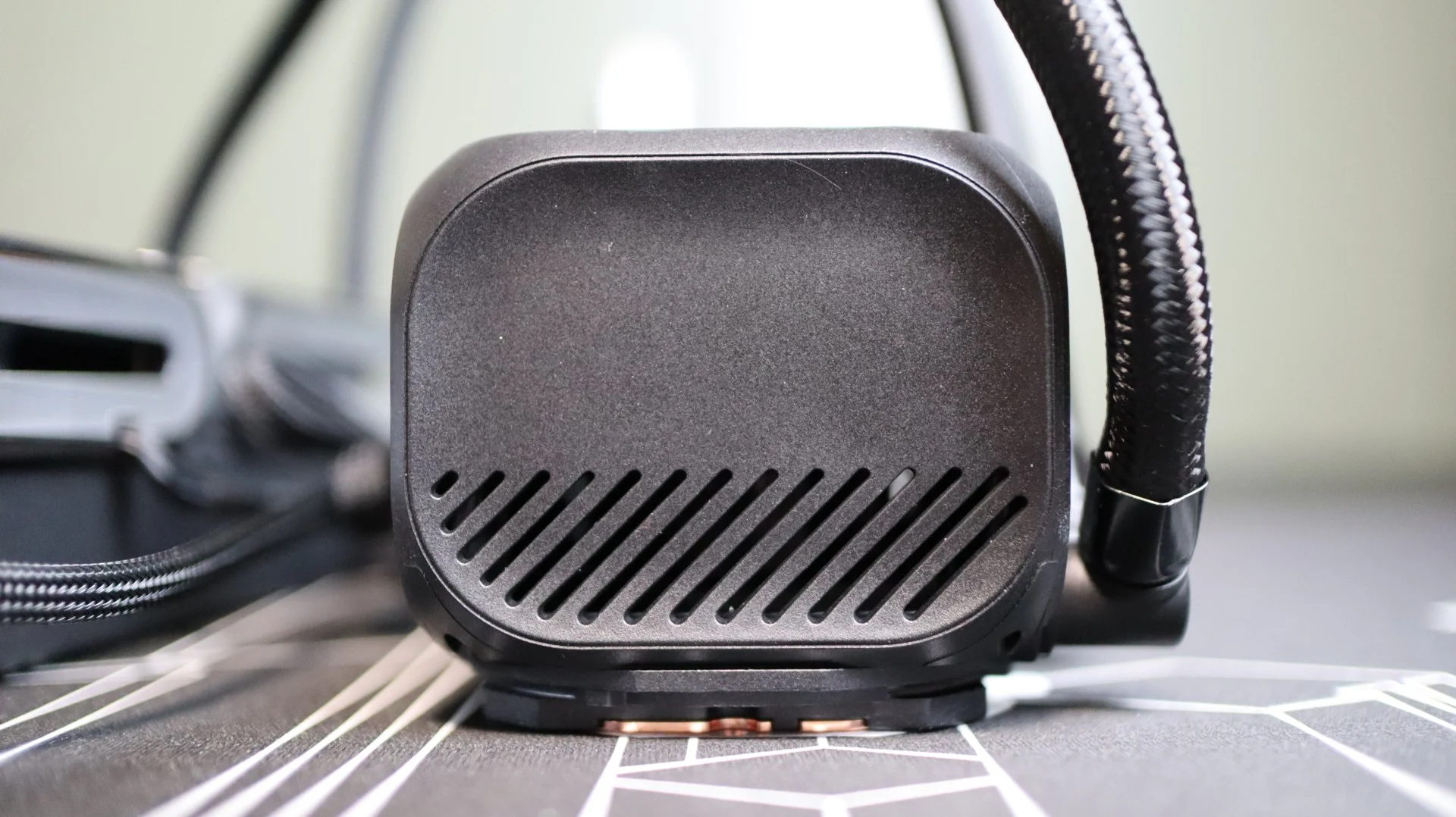
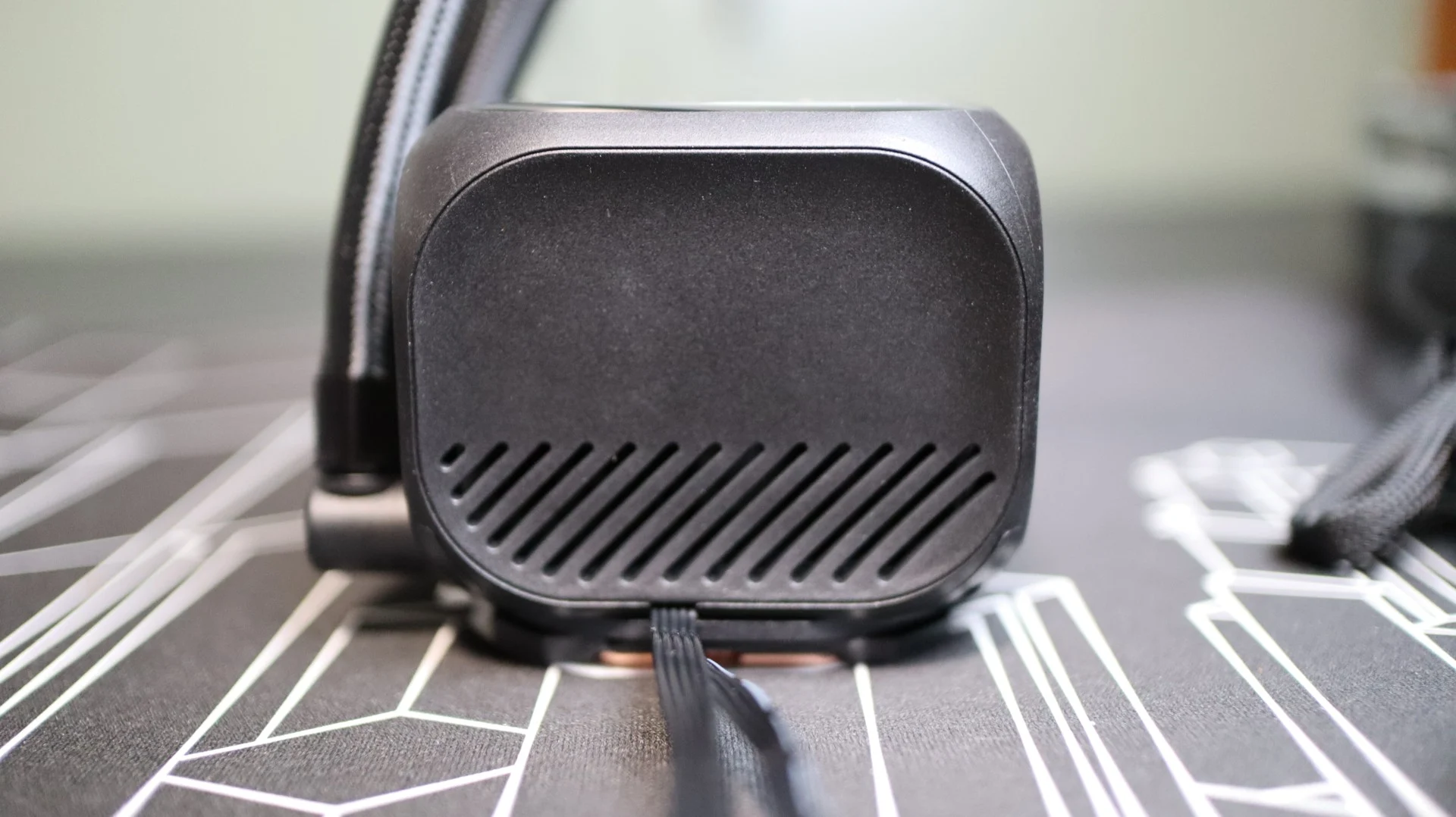
The other sides of the pump housing are mostly free from any features, though the left and right sides do offer a bit of ventilation via slanted openings. Both a 4-pin PWM and USB 2.0 cable exit from the pump housing on the right side for pump and LED control.
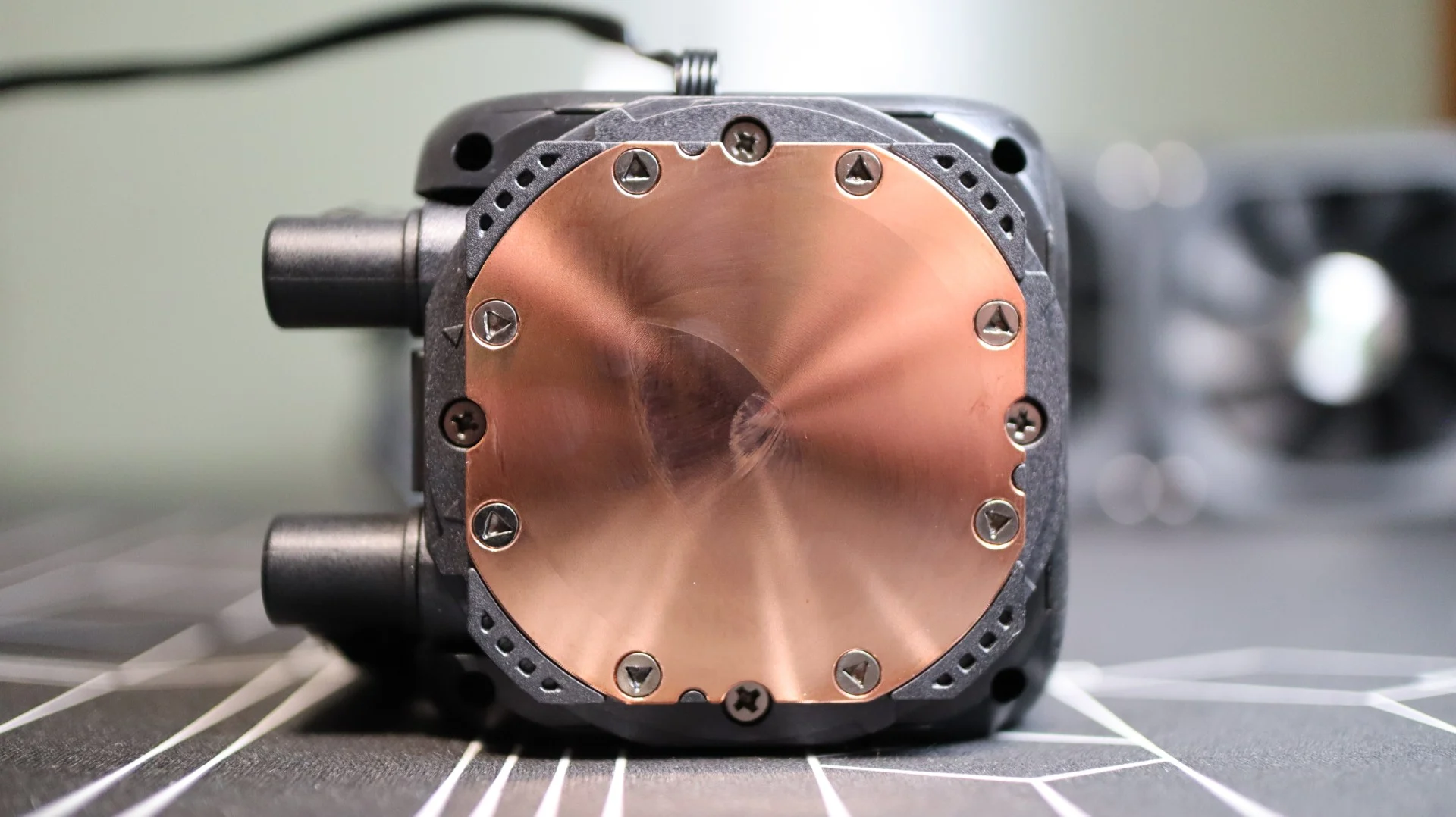
Taking a look at the base of the cooler, we find a large copper base, free from any pre-applied thermal paste. I did notice some surface blemishes on the copper base that appear to be some sort of dried chemical – most likely from the manufacturing process. I tried to wipe this off, but did not have any luck. The ASTRA LZ series of coolers use removable mounting brackets, and from the factory no option is attached.
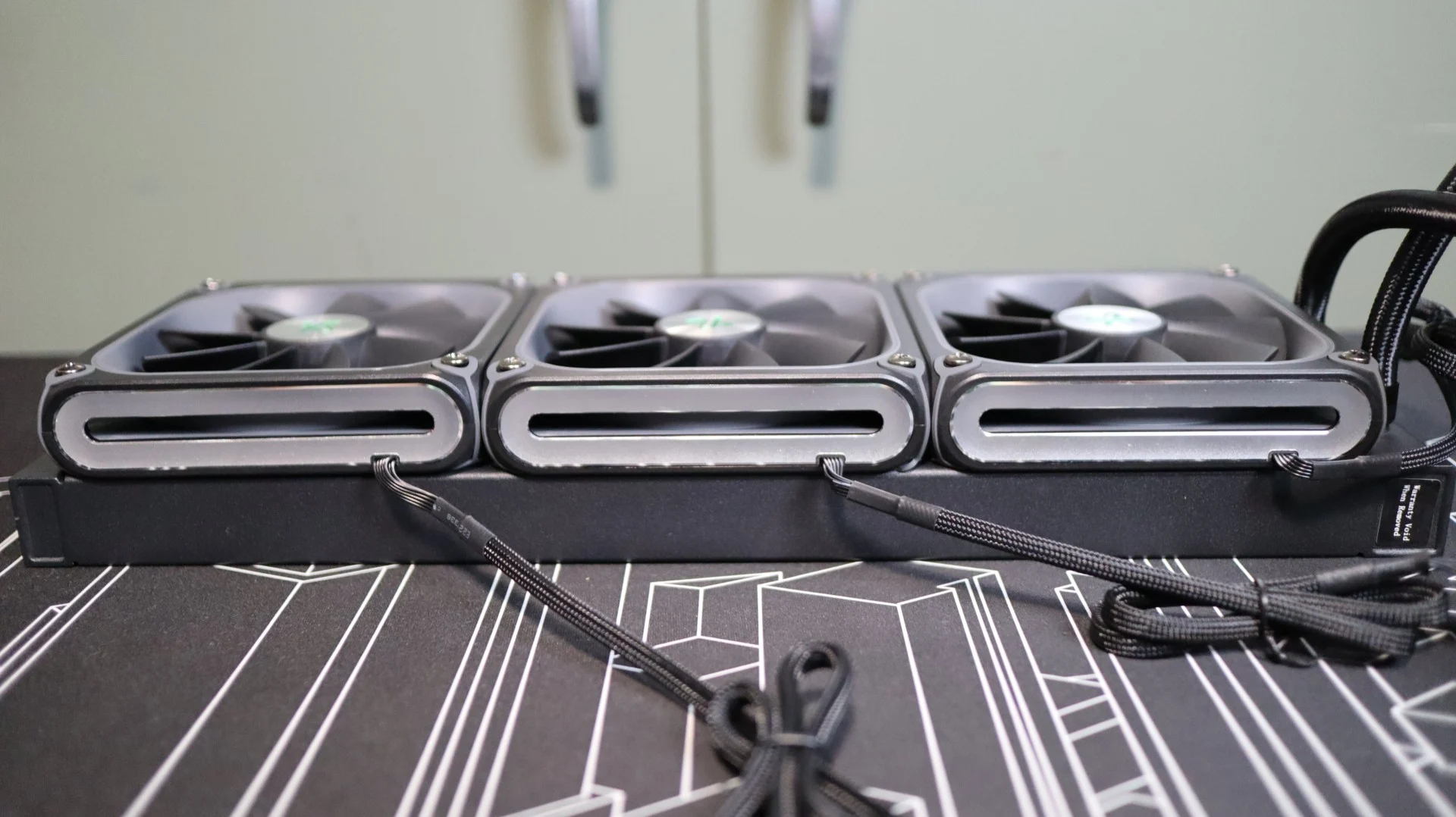
Regarding the included fans, Xastra has utilized three of their 120mm ARGB and LED equipped fans that provide up to 74.76 CFM of airflow at their full speed of 2,200 RPM. As far as these fans’ ability to move air through the radiator’s 20 fin-per-inch array, their 3.72 mmH20 of static pressure should be more than capable of the job. The 28mm thickness of these fans should help with cooling, as we have seen on multiple other AIOs with similar thickness fans.
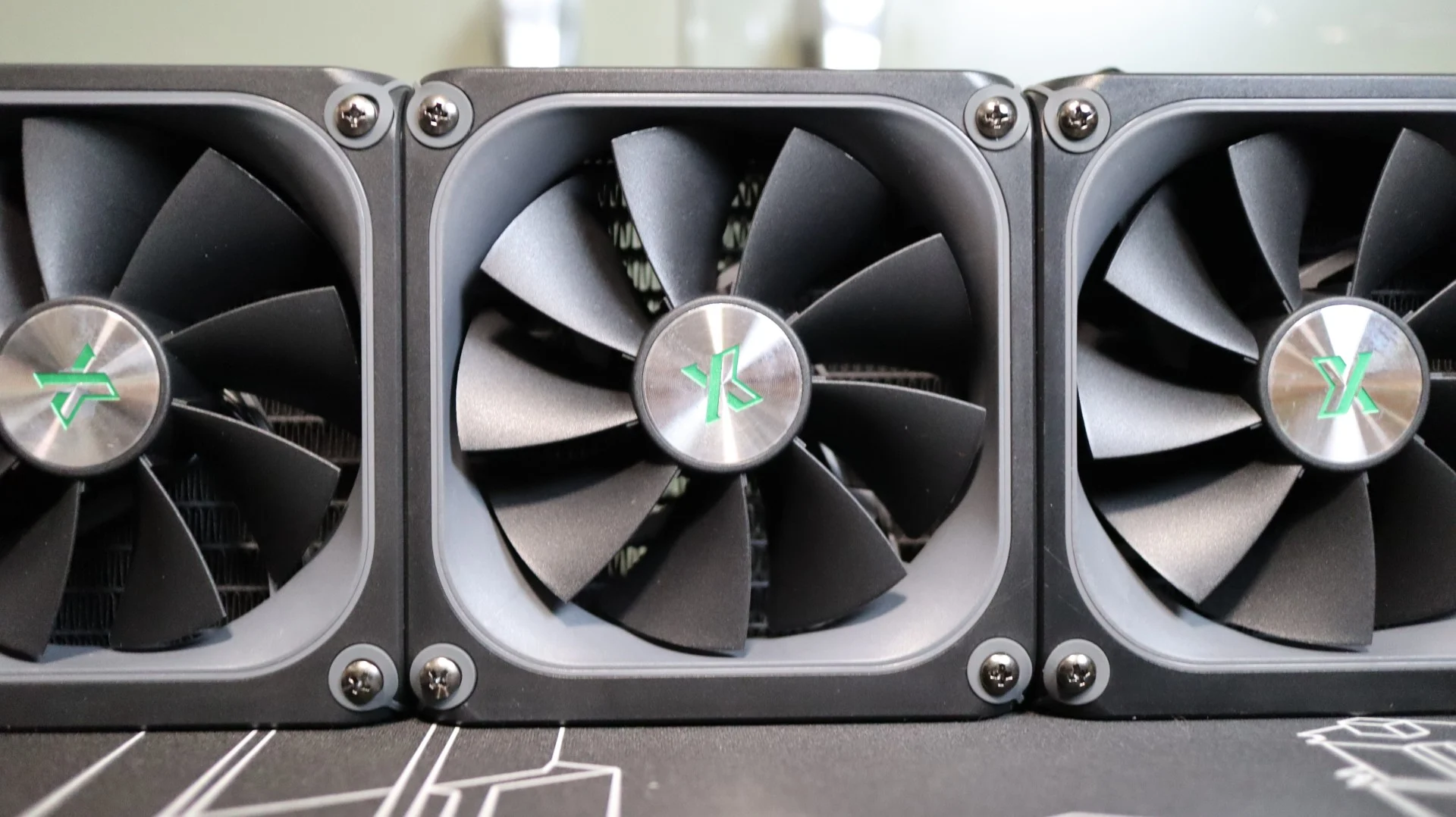
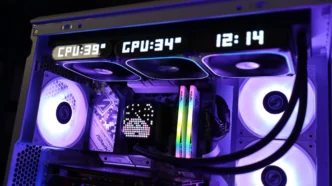
The rubber feet at each corner help isolate any vibrations that may come from the nine fan blades, which is always a welcome feature. Speaking of the number of blades, the use of nine blades is typically associated with a high airflow fan design, but many AIOs utilize more “generic” fans that have a nice middle-of-the-road specifications list. These fans do not have any connecting ring around their outer edges, which typically helps guide all of the airflow through the radiator and not out across the edges of the blades. Along the outward facing edges of the fans are 28×8 LED matrix displays that can be used in a similar manner as the pump housing display, and surrounding the fan blades is an ARGB lighting ring that can be customized as well.
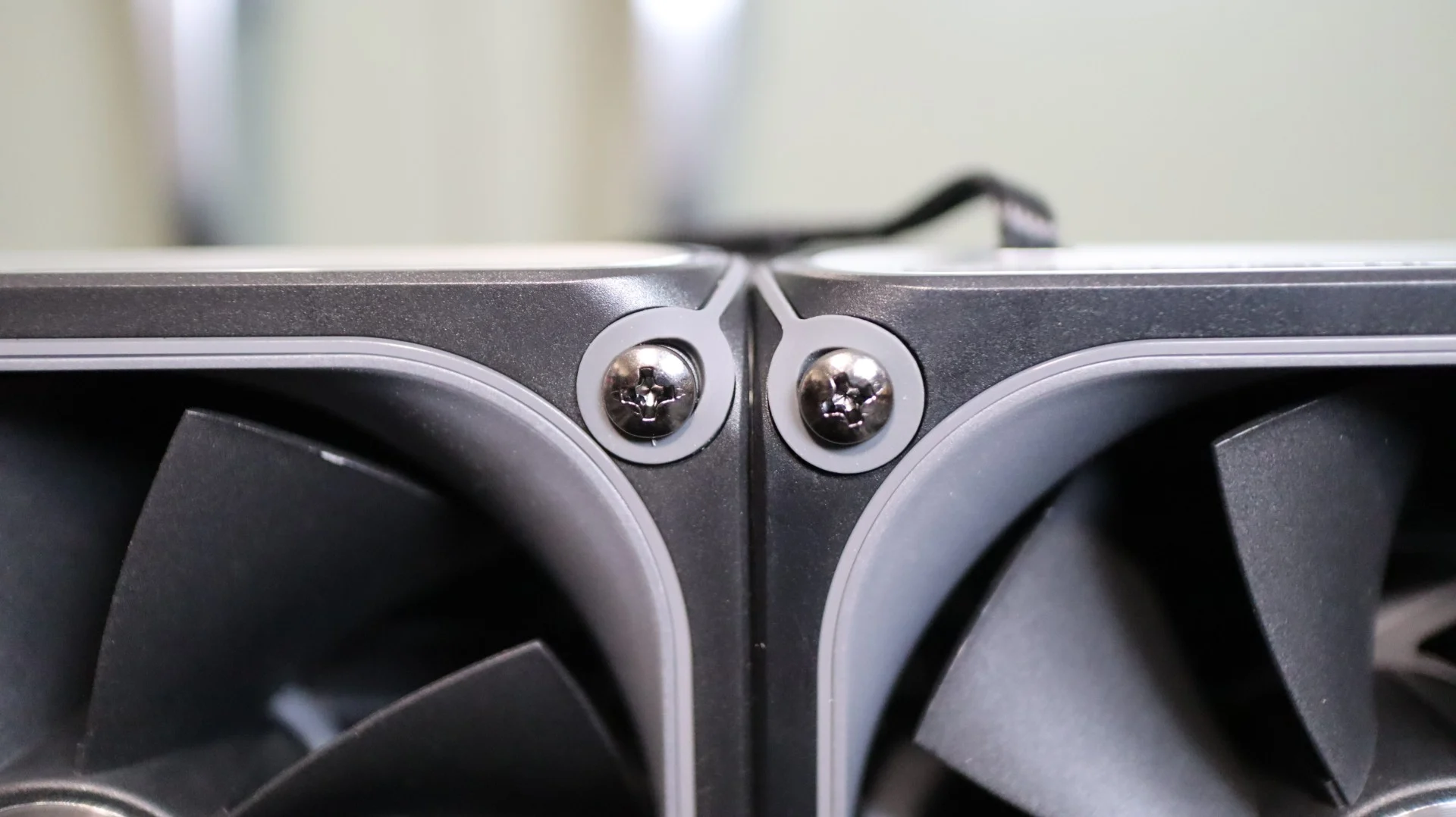
While Xastra did mount the fans to the radiator at the factory, they are not daisy chained, and you will need to connect each fan to the included controller. This is a bit more work and cable management, but it does offer a bit more control over each individual fan’s speed and display options.