


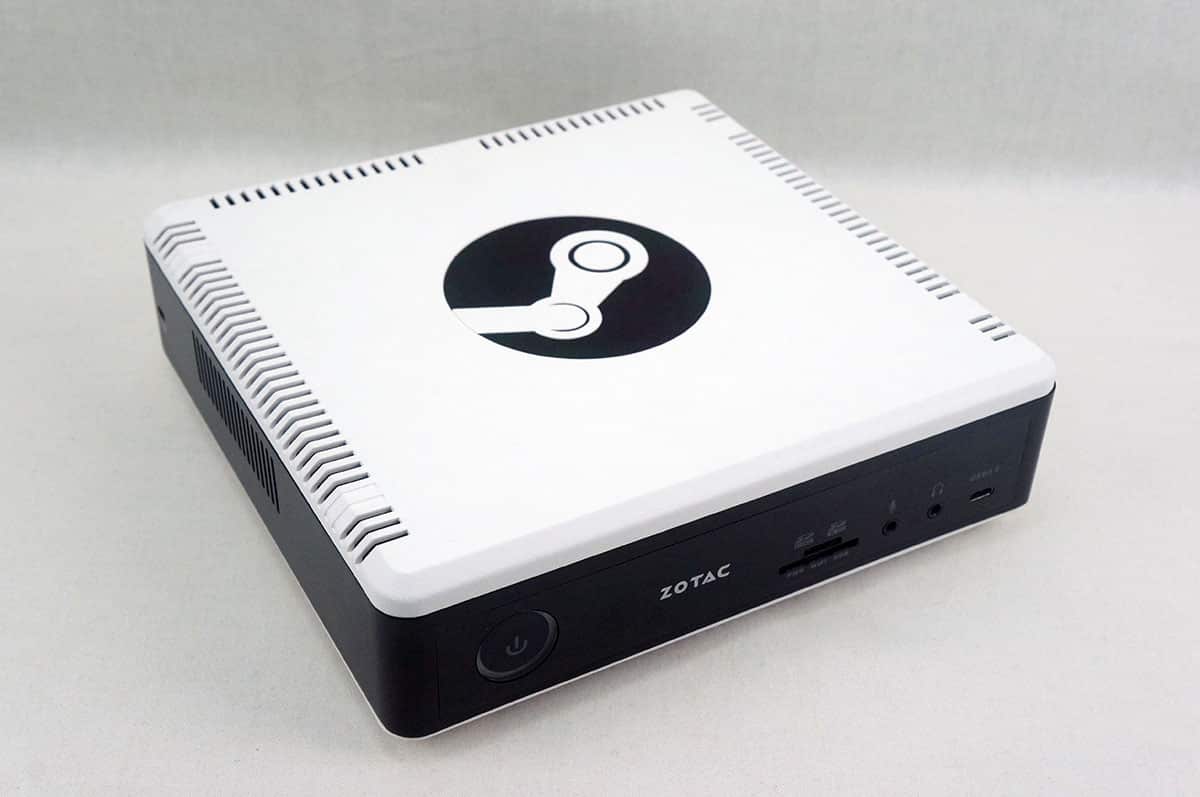
Media, Linux & More
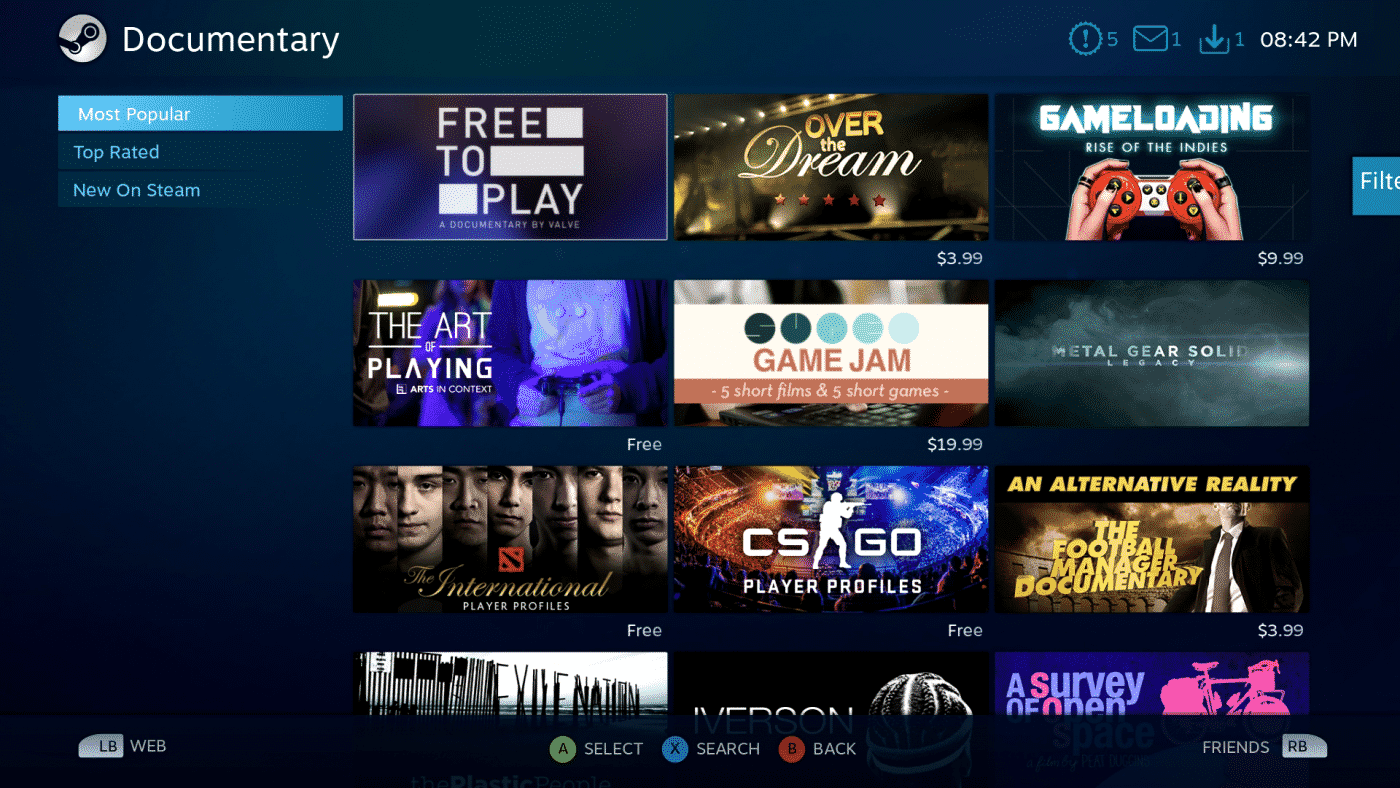
Steam is a game distribution platform, but did you know there is video section as well! Many of these titles are gaming related, but this does turn the Steam Machine into a media machine as well.
Now the Steam Machine is a computer running Linux. You can access the Linux desktop pretty easily. By default this is turned off. First you will need to enable it by going into the SteamOS settings then click on Interface. Now check “Enable access to the Linux Desktop”. Once you have that checked you just press the Steam button on the Steam Controller and you can select desktop mode. Now you will be in Linux and you can do various things like install extra software say for recording or streaming. Now keep in mind if you’ve never used Linux before it is not as easy as installing something on Windows. We actually tried to install OBS on the Steam Machine and while we got it installed it would not load.

Now if you are more versed in Linux than us and you install programs you want to use you can actually add them into Steam quite easily so you don’t have to go into desktop mode each time to use them. If you go into the SteamOS settings you can add a shortcut to your library. It really is that easy! Now you can load the program directly within Steam.
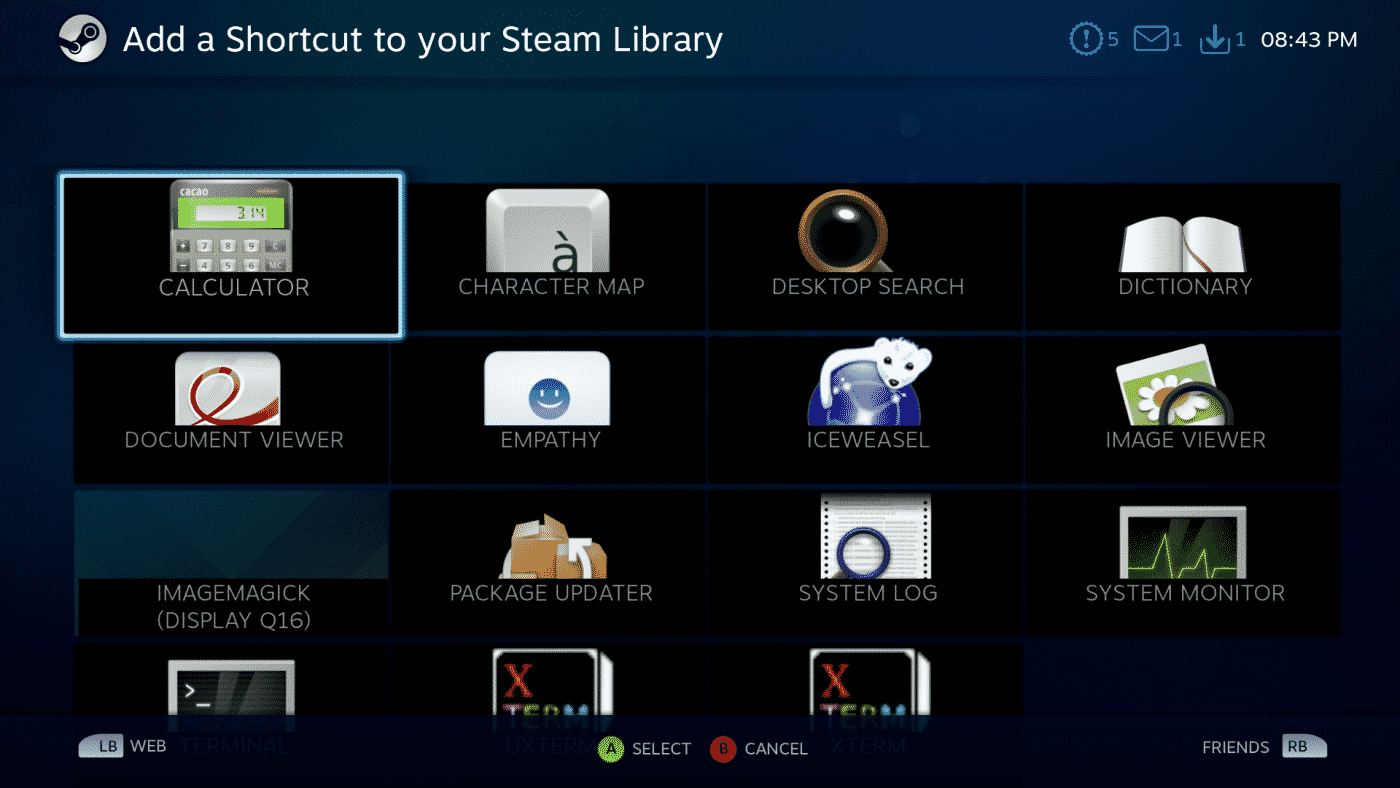
This would be the perfect thing to do if you have any Linux-compatible game loaders or media players.

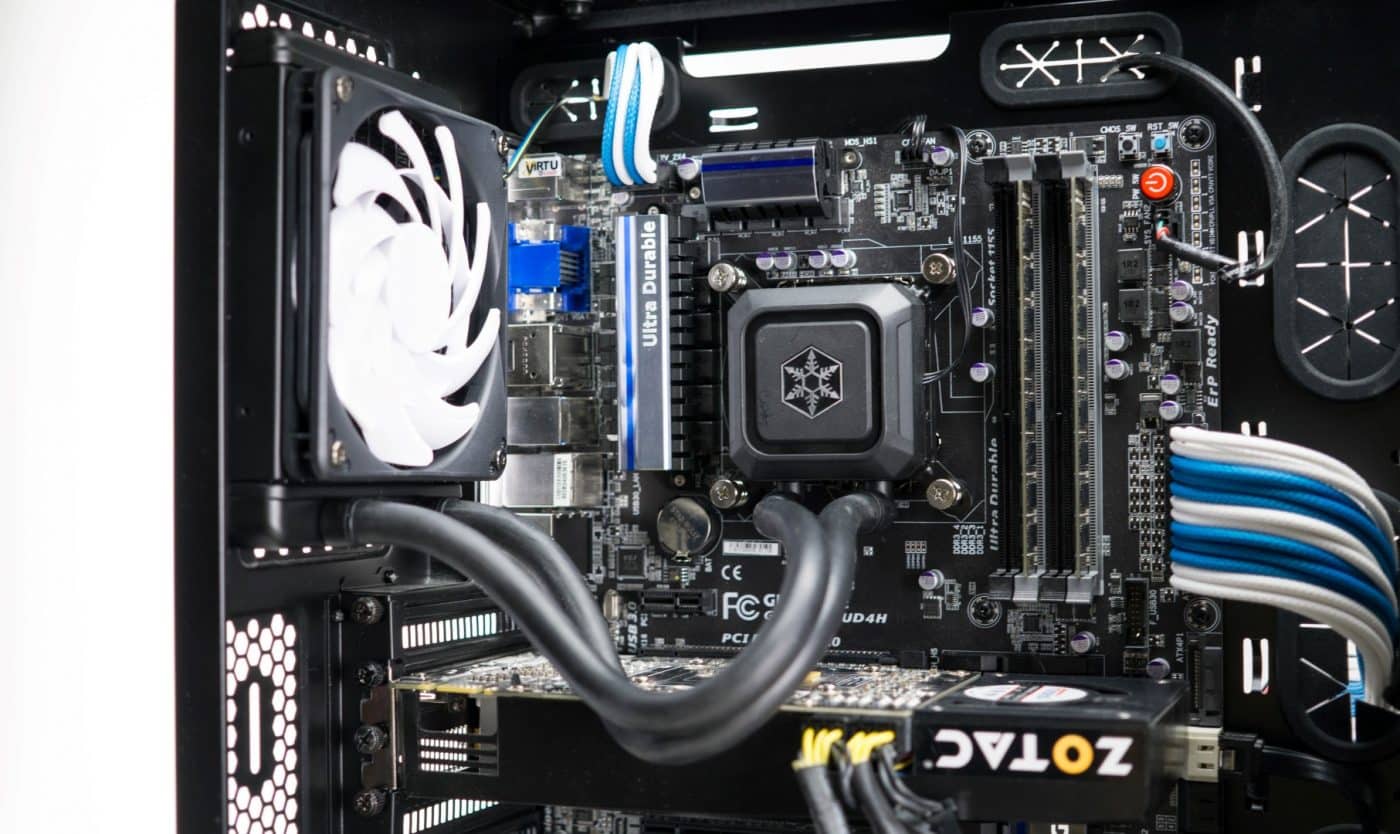
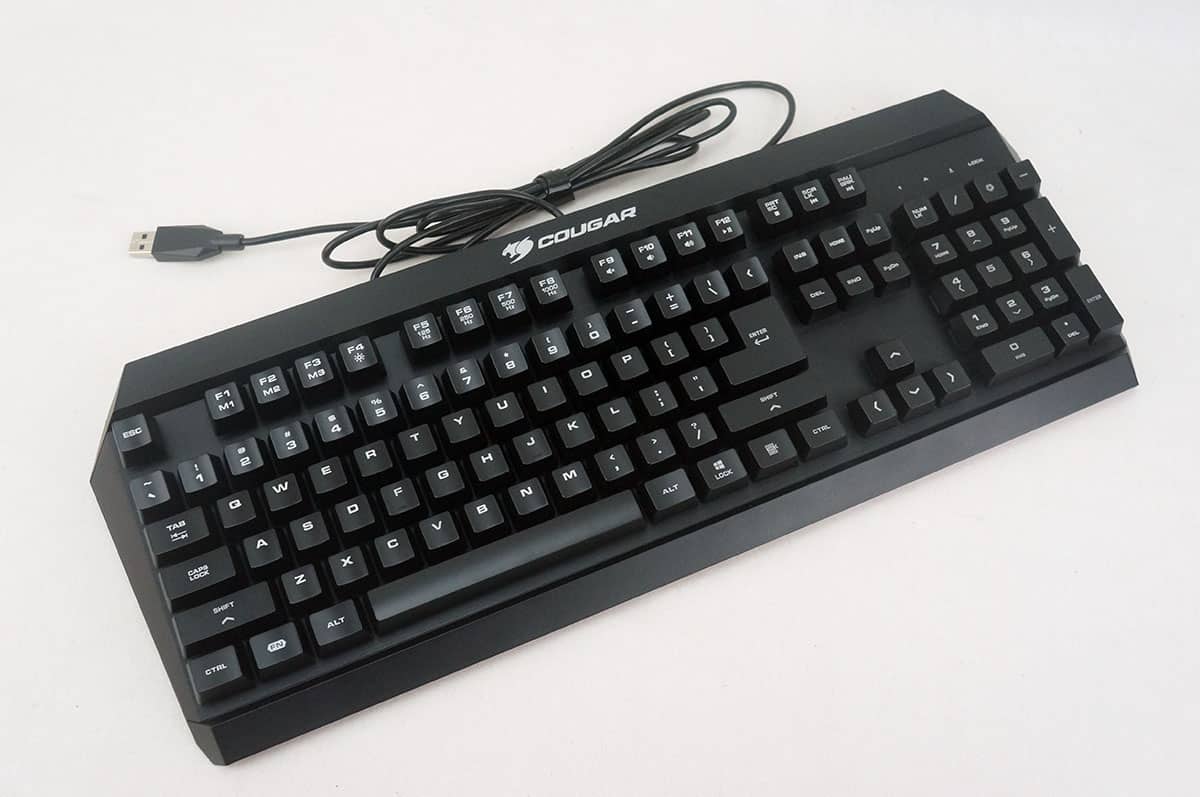


Considering the form factor, can you really build a comparable PC in the same price range (or even at all)? There are some folks – myself included – for whom the form factor is quite important, so I was willing to dish out some extra cash for the SN970. However, using this hardware as a Steam OS machine limits its capabilities dramatically, so if somebody is willing to buy it, you might as well add additional cost of XBox One controller and Win10 license – with those additions you’ll have a full blown gaming PC in the sexiest of the form factors.
Thanks for the review – I too now own 2 Steam Machines and still have mixed feelings. But I think the potential is there – I’m just wondering if Valve will bring that potential to realization. With that said – I’ve kept SteamOS on both my Steam Machines (one an Alienware, the other a CyberPower Syber). The Zotac looks like a nice upgrade from the Alienware.
My issues with SteamOS isn’t the lack of games, or even the performance of games. I think they perform fine. Not as good as the windows counterparts – but as good or better than the Console version. What is holding it back to me is it doesn’t replace my Xbox One fore media functions (Netflix, Vudu, etc.). I hardly game on the Xbox One anymore – except for Shape Up which is a kinect based exercise program. But I do still run a slew of media related apps. I have a very large collection on Vudu now. Without a Blue-ray/DVD Player coming with most steam machines – and the clunky browser interface, I’m afraid that it’s a huge hole that I’m not sure Valve can fix. They can’t write their own Netflix or Hulu App, and there isn’t critical mass yet for those companies to even consider it.
Hopefully that changes around – cause other than that, I have no issues with my Steam Machines.
I have nothing but issues with Windows as a living room device. There is ALWAYS something getting in the way – whether it’s a notification that won’t go away or a device driver that quits or games getting launched simultaneously (like my kids always seem to do). Windows 10 has made it even worse as Microsoft keeps going more an more towards touchbased GUI’s. It’s clunky at best… At least SteamOS addresses those issues – which is why I’ve decided to stick with it on the Steam Machines and keep windows on my gaming PC’s. Kids are happy with it so far – so no reason to put Windows on it. Xbox 360 Wireless Controller works great with it as well. I know there are a few developers now working on getting the Xbox One Controller to work wirelessly (right now it works only wired).
sure, Win 10 is far from perfect OS, but for a hardcore gamer it’s still far better option than Steam OS, the benefits (bigger selection of Steam games, better performance, access to non-Steam games) outweigh the problems. then again, if one doesn’t require their hardware to be utilized to its fullest potential, Steam OS might be a viable choice – but if that’s the case, this particular machine seems to be an overkill for this purpose.