


Final Thoughts
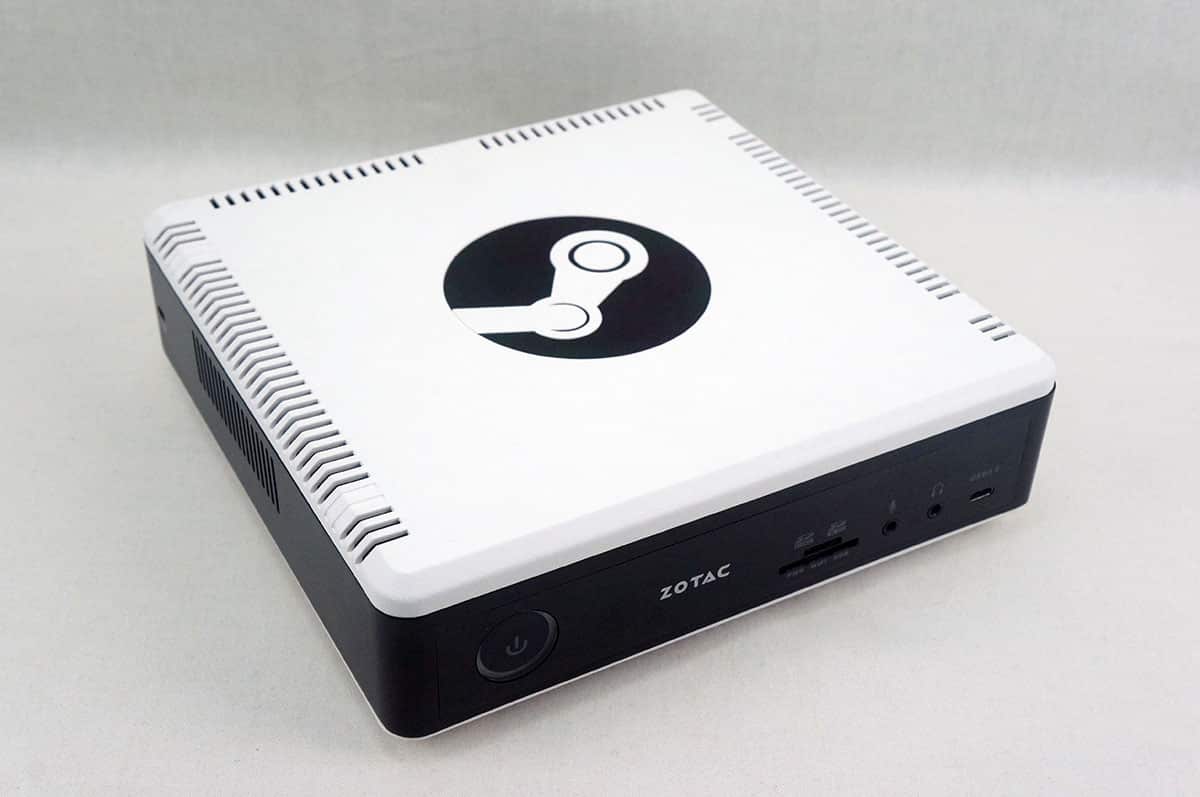
Now this is the second Steam Machine that I’ve taken a look at and to be honest I have mixed feelings. I think the reason for this is mostly the SteamOS issues, which I will address shortly. Since all Steam Machines run SteamOS they essentially are the same thing, except for hardware of course and that is where Zotac’s Steam Machine excels. This Steam Machine comes packed with a Intel Core i5-6400T processor, NVIDIA GeForce GTX 960, 8GB of memory, and a 1TB 2.5“ SATA hard drive. It is no doubt more powerful than Alienware’s Steam Machine.
The NEN SN970 is very small and compact, you should easily be able to add it to your home theater. Zotac is known for their ZBOX line of mini PCs and it really shows with the NEN SN970 Steam Machine. It has everything you would want in a small PC and you have the ability to upgrade if you want. You can replace the hard drive with an SSD, add an M.2 SSD and add more memory. Another cool thing about this unit is that it has dual Gigabit Ethernet, we haven’t seen that on other Steam Machines. On thing I did find a little odd is that Zotac calls this the NEN SN970 and most people assume it has a GTX 970 inside, which is not the case.
When it comes to performance again as we said earlier in the review it is really hard to benchmark these systems as they are run on Linux and there are not that many benchmarking tools available and they are pretty damn hard to install correctly. I can say that this system played all of the games that we threw at it with no problem at all. And it does perform a bit better than the Alienware Steam Machine. I still think that it is very impressive that Zotac was able to bring this much performance in such a small package! You could easily throw the NEN SN970 in a backpack and take it to a friends house!
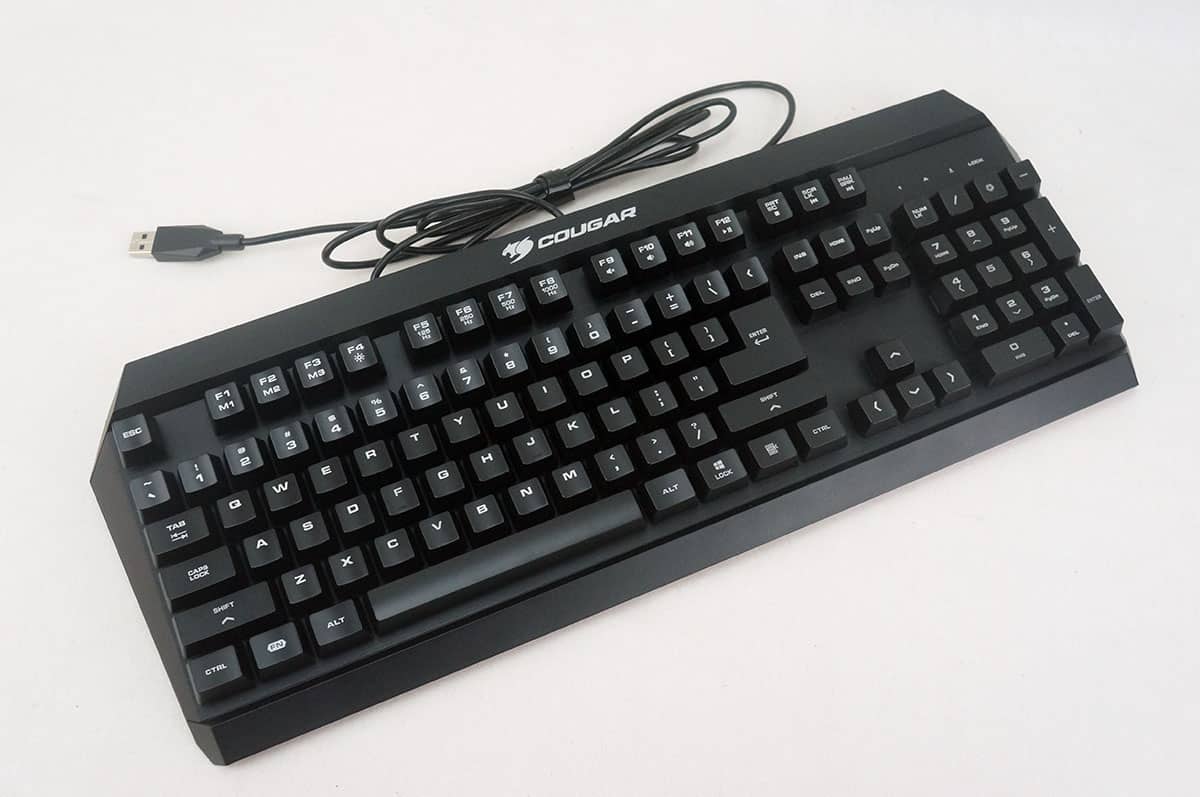
As far as gaming goes on the NEN SN970 it was very enjoyable. Zotac ships the unit with an official Steam Controller and if you haven’t used one before you should definitely try it out! Being a traditional PC gamer I was a bit surprised at how easy the controller is to use and how it is the perfect in-between for gamers who are used to using a keyboard and mouse and gamers who use a controller. Another thing that’s great about the Steam Controller is that many people have created public controller profiles for your favorite games. This means you don’t have to take the time to configure the controller for each game. For those who want to use a keyboard and mouse those should work just fine with the NEN SN970. Our Tt eSPORTS Poisedon ZX and a ROCCAT Tyon both worked as soon as we plugged them in.
Besides just playing games the NEN SN970 can play movies and other media. Steam has an entire section of videos and if you are versed in Linux you can figure out how to install media players and applications like Netflix and Plex. SteamOS has a web browser built-in as well so you can do web browsing right on your TV.
The biggest downfall of all of these Steam Machines is that they are based on Linux. This limits the number of games that are available. Just because a game is available on Steam does not mean it is available on SteamOS. Some of the more popular games that are NOT on SteamOS include Fallout 4, GTA V, Payday 2, Warframe & Rocket League. Another thing about the system running on Linux is that installing other game launchers like Origin and the Epic Games launcher is not the easiest thing to do. These launchers include games like Star Wars Battlefront, Paragon, Fortnite, Battlefield 4, and Unreal Tournament. The Steam Machine allows you to stream Steam games from a PC on your network, but not everyone will have that option.
Another thing about the system running on Linux is it is harder to install software for streaming and recording gameplay. We followed instructions on how to get OBS installed on the system and we had thought it went well, but when we tried to launch it nothing happened which was a bit disappointing. I would say unless you are versed in Linux installing 3rd party software on the machine is going to be a little difficult.
The unit is currently selling for $899 at my favorite online retailer which is in the price range to consider building your own PC unfortunately. You can configure a system with an Intel Core i5, GTX 970 and 8GB of memory for this price. Now if you do not want to build your own PC the NEN SN970 is a great choice and you can’t argue with its size.
If you are looking for a Steam Machine this one is definitely one to consider. Overall ThinkComputers gives the Zotac NEN SN970 Steam Machine an 8 out 10 score.

Pros:
– One of the more powerful compact Steam Machines
– Small and compact size
– Dual Gigabit Ethernet
– Easily upgradable
– USB Type-C port on the front
Cons:
– You can build your own PC in the same price range
– Based on Linux so the Steam game library is limited (SteamOS issue)
– Based on Linux so installing 3rd party software is difficult (SteamOS issue)
– Steam Controller takes batteries and is not rechargeable


Considering the form factor, can you really build a comparable PC in the same price range (or even at all)? There are some folks – myself included – for whom the form factor is quite important, so I was willing to dish out some extra cash for the SN970. However, using this hardware as a Steam OS machine limits its capabilities dramatically, so if somebody is willing to buy it, you might as well add additional cost of XBox One controller and Win10 license – with those additions you’ll have a full blown gaming PC in the sexiest of the form factors.
Thanks for the review – I too now own 2 Steam Machines and still have mixed feelings. But I think the potential is there – I’m just wondering if Valve will bring that potential to realization. With that said – I’ve kept SteamOS on both my Steam Machines (one an Alienware, the other a CyberPower Syber). The Zotac looks like a nice upgrade from the Alienware.
My issues with SteamOS isn’t the lack of games, or even the performance of games. I think they perform fine. Not as good as the windows counterparts – but as good or better than the Console version. What is holding it back to me is it doesn’t replace my Xbox One fore media functions (Netflix, Vudu, etc.). I hardly game on the Xbox One anymore – except for Shape Up which is a kinect based exercise program. But I do still run a slew of media related apps. I have a very large collection on Vudu now. Without a Blue-ray/DVD Player coming with most steam machines – and the clunky browser interface, I’m afraid that it’s a huge hole that I’m not sure Valve can fix. They can’t write their own Netflix or Hulu App, and there isn’t critical mass yet for those companies to even consider it.
Hopefully that changes around – cause other than that, I have no issues with my Steam Machines.
I have nothing but issues with Windows as a living room device. There is ALWAYS something getting in the way – whether it’s a notification that won’t go away or a device driver that quits or games getting launched simultaneously (like my kids always seem to do). Windows 10 has made it even worse as Microsoft keeps going more an more towards touchbased GUI’s. It’s clunky at best… At least SteamOS addresses those issues – which is why I’ve decided to stick with it on the Steam Machines and keep windows on my gaming PC’s. Kids are happy with it so far – so no reason to put Windows on it. Xbox 360 Wireless Controller works great with it as well. I know there are a few developers now working on getting the Xbox One Controller to work wirelessly (right now it works only wired).
sure, Win 10 is far from perfect OS, but for a hardcore gamer it’s still far better option than Steam OS, the benefits (bigger selection of Steam games, better performance, access to non-Steam games) outweigh the problems. then again, if one doesn’t require their hardware to be utilized to its fullest potential, Steam OS might be a viable choice – but if that’s the case, this particular machine seems to be an overkill for this purpose.