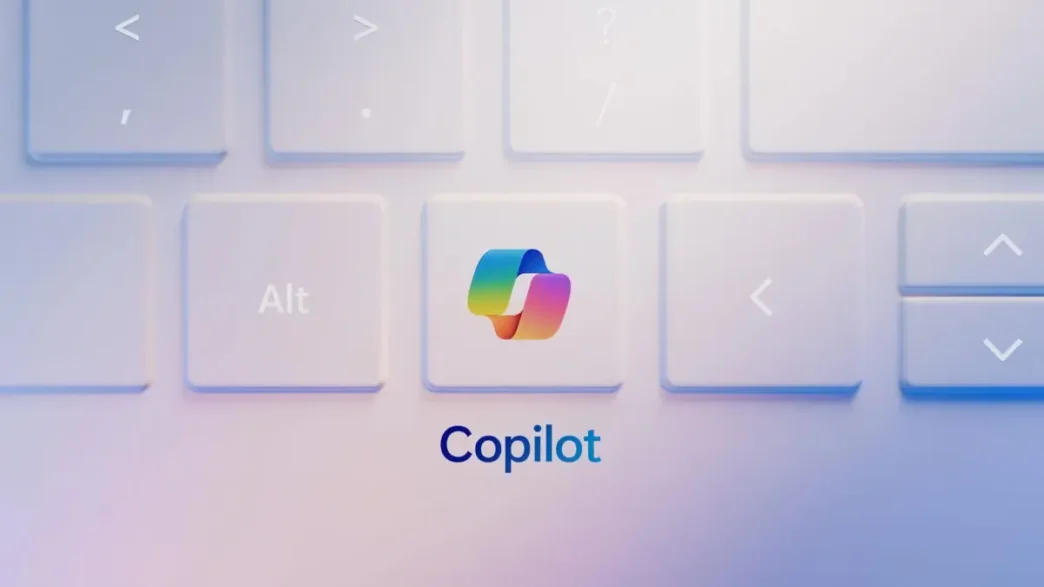
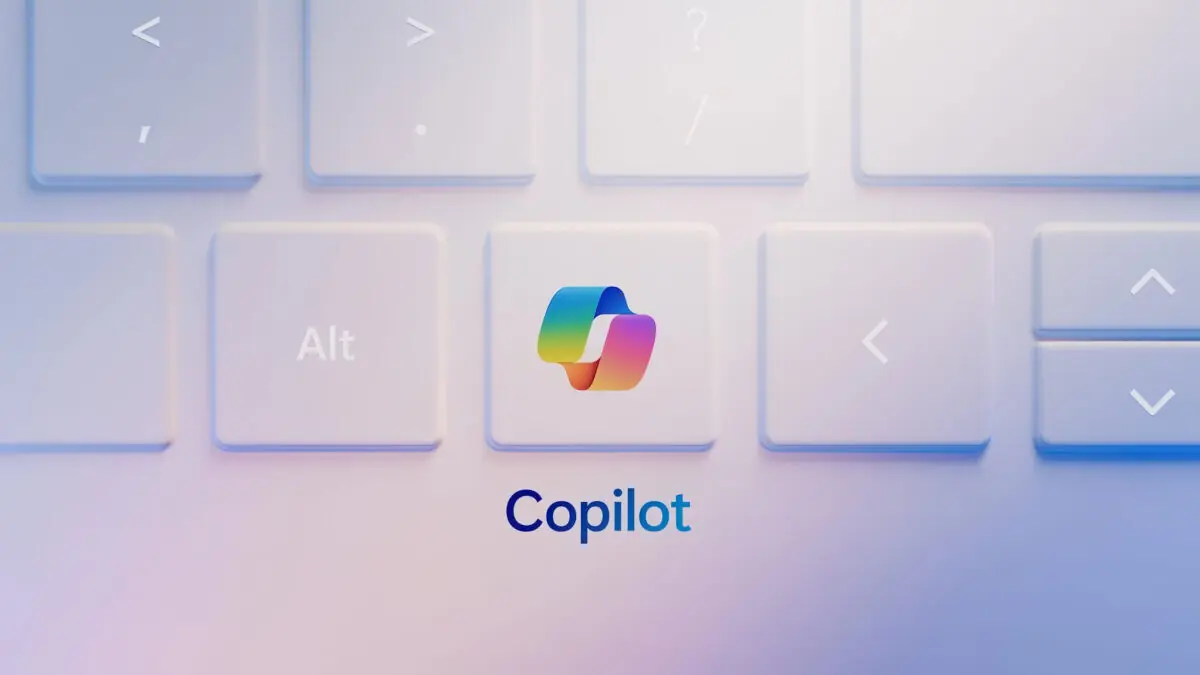
Microsoft is finally giving Windows 11 users more control over the dedicated Copilot key introduced on newer keyboards. Responding to user feedback and backlash over forced AI integration, the company is enabling users to reprogram the key, allowing it to launch applications other than the Copilot AI assistant. This change aims to provide greater flexibility for users who may not frequently use Copilot or prefer to assign the key to a different function.
Key Takeaways
- Microsoft is making the dedicated Copilot key on Windows 11 keyboards reprogrammable.
- Users can now assign the key to launch other applications, not just the Copilot AI assistant.
- The official method has restrictions, requiring apps to be MSIX packaged and signed.
- Third-party tools offer more extensive customization options.
Reprogramming the Copilot Key
Microsoft has begun rolling out this functionality through Windows Insider Preview builds. Users can access the new settings within the Settings app, typically under Personalization > Text input. Here, a dropdown menu allows users to select an alternative application to launch when the Copilot key is pressed. Initially, this feature was available in the Dev channel and has since expanded to the Beta channel.
Limitations and Workarounds
While the built-in Windows functionality offers convenience, it comes with limitations. Microsoft mandates that applications must be “MSIX packaged and signed” to be selectable. This security measure ensures that only apps meeting specific privacy and security requirements can be assigned to the key. This restriction means that not all applications, especially those installed from sources other than the Microsoft Store or not built into Windows, will be compatible with the official reprogramming method.
For users seeking more comprehensive customization, third-party tools and scripts are available. These advanced options can bypass the MSIX packaging restriction, allowing users to assign virtually any executable, batch file, or key combination to the Copilot key. Tools like Microsoft PowerToys’ Keyboard Manager or custom scripts found on platforms like GitHub offer greater flexibility for users who want to repurpose the key entirely, perhaps to launch a frequently used application, a specific shortcut, or even to emulate a missing key like the Context Menu or Right Ctrl key.
User Reception and Future Outlook
The introduction of the Copilot key in 2024 was met with mixed reactions, with many users expressing frustration over the mandatory placement and the perceived forced integration of AI. The ability to reprogram the key is seen as a positive step towards addressing user concerns, although some still advocate for the complete removal of the key or the option to not have it on keyboards altogether. As more applications adopt the MSIX packaging format, the limitations of the official method may become less significant over time.
Via Microsoft