


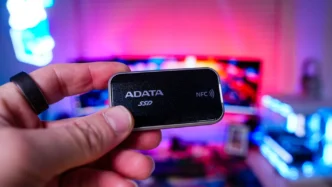
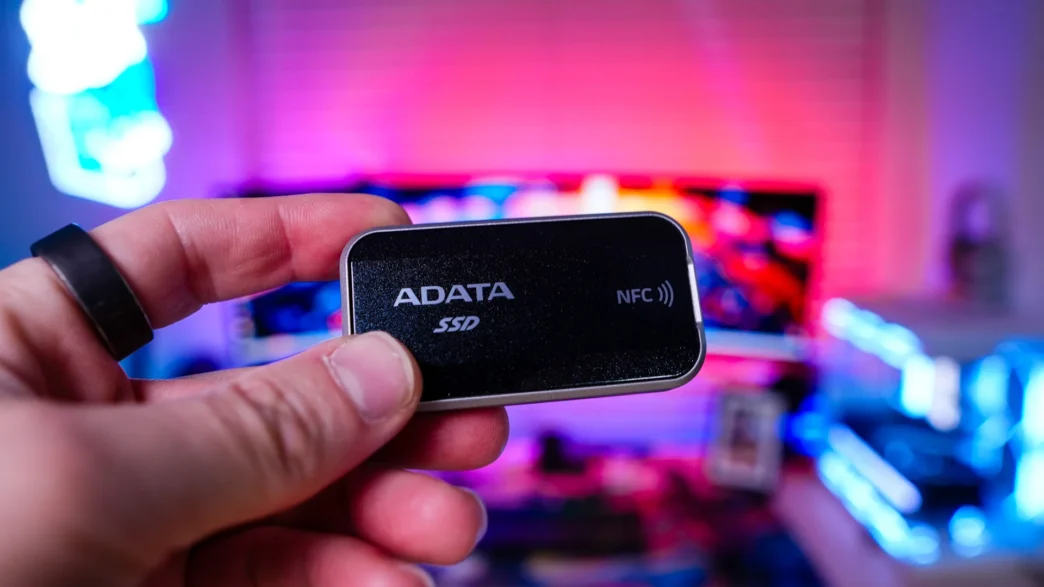
Setting up & Using the ADATA URBAN TAPSAFE Portable Solid State Drive
Before we get started I do want to mention that you can use the drive completely unlocked. When the drive ships to you it will be unlocked. So if you plug it into any device it will just show up as a normal drive and you won’t need to unlock it.
If you want to use the NFC tap to unlock feature you’ll need to download the ADATA URBAN TAPSAFE app, which is available for both iOS and Android devices. From there setting up your drive is quite simple, just follow the prompts on the screen, plug the drive into your smartphone, and you’ll be good to go.
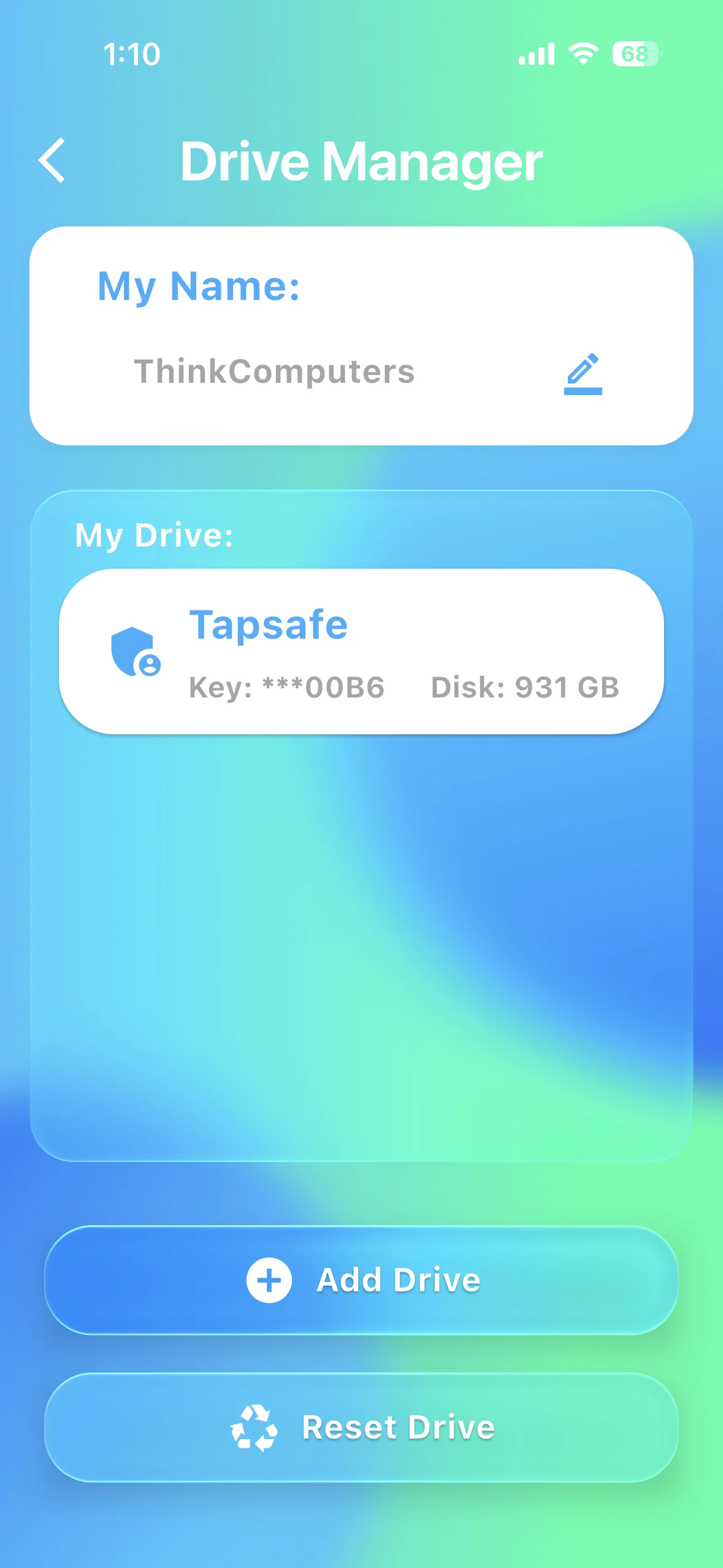
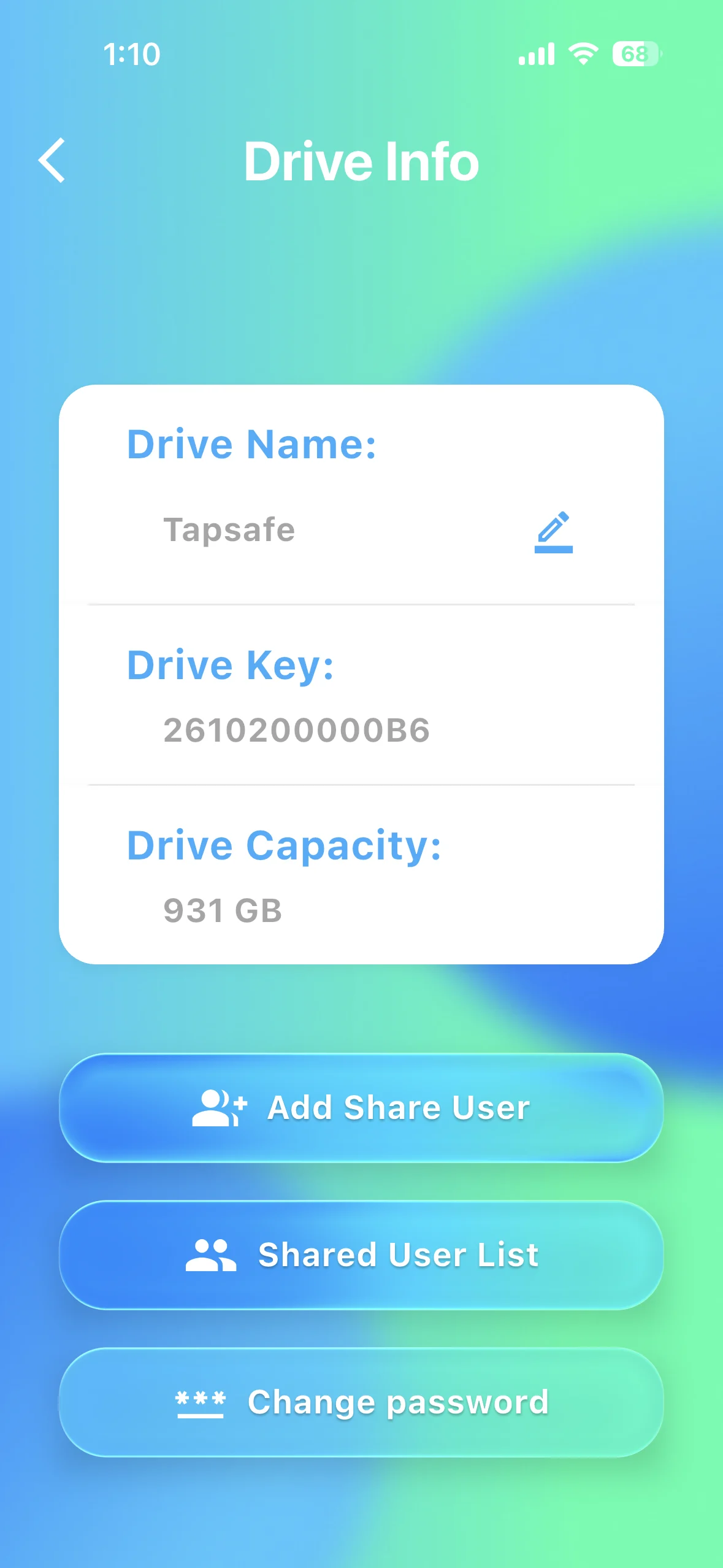
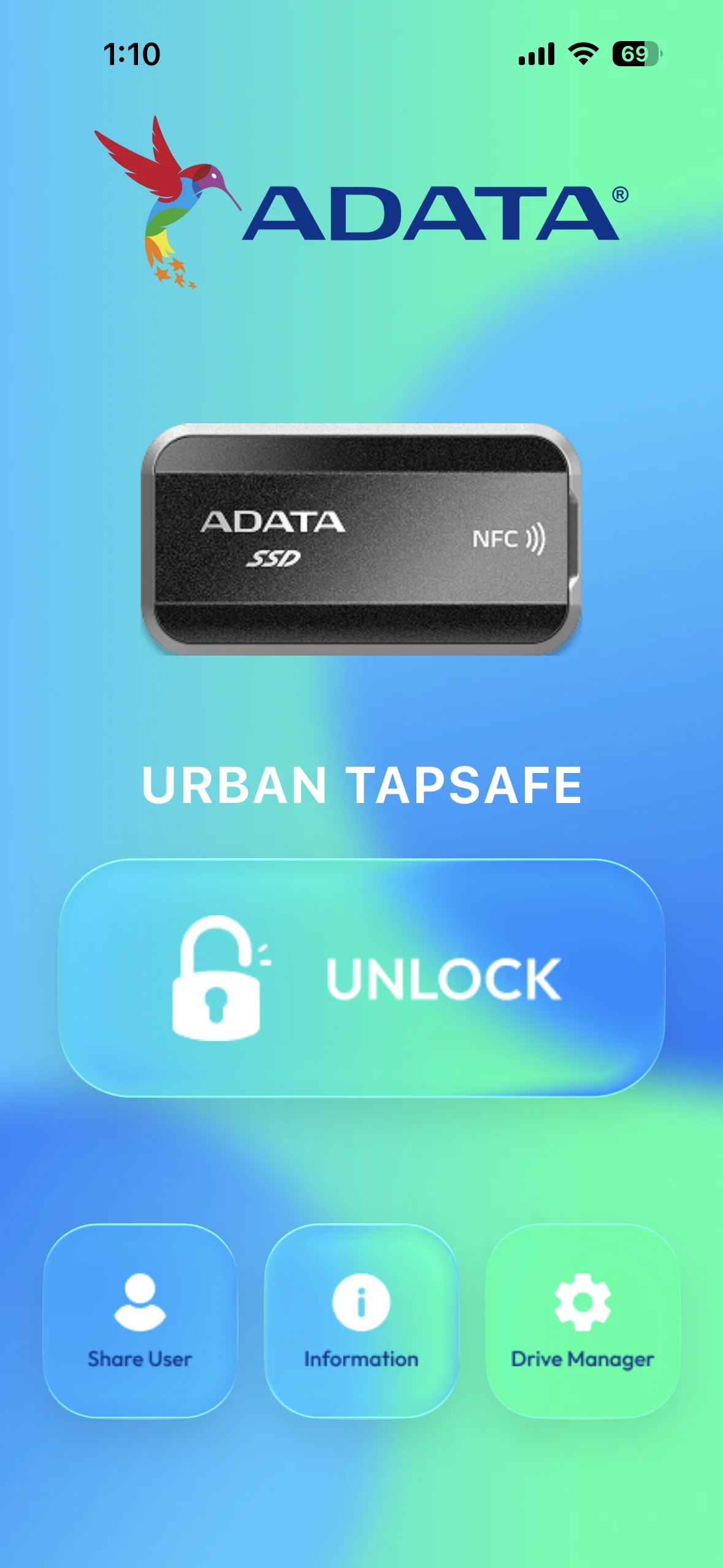
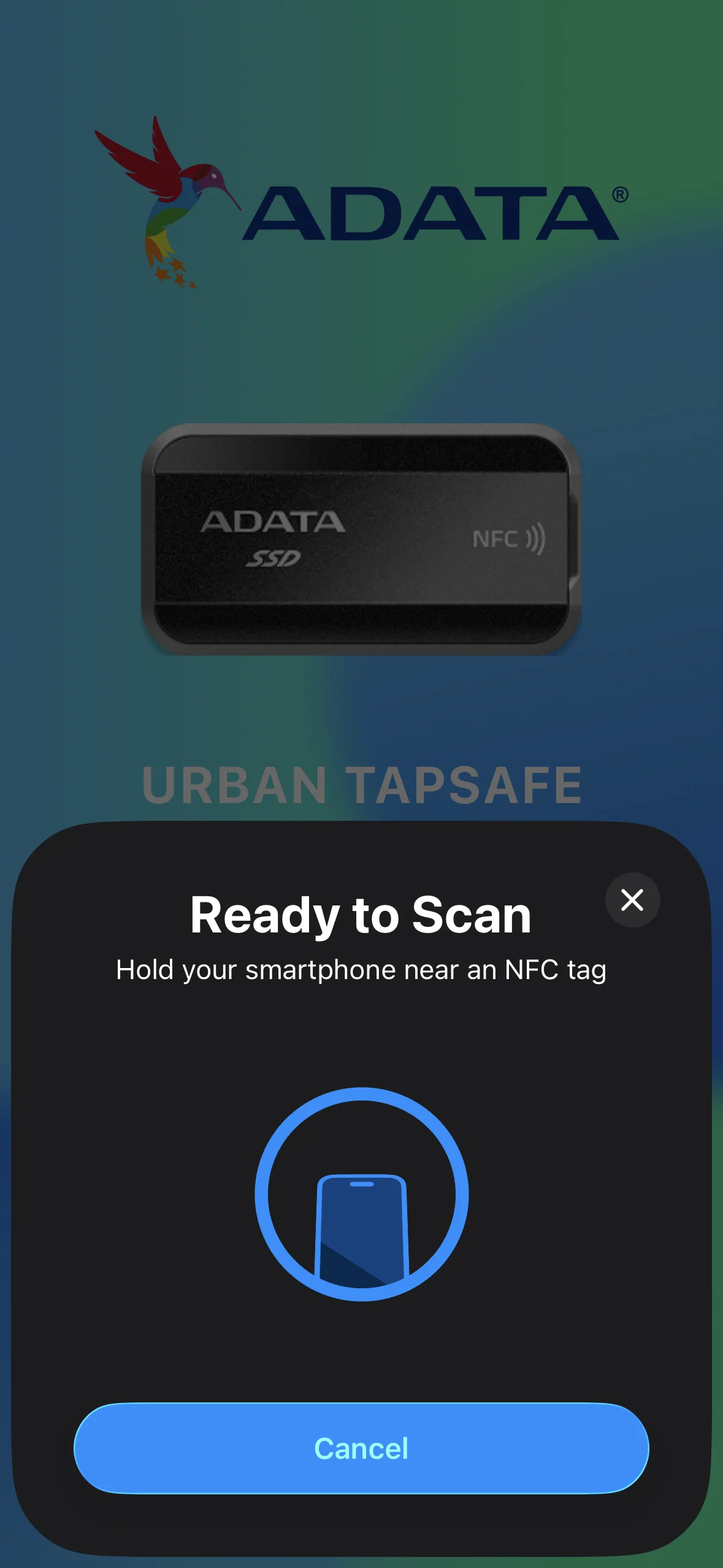
Once you have your drive set up, all you have to do to unlock your drive is click the big “Unlock” button on the main screen of the app, then tap your phone to the drive. It really is that easy! If you are wondering, if you unplug the drive from your device it will be locked so you don’t ever have to worry about locking the drive back up. You can also easily add up to 9 users per drive so multiple people can unlock the drive.
Performance of the ADATA URBAN TAPSAFE Portable Solid State Drive
For testing we will be running the URBAN TAPSAFE through a handful of different storage benchmarks. As a reminder ADATA lists the speeds of this drive as 2000 MB/s for both the read and write.
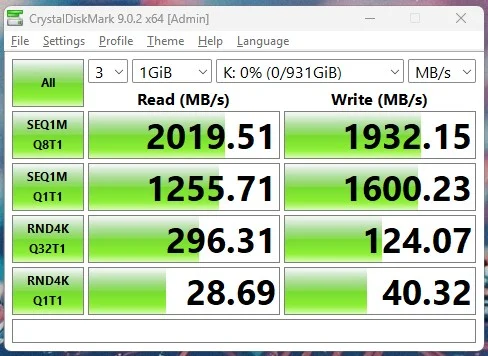
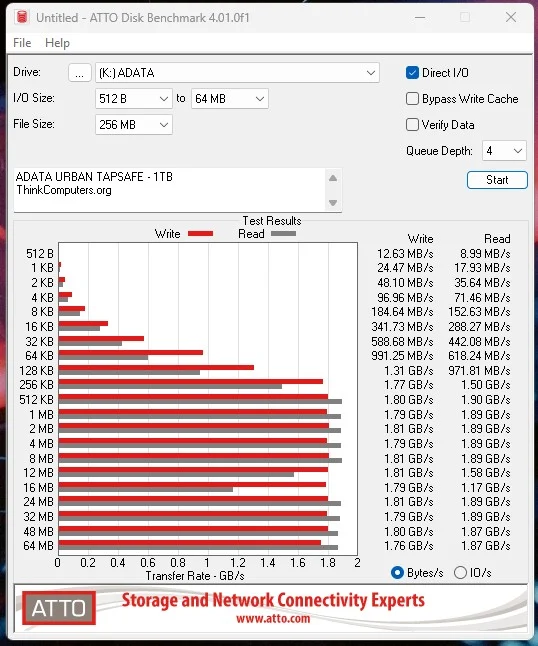
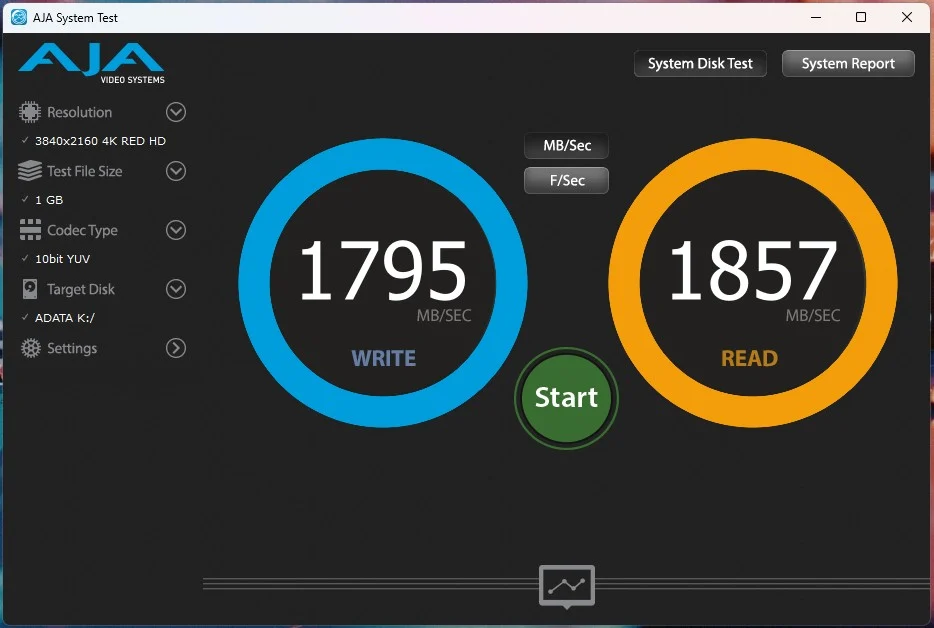
As expected the drive performs right up to specifications!