
ASUS Jelly75 Keyboard (KD201) Overview
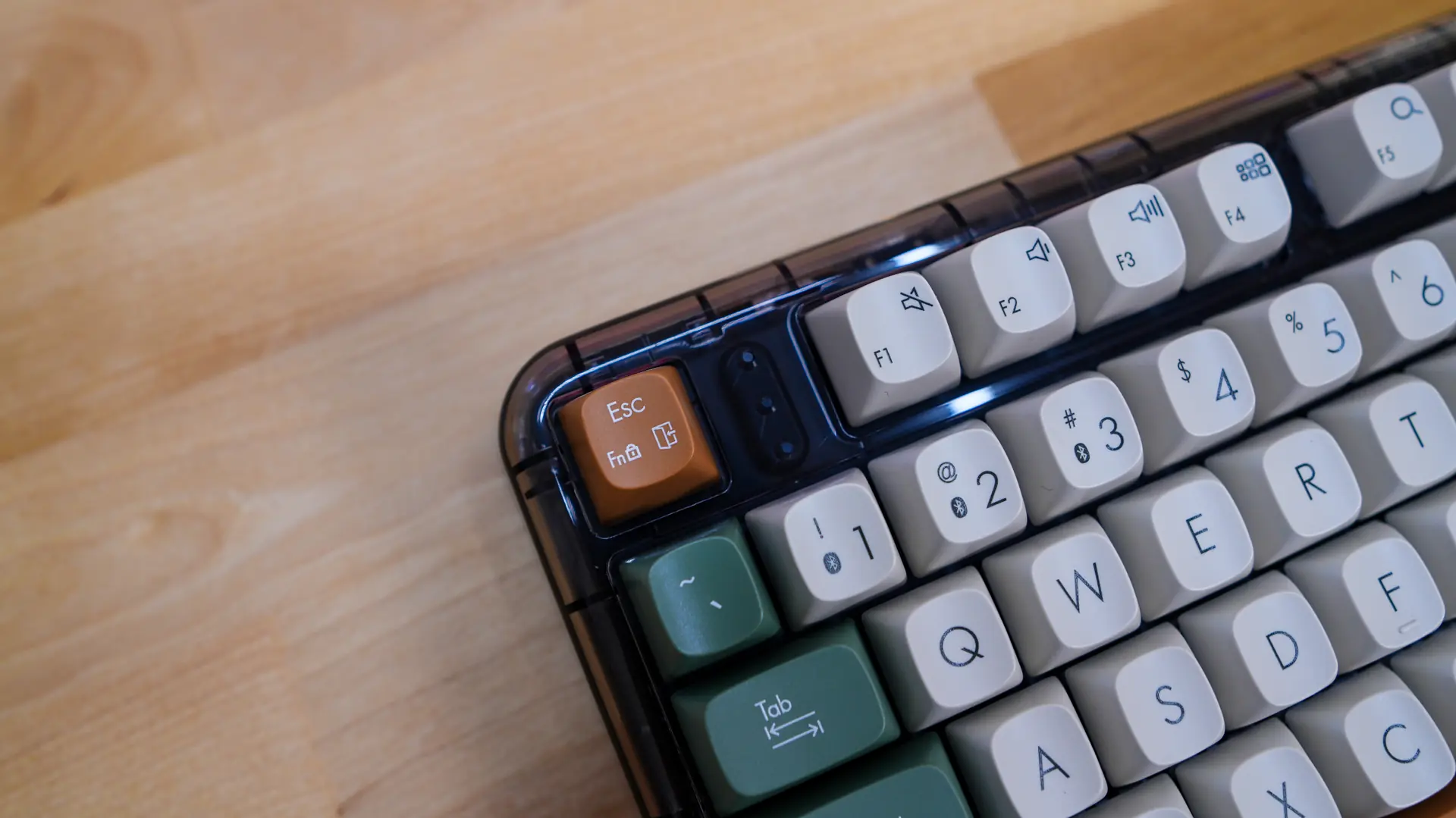
Taking a first look at the Jelly75 it definitely stands out from the crowd thanks to its unique colorway as well as its semi-transparent casing. There are actually two colorways available and we have the Orange Meadow. With this colorway most of the keycaps are a sort of creme color with the outer keycaps being a green, and finally the spacebar and Esc key being a brownish color. The semi-transparent casing is dark and overall this keyboard looks quite good and unique, especially for a pre-built keyboard from a major brand like ASUS.
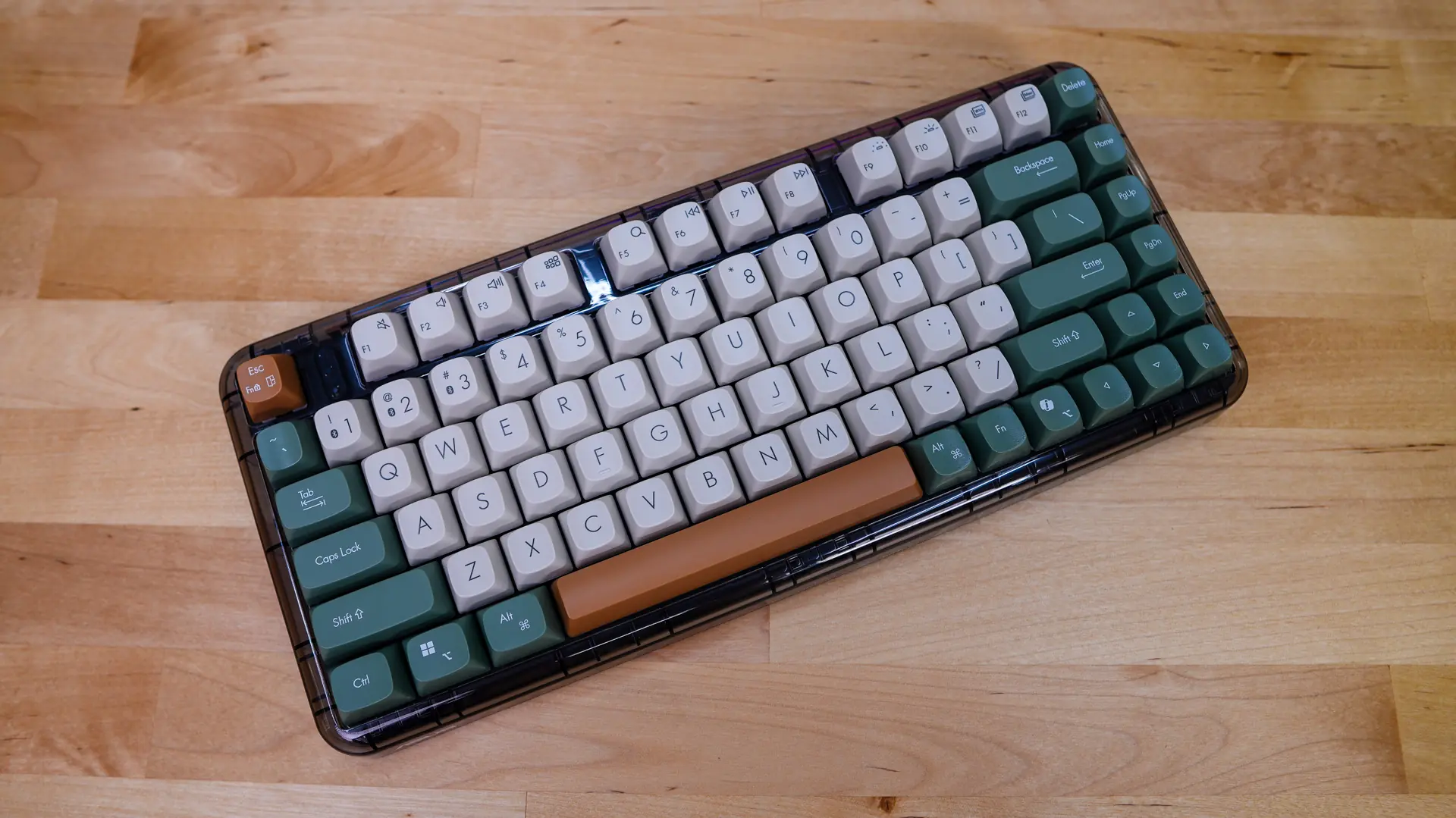
This is going to be a 75% keyboard, which is one of the most popular keyboard layouts out there. I typically prefer a 75% layout over something like tenkeyless as it is essentially a compact tenkeyless design. You are still going to get your full function row as well as your arrow keys.
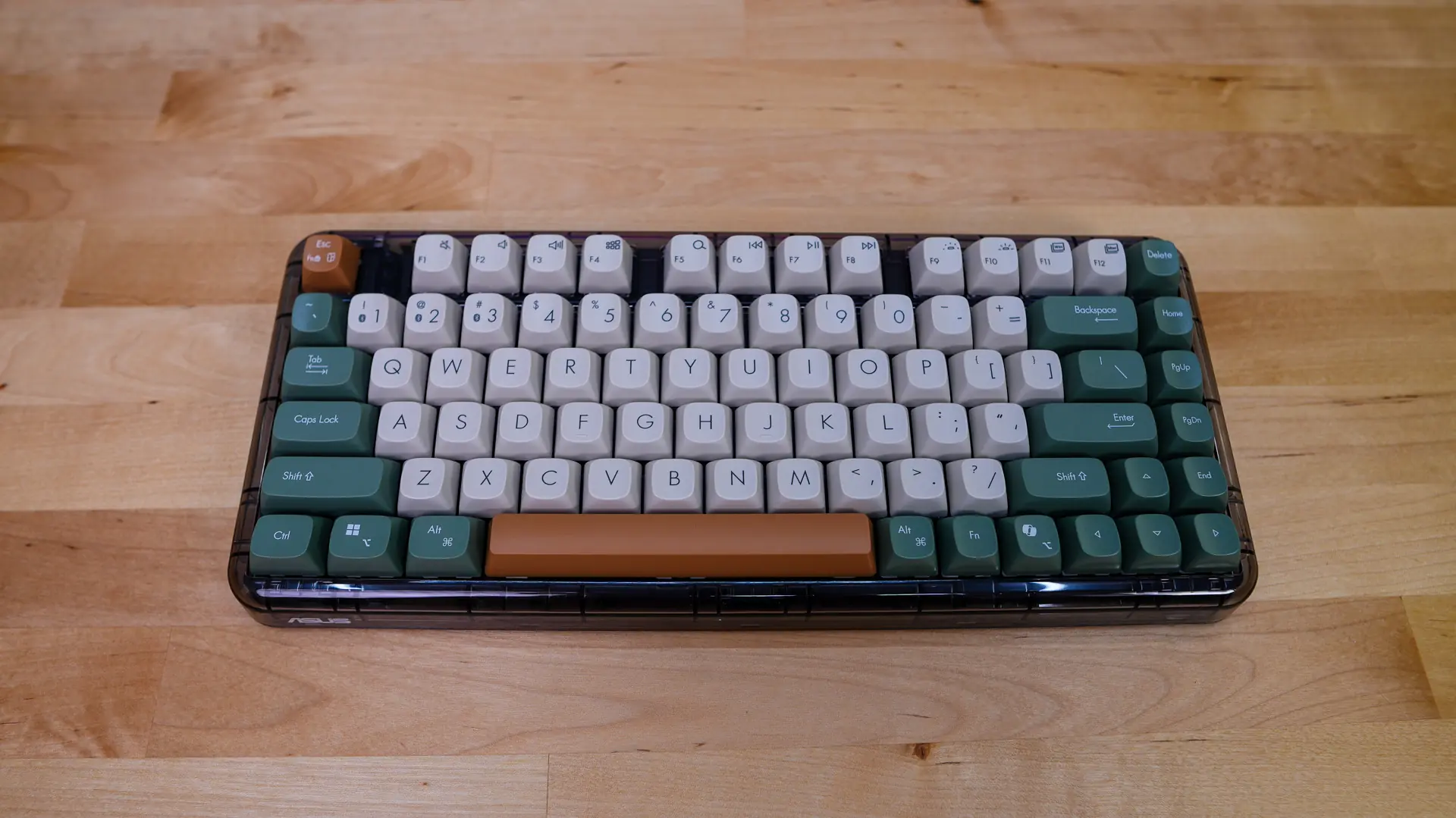
When it comes to the keycaps themselves it is unclear what profile ASUS is using. I would say they are closest to SA, but definitely not as tall or narrow at the top. These keycaps are however taller than something like Cherry or OEM keycaps and are more spherical in shape. This along with the larger legends give the keyboard a sort of retro-modern look. If you were wondering the keycaps are made of a polycarbonate material that does offer anti-slip properties and will retain texture and appearance over time.
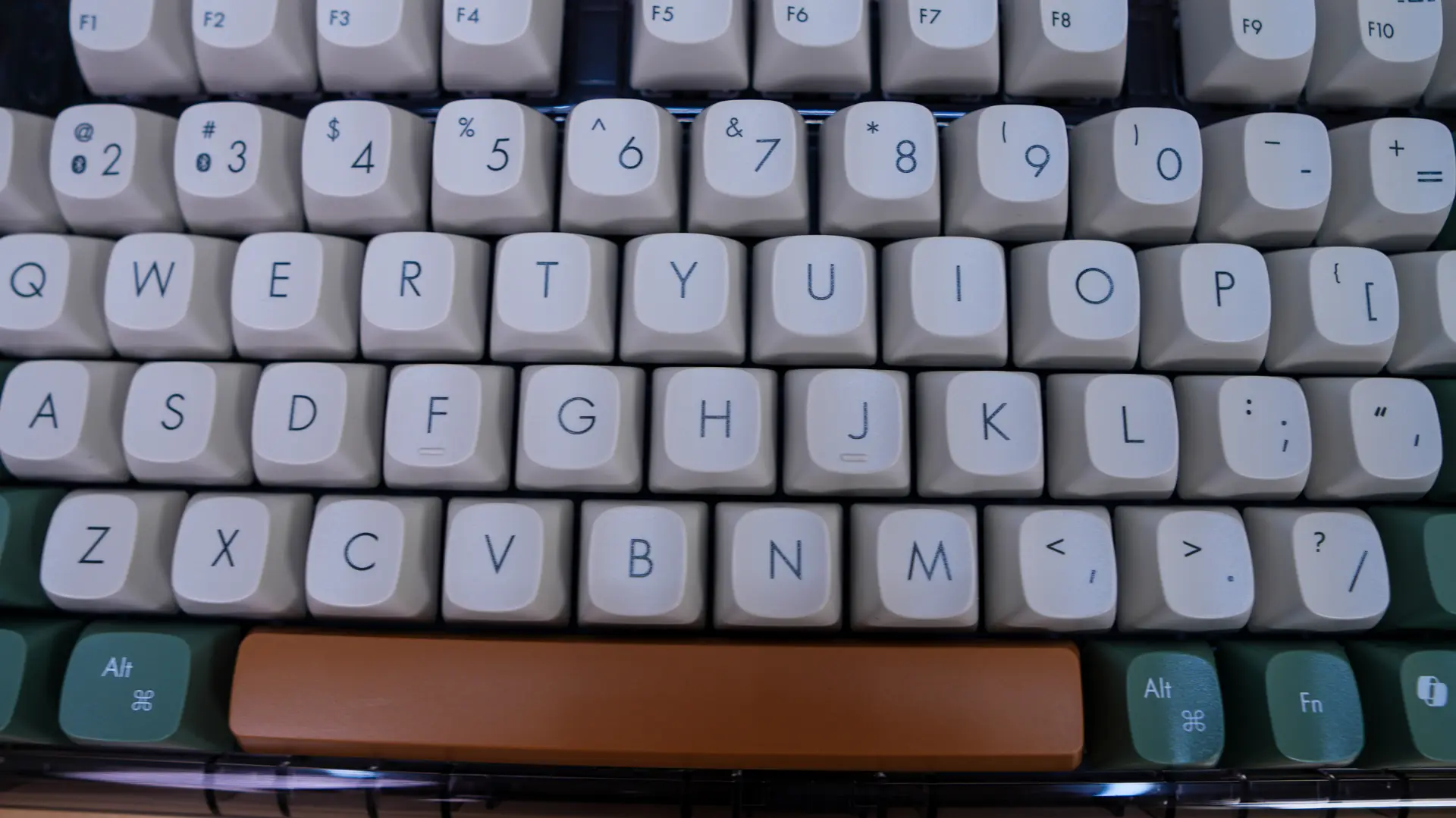
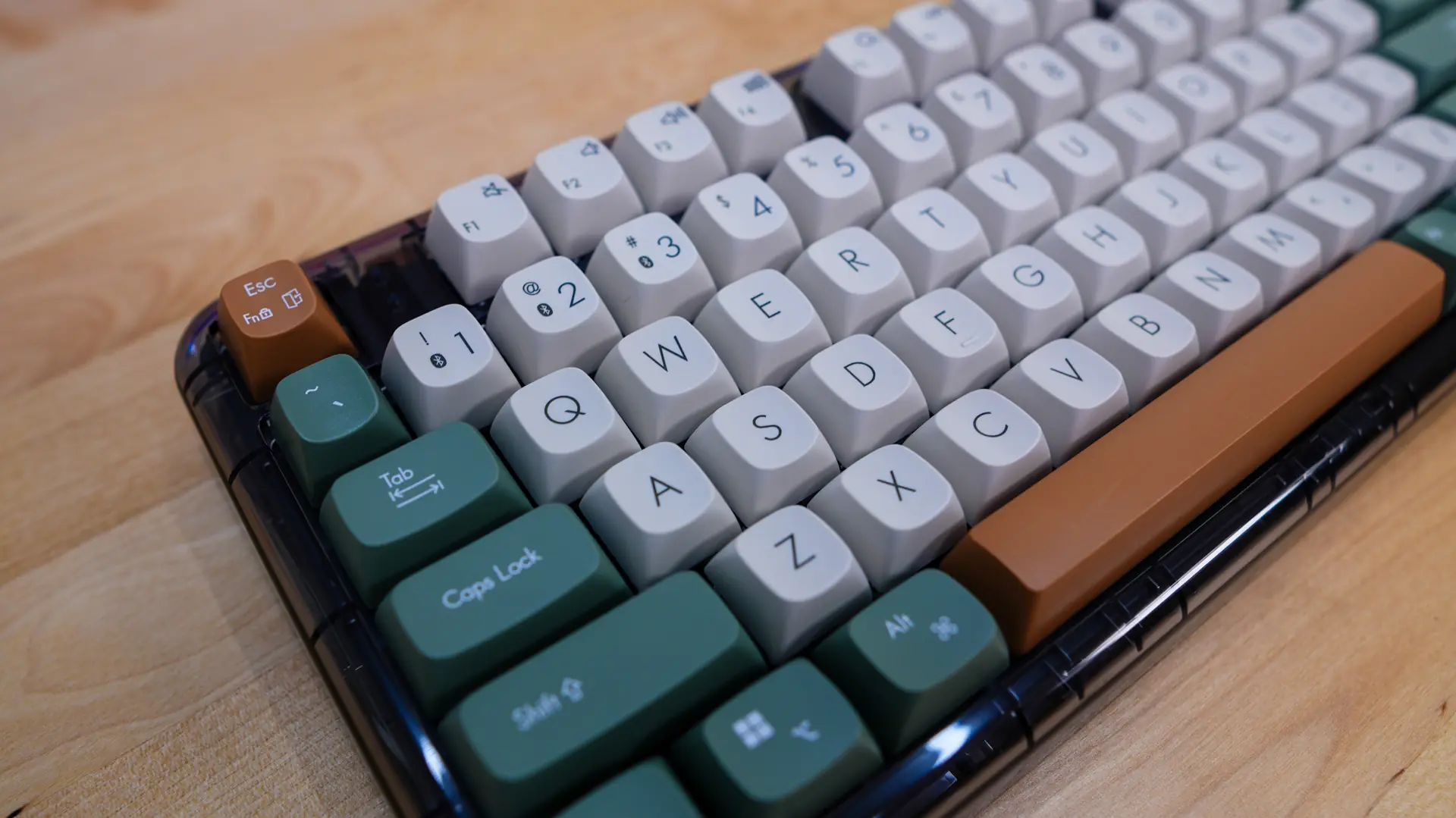
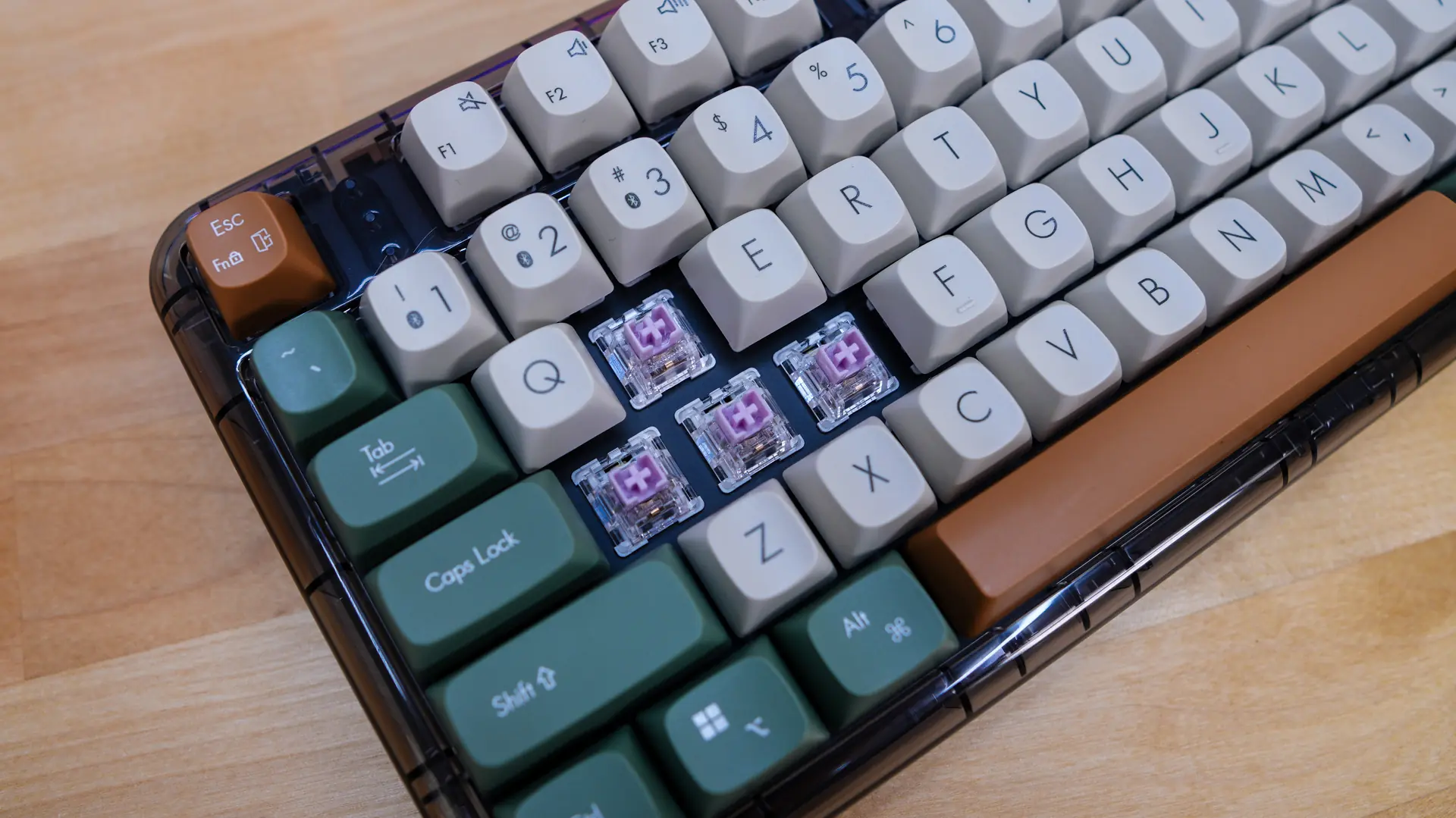
Under those keycaps we are going to find the mechanical key switches. ASUS does not let us know what specific switches these are, but they are a linear switch with a total travel of 4mm. The switches are hot-swappable, so you can swap them out later down the line.
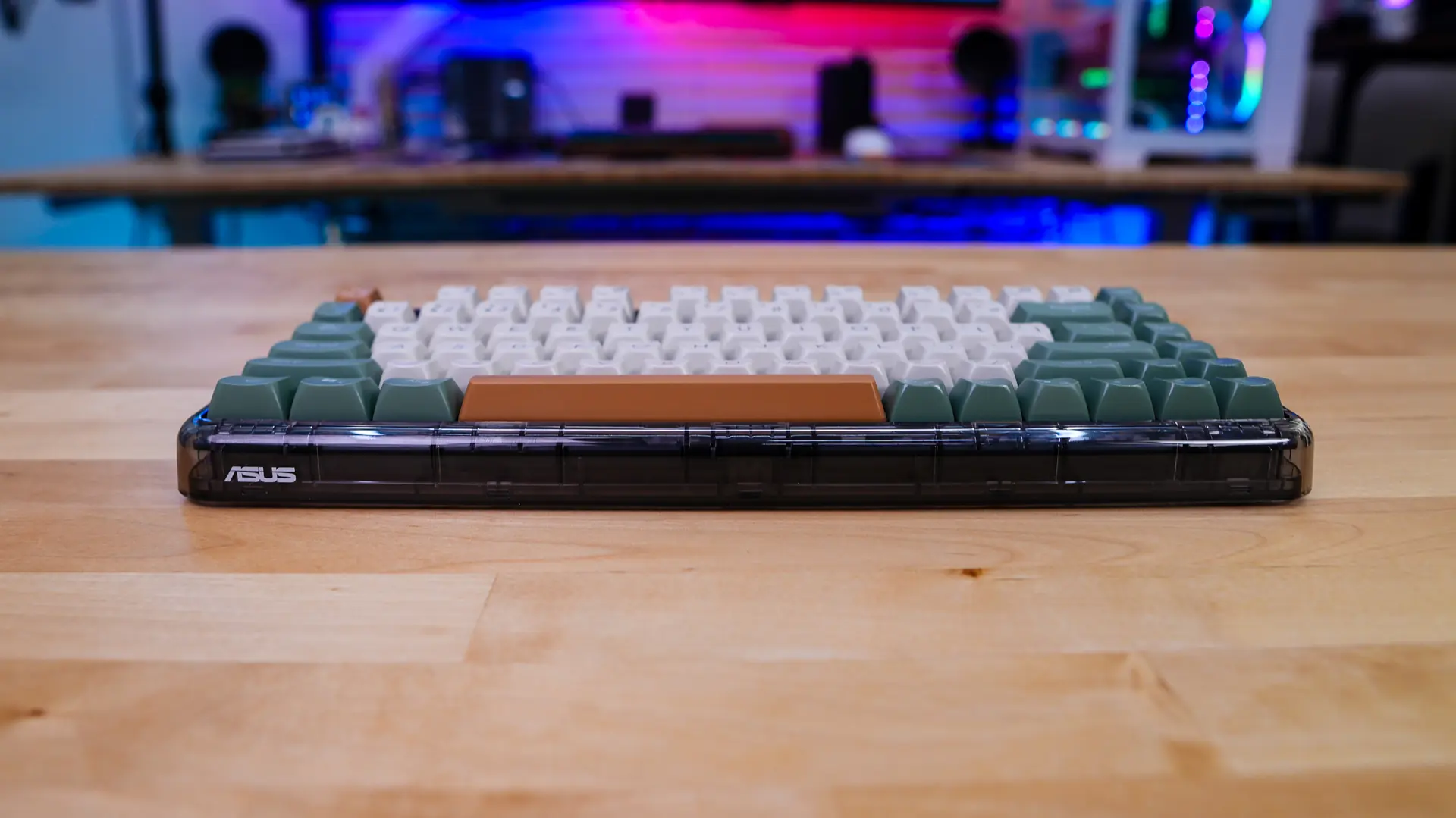
On the front-edge of the keyboard there is a small ASUS logo and we get a better look at that transparent casing, which also gives the keyboard rounded edges instead of the more standard boxy designs. Now it is really unclear what is under the hood as far as sound dampening, we do know that the keyboard has a gasket-mount design and on the product page it says “uni-cushion”, but who knows what that means. Between the Esc key and your function row are three indication LEDs which we’ll get into a bit later in the review.
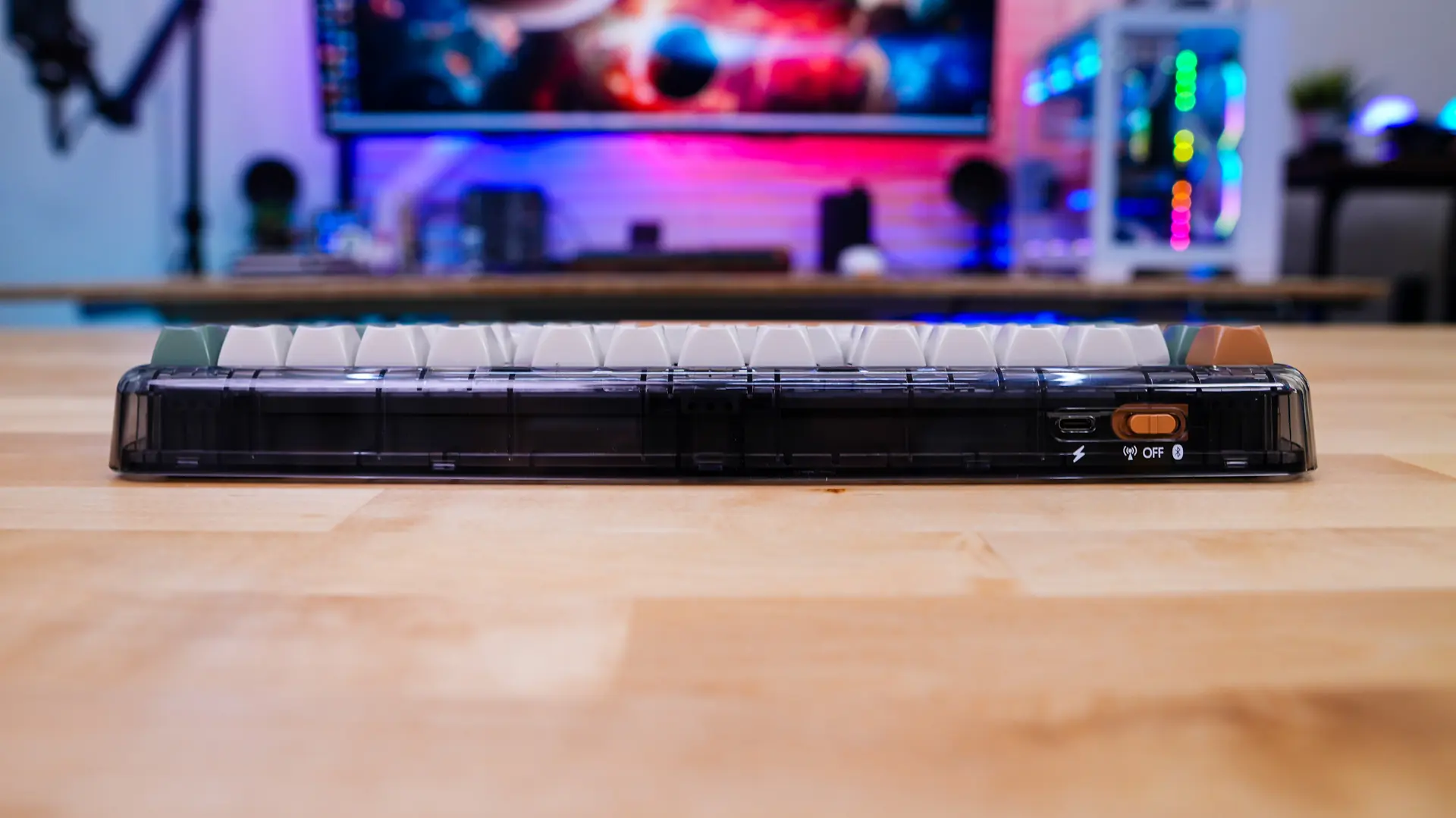
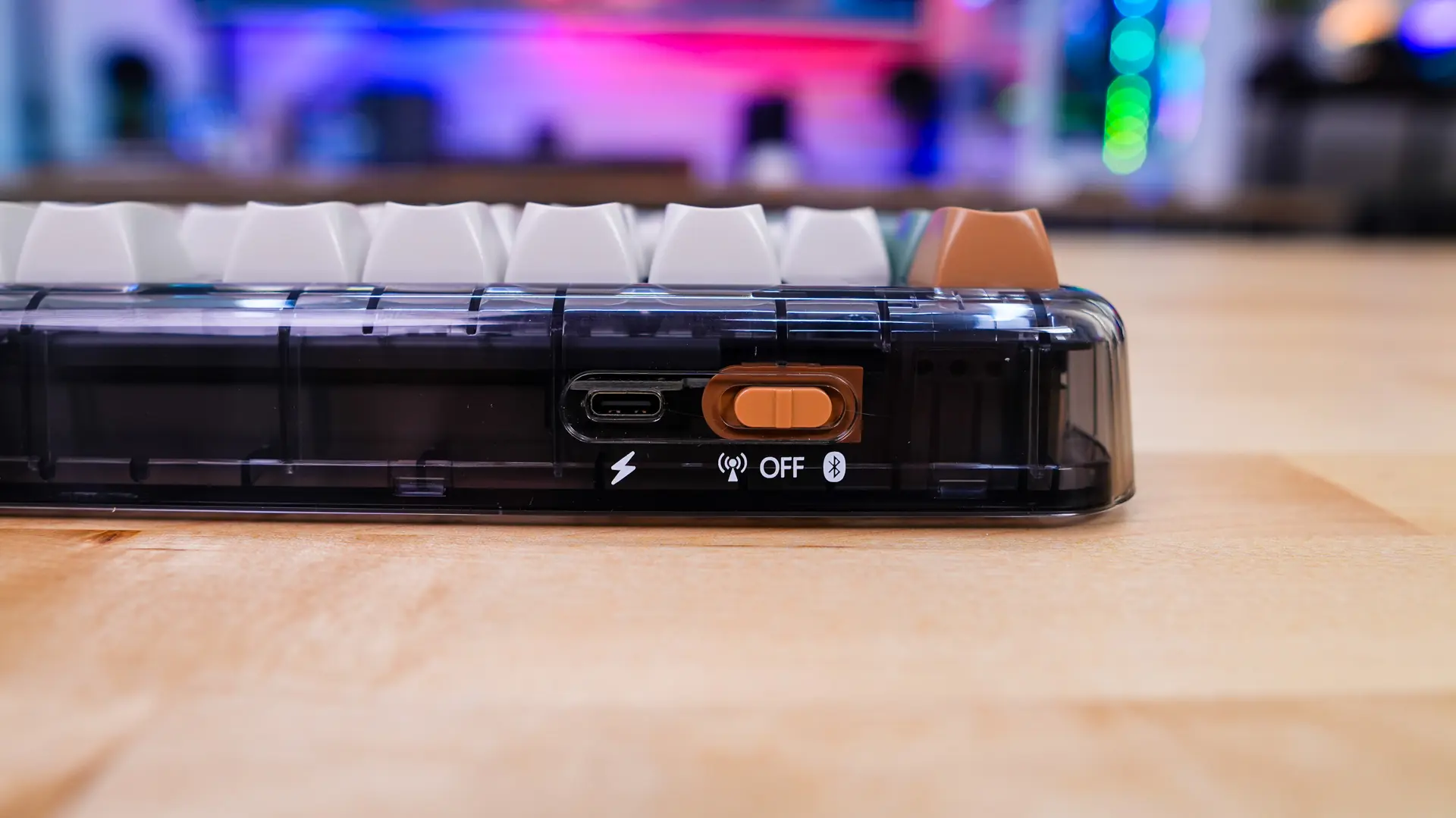
On the front edge of the keyboard you’ll find the only connection on the keyboard which is a USB-C. This can be used to charge the keyboard or use it in wired mode. Right next to it is a mode switch. This is a tri-mode keyboard so you can use it wired, wireless via Bluetooth, and wireless via 2.4 GHz with the included dongle.
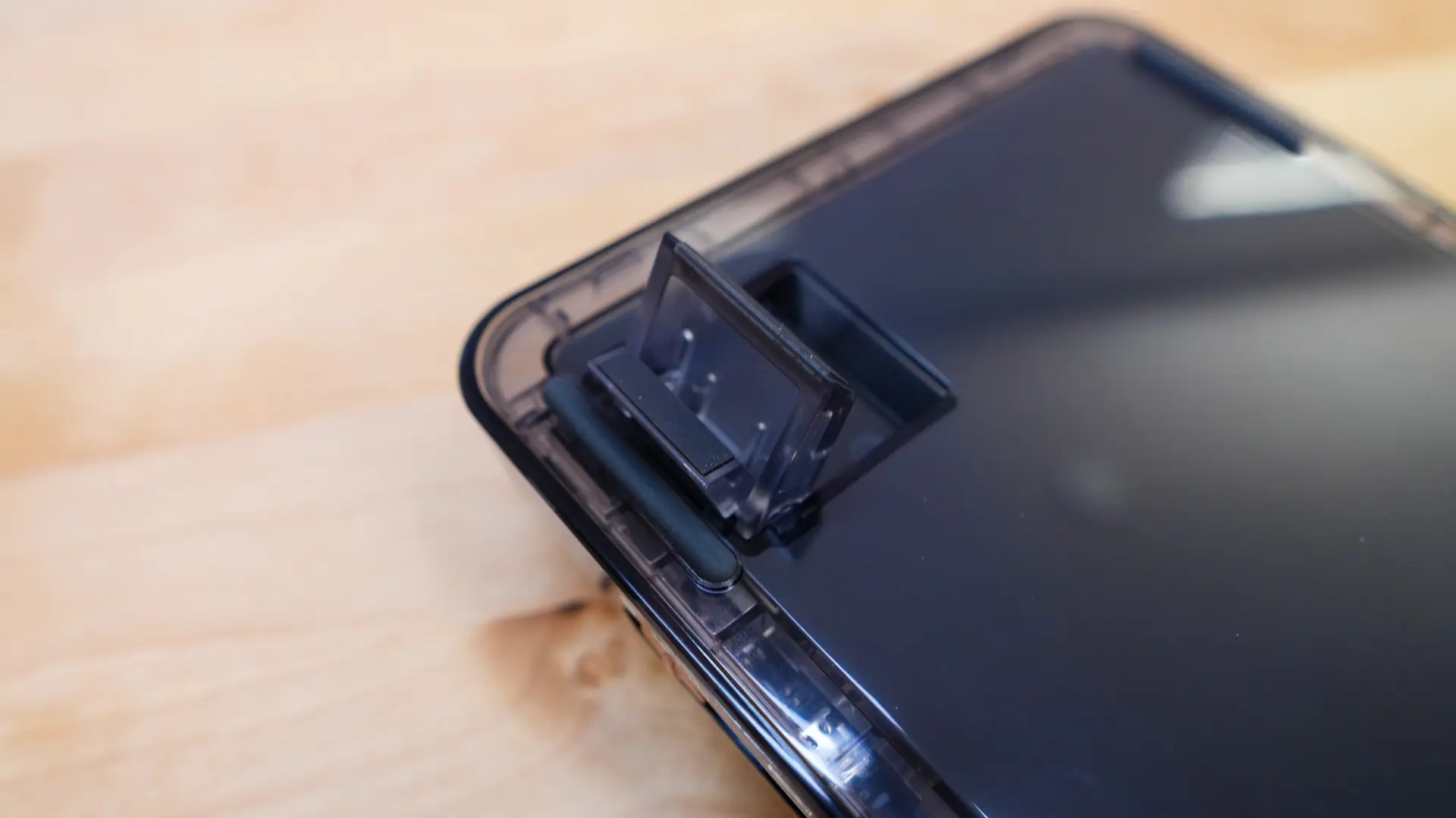
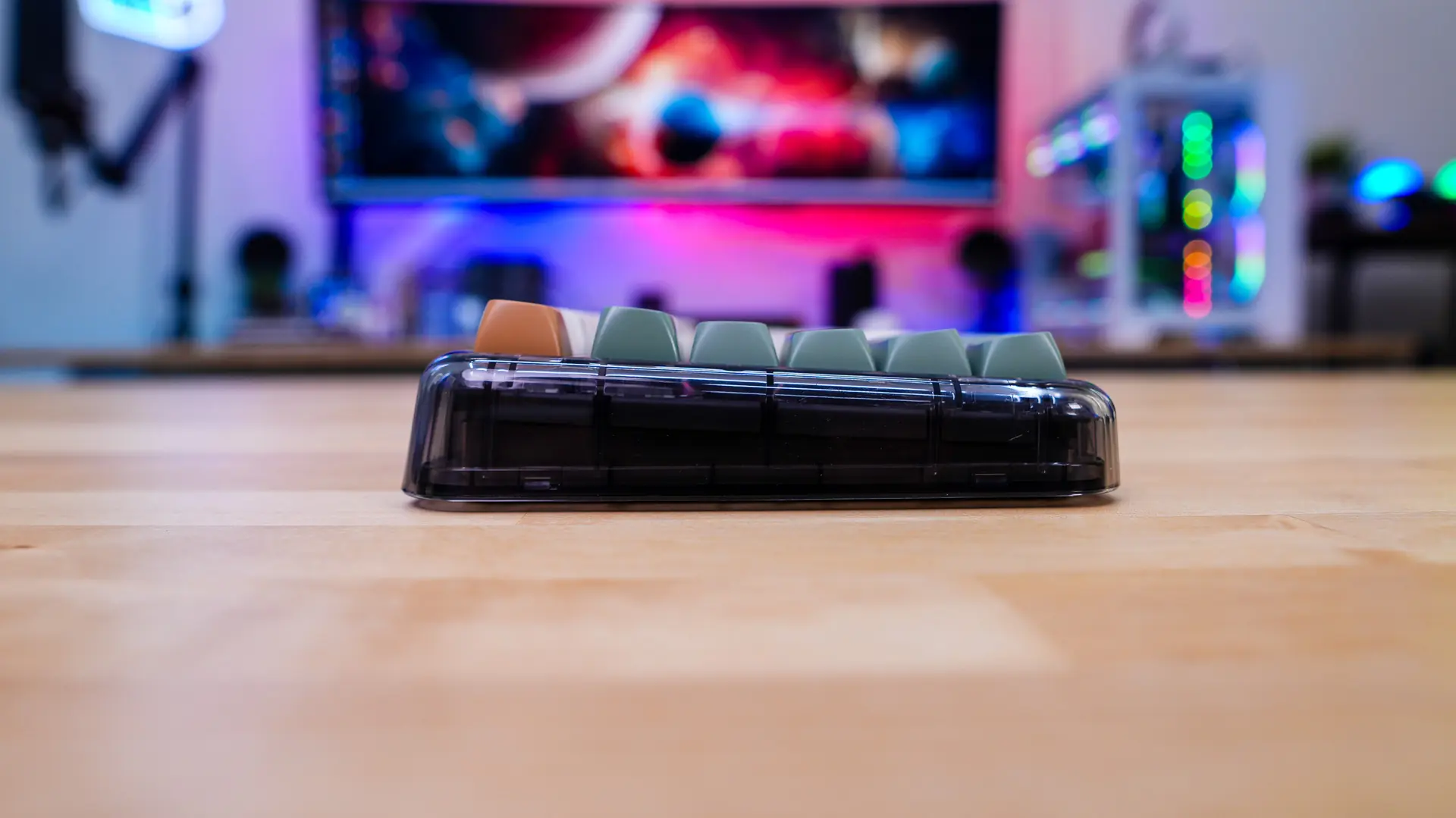
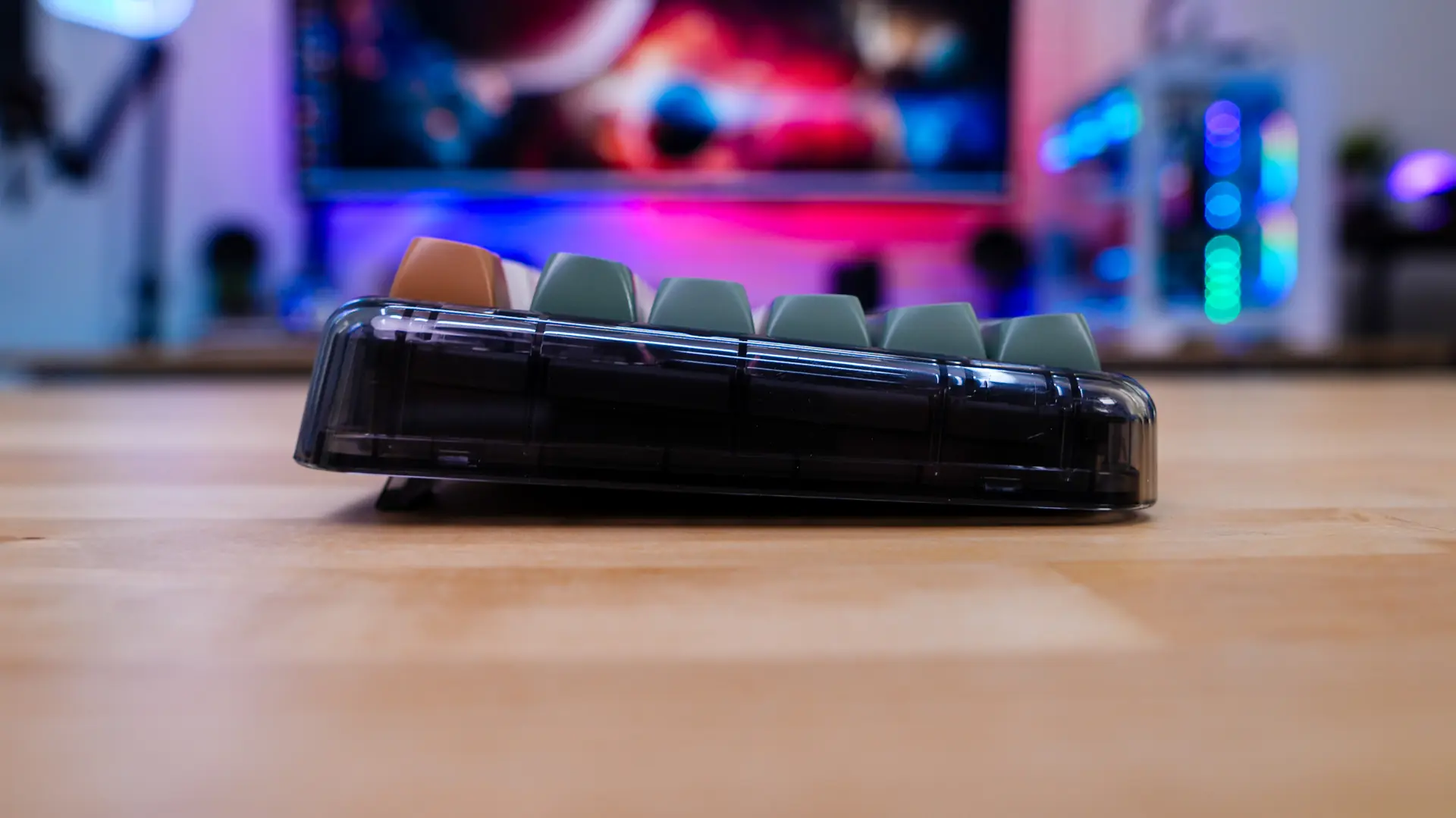
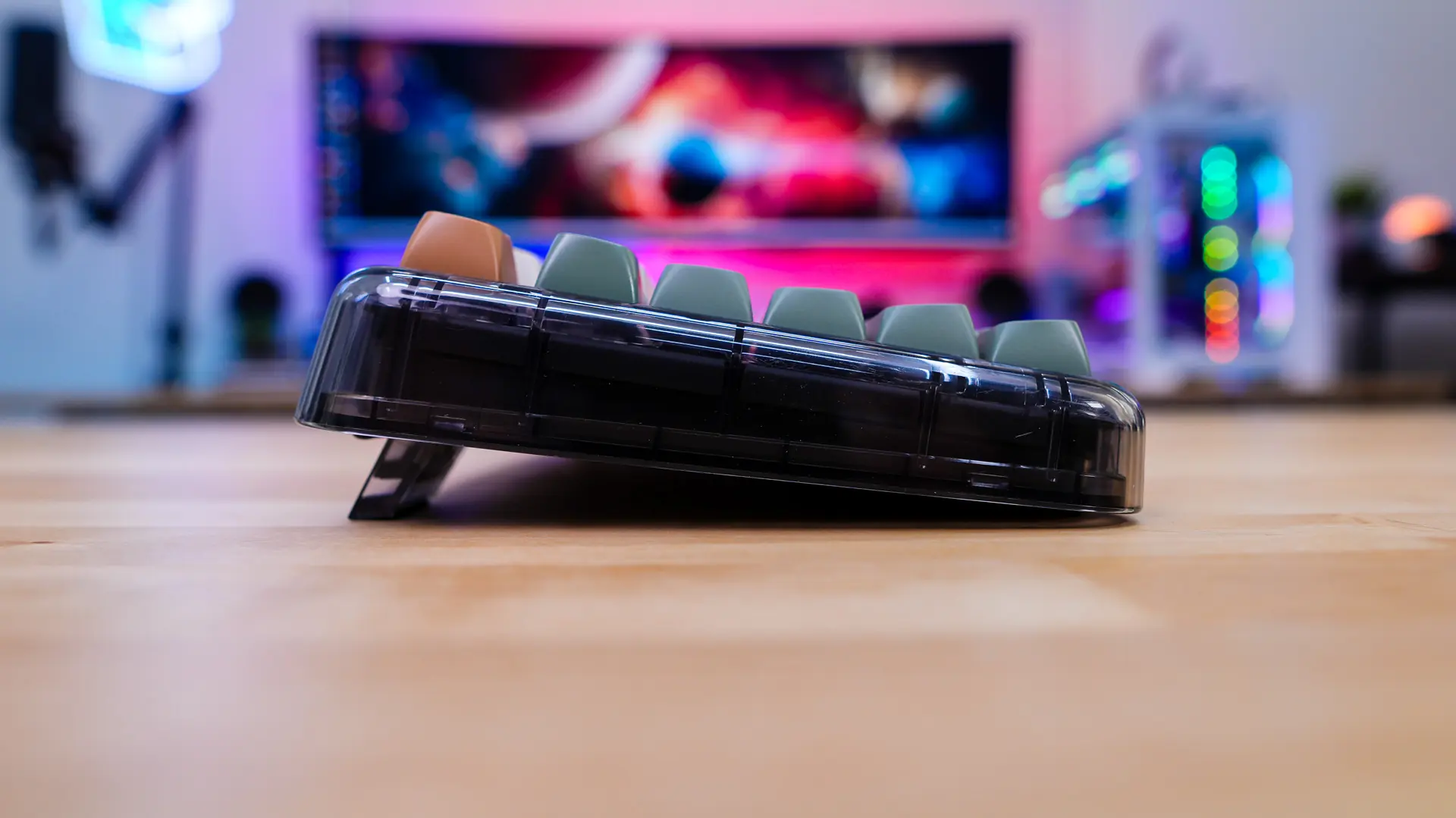
By default the keyboard sits at a slight angle, but you can use the pop-out feet to adjust that angle. There are two “higher” adjustments.
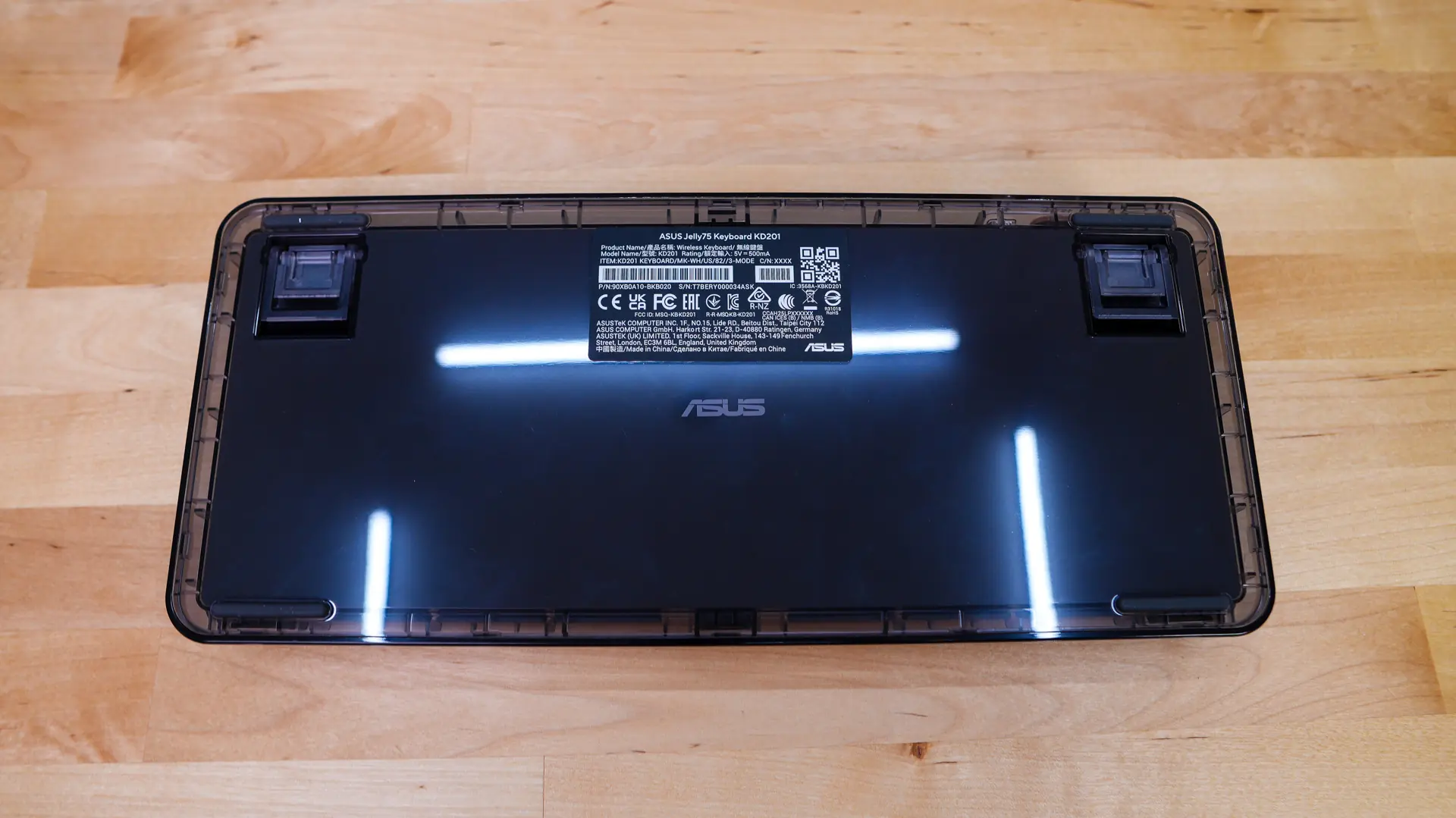
Flipping the keyboard over there are four rubber feet that will keep the keyboard in place on your desk and we can also see those pop-out feet.