Final Thoughts on the ASUS Jelly75 Keyboard (KD201)
When I first saw this keyboard from ASUS I was actually quite excited to see a non-gaming keyboard from them target at power users who wanted something better than your standard keyboard. After spending almost a month with this keyboard there was a lot to like, but it seems ASUS dropped the ball on a few things as well.
The two biggest things for me was that there is so software support and not indication to let you know if Caps Lock was on or off. Having no software support was a weird one as ASUS already has Armoury Crate available for other keyboards. So if you wanted to reprogram the keyboard, setup macros, or even set when it goes to sleep while in wireless mode you can’t. The no indication for Caps Lock also just made you wonder. Pretty much every keyboard I’ve reviewed for the past few years had some type of visual cue that Caps Lock was enabled. For some reason ASUS did not add one here on the keyboard. There were also little things like the keyboard not coming with a keycap or switch puller (even though its hot-swap) or having a place to store the 2.4 GHz dongle.
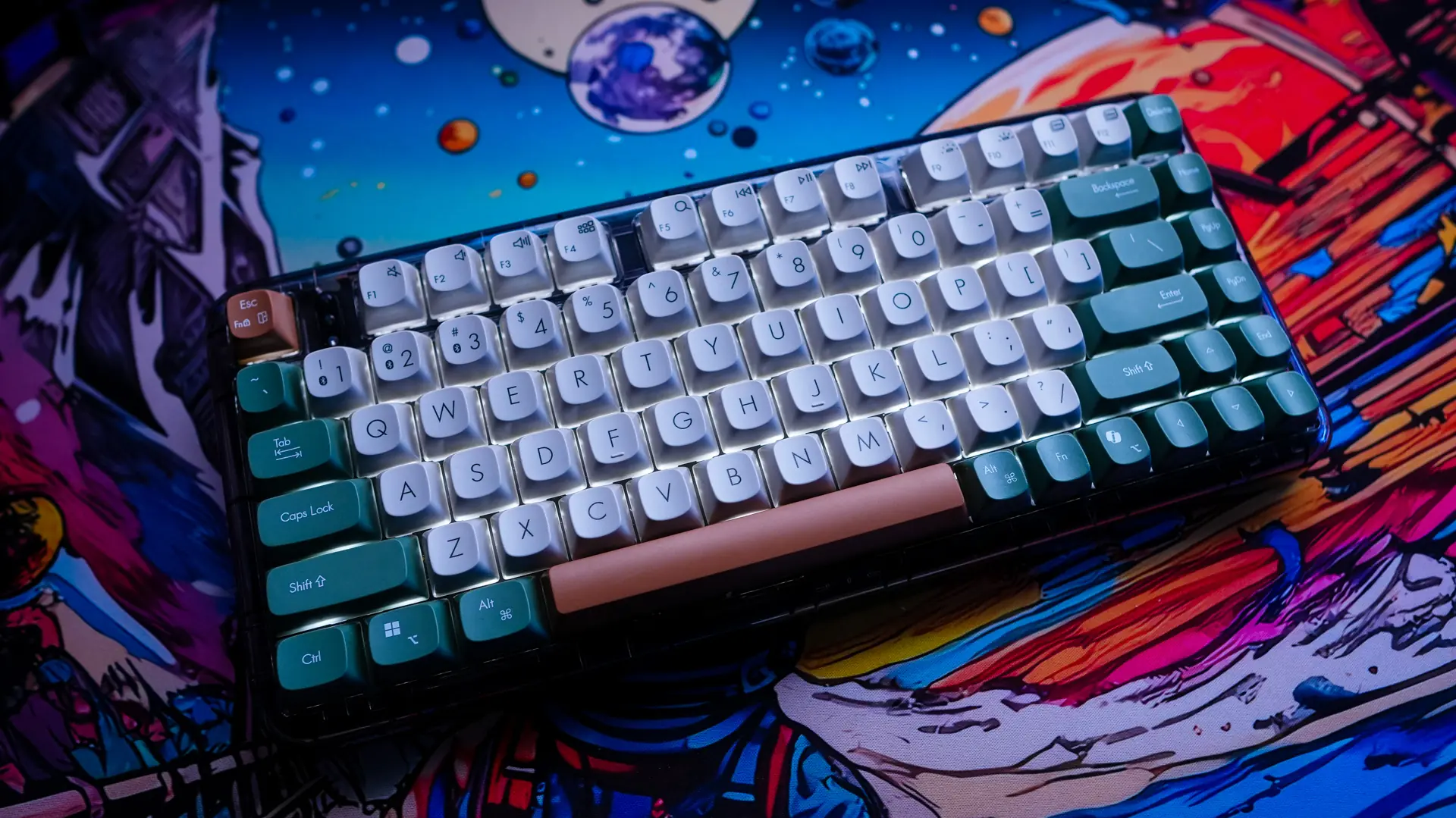
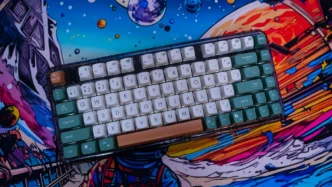
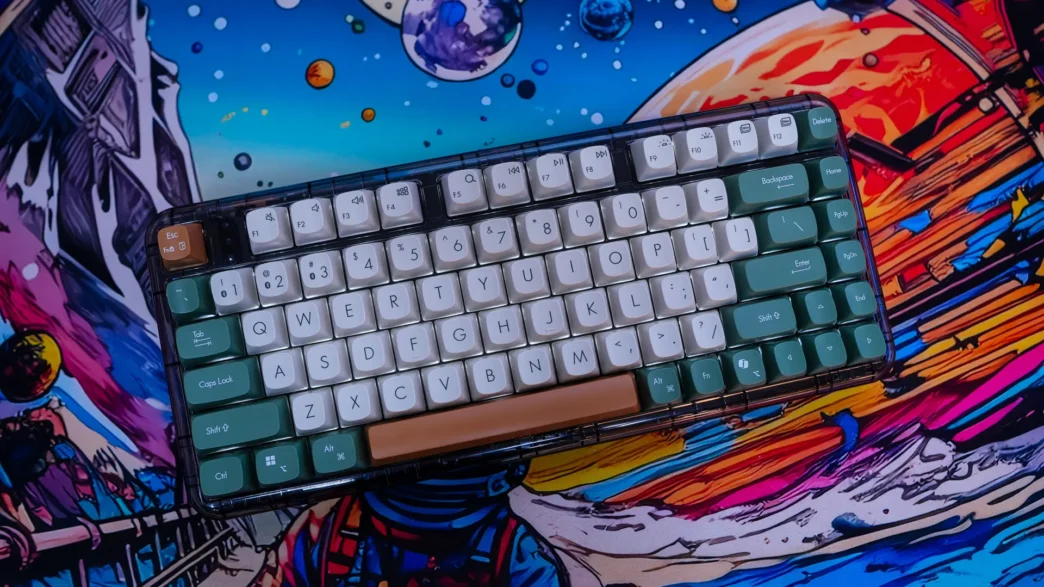
While there were some pretty obvious missteps with this keyboard, ASUS did a lot right too. First the design is great. The two colorways look excellent, the rounded edges, and the taller keycaps with larger legends really give this keyboard a retro-modern look which I love. The keyboard is extremely comfortable to type on thanks to its gasket-mount design and dampening layers. On top of that it has a pretty good sound profile overall.
The tri-mode connectivity is great and I tested swapping from device to device and it was pretty seamless. I also liked that the backlighting on the keyboard is just white, not full RGB.
Right now you can pick this keyboard up at our favorite online retailer for $129.99. I think that price is a bit high considering some of the downfalls of the keyboard that I mentioned. Overall ThinkComputers gives the ASUS Jelly75 Keyboard (KD201) an 8 out of 10 score.

Pros:
– Unique design and colorways
– Very comfortable
– Good sound profile
– Tri-mode connectivity
– Gasket-mount design
Cons:
– No software support
– Price
– No Caps Lock indication
– No keycap / switch puller included
– No place on the keyboard to store the 2.4 GHz dongle