ASUS ROG Falchion Ace 75 HE Keyboard Overview
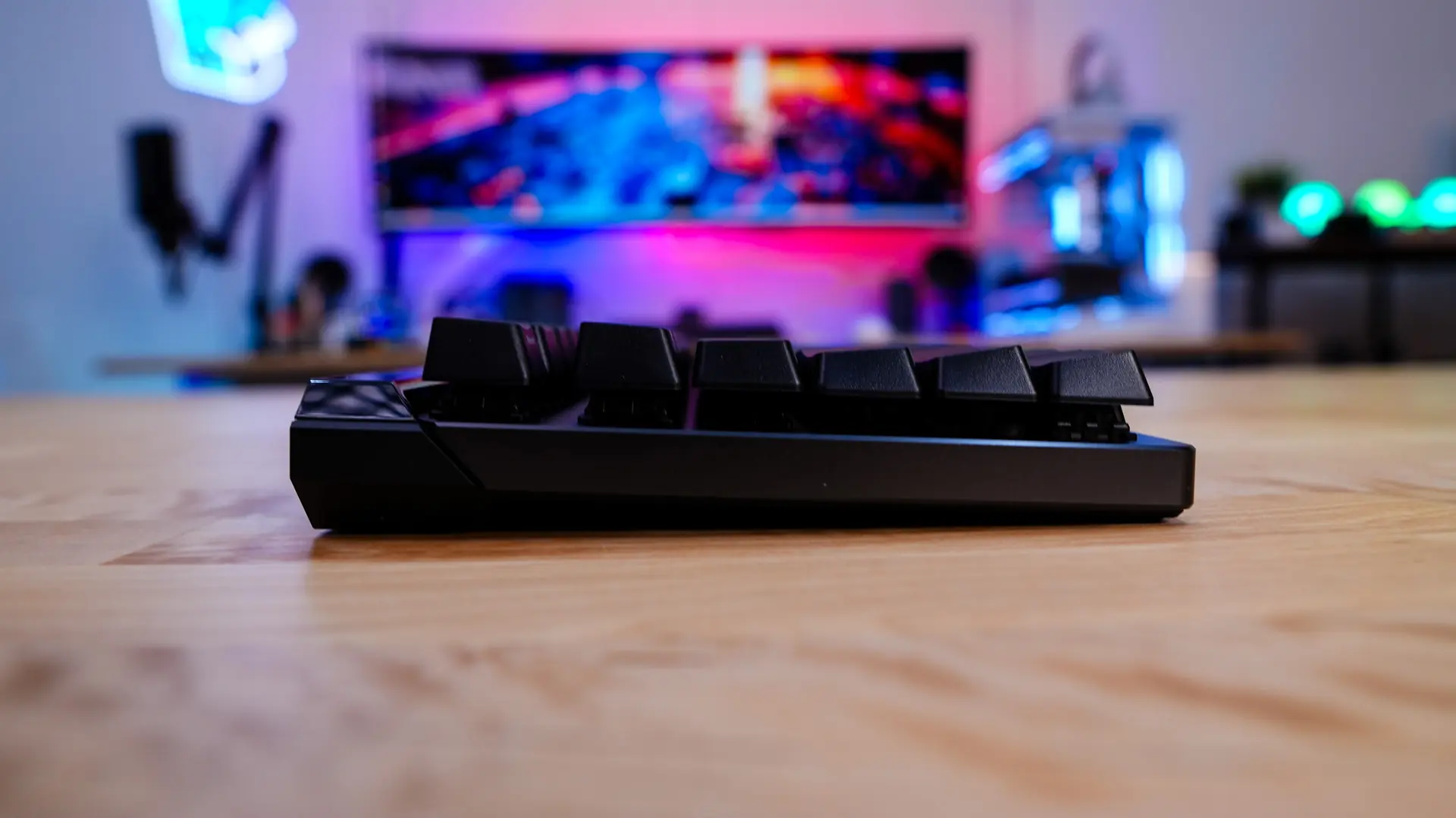
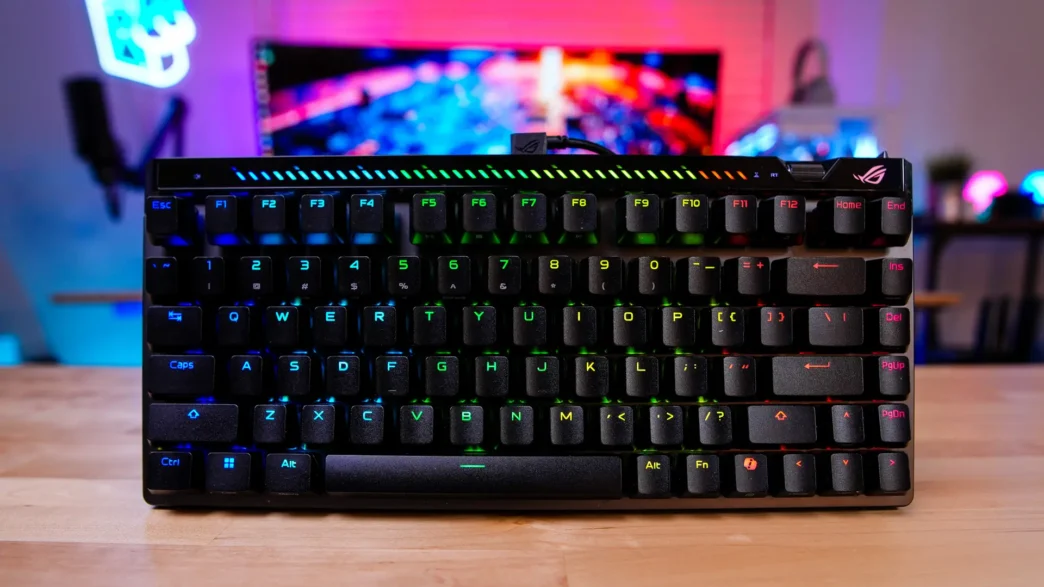
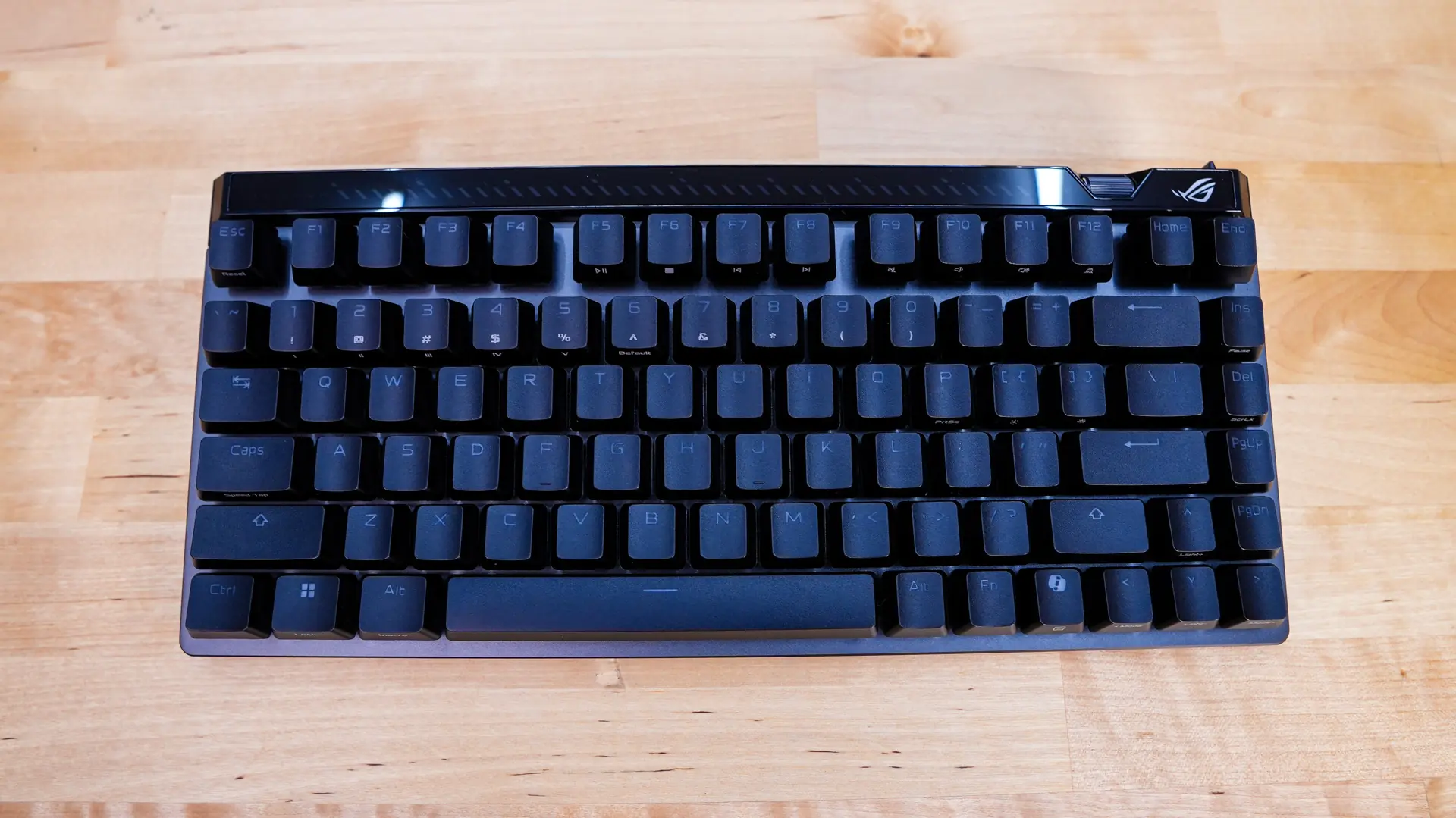
Taking a first look at the ROG Falchion Ace 75 HE one of the biggest changes we see over the ROG Falchion Ace HFX is going to be the size. So we now have a 75% layout instead of 65%. This now gives you a dedicated function row, which many people will appreciate. 75% is still quite small compared to a full-size keyboard, so it is not like this keyboard is going to take up a whole lot of room on your desk.
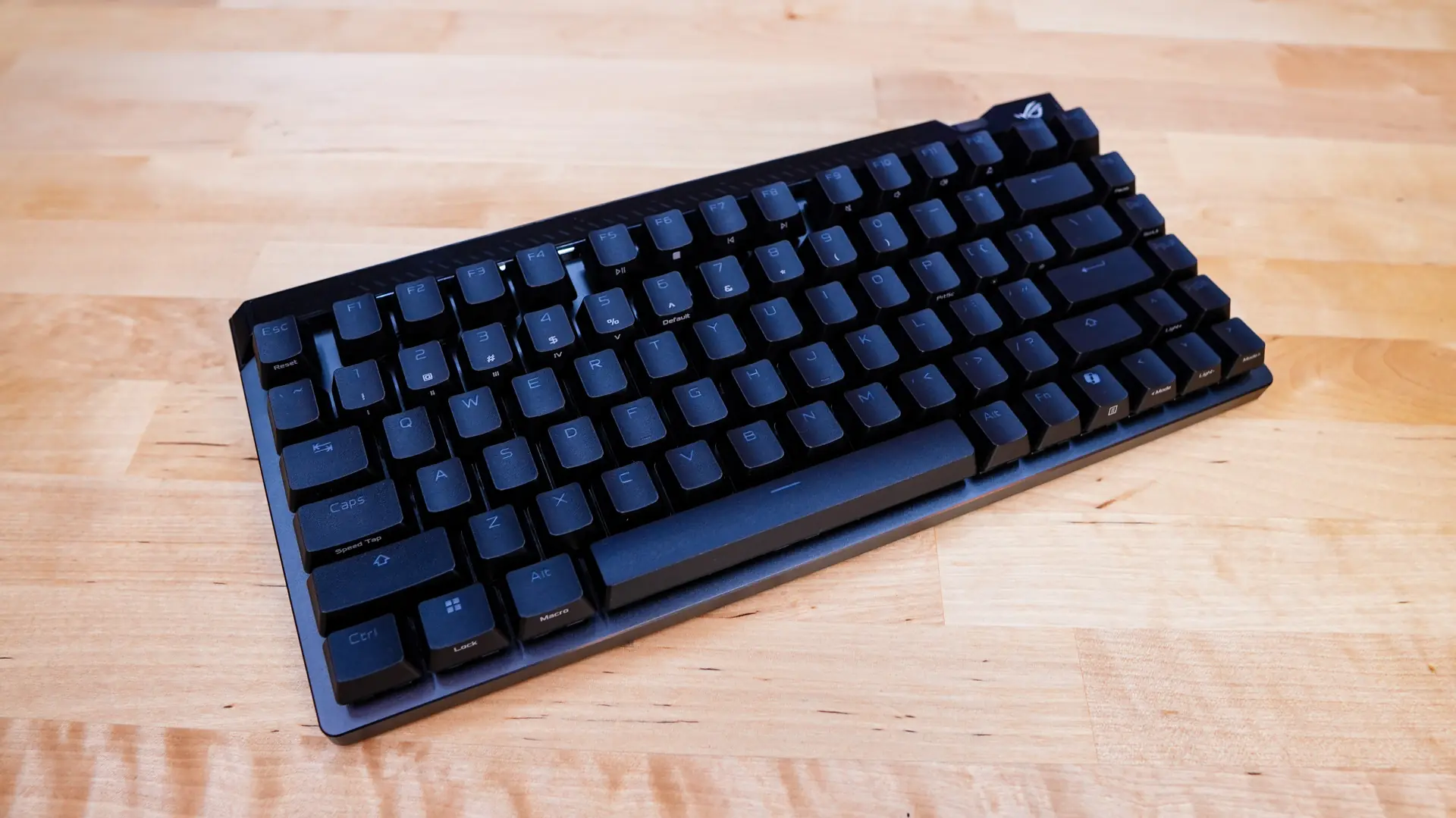
We received the black version of the keyboard, but it will also come in white as well as the newest colorway, which is red. Picking up the keyboard it has a very solid feel to it. ASUS is making use of a 6-layer dampening design which is made up of silicone foam, a PORON switch pad, PORON dampening foam, a silicone pad, a second layer of PORON dampening foam, and finally a silicone strip. This will ensure that the keyboard not only sounds great, but also feels great when you are using it.
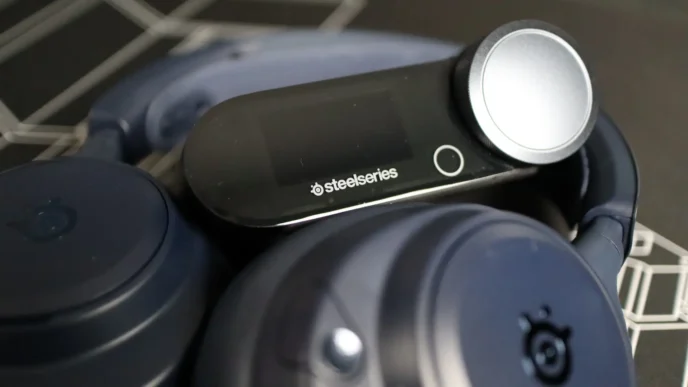
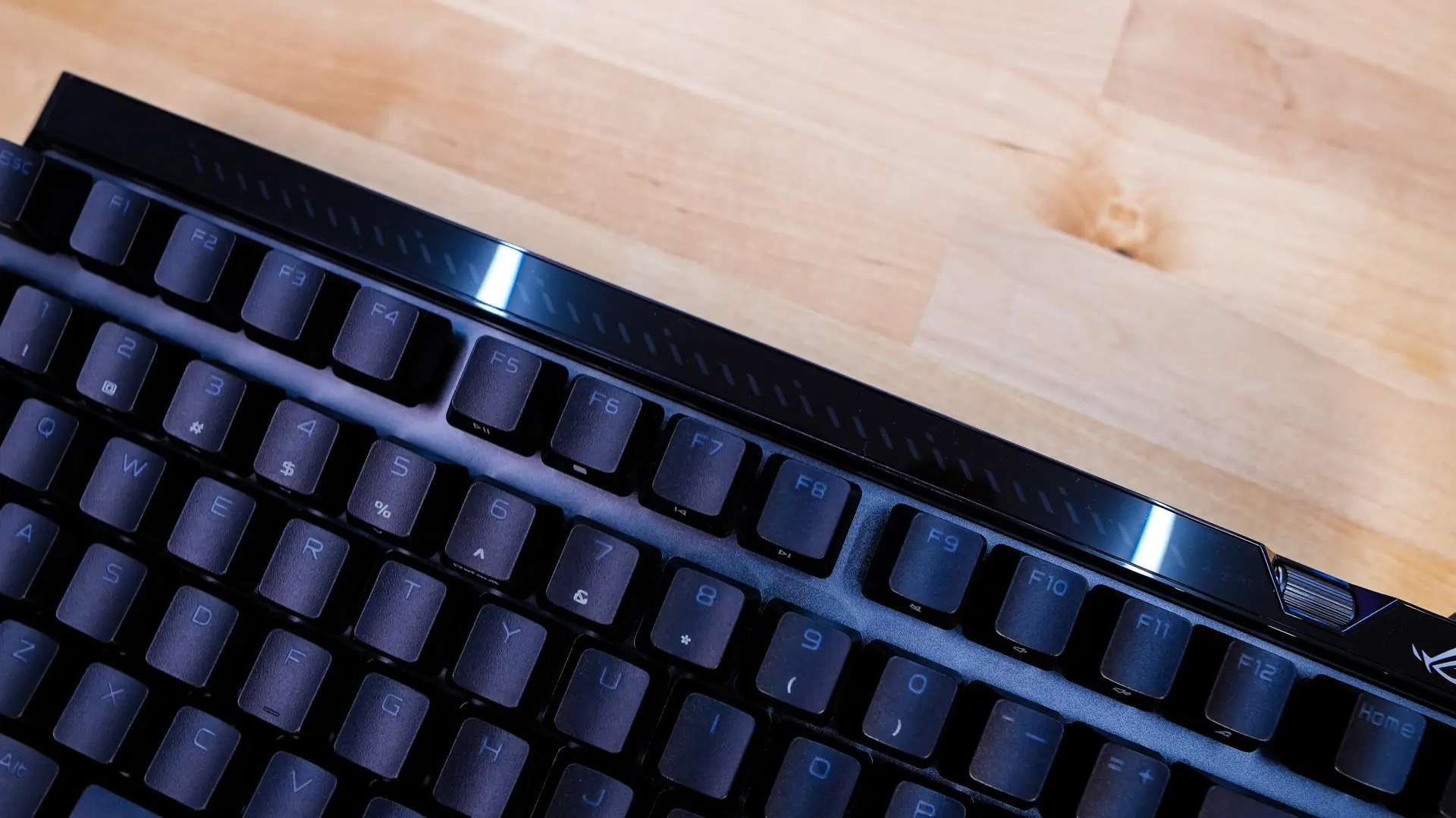
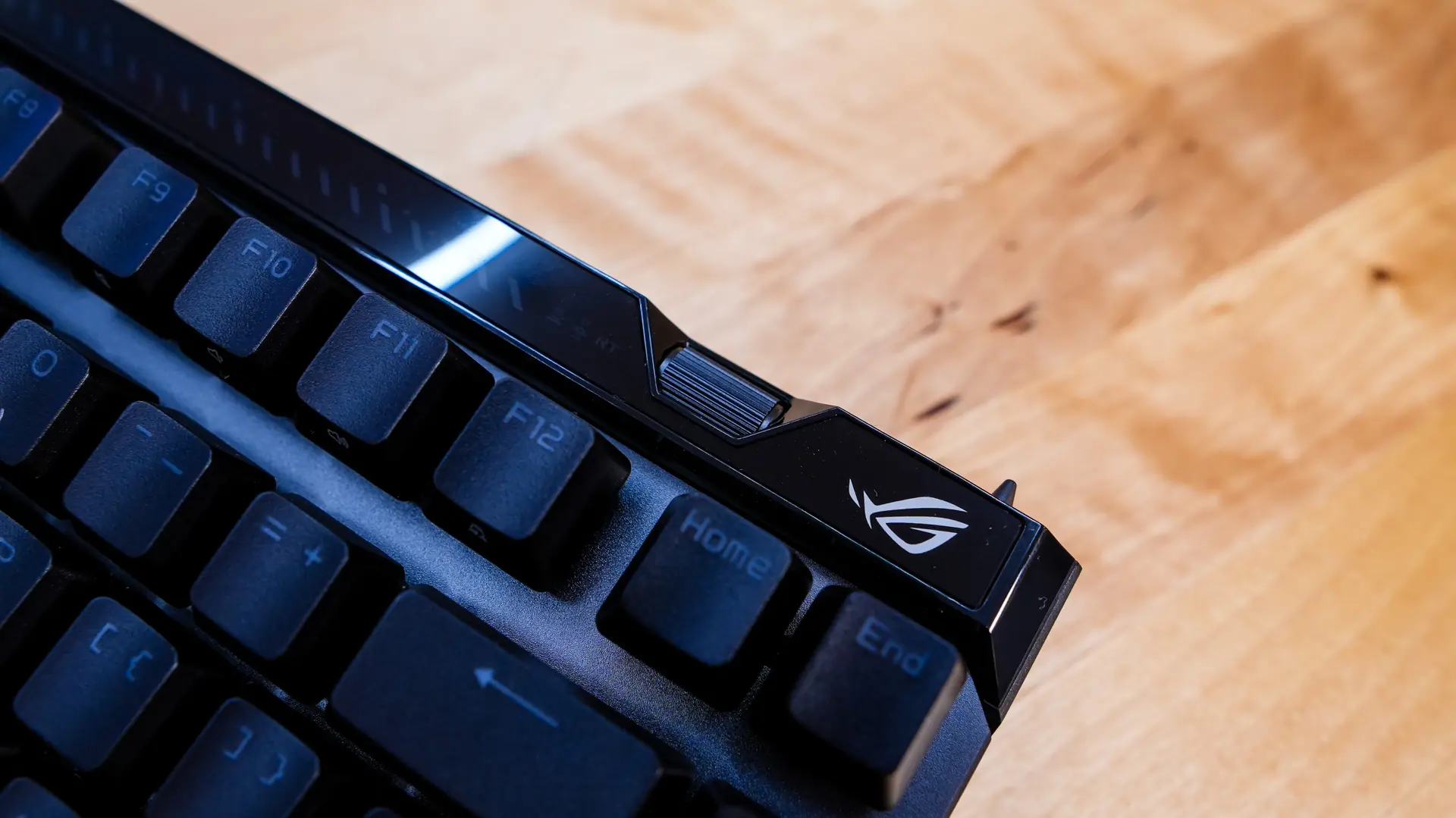
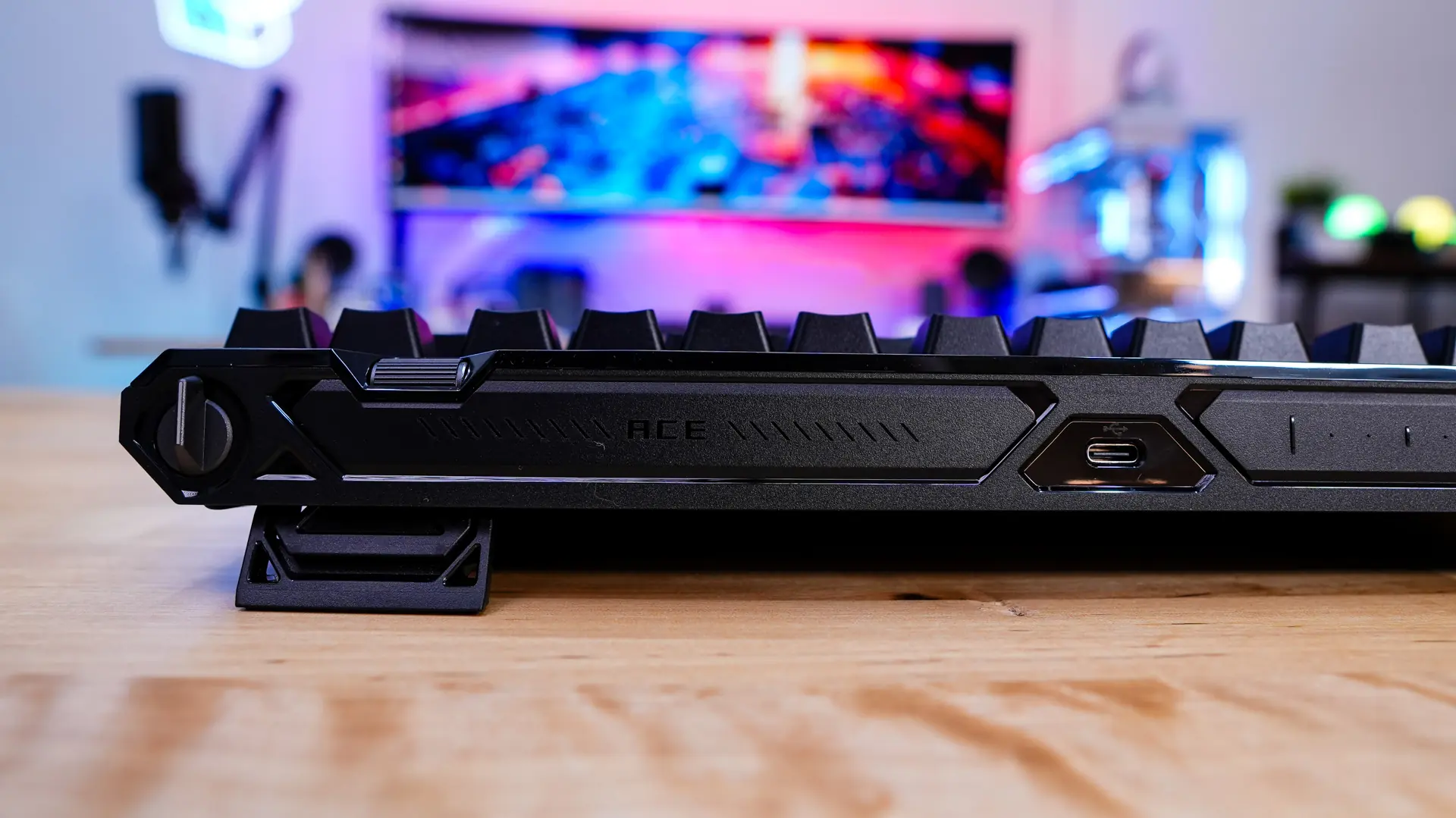
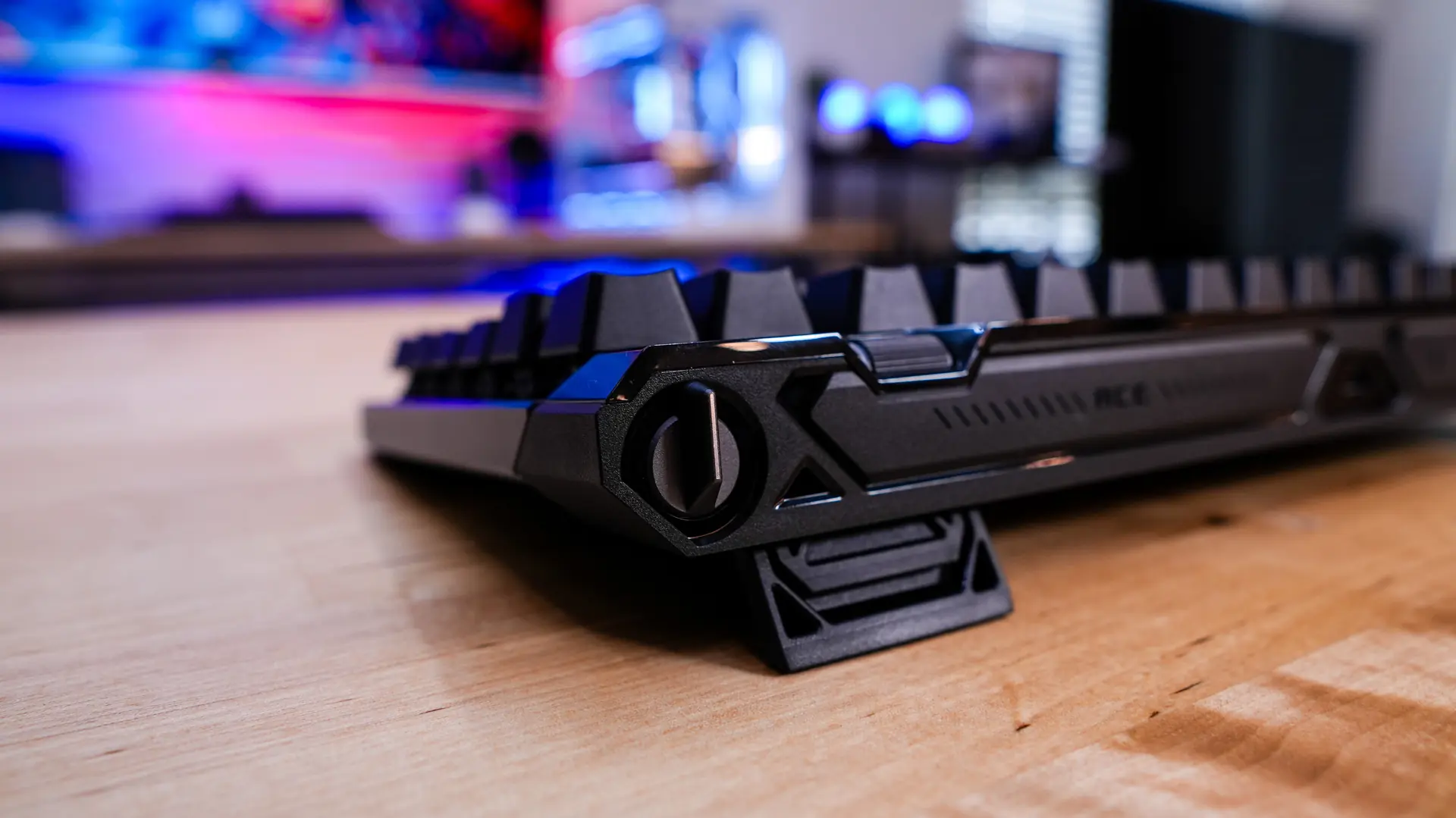
On the top of the keyboard there are indication LEDs for the interactive touch panel, a sensitivity adjustment wheel, and a smaller ROG logo towards the end. This adjustment wheel allows you to switch between actuation point and rapid trigger sensitivity adjustment by pressing it in, then you can roll the wheel to fine-tune your preferred settings.
There is quite a lot going on when it comes to the top-edge of the keyboard. First right in the center we have our USB-C connection. For those wondering this is a wired-only keyboard.
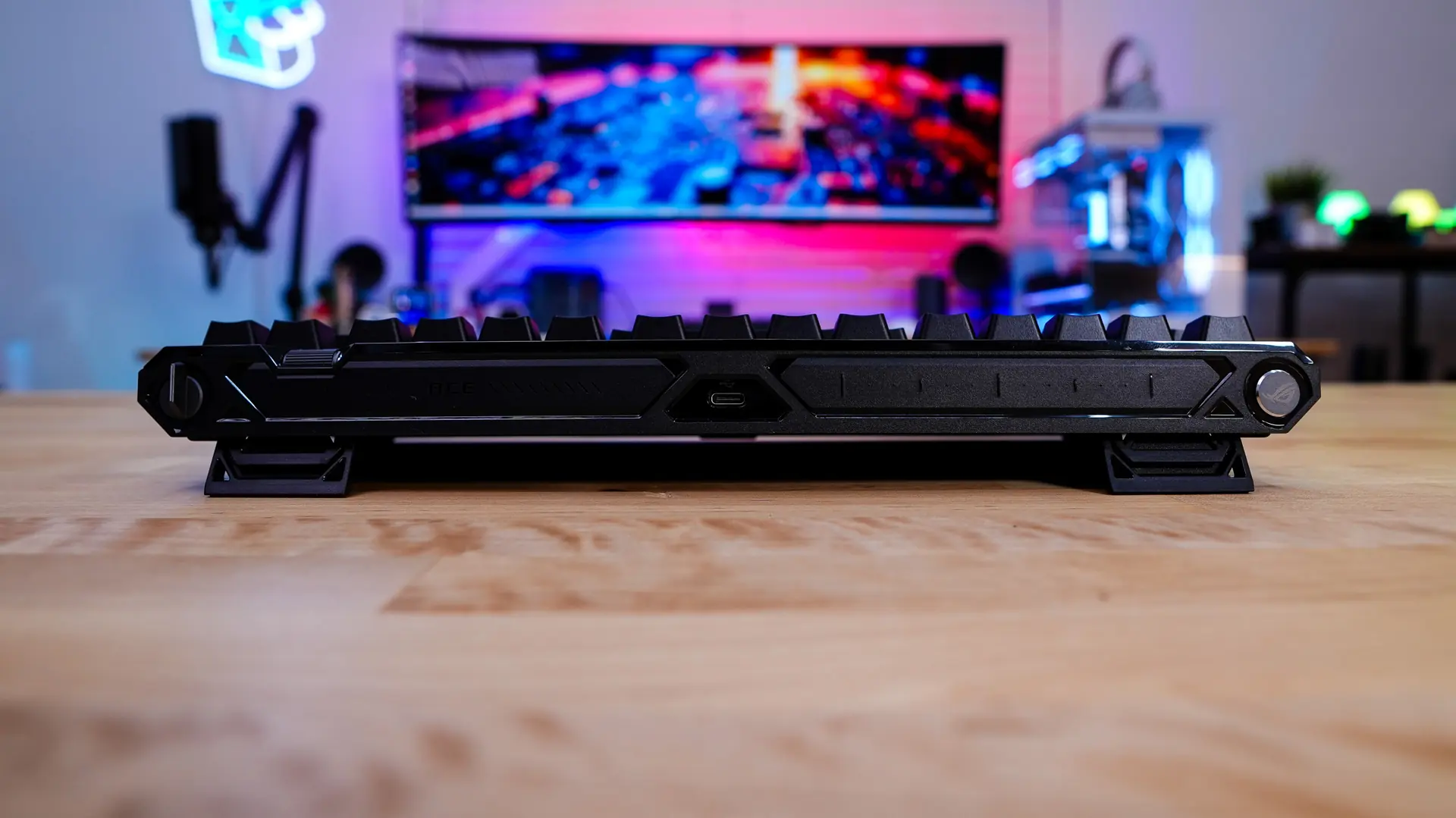
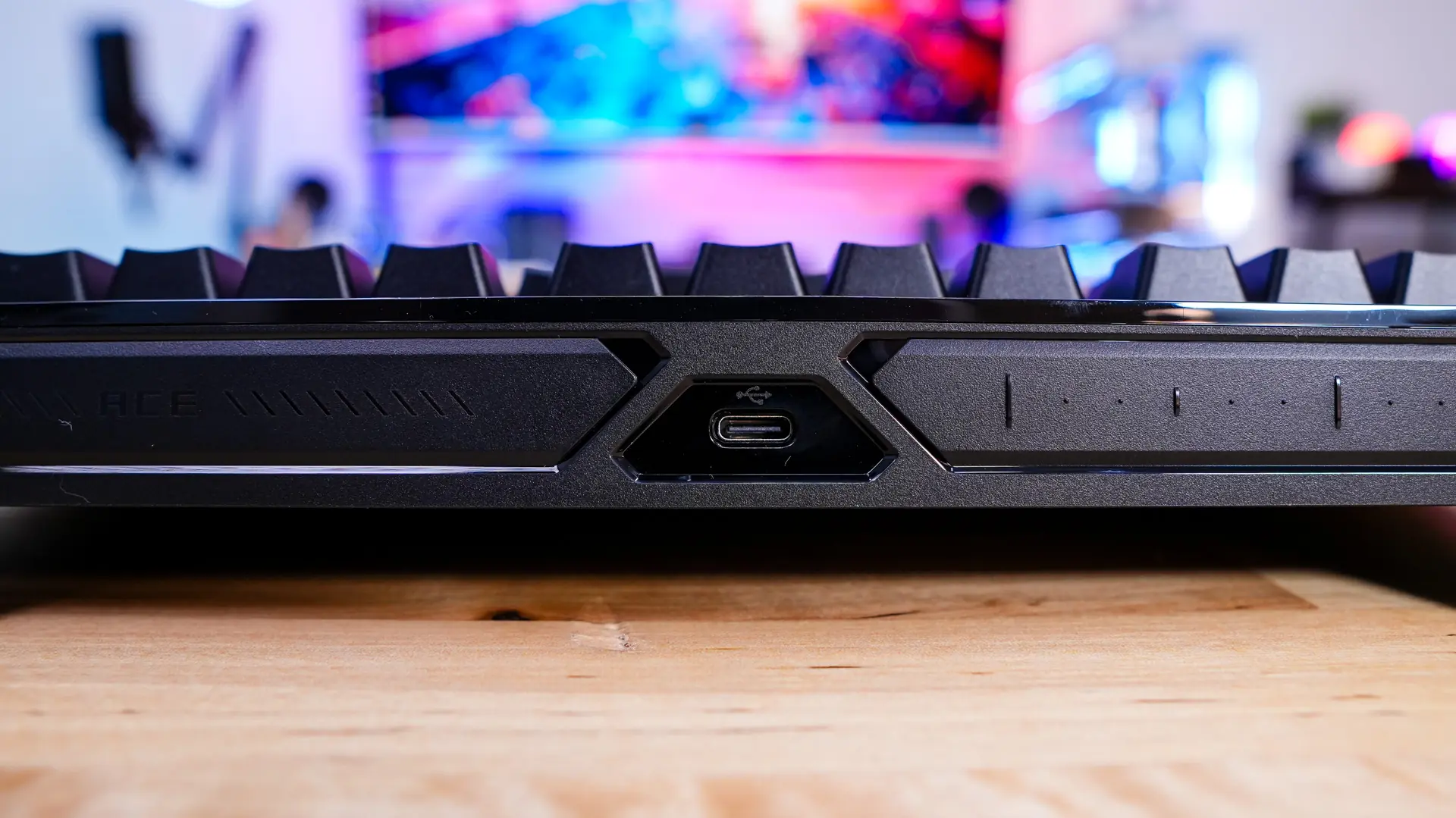
To the right of the USB-C connection is your interactive touch panel and multi-function button. The multi-function buttons allows you to swap between volume, media playback, lighting effects, and custom commands. Then you use the interactive touch panel to swipe to adjust these settings.
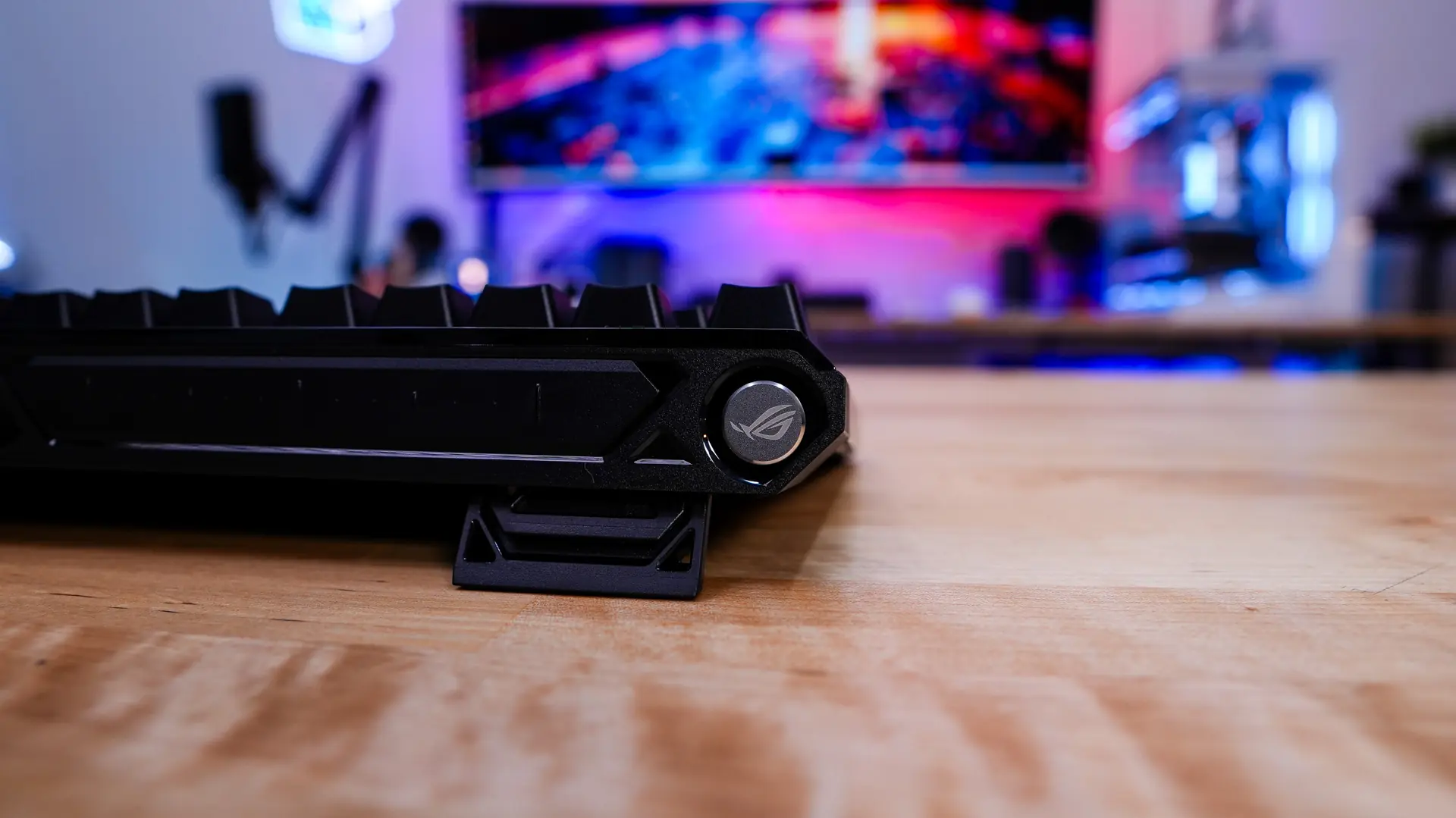
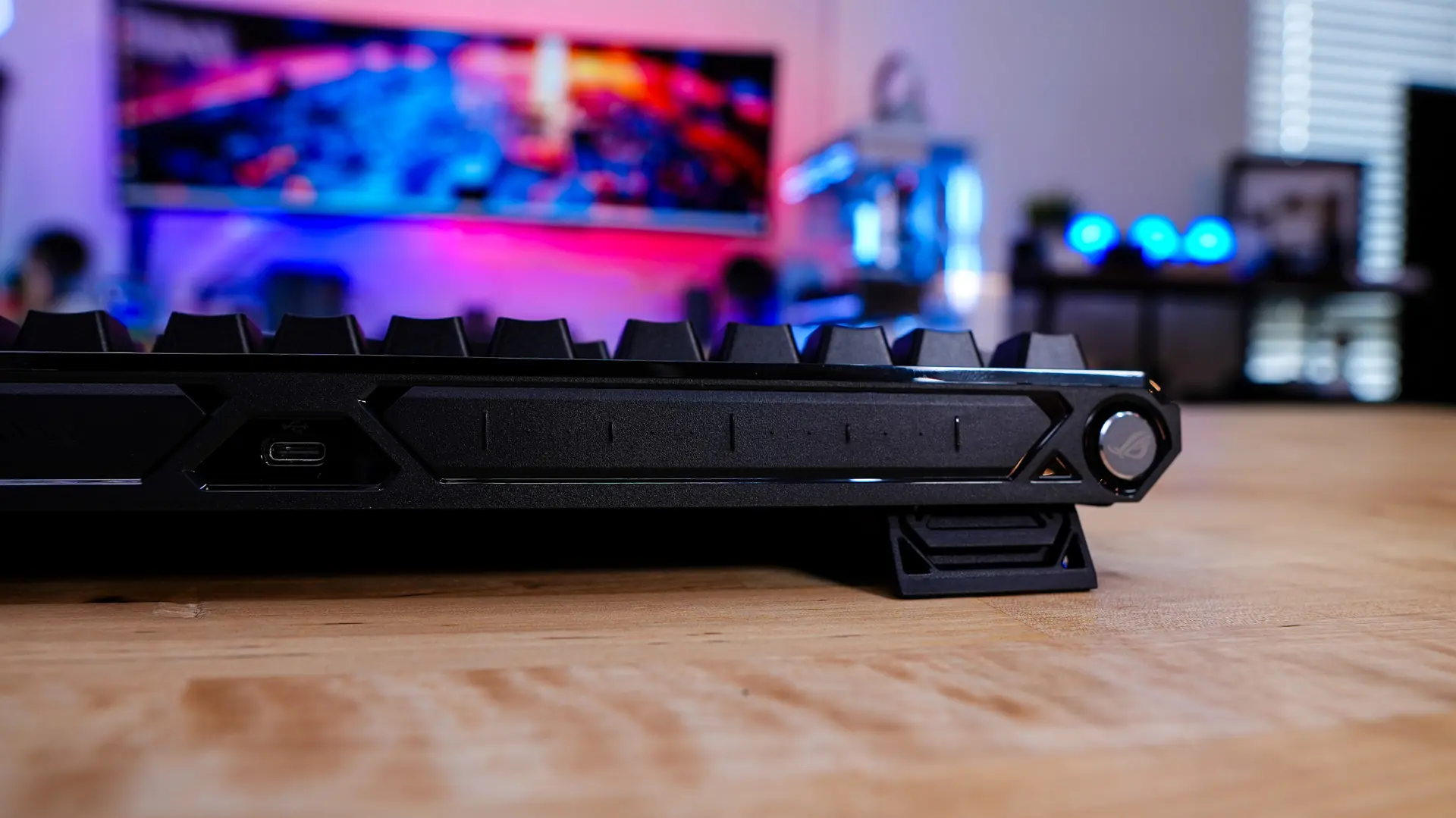
On the opposite side is going to be your rapid trigger toggle switch. This allows you to easily enable or disable rapid trigger. This method is so much easier, and faster than having to get into software or other settings to enable or disable it on the fly.
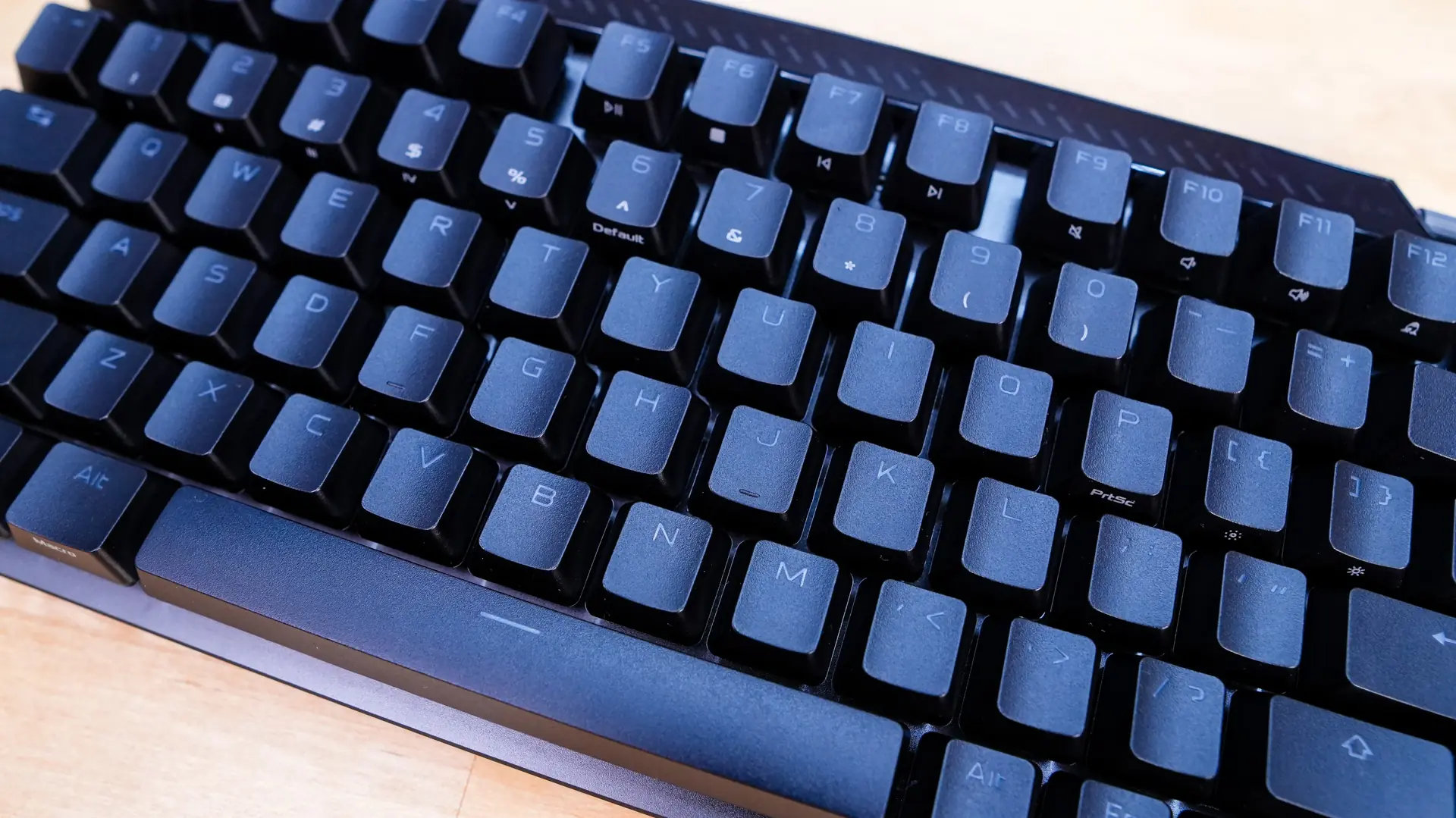
ASUS has outfitted this keyboard with their new ROG PBT keycaps. These keycaps are quite rough compared to others I’ve used, which is a good thing. It prevents your fingers from slipping and gives you that really good feel when you are typing / gaming. The keycaps themselves have see-through legends on them, which will light up with RGB lighting when you have the keyboard plugged in.
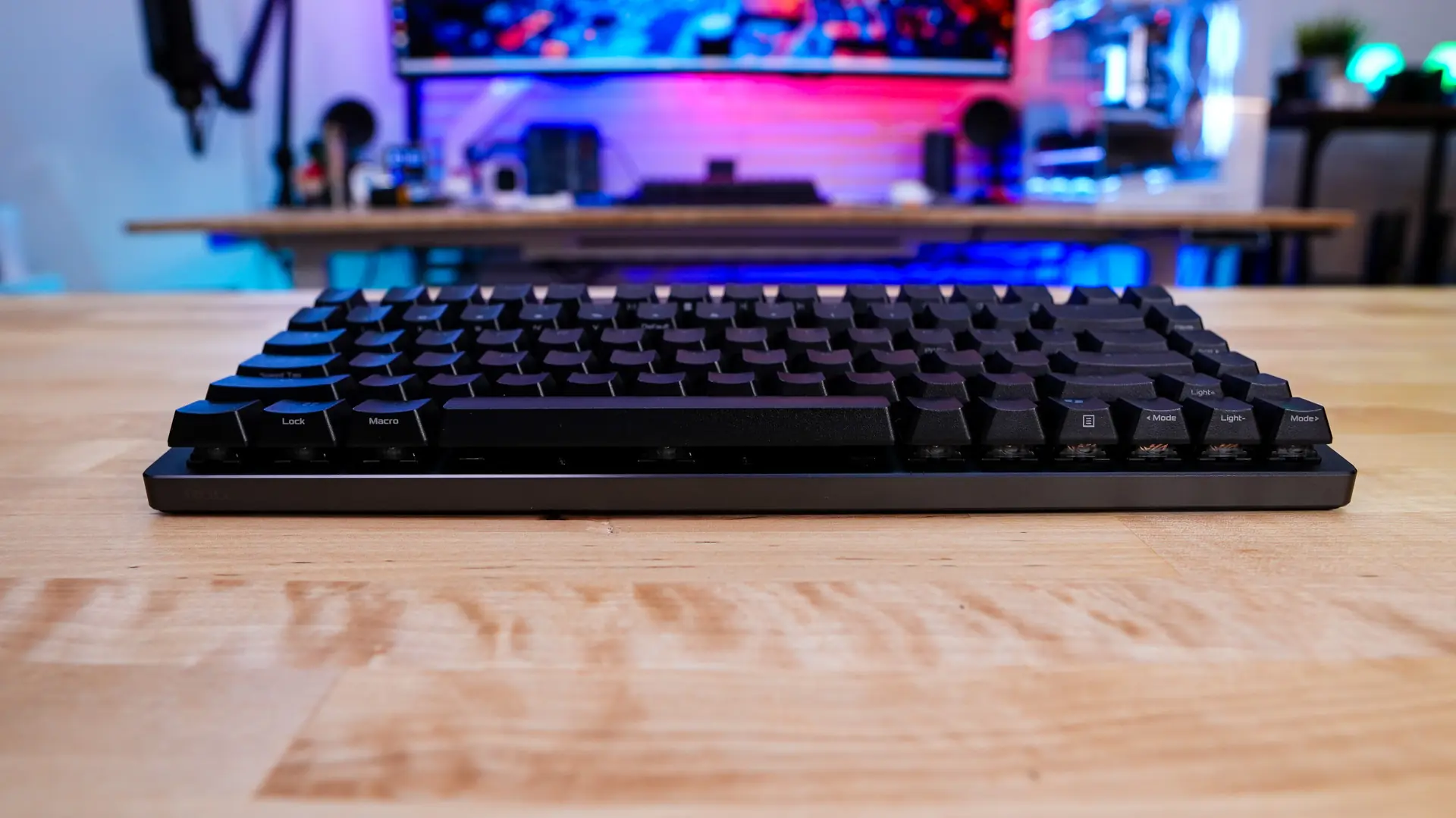
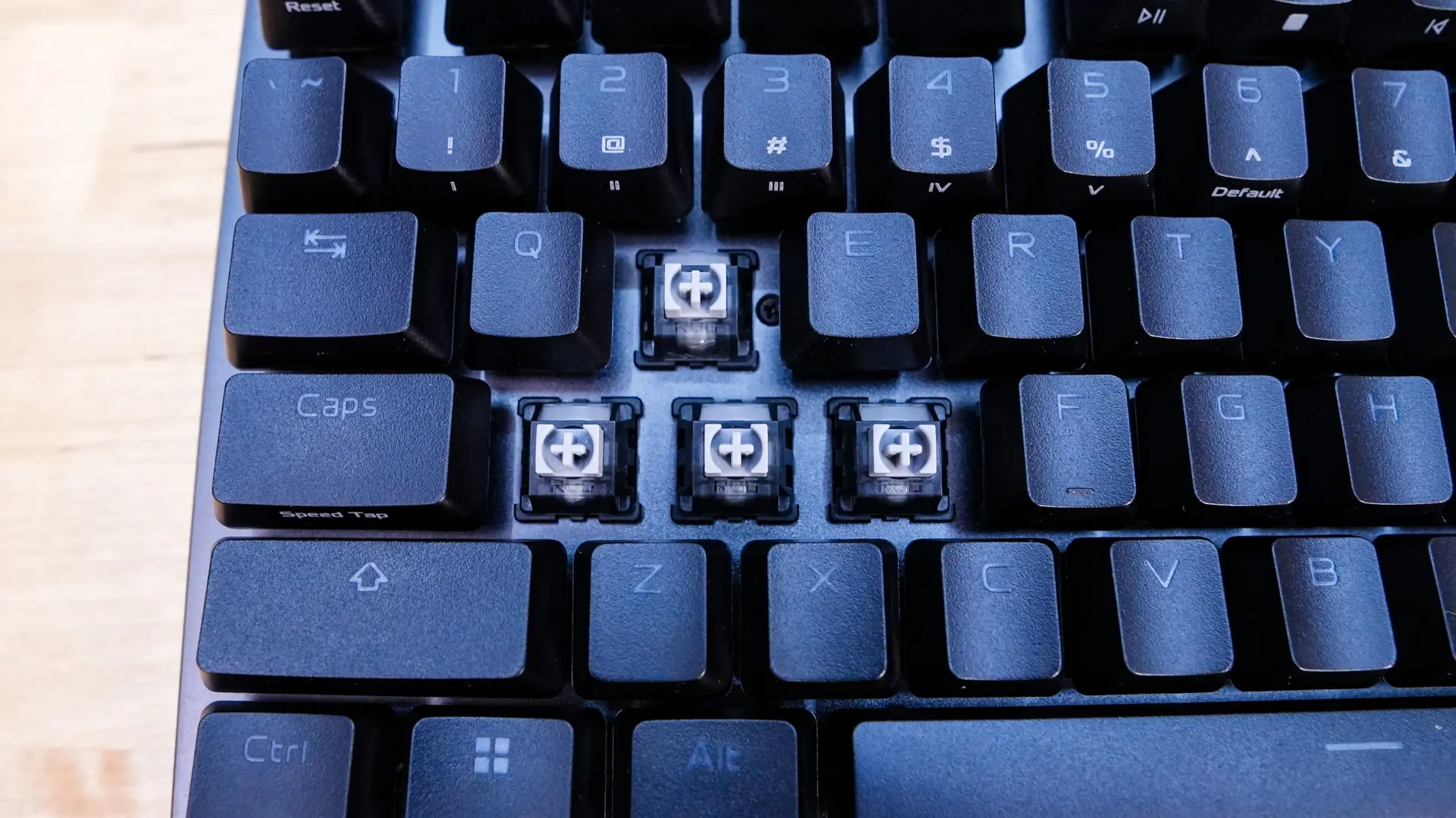
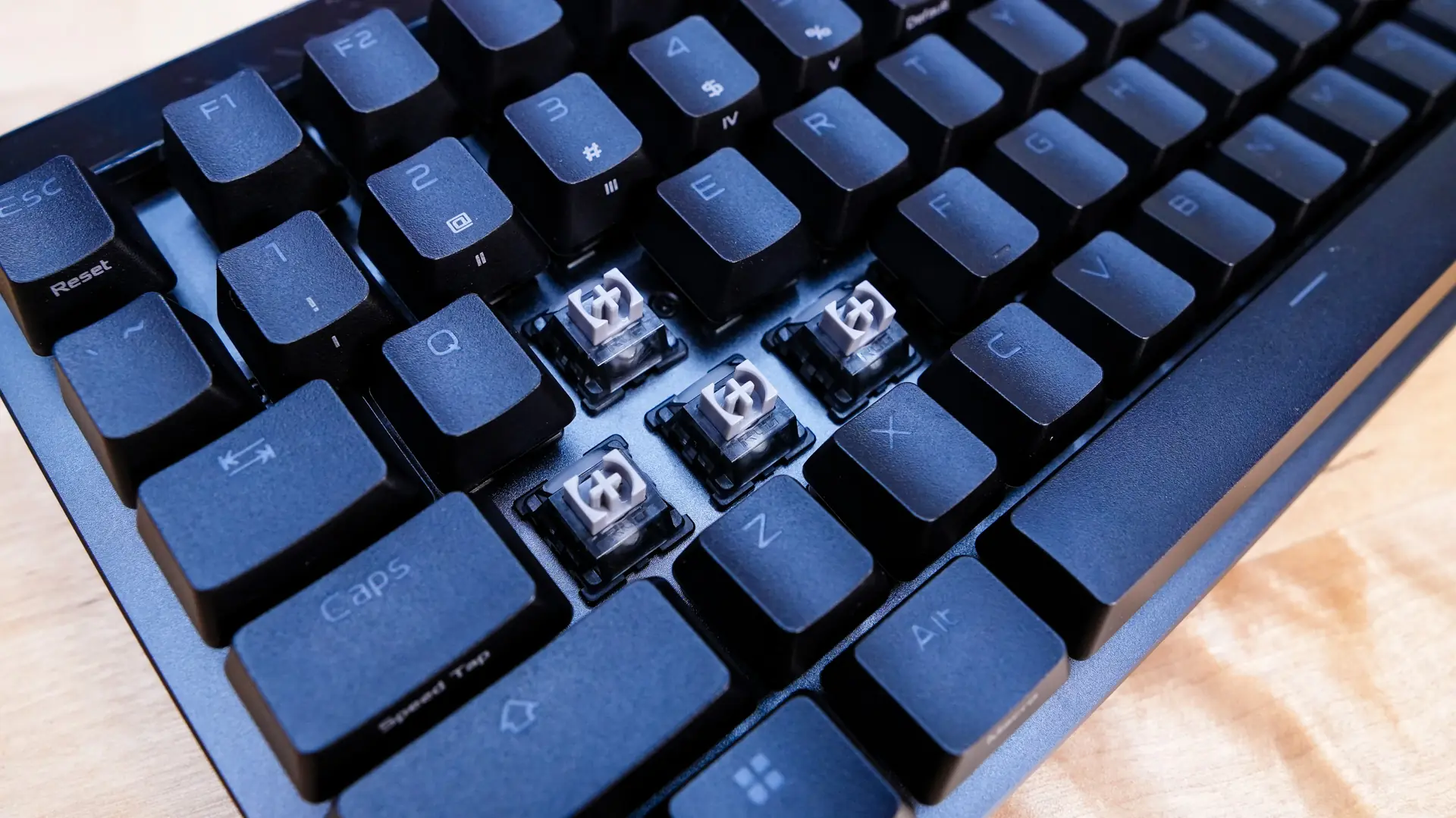
Under those keycaps you’ll find the ROG HFX V2 magnetic switches. These have been improved over the previous version. Now you have shorter travel distance of 3.5mm and a lighter actuation force of 32gf. We now have a POM stem which is lubricated, which should give these switches a really smooth feel. The stem uses a block design, which will help with key wobble. The magnet is larger on these too, which allows for more fine-tuning. You now have the ability to set the actuation point in 0.01 mm increments. Another really cool thing about these switches compared to other magnetic switches is that these are hot-swappable. The magnetic switches can be shared across all supported ROG HE keyboards and will support future upgrades within the same socket.
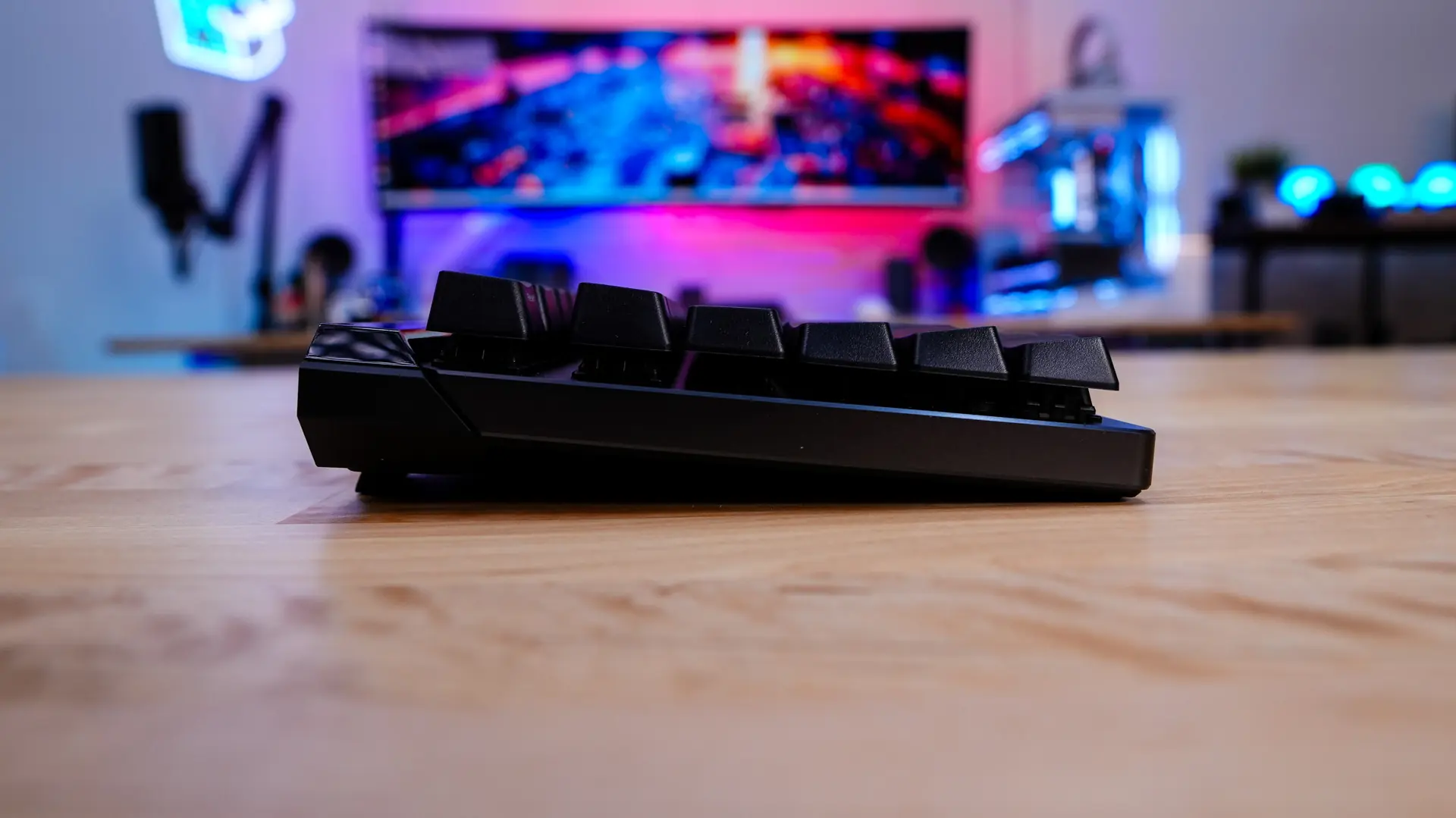
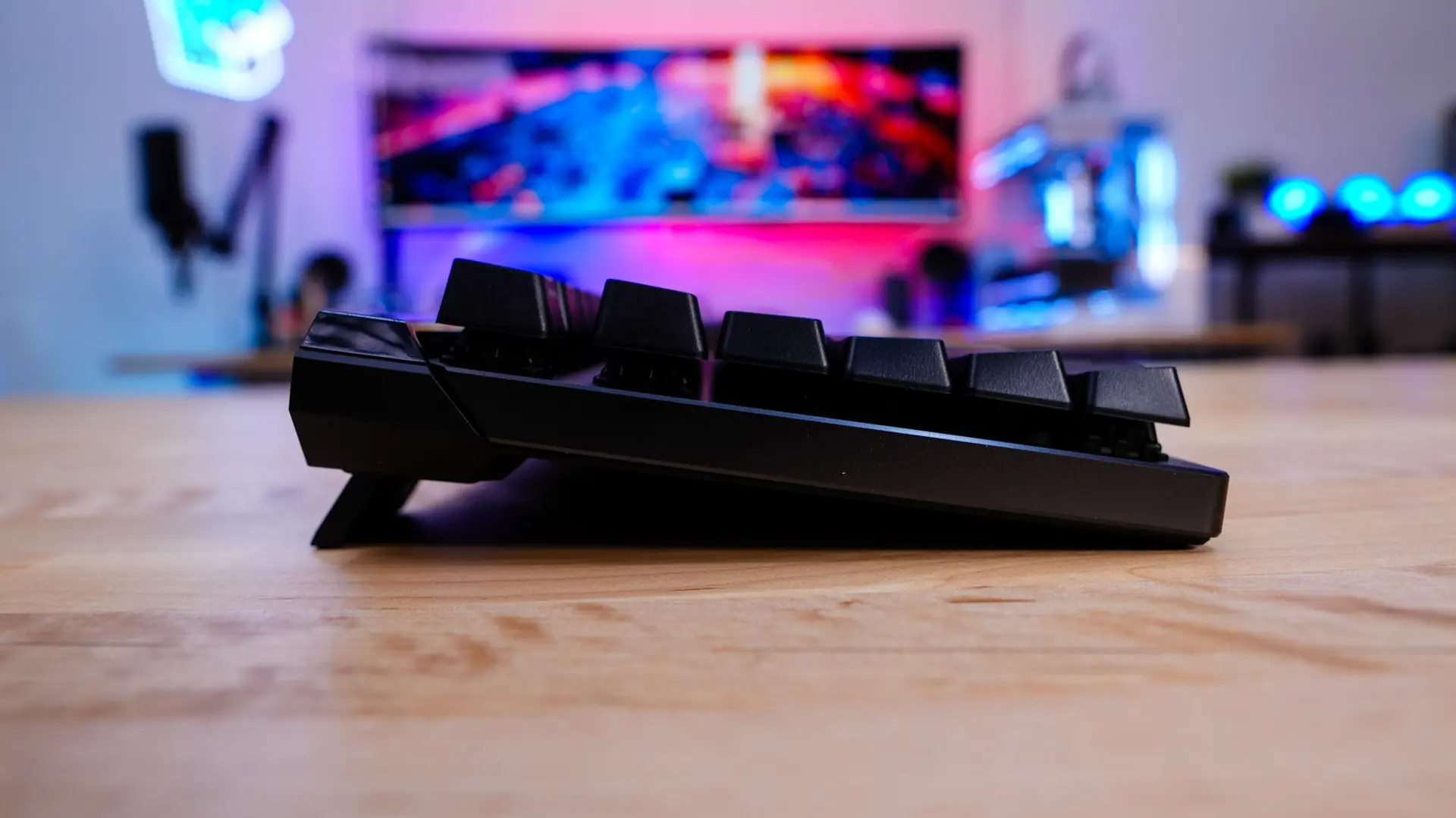
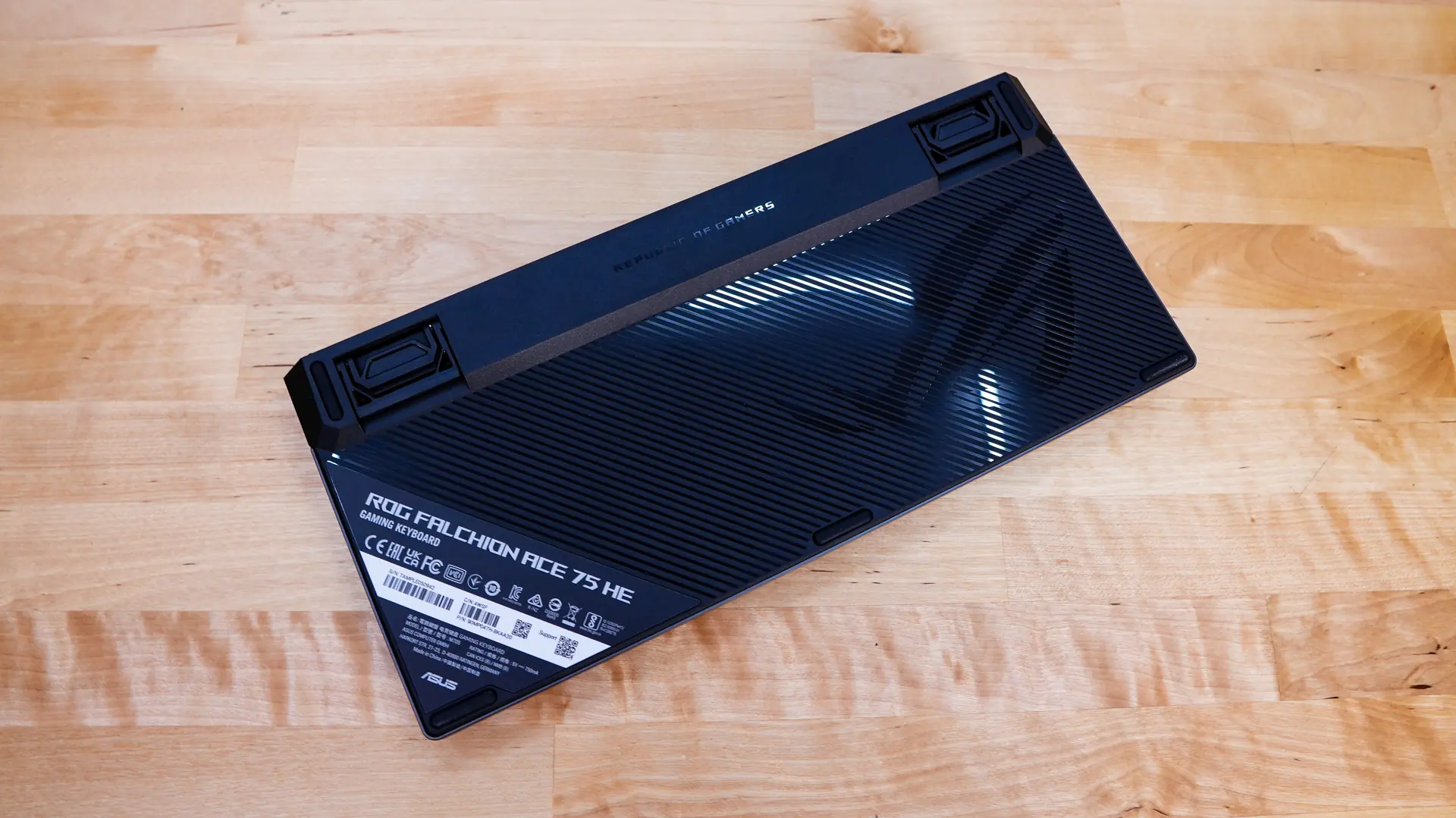
Flipping the keyboard over the bottom has a sort of glossy finish with the ROG logo. We can see the pop-out feel along with rubber feet, which should keep the keyboard in place on your desk.
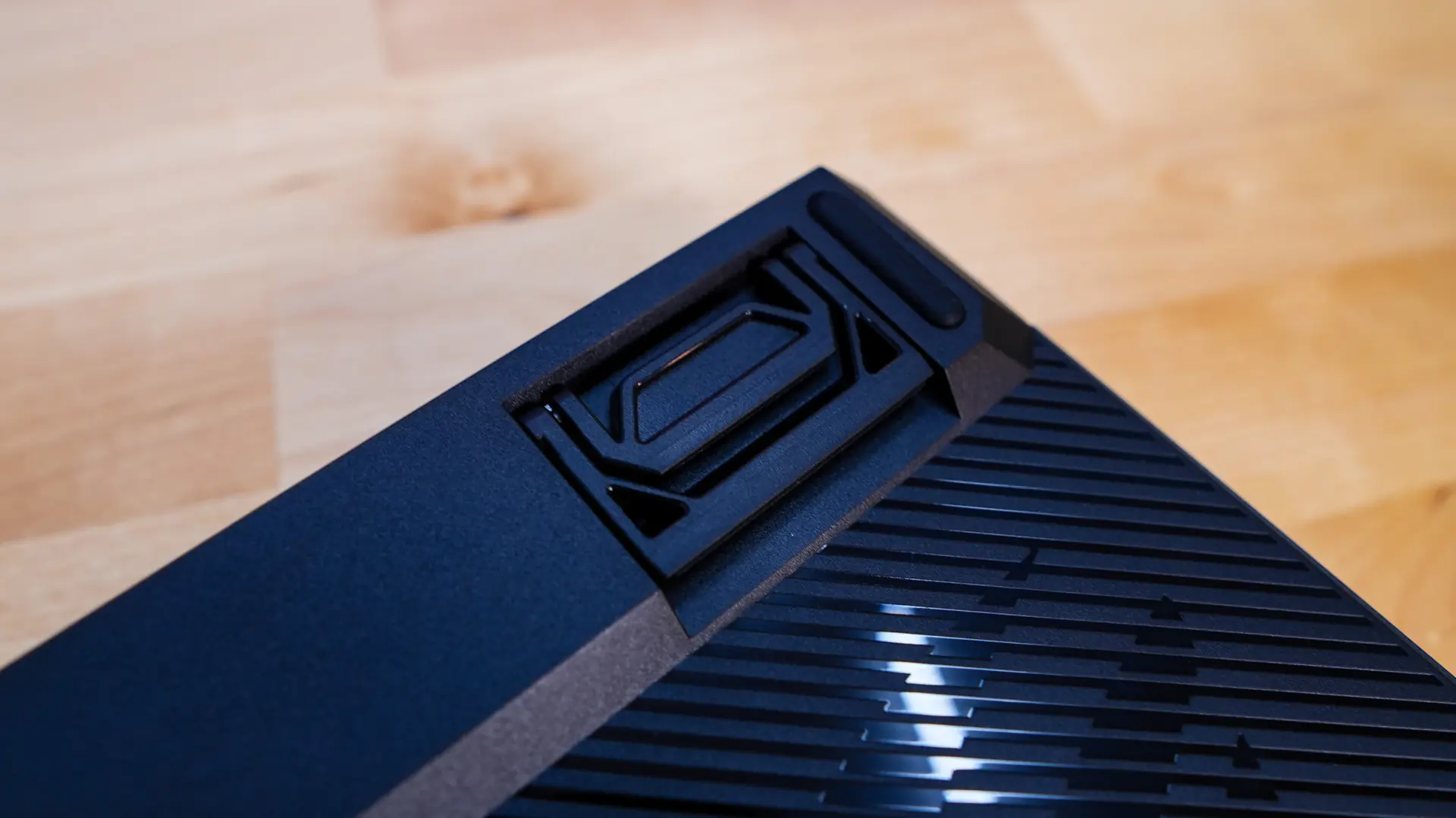
Talking about the pop-out feet there are two sets so in total you’ll have three different typing angles to choose from.