Setting up the ASUS ROG Falchion Ace 75 HE Keyboard
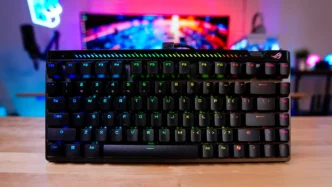
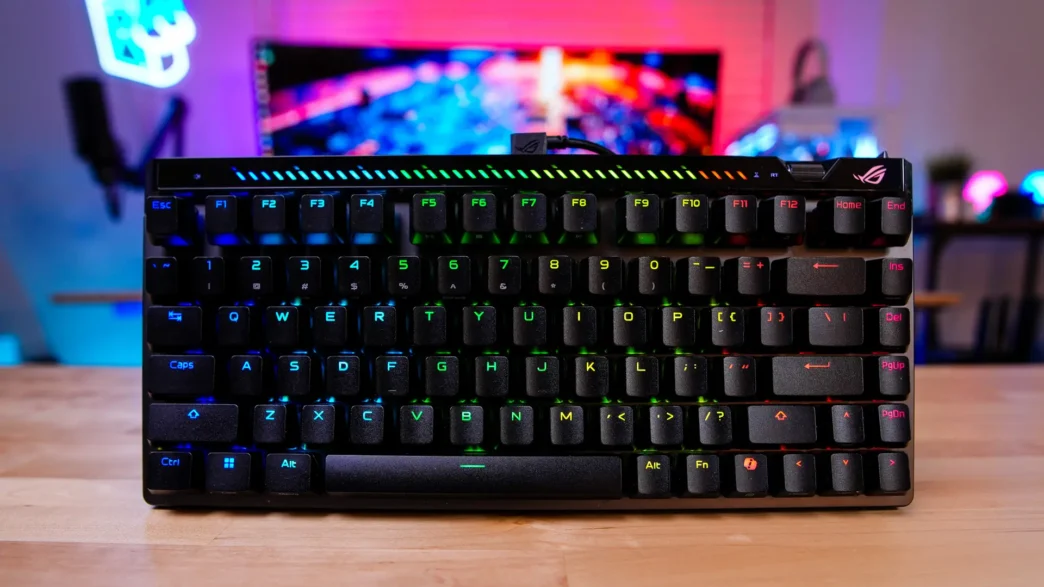
Getting the Falchion Ace 75 HE setup is quite easy. Since this is a wired keyboard all you have to do is plug the keyboard into your PC. Windows will automatically recognize it and you’ll be good to go. Once nice update ASUS has made with this keyboard is that the connector on the USB-C cable is angled. This allows you to align the cable so it goes across the top of the keyboard, which makes me for a cleaner look.
ASUS ROG Gear Link
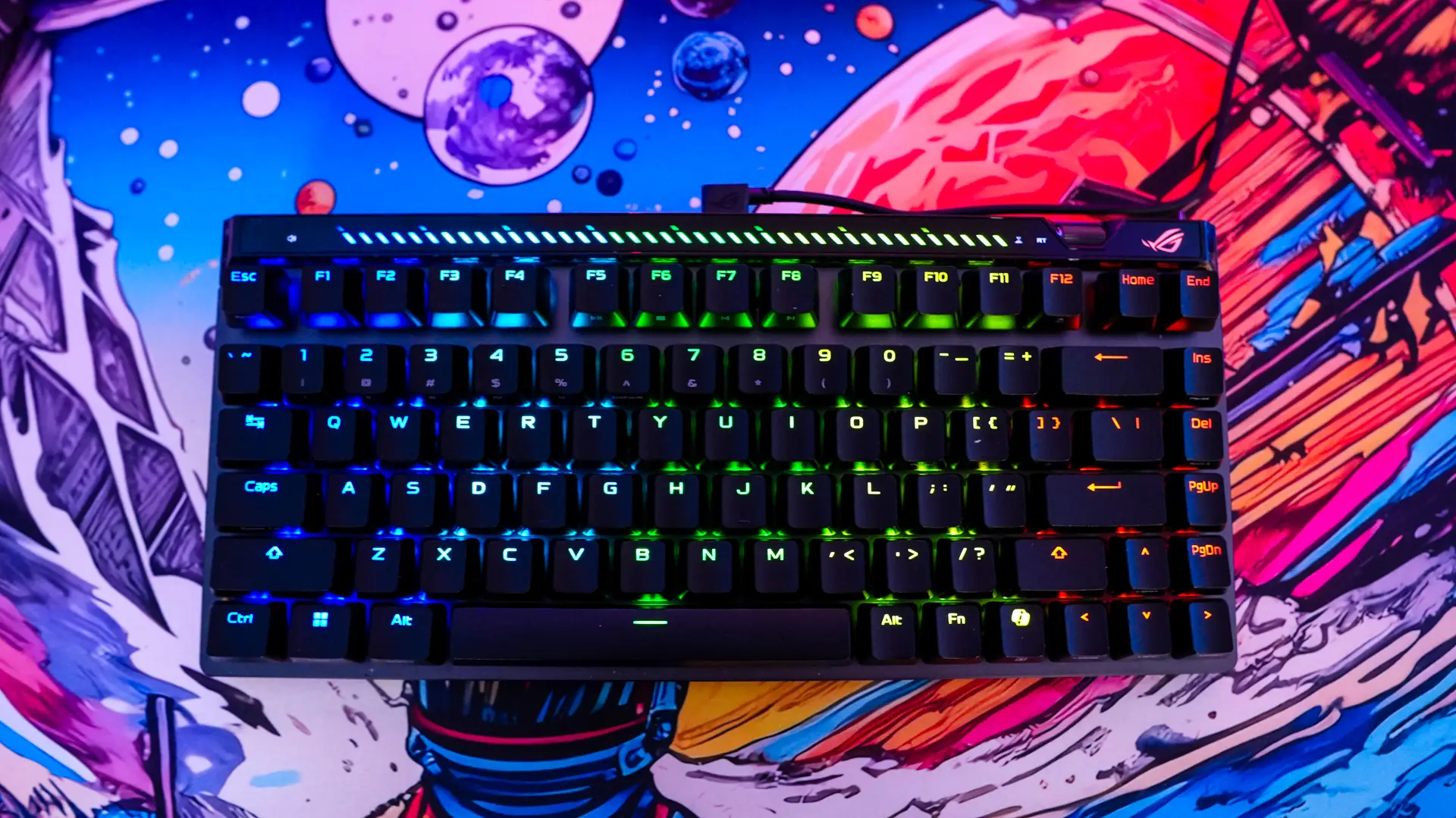
ASUS has now moved configuration for their gaming products online. So no more Armoury Crate or even the lightweight Armoury Crate Gear, everything is done online within your browser. Opening up ROG Gear link we can completing reprogram the keyboard. Not only can you reprogram each key, but also a Fn combo key layer.
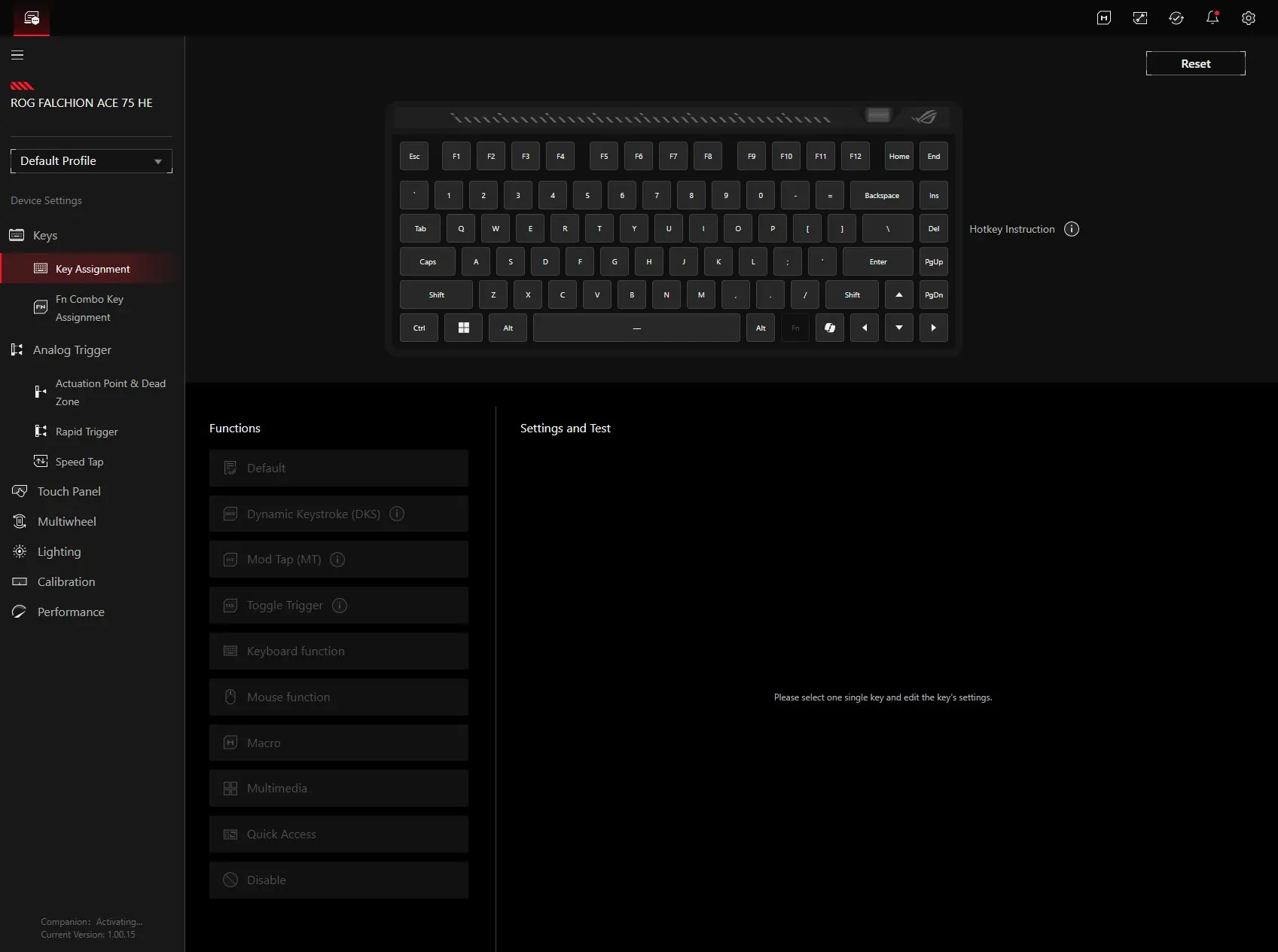
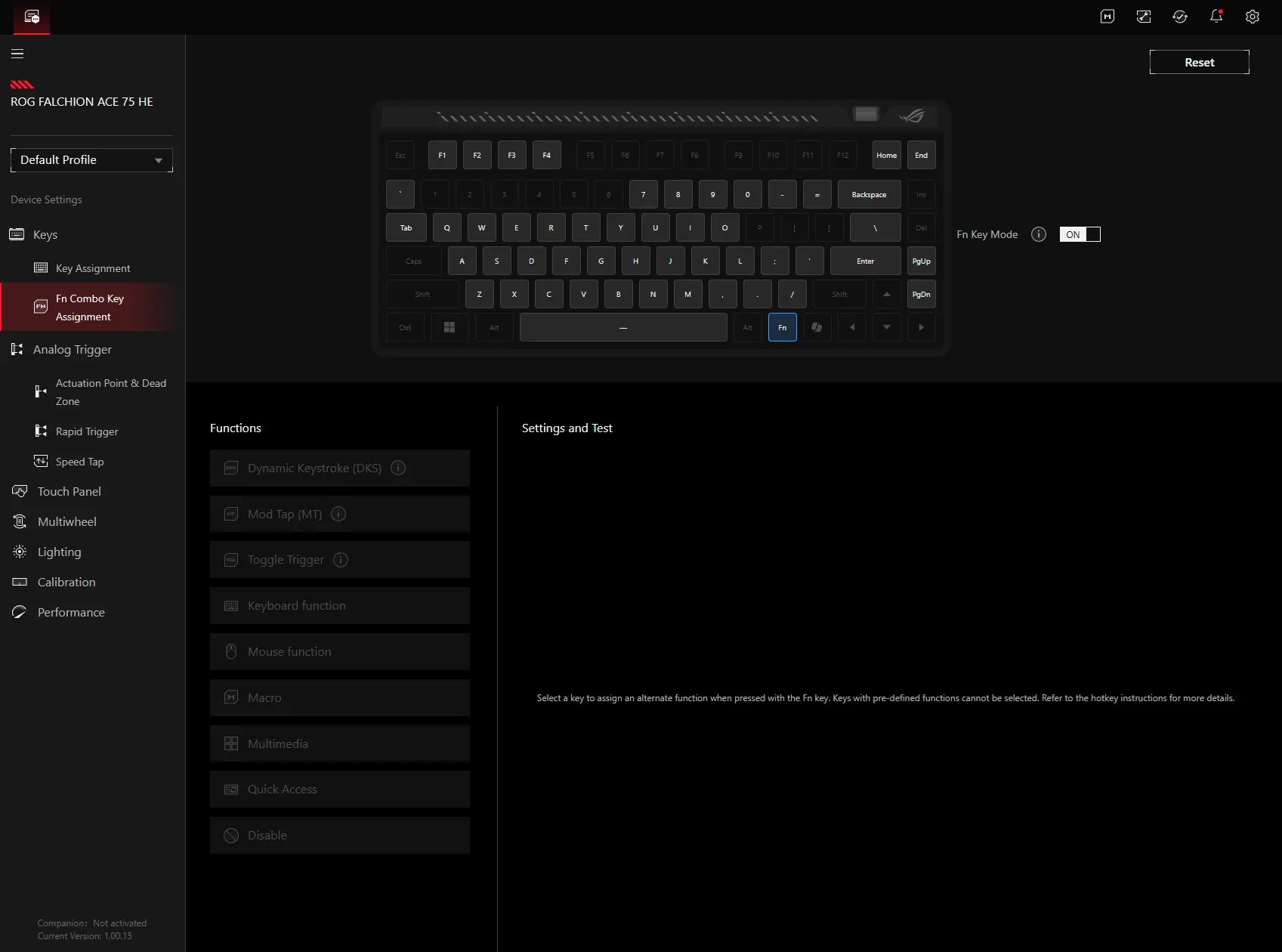
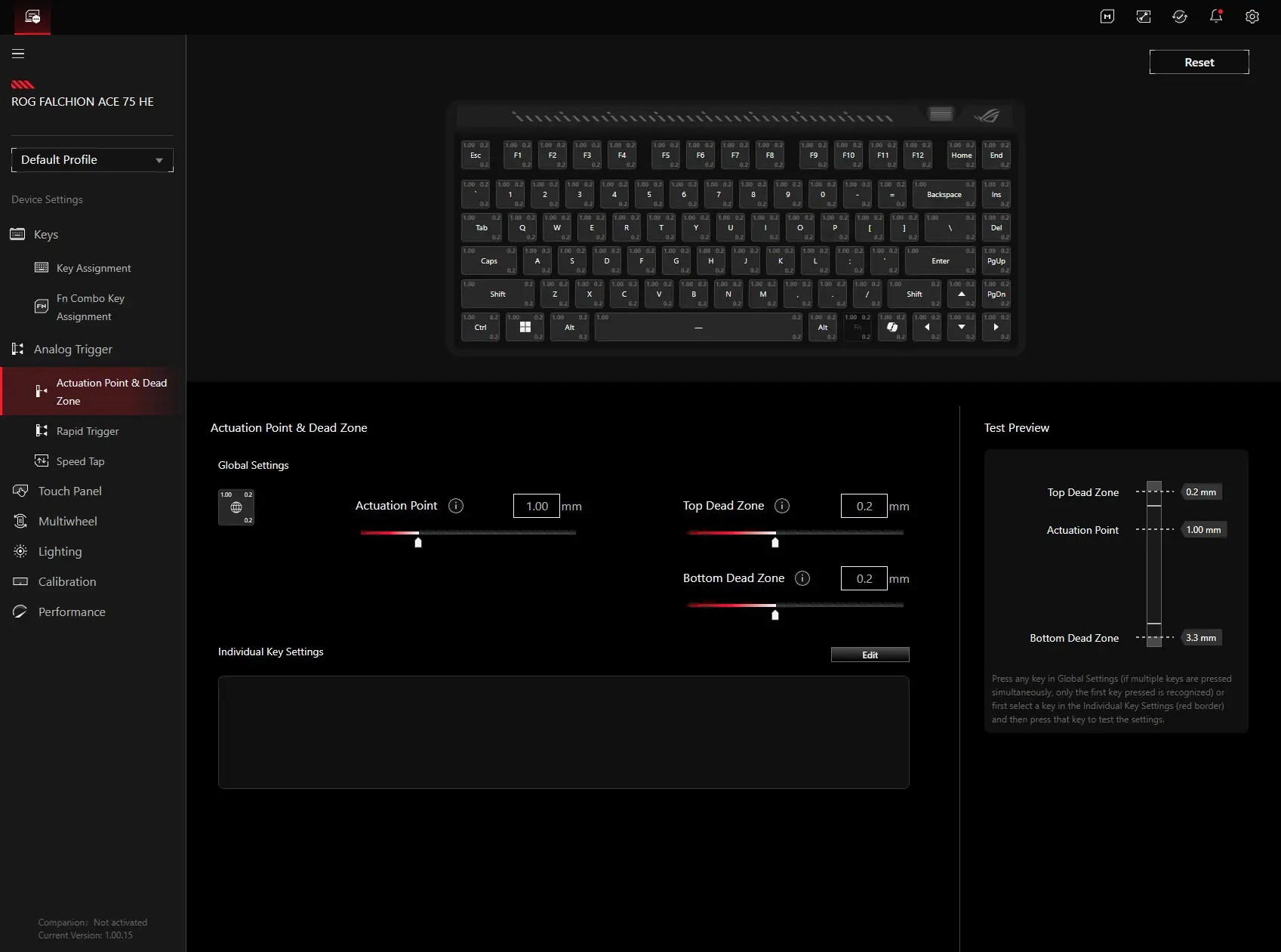
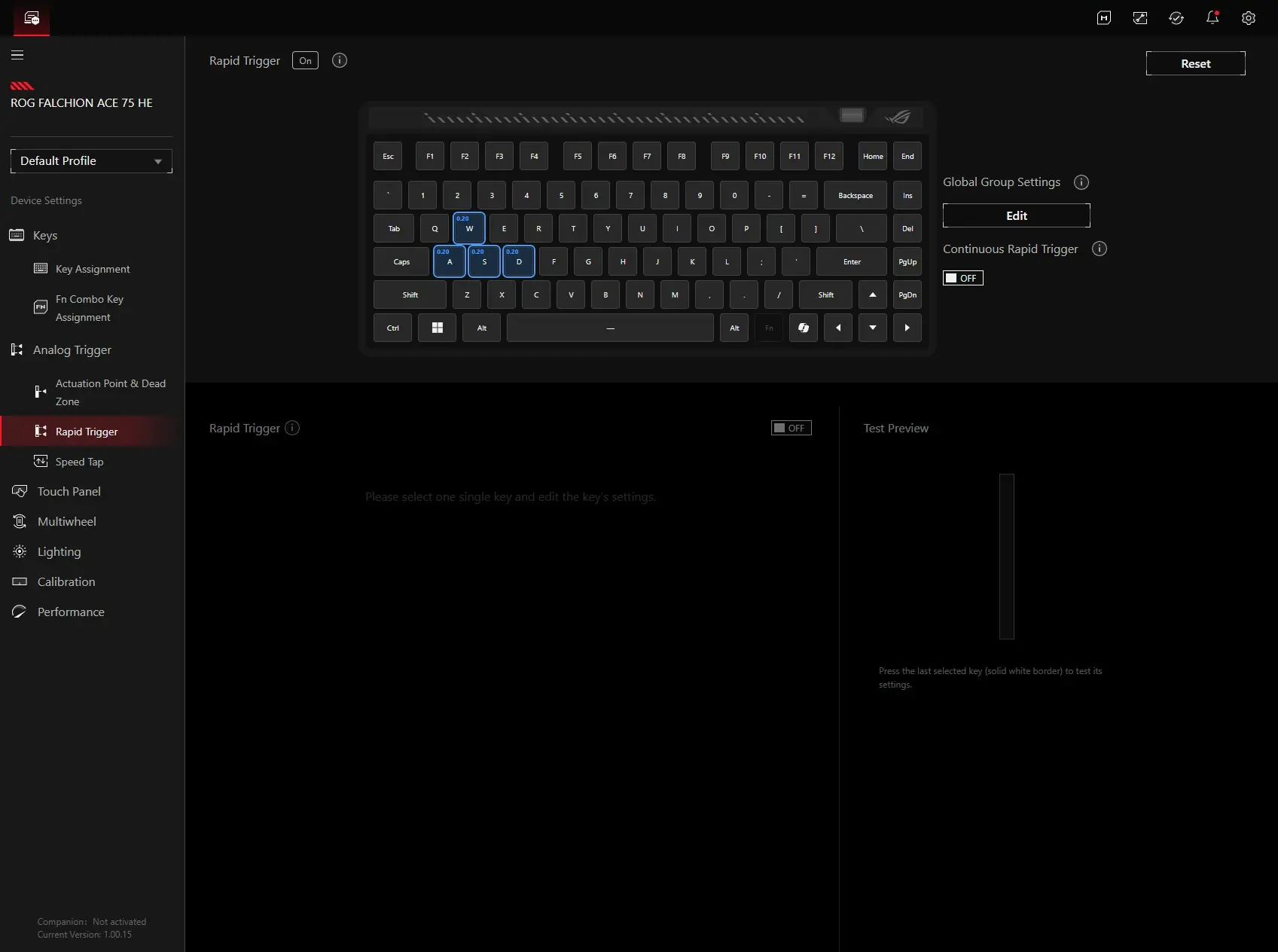
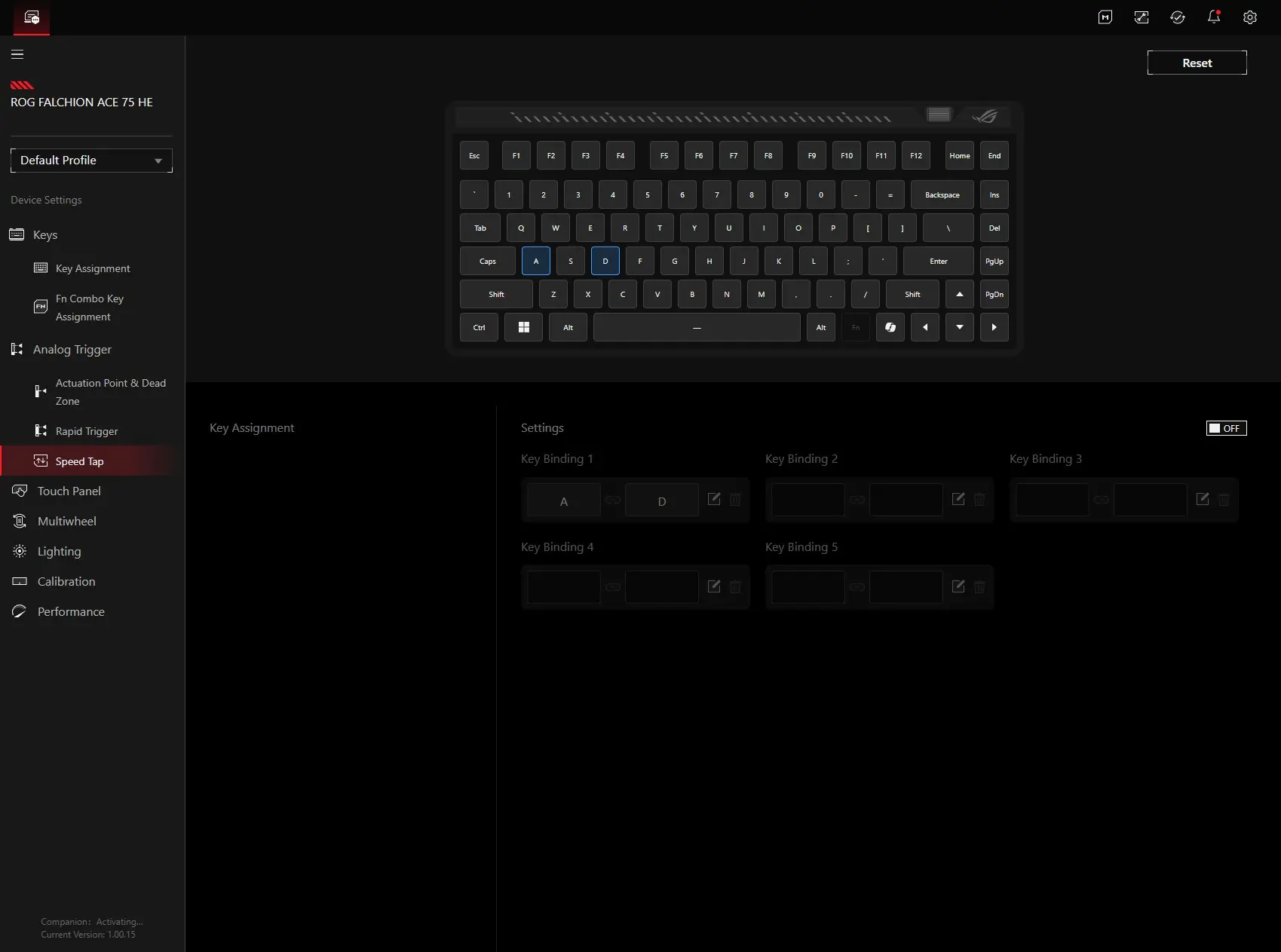
After that you have your actuation point and dead zone settings. The best part about having a magnetic switch keyboard is setting the actual actuation point. With the larger magnet in the switches we can now set this in 0.01 increments. Next is going to be your rapid trigger settings and speed tap settings.
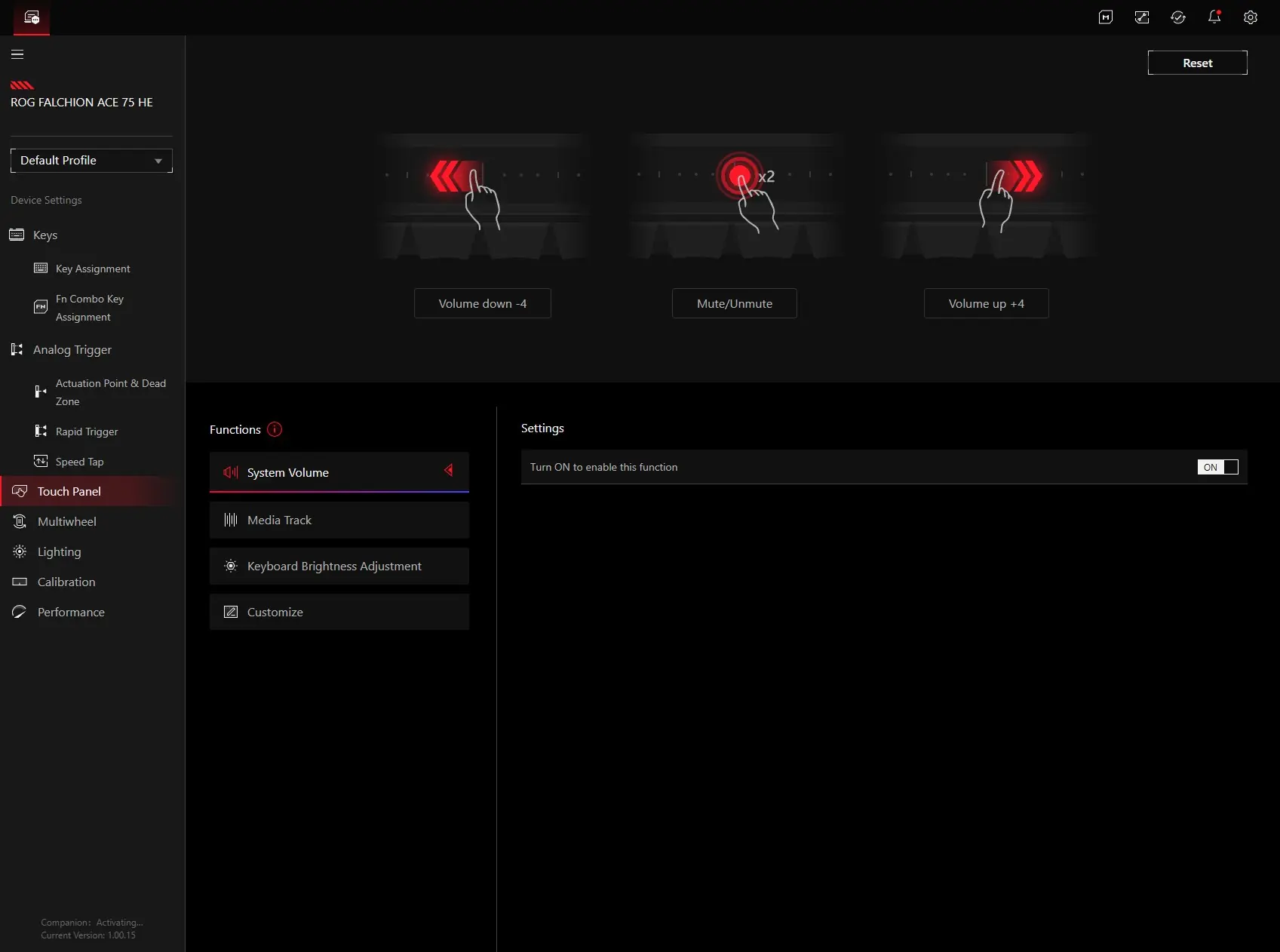
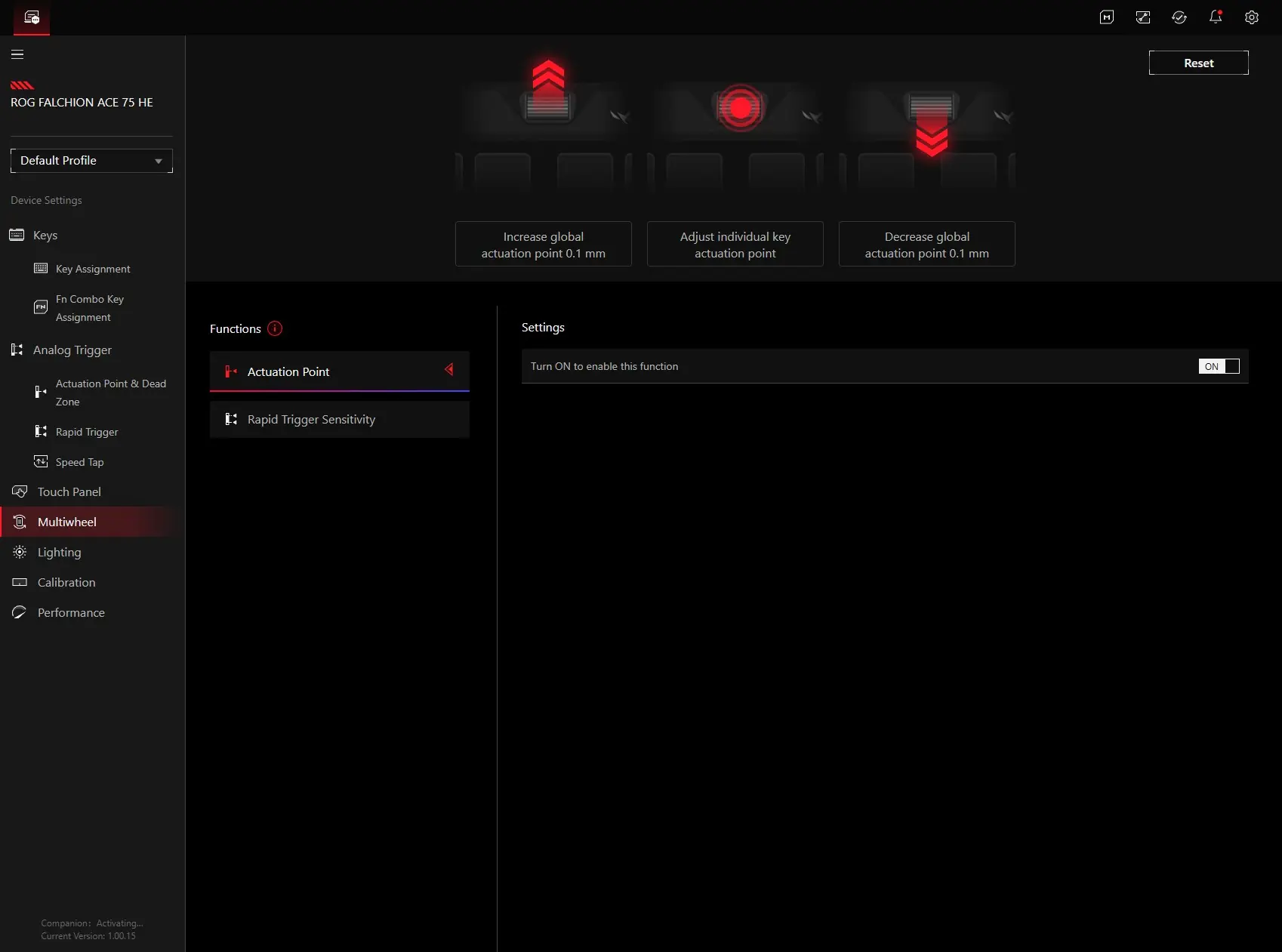
You can fully customize the touch panel settings. You have the ability to set the panel to change your system volume, media track, keyboard brightness, or a custom setting. It even will let you know what the gestures are. You’ll have the same type of settings for the multiwheel, except you it can only set the actuation point and rapid trigger sensitivity.
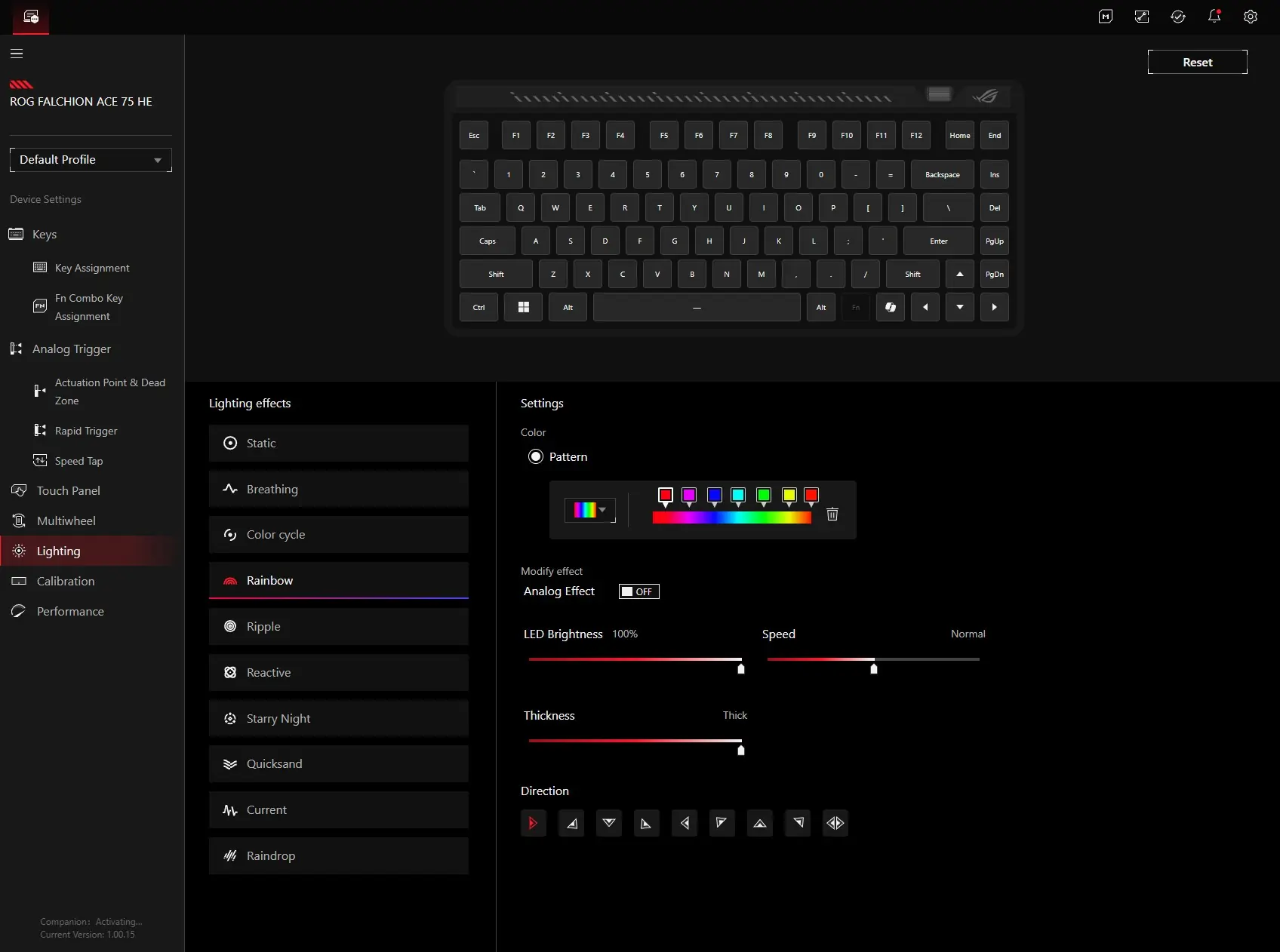
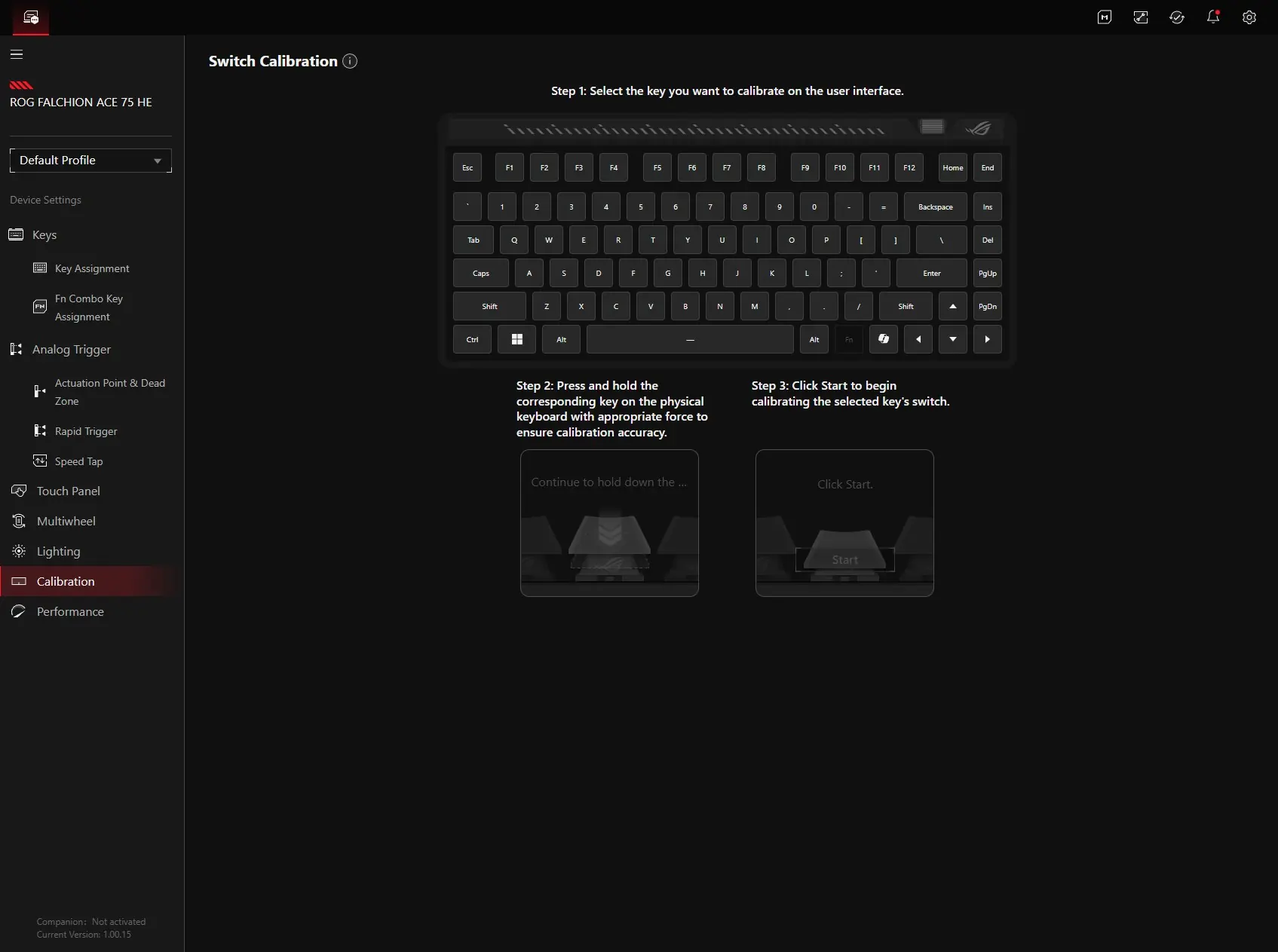
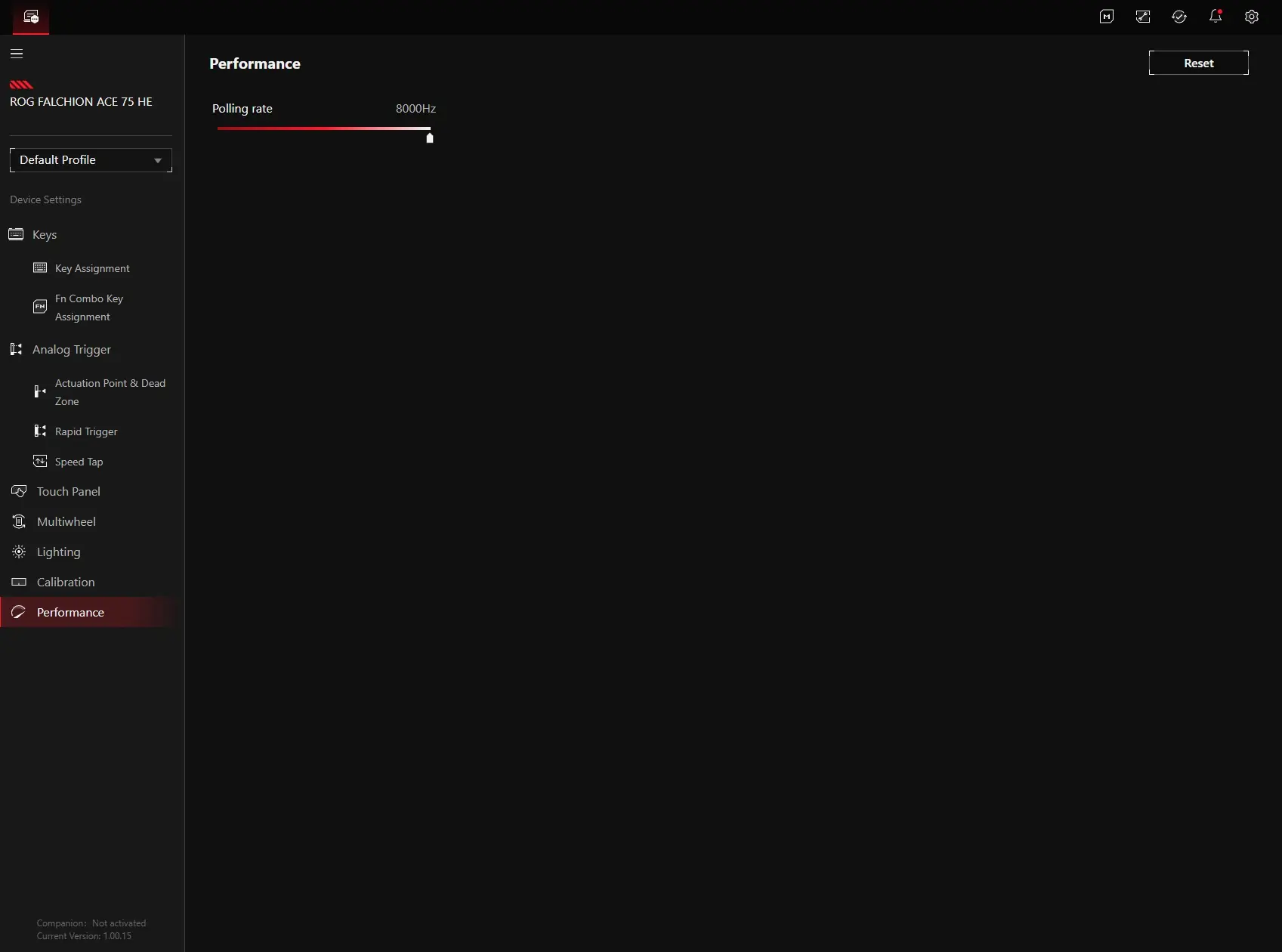
Lighting is what you would expect with your lighting effects, brightness, and speed. Calibration allows you to calibrate each individual switch on the keyboard. Under performance all you’ll find is the polling rate.