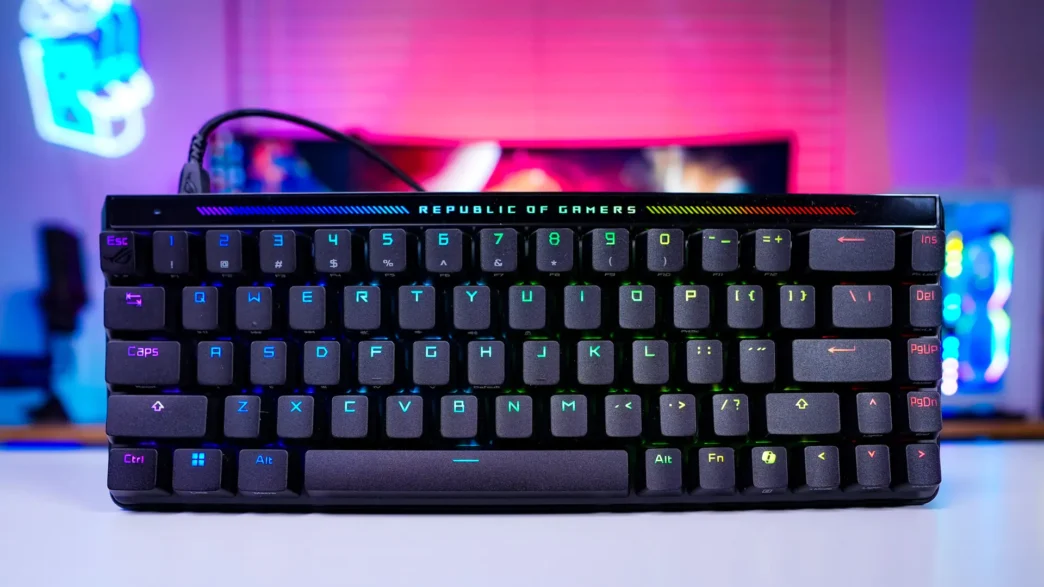
ASUS ROG Falchion Ace HFX Keyboard Overview
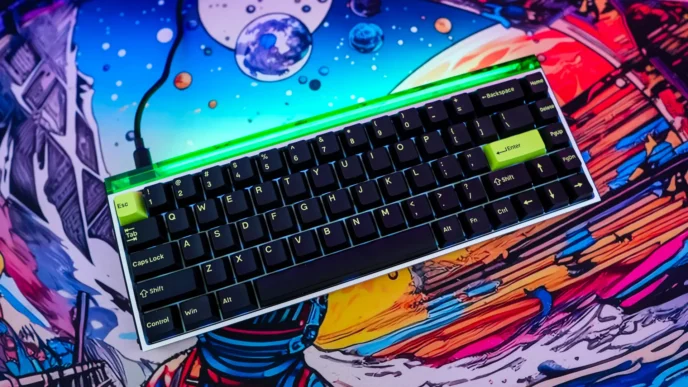
As we take a closer look at the ROG Flachion Ace HFX keyboard we can see that it is a smaller keyboard. It has a 65% form factor so you are not going to get a function row or a number pad. 65% keyboards have become very popular over the last few years as they take up less desk space, which is great for people who want more room for their mouse. This size also makes it so the keyboard is quite easy to take with you.
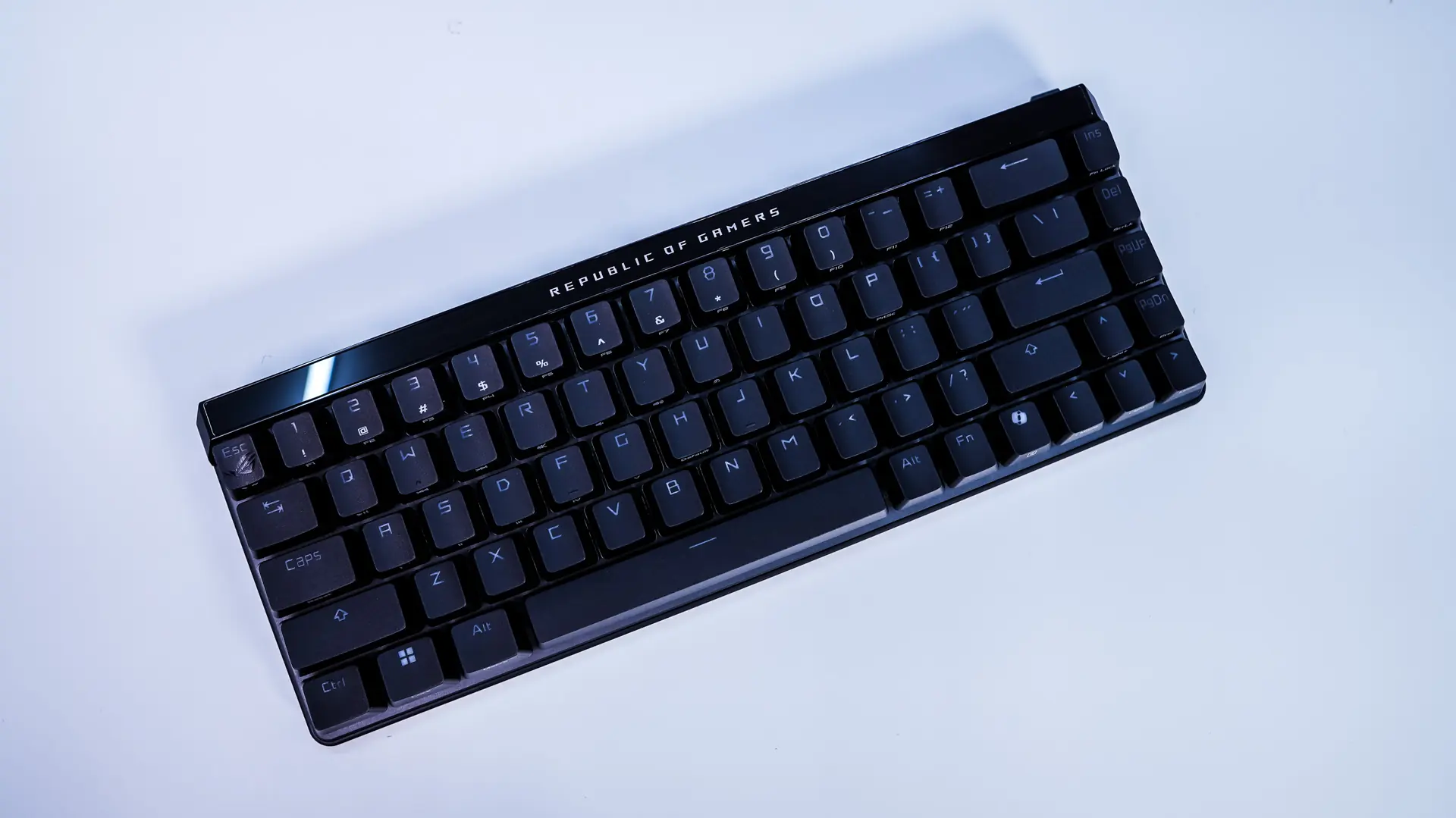
The keyboard itself is all black and at least currently there is not a white variant available. Under the hood ASUS is making use of a gasket-mount design with a 5-layer dampening system so they keyboard not only sounds great, but also feels great when you are using it. Those 5 layers are made up of silicone foam layer, PORON switch pad, PORON dampening foam, a silicone pad, and then a silicon strip. At the top of the keyboard is a Republic of Gamers logo, which will light up with RGB lighting when the keyboard is turned on.
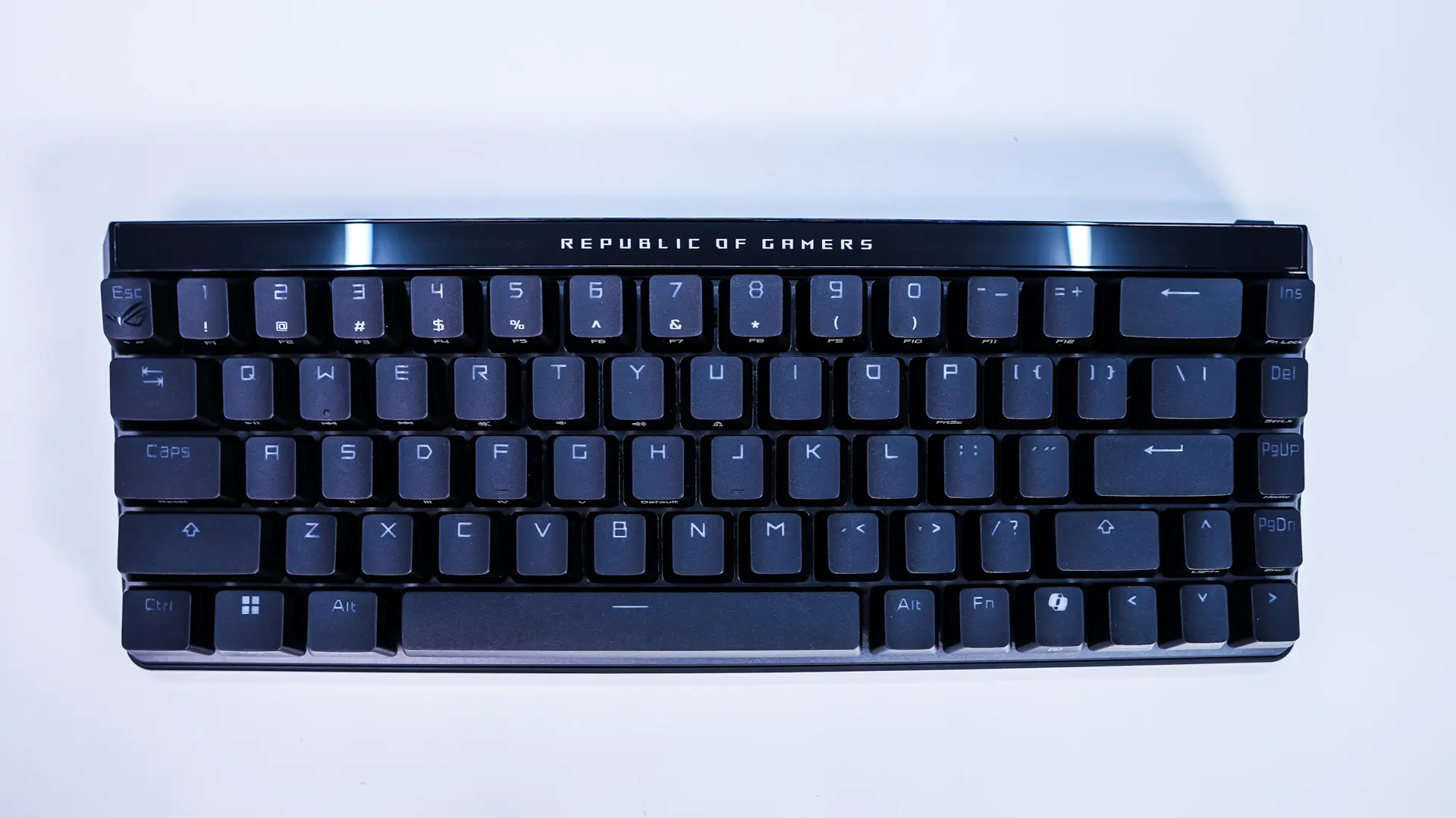
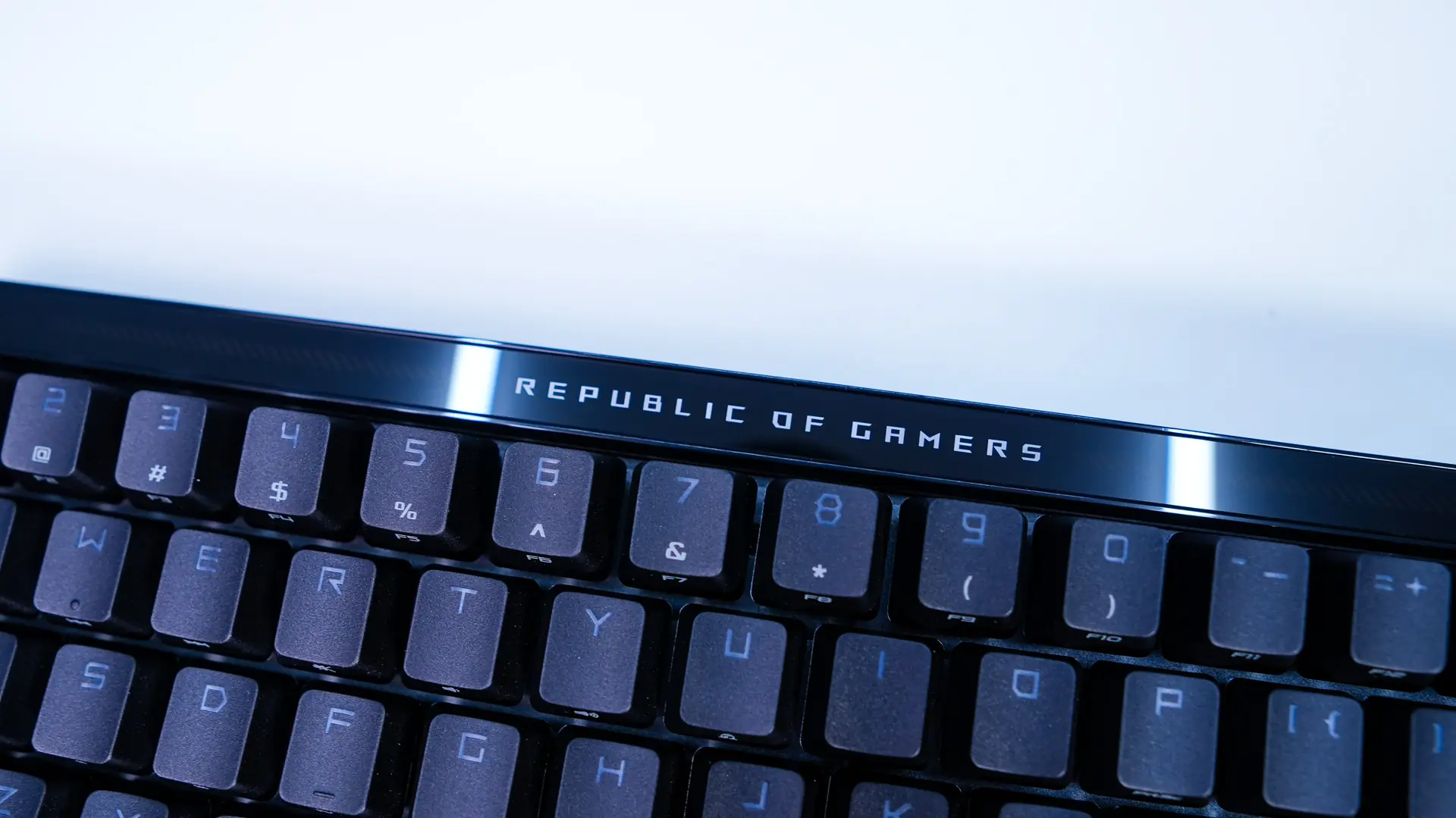
Since you lose your function row and other keys with the 65% layout ASUS has added alternate functions to the keyboard. These are printed on the front-edge of many of the keys and are accessed by pressing the Fn key and then that subsequent key. The keycaps are all black with see-through legends, which of course is for the keyboards per-key RGB lighting.

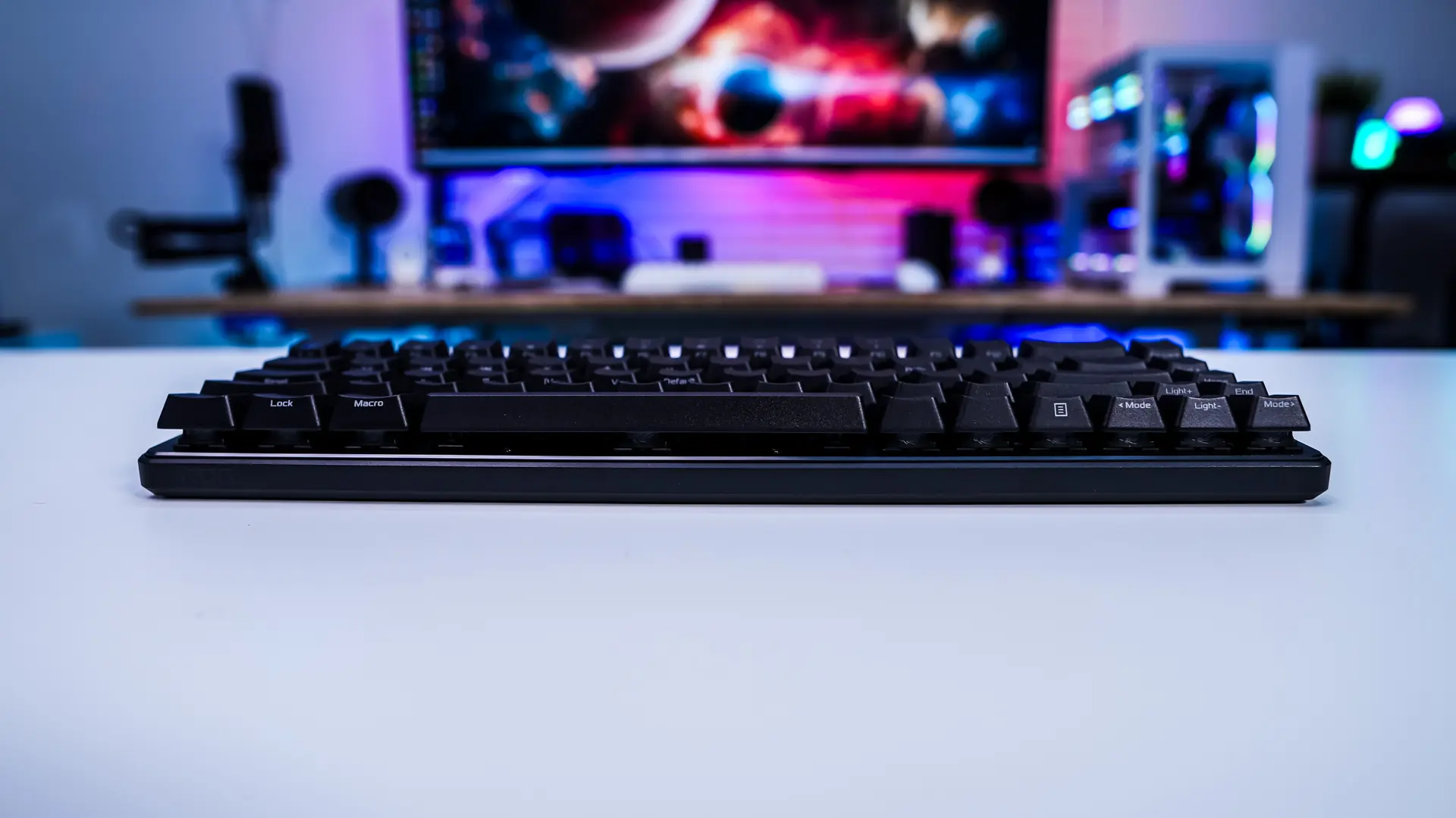
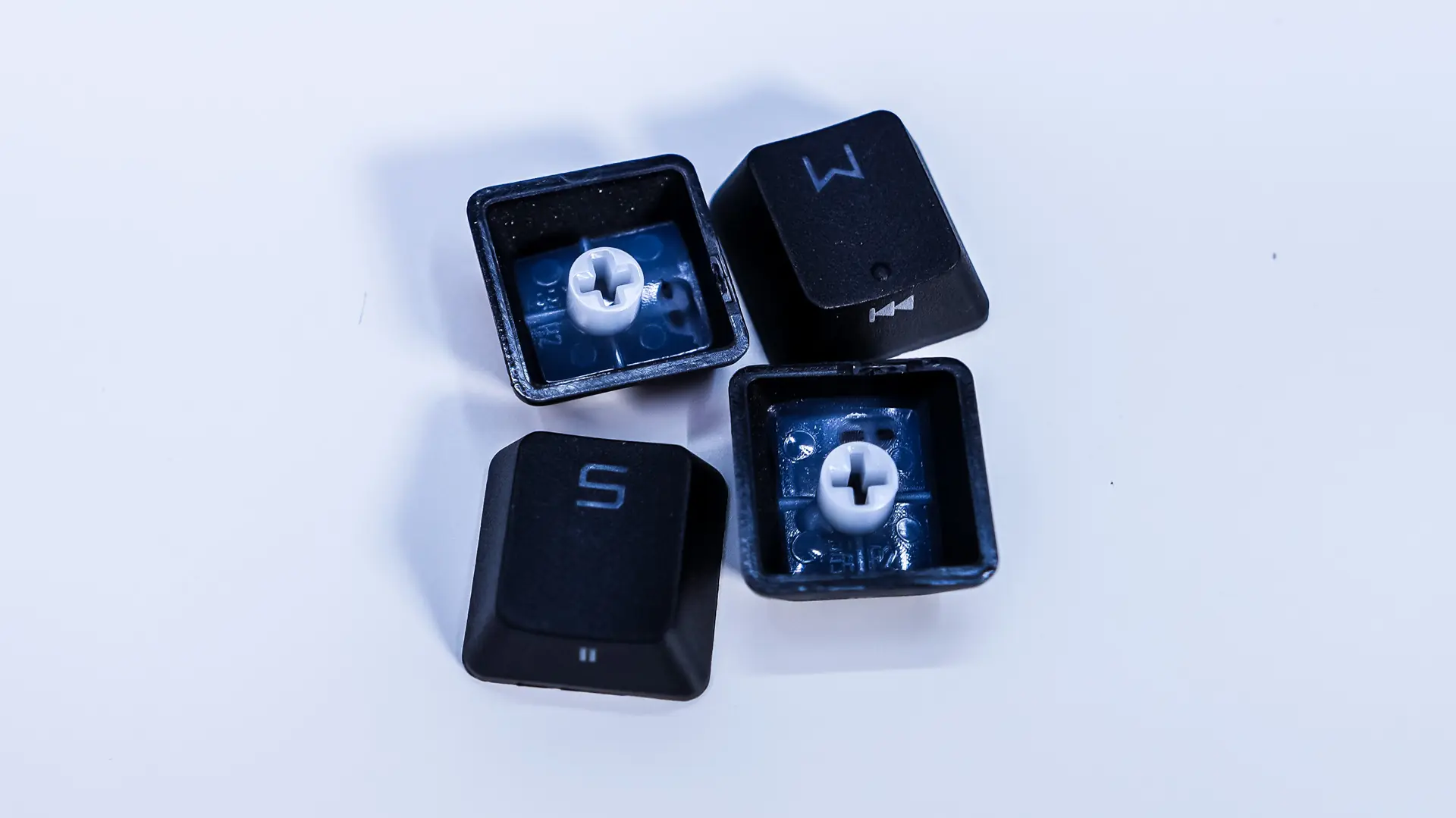
The keycaps themselves have a very rough exterior, this is because they are double-shot PBT keycaps. PBT keycaps are far better than ABS keycaps as they not only feel better, but they also do not show shine or wear, so your keyboard always looks brand new. Under those keycaps we have the ROG HFX Magnetic Switches. These linear switches offer a total travel distance of 4.0mm, are rated for 100 million keystrokes, and come pre-lubed. Since they are magnetic you have the ability to set the actuation point (from 0.1 to 4mm).

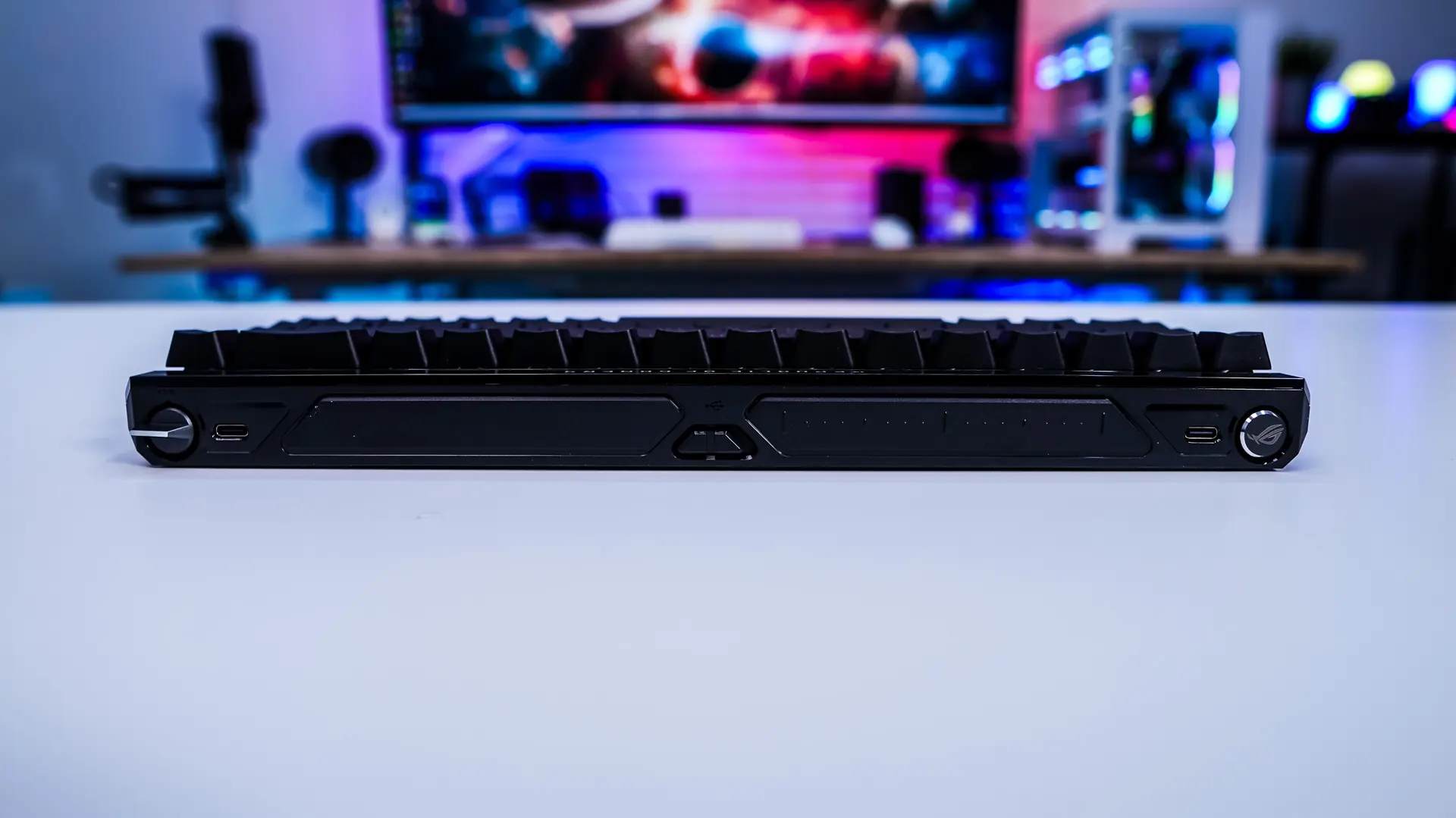
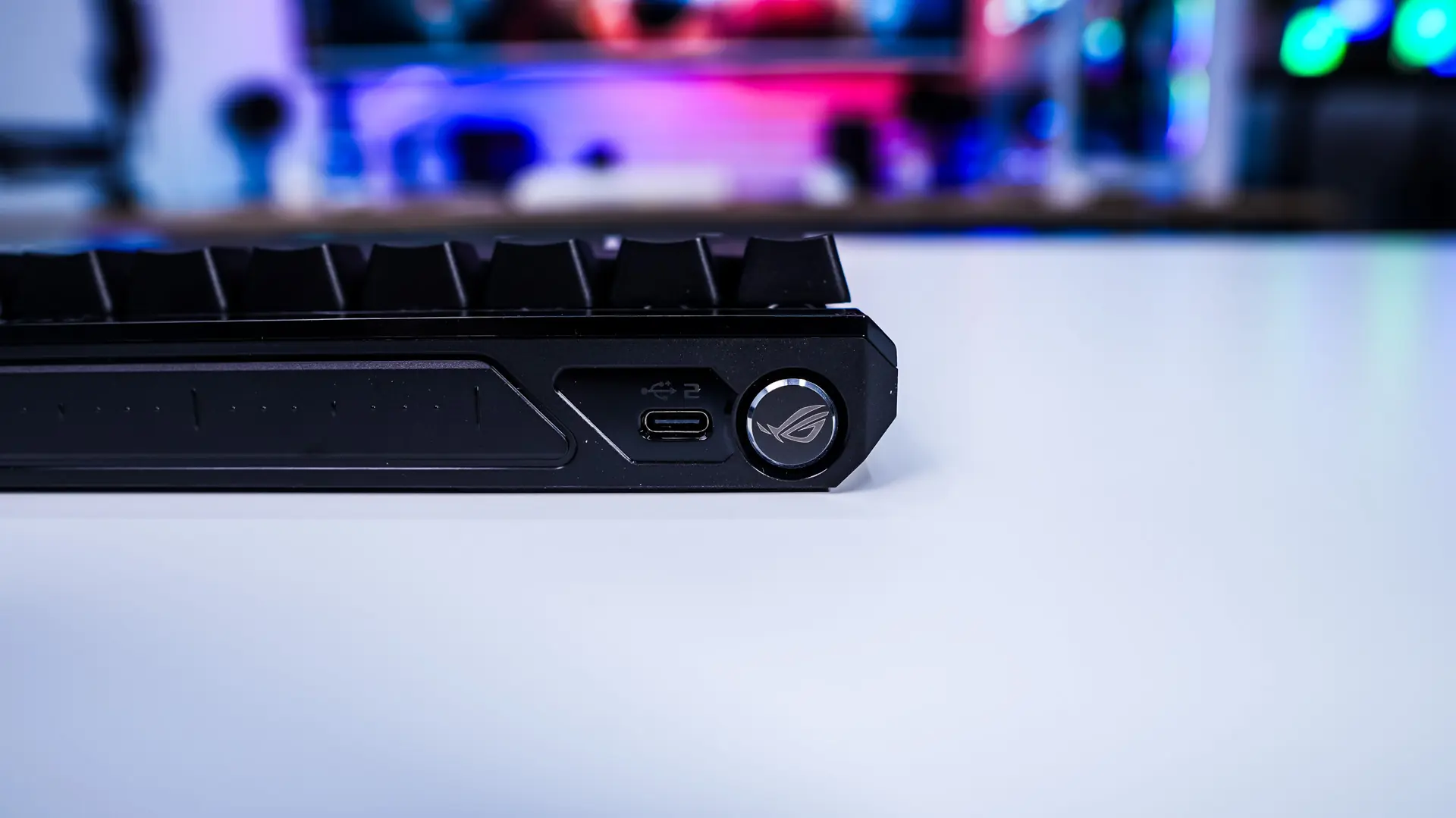
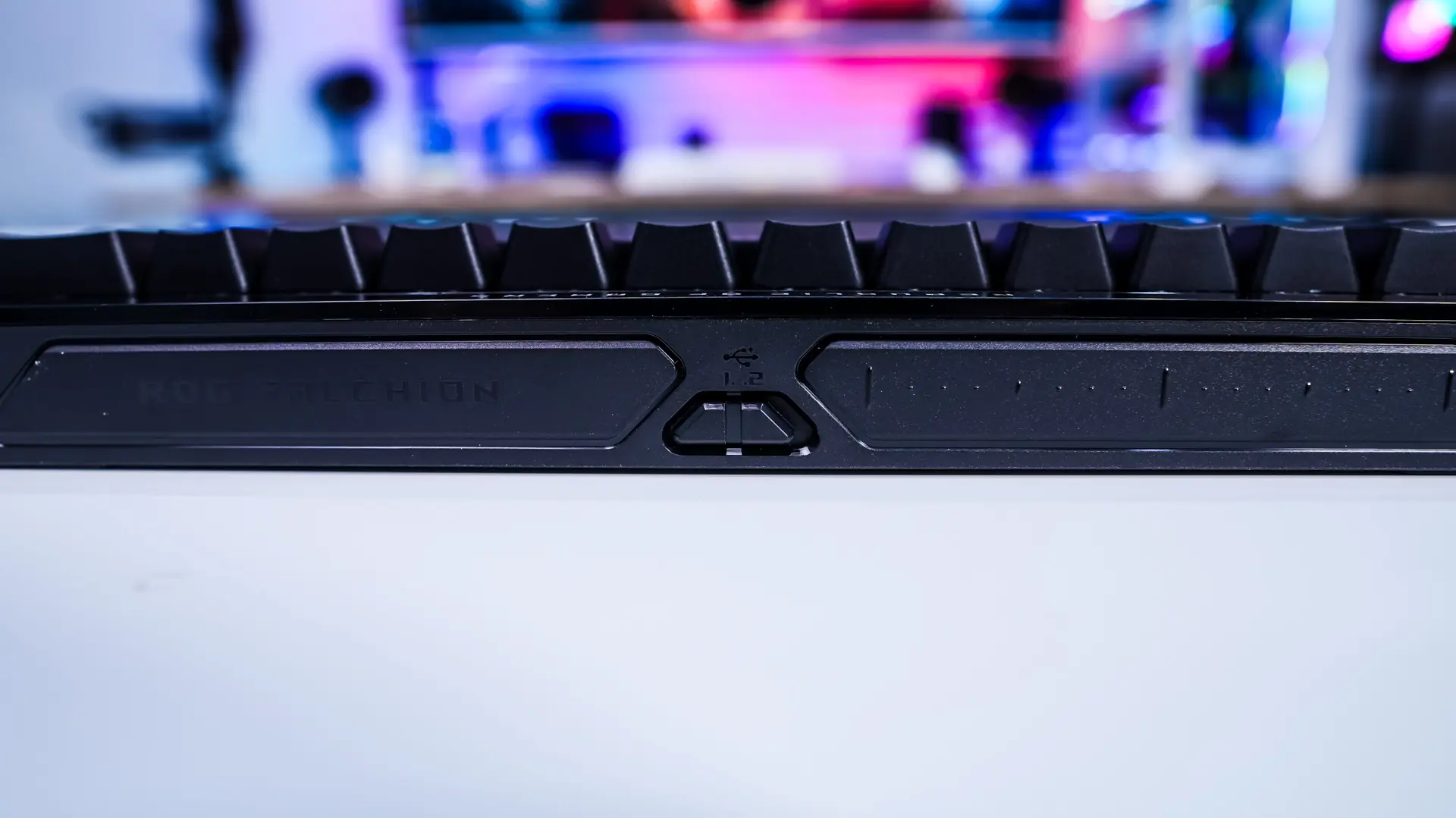
The top-edge of the keyboard has a lot more going on than usual. Starting on the left side there is a toggle switch for rapid trigger. This makes it really easy for the user to enable rapid trigger without having to go into the software or use a key combination. Right next to that is a USB-C port. Moving over to the other side there is a small button with the ROG logo on it. This will swap between different modes that you can use with the touch panel that is also on this side of the top-edge of the keyboard. In between the touch panel and the button is another USB-C port. Both of the ports on the keyboard can be used with the included USB cable and there is a toggle in the center of the keyboard to switch between them. This is great for a few reasons. First if you plan to use something like a coiled cable and want it going in a certain direction you have either port to choose from. Also you can have this keyboard connected to two different machines and simply swap between the two with the toggle switch.
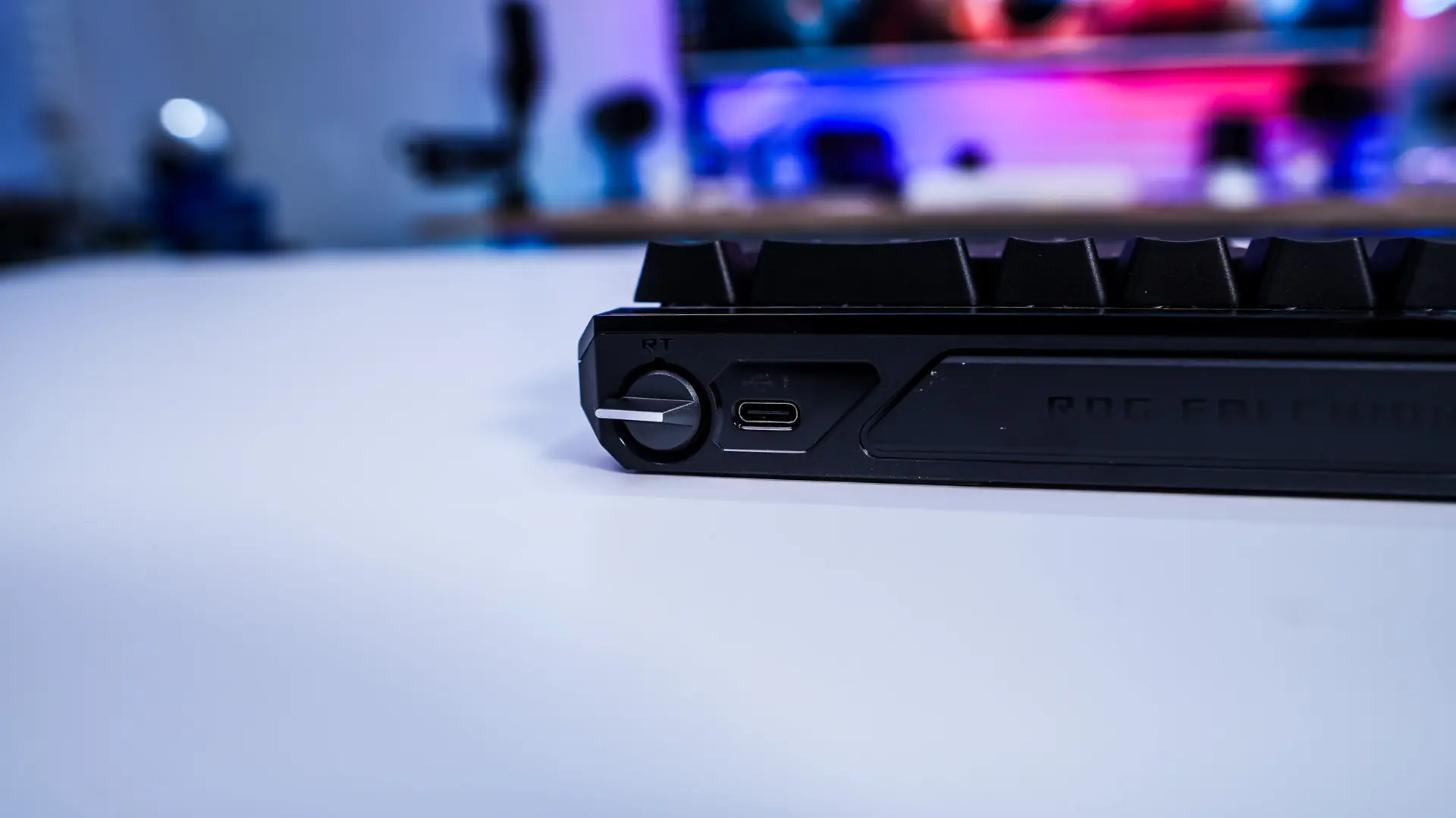
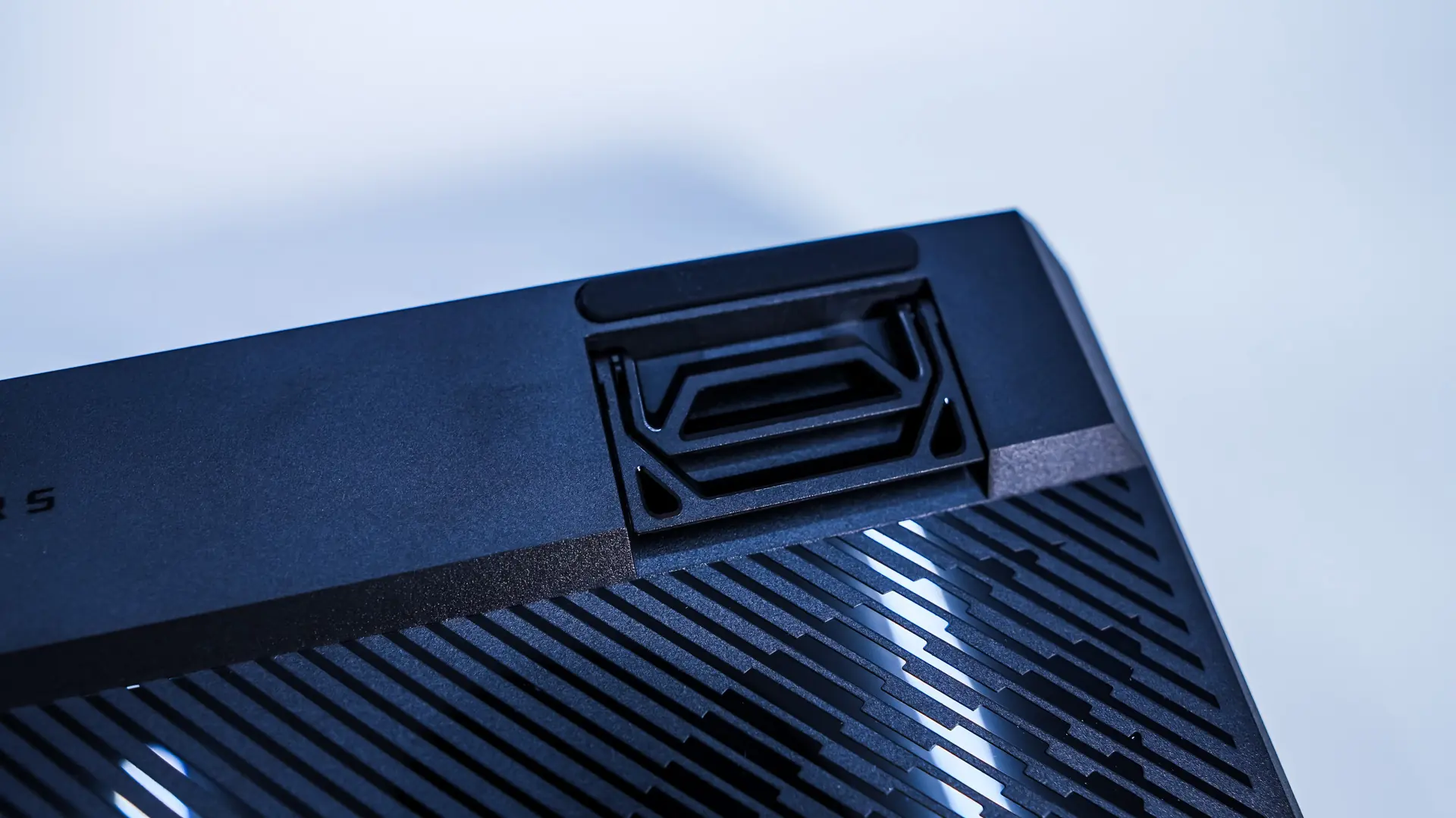
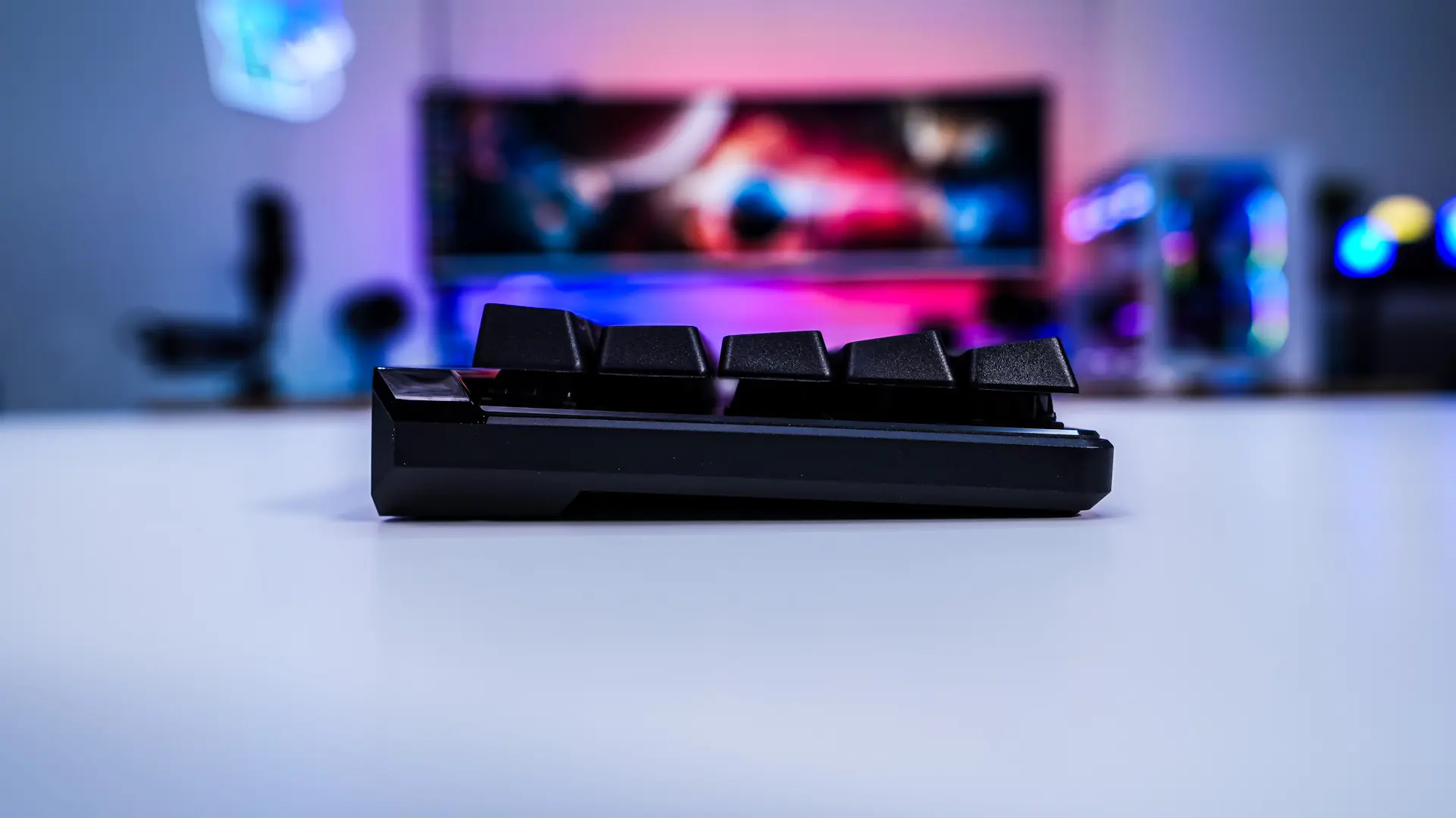
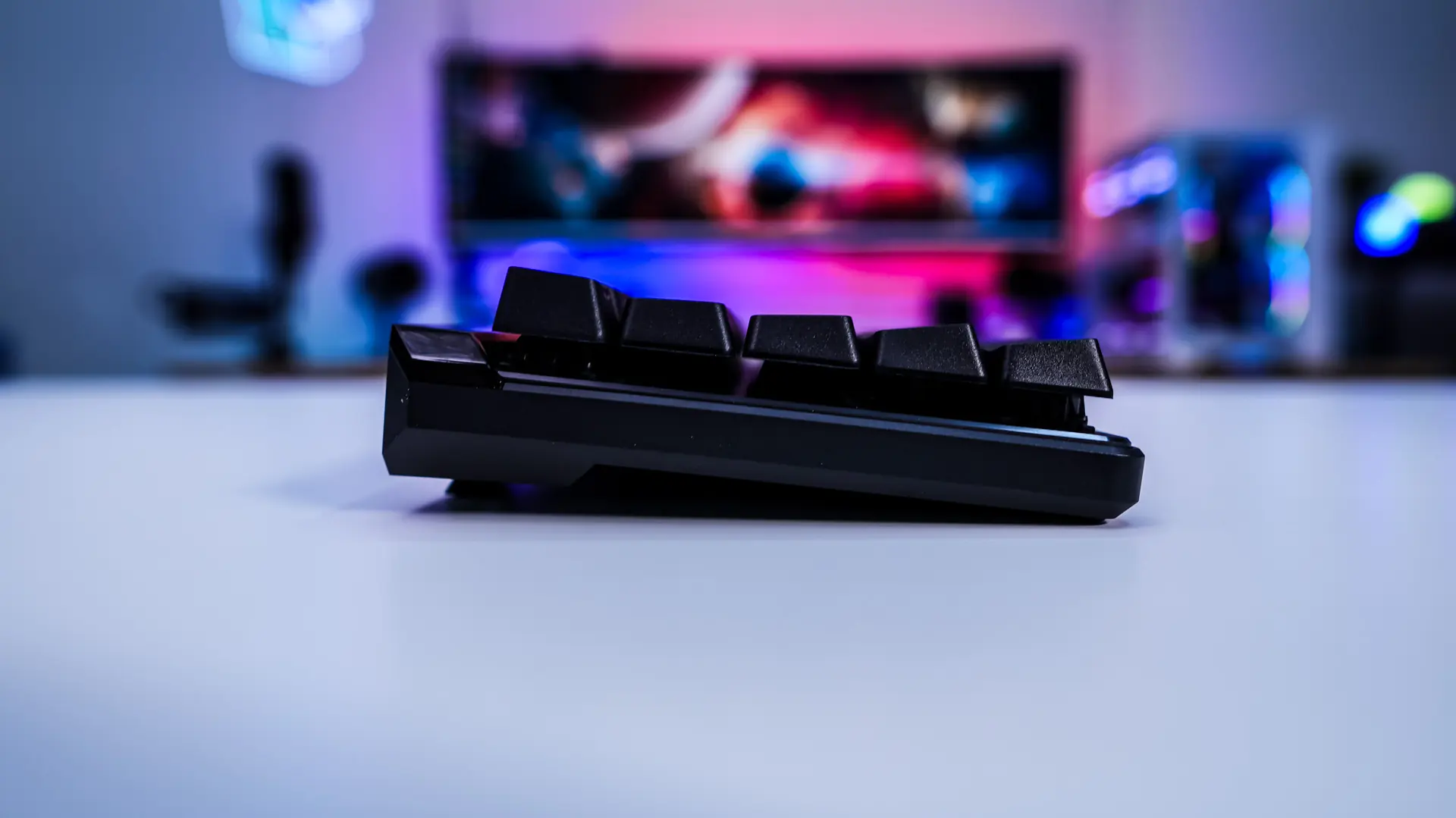
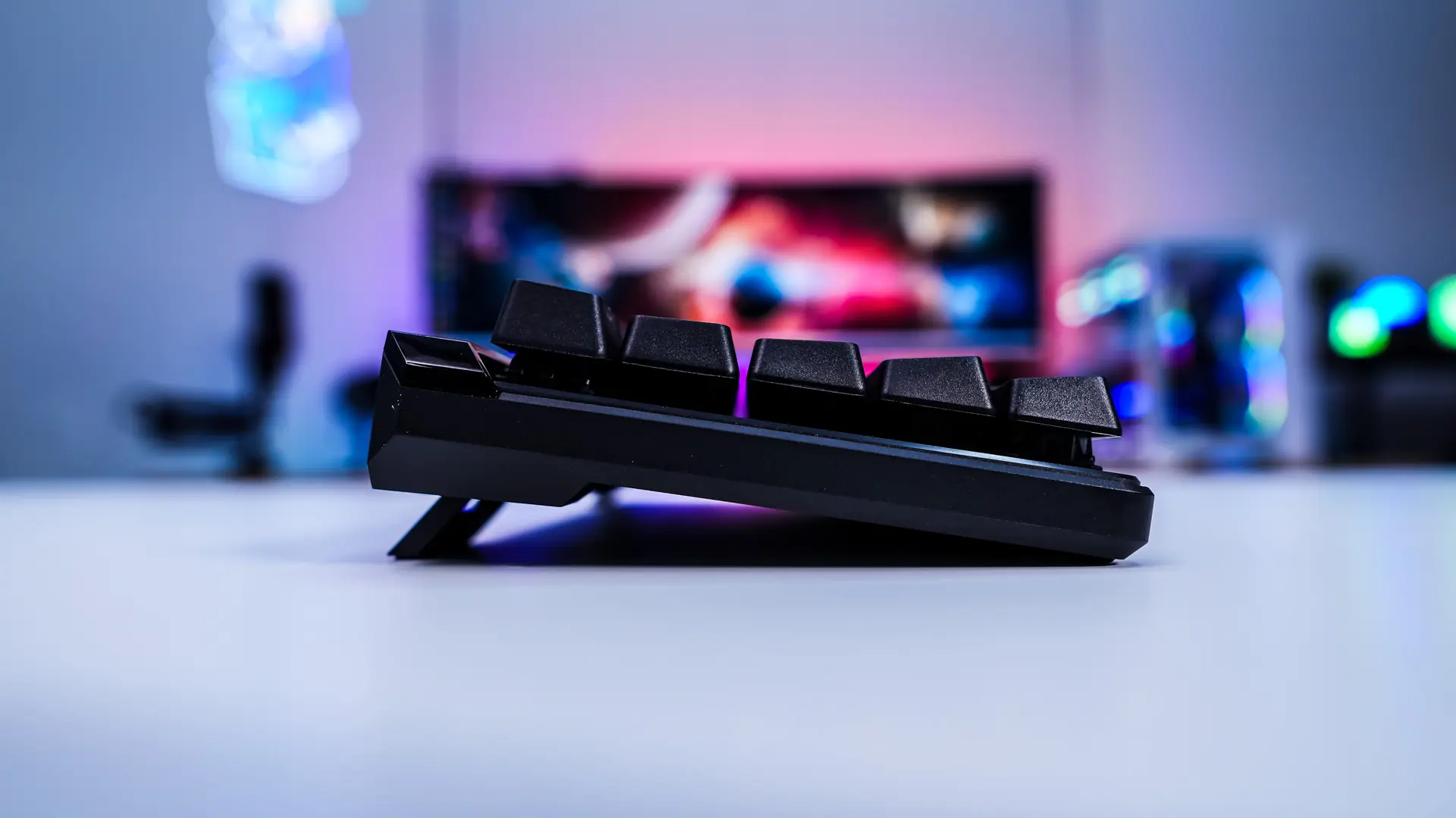
Looking at the keyboard from the side by default the keyboard does sit pretty flat. Of course your have pop-out feet which will increase the angle and there are two sets of feet so in total you’ll get to choose from 3 different angles.
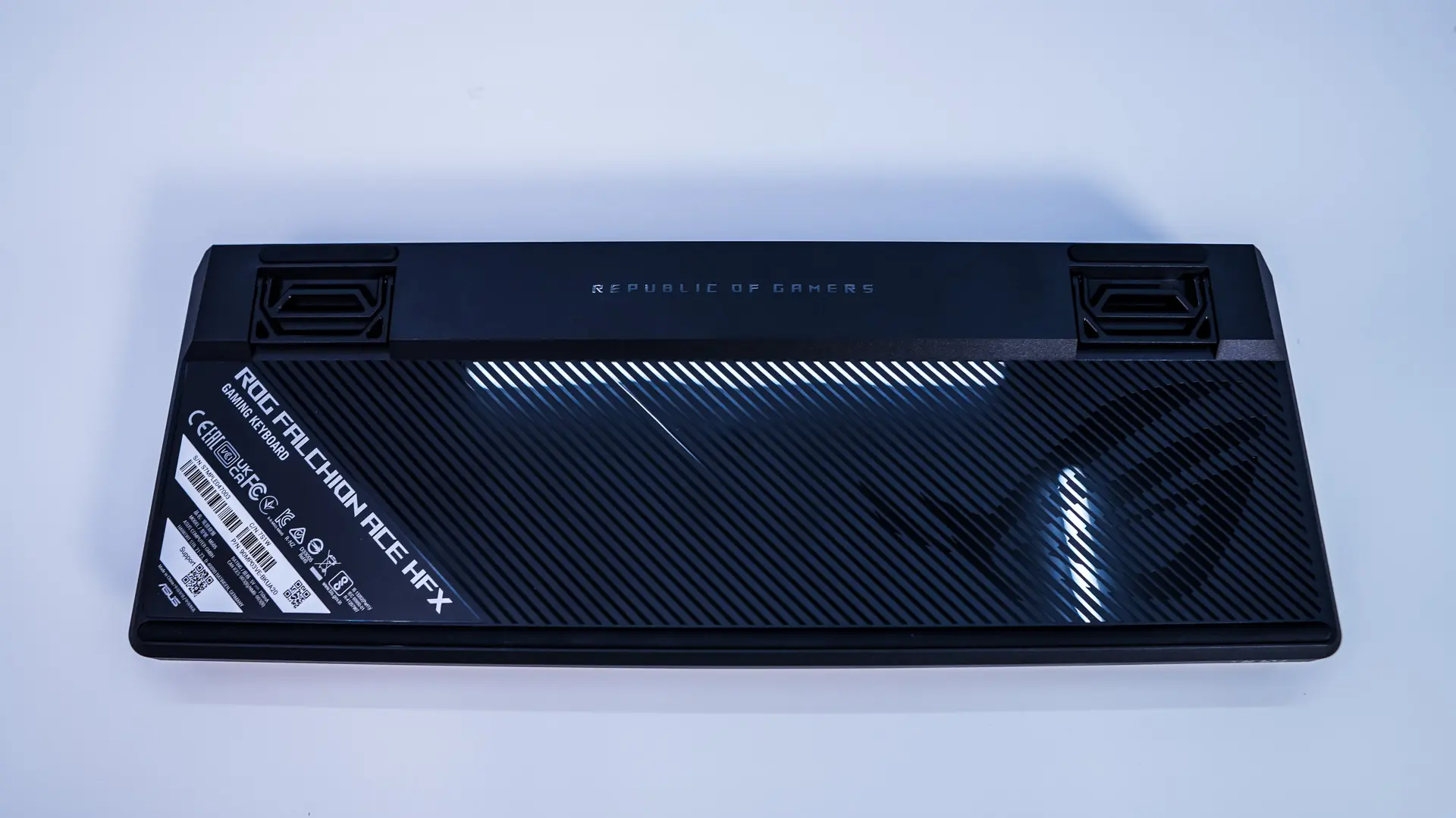
Flipping the keyboard over the bottom has a sort of glossy finish with the ROG logo. We can see those pop-out feel along with rubber feet, which should keep the keyboard in place on your desk.