ASUS ROG Harpe Ace Aim Lab Edition Overview
As you can see we received the white version of the mouse, but it is also available in black. In terms of size I would say it is a medium-sized mouse, the official dimensions are 127.5(L)x63.7(w)x39.6(H) mm.
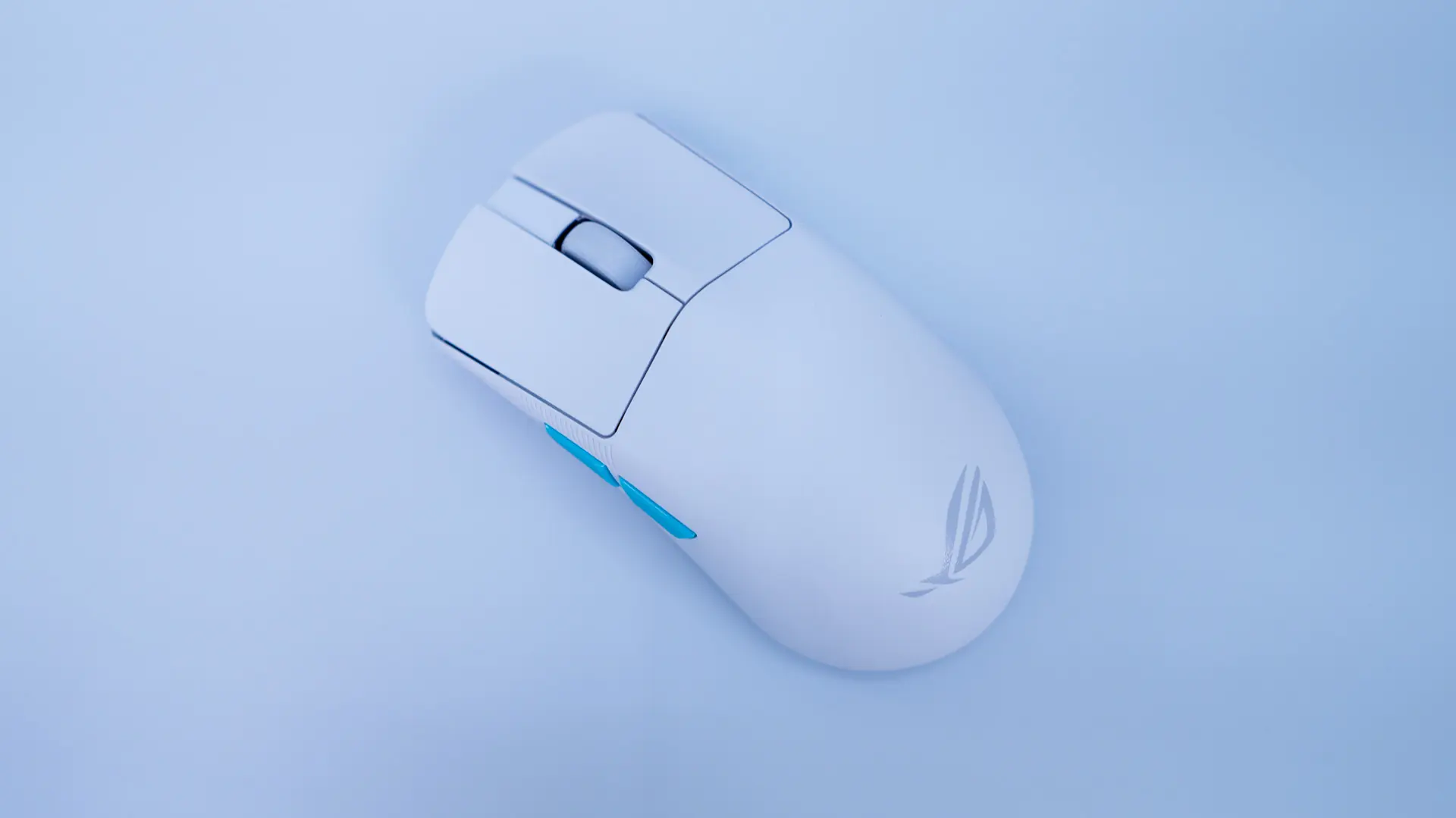
In terms of design this is essentially an ambidextrous mouse, although we do only have side buttons on the left side. The front and back of the mouse do not flare out all that much at all.
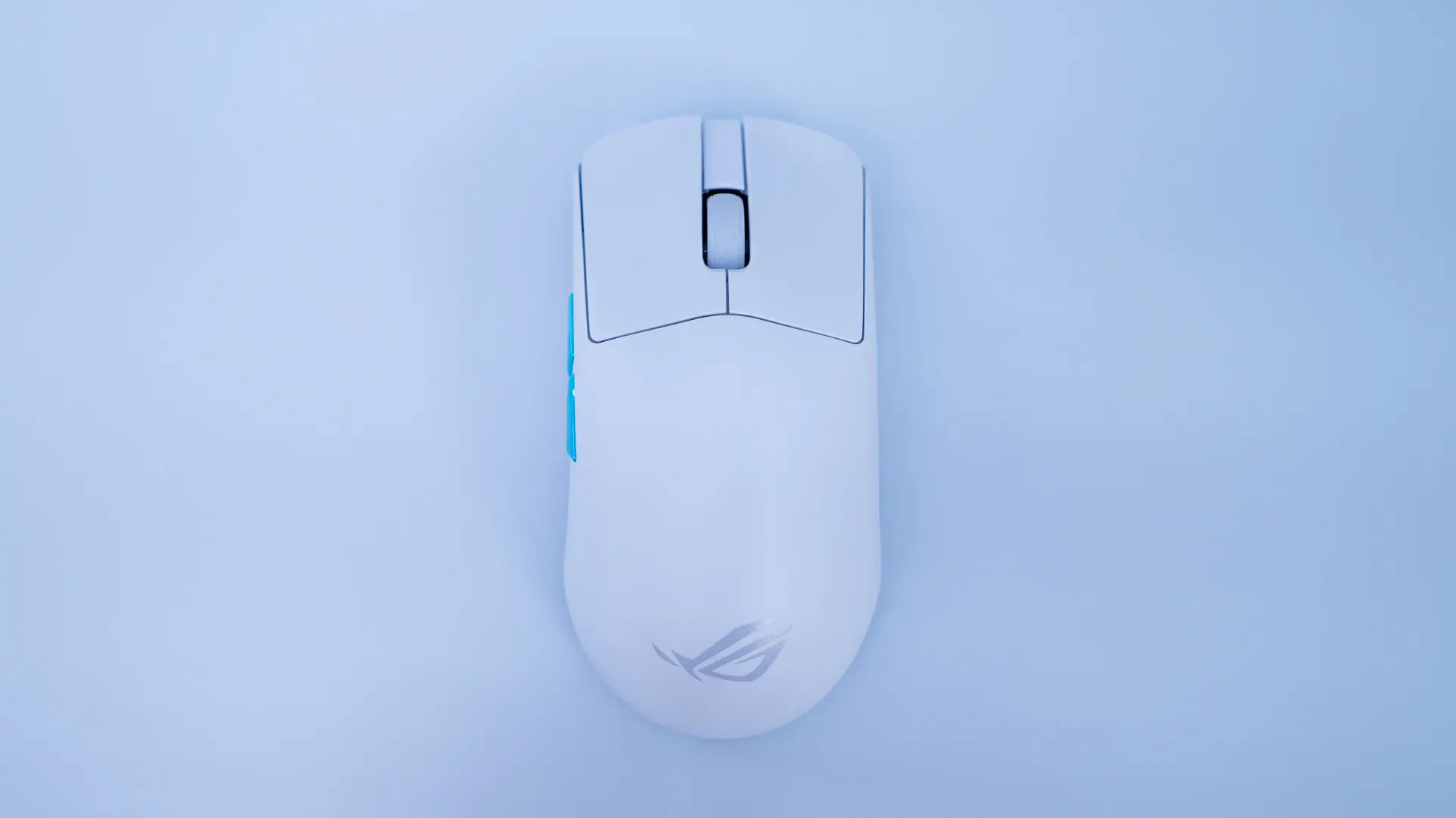
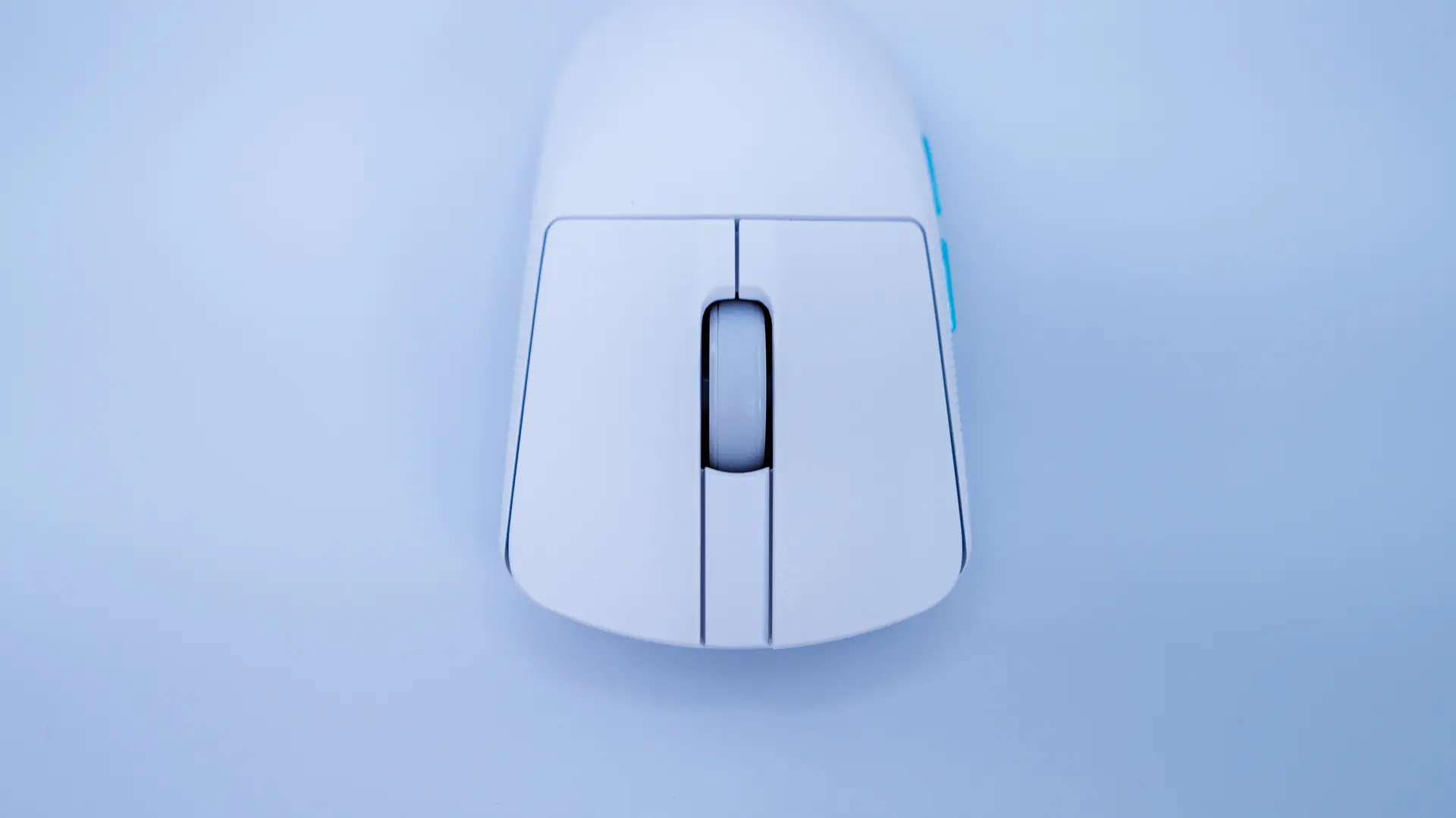
Starting at the front of the mouse we have our two main buttons and a scroll wheel which is wrapped in a rubber so it is easier to grip and more comfortable. ASUS is using their own ROG micro switches here, which are mechanical and are good for up to 70 million clicks.
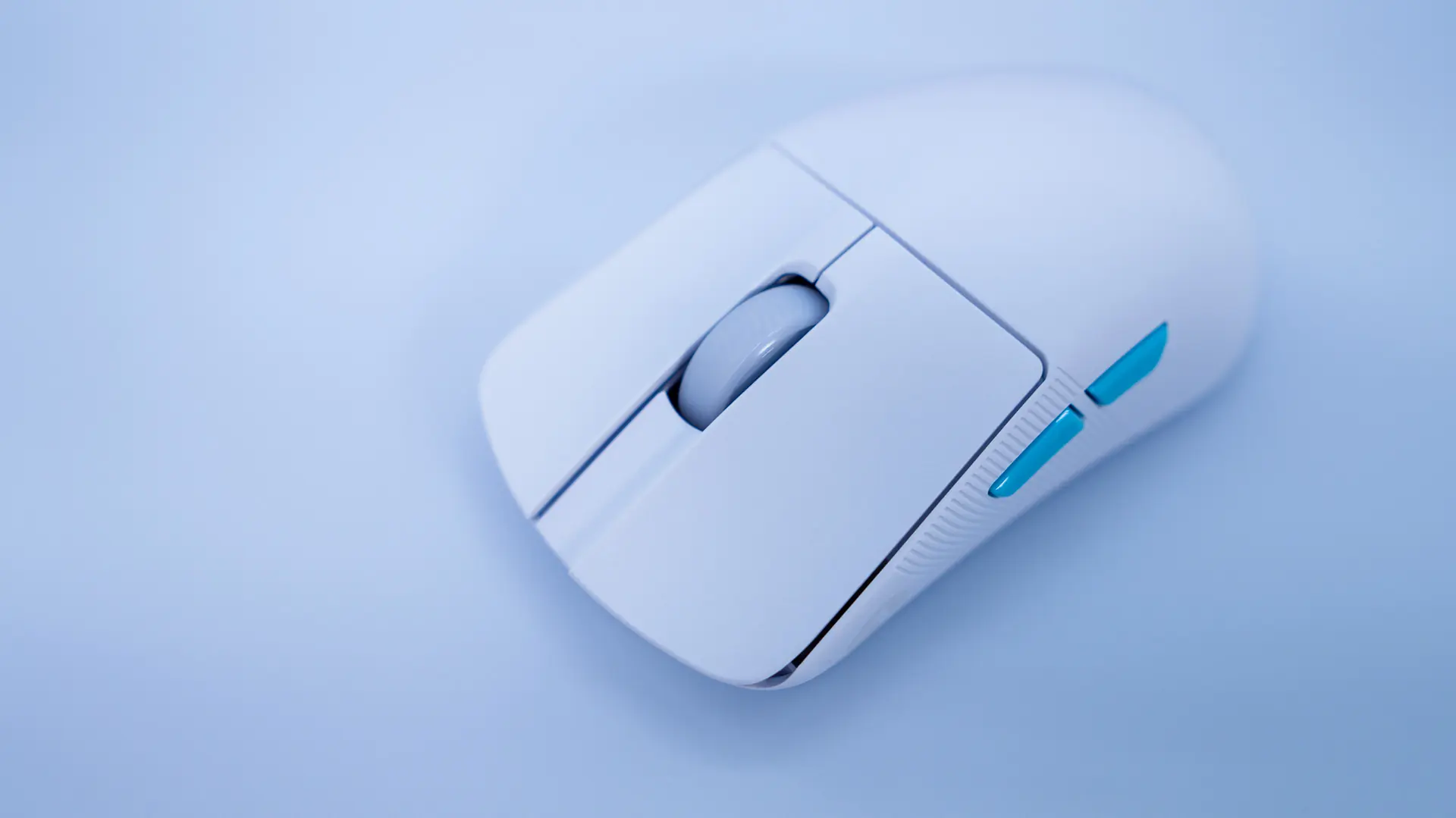
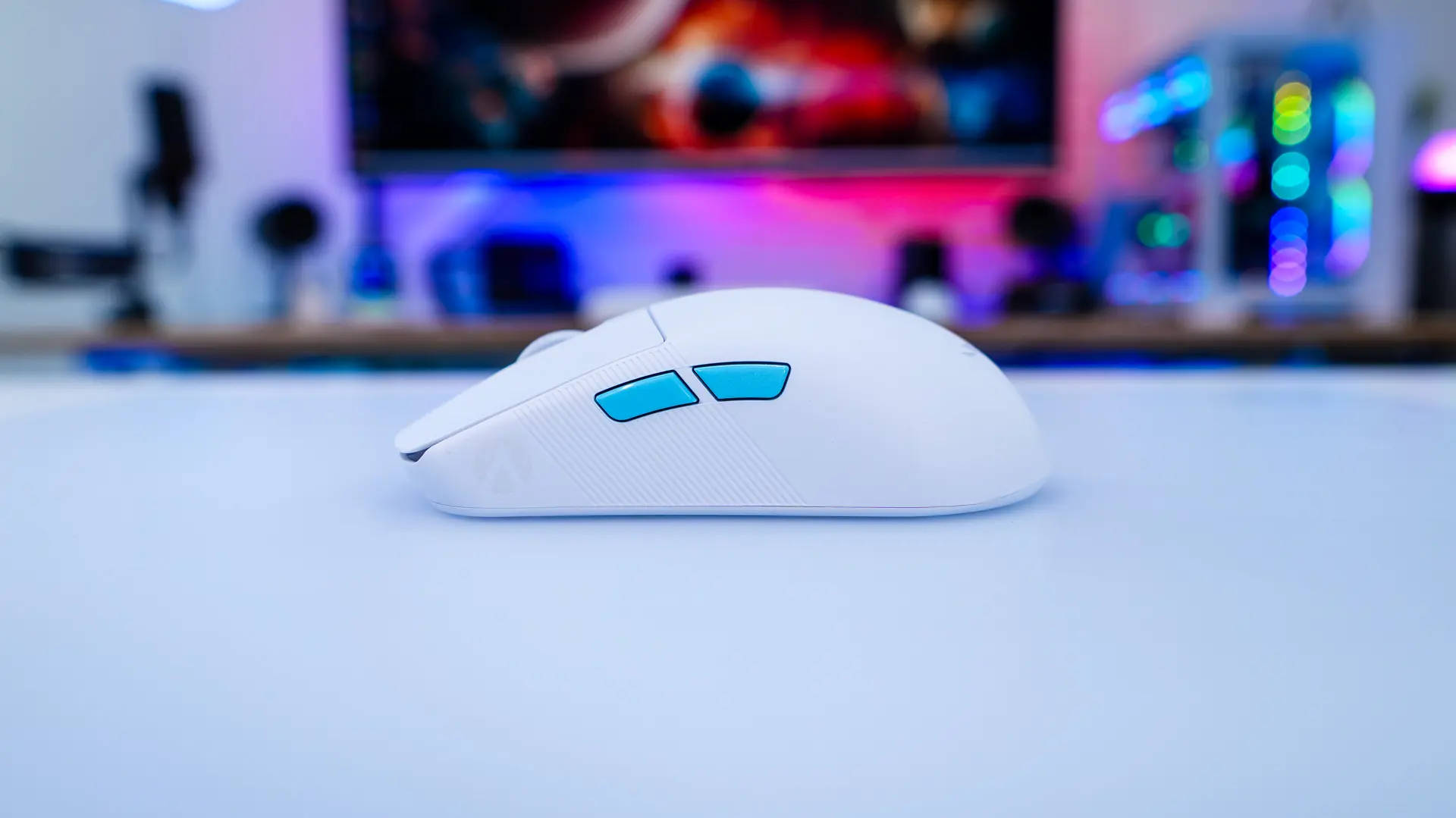
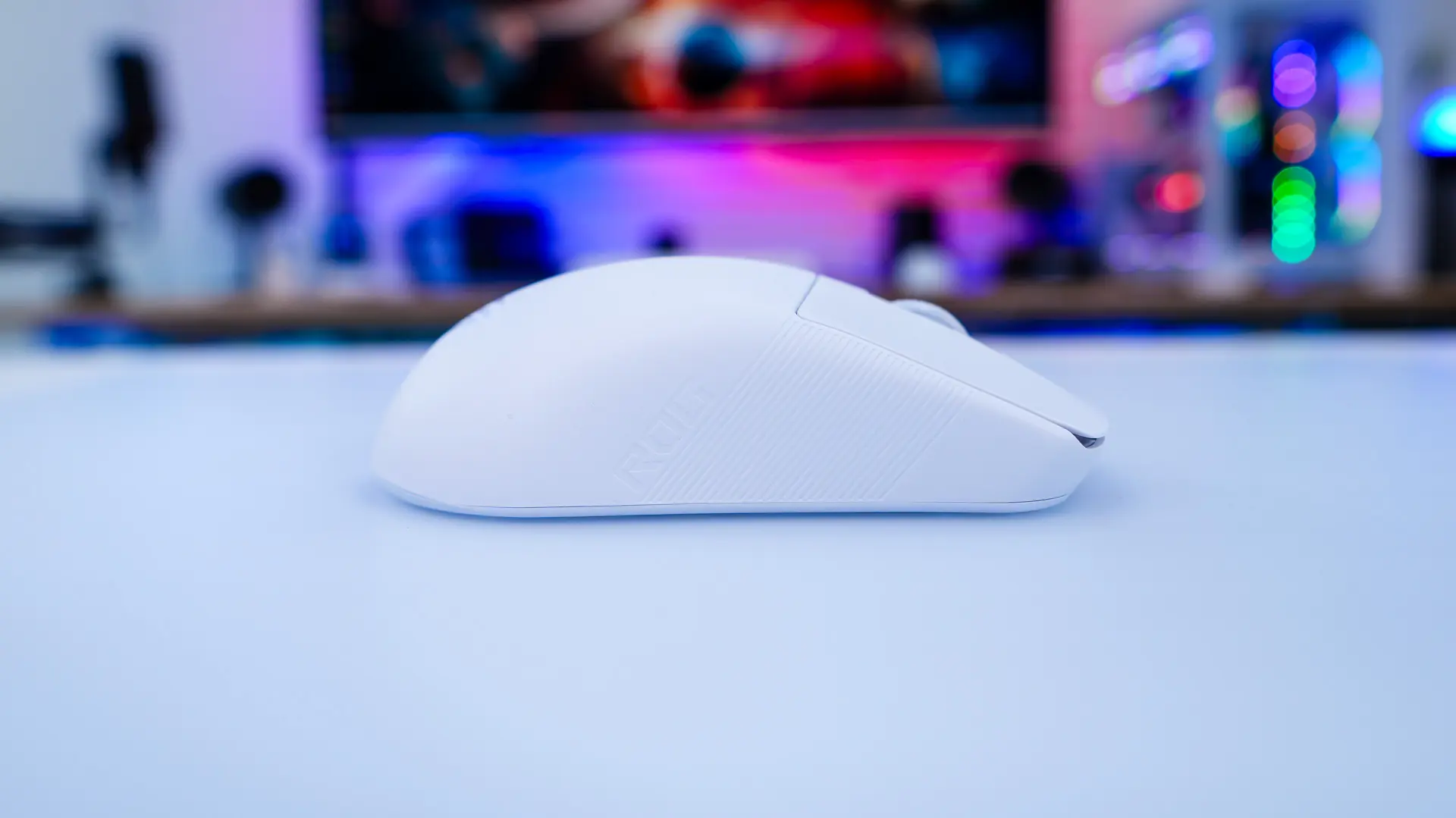
Looking at the mouse from the side we can get a better idea of how pronounced the “hump” is. On the left side of the mouse are two smaller buttons and an Aim Lab logo. On the opposite side there is just an ROG logo. Each side does have sort of vertical cuts where your fingers will sit, which should give you a better grip.
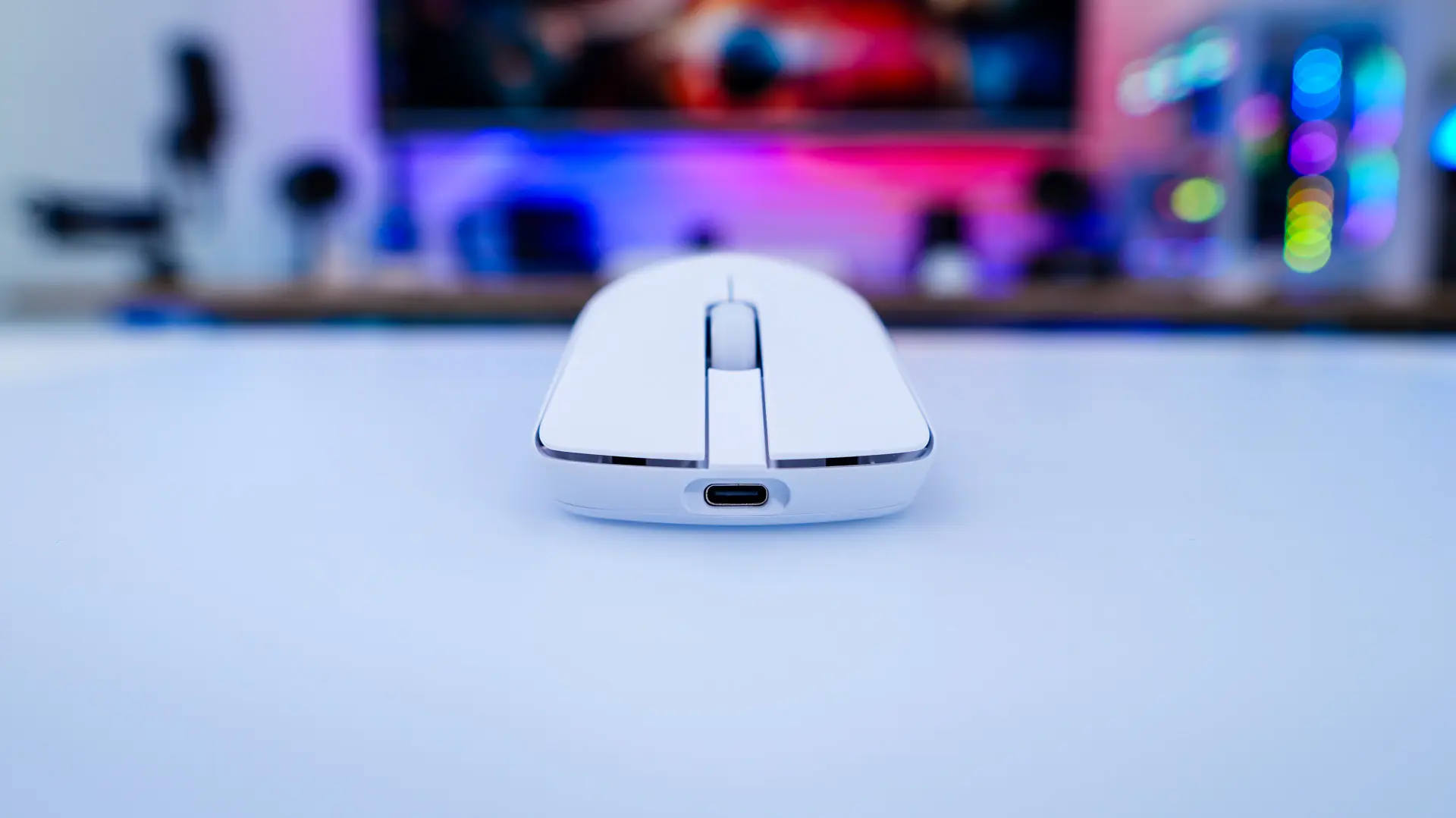
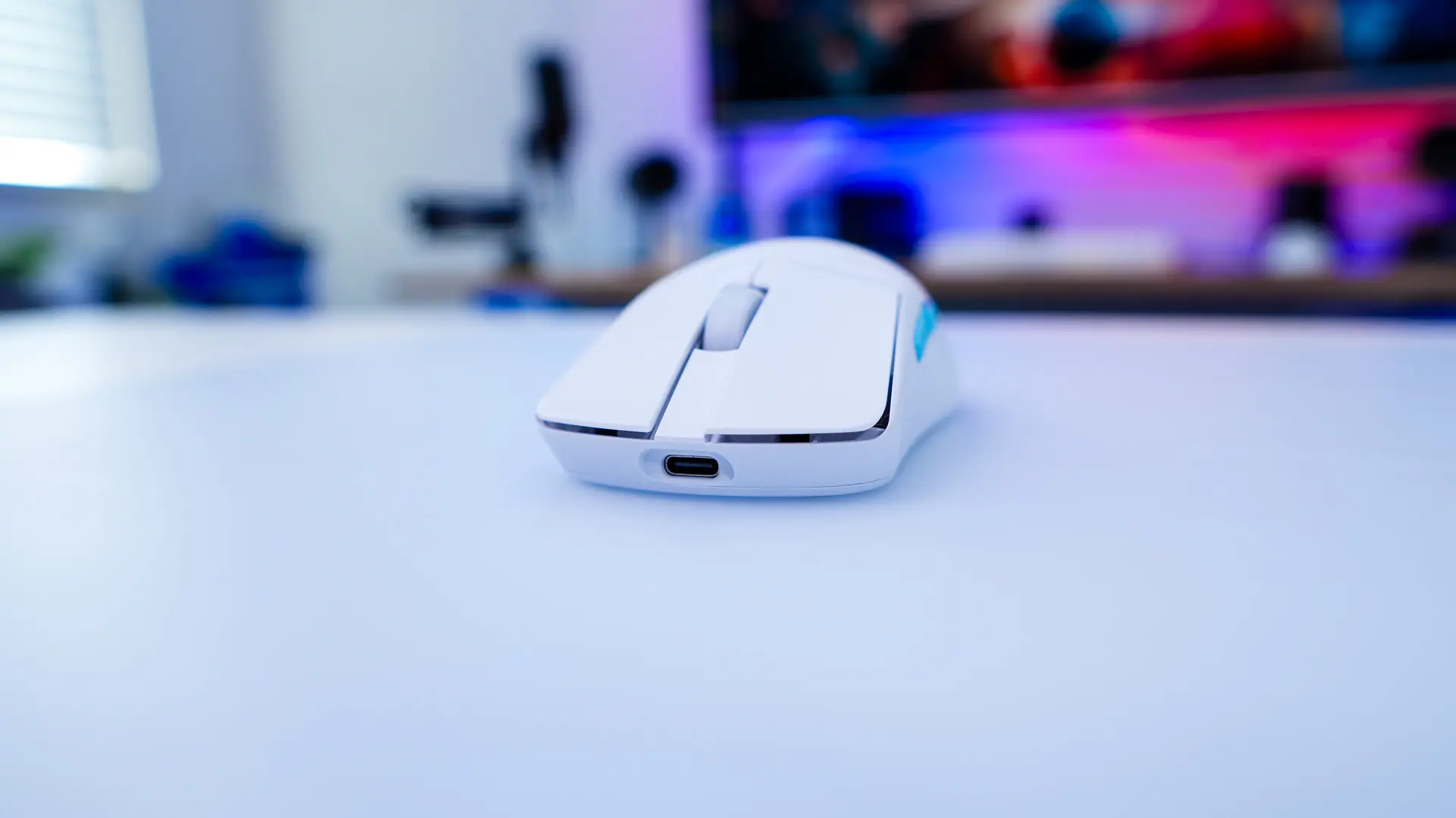
On the front of the mouse there is a USB-C connection that can be used to charge the mouse as well as use it in wired mode.
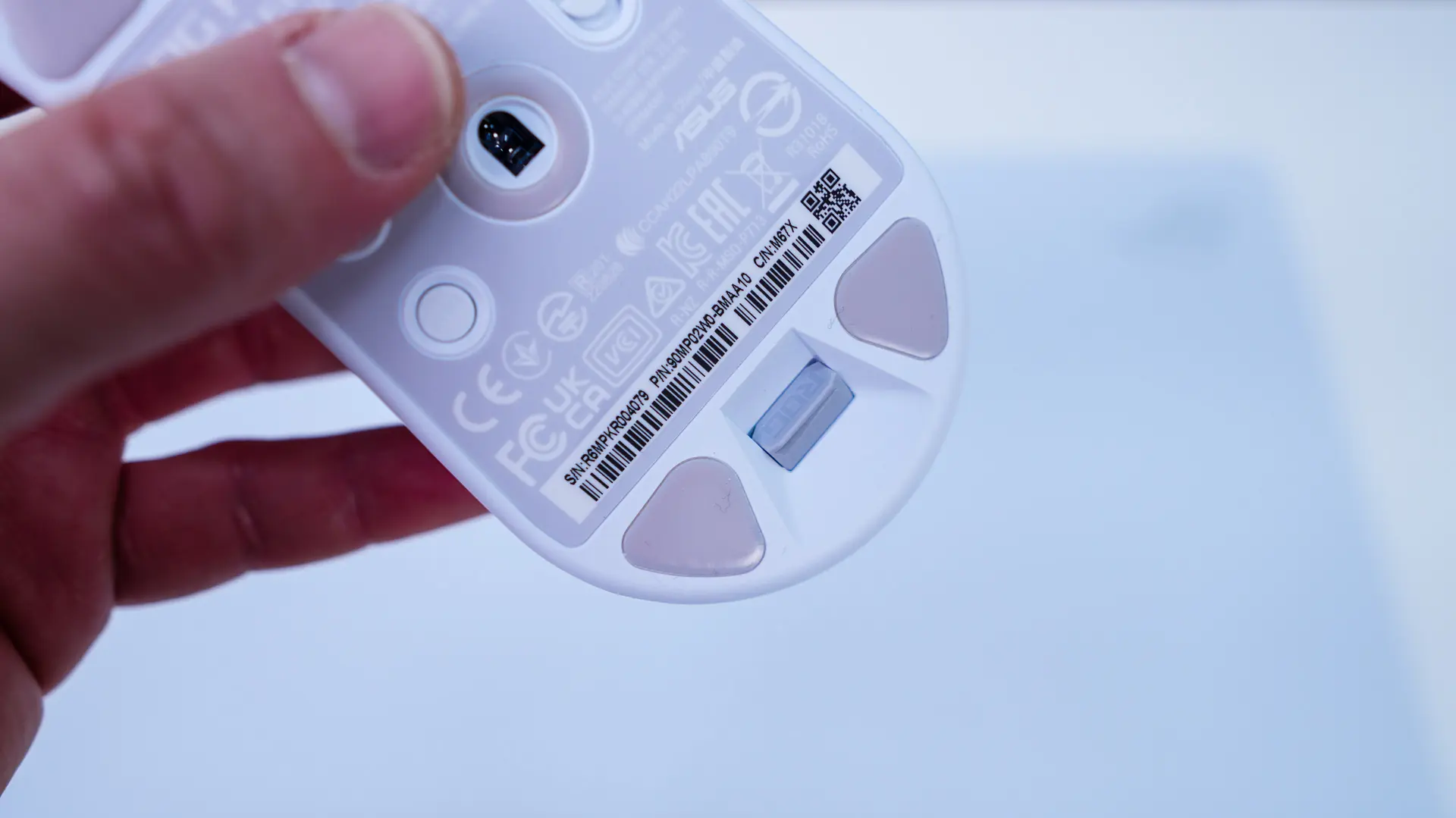
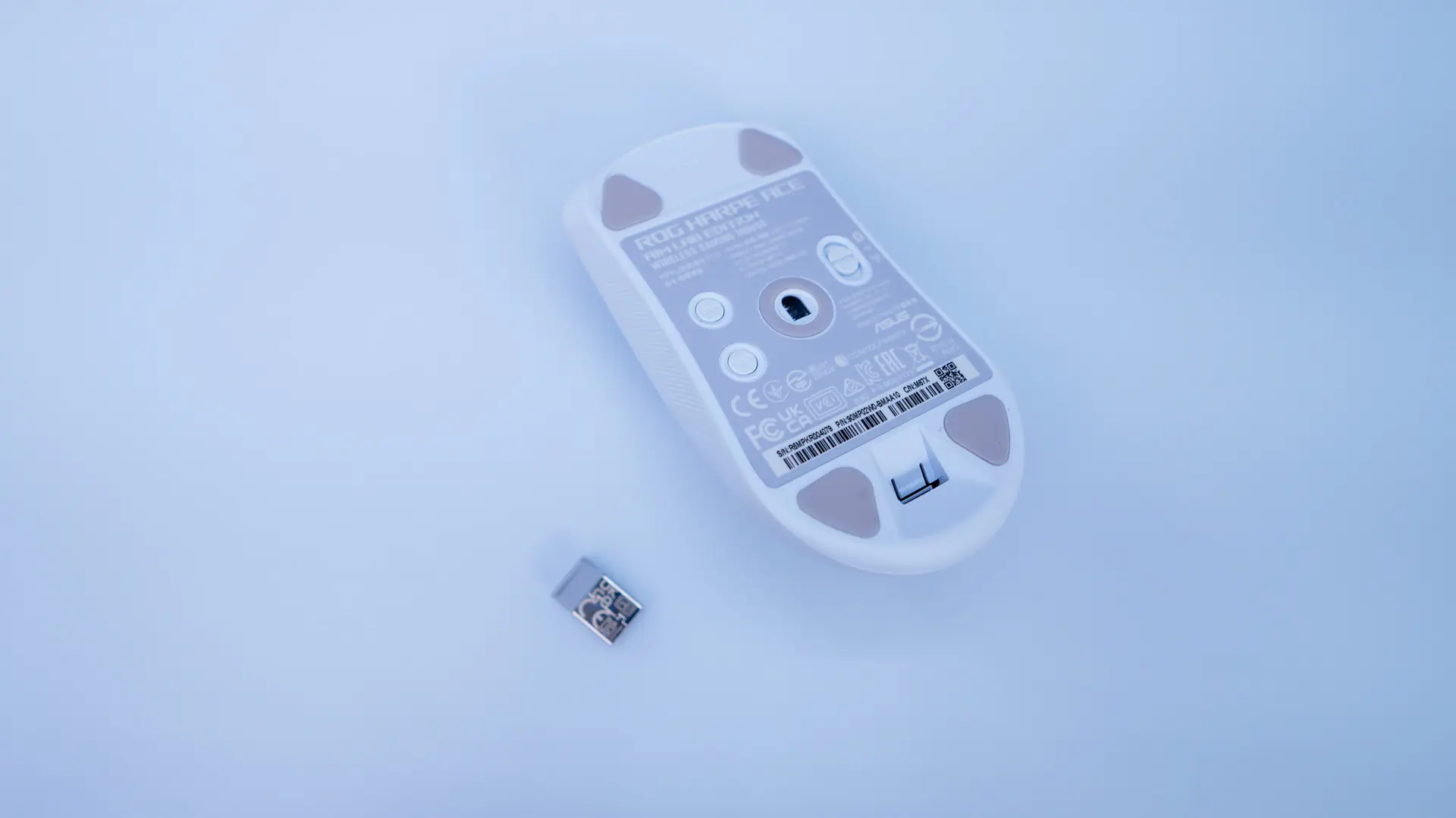
Flipping the mouse over we find four triangle-shaped pure PTFE mouse feet. Right in the center of the mouse we find our sensor which is the ASUS AimPoint. This optical sensor is capable of 36,000 DPI with a maximum tracking speed of 650 IPS. There is a slider on the bottom as well as two different buttons. The slider allows you to switch between wired, 2.4 GHz, and Bluetooth mode. The top button is a DPI button, which allows you to cycle through different DPI levels. The bottom button can adjust the polling rate and lift off distance on the fly.
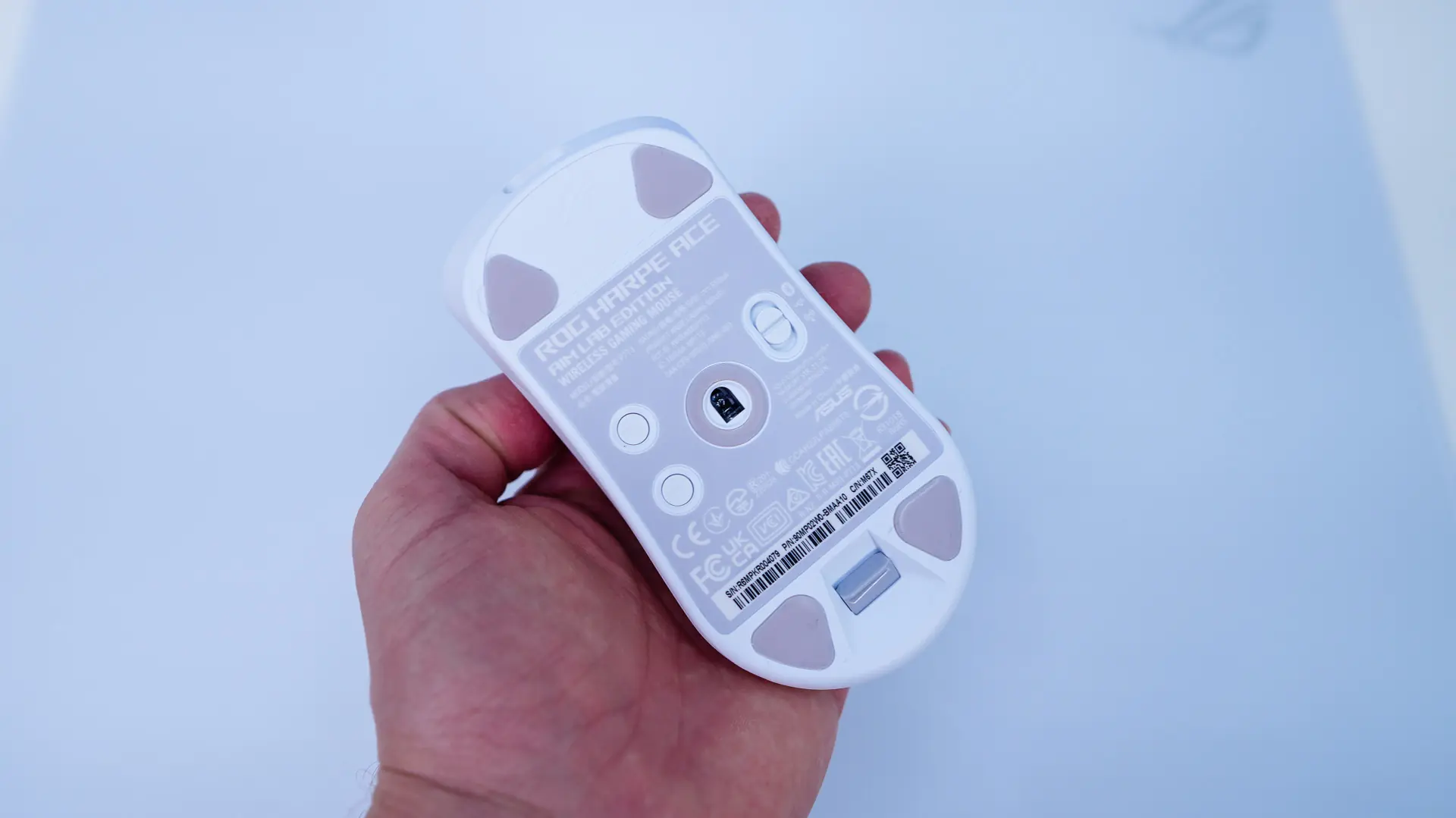
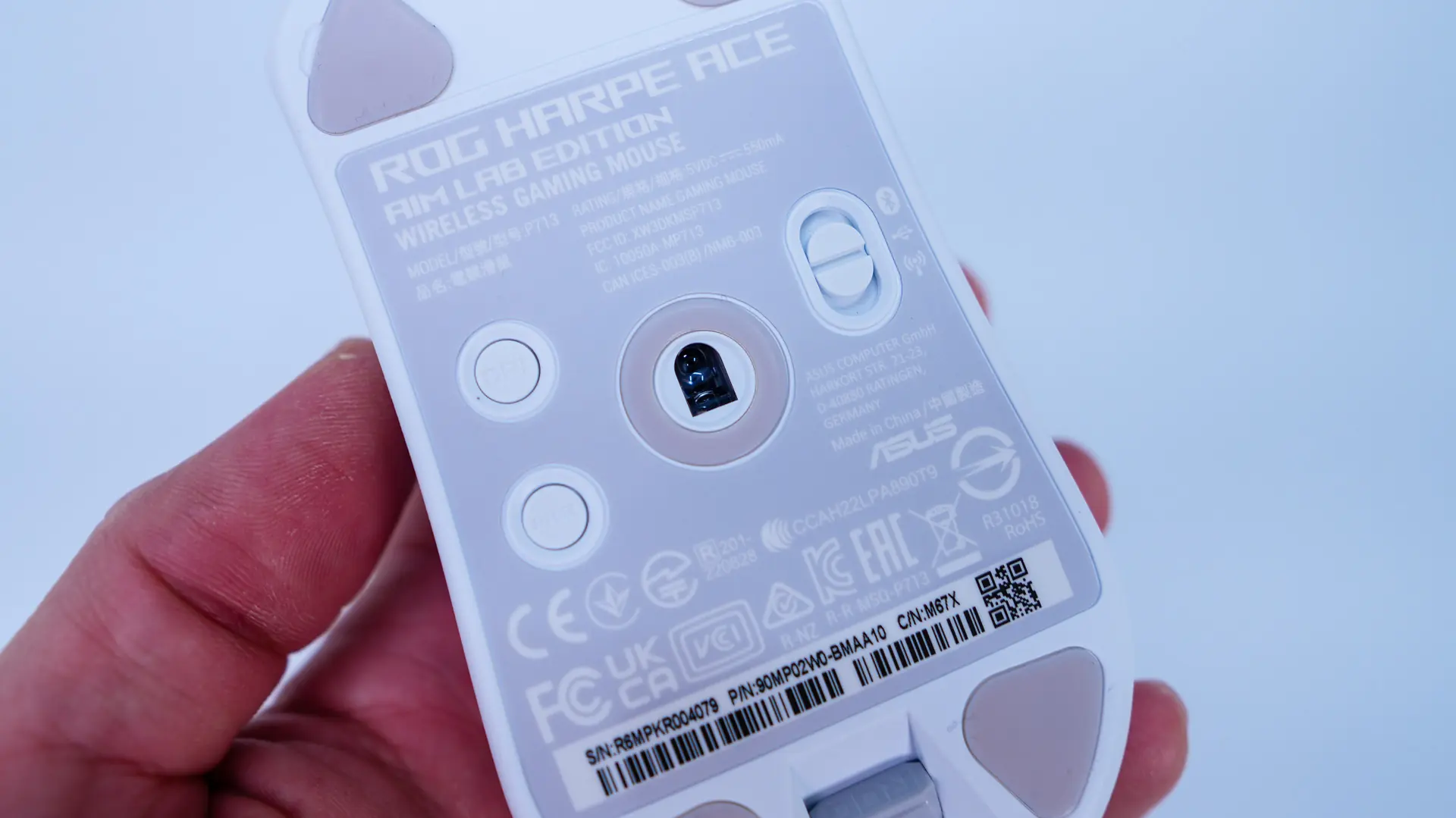
Hiding towards the bottom of the mouse is your 2.4 GHz dongle. This convenient spot means you’ll never misplace the dongle if you are taking the mouse with you.