Final Thoughts on the ASUS ROG Maximus Z890 Hero BTF Motherboard
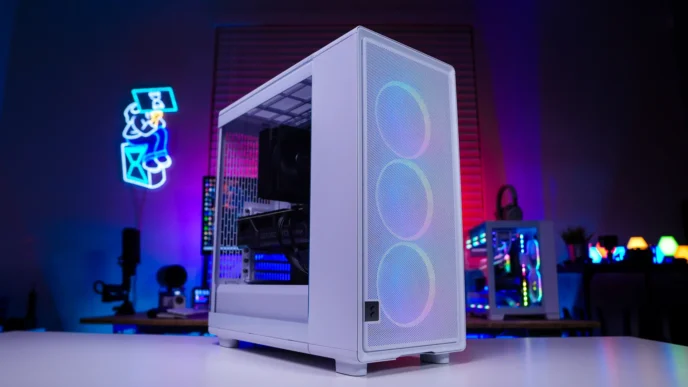
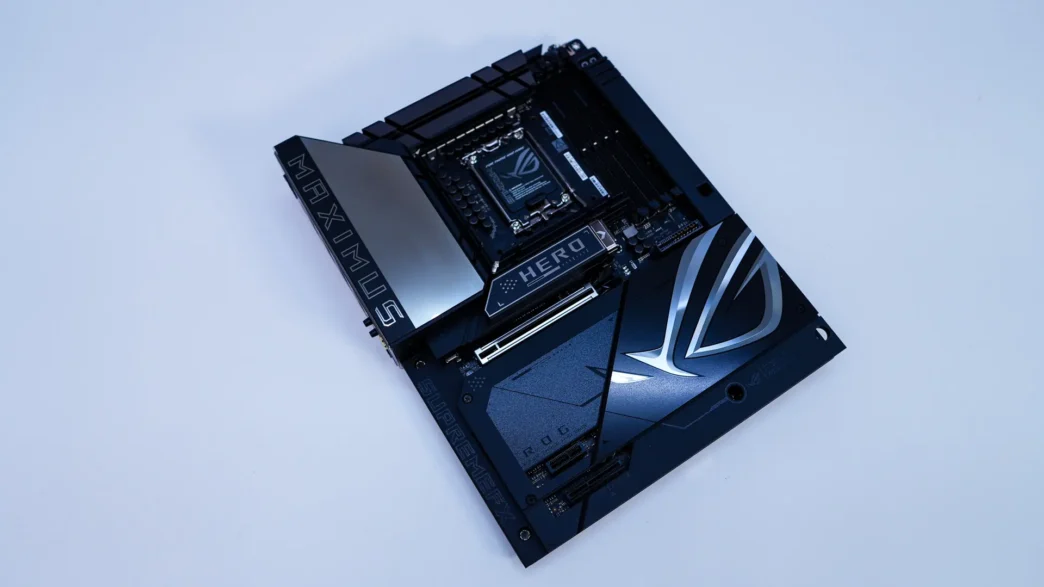
We’ve essentially already reviewed this motherboard, we took a look at the non-BTF version back in October. The big change on the BTF version is that most of the connectors of the board have been moved to the back. This allows for such a clean build overall, as you are not routing cables from the front of your system to the back. It actually makes connecting everything easier too.
ASUS has also outfitted their BTF motherboards with the proprietary HCPE connector. So if you also buy an ASUS BTF graphics card you’ll have power to the card running through the motherboard, so again less able mess. Of course you can use this motherboard without a BTF graphics card, we did in our build.
Beyond just being a BTF motherboard, the feature-set of this board is quite robust. You have that 22+1+2+2 power phase design, a total of six M.2 slots, dual Thunderbolt 4 USB-C ports, WiFi 7, both 5G and 2.5G LAN, and DDR5 support with NitroPath DRAM technology. ASUS also has a lot of great ease of use features like their PCIe Slot Q-Release Slim, M.2 Q-Latch, M.2 Q-Slide, and M.2 Q-Release. Each one of these work seamlessly.
Just like the original board the only real downside I see to this board is that if you populate the bottom two Gen5 M.2 slots your graphics card is only going to run at x8 speeds, not the full x16. This of course is a platform limitation, not a limitation of the board itself.
Currently this board is selling at our favorite online retailer for $699, which makes it about $15 more than the non-BTF version of the board. Overall ThinkComputers gives the ASUS ROG Maximus Z890 Hero BTF Motherboard a 9 out of 10 score.

Pros:
– BTF design, most connectors moved to the back of the board
– HCPE connector for BTF graphics cards
– Six M.2 ports with mostly tool-less design
– Thunderbolt 4 with Thunderbolt Share
– NitroPath DRAM
– WiFi 7
Cons:
– Graphics card slot drops down to x8 speed if you install drives in the bottom 2 Gen5 M.2 slots
– You do need a BTF-compatible PC case