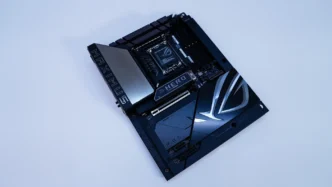
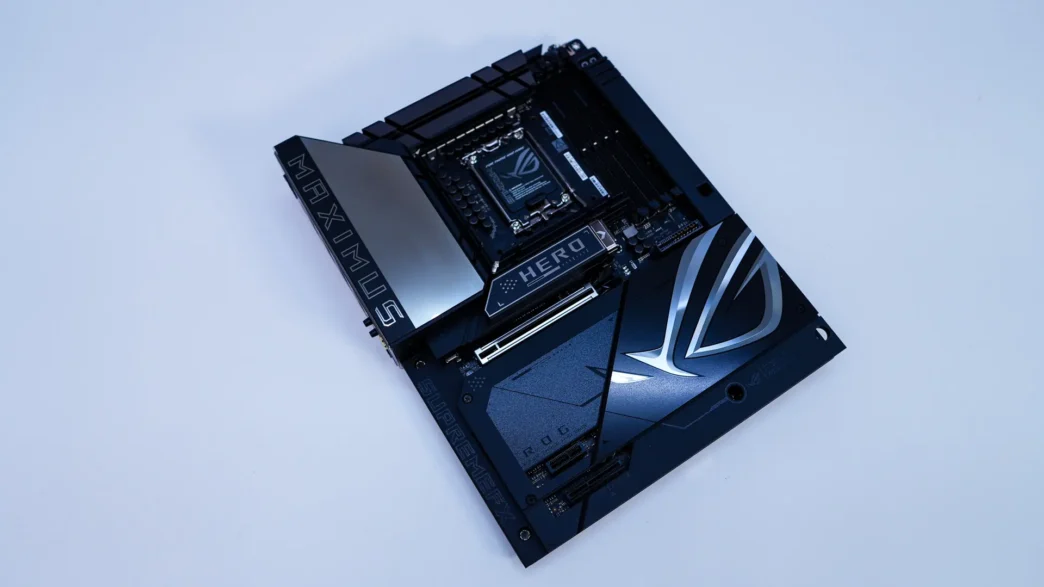
BTF Installation for the ASUS ROG Maximus Z890 Hero BTF Motherboard
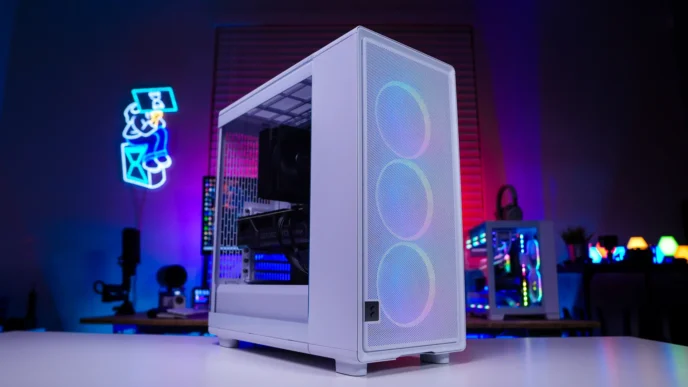
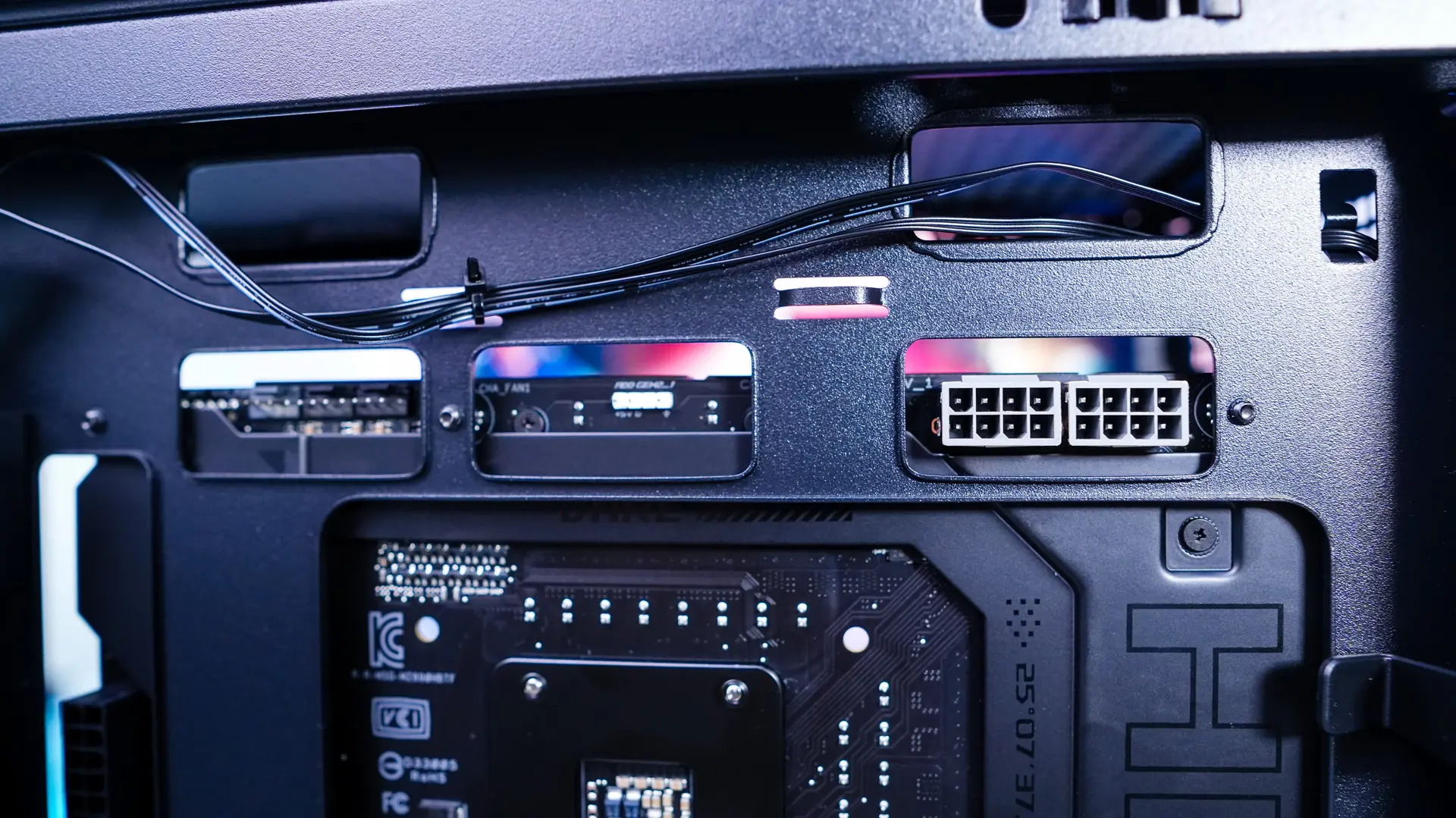
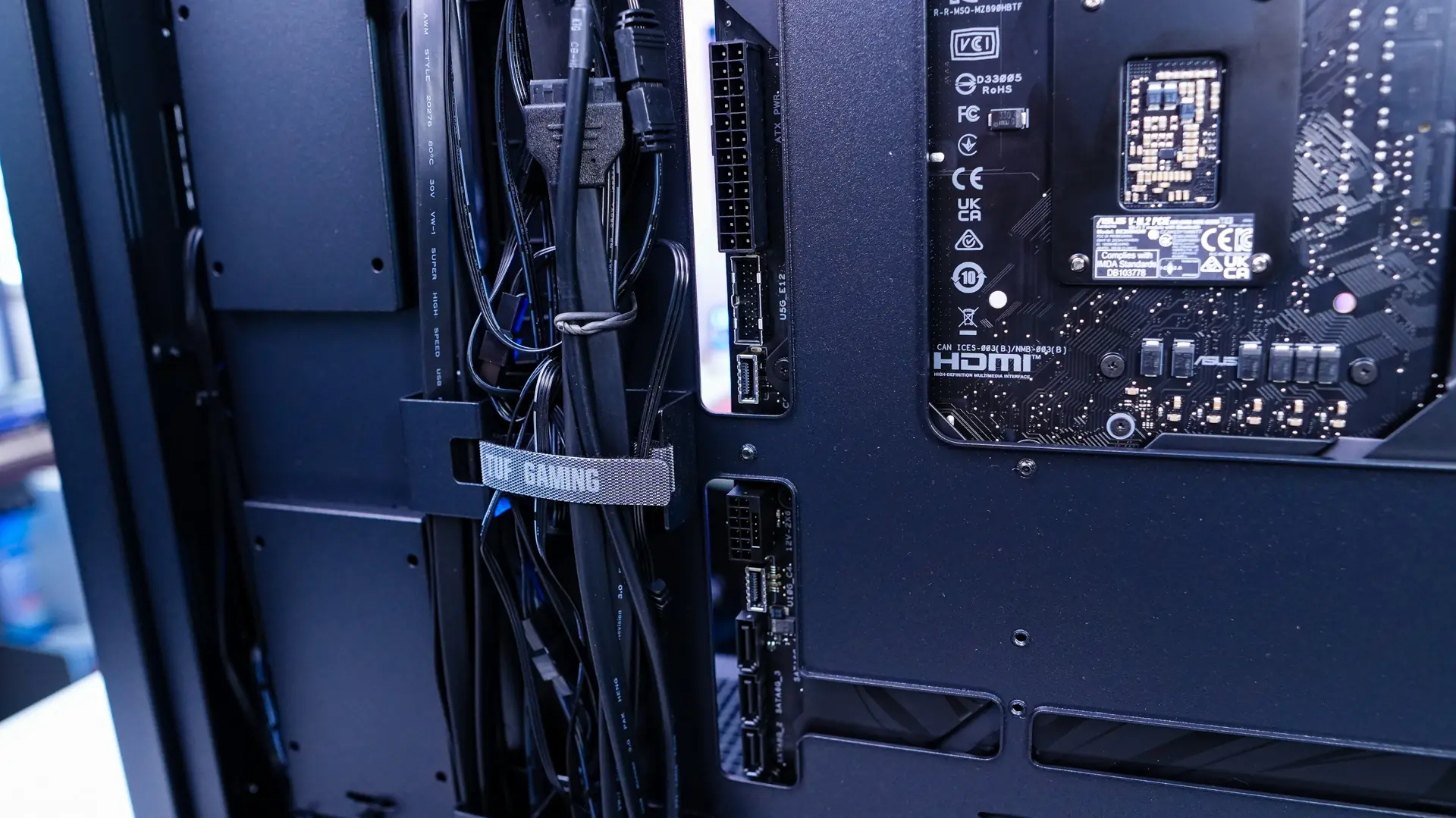
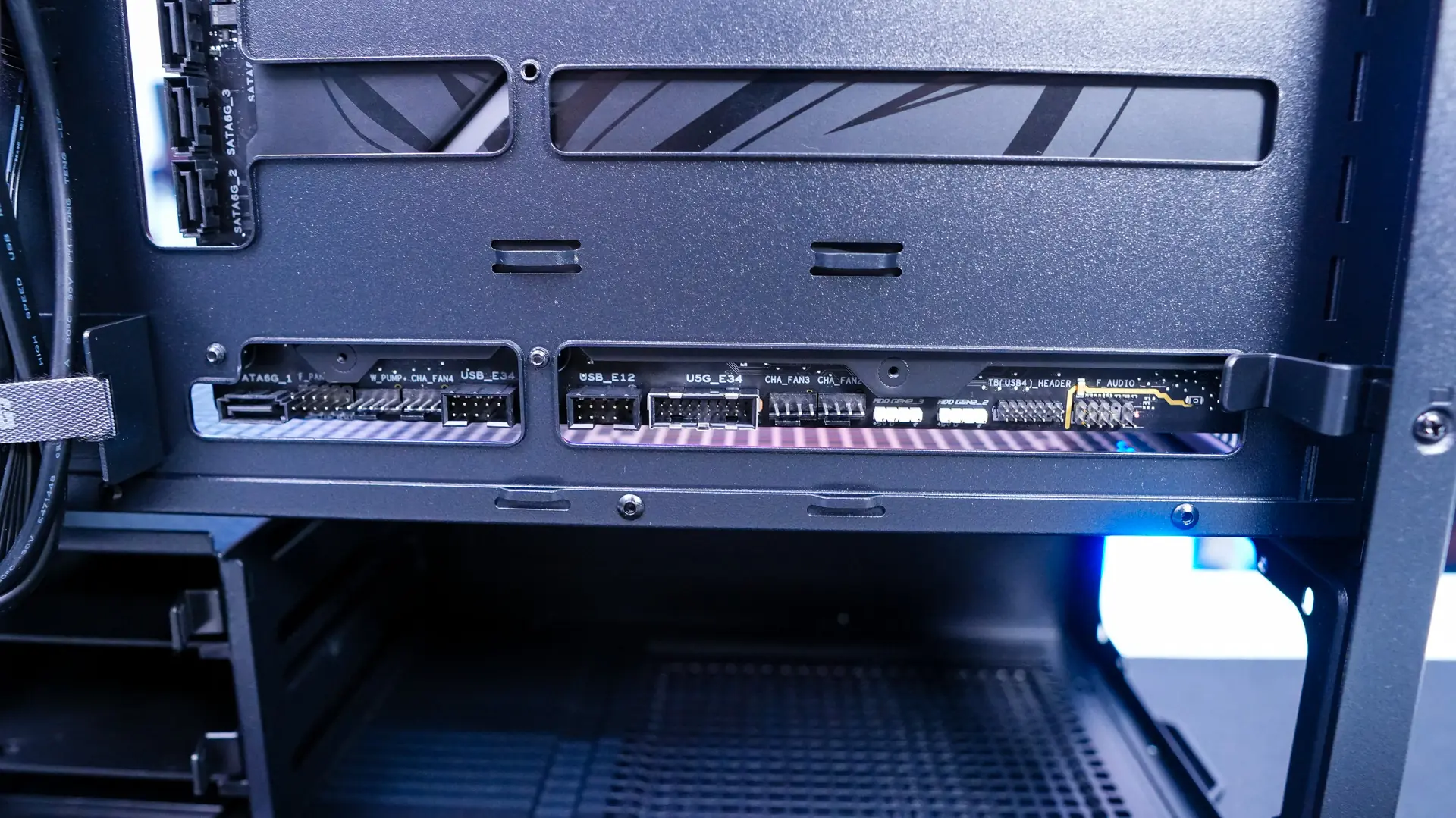
BTF or any type of back-connect motherboards cannot be installed in just any PC case. You’ll need to have a case that supports back-connect motherboards. Luckily most new cases these days will. ASUS was nice enough to send us over their TUF Gaming GT302 ARGB which comes with 4 included ARGB fans! The big thing you’ll notice with these type of cases is all of the cut-outs in the motherboard tray to accommodate the connections on the back of the motherboard.
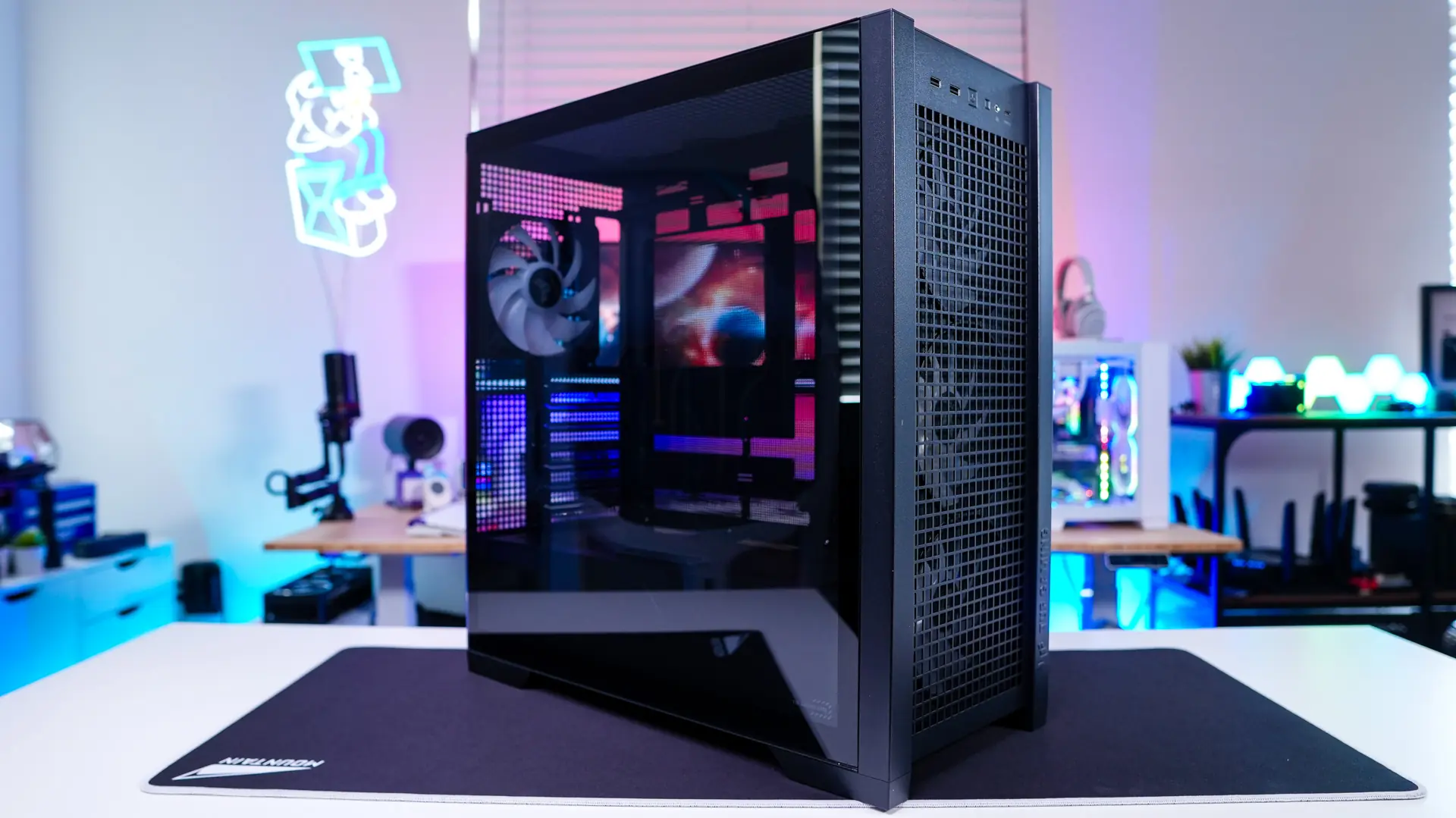
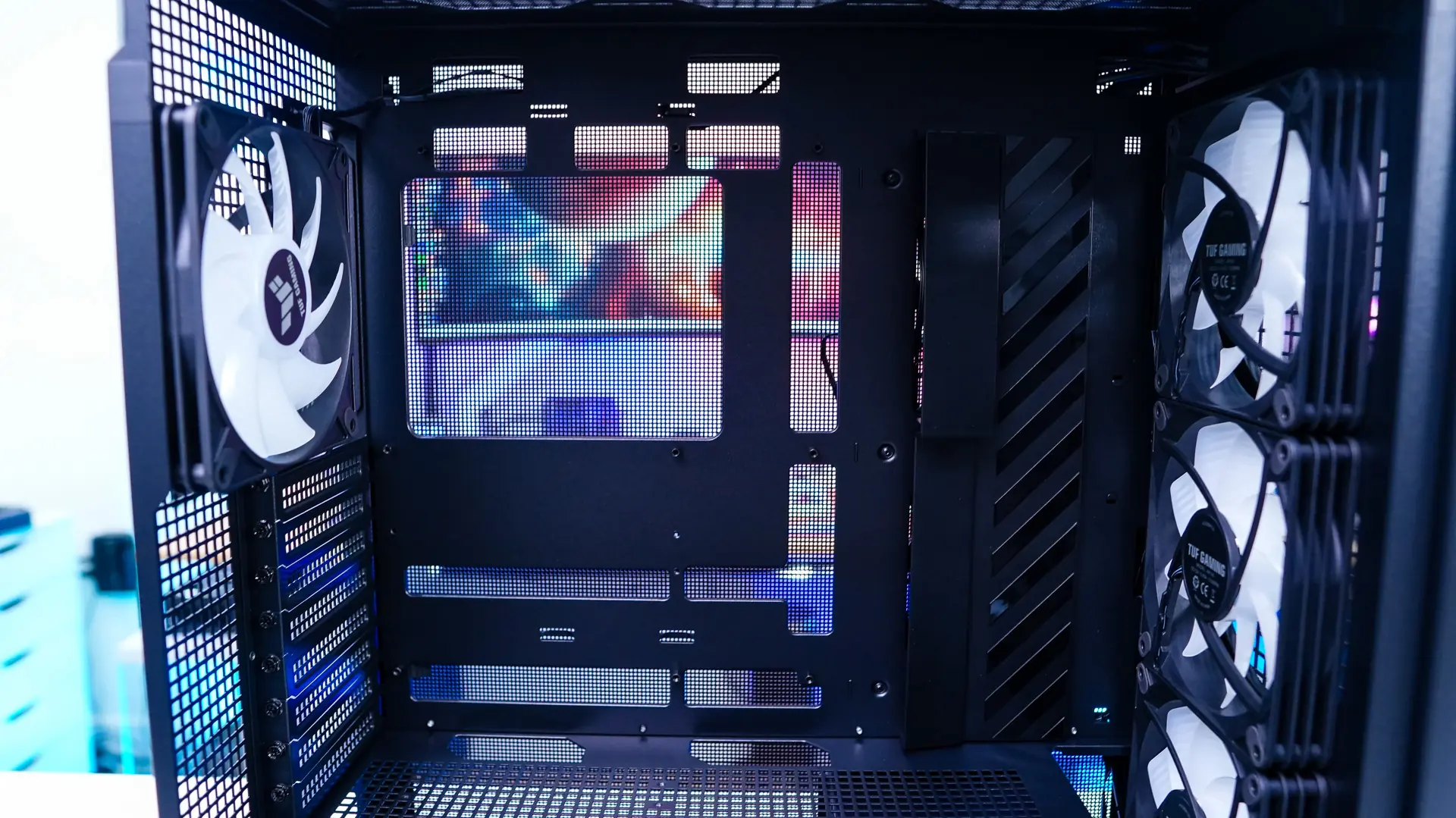
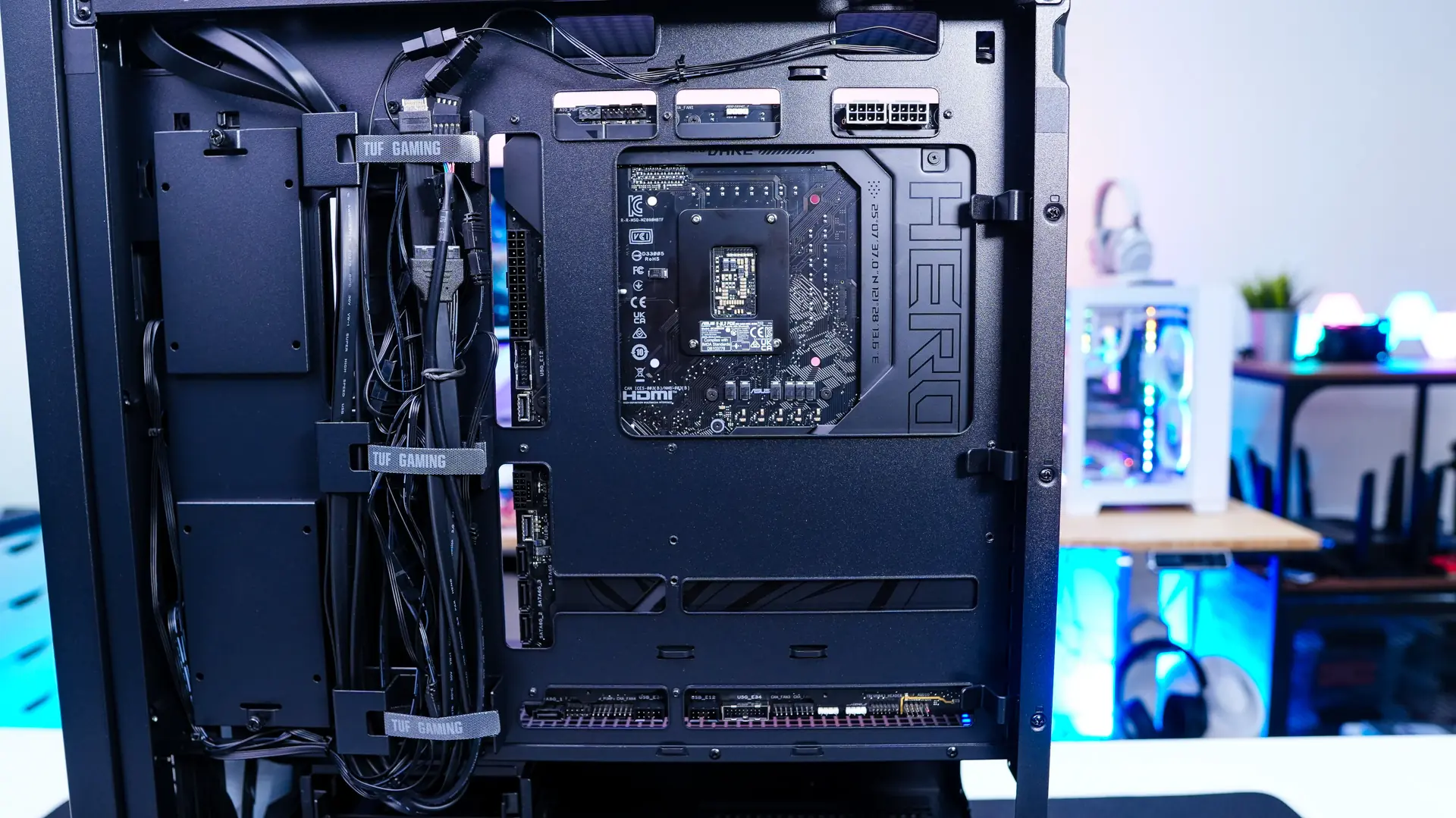
With our motherboard installed we can see how easy all of these connections are to access from the backside of the case.
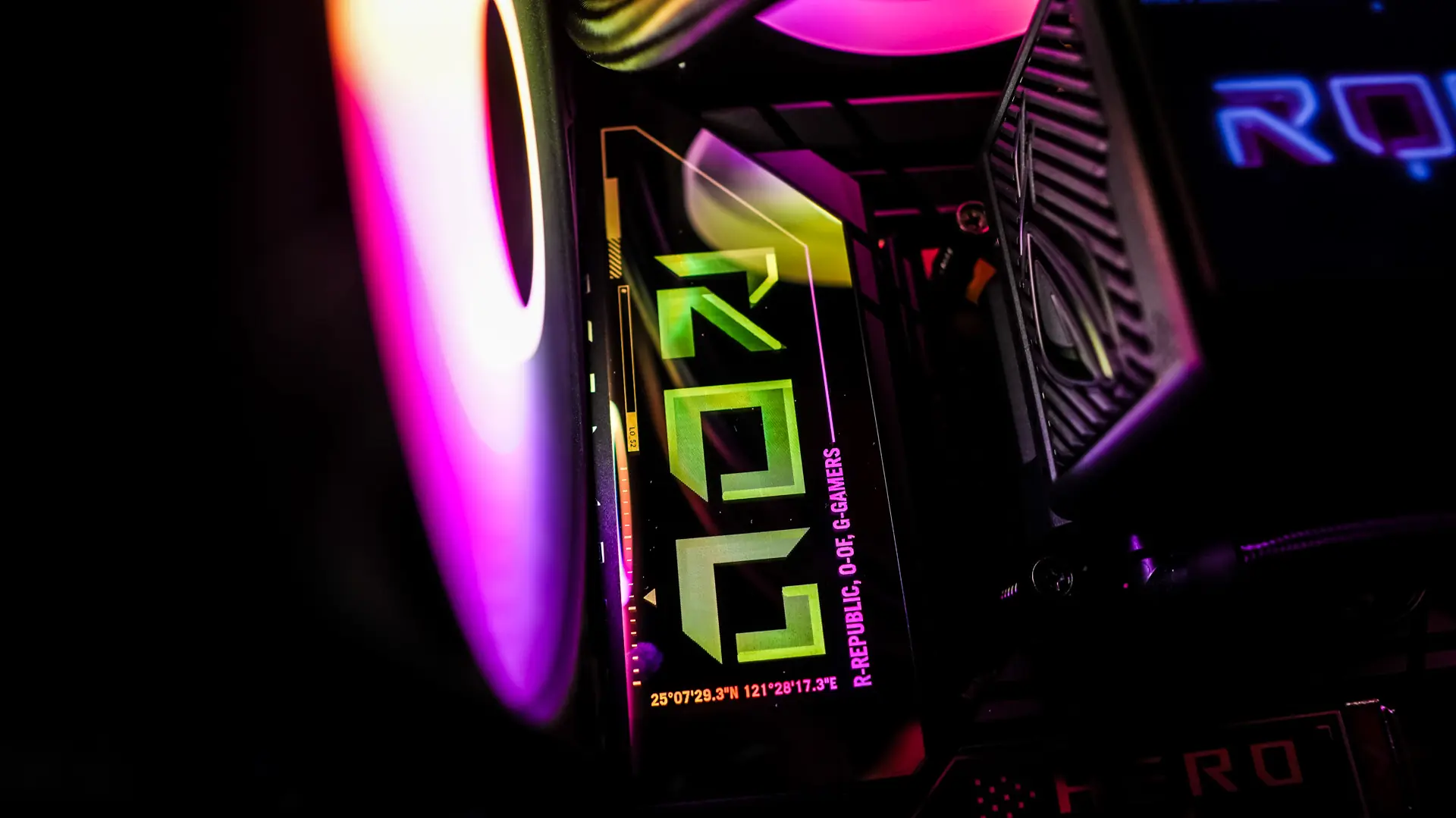
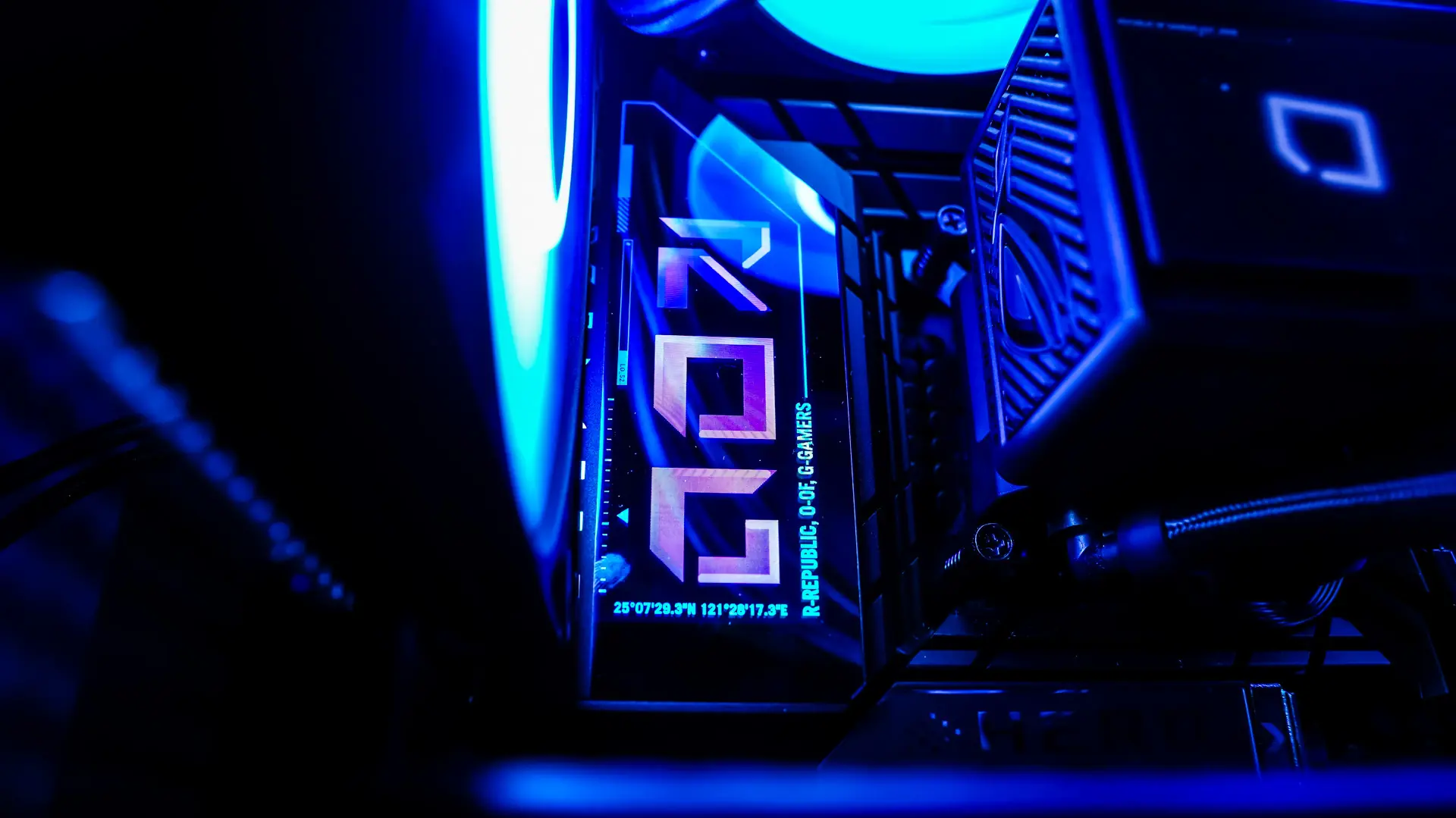
Lighting on the ASUS ROG Maximus Z890 Hero BTF Motherboard
The only lighting you are going to find on the ROG Maximus Z890 Hero is going to be the Polymo II lighting on the I/O cover. It essentially shows a large ROG logo and then the lighting behind it can be configured.