ASUS ROG Ryujin III 360 ARGB Extreme Liquid CPU Cooler Overview
For those wondering, the “Extreme” edition of this cooler is currently only available in a 360mm version and the only color option is black. If you are looking for a 240mm or white cooler you can get the normal ROG Ryujin III ARGB in those options.
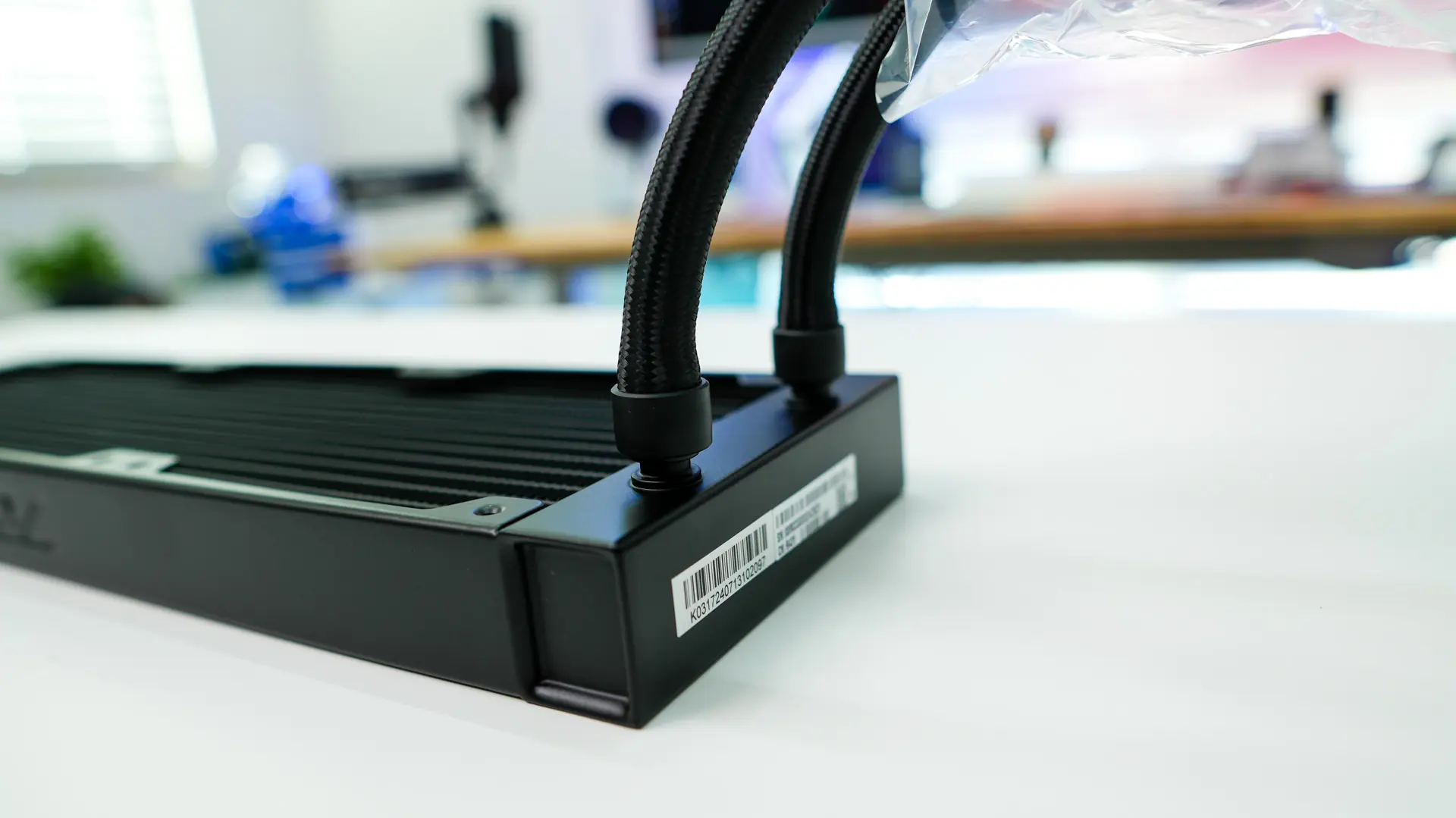
Starting with the radiator we have a pretty plain-looking radiator, but it is slightly thicker than other radiators on the market. ASUS has opted for a 30mm thick radiator, while for the most part the industry standard is 27mm. There is an “ROG” logo stamped into the side of the radiator.
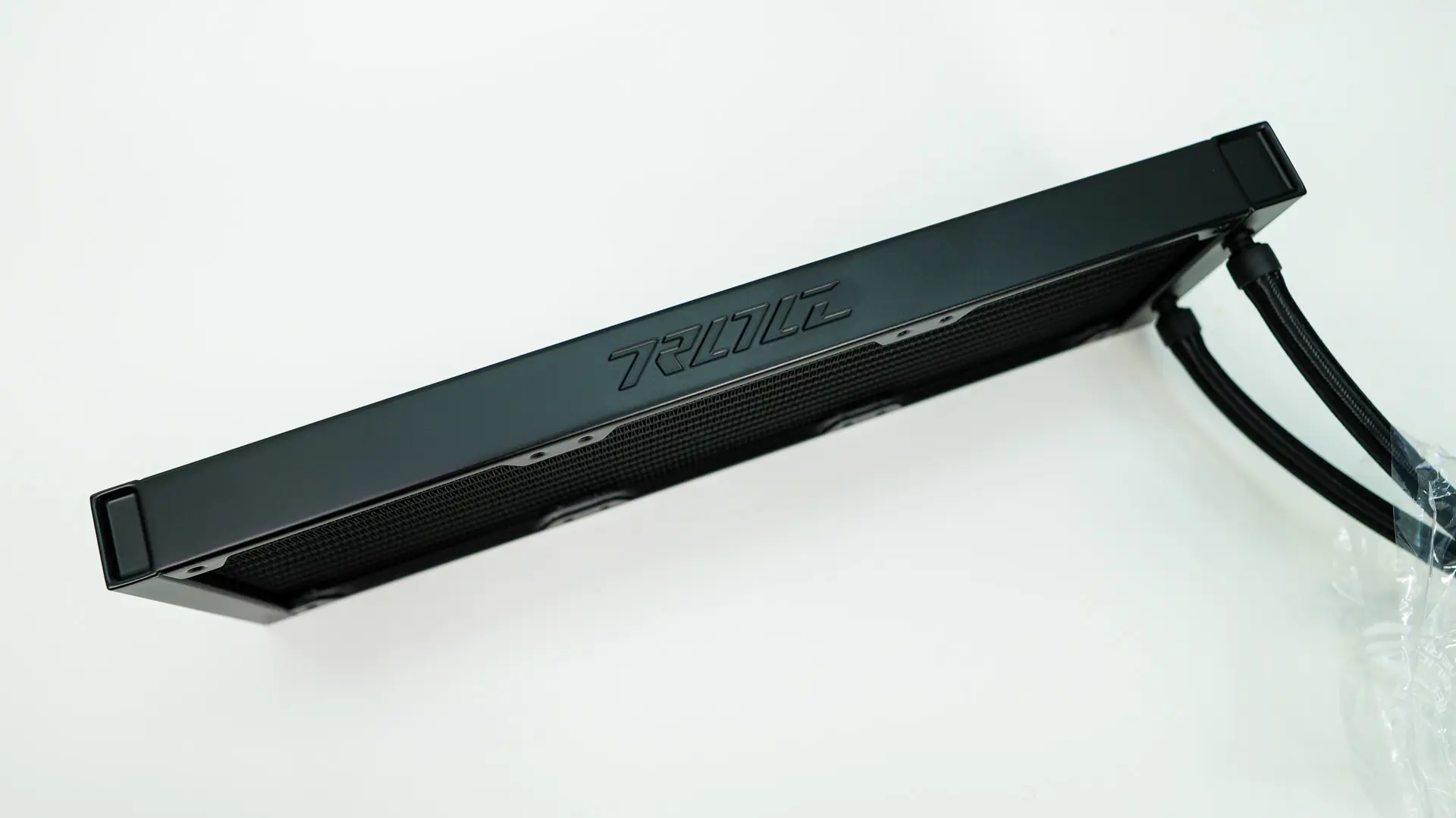
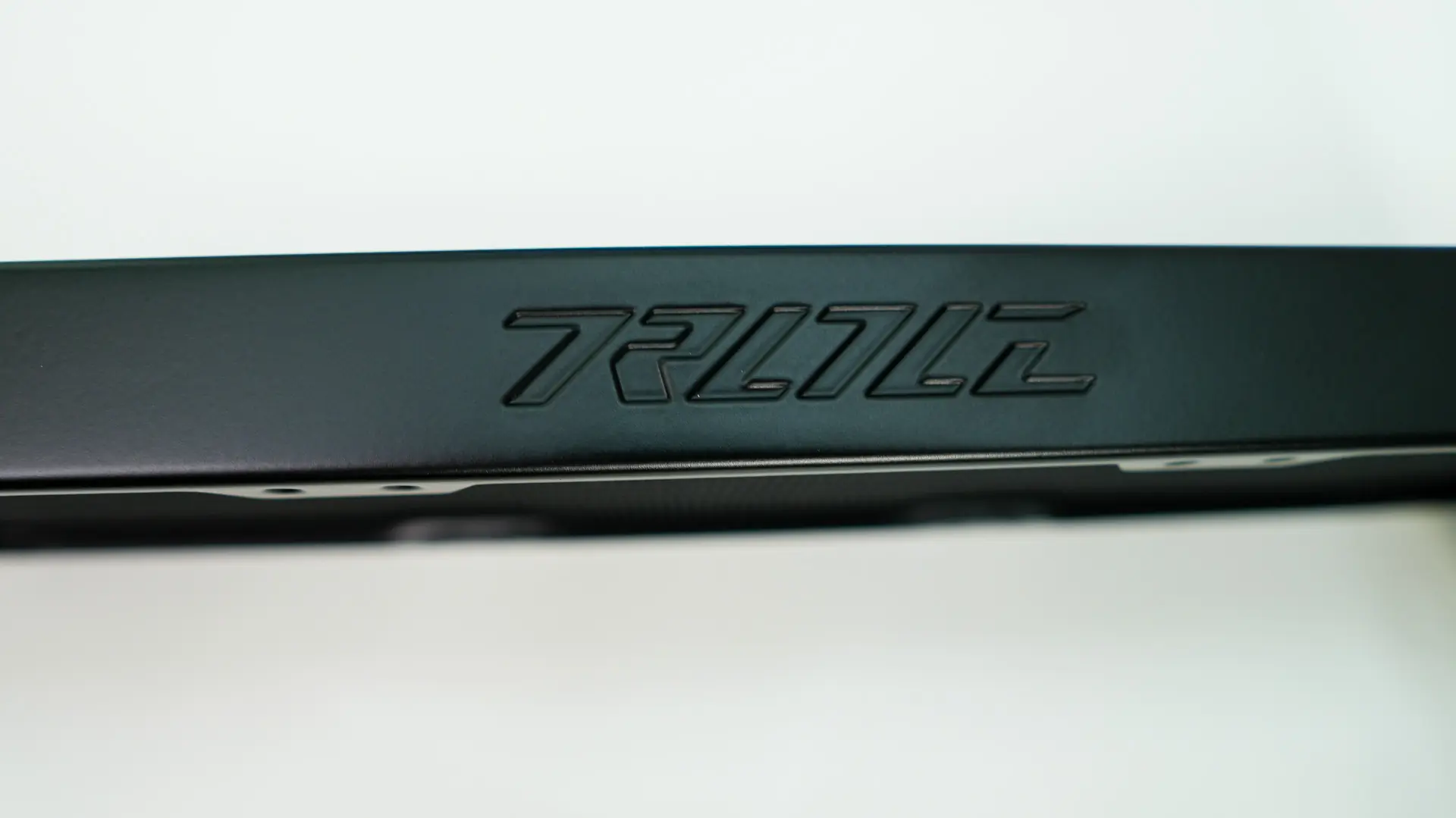
This 360mm radiator has 20 fins-per-inch which will give us good surface area on a 30mm thickness. We can also see the pre-drilled holes where our fans will go. We have seen pre-installed fans on some of the newer liquid CPU coolers we’ve reviewed, but not here.
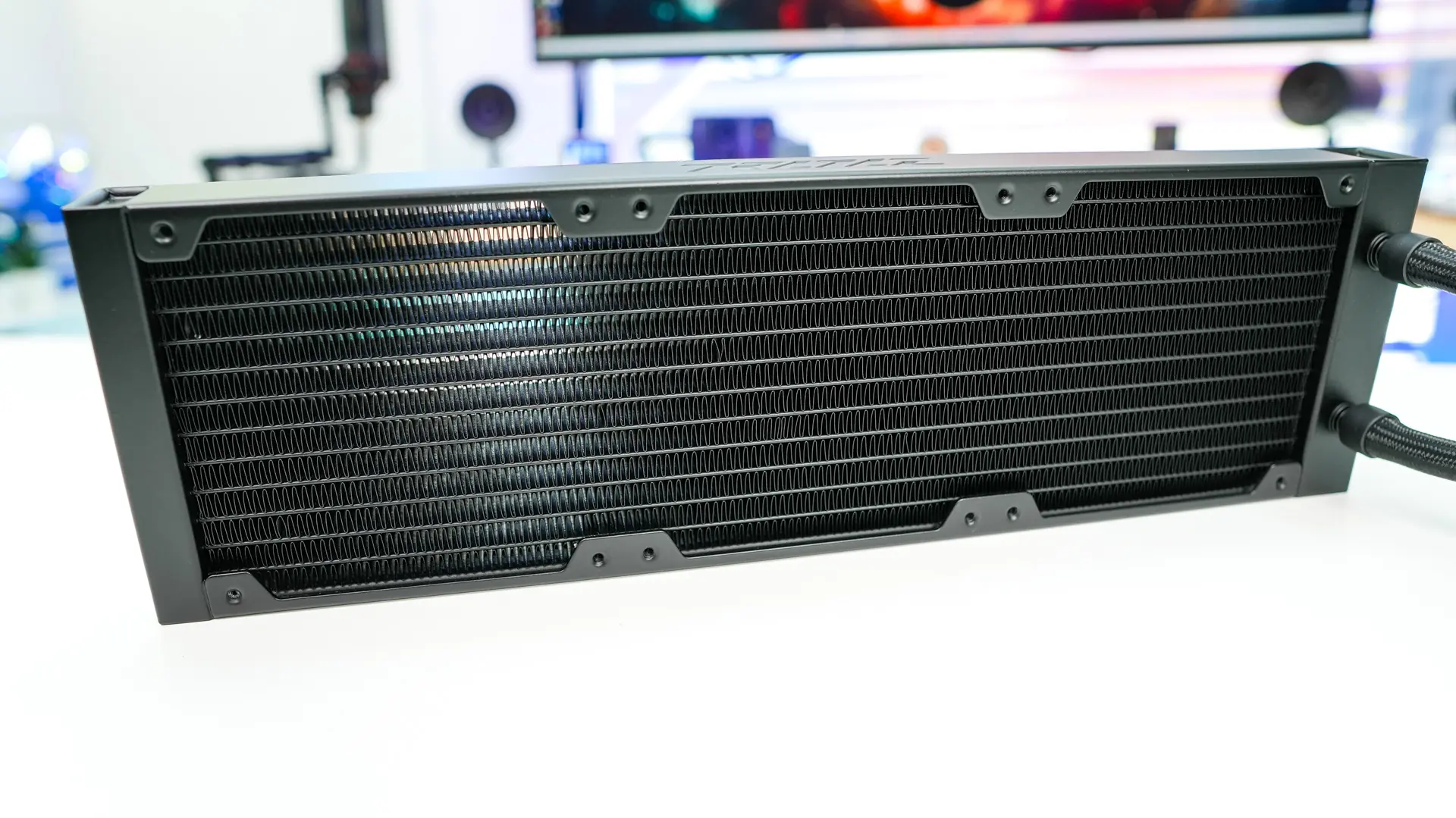
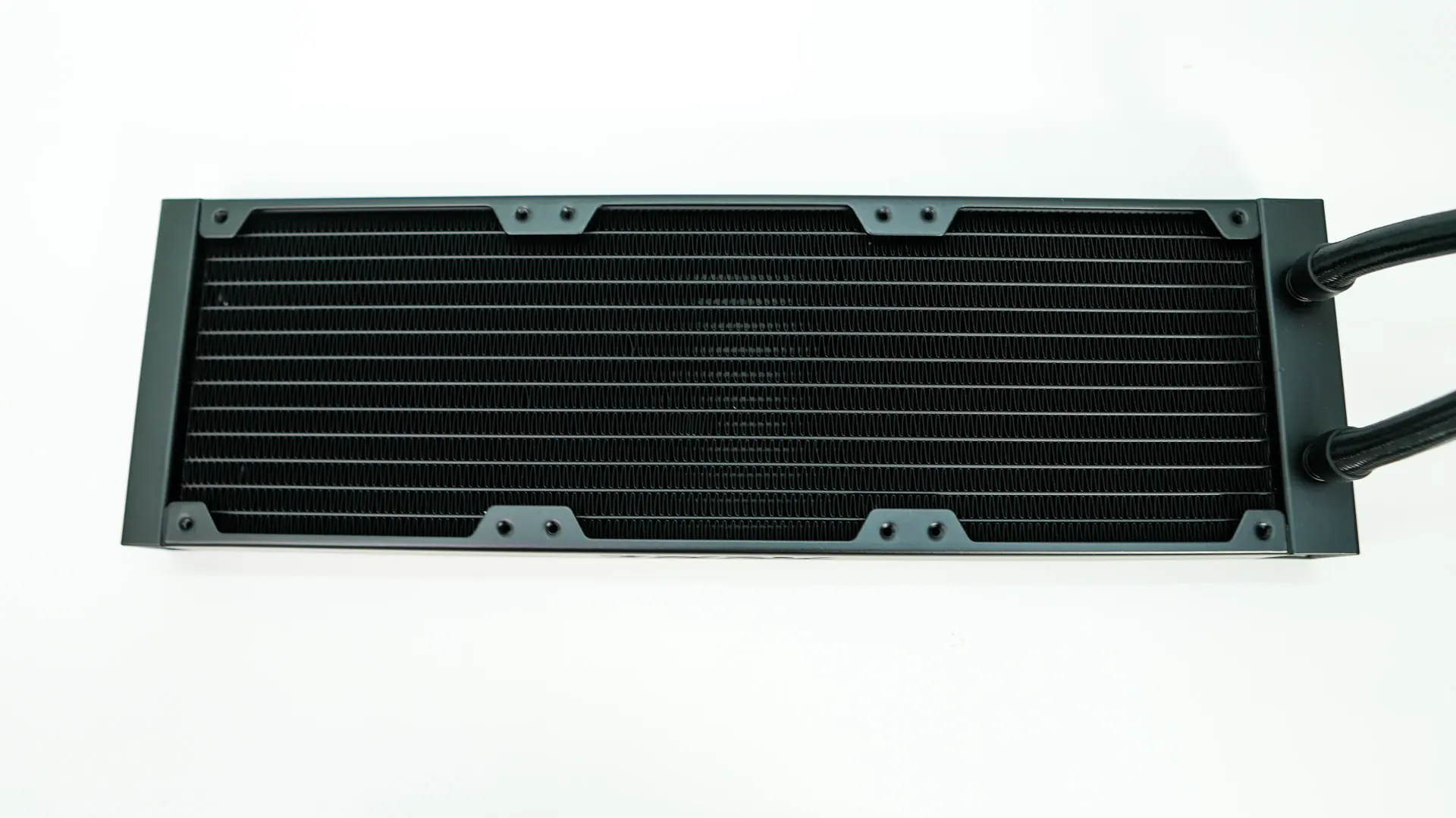
The radiator itself is 399.5mm long as it has an end cap where the cooling lines connect. These cooling lines connect to the radiator using plastic connectors. The tubing does have the same 7mm interior diameter that we saw on the ROG Ryujin III 360 ARGB.
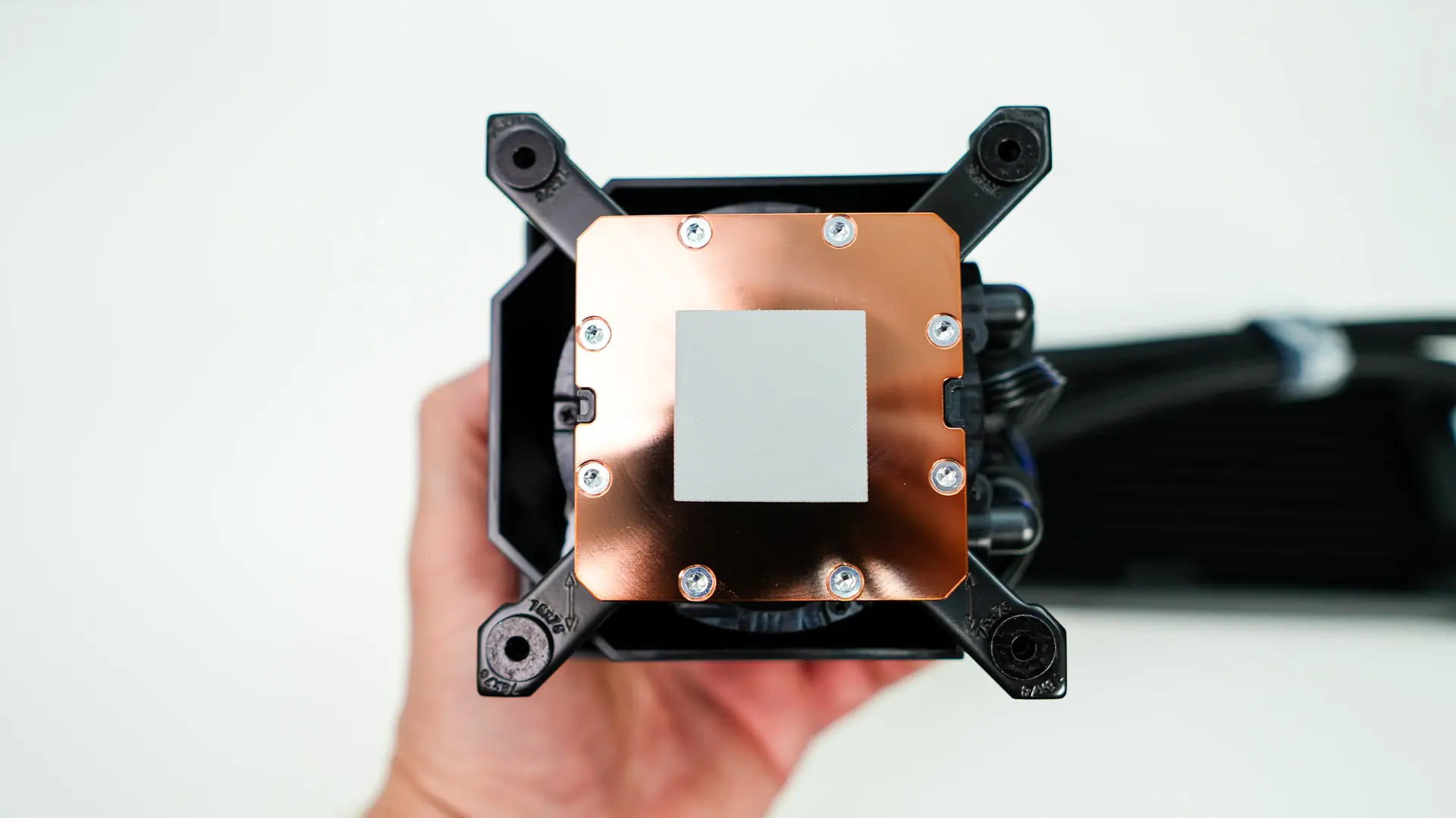
Picking up the actual pump block itself the first thing that I did notice was that it did have pre-applied thermal paste. Maybe I’m old school but I am not the biggest fan of these. Enthusiasts want to spread their own TIM and with an “Extreme” product like this I would have liked that option. The cold plate itself is of course all copper. ASUS tells us that the ROG Ryujin III 360 ARGB Extreme is specially optimized for the heat zones of brand new Intel Arrow Lake-S (Core Ultra) processors.
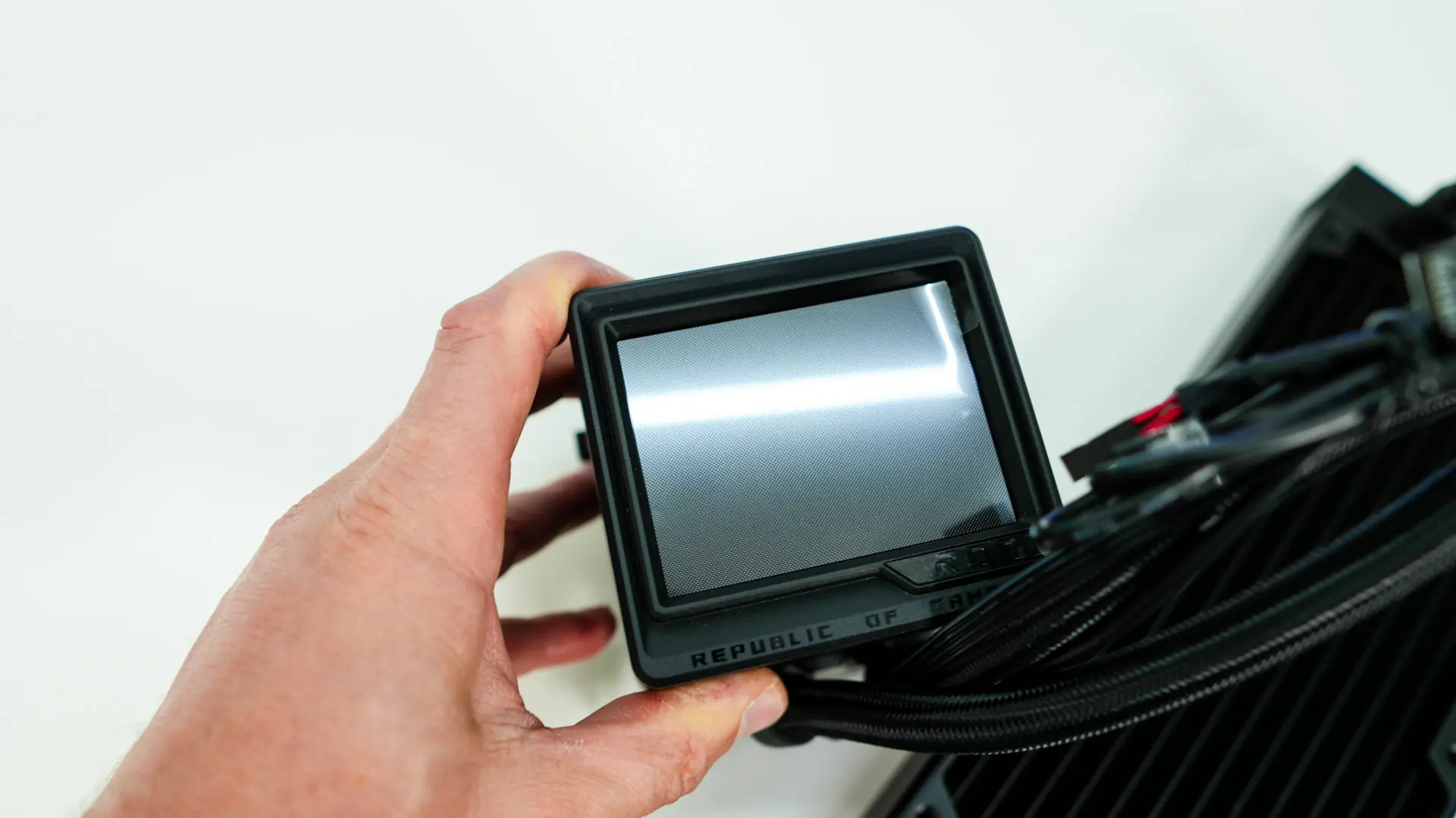
The pump block unit itself is pretty large. It is mostly made of a rectangle housing that has the ROG logo on one side and and then the ROG eye on the other. Of course on top we have our LCD which is a 3.5-inch full color display with a 480p resolution and 60 FPS refresh rate.
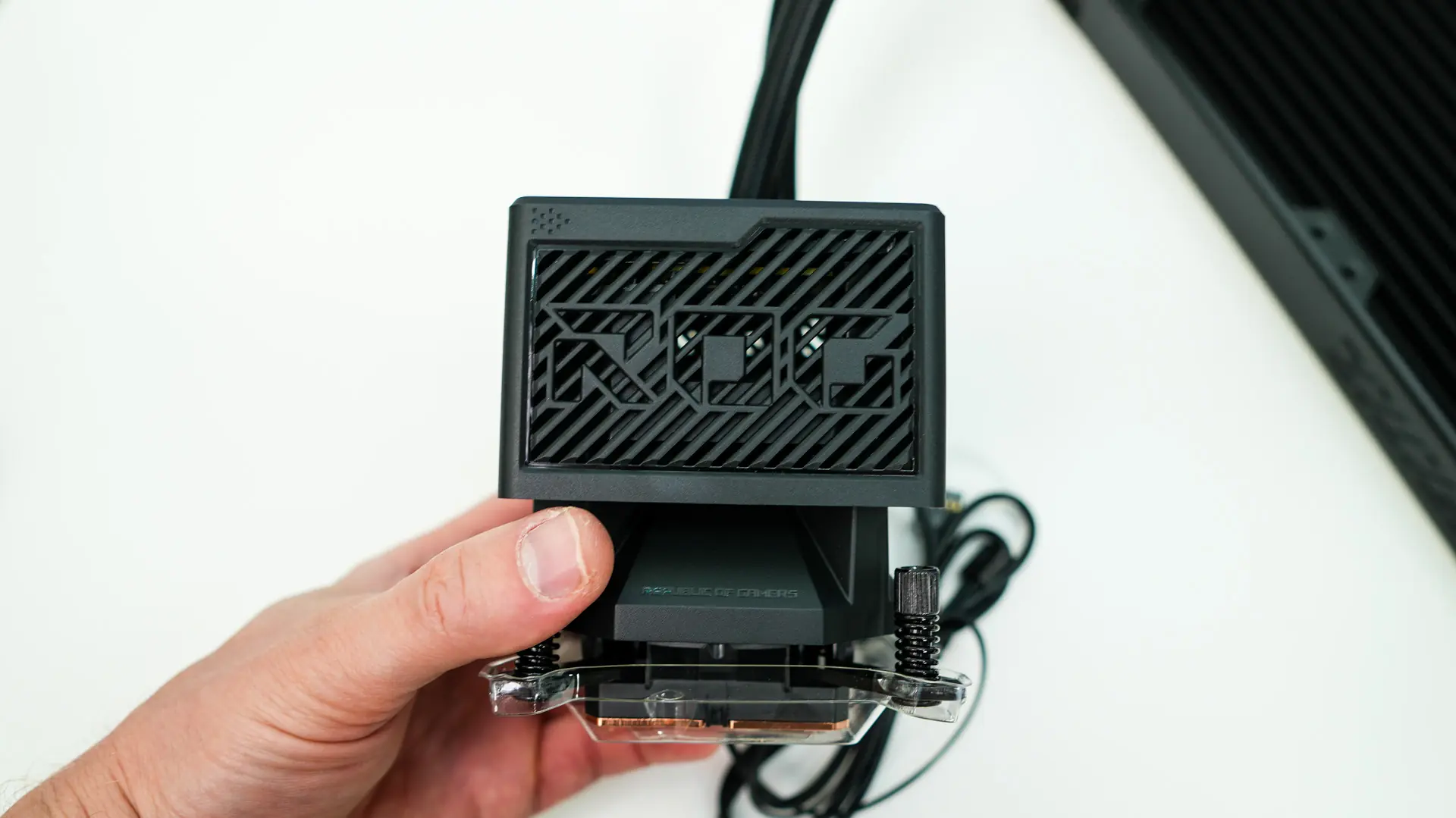
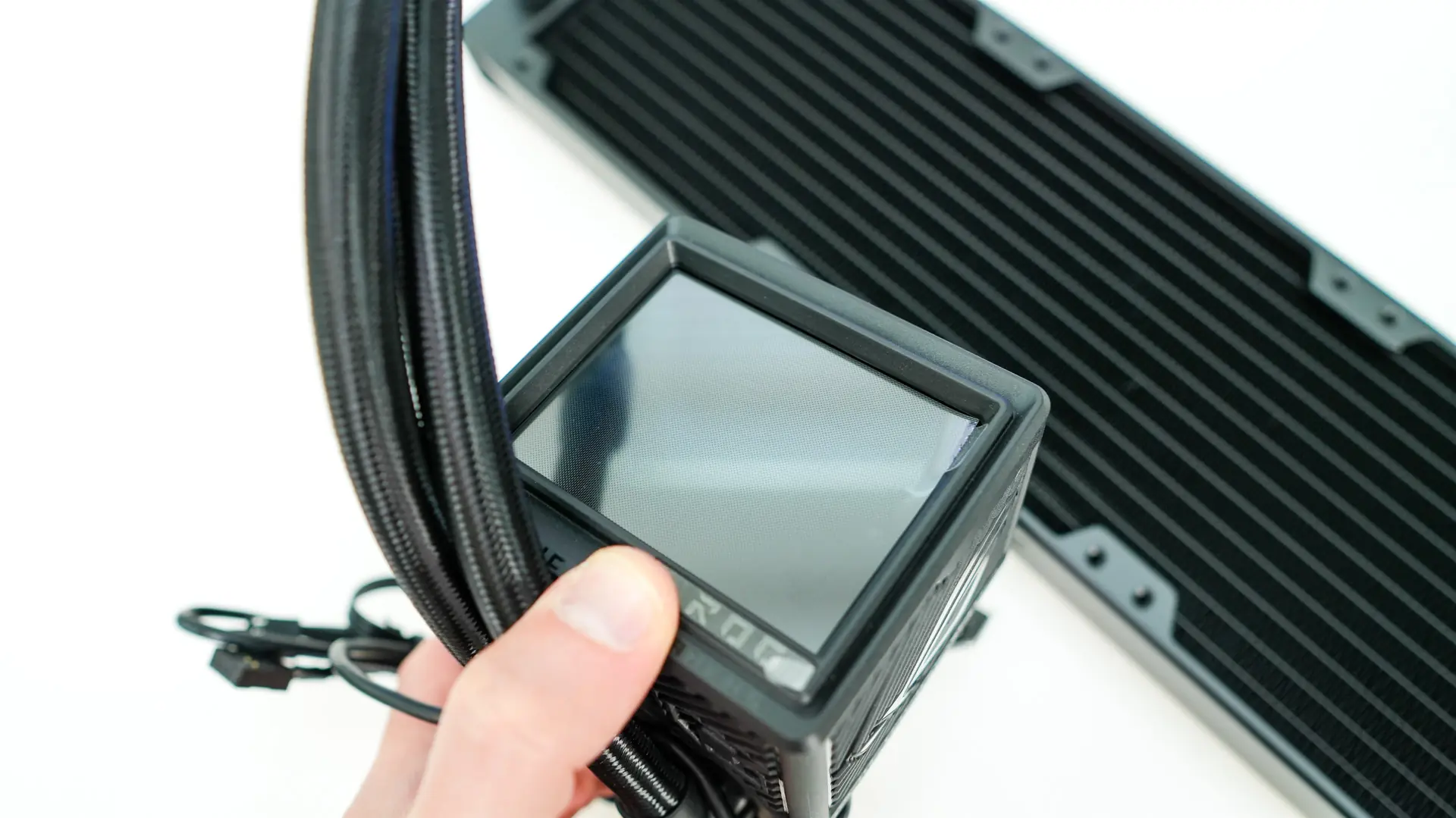
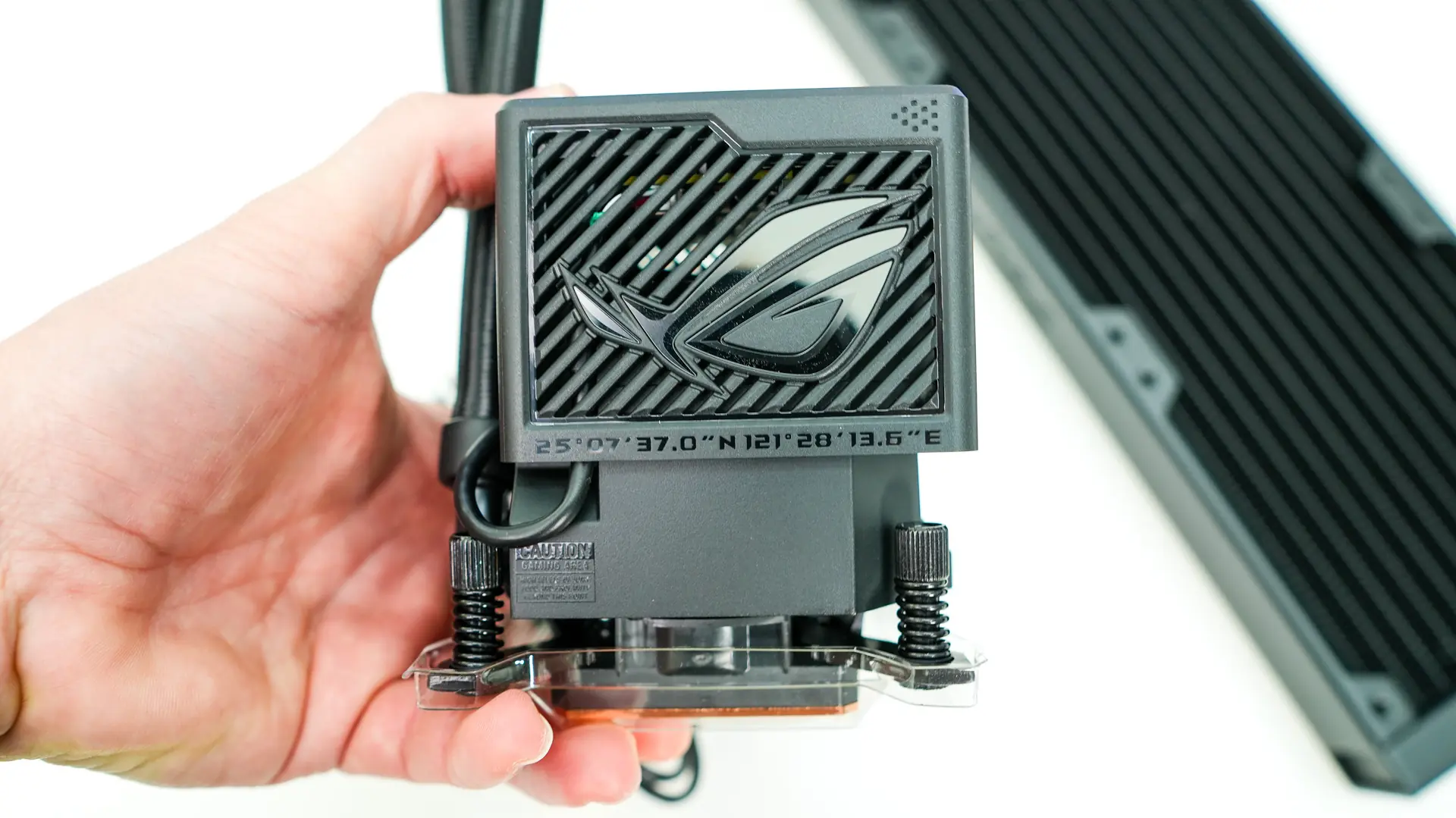
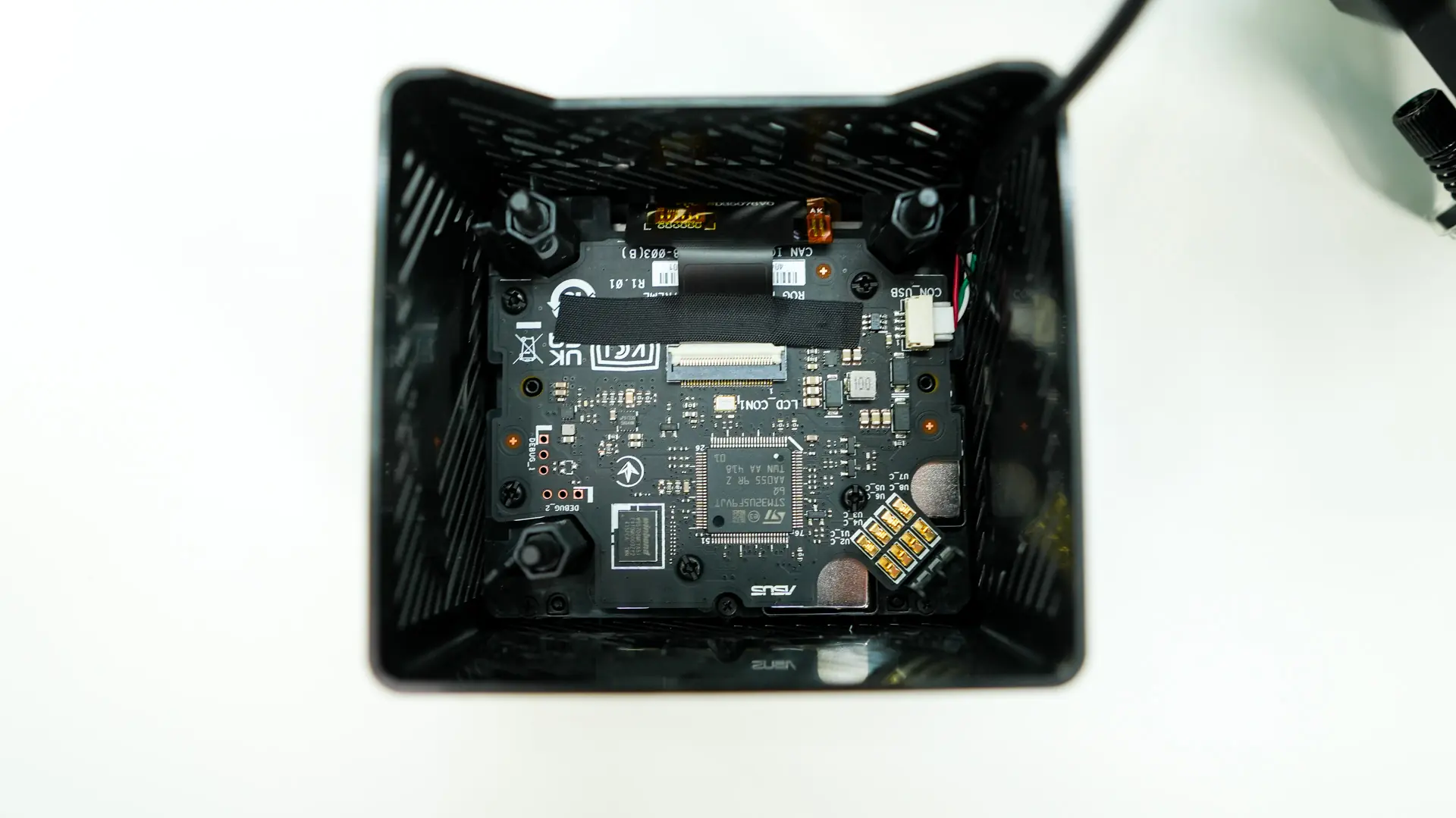
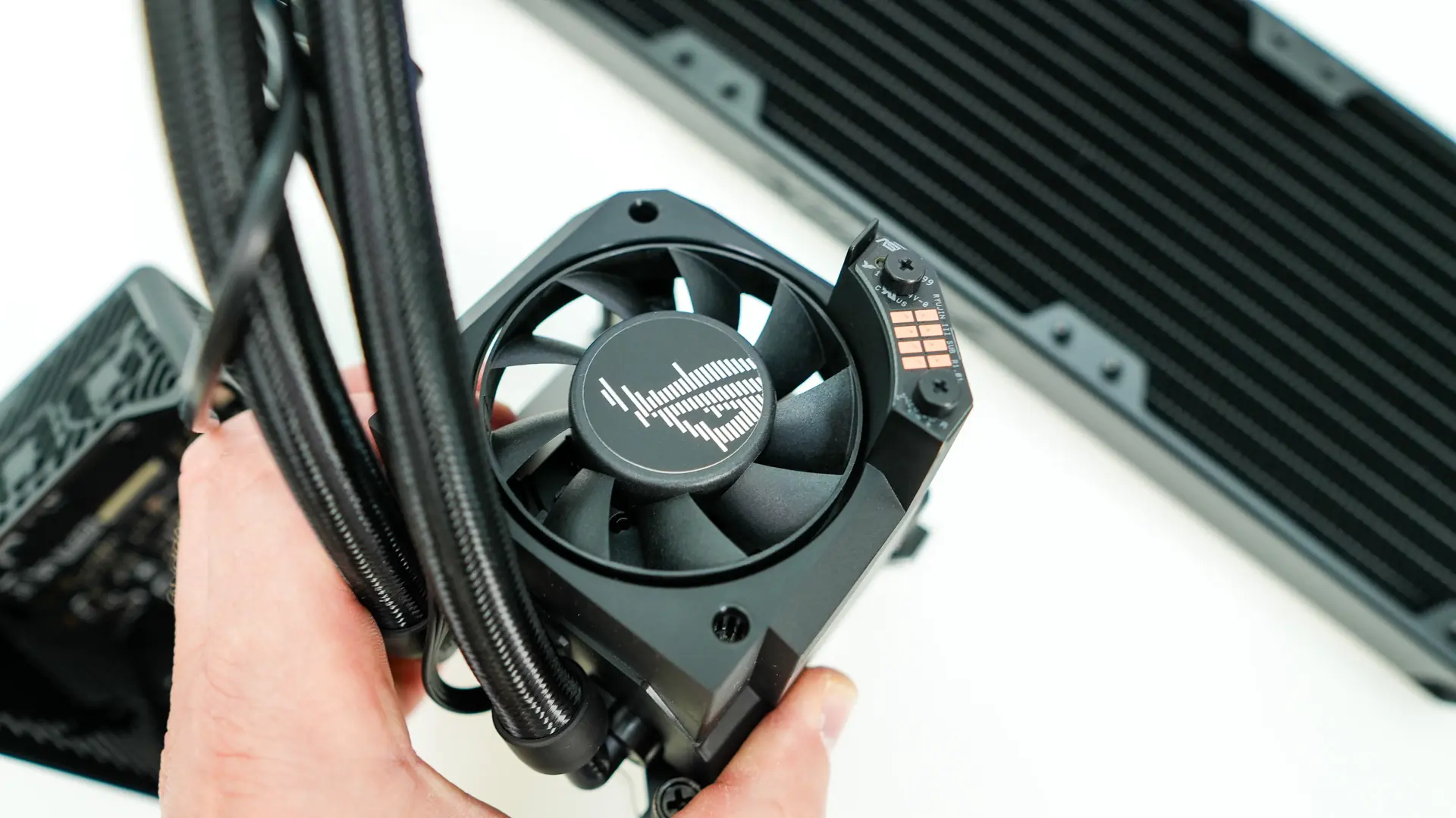
This housing actually easily comes off. Flipping it over we can see the pogo-style connectors ASUS uses for it to connect to the rest of the block. There is a single USB cable that routes out of the housing to an internal USB header. With the housing removed we get a glimpse of the included VRM fan. This is one of ASUS’s axial-tech fans and ASUS says it can help reduce motherboard VRM temperatures by up to 36C.
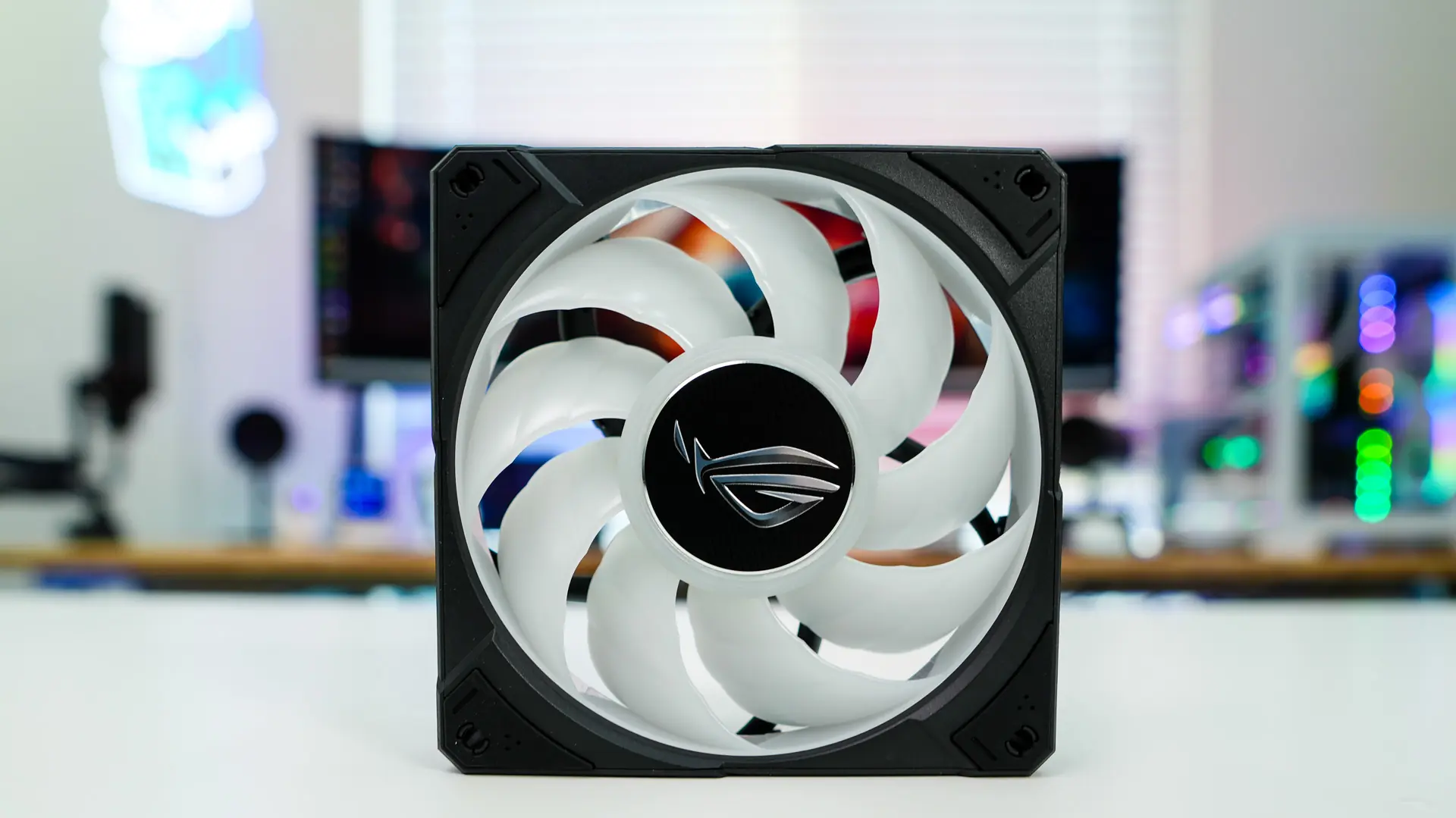
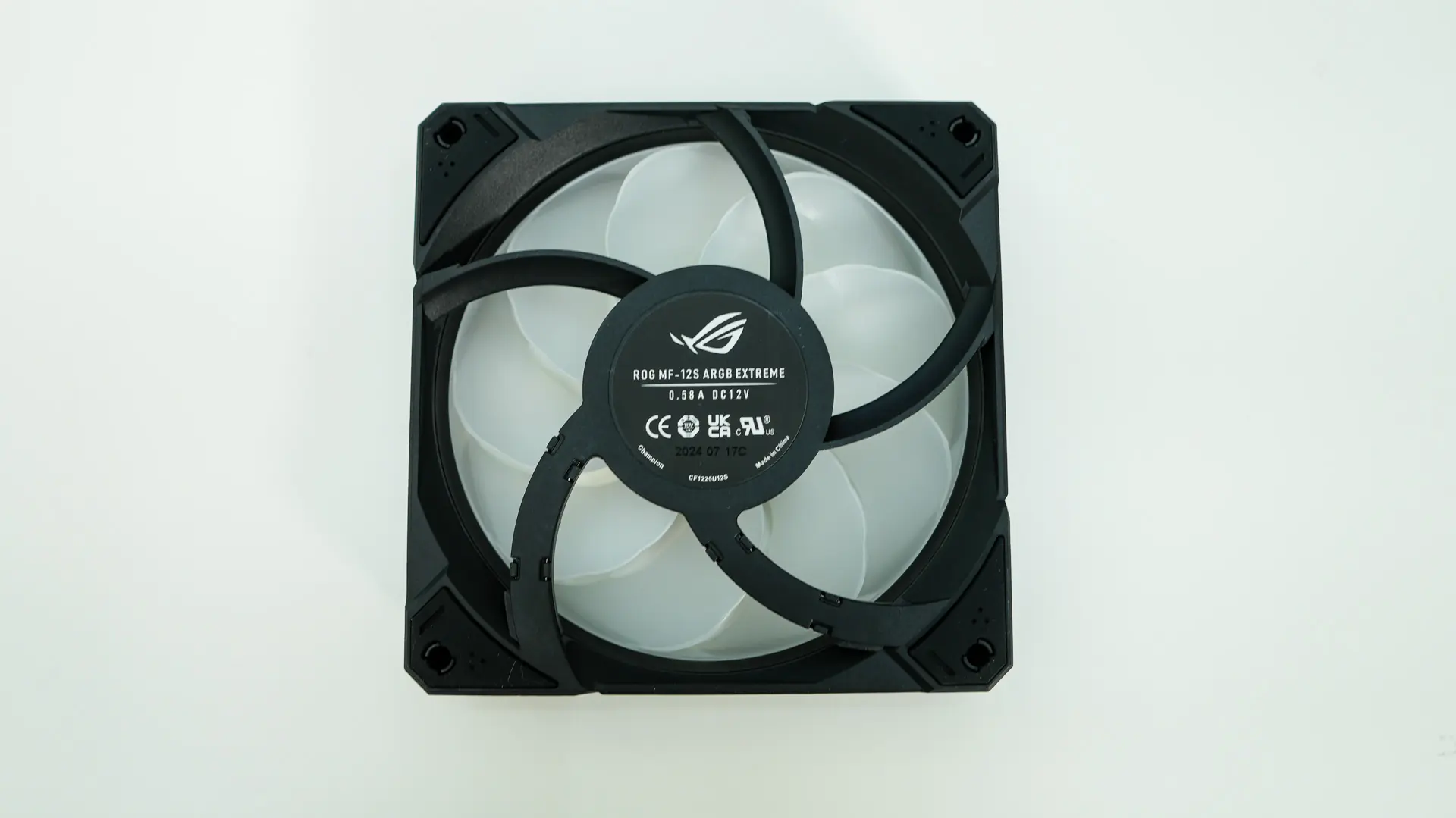
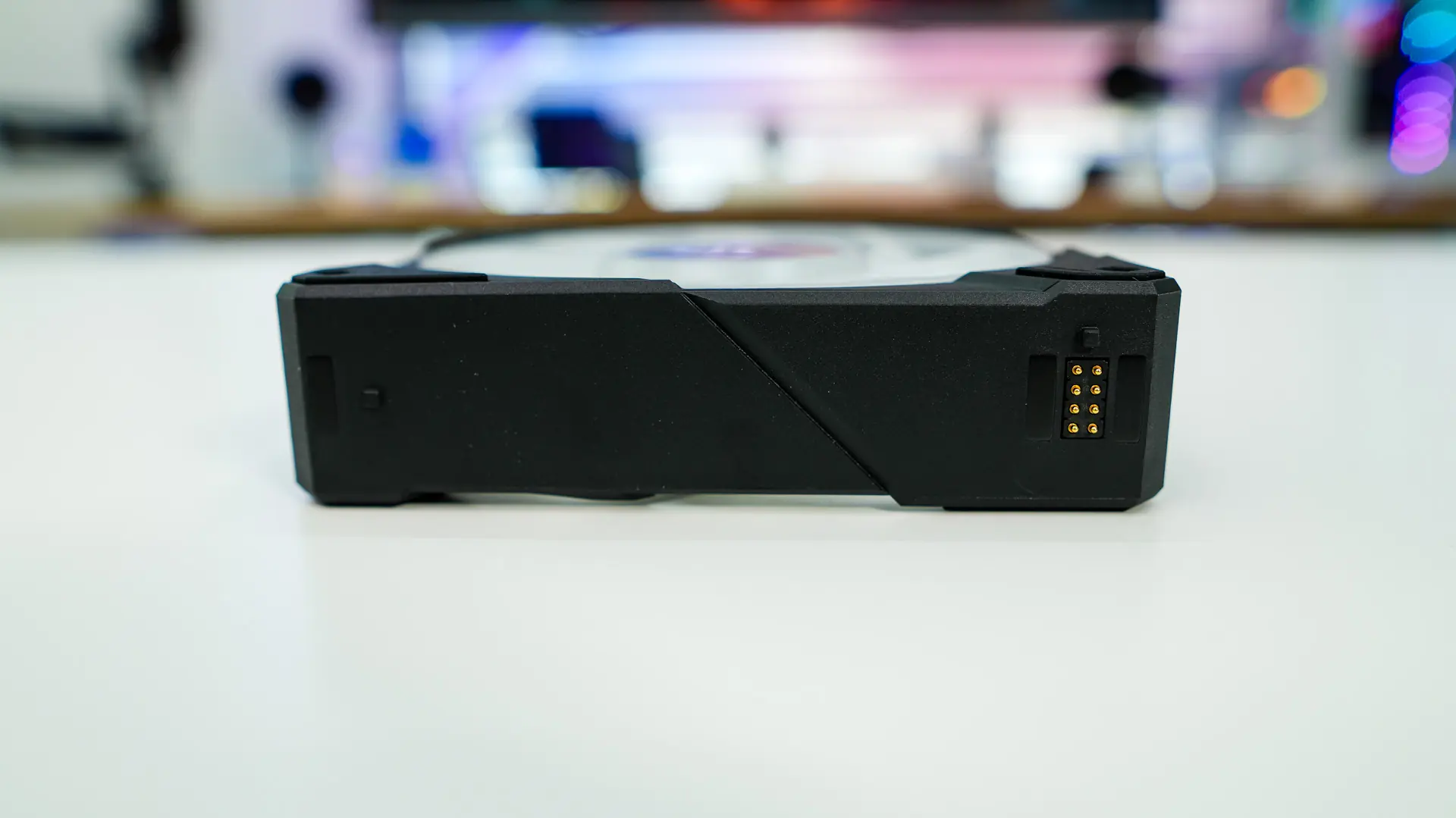
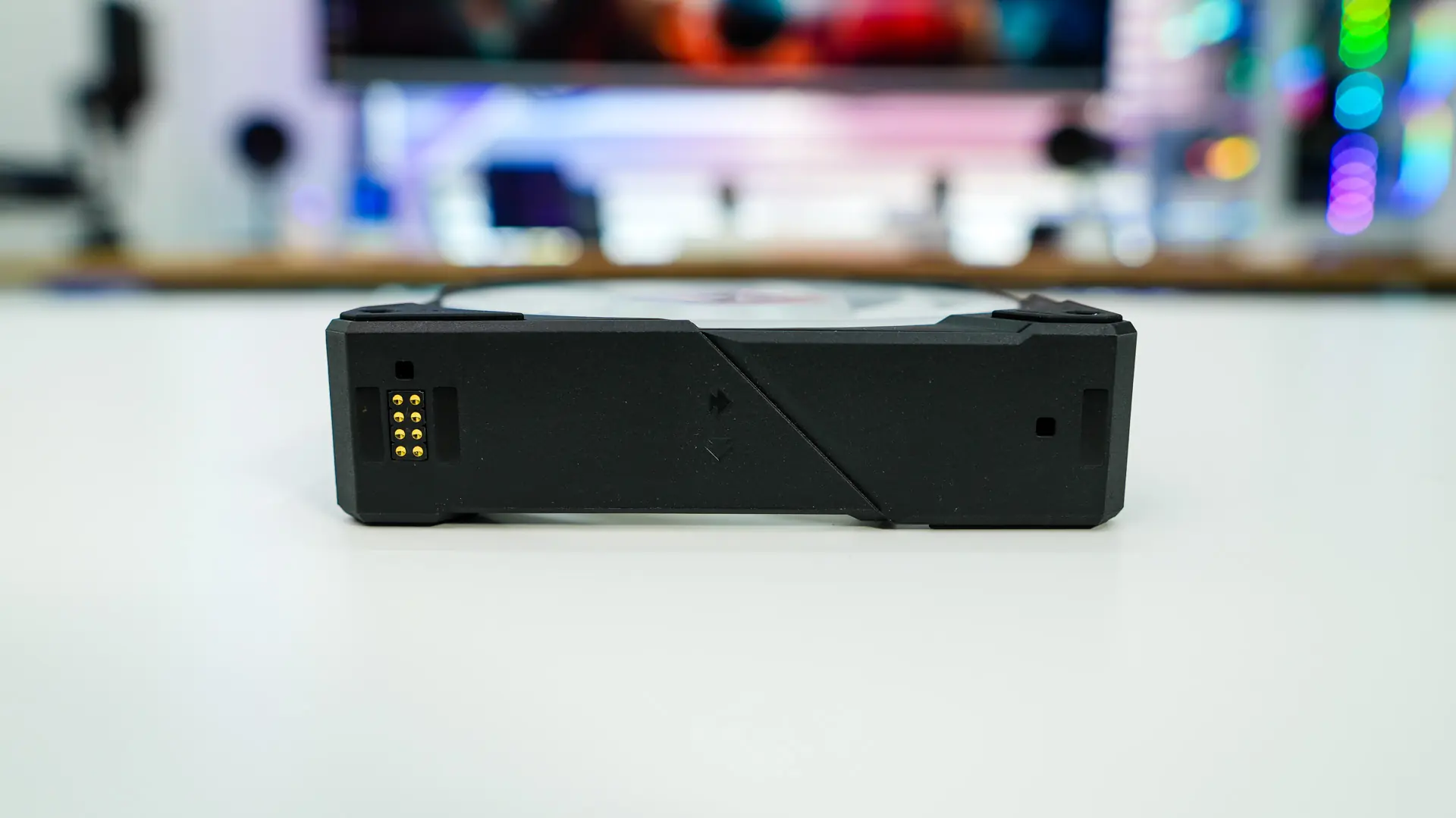
Moving on to the fans ASUS has upgraded the fans from the ROG Ryujin III 360 ARGB. These new fans will spin between 0-2800 RPM with a max airflow of 89.73 CFM, max air pressure of 5.15 mmH20, and max noise level of 36 dBA. That was not a typo, these fans do support a 0 dB mode where they will completely turn off, much like you see on graphics cards! These fans have been thickened from 25mm to 30mm, the motor upgraded from a single-phase 4-pole design to a three phase 6-pole design, and the blade design has been enhanced with 9 blades now instead of 7, a more compact outer ring, and a 3-section blade design . The fans make use of pogo-style connectors and magnets to daisy-chain together so no cable mess and having the magnets means you can place the entire fan section on the cooler at once.