Installation of the ROG Ryujin III 360 ARGB Extreme Liquid CPU Cooler
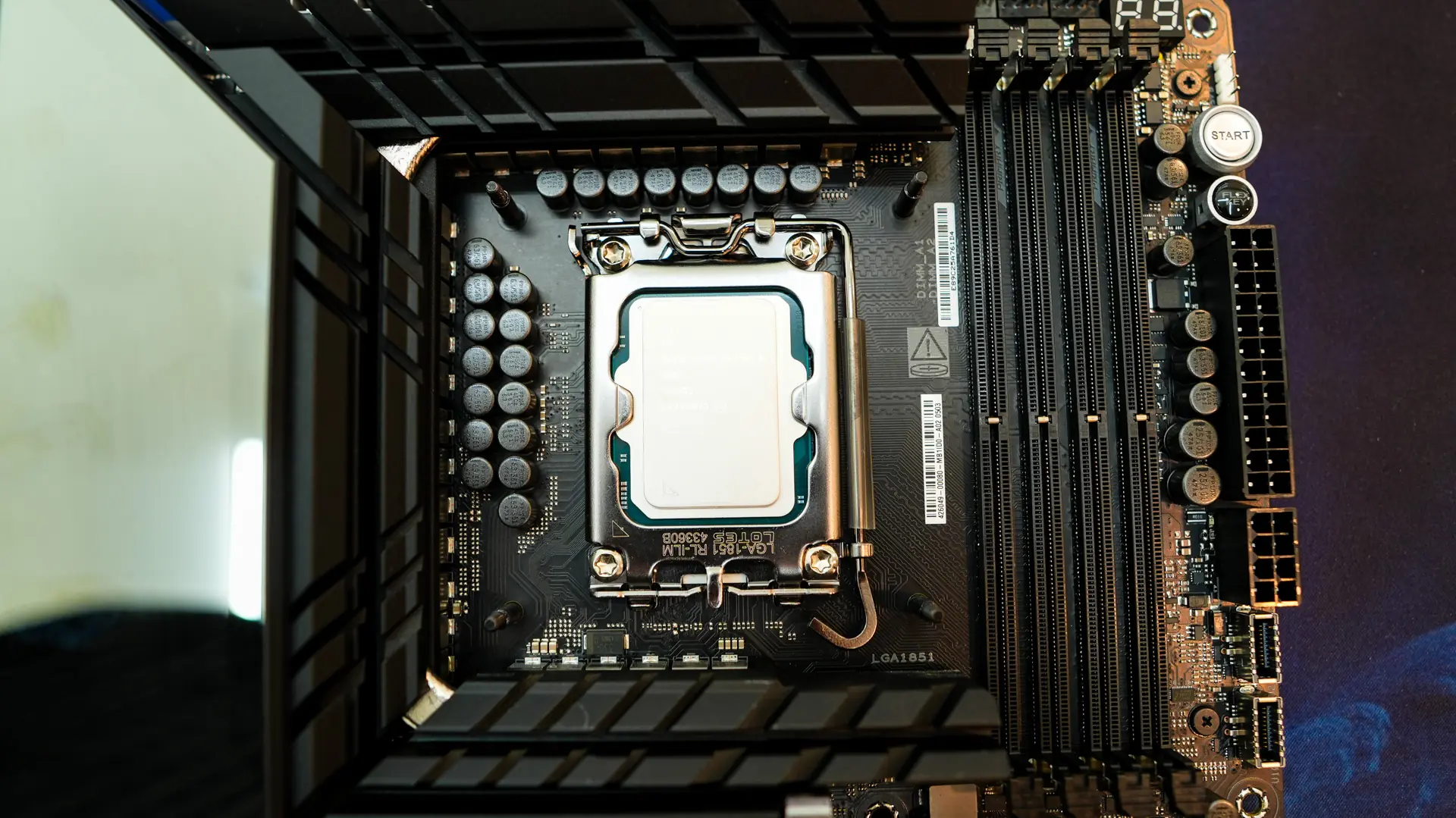
Now my installation is going to be a bit different than most as I am going to be using this cooler on my test bench. This is of course our Intel Z890 test bench so this installation should be pretty much the same across all modern Intel sockets.
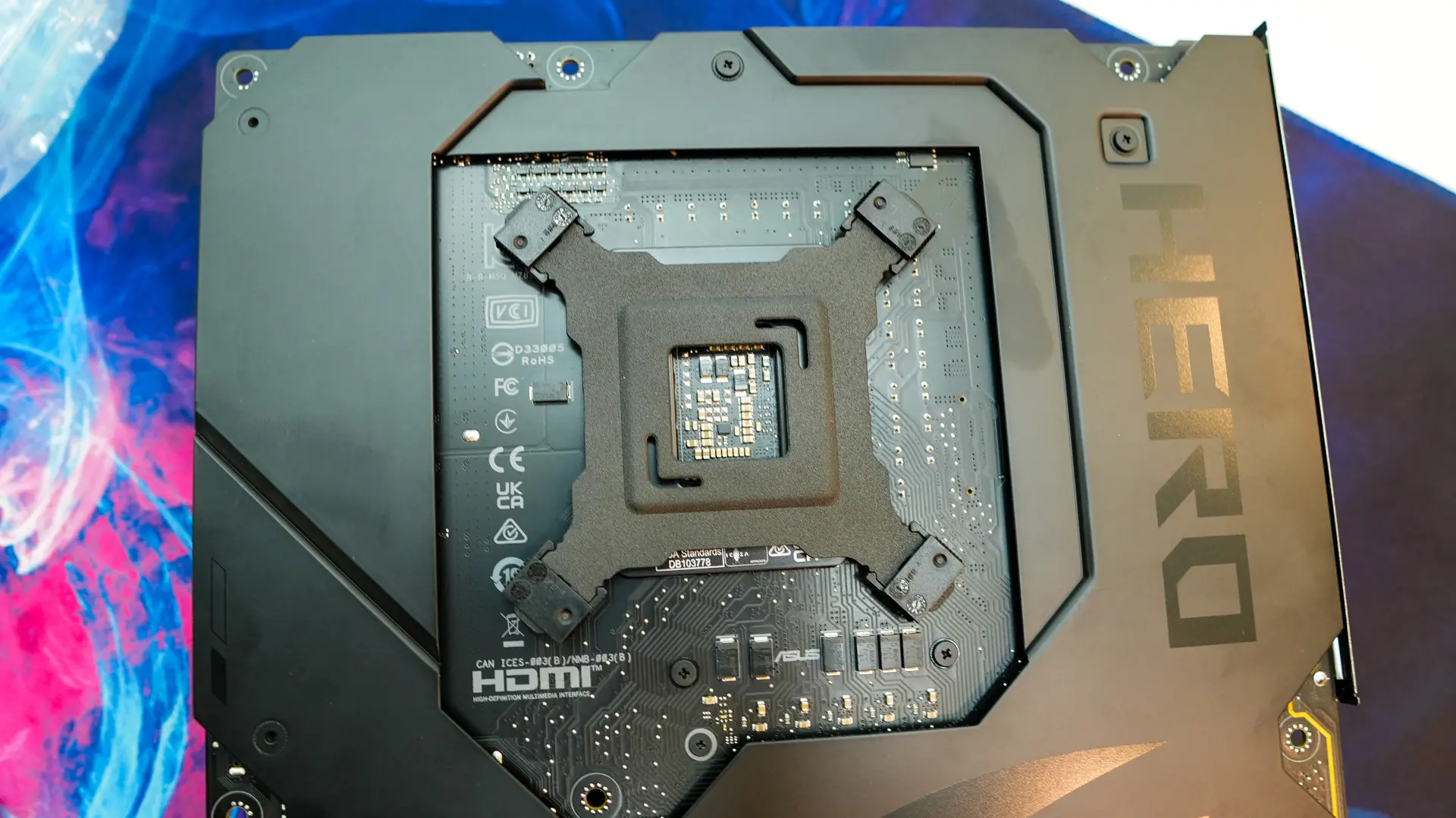
The first thing you are going to want to do is install the Intel backplate on the back of your motherboard. This backplate is actually metal which reduces torsion/flex during installation. With it installed we install the Intel spacers.
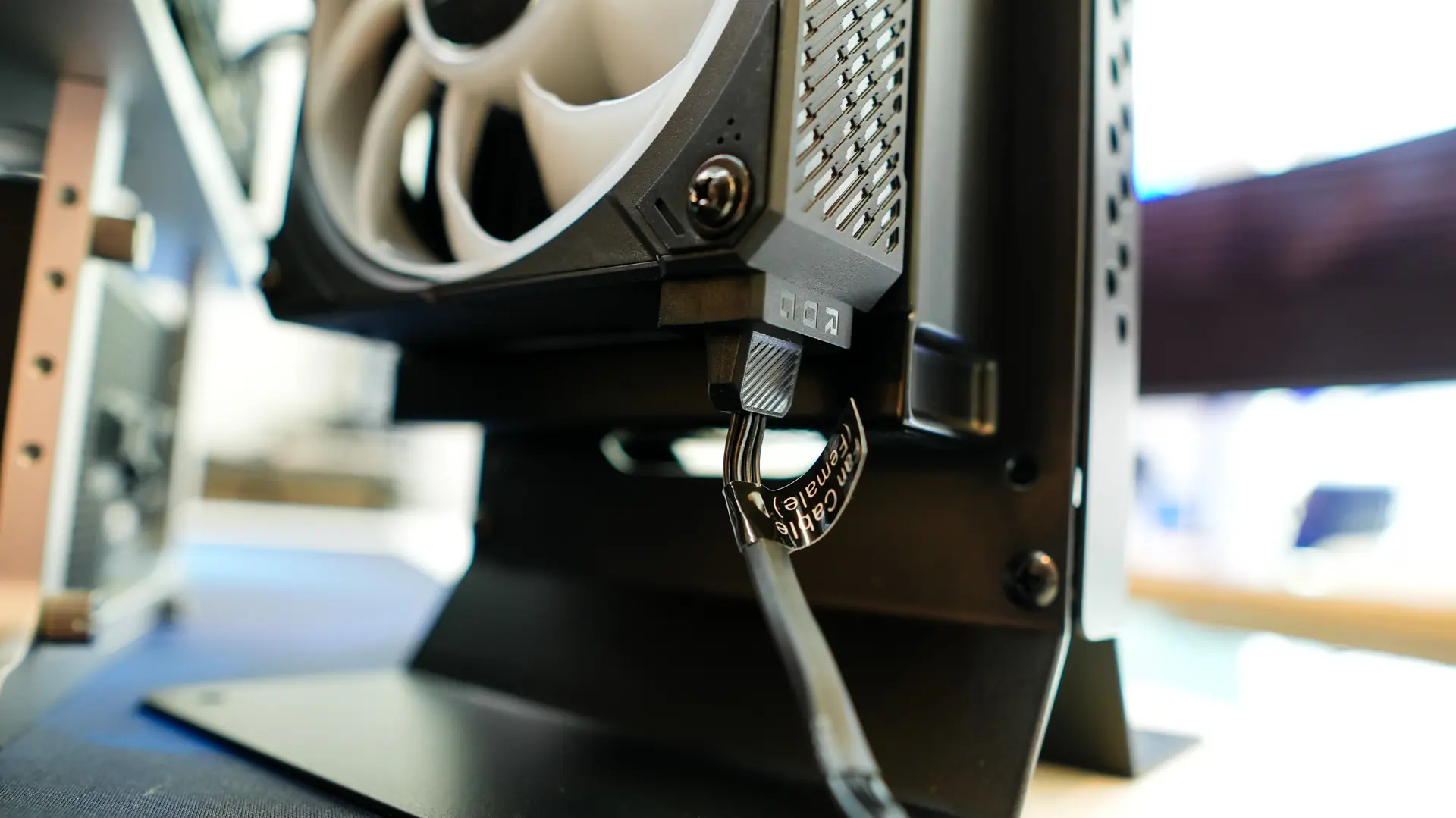
With this done it is now time to install our fans on the radiator. Simply line them up and they will snap together as the magnets are quite strong. Take the entire set of fans and set them on your radiator using the included screws and washers to secure them.
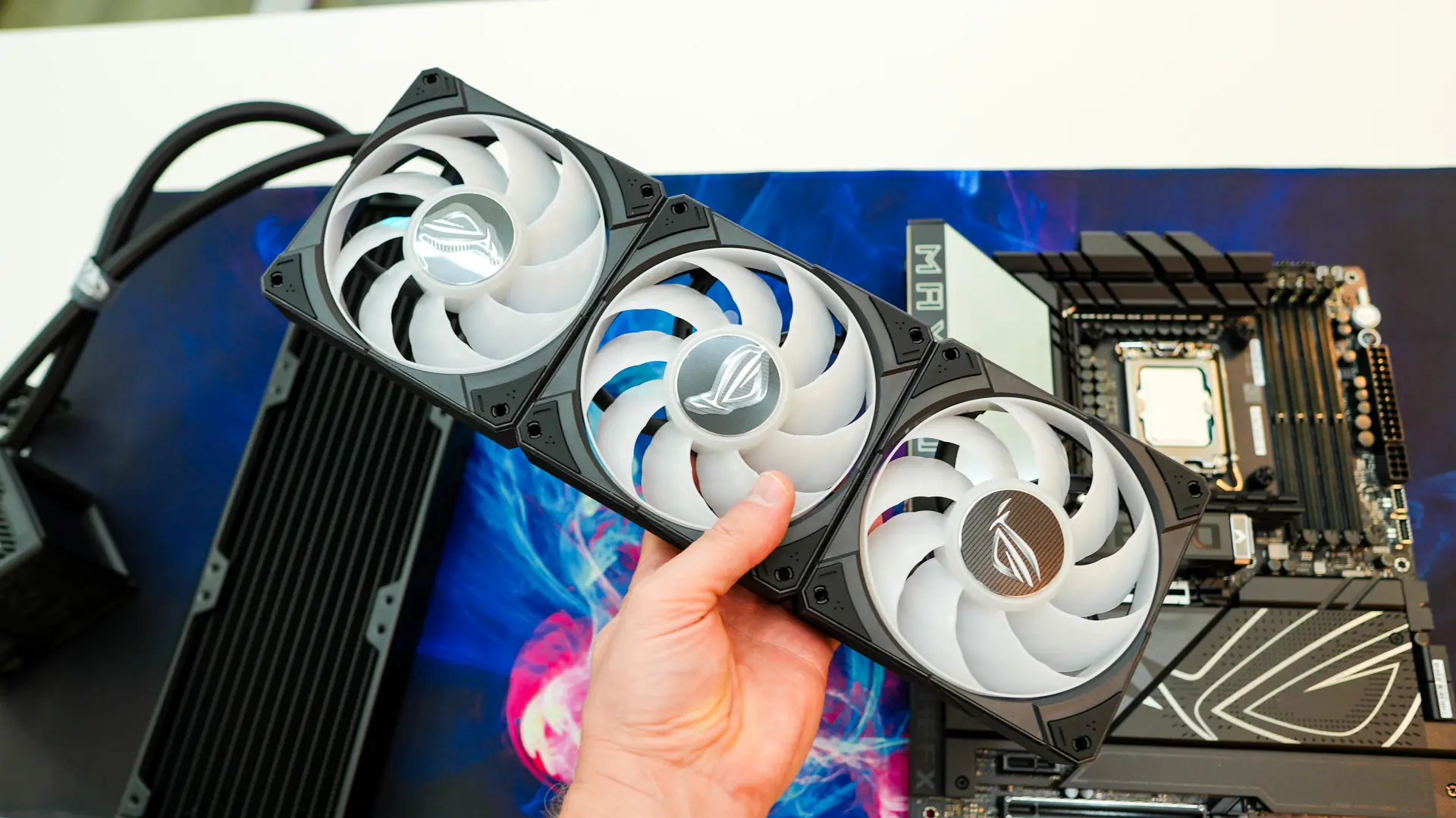
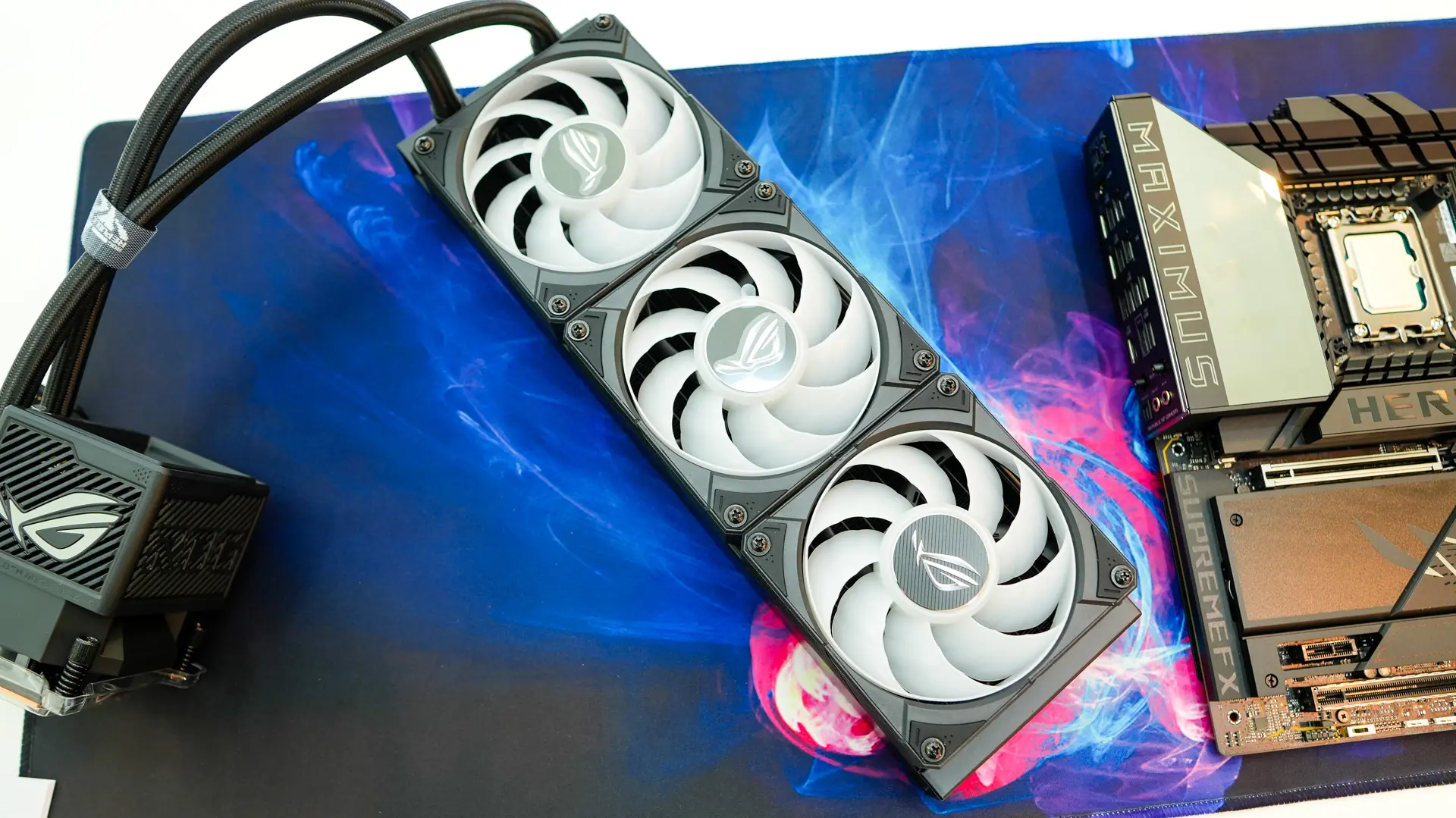
Now this is the part where you would mount the radiator in your case, but I will be actually be mounting it on a radiator stand. This stand is quite nice and I actually picked up two on Amazon for the test systems we have here.
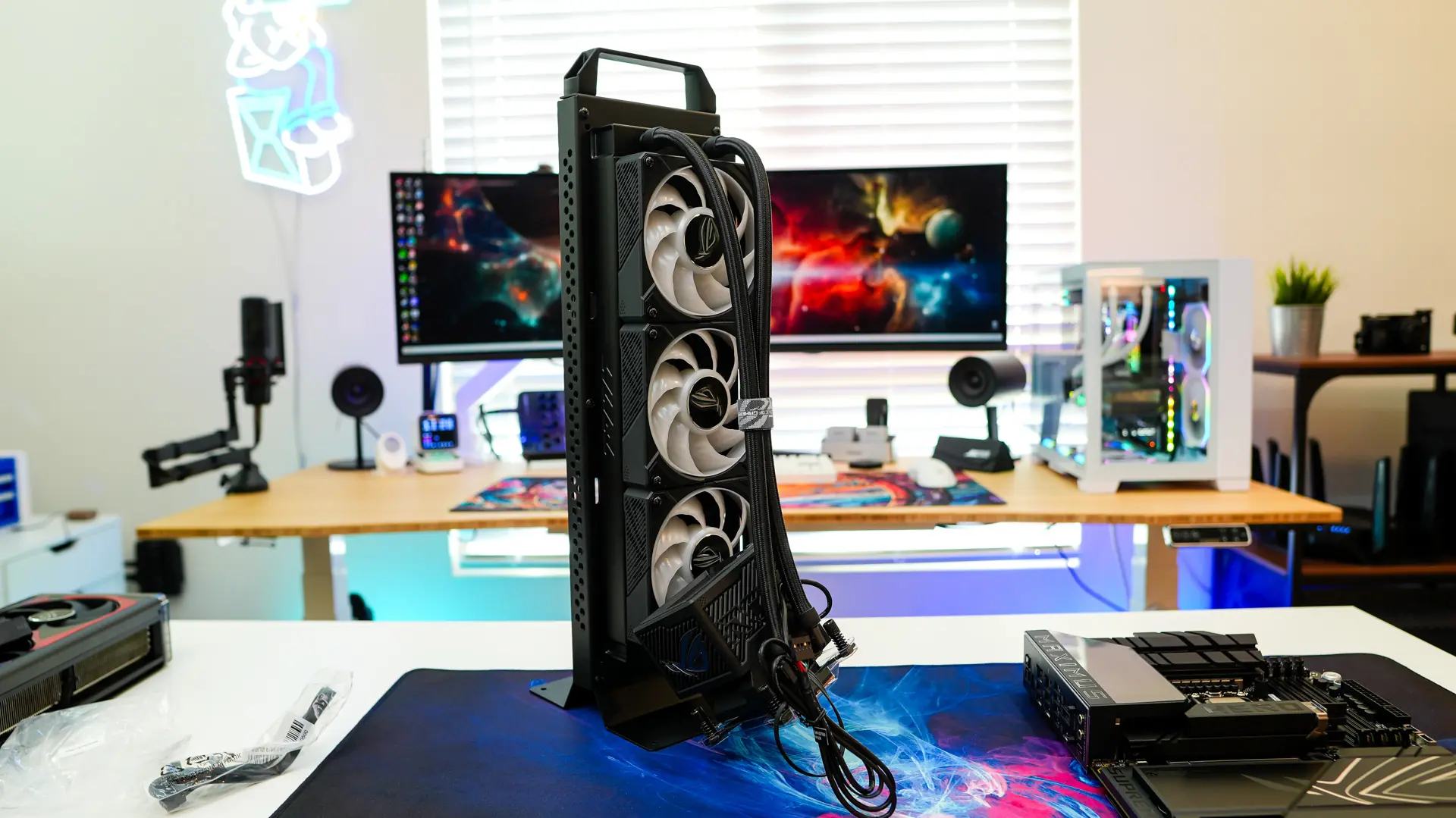
Remove the housing from the pump block and carefully place it on your CPU lining up the holes in the mounting bracket with the threads from the backplate. Using the included screws secure the pump block. No matter what your configuration you are going to want to have the tubes coming out of the bottom of the block. This is because the housing itself is designed to go on the block only one way.
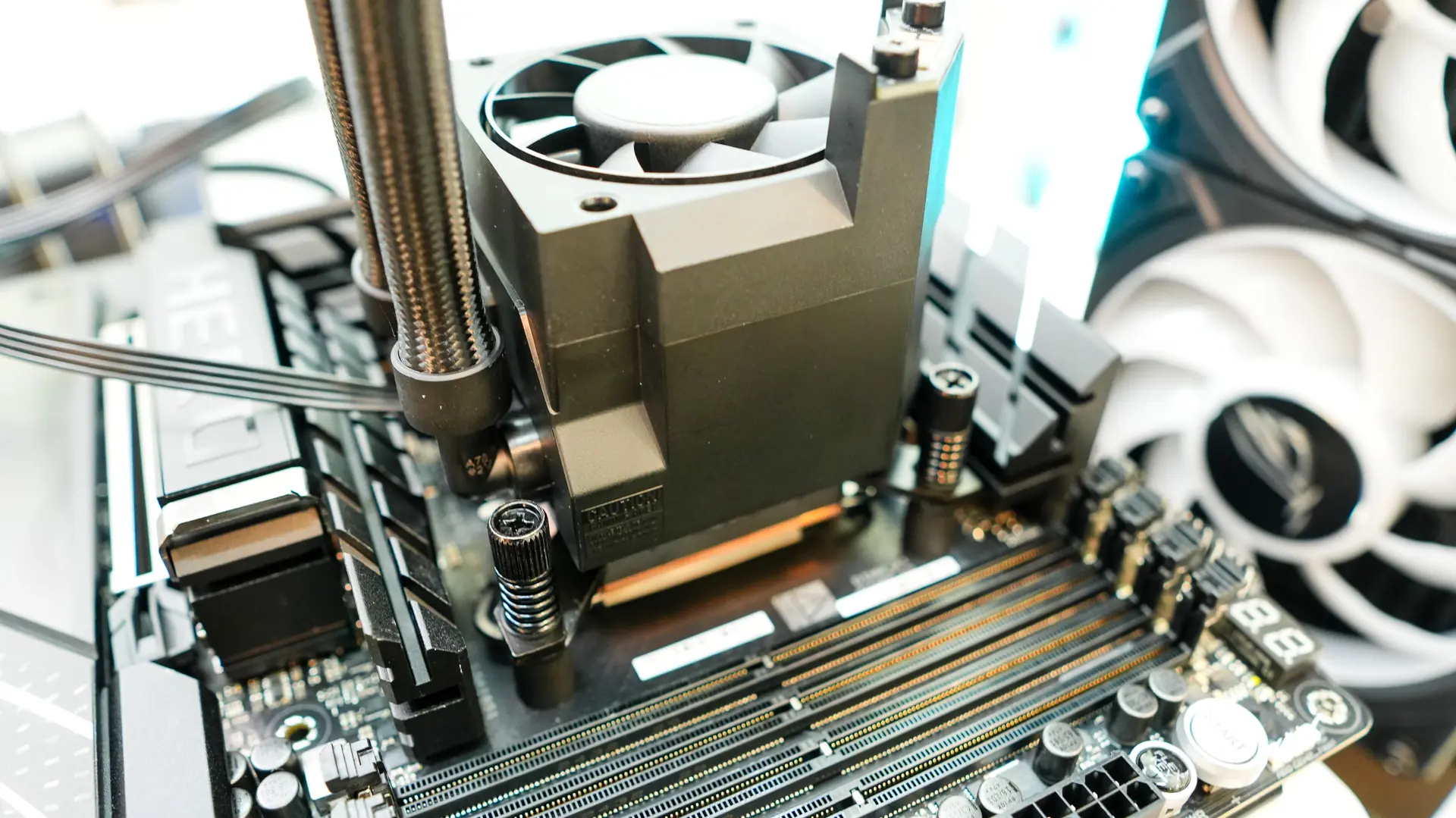
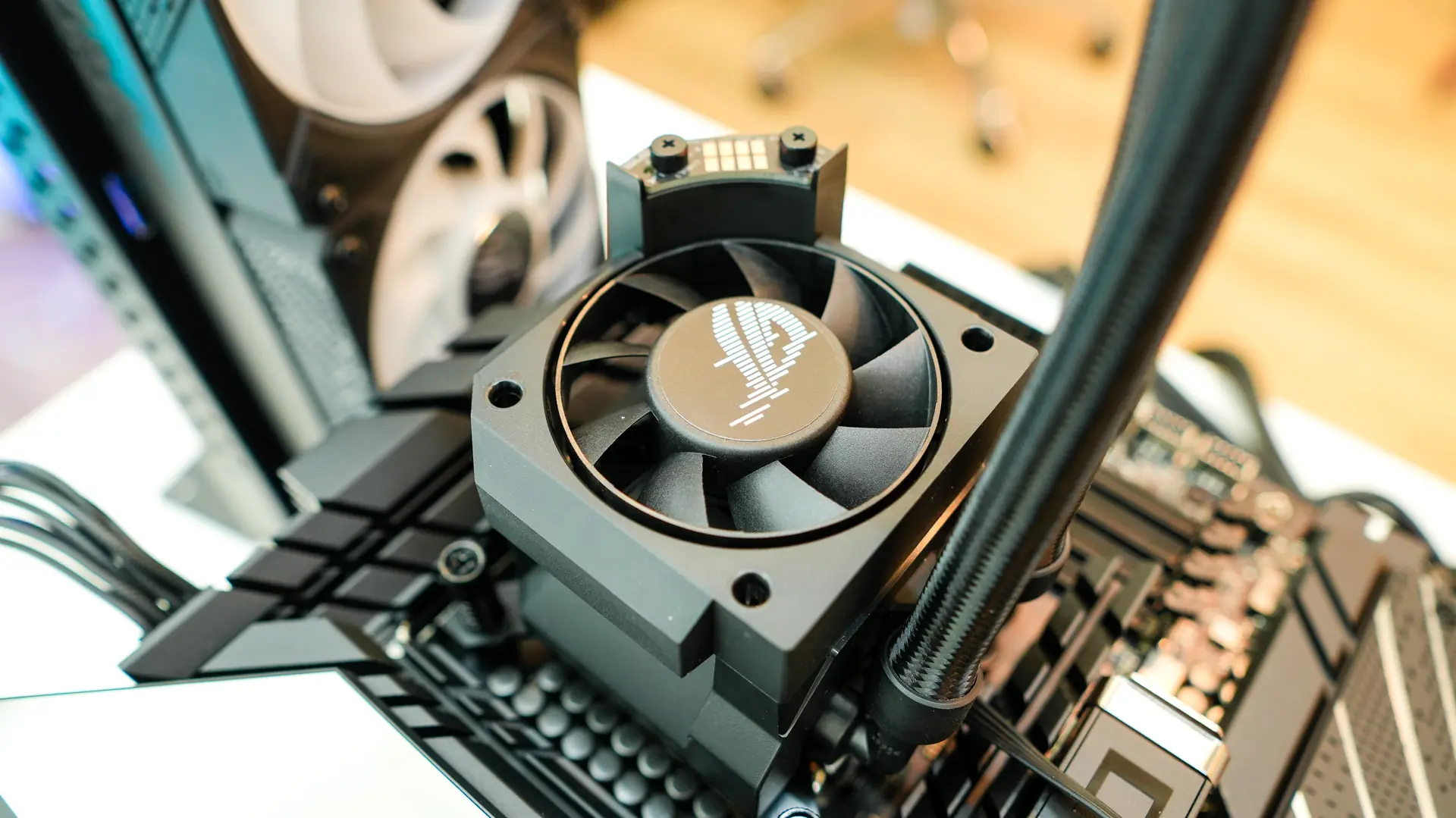
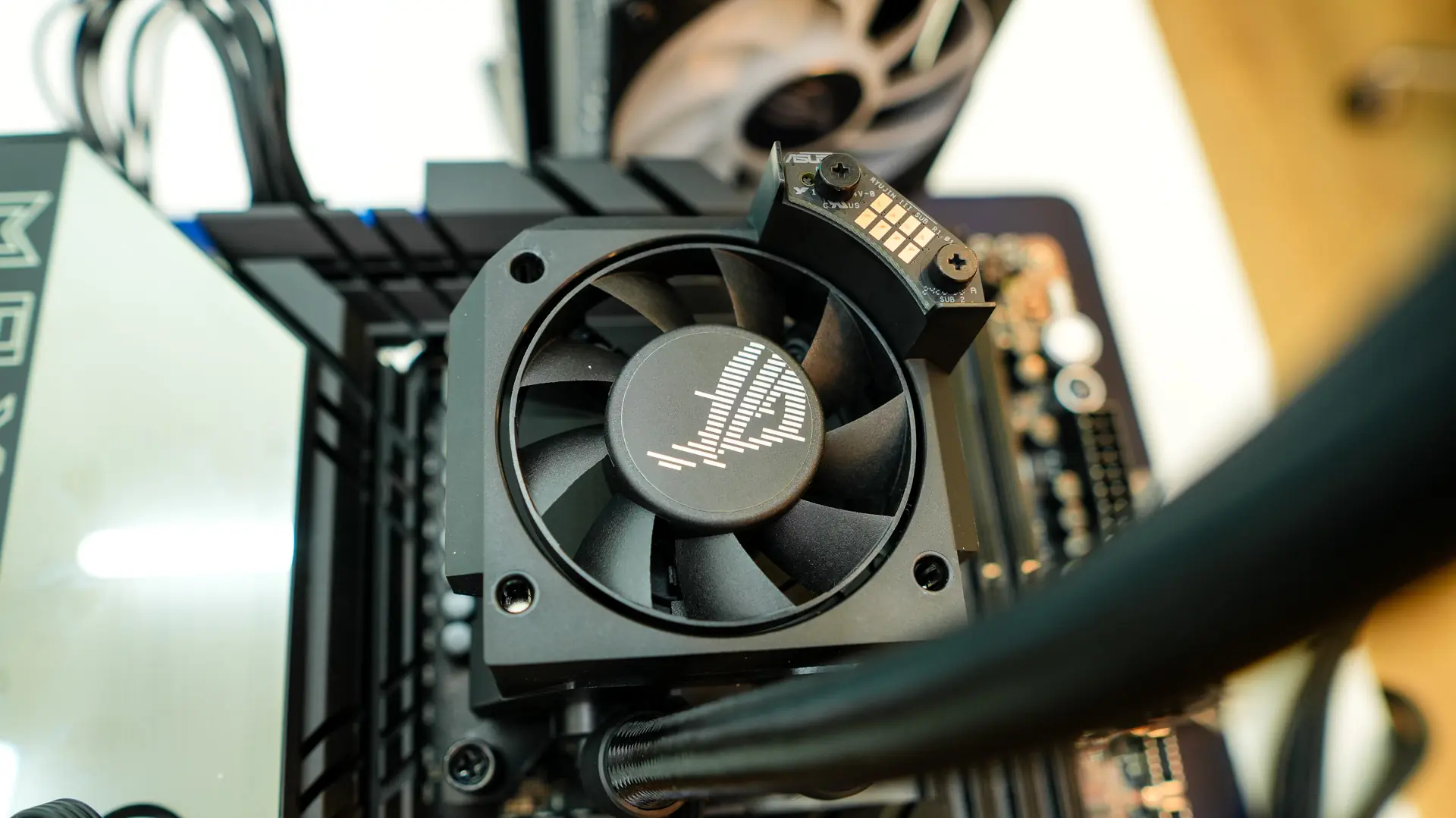
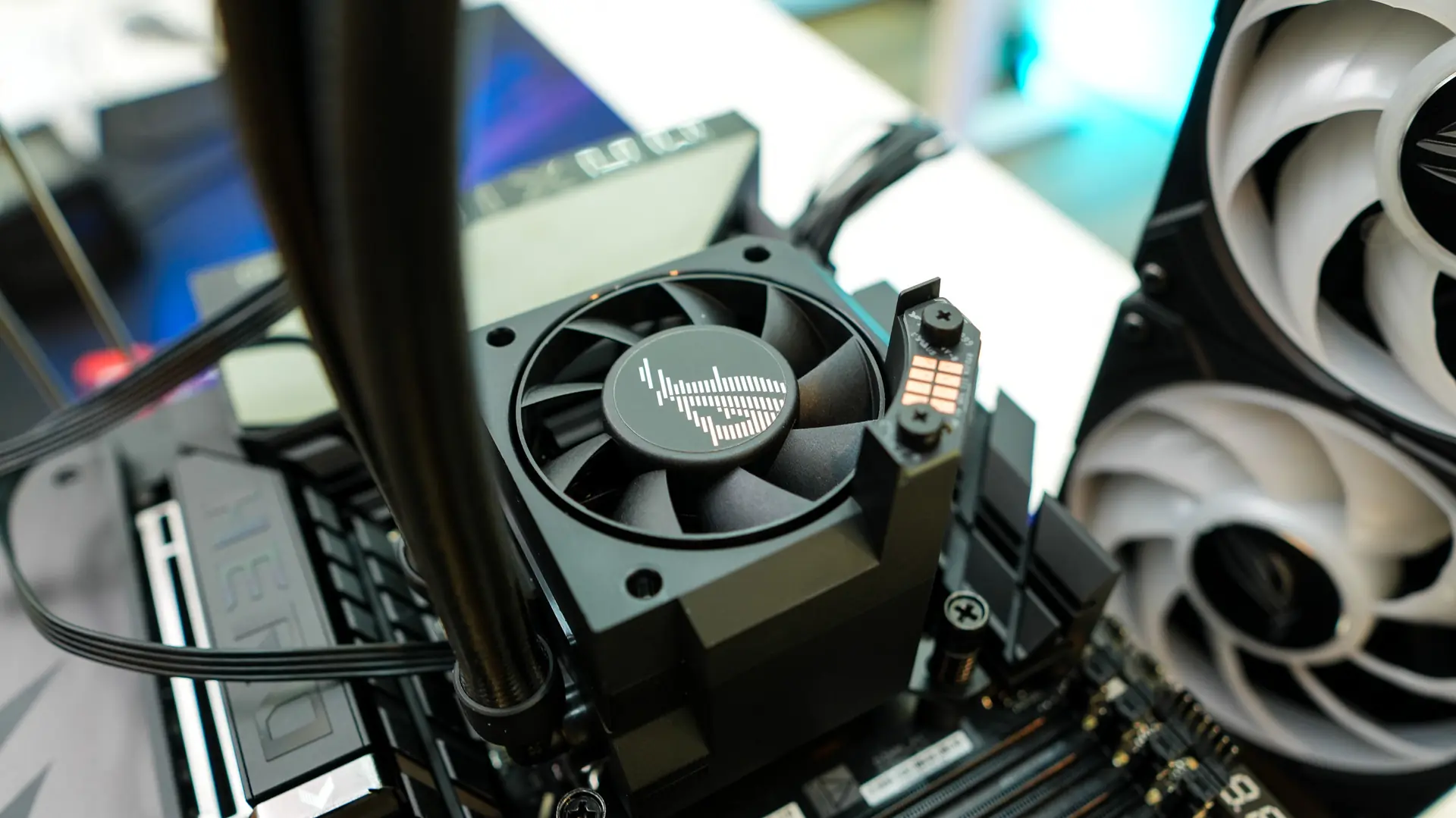
Once the block is installed and you reinstall the housing you’ll need to run the USB cable to an internal USB header. There is also a 4-pin header that you connect to the AiO pump header on your motherboard. Then use the supplied magnetic connector on the fans, which splits into a 4-pin fan header and a 3-pin addressable RGB header.