Software, Lighting & The Screen on the ASUS ROG Ryujin III 360 ARGB Extreme
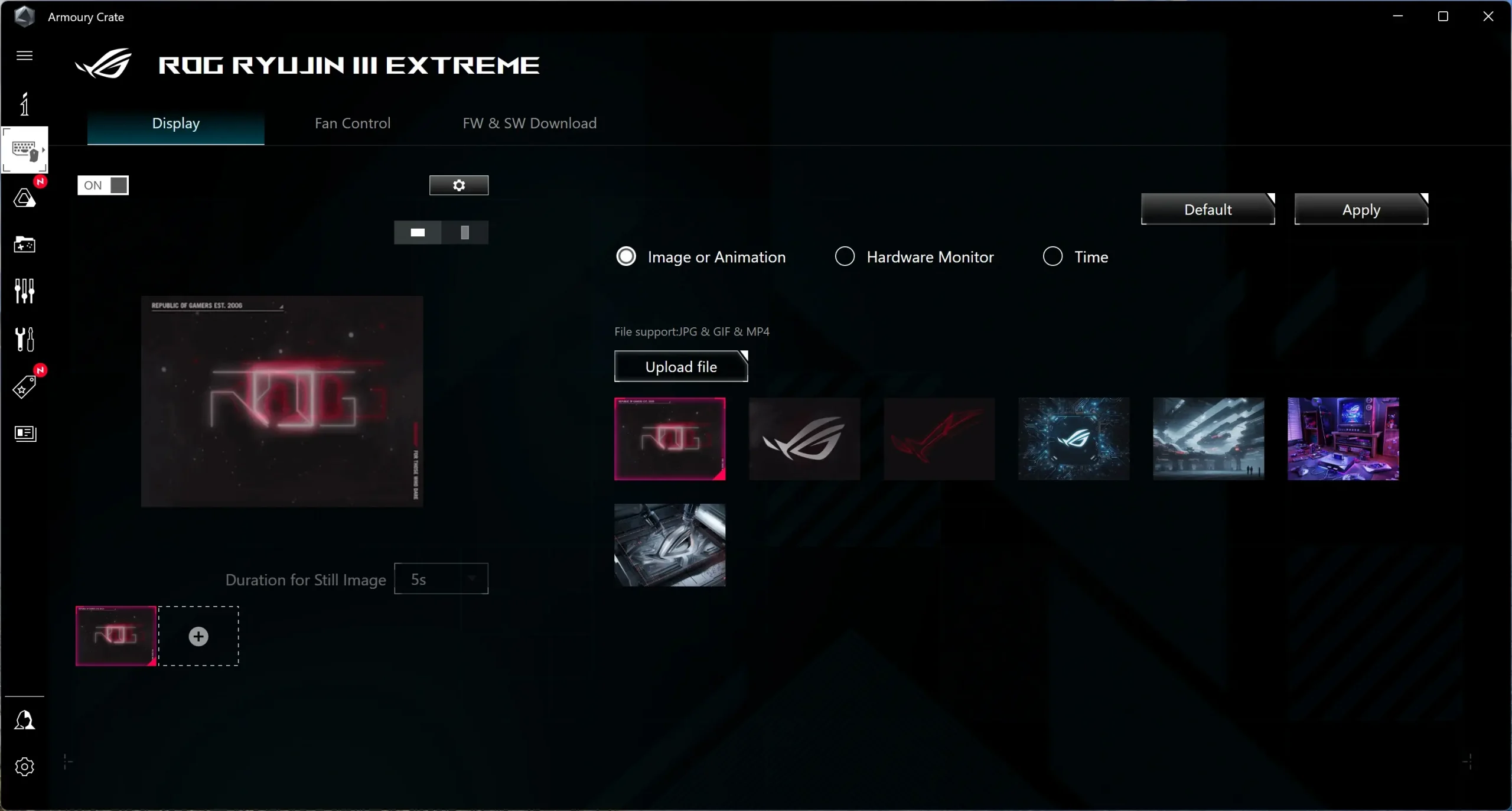
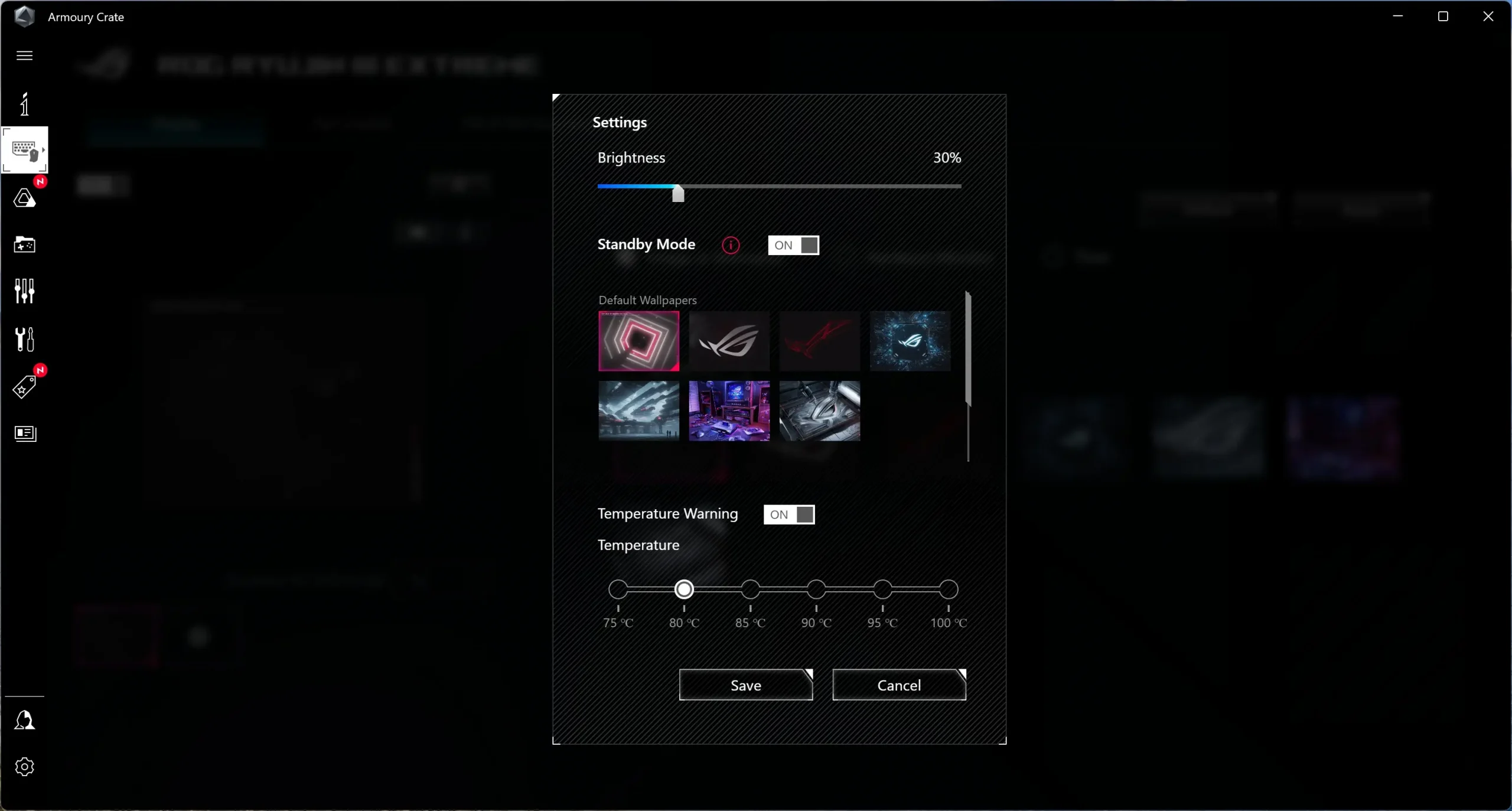
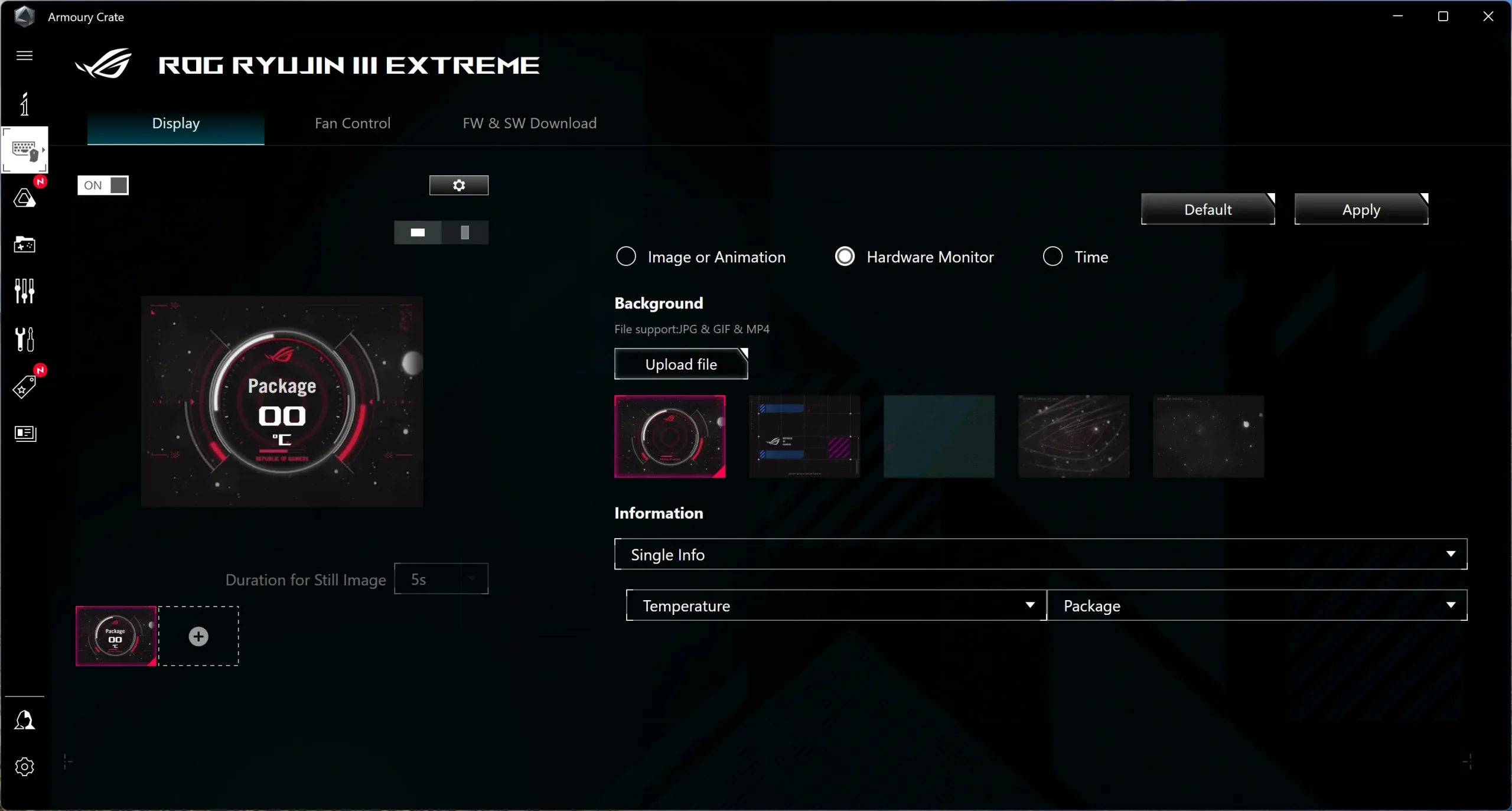
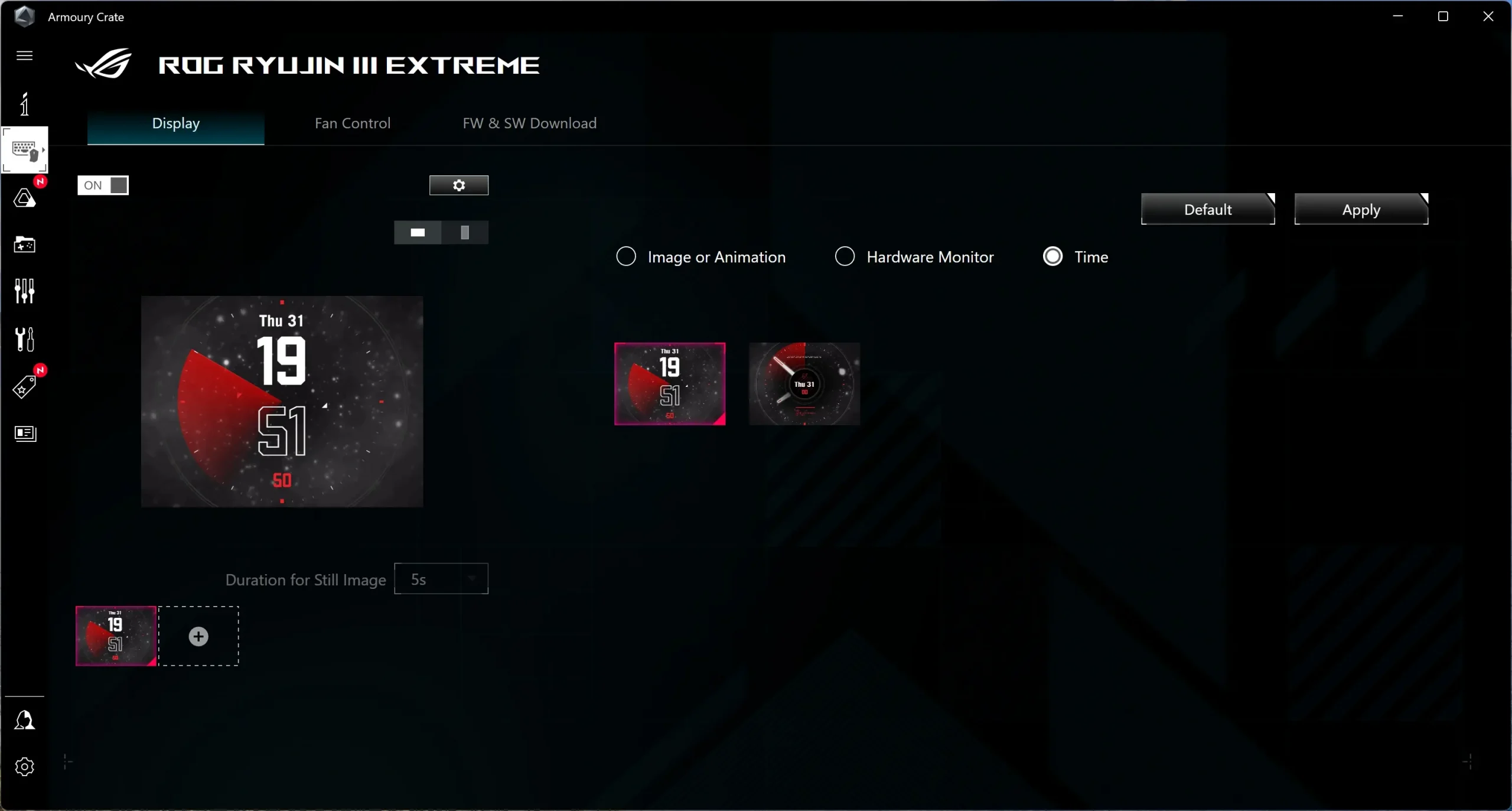
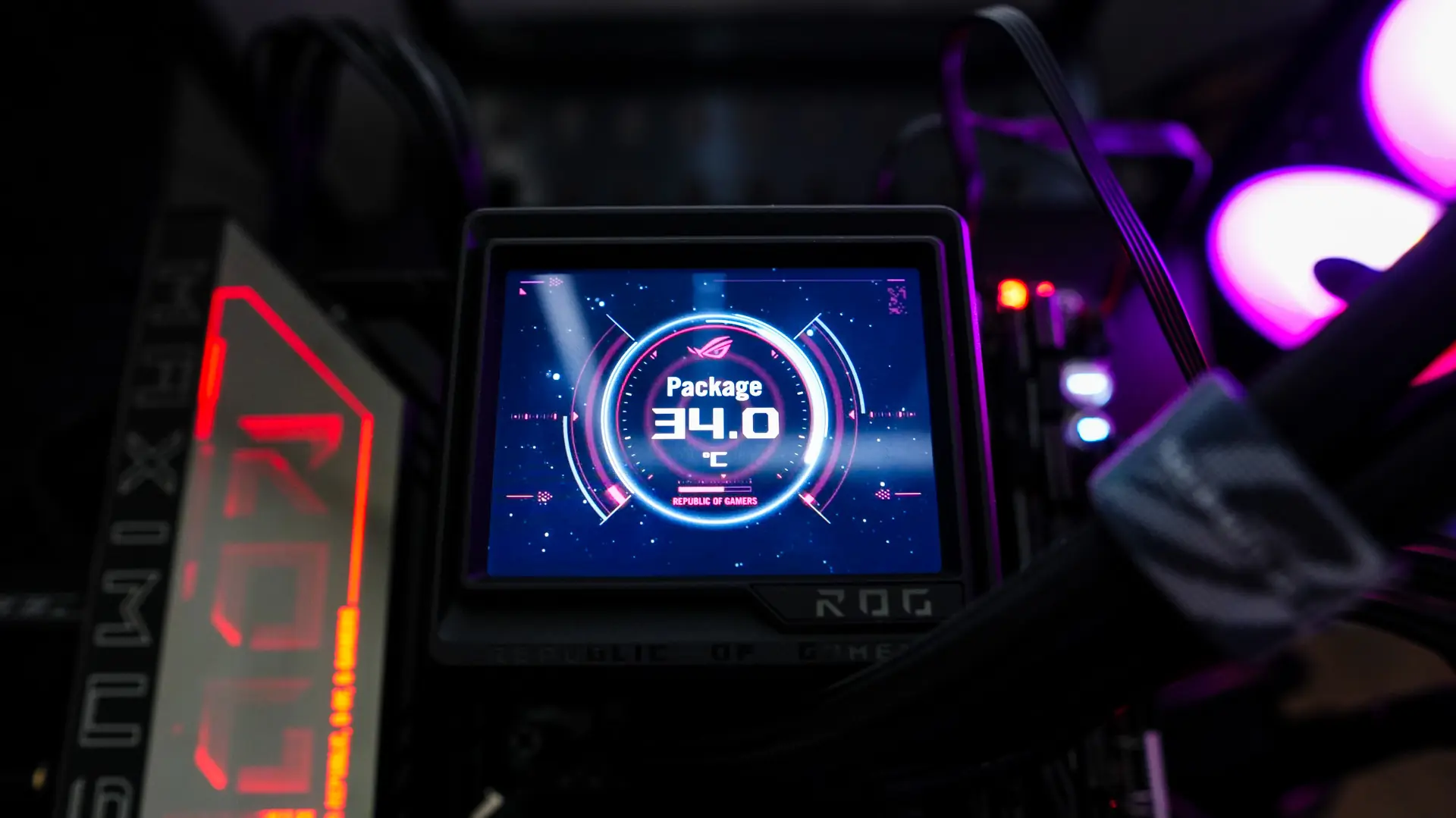
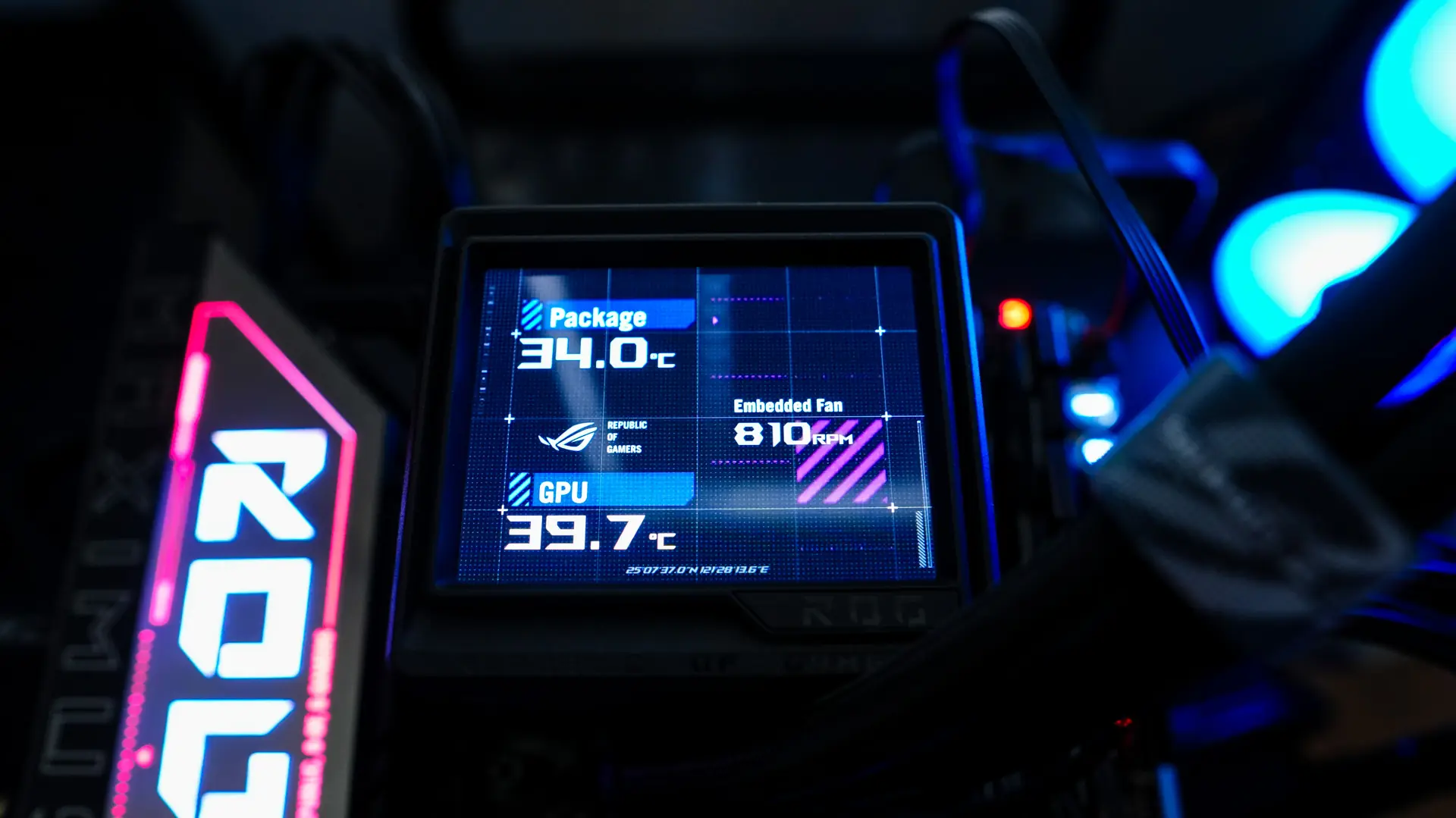
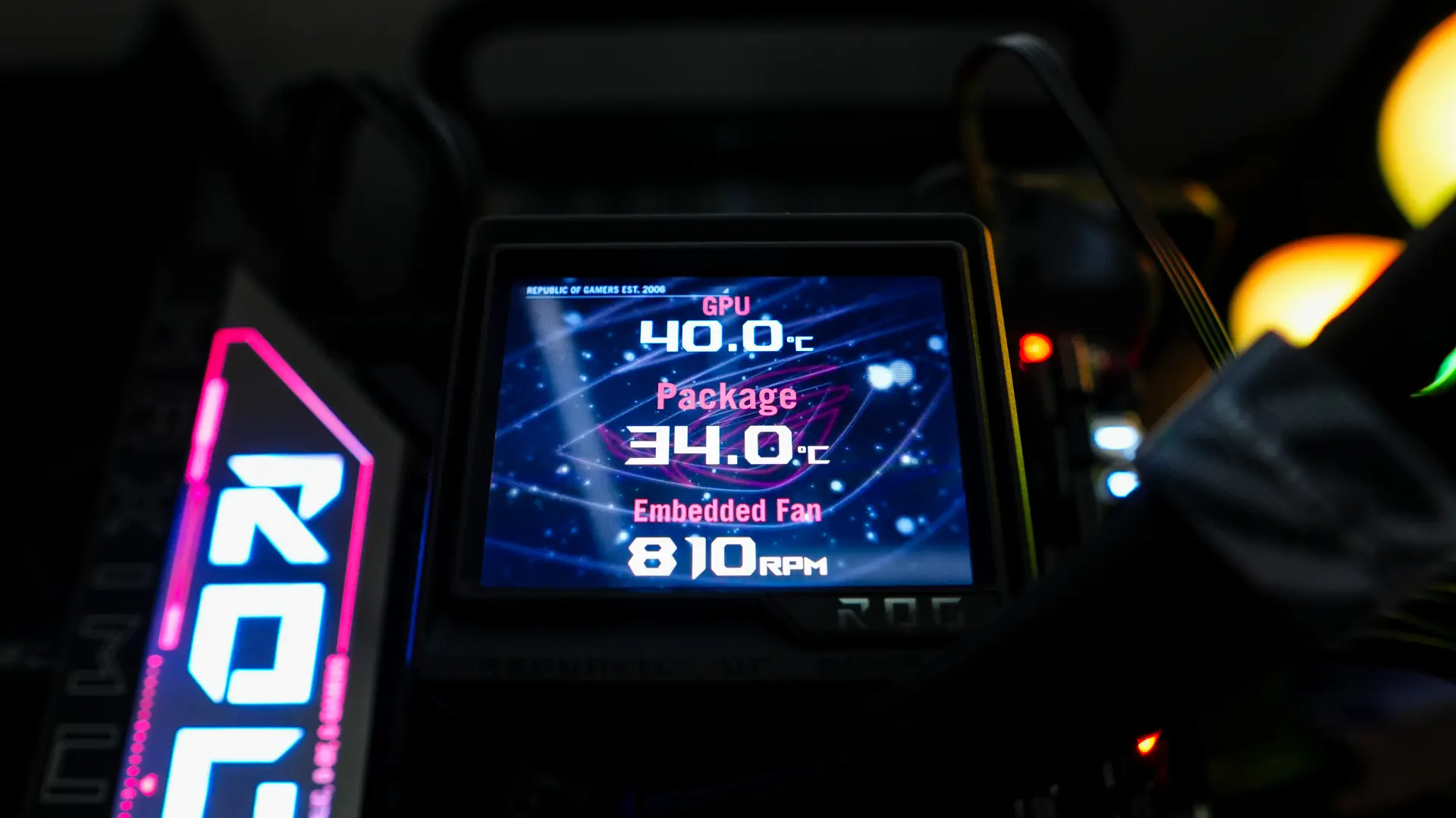
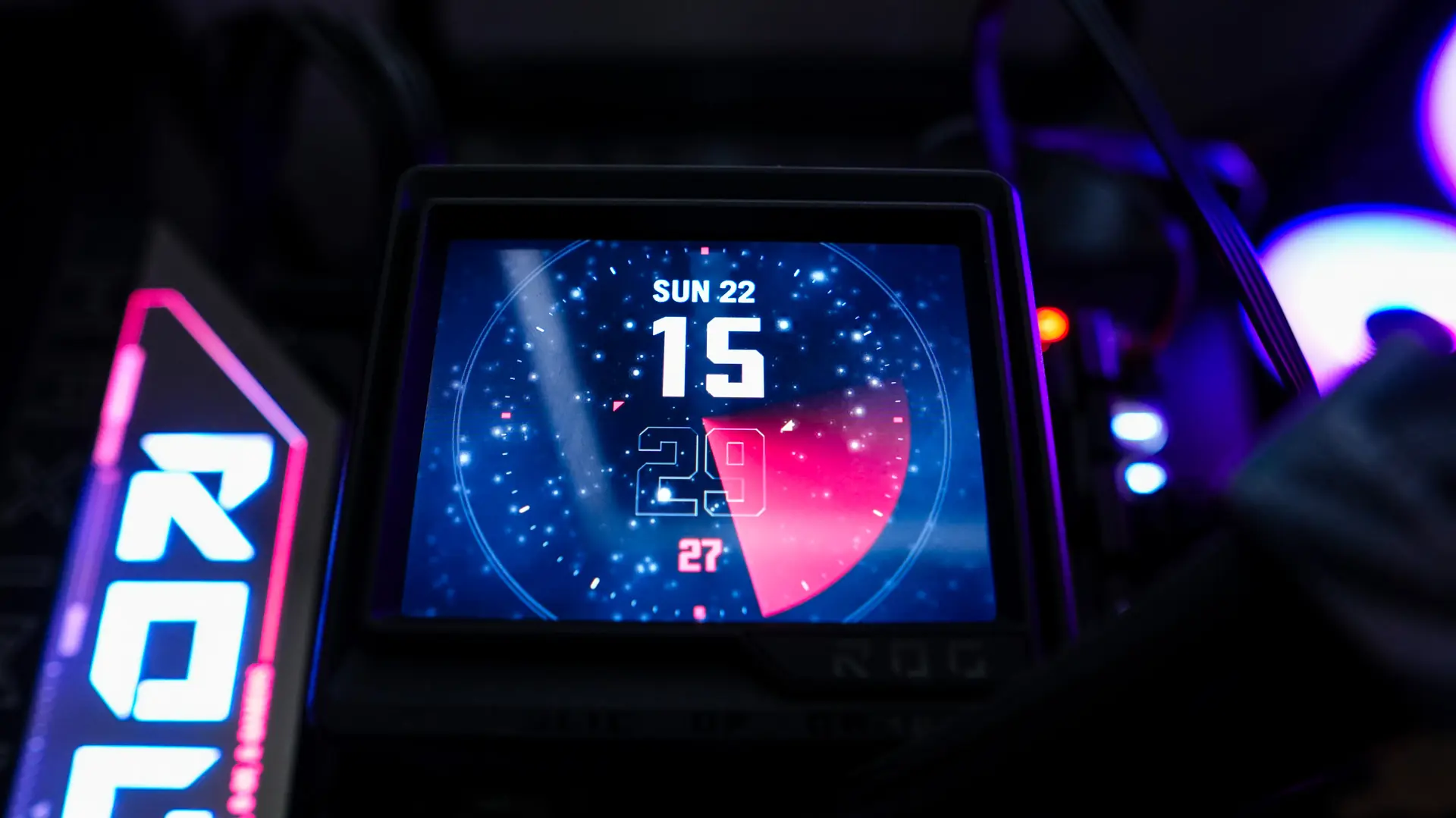
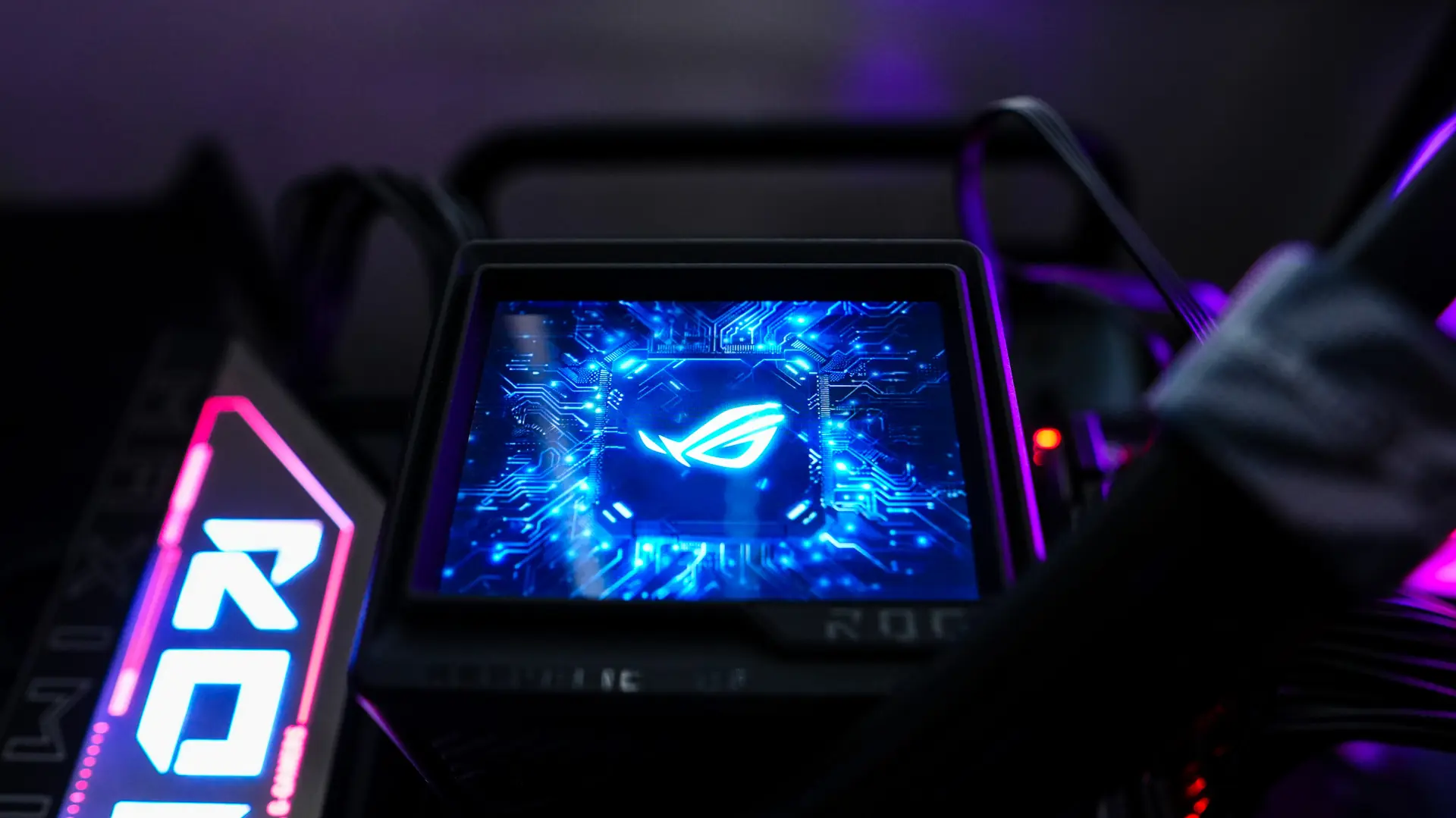
Like most ASUS products you’ll need Armoury Crate to do any customization. Inside of Armoury Crate you’ll find the ROG RYUJIN III Extreme listed in your devices. The first tab is Display. Here we can set what the display does. You have the ability to set an image or animation (GIF), have a hardware monitor (up to 3 stats), or display the time. ASUS has loaded pre-set images and animations, but you can add your own. The unit has 32MB of internal storage which will give you up to 2000 frames for any animation. If you click on the small gear towards the top of the screen it brings up more settings. Here you can set the brightness (its at 30% by default), set standby mode, set if there is a temperature warning and the temperature to show the warning at. Standby mode will put an animation up when you have your system turned off, of course if you don’t want this you can just disable it.
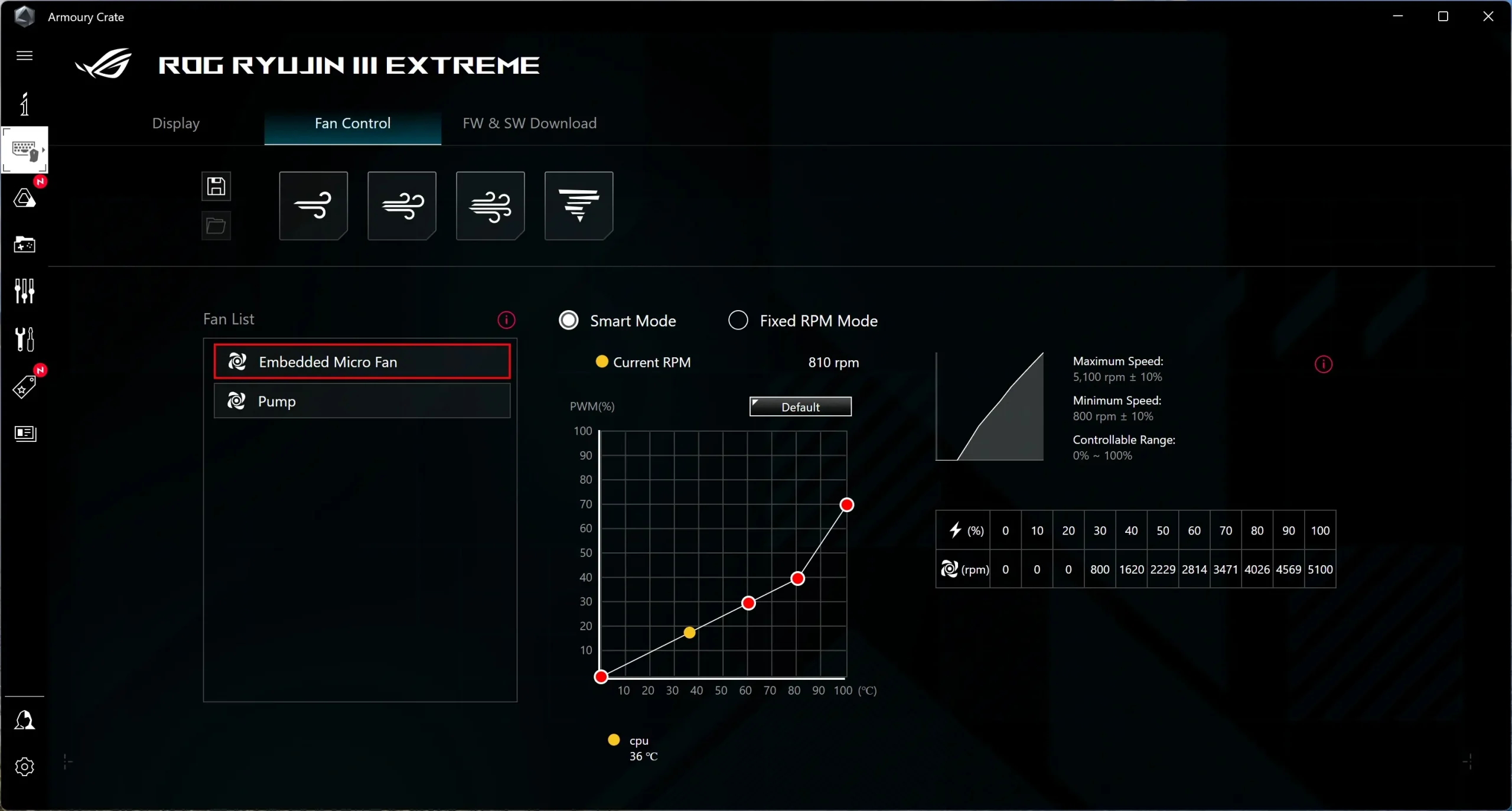
The next tab we have is Fan Control. You have four pre-set modes available at the top which are Silent, Standard, Turbo, and Full Speed. You can also select the embedded micro fan or the pump and set a fixed RPM mode or create your own fan curve.
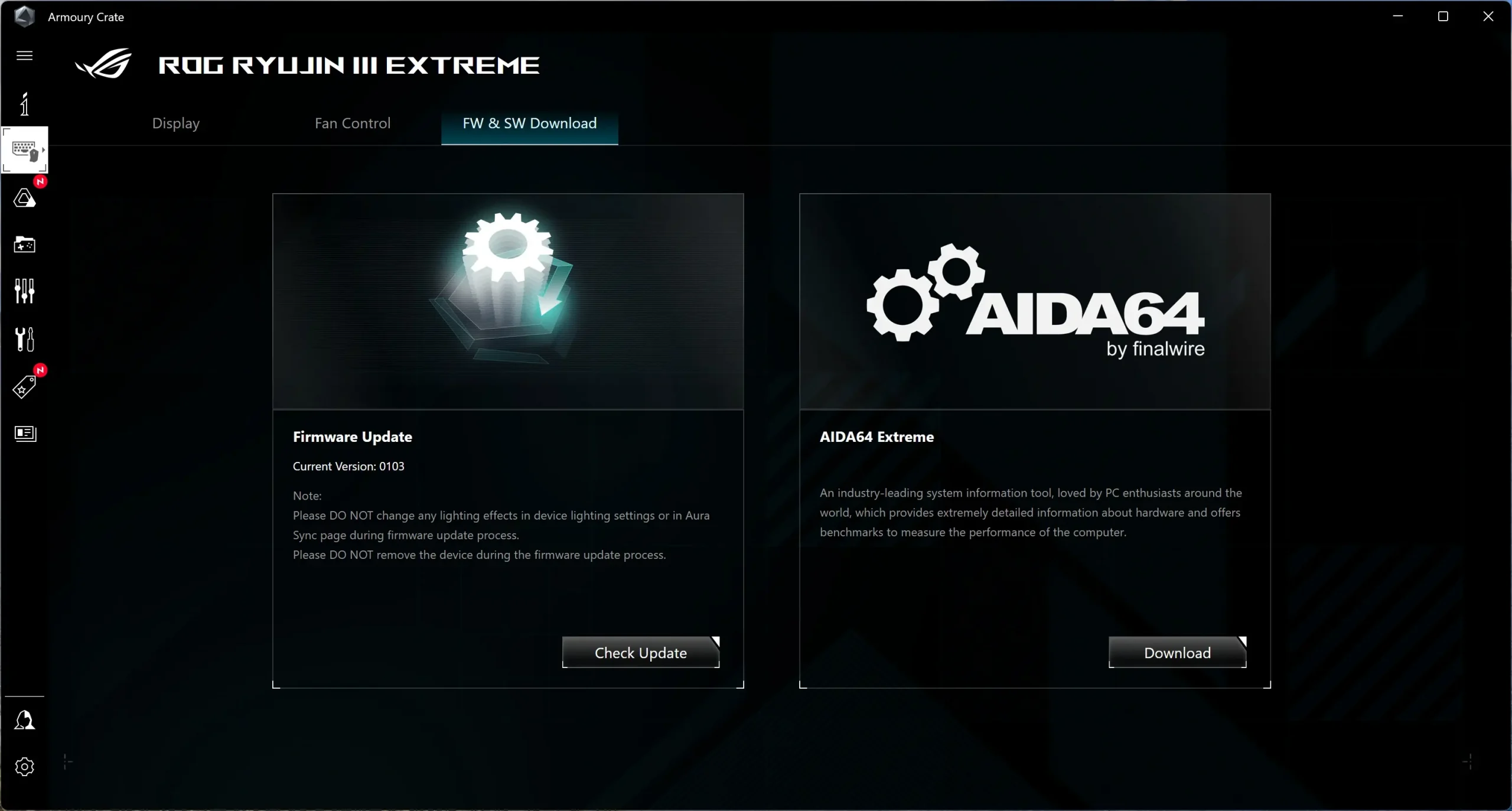
The last tab is FW & SW Download, which is for downloading and updating the firmware on the device as well as downloading AIDA64. For those who don’t know, the ROG RYUJIN III Extreme comes with a 1-year license for AIDA64 Extreme Edition, a $59.99 value!
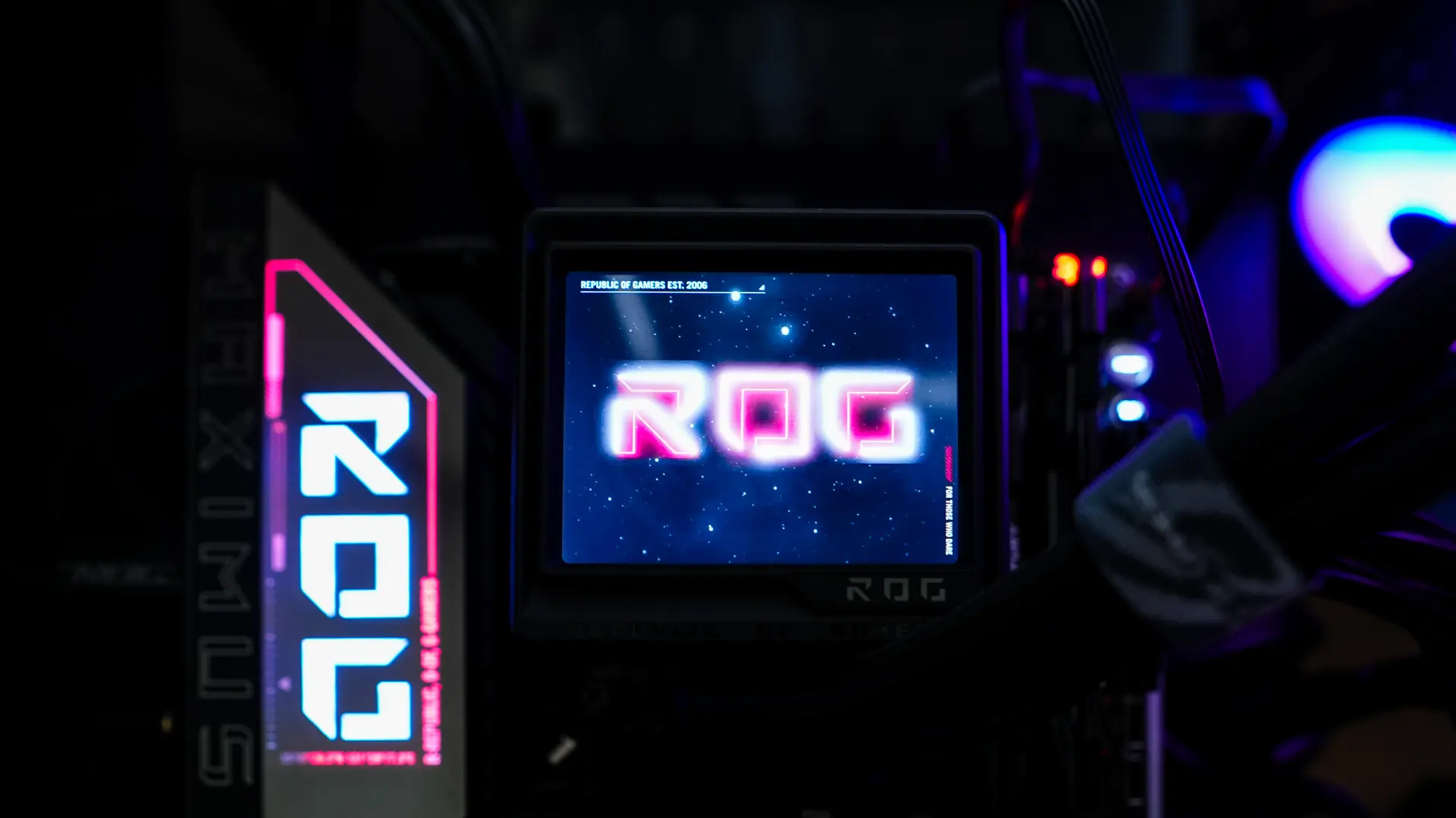
The 3.5-inch screen looks quite nice and I love the customization you get with it. Here are some shots of it on our Z890 test bench.
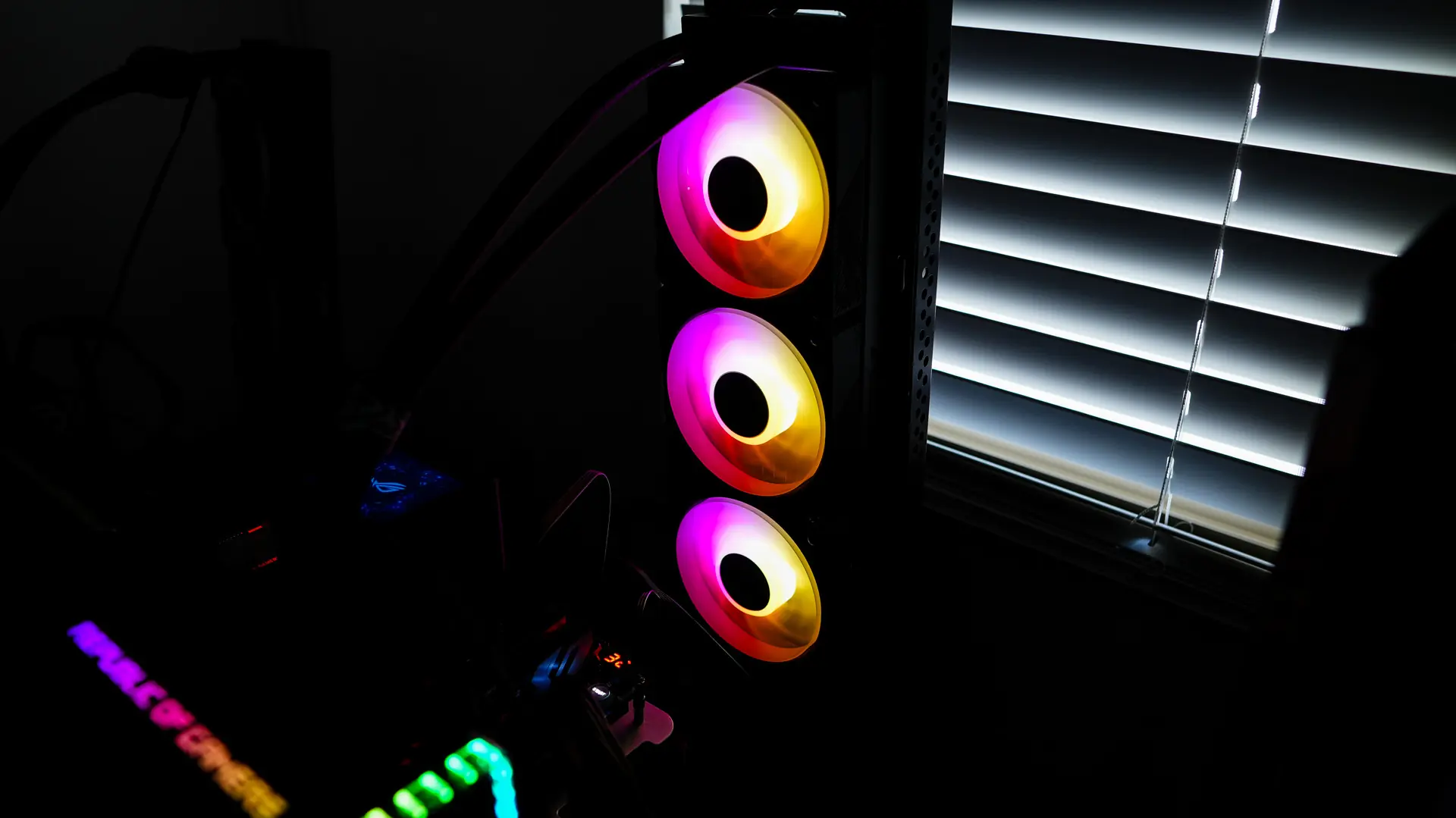
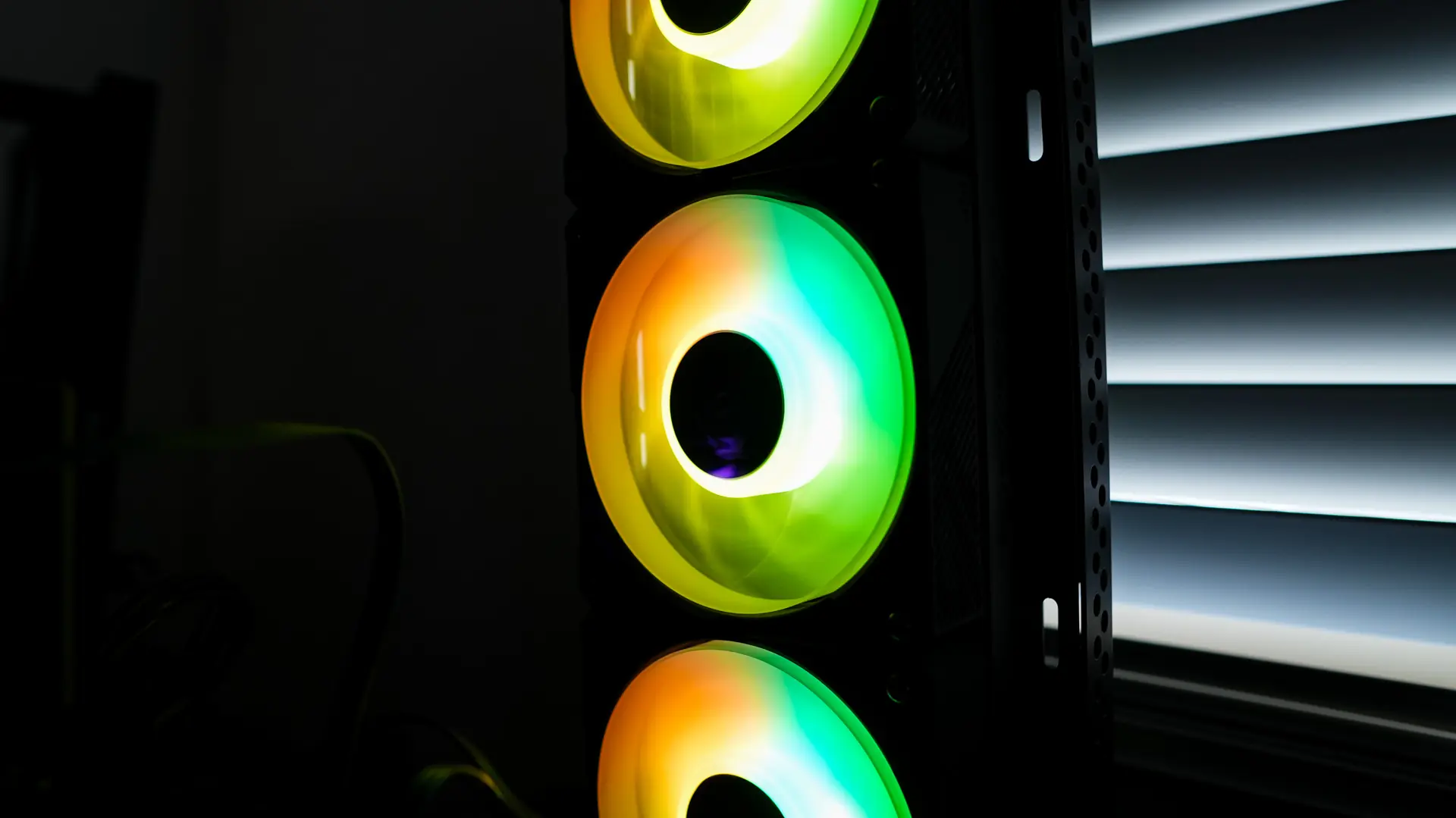
The three ARGB fans are quite bright and will easily light up the inside of your system.