ASUS ROG STRIX B850-A Gaming WiFi Motherboard Overview
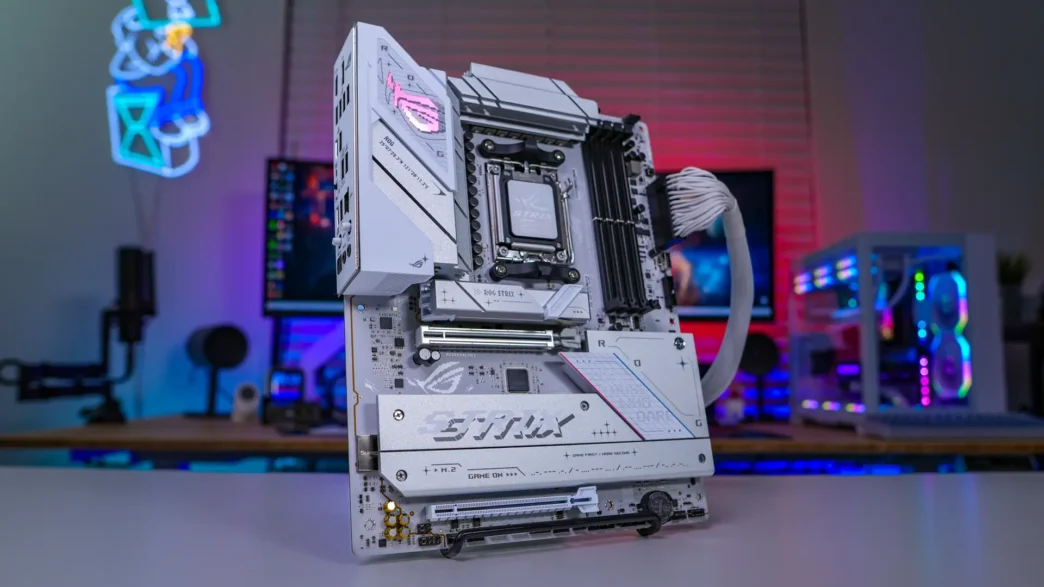
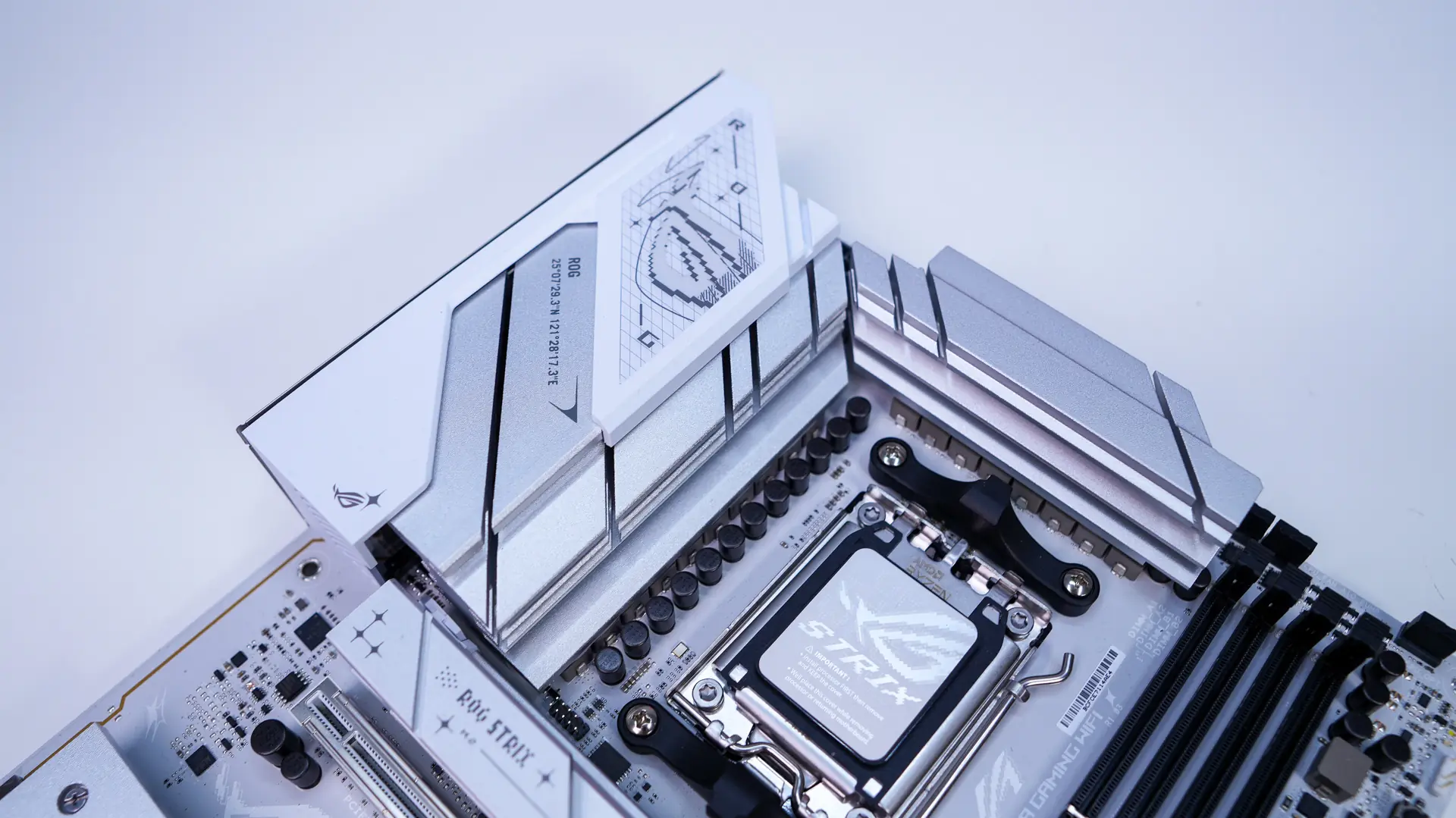
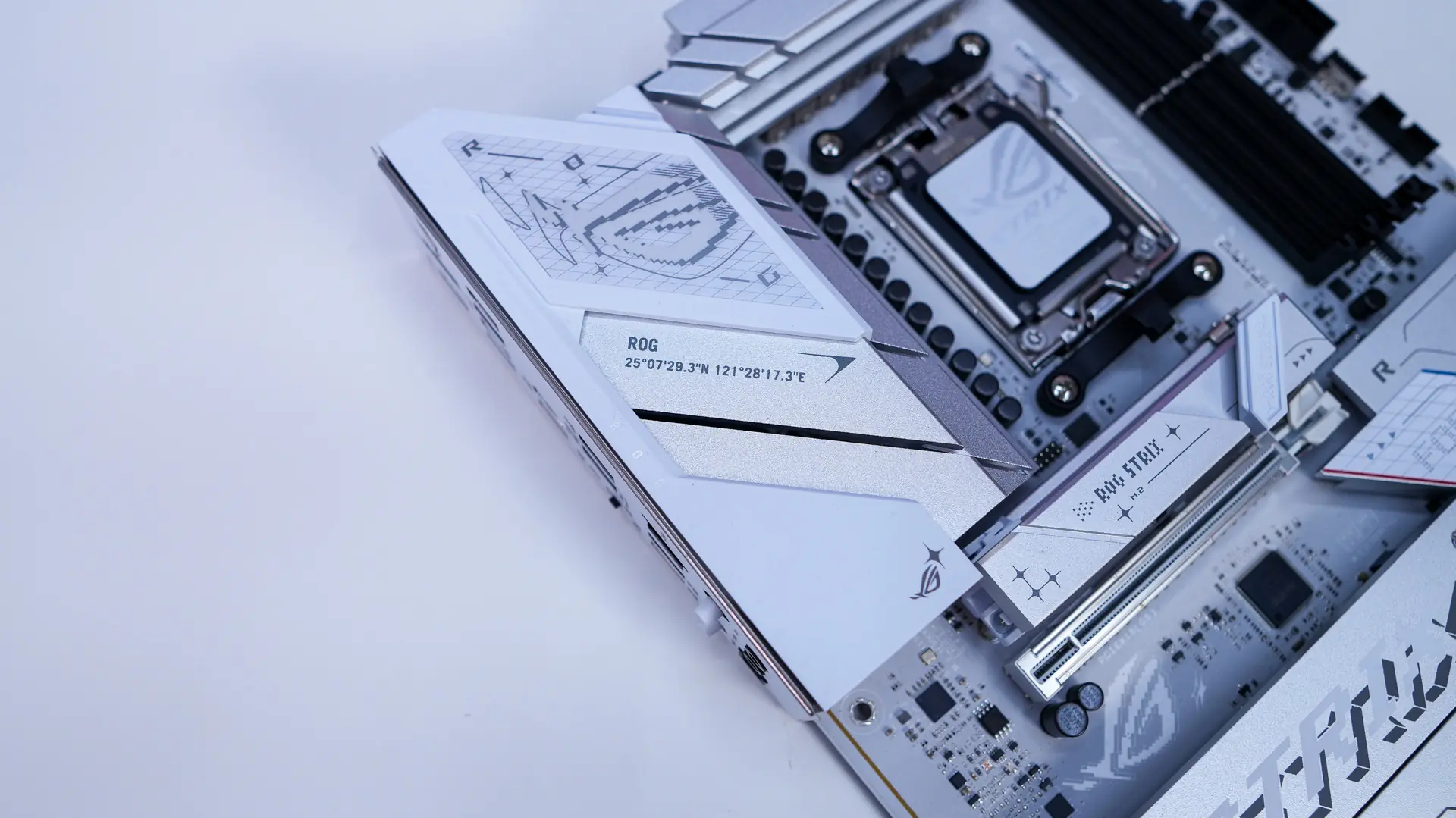
As I mentioned this is an all-white motherboard. The thing I love about what ASUS has done here is that they’ve made the PCB white as well. Many white-themed motherboards just have white heatsinks and other components, but they tend to still use a black PCB. Here we have a white PCB with white and silver accents. The DDR5 slots and a handful of other ports on the board are black. This board is going look excellent in a white-themed build!
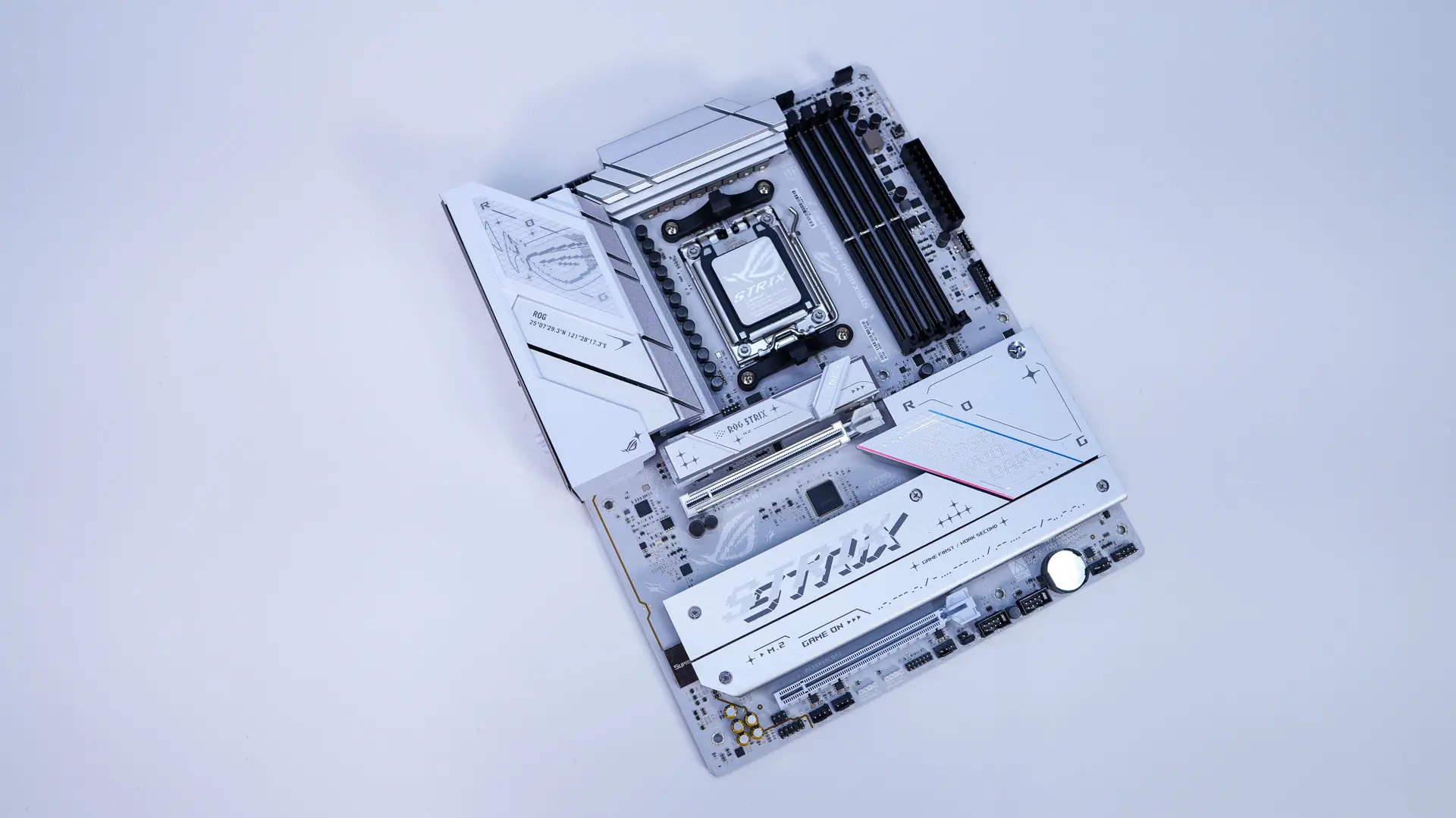
Starting at the CPU socket we have AMD’s AM5 socket. This socket will support AMD’s Ryzen 9000, 8000, and 7000 series processors.
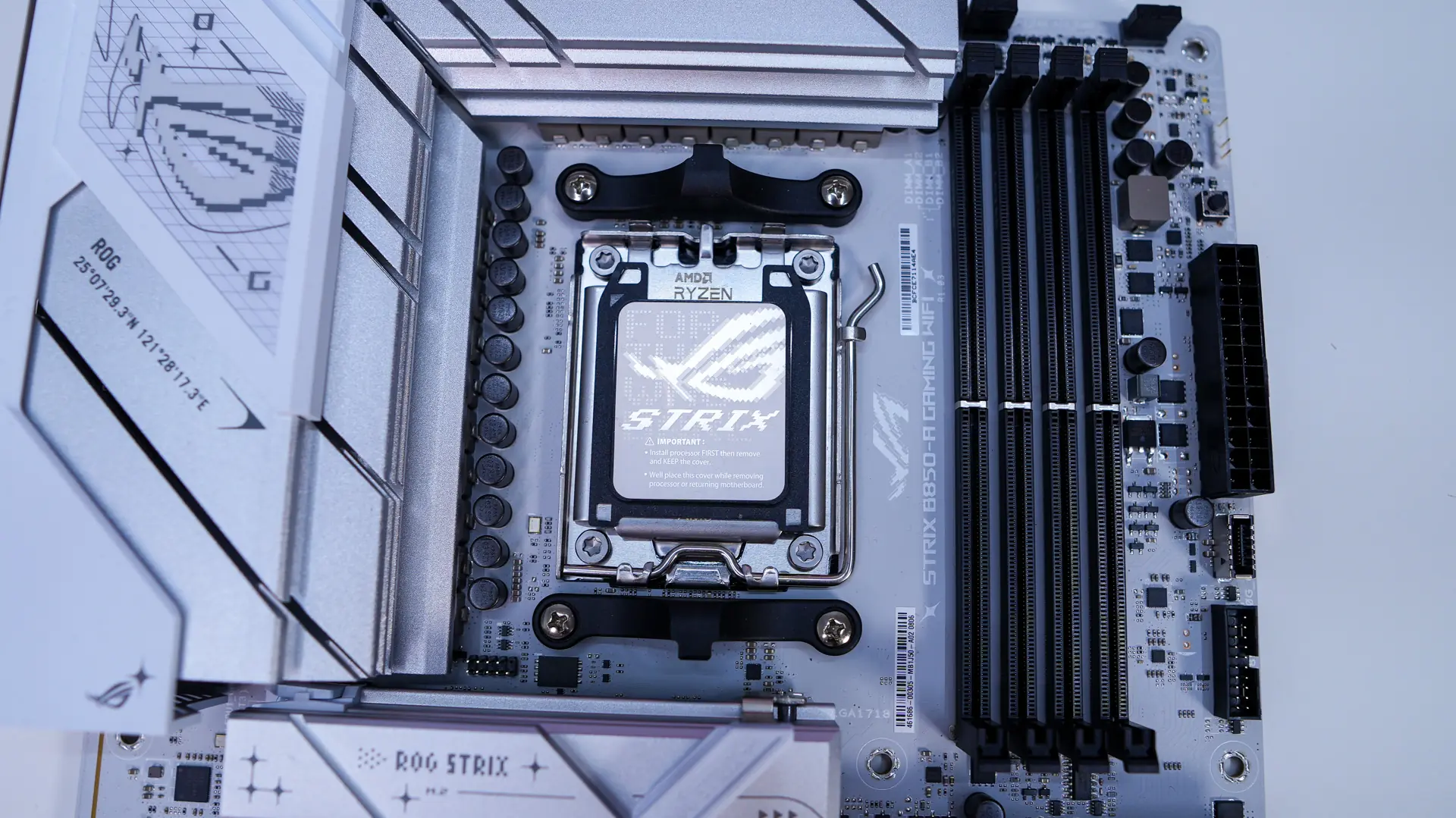
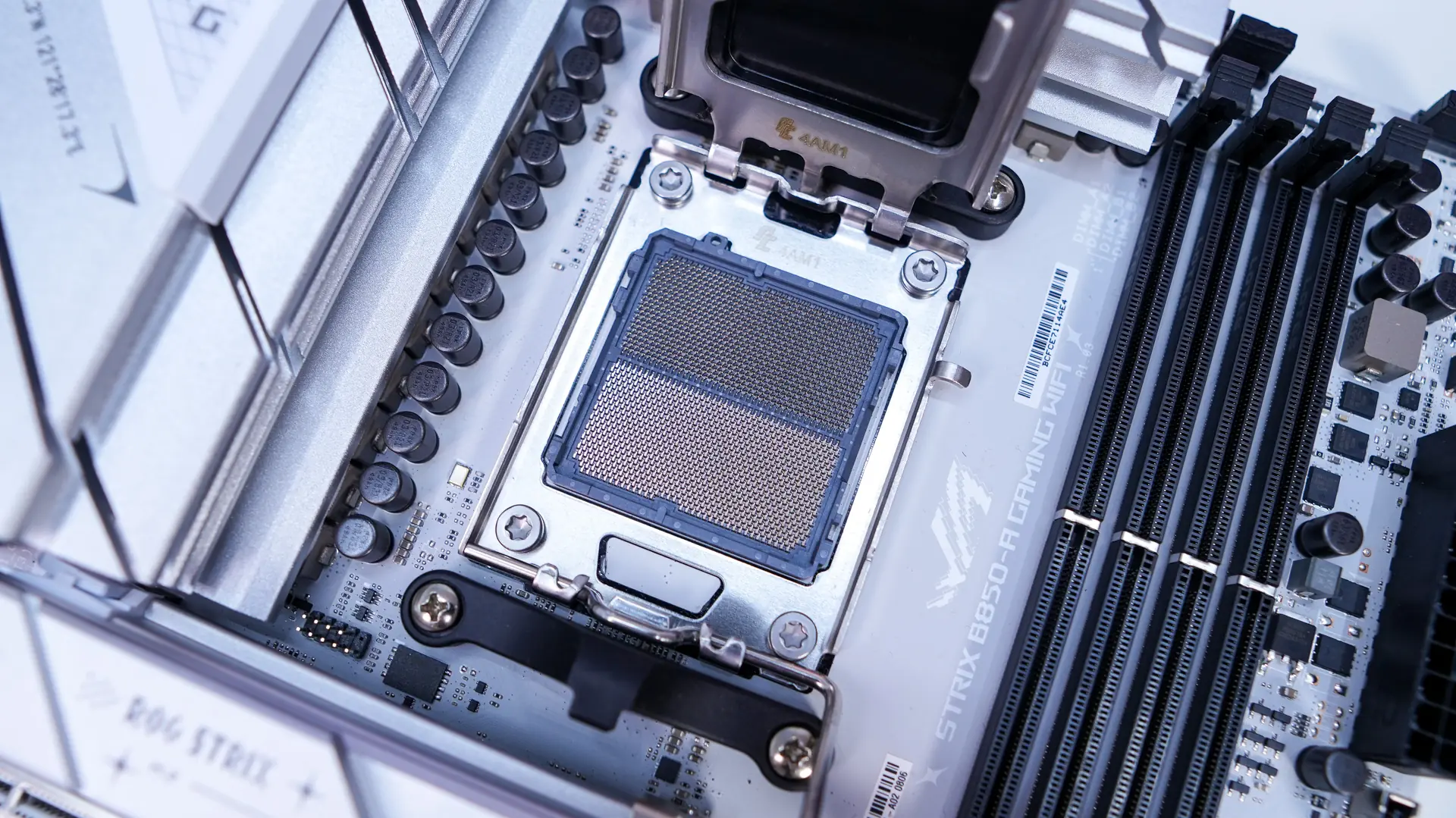
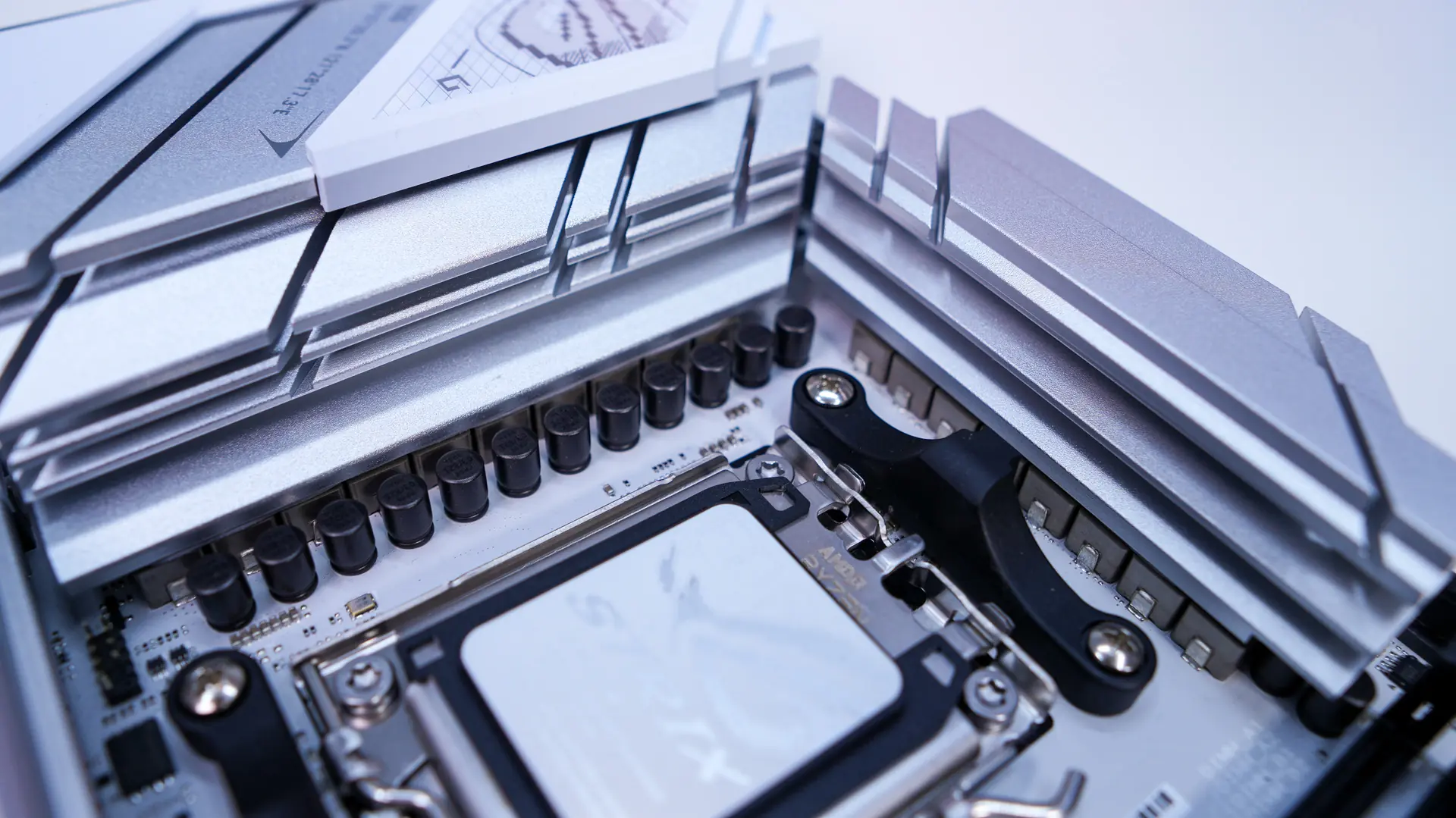
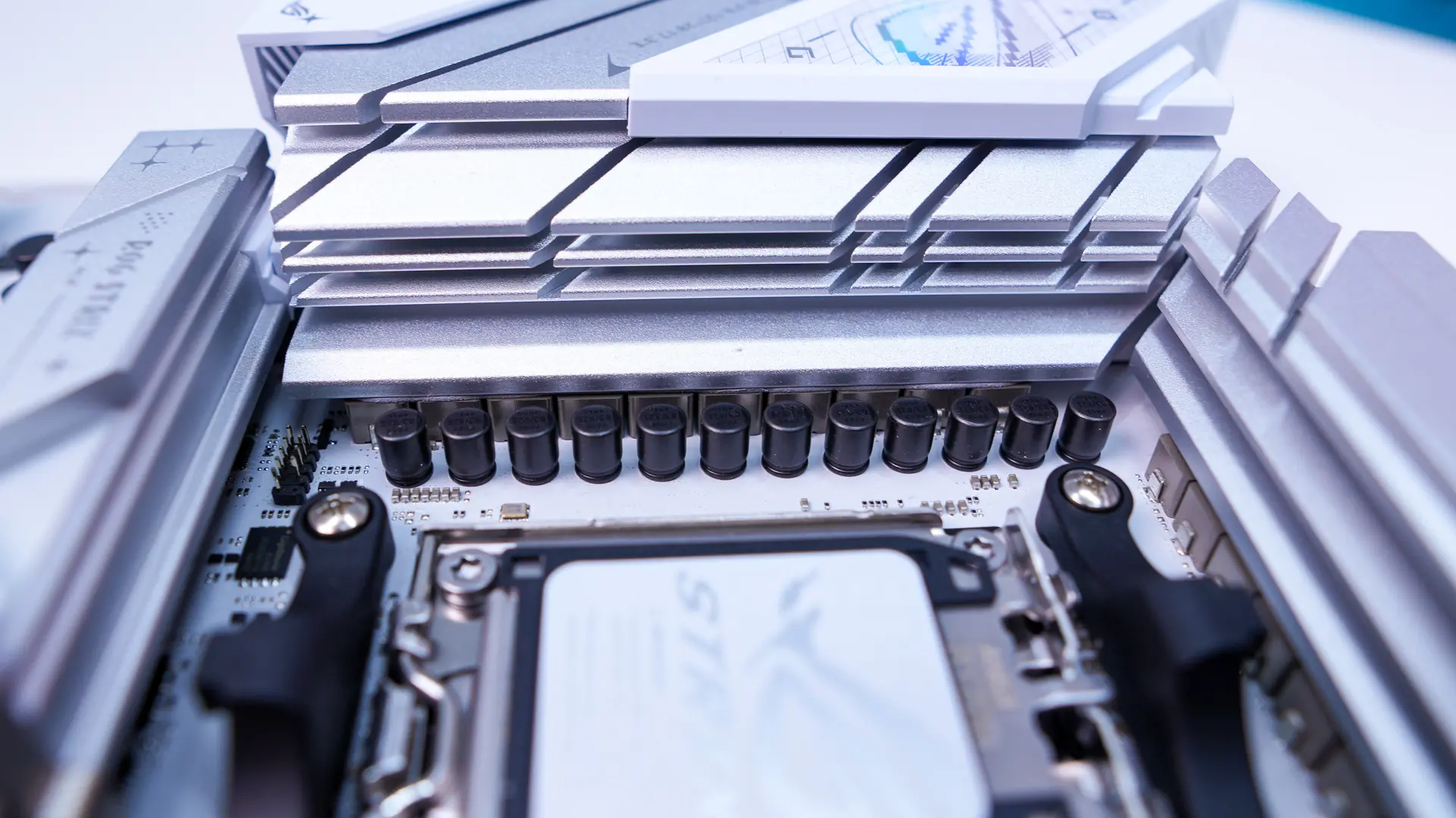
Surrounding the CPU socket we have our power delivery components. ASUS is going with a 14+2+2 power phase design with 80A power stages and high-quality alloy chokes. Covering the power delivery components are two silver heatsinks. Covering part of one of the heatsinks is the rear I/O cover, which really brings the top of the board together. It is all white and has an ROG logo on it. The white gives a good contrast to the silver heatsinks.
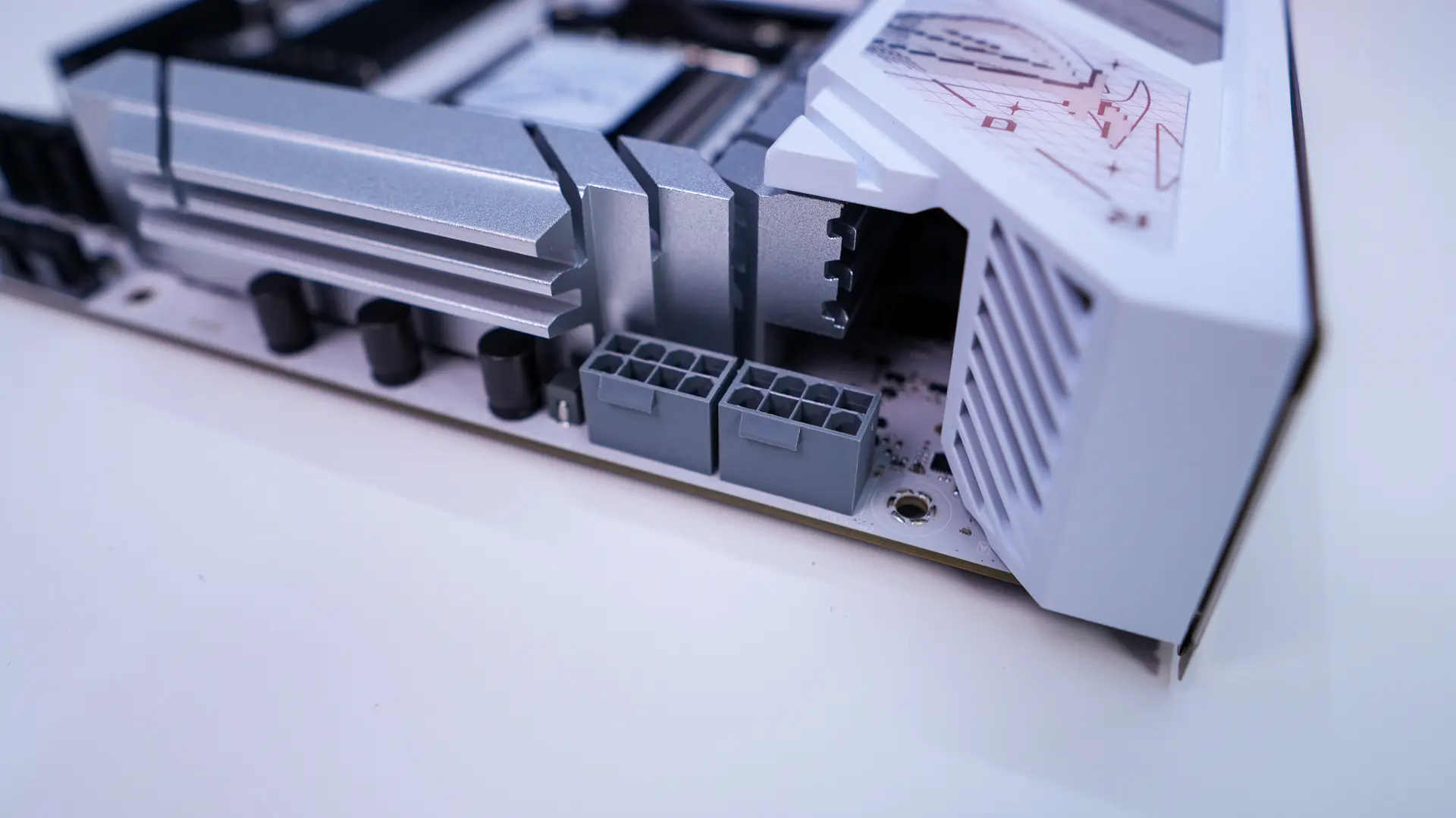
Hiding in the top corner of the board are your two 8-pin EPS connectors. By default you only need to have one plugged in, but for higher-end processors and overclocking you’ll want to use both connectors for more stable power delivery. Moving across the top of the board you’ll find three 4-pin fan headers. The first two are your CPU fan header and AIO pump header and the third is your optional CPU fan header. On thing that is nice is that ASUS has put covers on these if you aren’t using them.
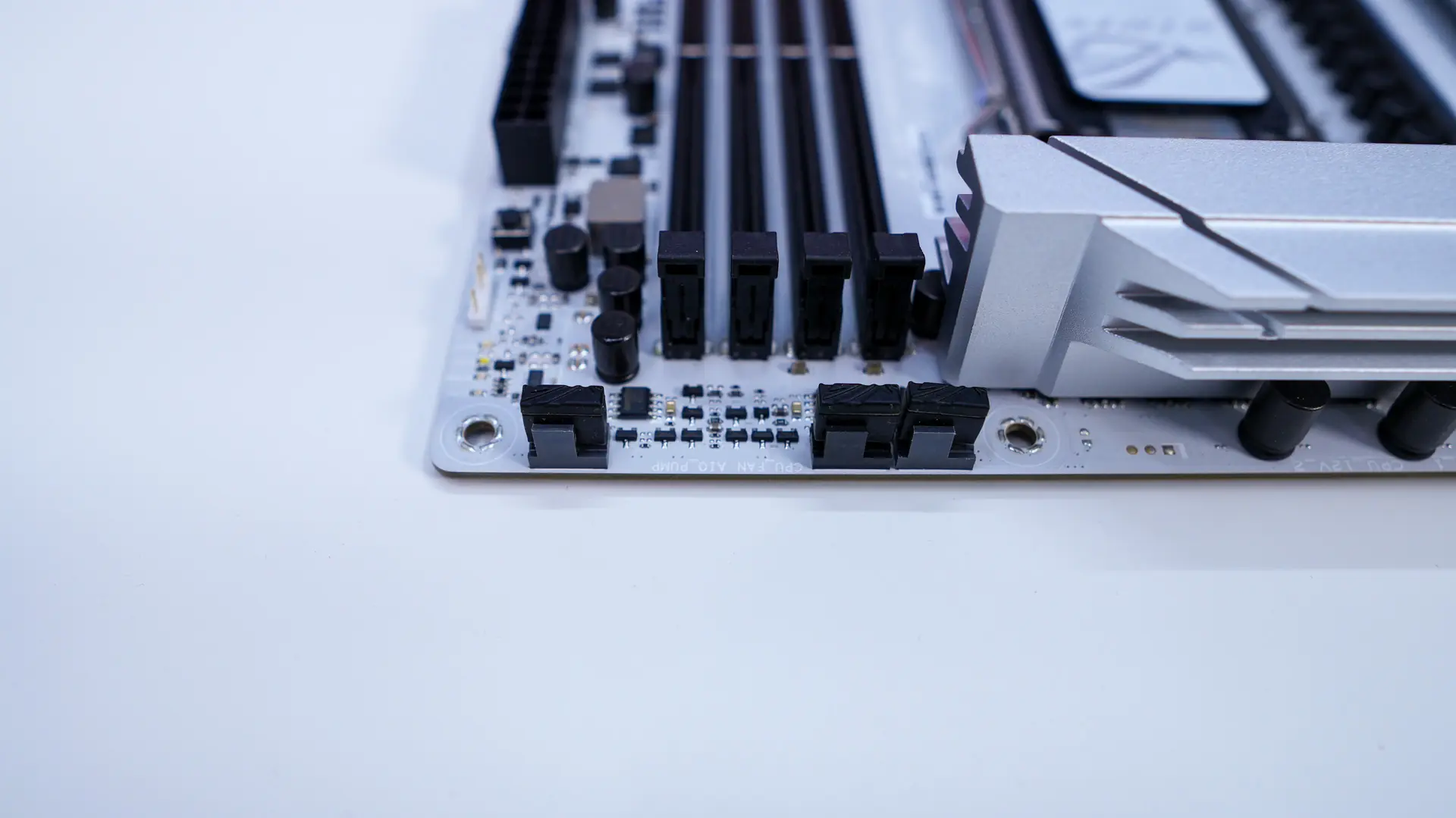
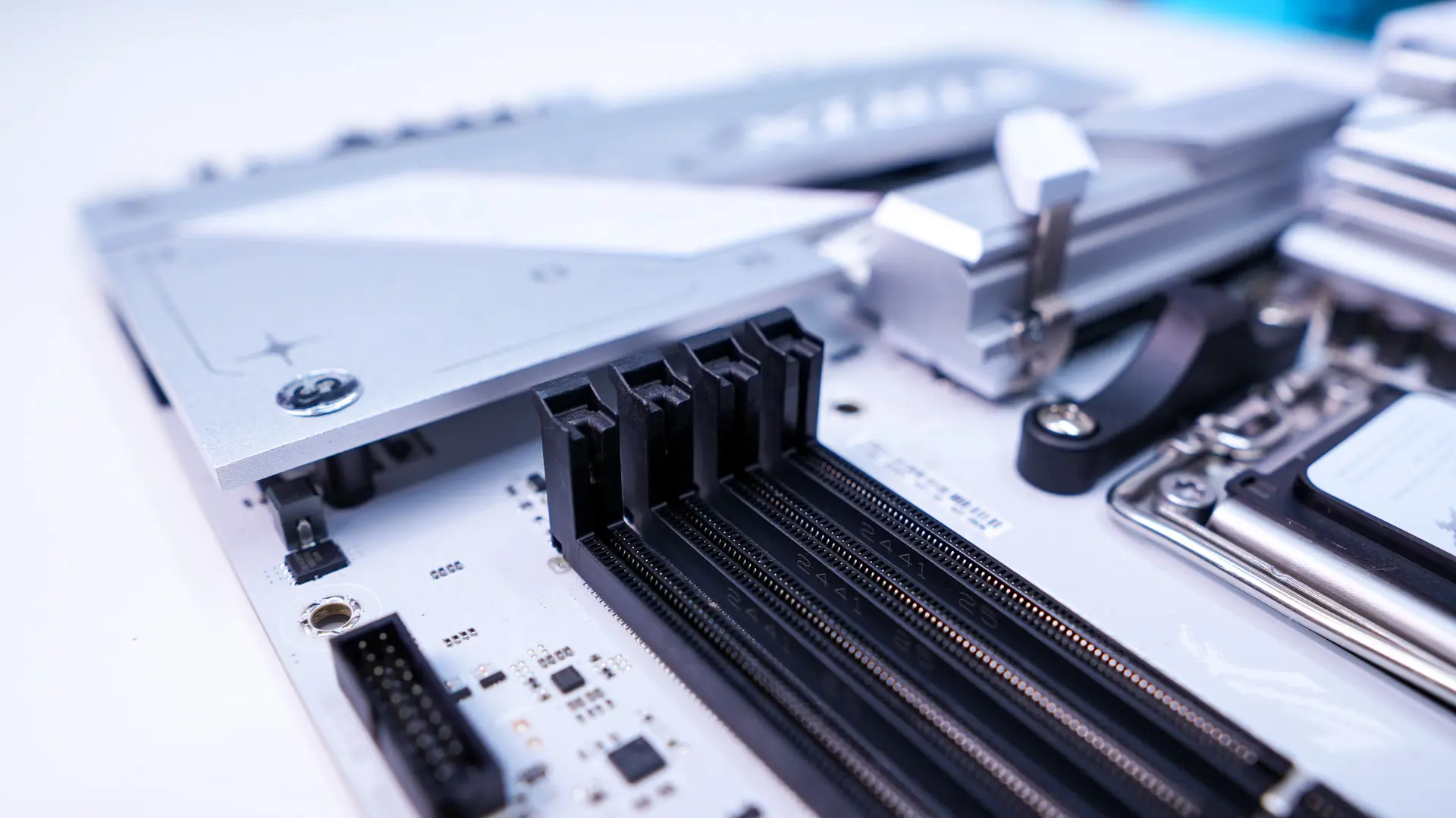
Coming to our DDR5 DIMM slots these will support up to 256GB of DDR5-8000 memory. The slots do not have locks on the bottom which makes swapping out memory once you have your graphics card installed much easier.
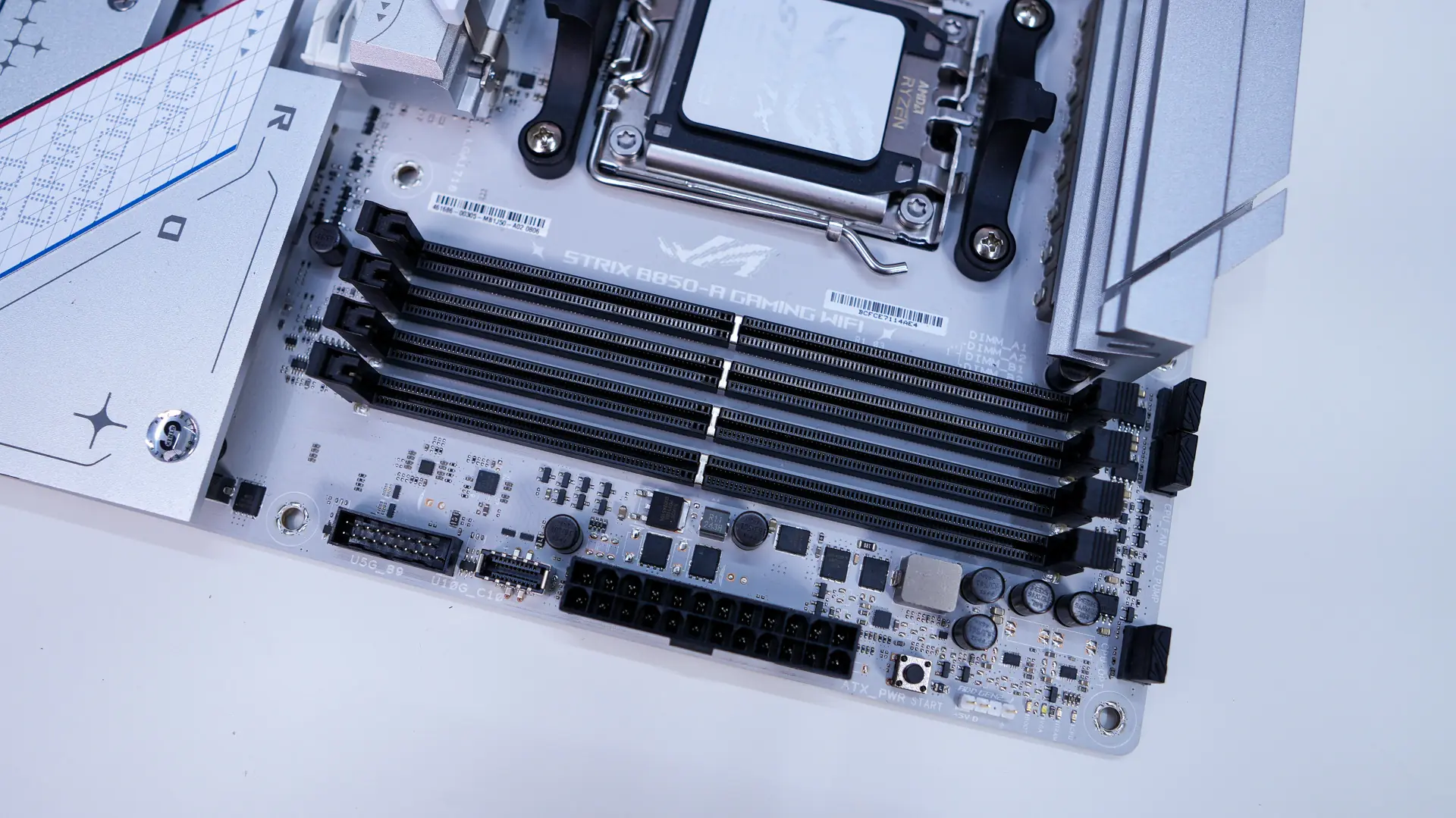
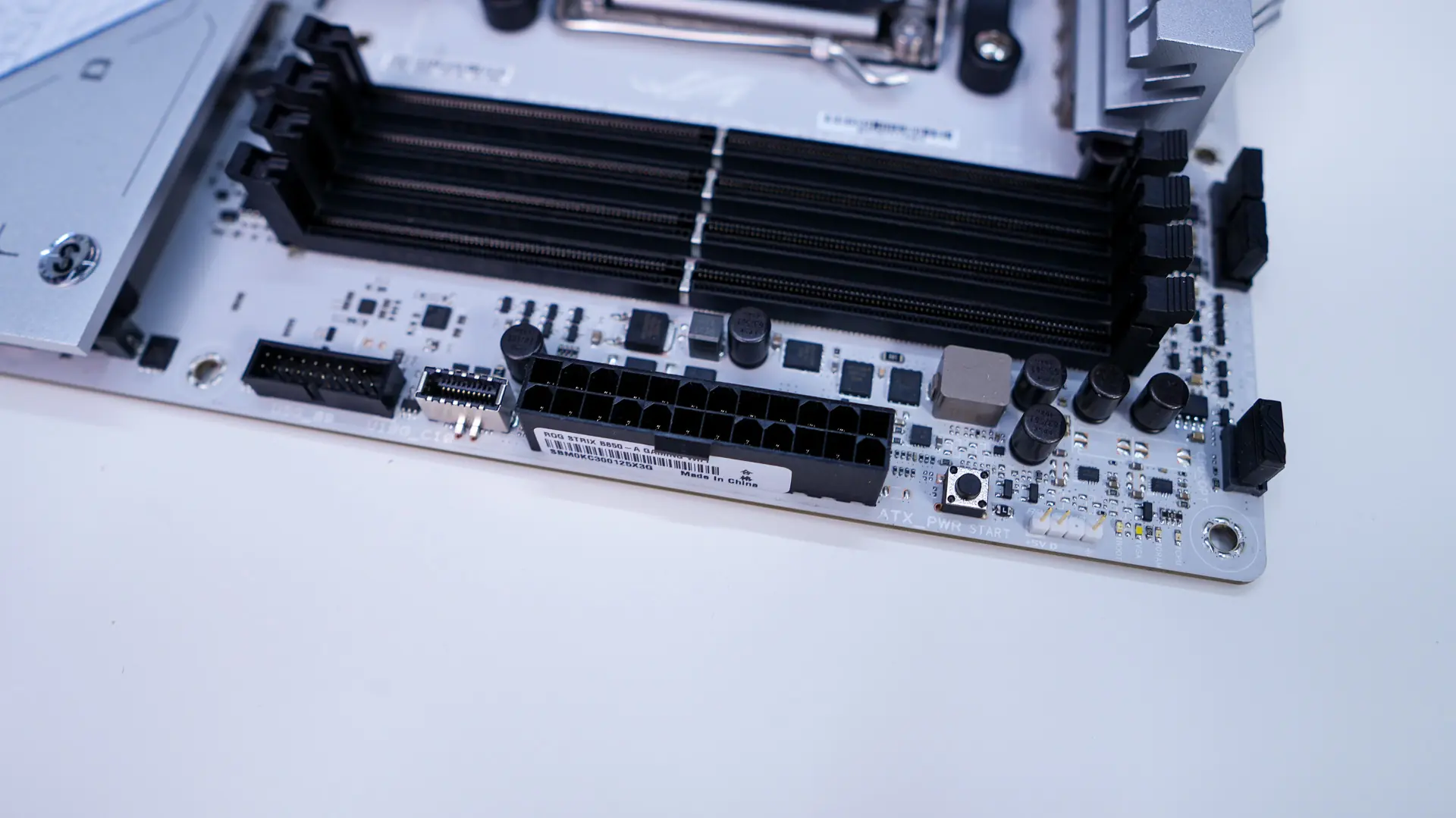
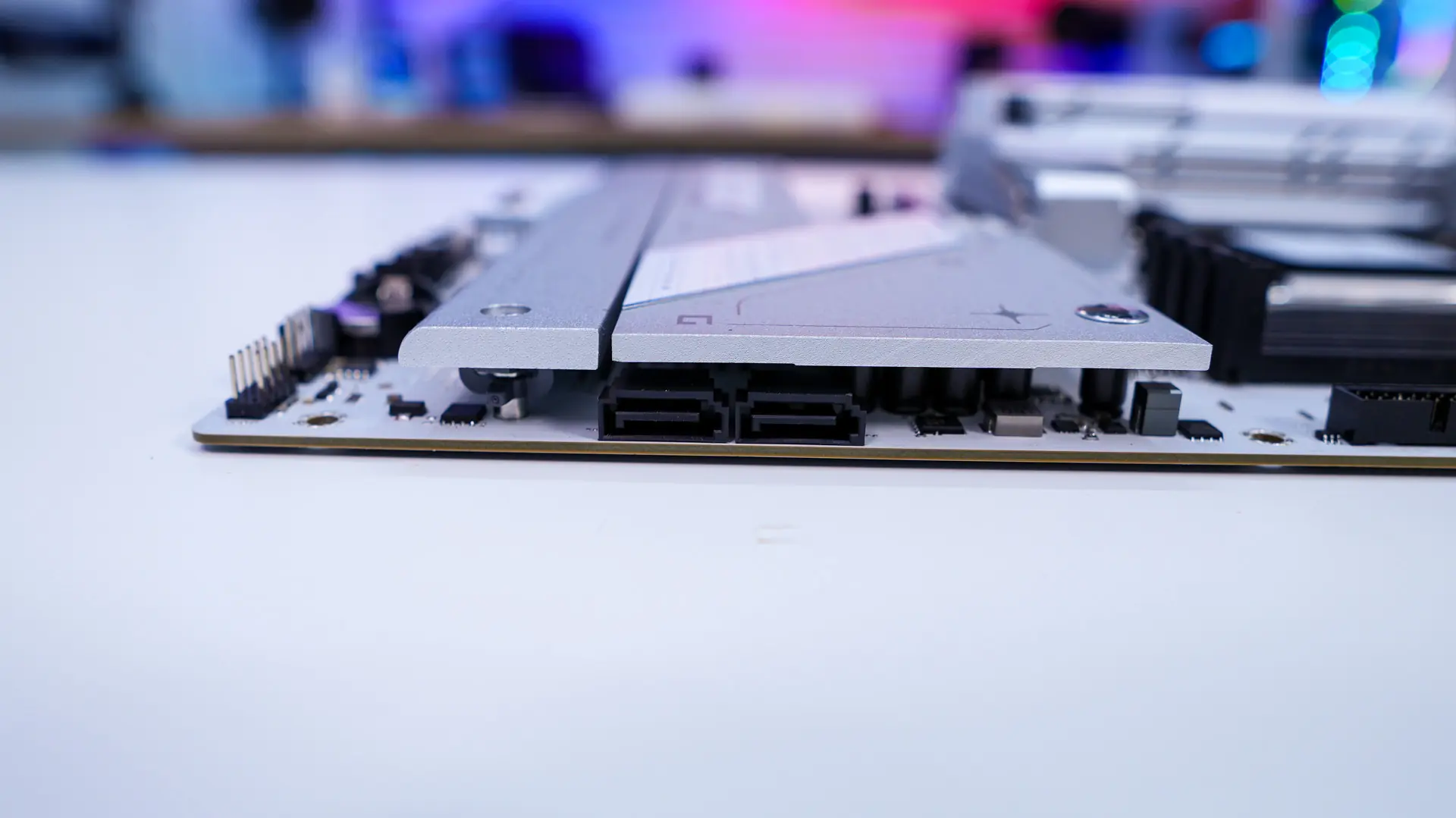
Moving over to the edge of the board you’ll find a 3-pin addressable RGB header, power button, 24-pin ATX power connection, a USB 3.2 gen 2 header, a USB 3.2 gen 1 header, and then coming down the board there are two SATA 6GB/s ports which are at a 90-degree angle so they are not in the way of your expansion cards.
At the bottom of the board you’ll find the rest of your headers and connections which do include your front panel headers, two 4-pin fan headers, two 3-pin addressable RGB headers, Thunderbolt header, another 4-pin fan header, two USB 2.0 headers, another 4-pin fan header, and your front panel header.
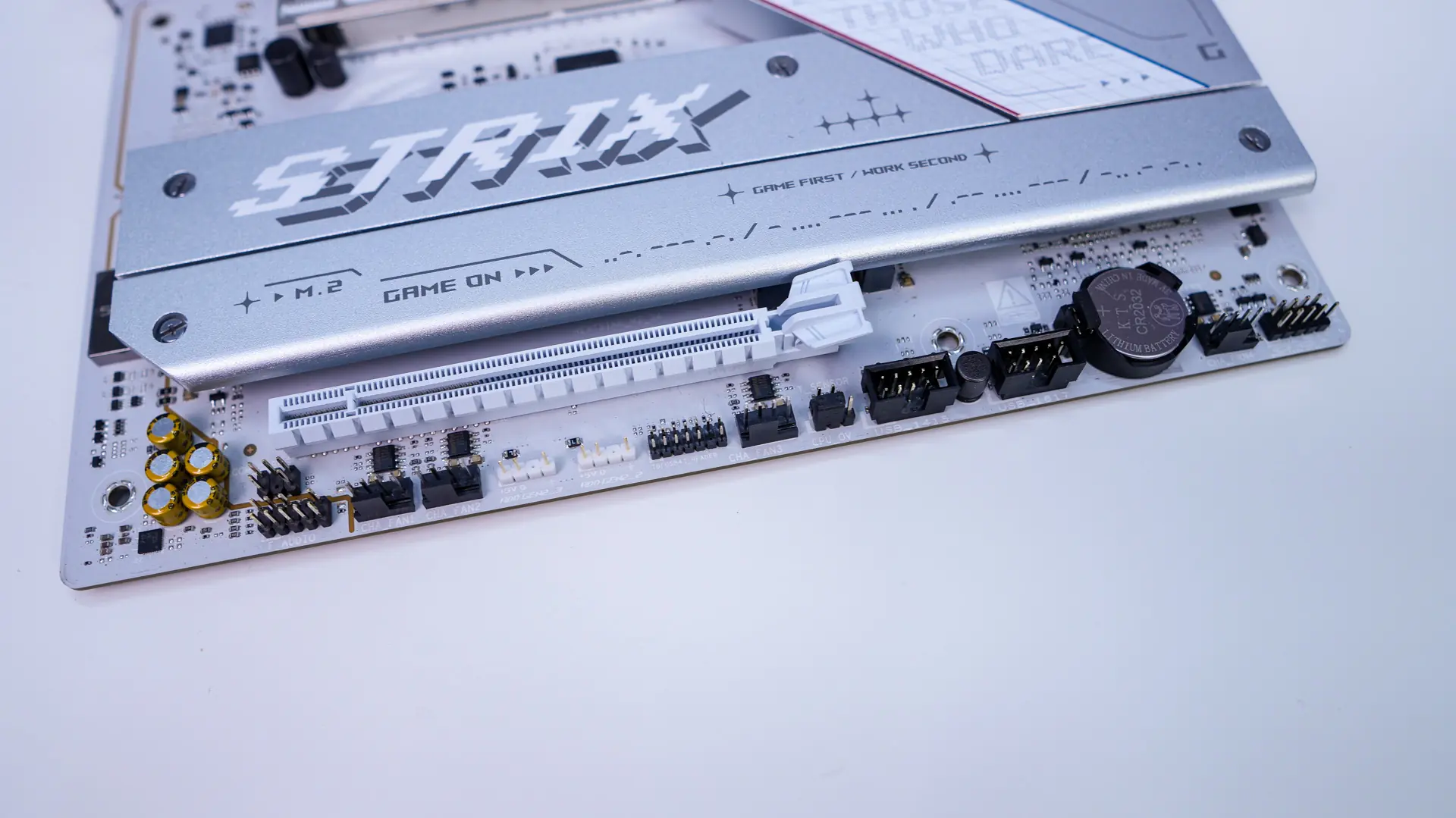
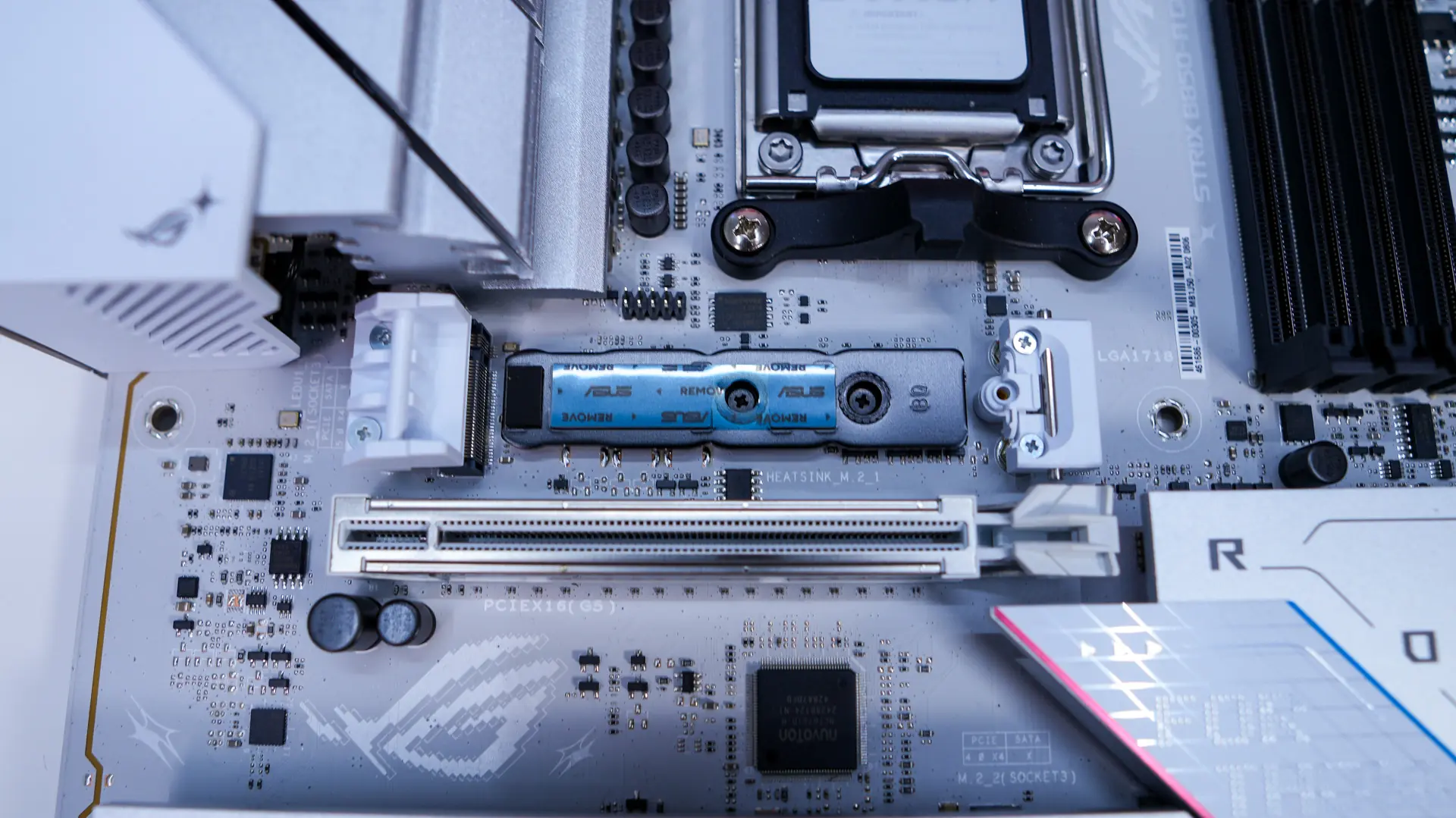
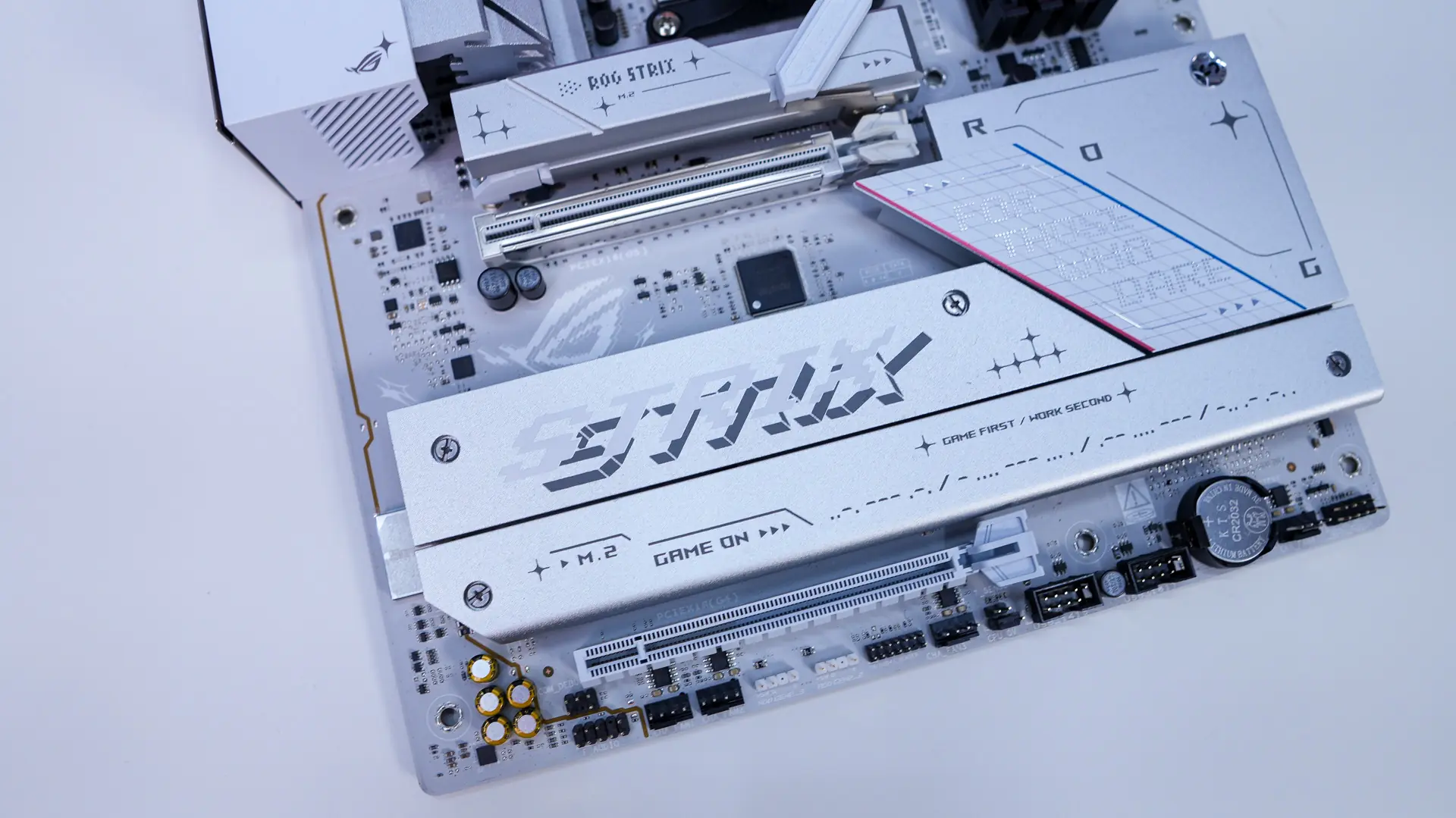
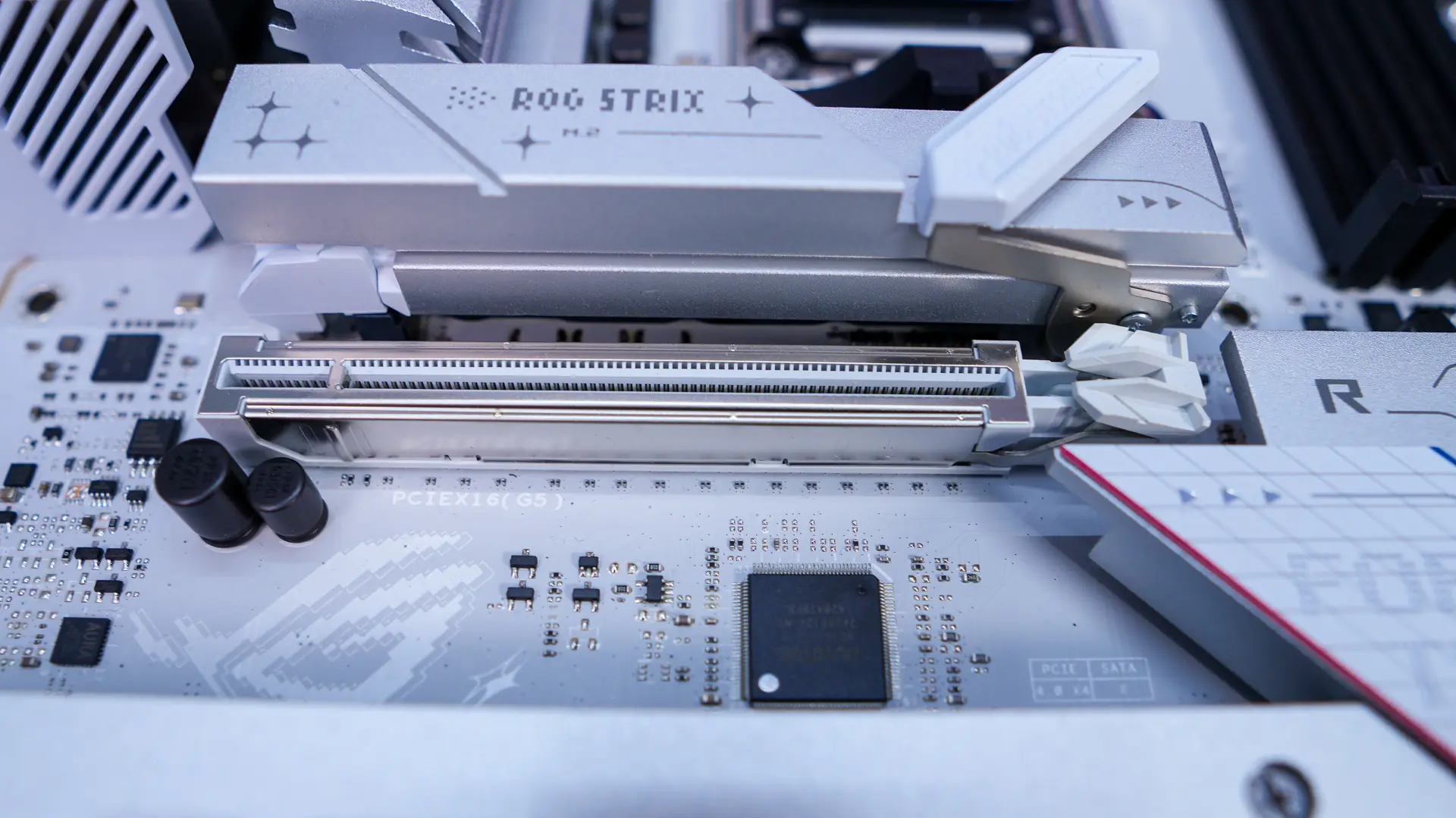
The bottom-half of the board is mostly made up of heatsinks, which are silver and have multiple ROG and Strix logos on them. The top heatsink is quite large and is made for cooling off a PCIe 5.0 NVMe SSD. It uses what ASUS is calling M.2 Q-Release. You essentially pull down the white latch and the entire heatsink comes off. Reinstalling it is as simple as sliding the hinge back into place and locking it. With the heatsink removed we can see our M.2 slot which is a PCIe 5.0 x4 slot. It features the new M.2 Q-Latch, this tool-less locking mechanism just snaps into place to lock your drive down.
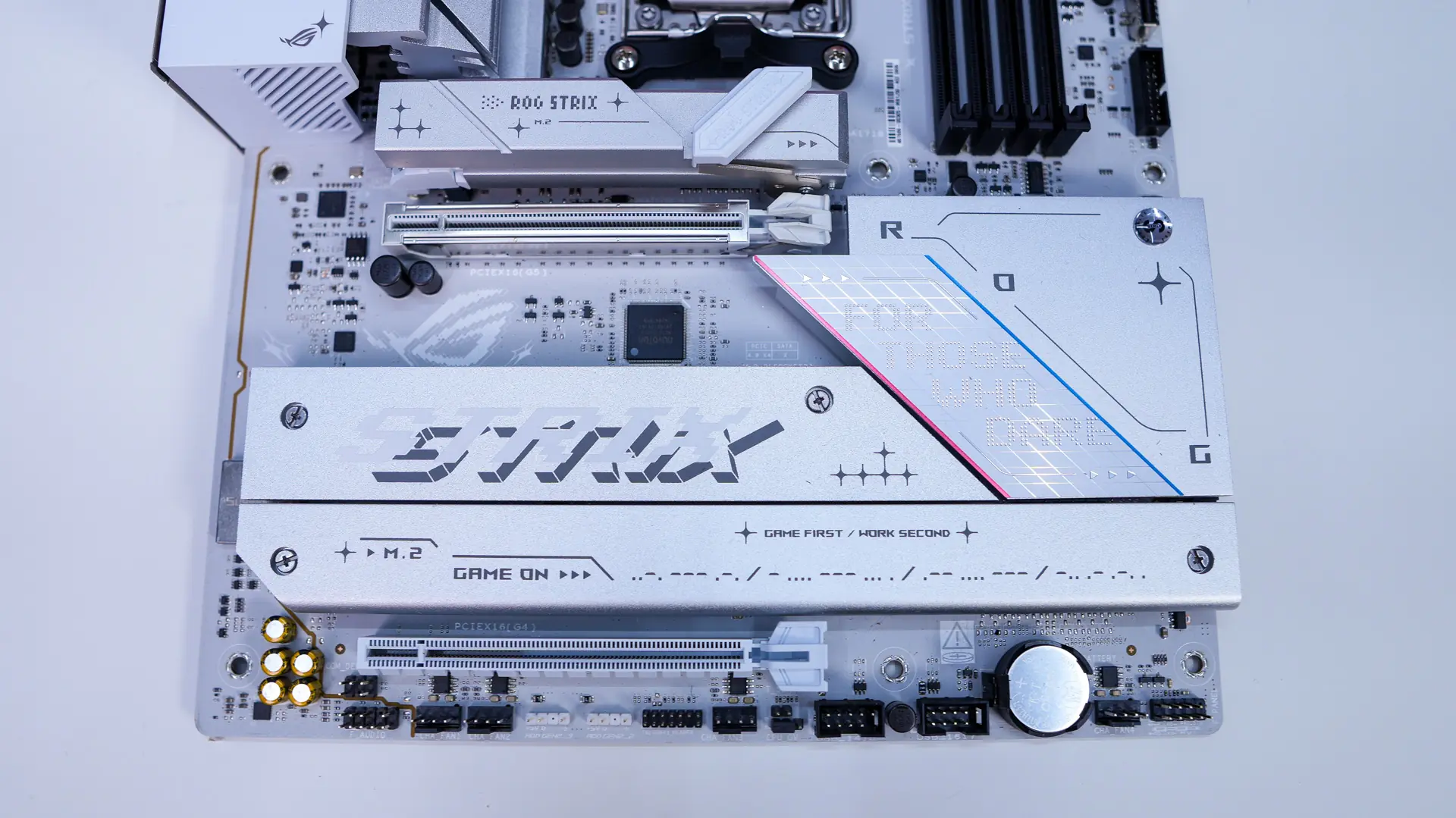
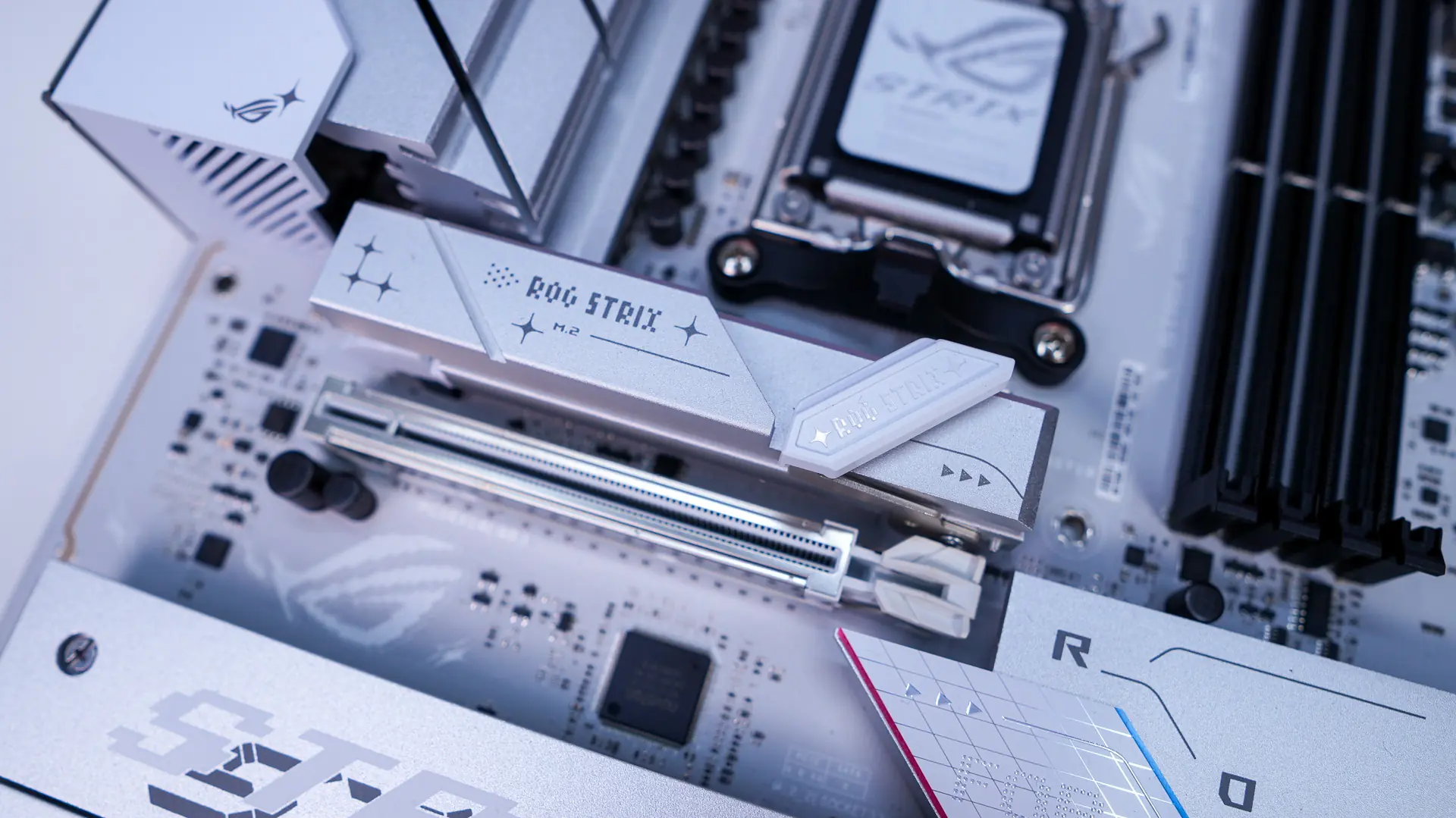
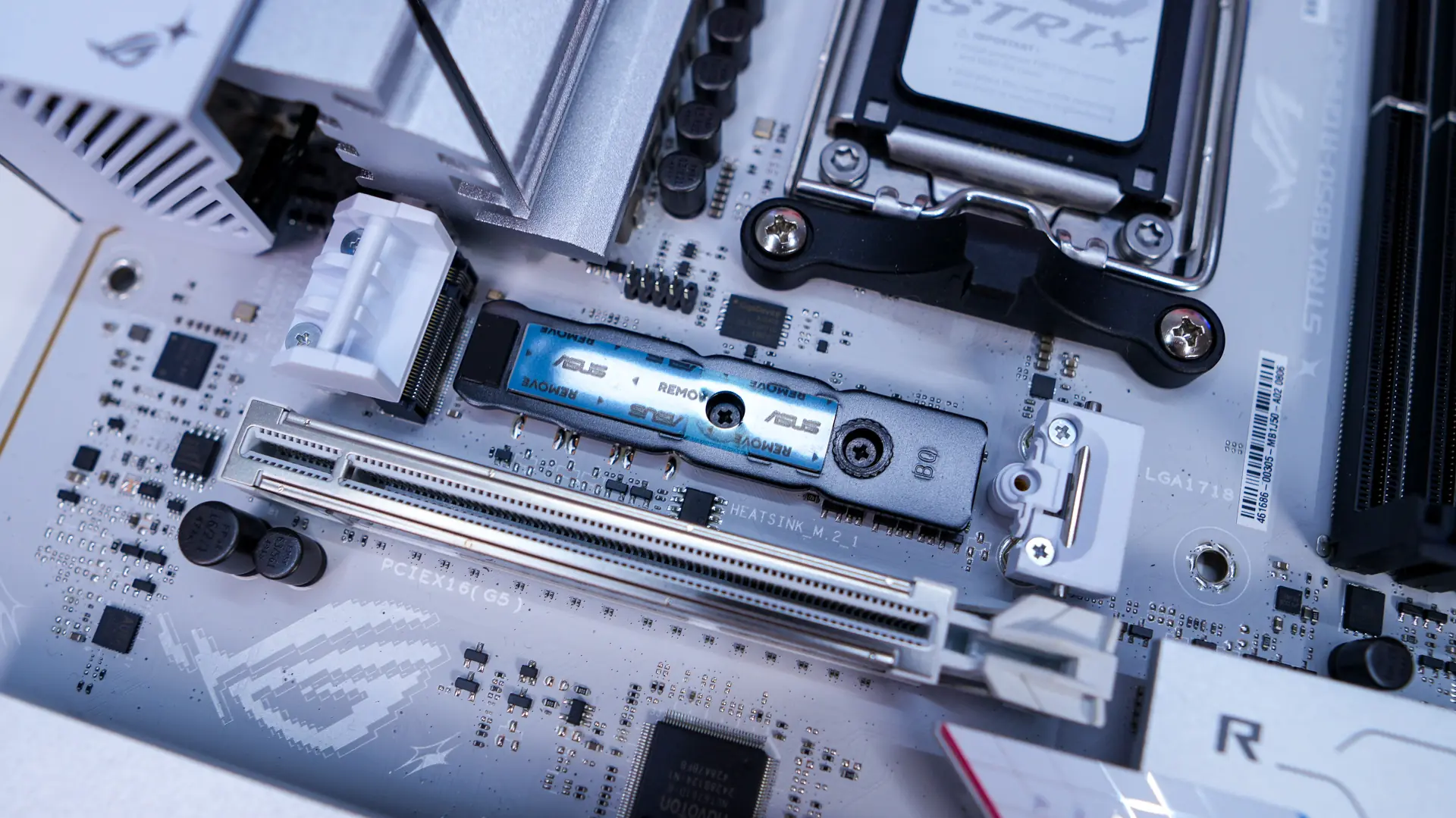
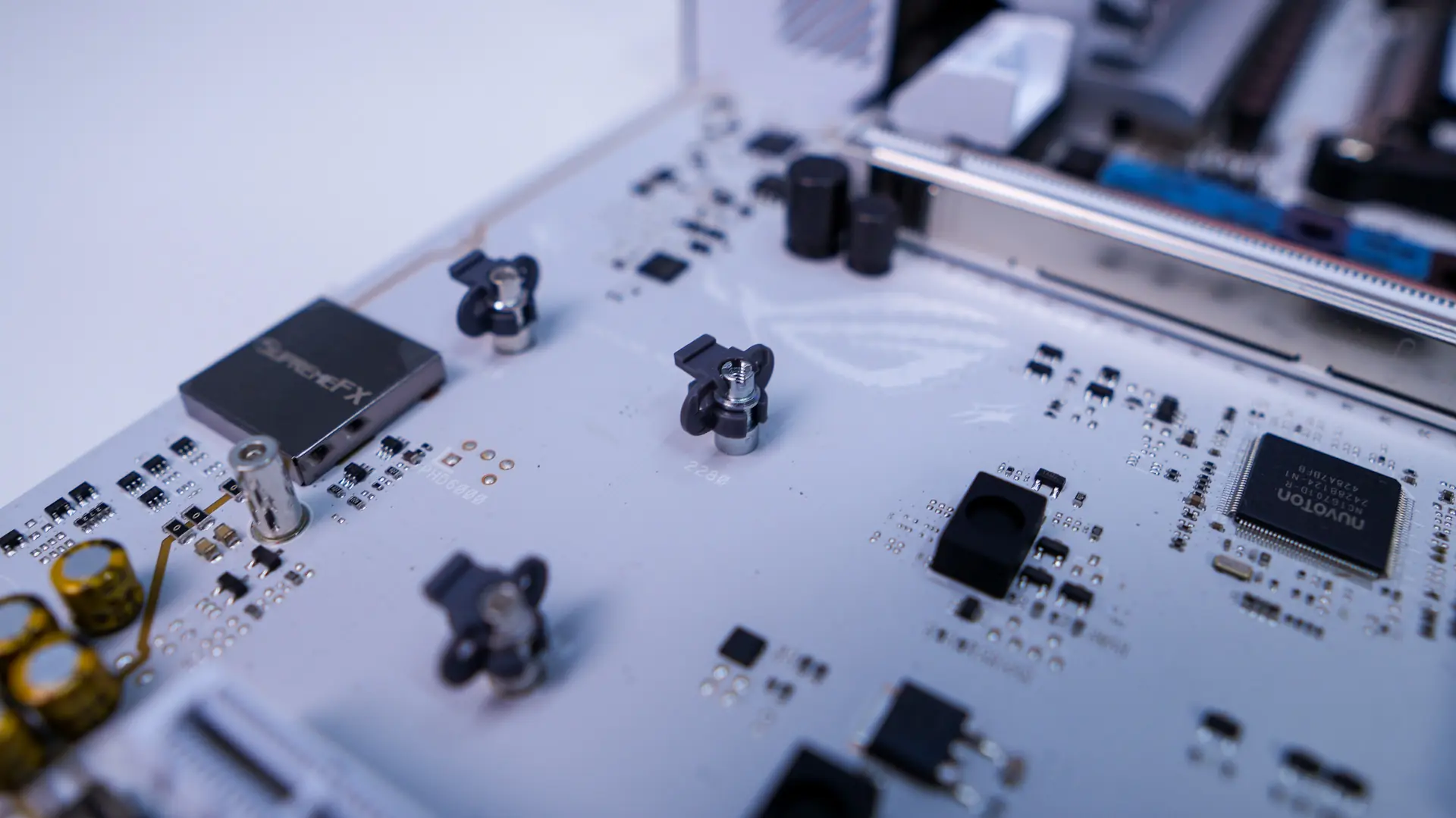
Removing two more heatsinks reveals the rest of the M.2 slots on the board. These final three slots are all PCI-Express 4.0. They also feature M.2 Q-Latch so installing your drives will be very simple!
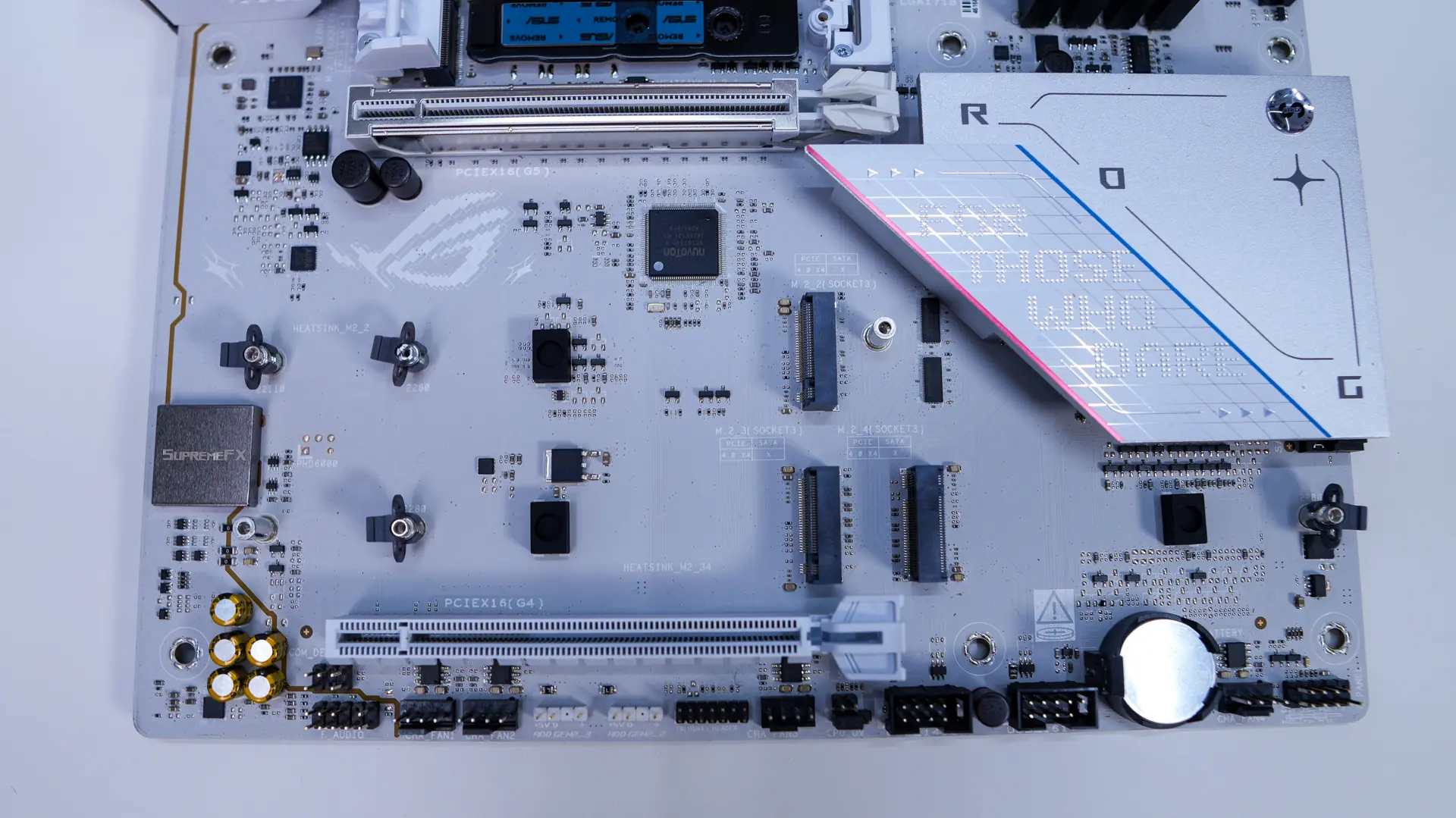
When it comes to expansion slots there are only two PCI-Express x16 slots. The top slot is going to be PCI-Express 5.0, while the bottom slot is PCI-Express 4.0 and is only x4 electrical. The top slot is metal reinforced. You may have noticed there is no PCIe release button on this board. Don’t worry you won’t have to try and get your finger down between that M.2 heatsink and your card to release it. ASUS has outfitted this board with their new PCIe Slot Q-Release Slim, which actually removes the release button entirely. The slot will keep your graphics card in place securely, but hold down the motherboard and pull the card towards the chipset side and it simply releases. I’ve tested this and it works flawlessly!
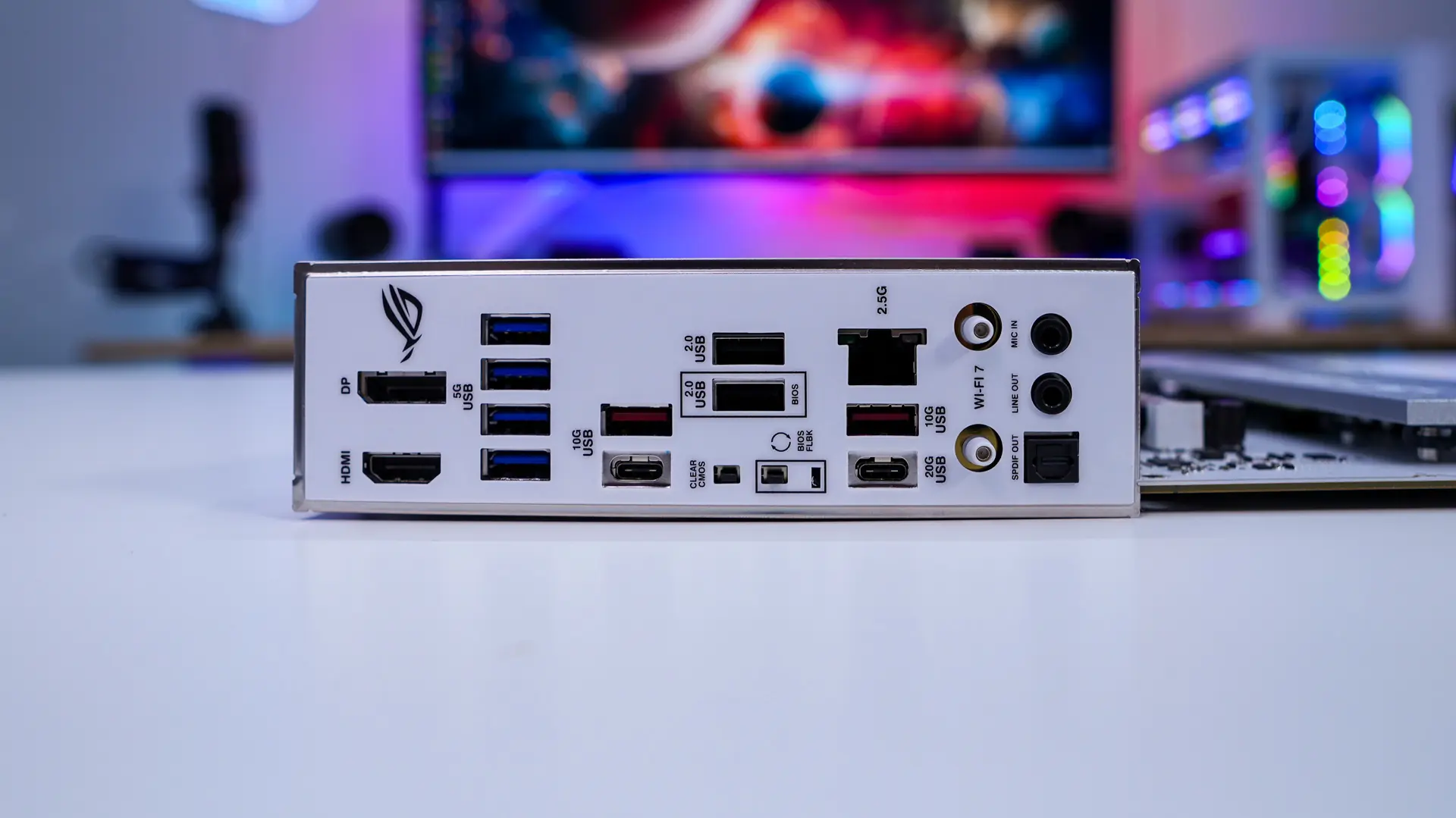
When it comes to the rear I/O we of course have an integrated I/O shield, which is white to match the board. When it comes to ports and buttons we have DisplayPort, HDMI, four USB 3.2 gen 1 ports, three USB 3.2 gen 2 (one is Type-C), two USB 2.0 ports, Clear CMOS button, BIOS Flashback button, a USB 3.2 gen 2×2 Type-C port, 2.5G LAN, WiFi 7 connectors, and your audio connections.