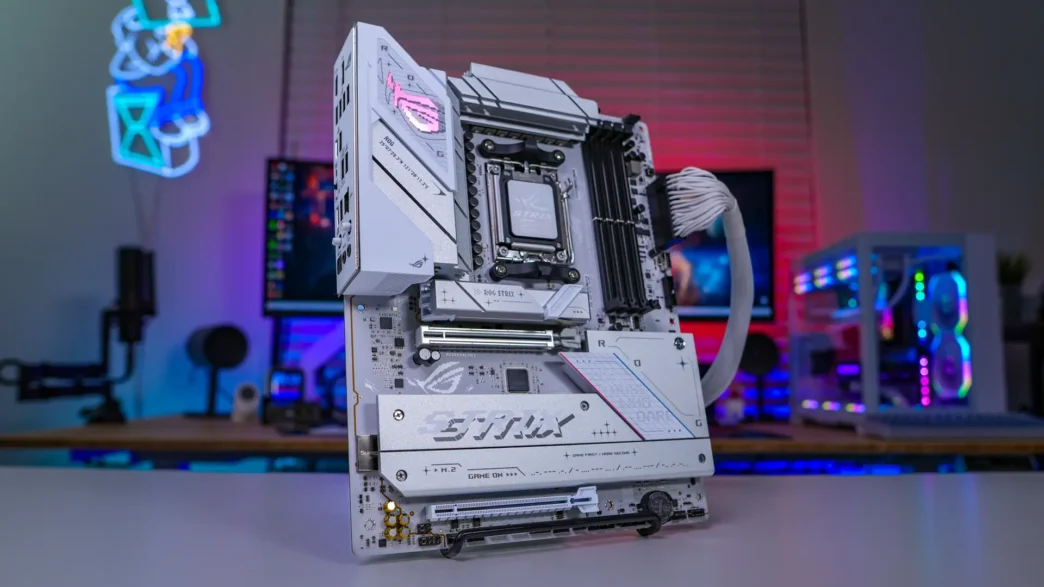
RGB Lighting on the ASUS ROG STRIX B850-A Gaming WiFi Motherboard
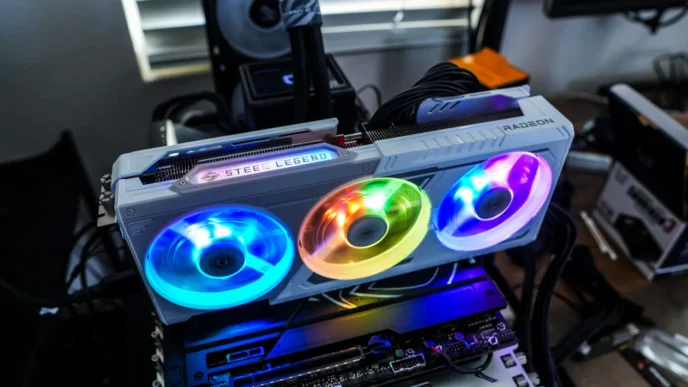
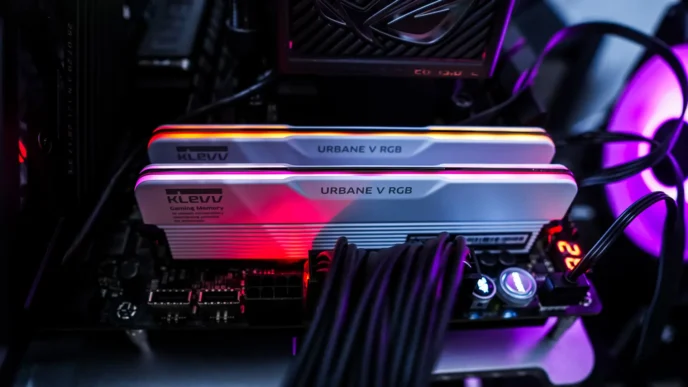
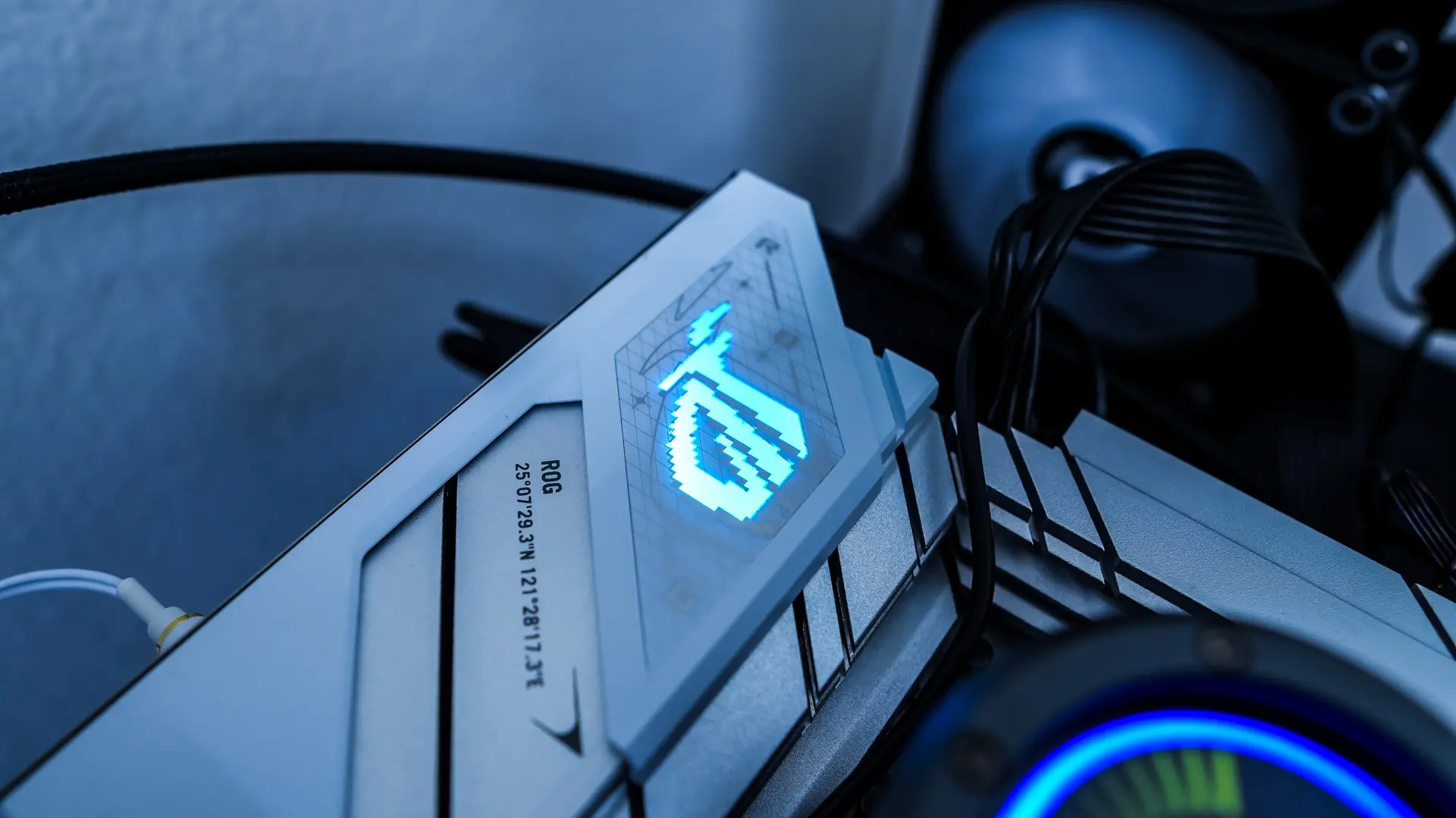
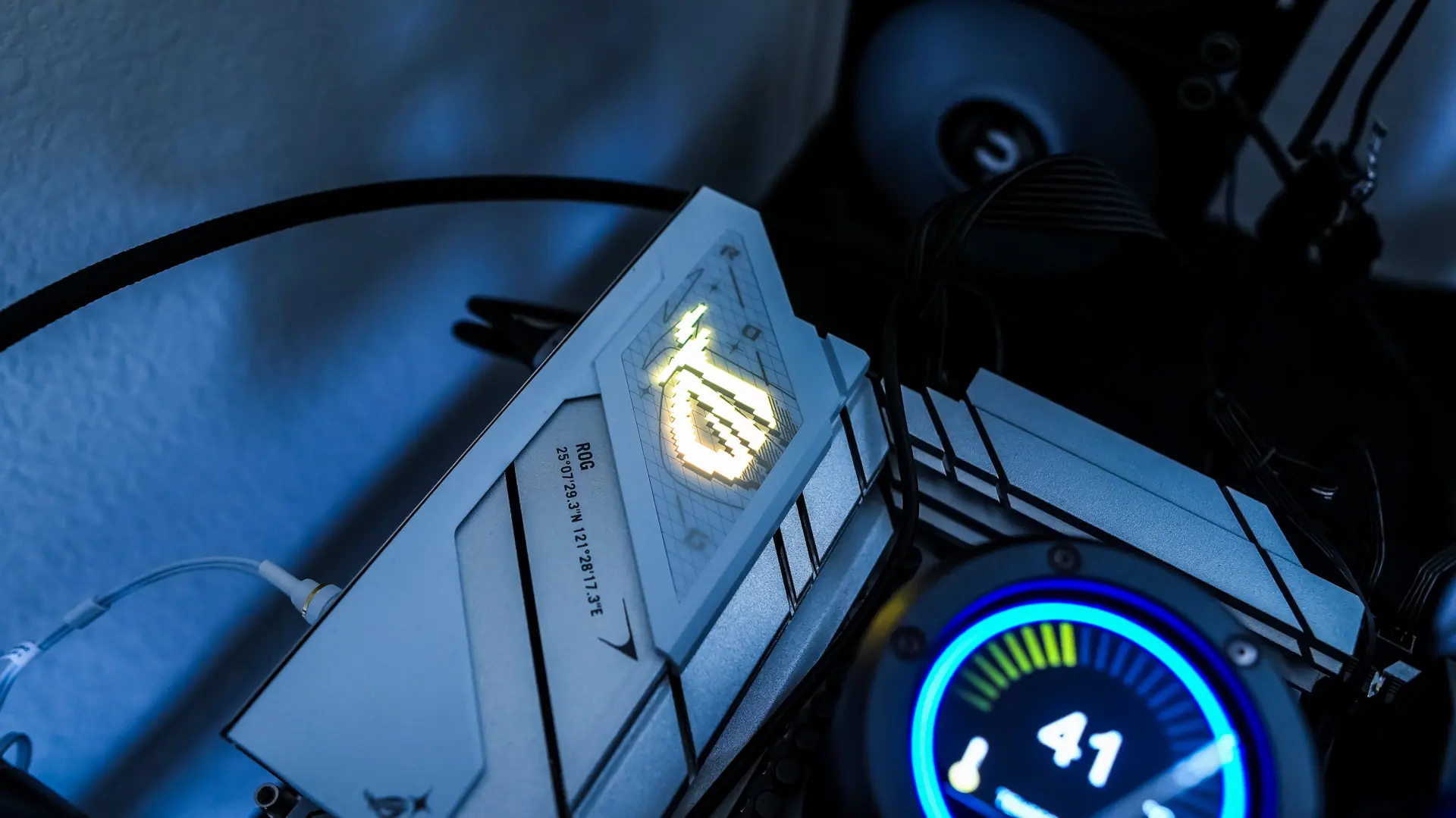
When it comes to RGB lighting on the ROG STRIX B850-A Gaming WiFi you’ll simply get RGB lighting on the rear I/O cover. The ROG logo lights up nicely. Keep in mind you still have three ARGB headers on the board if you want to add more lighting.
ASUS ROG STRIX B850-A Gaming WiFi Companion Software
When it comes to companion software ASUS is still using their Armoury Crate software, which they seem to have updated a bit with specific packages. I assume this is to keep it from being so bloated. When we open it up we can see our motherboard and get an overview of stats.

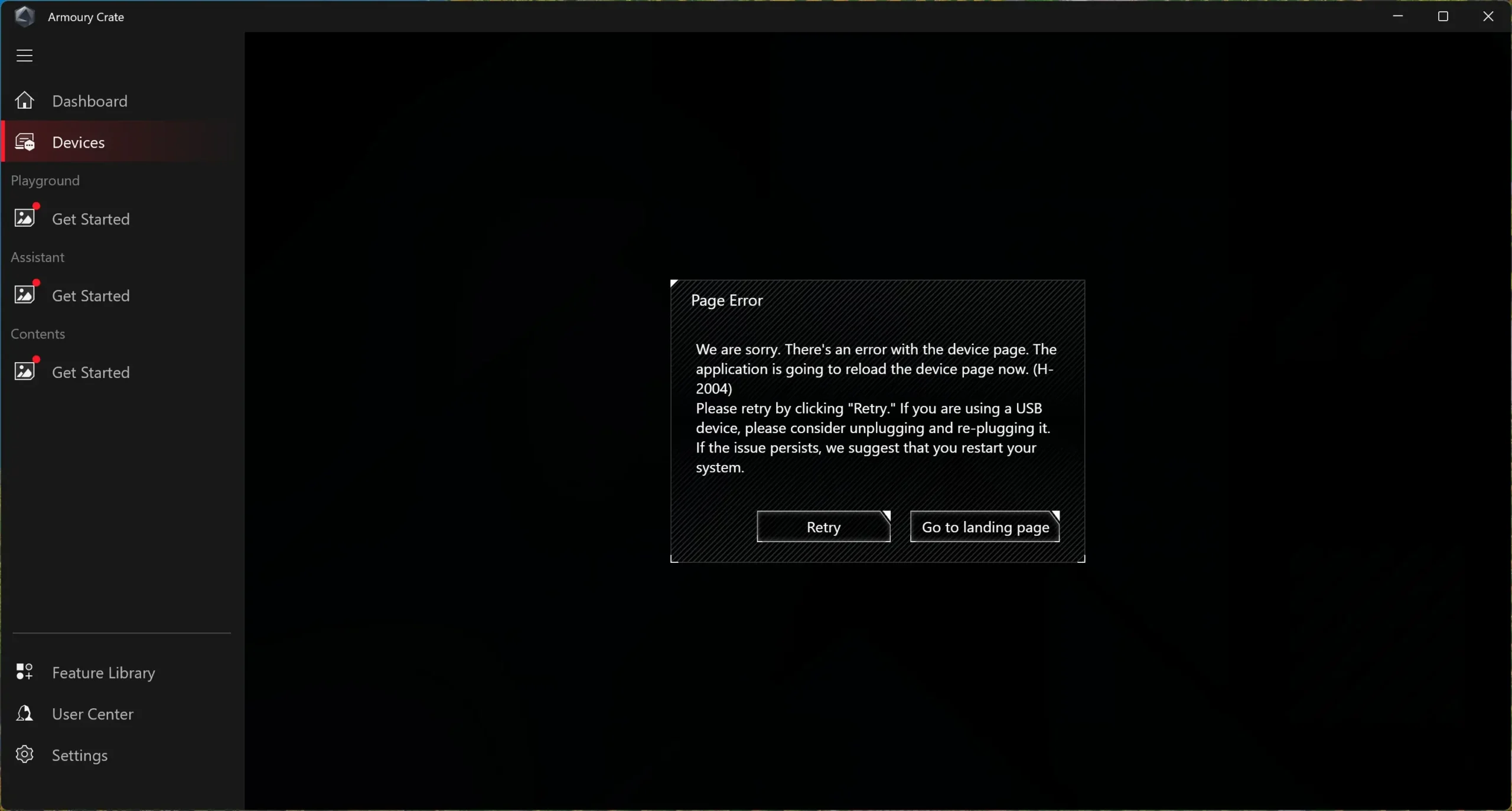
Now when I clicked on the Motherboard Settings button I got an error. I restarted my system, and even re-installed Armoury Crate and this error still persisted. This is a bit disappointing as we really can’t do any type of customization in Windows for our motherboard.