


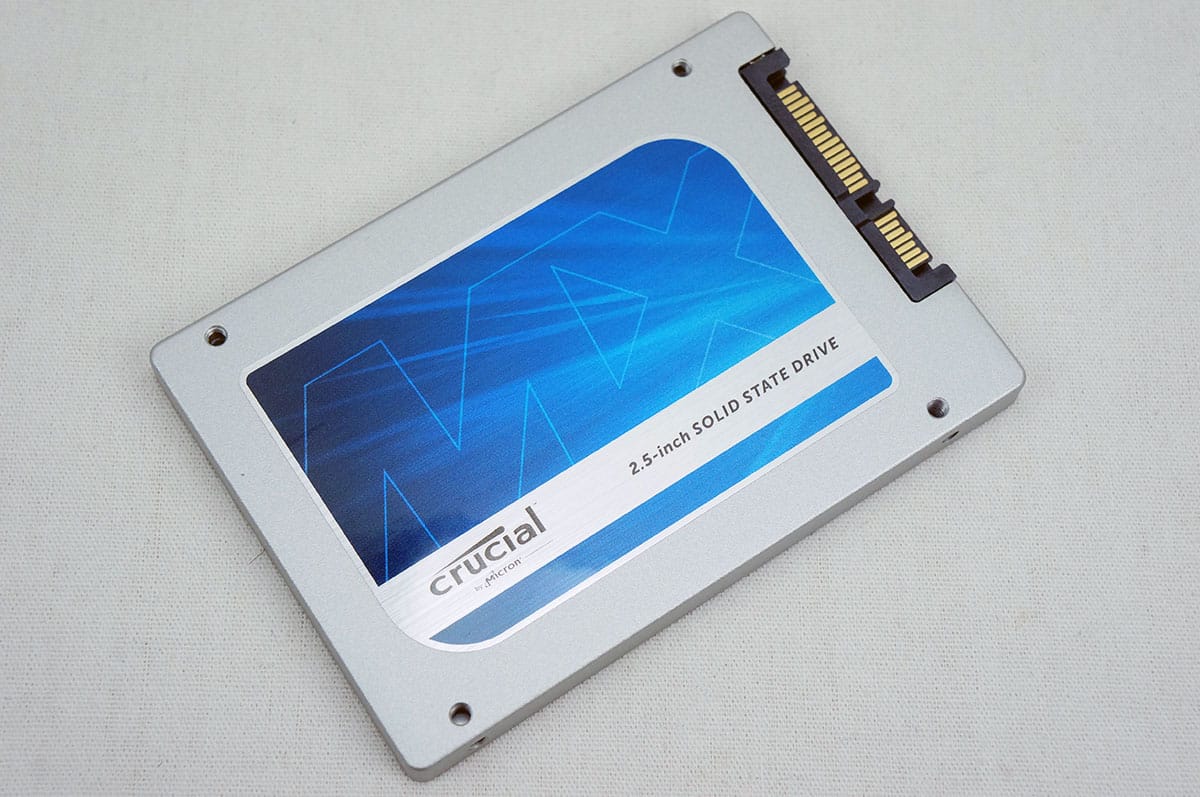
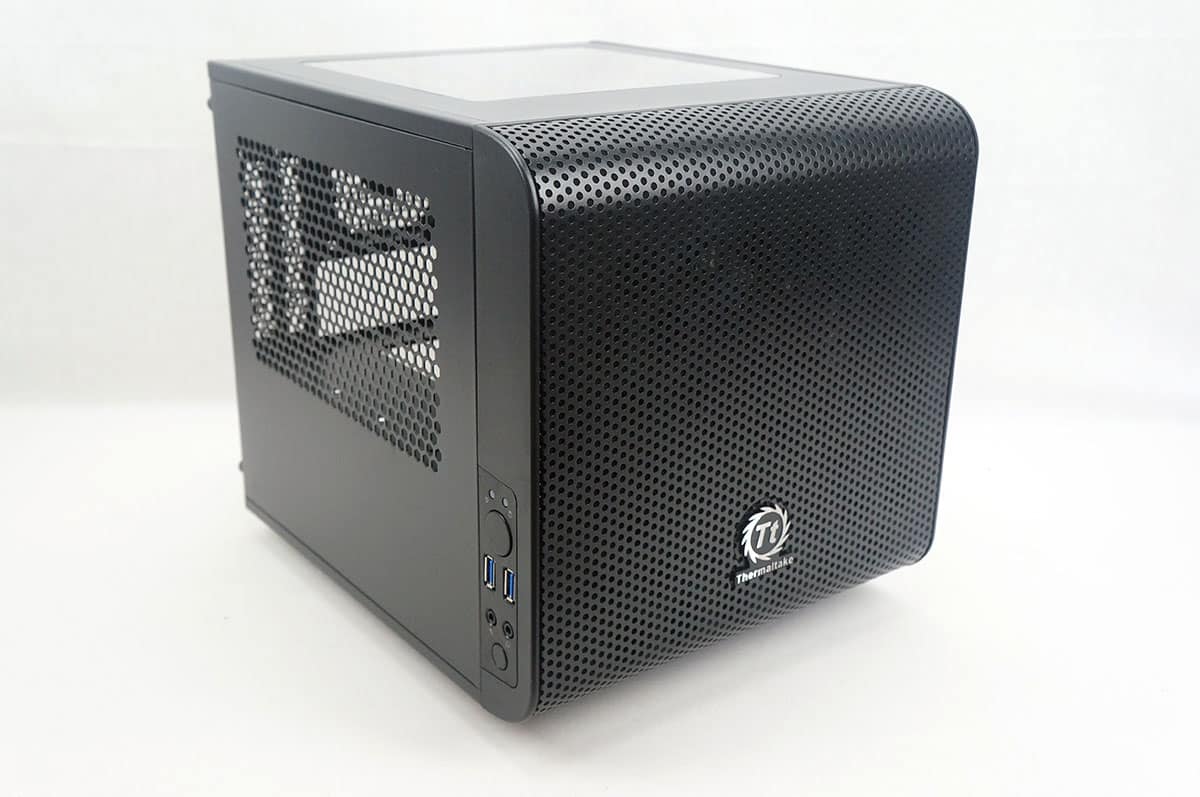
System Overview & Testing Procedures
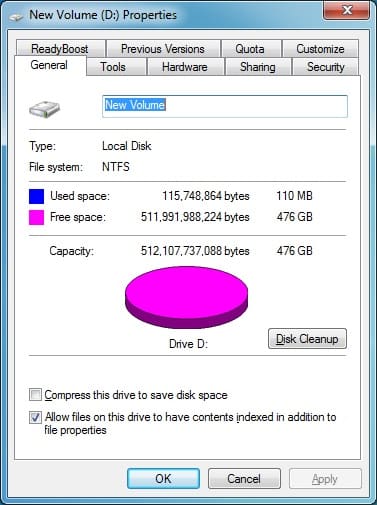
Once you have your drive installed and formatted you have 276 GB of usable space.
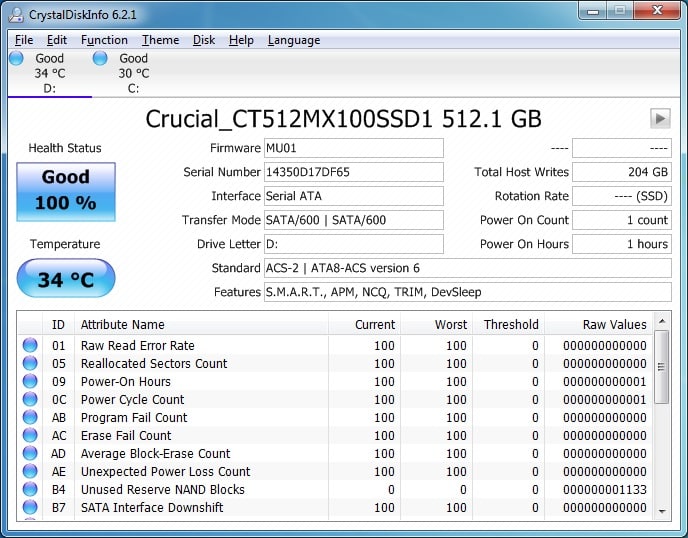
Opening up CrystalDiskInfo we can see all of the information about the drive. It supports S.M.A.R.T., NCQ and most importantly TRIM.
For testing the drive we will be using the following benchmarking programs, we have provided links to each so you can run the benchmarks on your drive for comparison.
HDTune Pro (download)
ATTO Disk Benchmark (download)
CrystalDiskMark 64bit (download)
AS SSD Benchmark (download)
Anvil Storage Utility Professional (download)
PCMark Vantage – HDD Suite (download)
We also made these optimization changes…
– No power saving options in the BIOS
– ACHI enabled in the BIOS
– Windows 7 User Account Control (UAC) is disabled
– Windows 7 power saving settings are disabled
So let’s get into testing!

Even though Crucial MX100 is pretty cheap they still don’t have a software bundle include like Sandisk, OCZ, Samsung and Intel. So with that your better off going with ones that include some software bundle, I have the Samsung 840 EVO 250GB SSD.
PhoneyVirus
https://twitter.com/PhoneyVirus
https://phoneyvirus.wordpress.com/
To what software bundle are you referring; the MX100 comes with a full copy Acronis True Image (for cloning your current HDD or SSD to this one), what more would we need?