


Installing the Endorfy Fortis 5 Black ARGB CPU Cooler
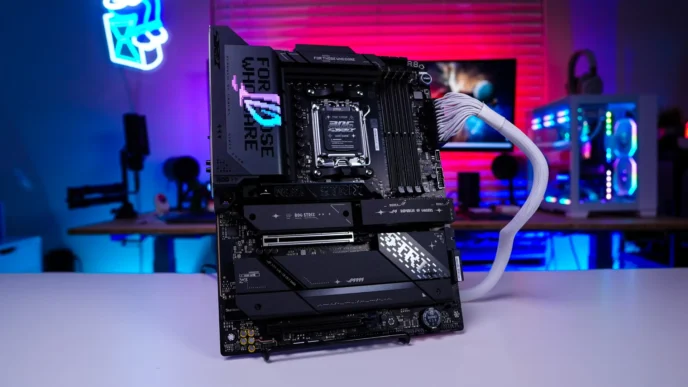
We will be installing the Fortis 5 Black ARGB on an AMD X870 motherboard so this installation will be for the AM5 socket.
The first thing you are going to want to do is remove the AM5 mounting brackets that are on your motherboard. You will keep the backplate in place though.
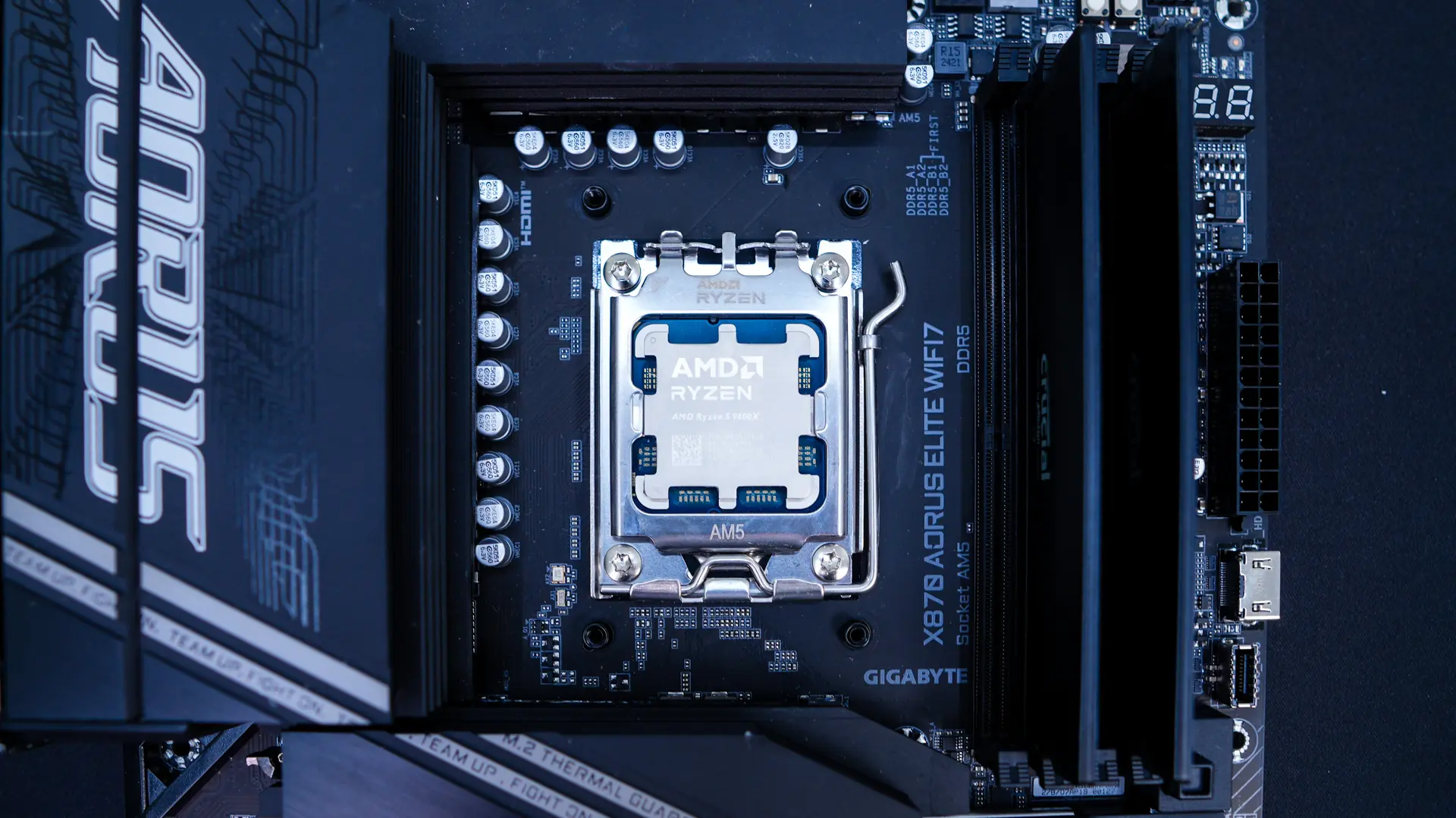
Next take the AMD spacing screws and screw them into the holes in the AM5 backplate.
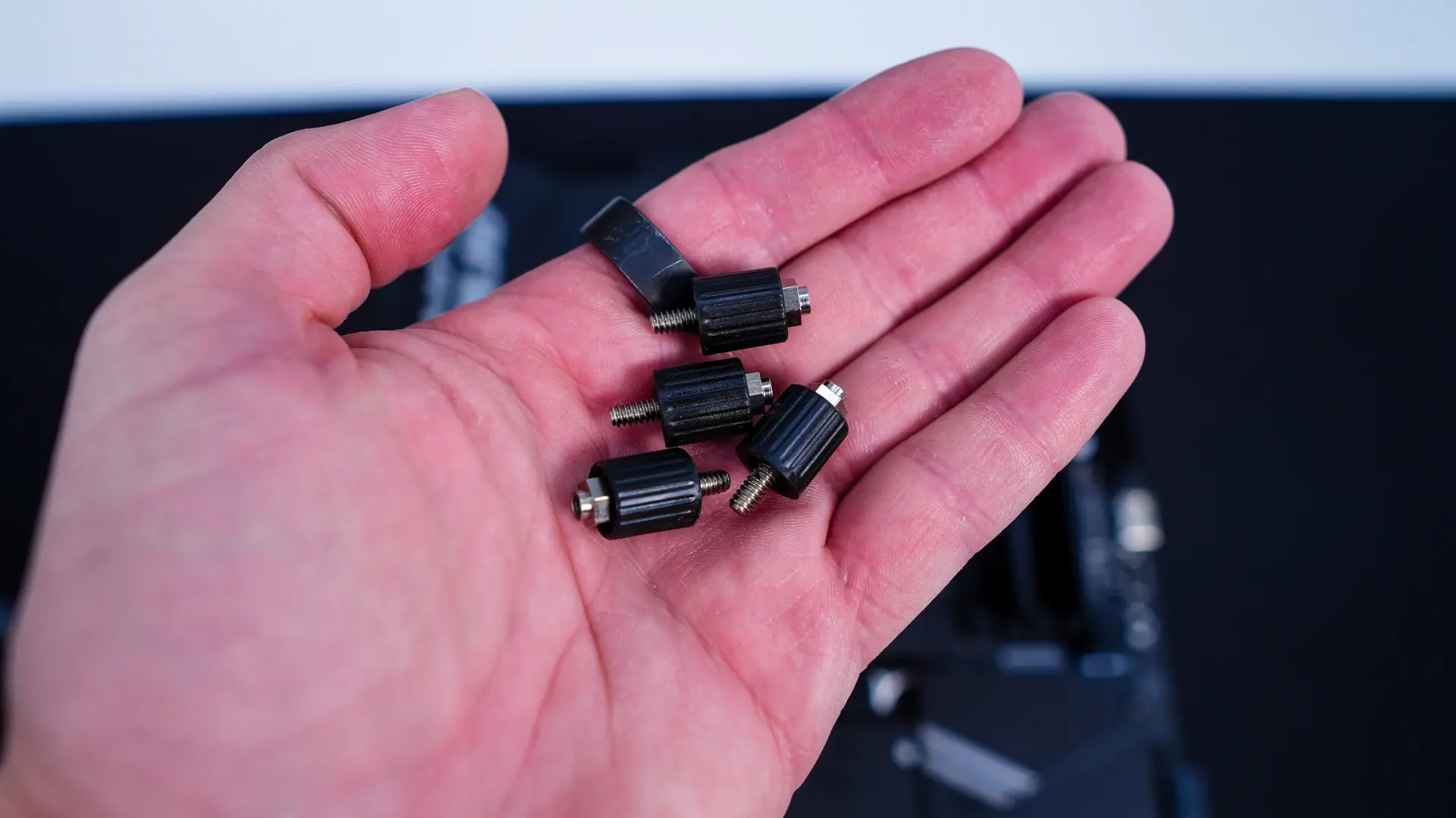
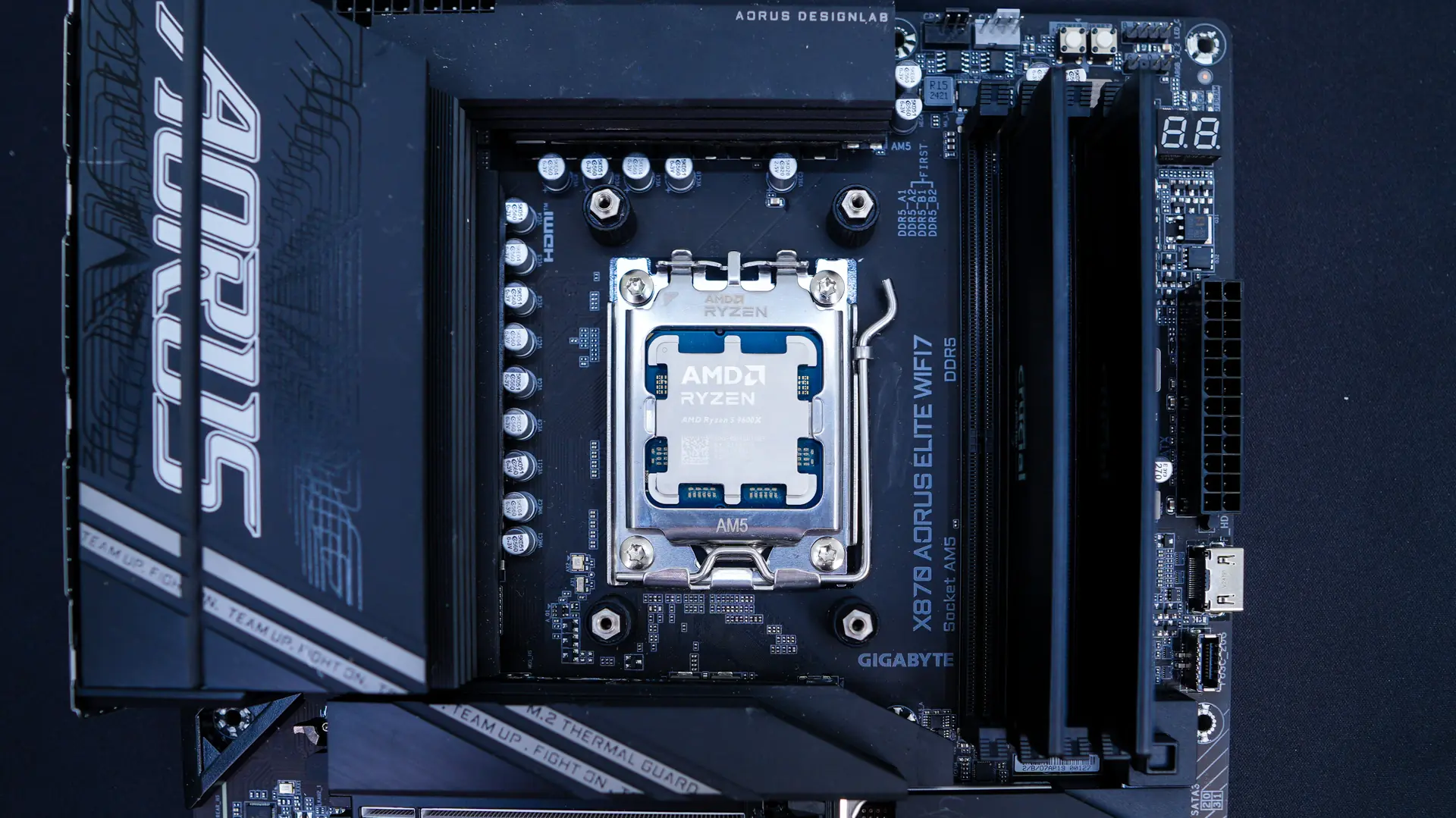
Now take a mounting bracket and line it up on top of the socket lining up the AMD mounting points with the screws you just installed. Use the supplied screws to secure it in place.
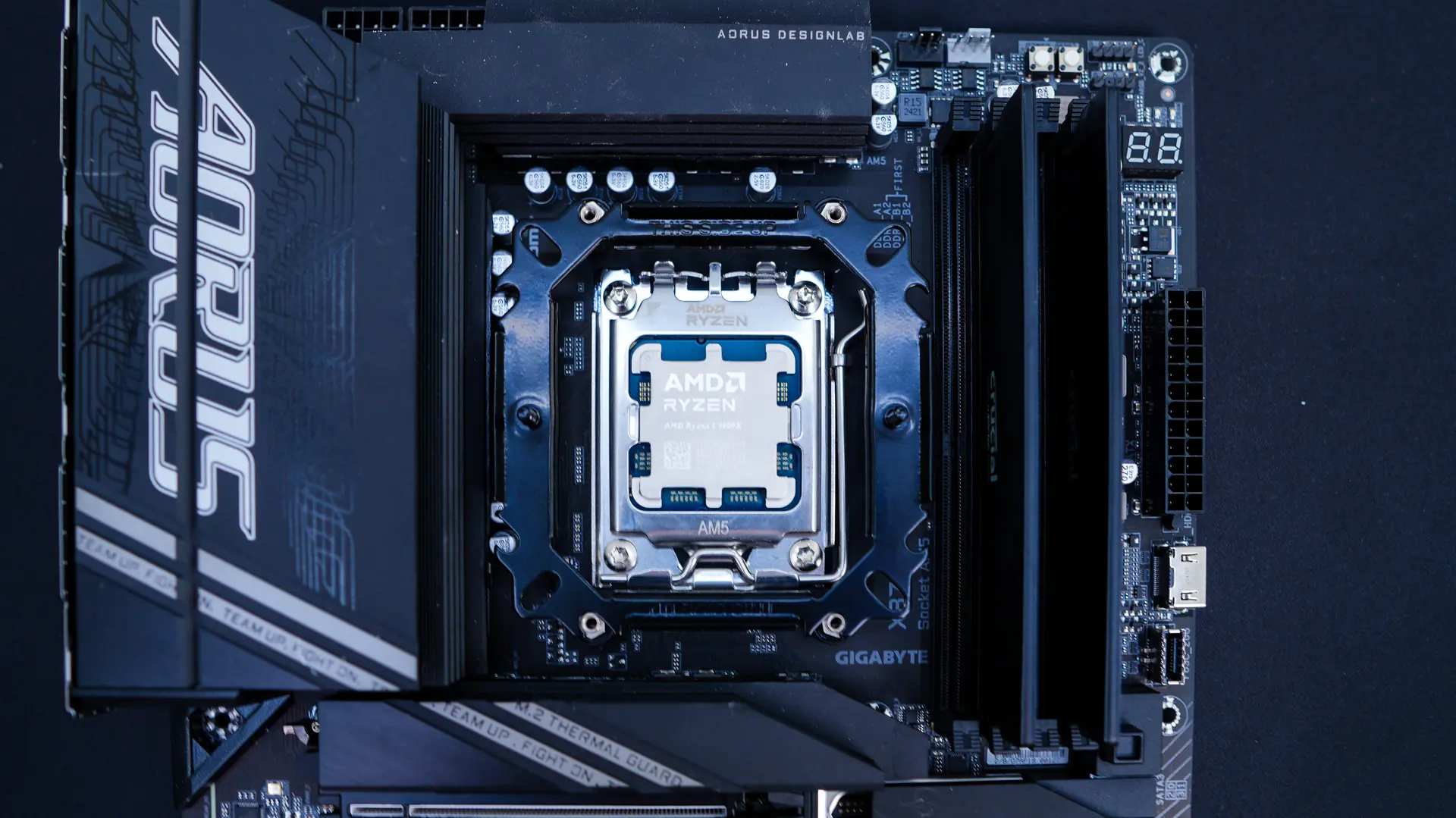
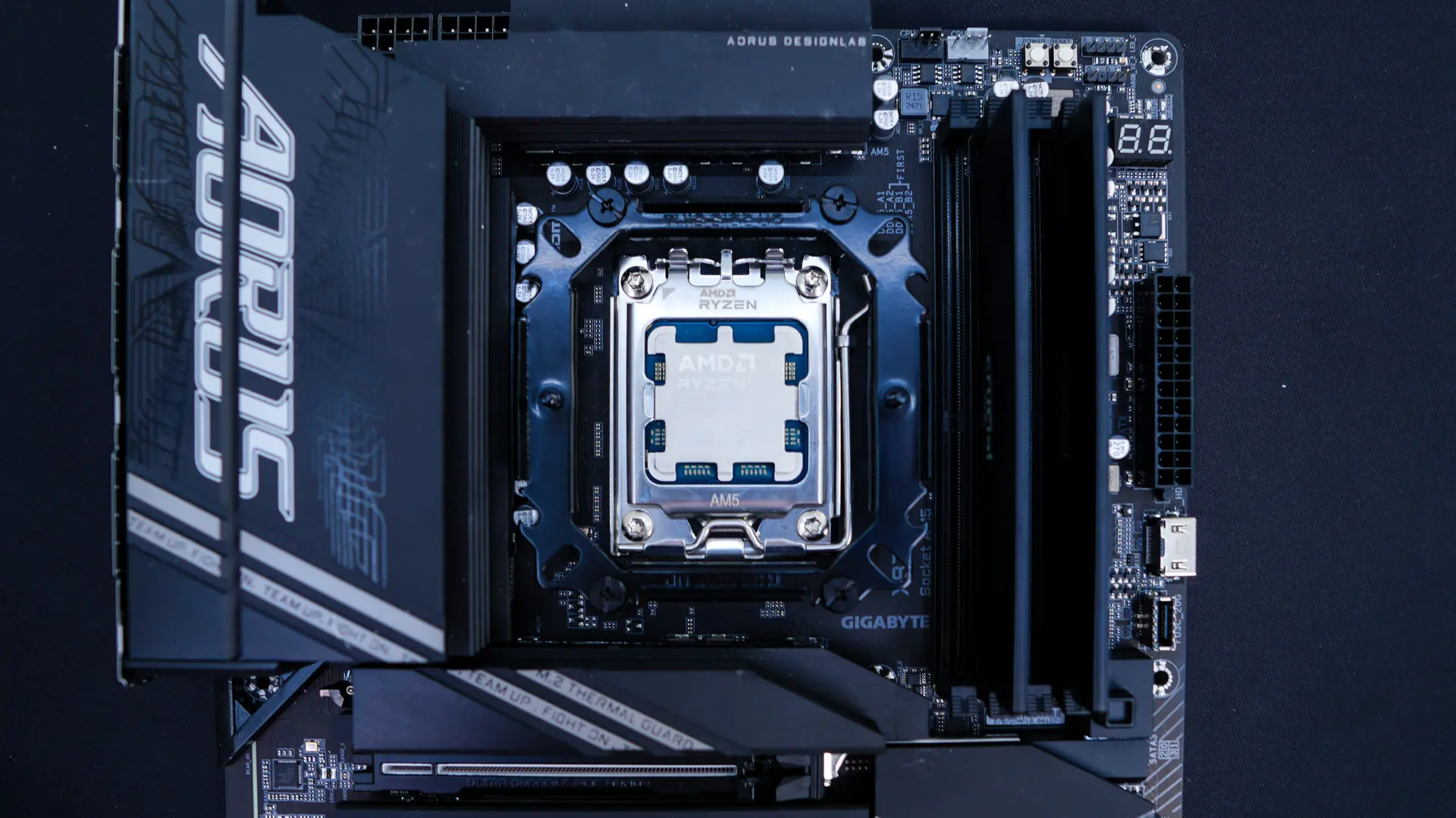
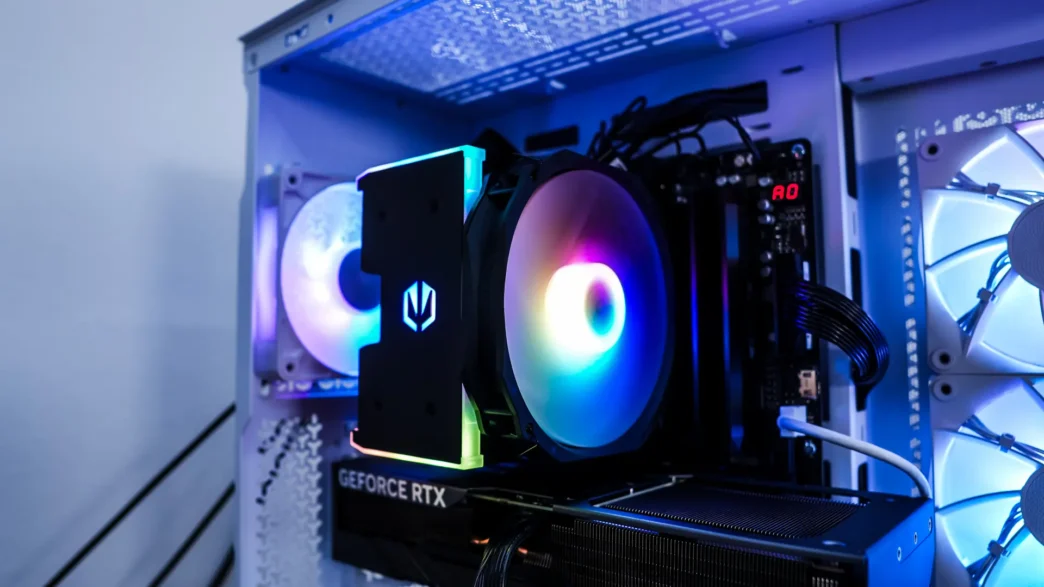
The fan should have not come installed on the cooler, but if for some reason it is go ahead and remove it. Apply the included thermal paste. From there place the cooler on top of your CPU, lining up the screws on the cooler with the mounting points on the mounting bracket. Using a screwdriver go ahead and screw your cooler. Install the fan on the front of the cooler. With the cooler installed you can see that we do have 100% RAM clearance, and this cooler will not cover your memory.
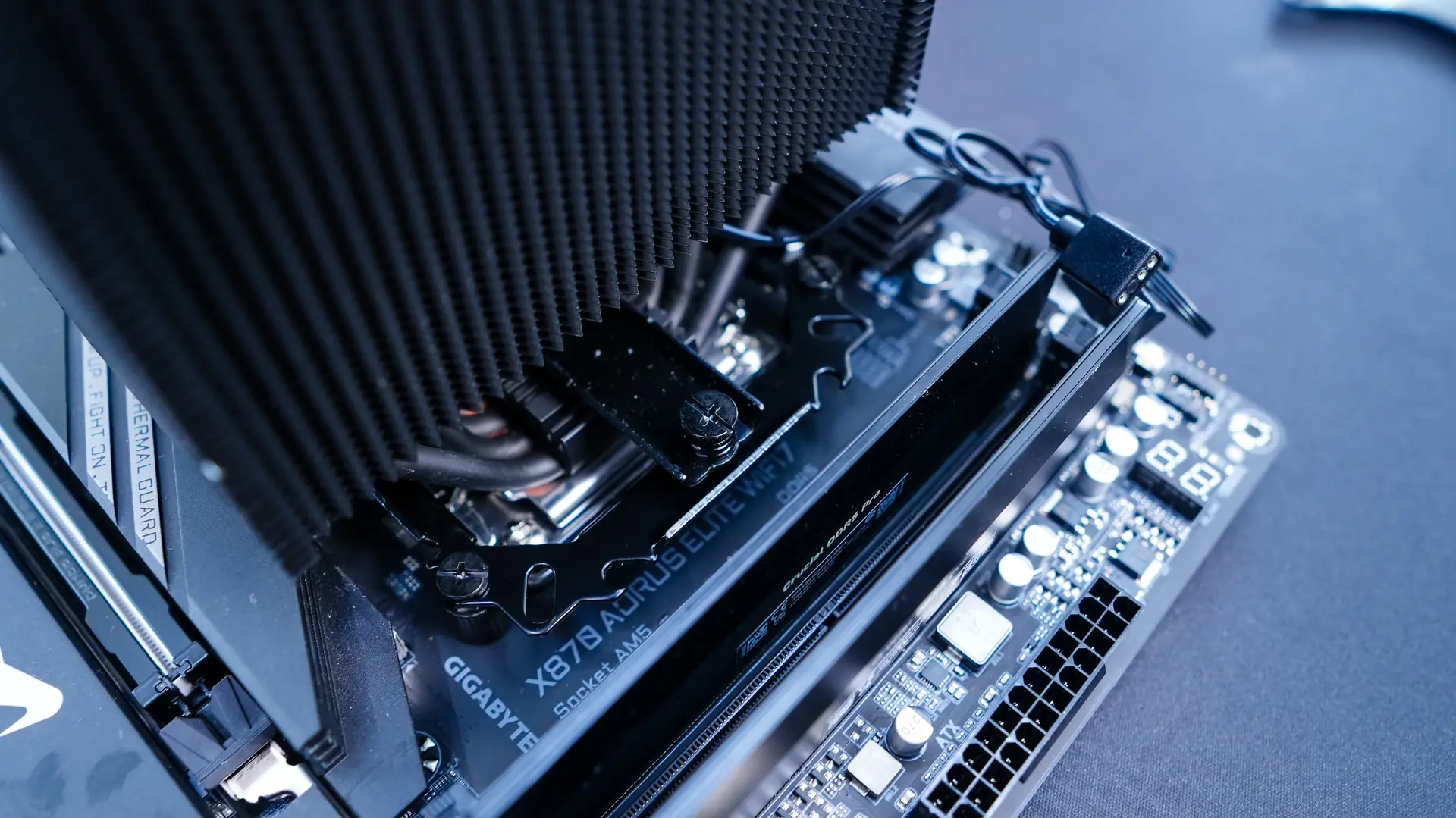
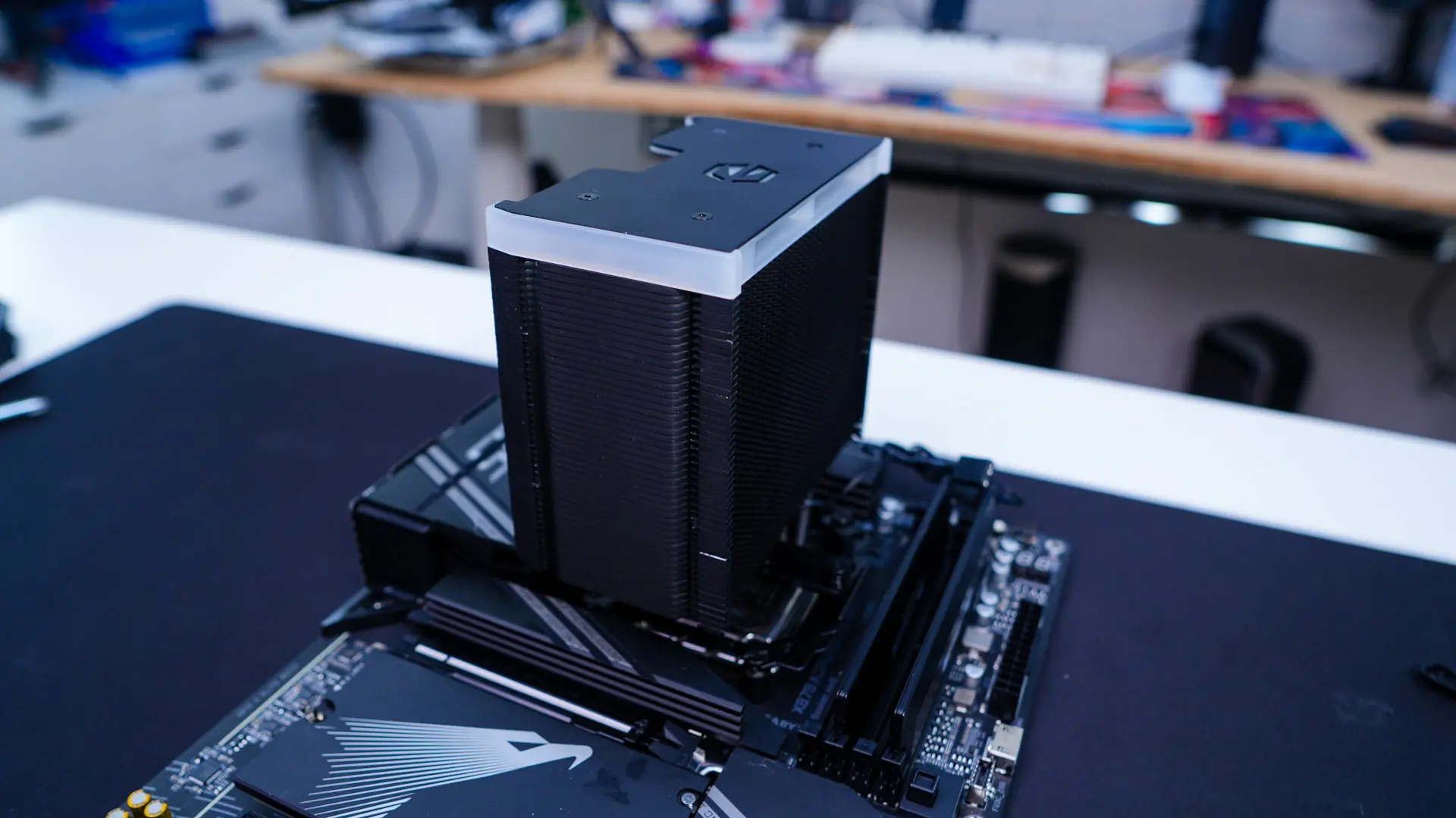
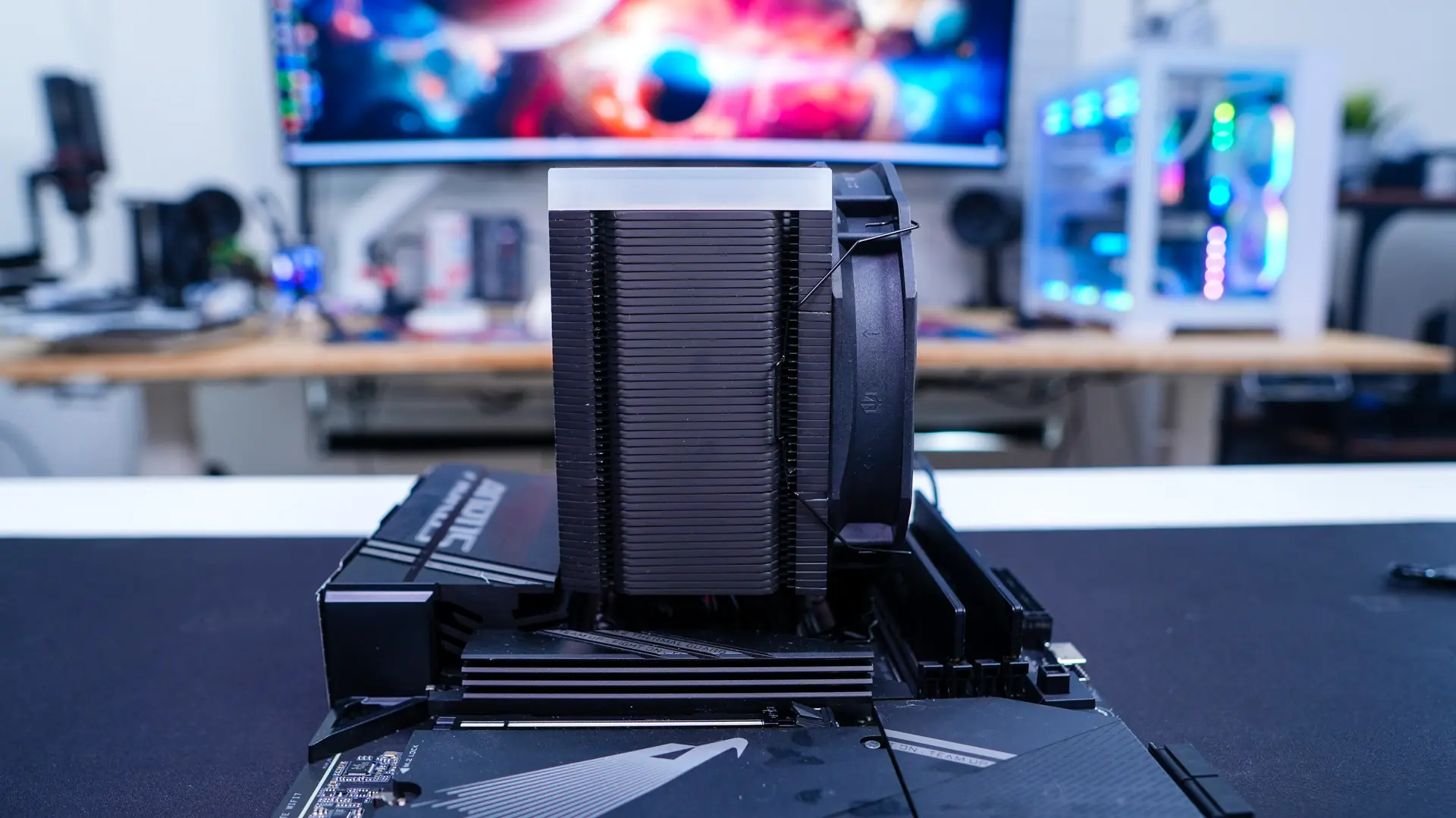
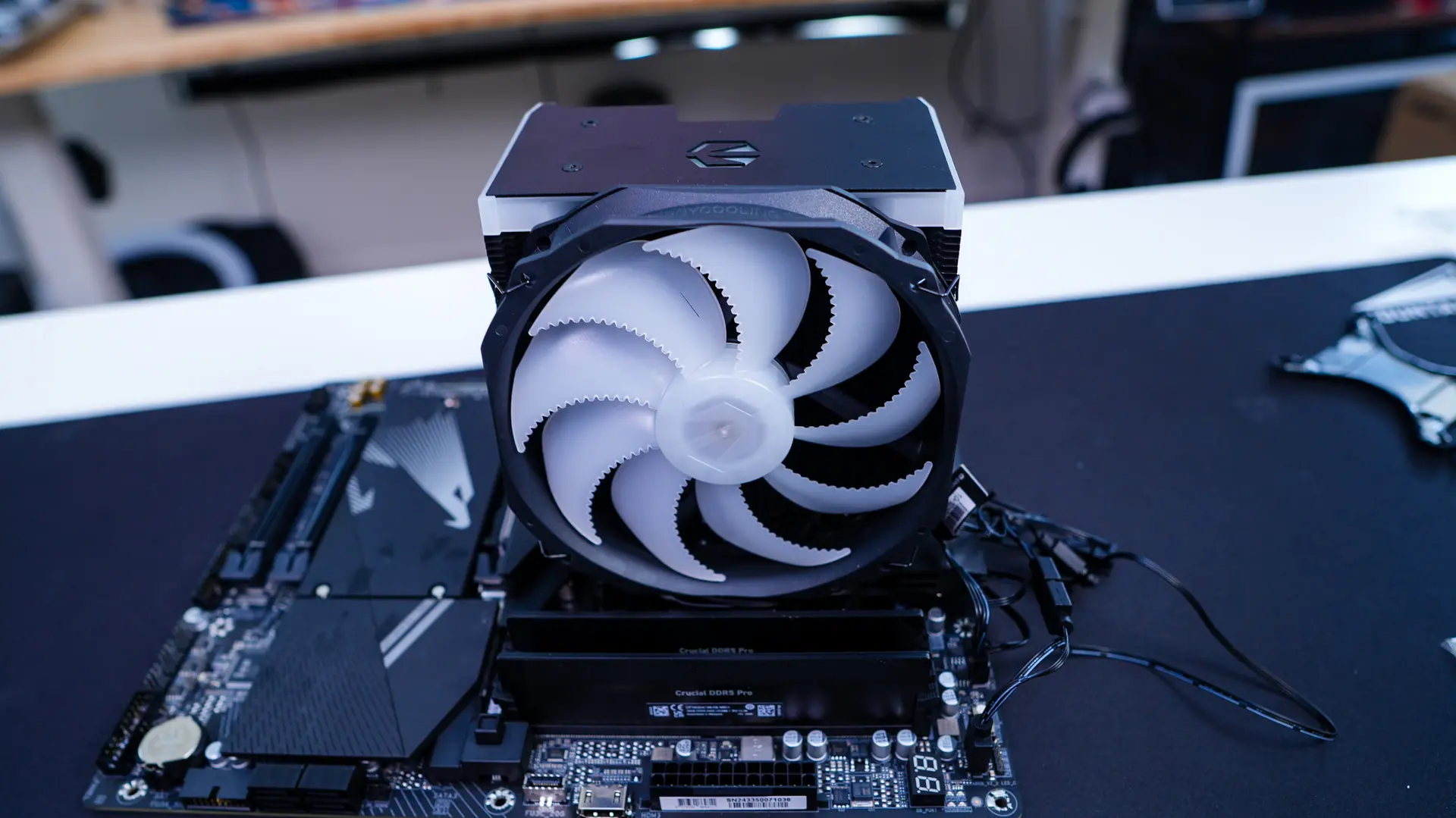
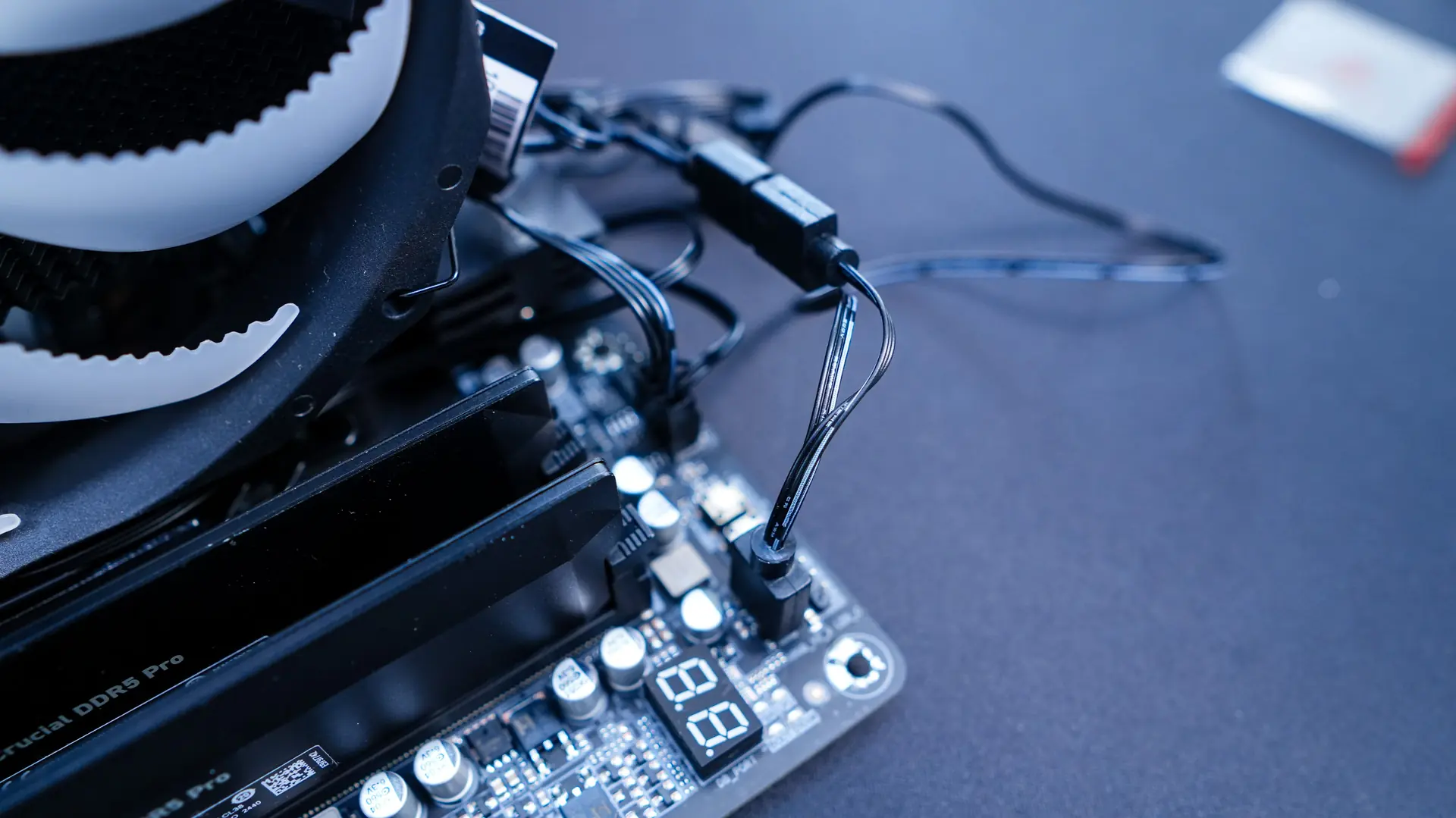
The last thing you are going to want to do is connect the fan to the CPU fan header on your motherboard and the ARGB cables to an open ARGB header.
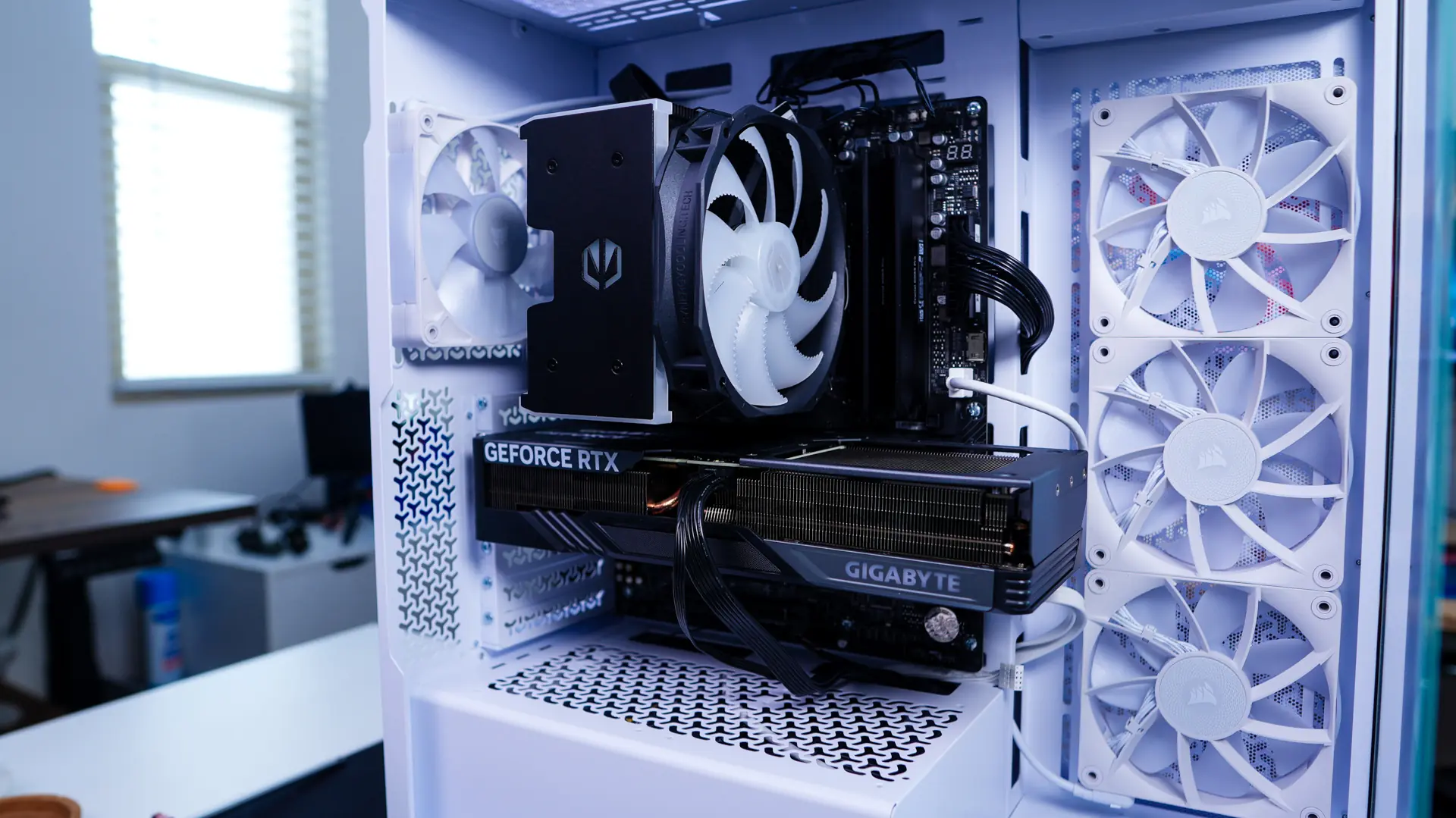
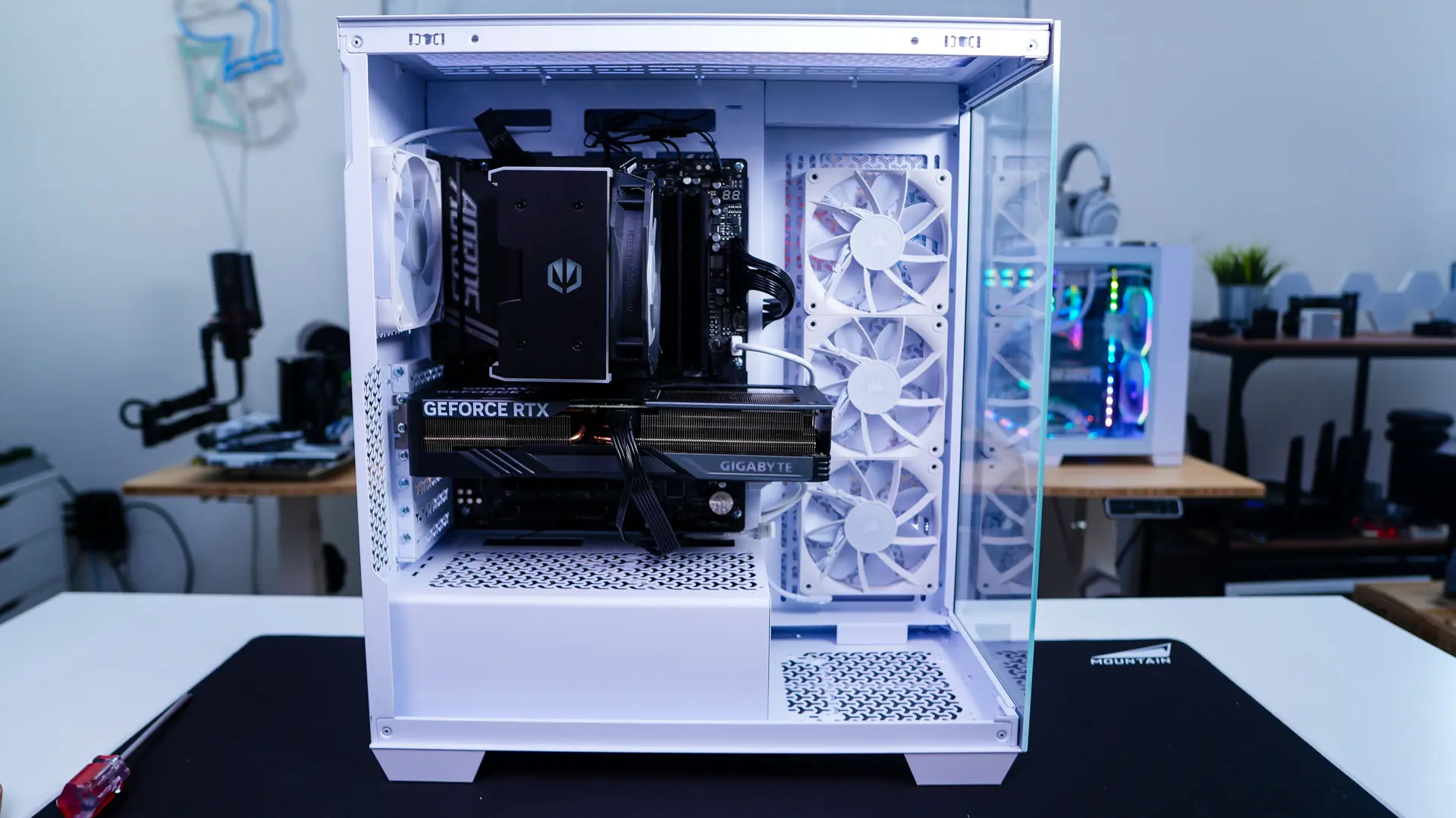
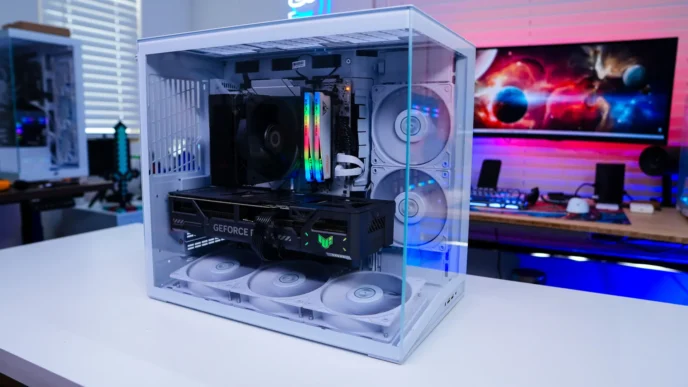
With our motherboard back in our case you can see how much space this cooler takes up. Even though we do all of our CPU cooler installations outside of a case you could easily install this cooler with your motherboard mounted inside of a case.


Thanks for a great review of a product from a new company. I would be interested in seeing some reviews of products from another new company: upHere. I just installed their UE2 Elite KC8C cooler which contains 8 heatpipes that are curved back to allow unlimited ram height. It seems to perform as well as other similar 2 fan coolers but some detailed comparisons would be interesting to others who want reasonably priced air coolers while still being able to have whatever argb ram dimms they want. Hopefully you’ll be able to arrange with upHere to review some of their coolers.