


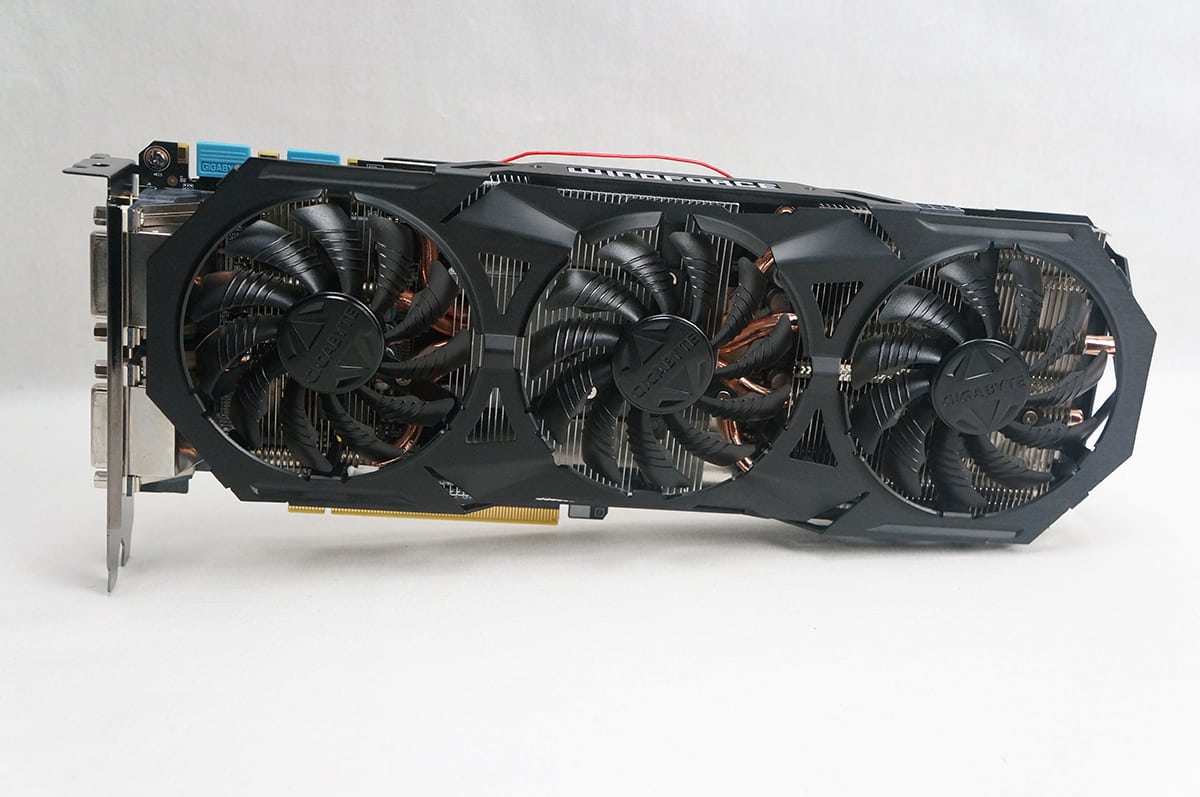
GeForce GTX 970 G1 Gaming Overview
Taking a first look at the GeForcce GTX 970 G1 Gaming the thing that takes center stage is the cooler. This is Gigabyte’s WindForce 3X cooler. Gigabyte has gone with an all black design with no accents or anything. You are either going to hate or like this design. One thing that I did like was that the shroud itself is made of metal rather than plastic.
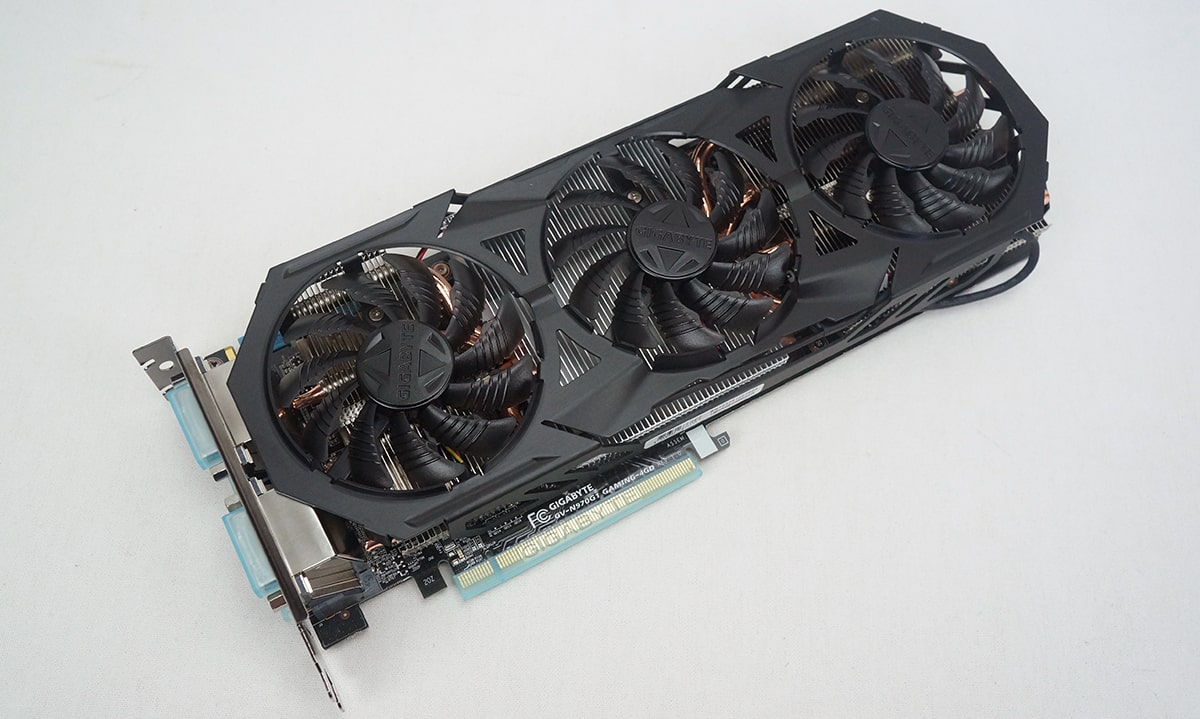
The card itself is pretty long at 312mm. The WindForce 3X cooler is made up of three cooling fans that have 11 blades each. The fans are designed for lower noise levels and the best performance possible. There are Gigabyte logos on each of the fans.
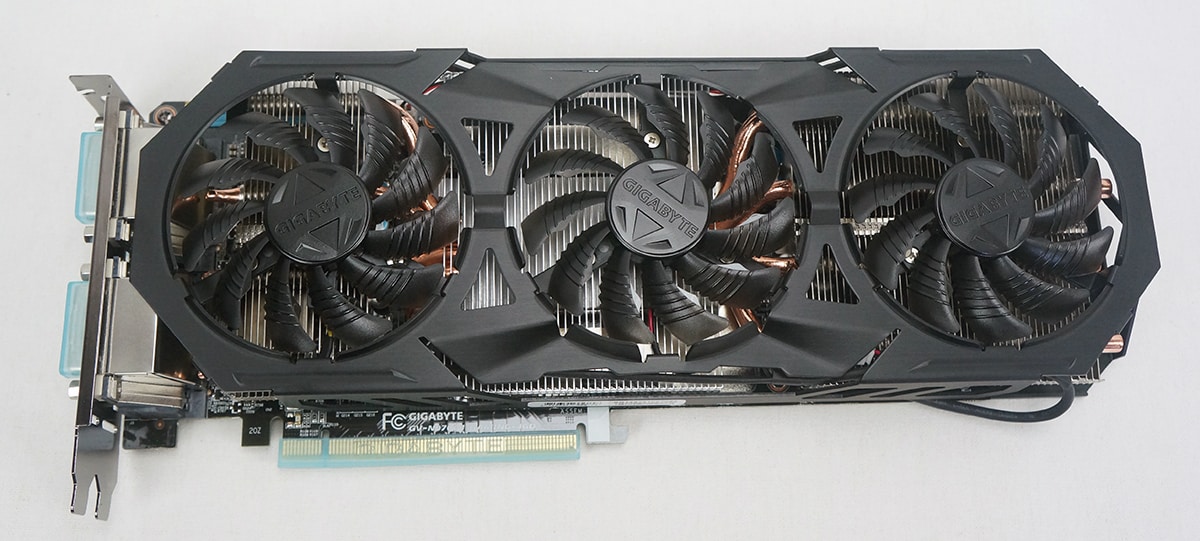
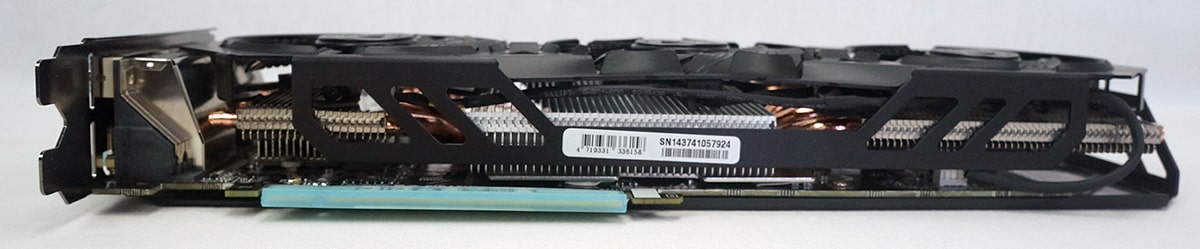
Taking a look at the sides of the card we can see that the shroud actually goes around the sides of the card. On the opposite side of the card we can see the WindForce logo, power connectors (6pin / 8pin) and SLI connectors. The WindForce logo lights up bright blue when your system is powered on and you can manage the light effects with NVIDIA’s GeForce Experience software.

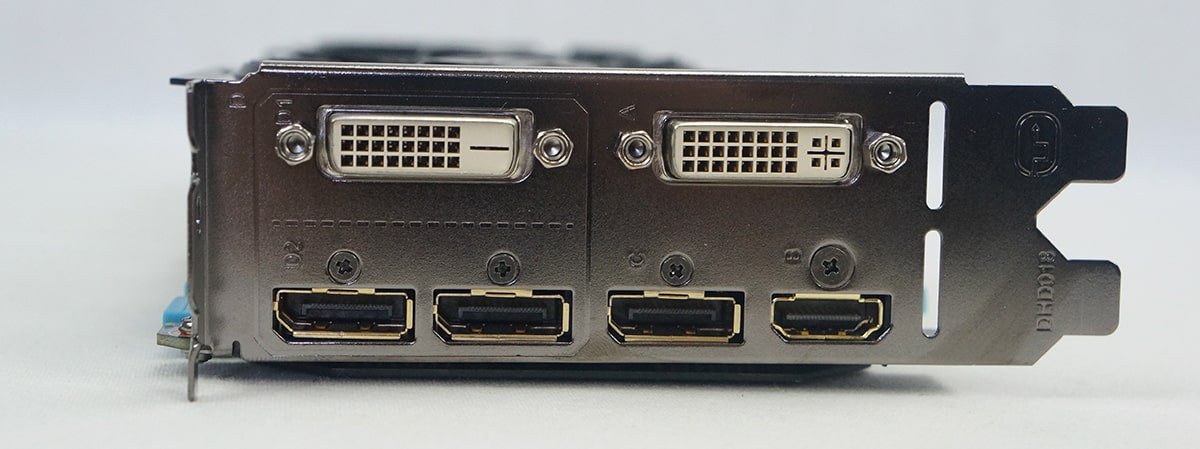
When it comes to connections on the card you have two DVI, three DisplayPort and a single HDMI. The DisplayPort and HDMI connections are gold-plated. GIGABYTE Flex display technology can automatically detect any connected monitors and achieve multi-display gaming up to 4 monitors at the same time by using various output groups.
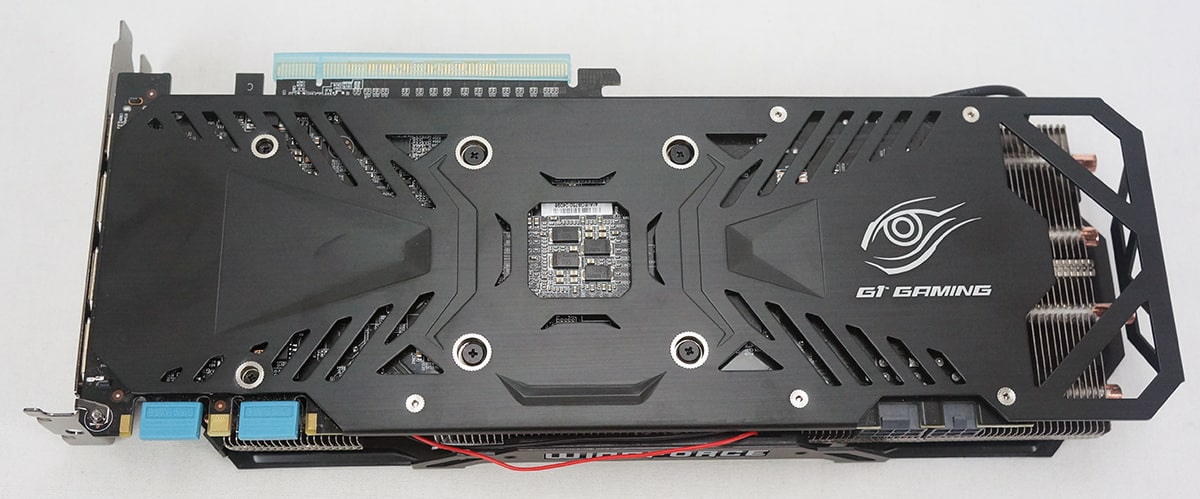
Flipping the card we can see that Gigabyte has installed a nice metal back-plate to the card. The back-plate looks great and has the G1 Gaming logo on it. Besides just looking good the back-plate will protect the rear PCB of the card and gives the card added stability.
Let’s take a look under the hood! To remove the WindForce 3X cooler from the card itself all you have to do is remove 6 screws on the back of the PCB. Once off we can take a closer look at the WindForce 3X cooler design.
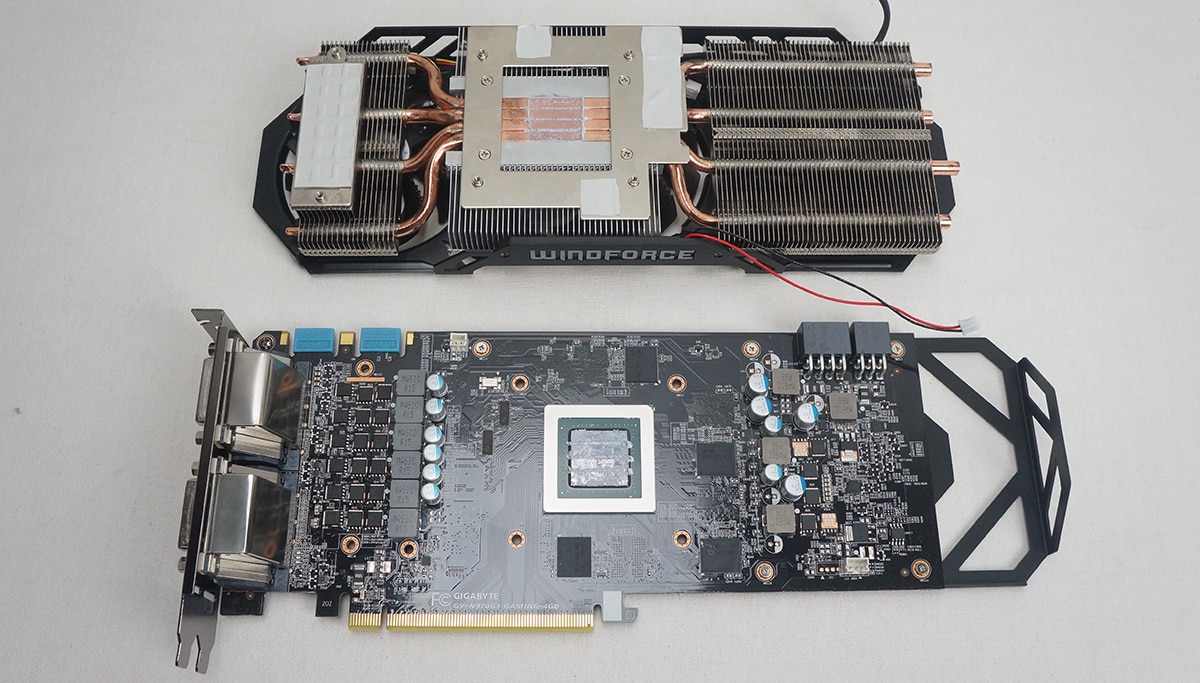
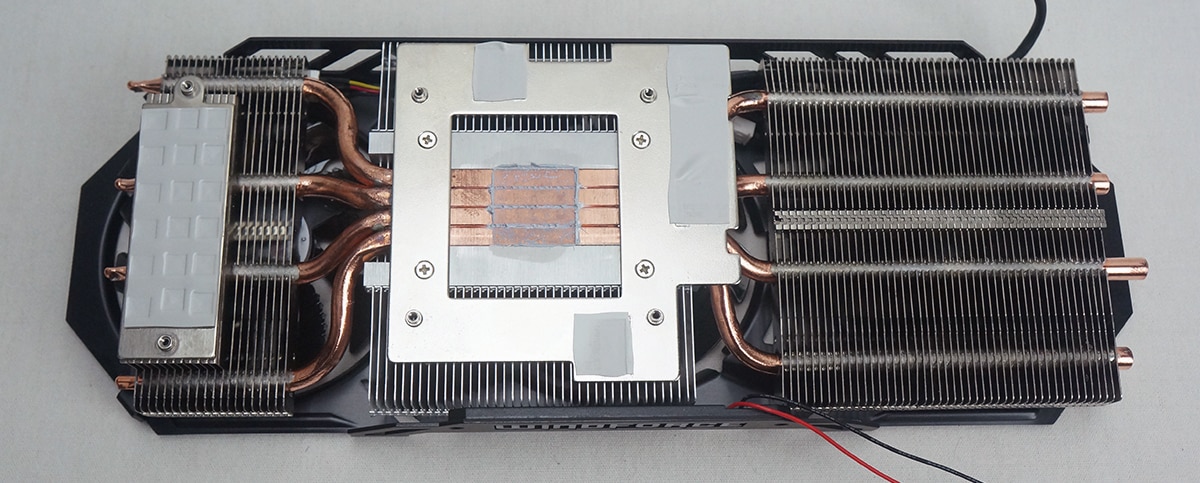
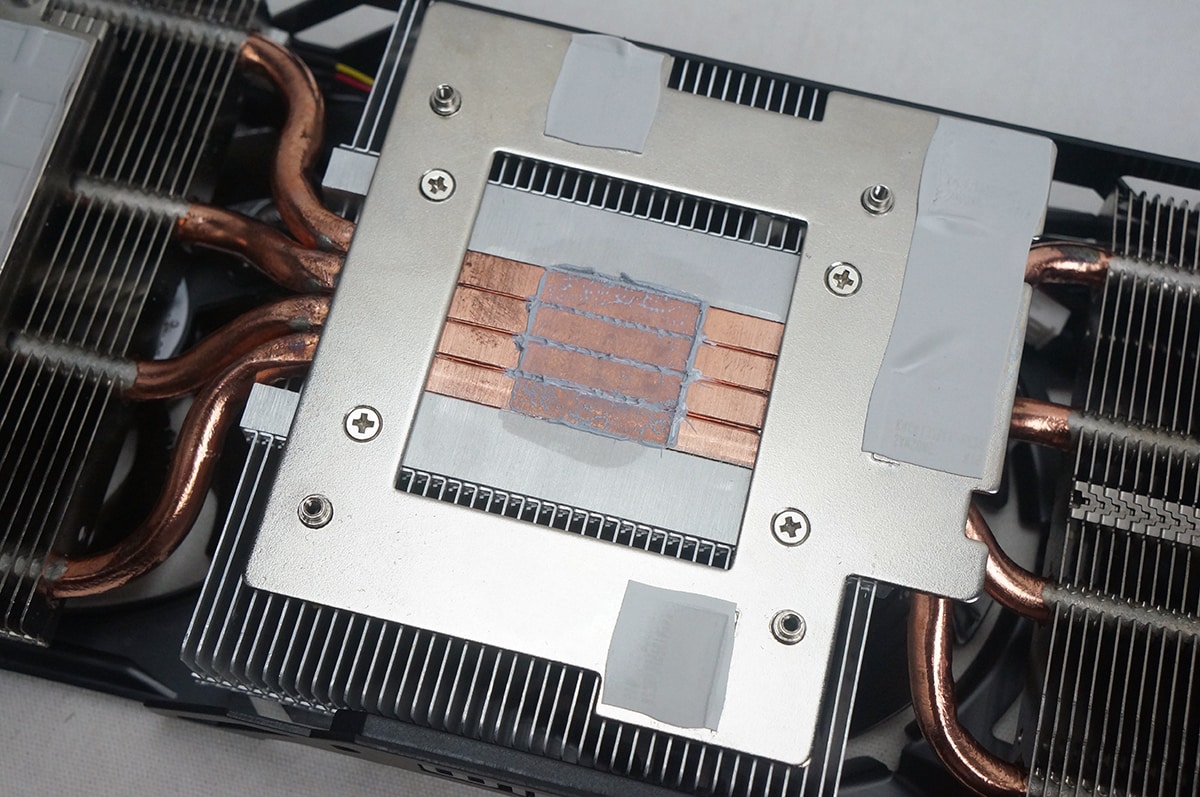
The WindForce 3X cooler is made up of three aluminum heatsink fin arrays and has four large copper heatpipes that make their way through these four heatsinks. The copper heatpipes make direct contact with the GPU for the best heat transfer possible.

It’s huge, I don’t think I would get a graphics card that size, seriously though it’s huge. Nevertheless nice review, I kinda wish I had money to burn becasue I would upgrade the EVGA GeForce GTX 670 to the EVGA GeForce GTX 980 especially with all the new feature it has to offer, maybe next year when we wait for the newer 20nm to launch the following year.
PhoneyVirus
https://twitter.com/PhoneyVirus
https://phoneyvirus.wordpress.com/
evga 970 have heatsink problem also i think 980 is expensive you can buy 2x gtx 970 nearly same price with more performance.
I’m a little bit confused. The GTX970G1 is overclocked and assumable needs more power than the reference GTX970, so I have a Corsair TX750 PSU and I plan to buy 2x GTX970G1 for SLI setup. do I have to upgrade the PSU or is it going to be fine? I have 1 SSD and 1 Green 6TB HDD + a corsair H100 water cooling for my i7 3770k (may be will be overclocked to 4.5GHz). I need help as I calculated the power needed and it says I need only 655W PSU but I still need to be sure! any advice?