


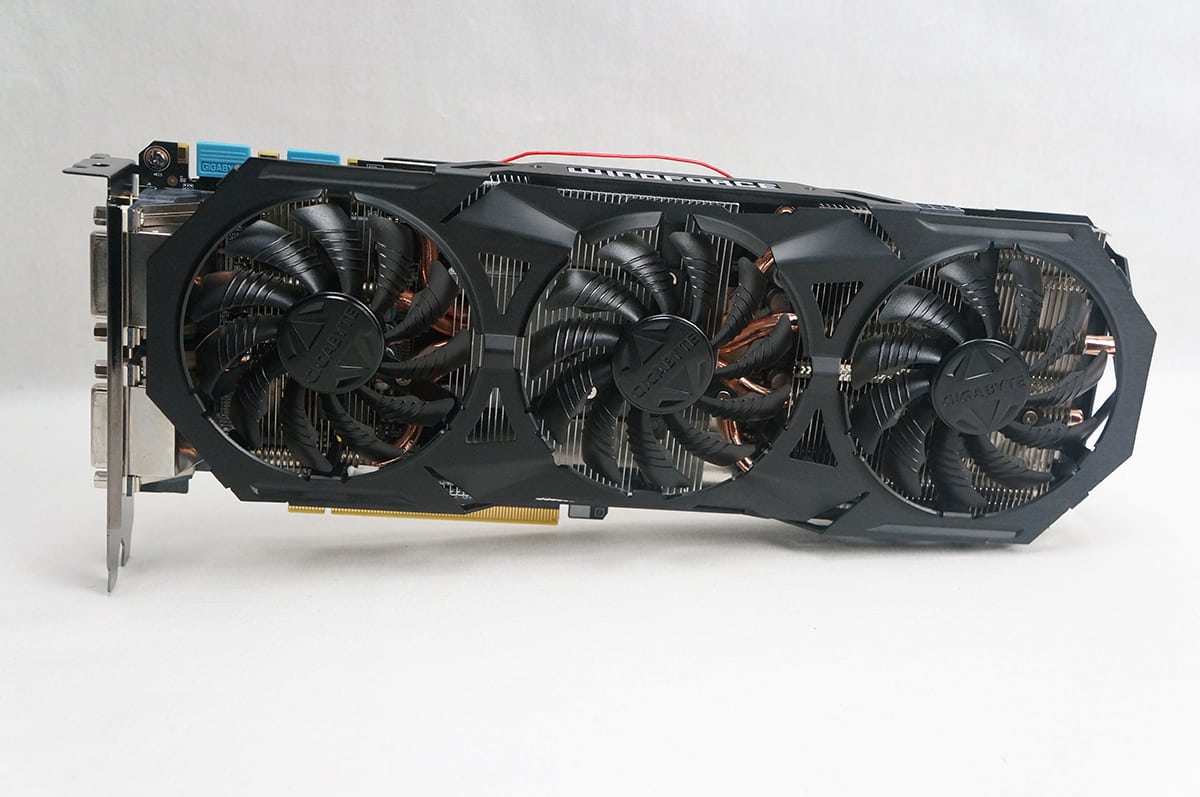
System Overview & Testing Procedures
Like any graphics card you just slide the GeForce GTX 970 G1 Gaming into an open PCI-Express slot, connect your power and you are good to go.
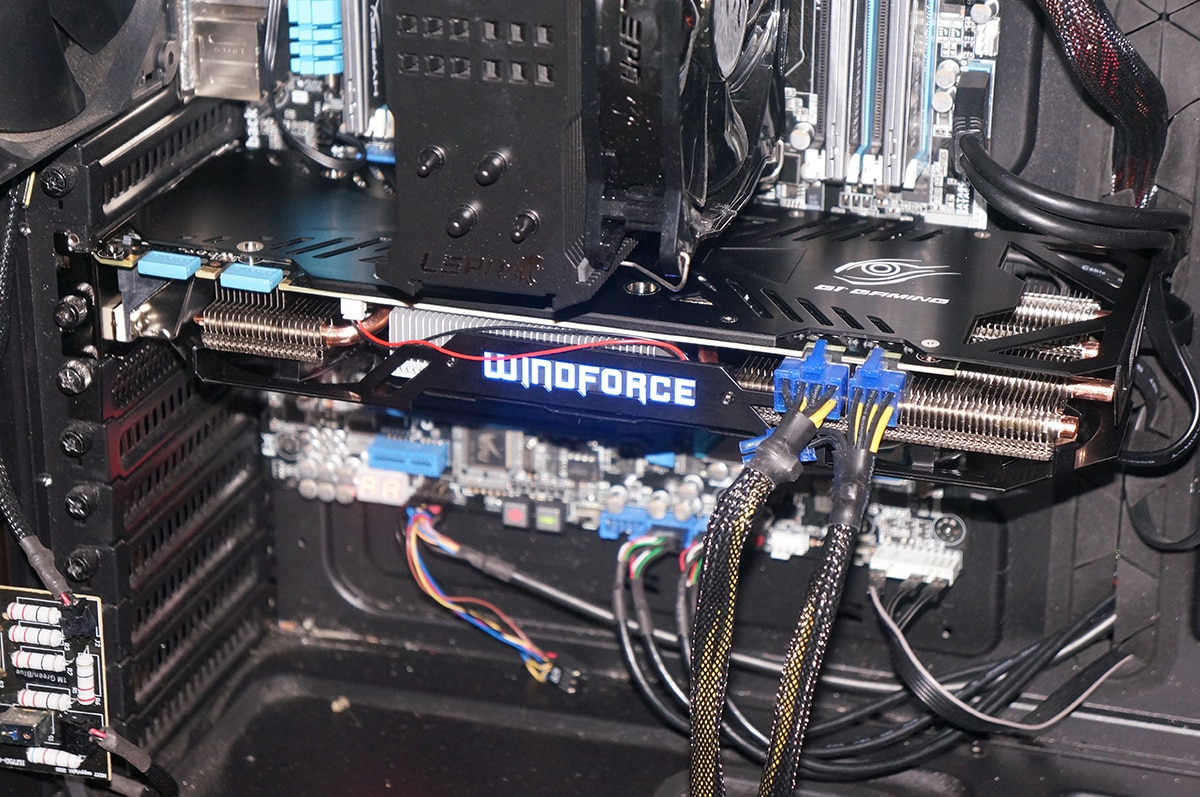
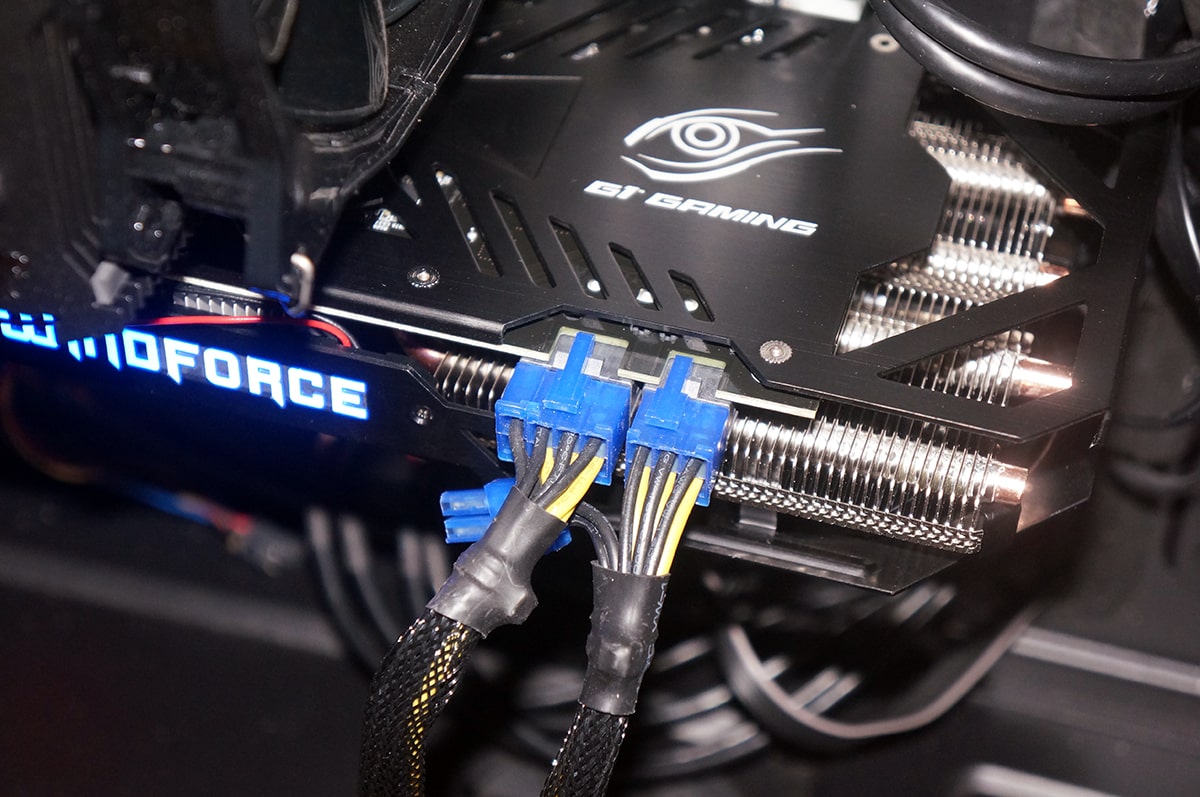
One thing that I did want to point out is the way that the PCI-Express connectors are designed. The have the locking edge at the top rather than the bottom. This makes a much cleaner and easier install.
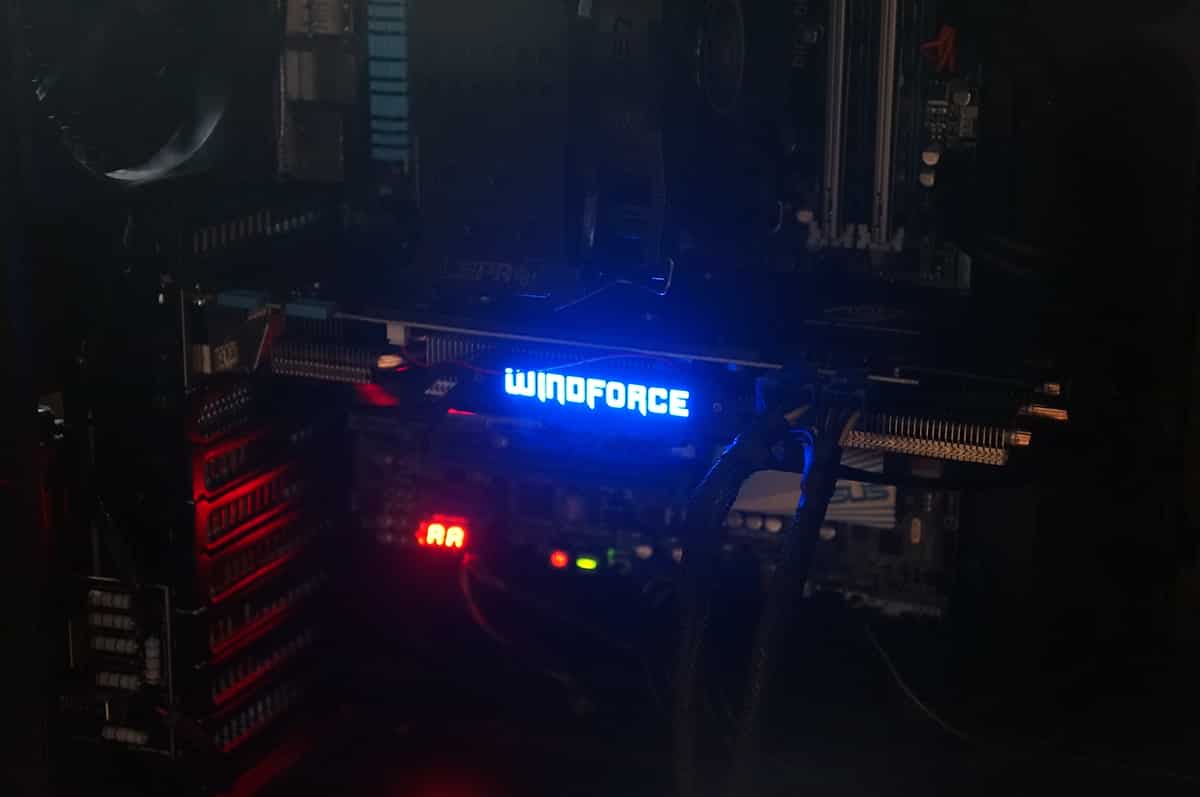
And here is a shot of the WindForce logo all lit up in the dark! Again you can adjust the brightness, turn the LEDs off or change the lightning effects in the GeForce Experience software.
This is the system we will be using to test the Gigabyte GeForce GTX 970 G1 Gaming.
Processor: Intel Core i7-4960X Extreme Edition
Motherboard: ASUS P9X79 Pro
Video Card: Gigabyte GeForce GTX 970 G1 Gaming
Memory: 16GB Kingston 10th Anniversary
Power: Raidmax RX100AE
Storage: 750GB SATA II Drive
Cooling: LEPA LV12
Case: Cooler Master Cosmos II with 5 fans
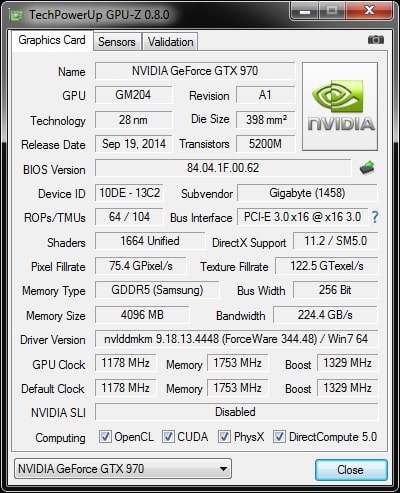
As always we’re first going to verify our numbers and make sure we’re accurately reporting the performance specification of the card. Here’s a GPU-Z screenshot, listing all the information. Opening GPU-Z we can see that the card is running at the advertised speeds of 1178 MHz core, 1329 MHz boost and 7012 MHz (effective) for the memory. This is of course an overclock from the stock GTX 970 speeds which are 1050 MHz core, 1178 MHz boost and 7000 MHz (effective) memory.
For our tests we will be comparing the Gigabyte GeForce GTX 970 G1 Gaming to a few other graphics cards we have on hand. They are listed below along with their core, boost and memory speeds
Gigabyte GTX 970 G1 Gaming: 1178 MHz / 1329 MHz / 7012 MHz
ASUS R9 280X DirectCU II TOP: 970 MHz / 1070 MHz / 6400 MHz
EVGA GTX 680: 1006 MHz / 1058 MHz / 6000 MHz
Gigabyte R9 280X OC: 1000 MHz / 1100 MHz / 6000 MHz
MSI GTX 770 Gaming: 1059 MHz / 1111 MHz / 7010 MHz
MSI GTX 770 Gaming: 900 MHz / 975 MHz / 5600 MHz
Sapphire HD 7950 Vapor-X: 850 MHz / 950 MHz / 5000 MHz
Sapphire R9 290X Vapor-X Tri-X OC: 1000 MHz / 1080 MHz / 5600 MHz
Sapphire R9 285 Dual-X OC: 965 MHz / 965 MHz / 5600 MHz
Sapphire R9 280X Toxic: 1100 MHz / 1150 MHz / 6400 MHz
Sapphire R9 280X Vapor-X Tri-X OC: 1000 MHz / 1100 MHz / 6000 MHz
Sapphire R7 250 Ultimate: 800 MHz / 800 MHz / 4500 MHz
Benchmarking Information
When we cover graphics cards, we always run the same benchmarking suites and then a selection of the most popular and hardware intensive games available. I have separated our tests into 2 different sections (Benchmarks & Games) and you can see them listed below.
Benchmarks
3DMark – Fire Strike
3DMark 11
Heaven Benchmark
Games
Alien vs Predator
Battlefield 4
Sleeping Dogs
Max Payne 3

It’s huge, I don’t think I would get a graphics card that size, seriously though it’s huge. Nevertheless nice review, I kinda wish I had money to burn becasue I would upgrade the EVGA GeForce GTX 670 to the EVGA GeForce GTX 980 especially with all the new feature it has to offer, maybe next year when we wait for the newer 20nm to launch the following year.
PhoneyVirus
https://twitter.com/PhoneyVirus
https://phoneyvirus.wordpress.com/
evga 970 have heatsink problem also i think 980 is expensive you can buy 2x gtx 970 nearly same price with more performance.
I’m a little bit confused. The GTX970G1 is overclocked and assumable needs more power than the reference GTX970, so I have a Corsair TX750 PSU and I plan to buy 2x GTX970G1 for SLI setup. do I have to upgrade the PSU or is it going to be fine? I have 1 SSD and 1 Green 6TB HDD + a corsair H100 water cooling for my i7 3770k (may be will be overclocked to 4.5GHz). I need help as I calculated the power needed and it says I need only 655W PSU but I still need to be sure! any advice?