


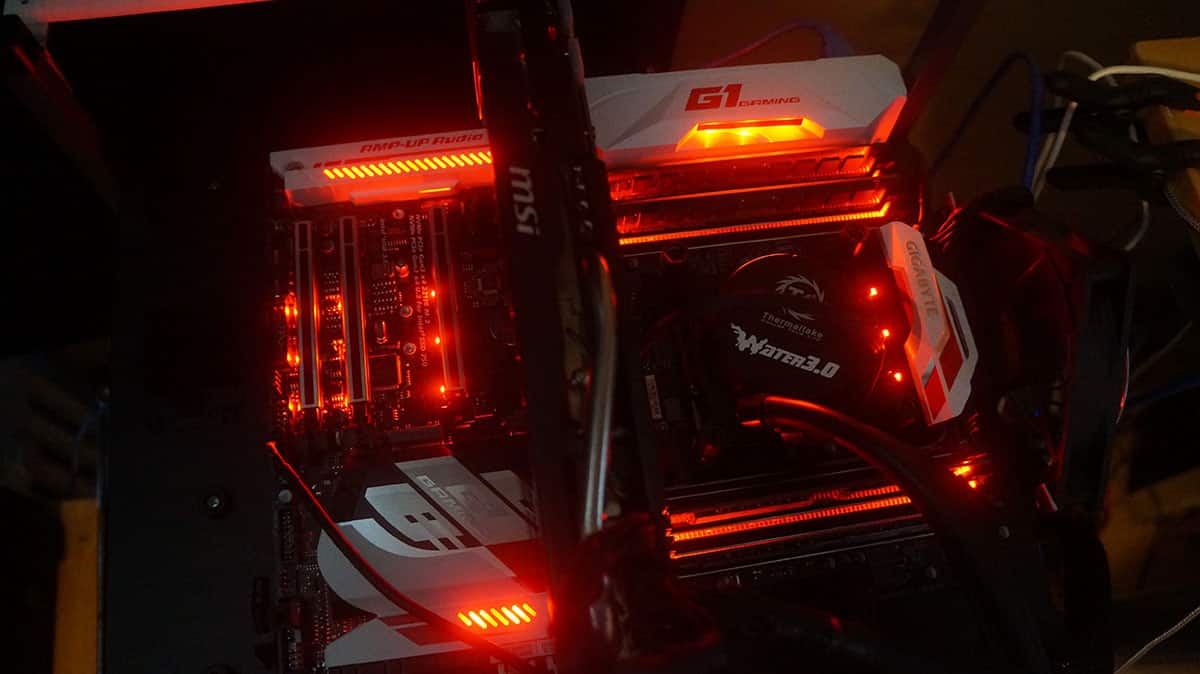
Overclocking
There are a few different ways to overclock on the X99-Ultra Gaming. The easiest way would be through the EasyTune software. You can select OC, which in our case is 3.70 GHz or run auto-tuning, which in the past has worked quite well.

If you head into the BIOS there is the CPU upgrade option in the M.I.T. that gives us a list of different overclocks.
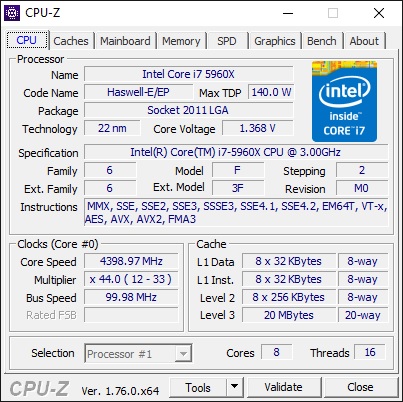
Finally we can manually overclock in the BIOS itself. I decided to do this to reach the highest possible overclock. After some testing I was able to reach a max stable overclock of 4.4 GHz at 1.42V. This is the highest stable overclock we’ve been able to achieve on our X99 system. Most of the boards in our test group have been able to make it to this.


seems that its missing some key features , the cmos clear the power and reset and the led error indicators. This boards feel s like they went one step forward and 2 steps back. Would like to see this compared to the evga x99 FTW K
Hi, I don’t really mind the 2 pins for CMOS reset. There is no jumper to lose, all you do is use a screwdriver to bridge the 2 pins for a few seconds, i use a particular philips head for it because it fits perfectly and makes very good contact between the pins without hitting the substrate without much effort or precision required. Not this particular board but another GA-X99P sli
Hey can anyone tell me if when connecting aftermarket LED strips, and you set pulse or breathing effect, does the LED strip also do the pulse or breathing effect?
Thanks
Hi there.
Thank you guys for the great full review.
Just a quick one which i think is important the 3 way CPU power extender you said the board was
a good overclocker. Did you use the 3 way power extender in the review ?
If so which connectors on it did you use ?
sorry to be the difficult one.