


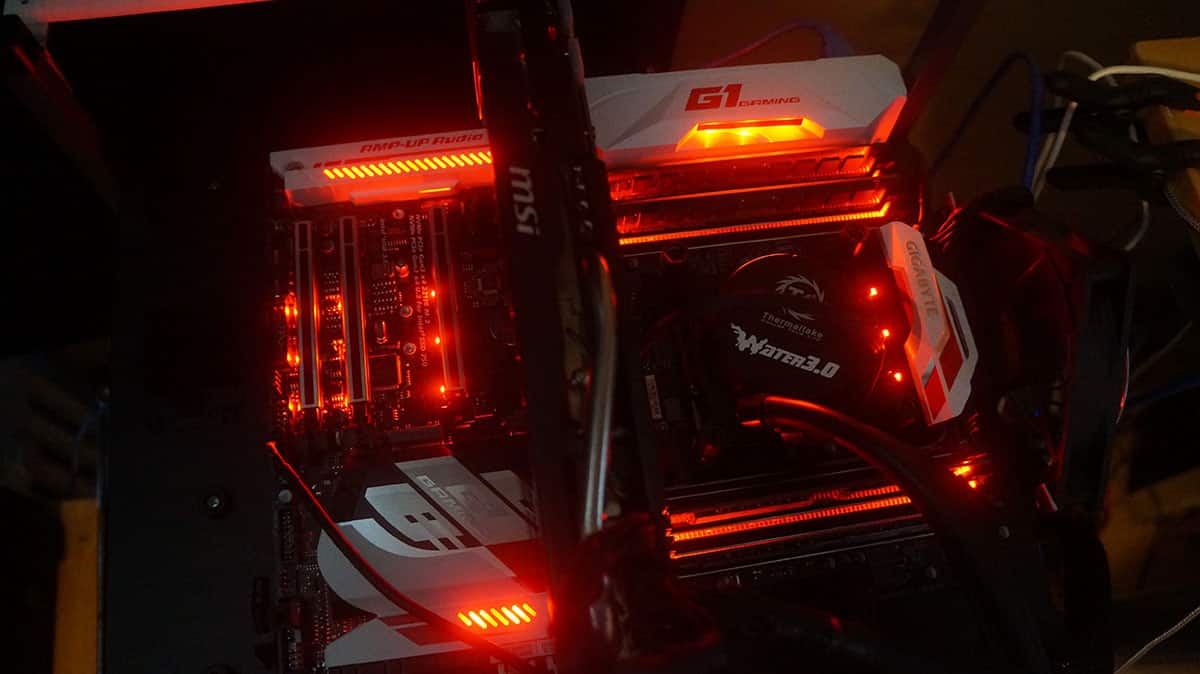
The BIOS
The X99-Ultra Gaming uses a new revamped BIOS, check out the video below to see what it is all about.

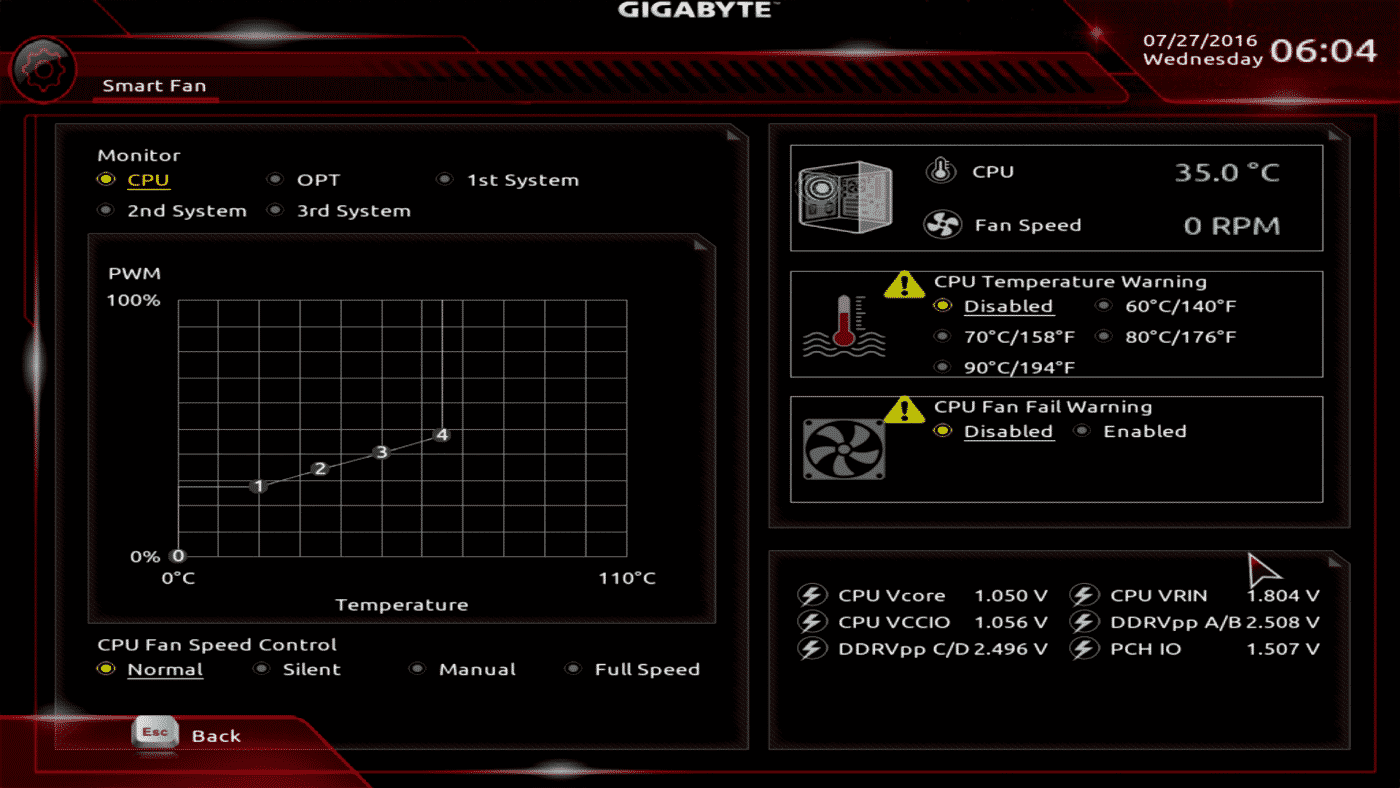
The revamped BIOS does include two new things. First you have the ability to use Smart Fan from right in the BIOS. This way you can tune your fans without any software.
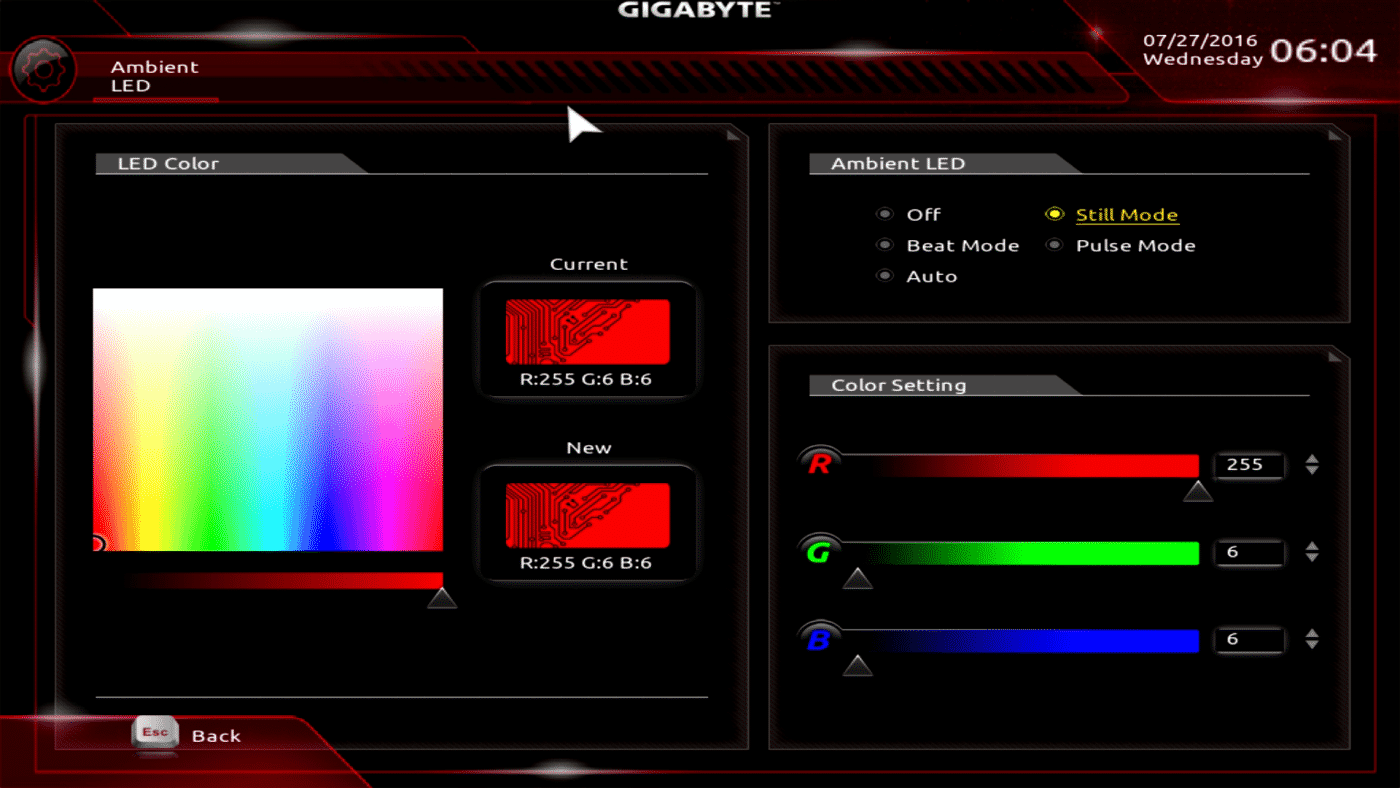
The next thing is the ability to change the color and actions of all the RGB LEDs on the board from in the BIOS. Again no software required to do this.



seems that its missing some key features , the cmos clear the power and reset and the led error indicators. This boards feel s like they went one step forward and 2 steps back. Would like to see this compared to the evga x99 FTW K
Hi, I don’t really mind the 2 pins for CMOS reset. There is no jumper to lose, all you do is use a screwdriver to bridge the 2 pins for a few seconds, i use a particular philips head for it because it fits perfectly and makes very good contact between the pins without hitting the substrate without much effort or precision required. Not this particular board but another GA-X99P sli
Hey can anyone tell me if when connecting aftermarket LED strips, and you set pulse or breathing effect, does the LED strip also do the pulse or breathing effect?
Thanks
Hi there.
Thank you guys for the great full review.
Just a quick one which i think is important the 3 way CPU power extender you said the board was
a good overclocker. Did you use the 3 way power extender in the review ?
If so which connectors on it did you use ?
sorry to be the difficult one.