


System Overview & Testing Procedures
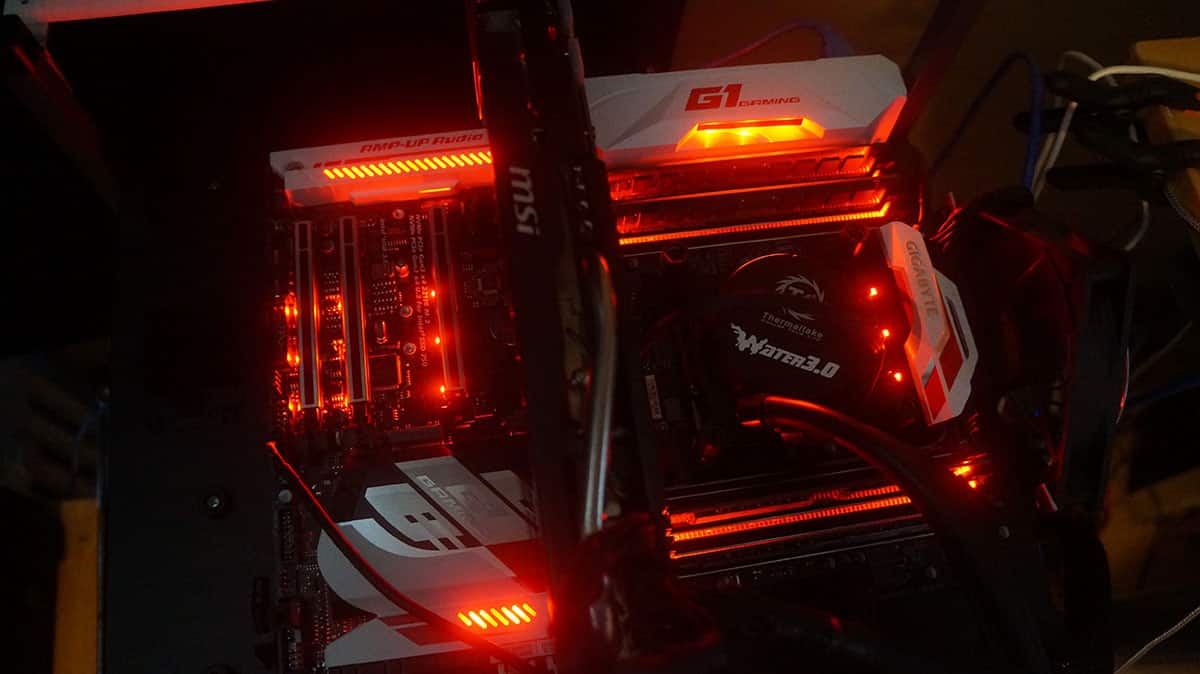
The X99-SLI was installed in our test bench, which we use to test all of our motherboards. All of the hardware besides the motherboard stays the same to keep things uniform.
Test System Specs
Processor: Intel Core i7-5960X
Video Card: MSI GTX 770 Gaming
Motherboard: Gigabyte X99-Ultra Gaming
Memory: 32 GB Crucial DDR4 2133 MHz
Storage: 120GB Kingston HyperX 3K
Power: Corsair AX860i
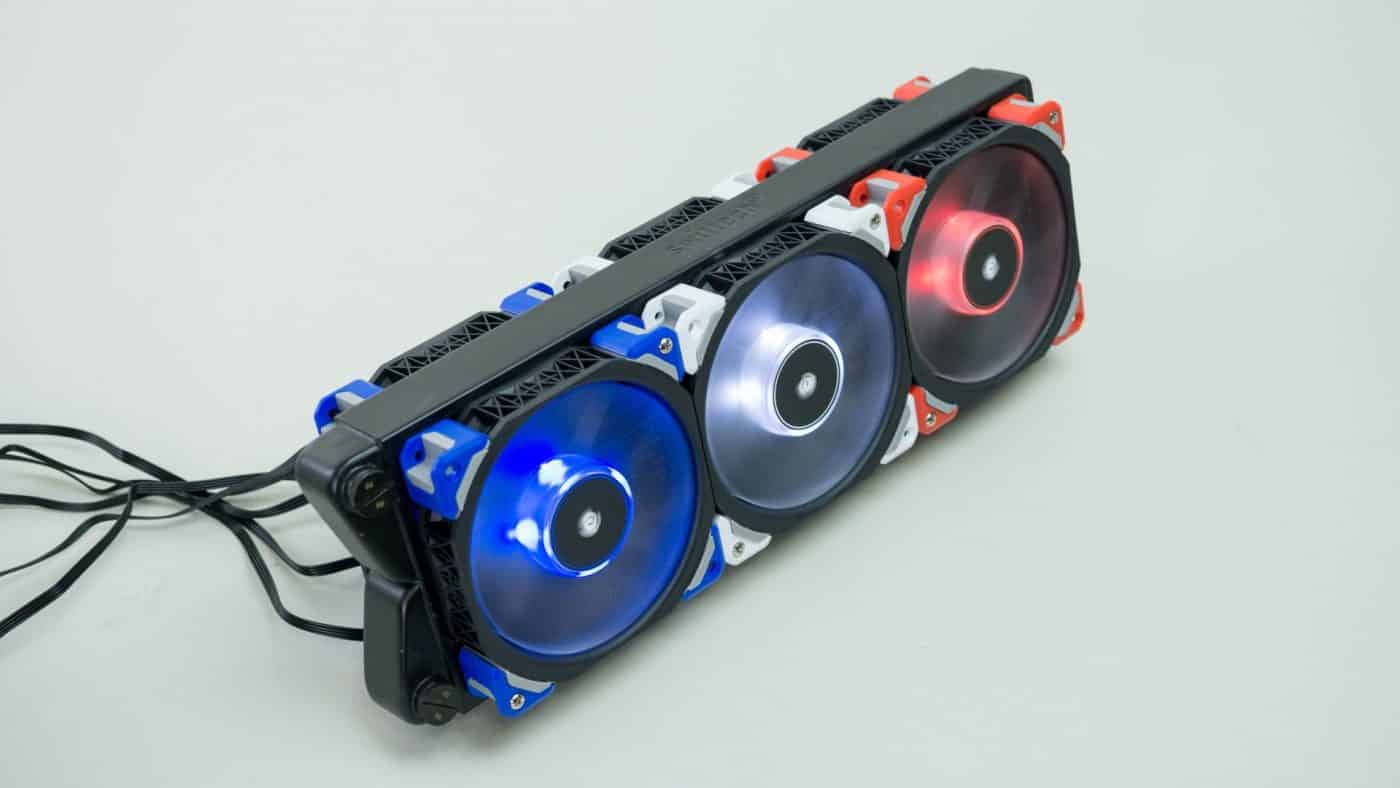
Cooling: Thermaltake Water 3.0 Extreme
Case: HighSpeed PC Top Deck Tech Station
For motherboard testing we have completely revamped everything for Windows 10. First off we will running the processor and motherboard and the default optimized settings in the BIOS (as if you would restore the defaults on the board). We feel that this is how most users will have their systems configured. So everything will be on auto.
We will be testing the motherboard at it default optimized setting and then again at our max overclock of 4.4 GHz. Here are the tests we are going to be running.
Overall System Testing
PCMark 8
– Home Benchmark
– Work Benchmark
– Creative Benchmark
PCMark 7
SiSoftware Sandra
– Overall System Benchmark
CPU Testing
SiSoftware Sandra
– Processor Arithmetic
– Processor Multi-Media
CINEBENCH R11.5 64-bit
x264 HD Benchmark 5.0
Graphics Testing
3DMark
– Fire Strike Extreme Benchmark
– Fire Strike Benchmark
3DMark 11
Heaven Benchmark 5.0
SATA, USB & Network Testing
CrystalDiskMark
SiSoftware Sandra
– Network (LAN) Benchmark
Now let’s get to testing!

seems that its missing some key features , the cmos clear the power and reset and the led error indicators. This boards feel s like they went one step forward and 2 steps back. Would like to see this compared to the evga x99 FTW K
Hi, I don’t really mind the 2 pins for CMOS reset. There is no jumper to lose, all you do is use a screwdriver to bridge the 2 pins for a few seconds, i use a particular philips head for it because it fits perfectly and makes very good contact between the pins without hitting the substrate without much effort or precision required. Not this particular board but another GA-X99P sli
Hey can anyone tell me if when connecting aftermarket LED strips, and you set pulse or breathing effect, does the LED strip also do the pulse or breathing effect?
Thanks
Hi there.
Thank you guys for the great full review.
Just a quick one which i think is important the 3 way CPU power extender you said the board was
a good overclocker. Did you use the 3 way power extender in the review ?
If so which connectors on it did you use ?
sorry to be the difficult one.