Glorious Model O 2 Mini Wireless Gaming Mouse Overview
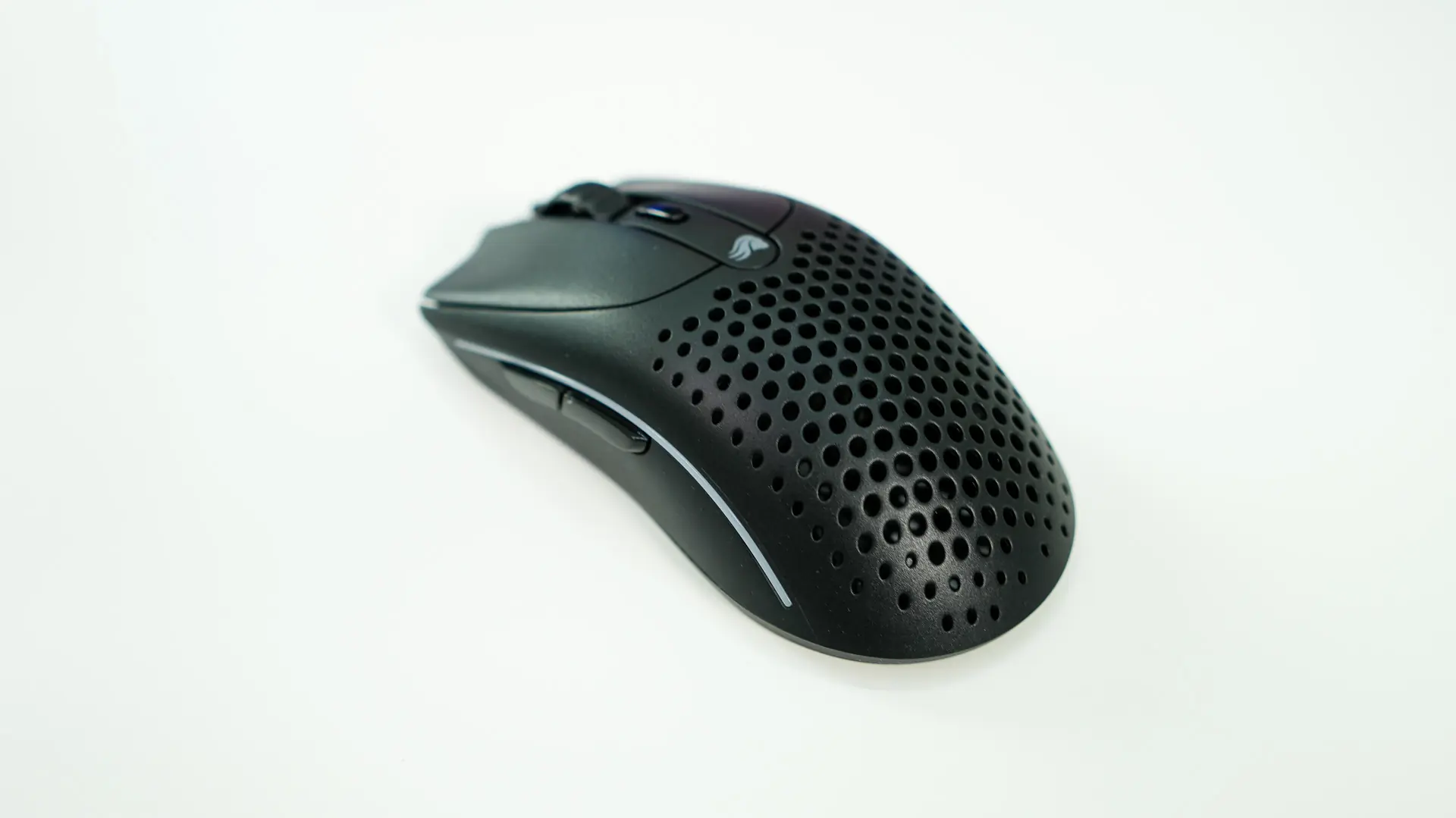
Taking a first look at the Model O 2 Mini Wireless it is for sure a smaller mouse than what I am used to. It is only 120mm long, which is 8mm shorter compared to my Razer DeathAdder V3 Pro. It is also more low-profile than that mouse as well at only 36mm at its tallest point (compared to 44mm). I wouldn’t say this mouse is as small as a laptop or travel mouse, but it sort of sits between that and a normal-sized mouse.
To give you an even better idea of size and who this mouse might be for here is a nice breakdown that Glorious has made.

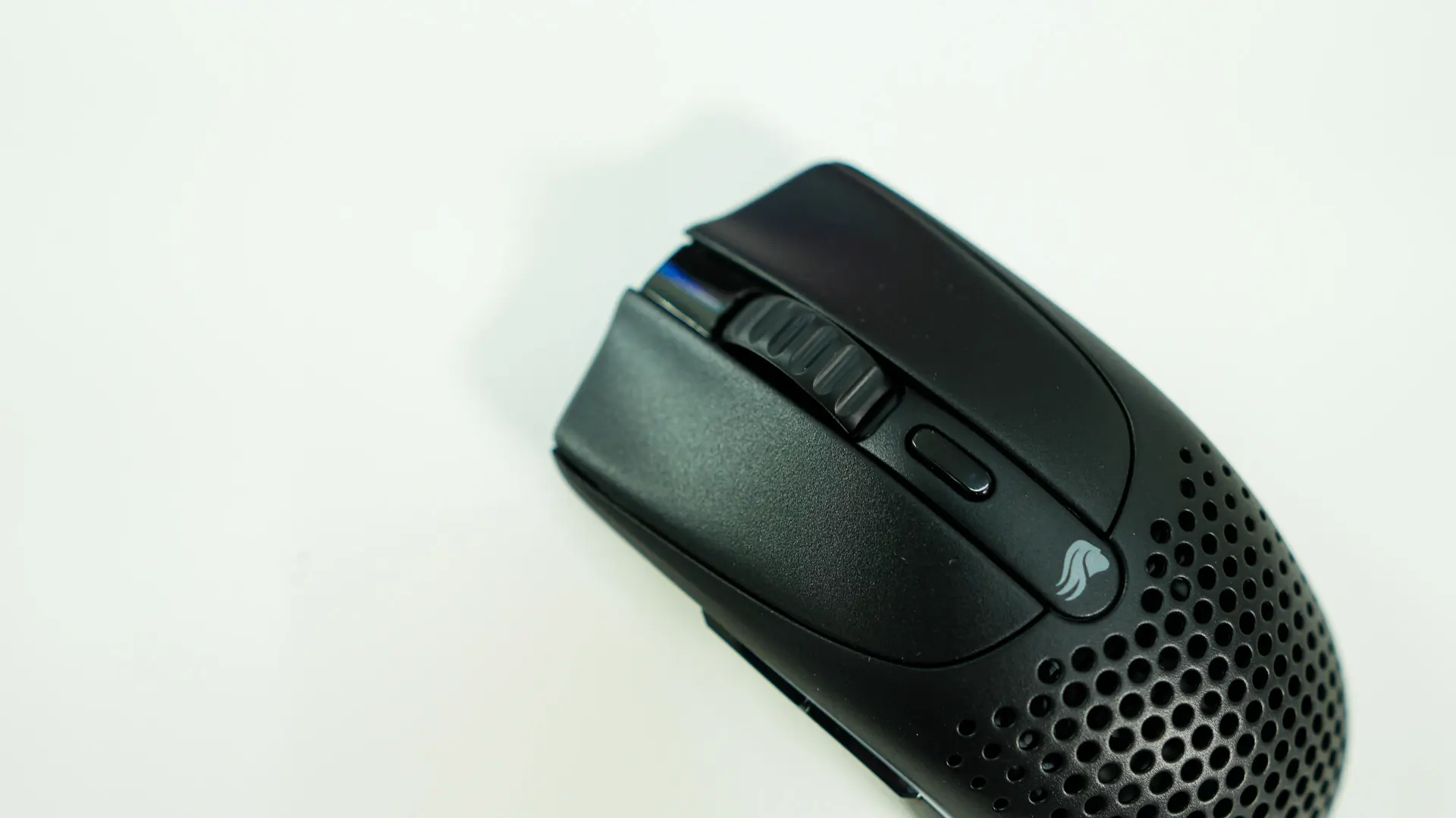
We received the black version of the mouse, but it will also be available in white. The only thing that really identifies this as a Glorious product is the small Glorious logo in the center of the mouse.
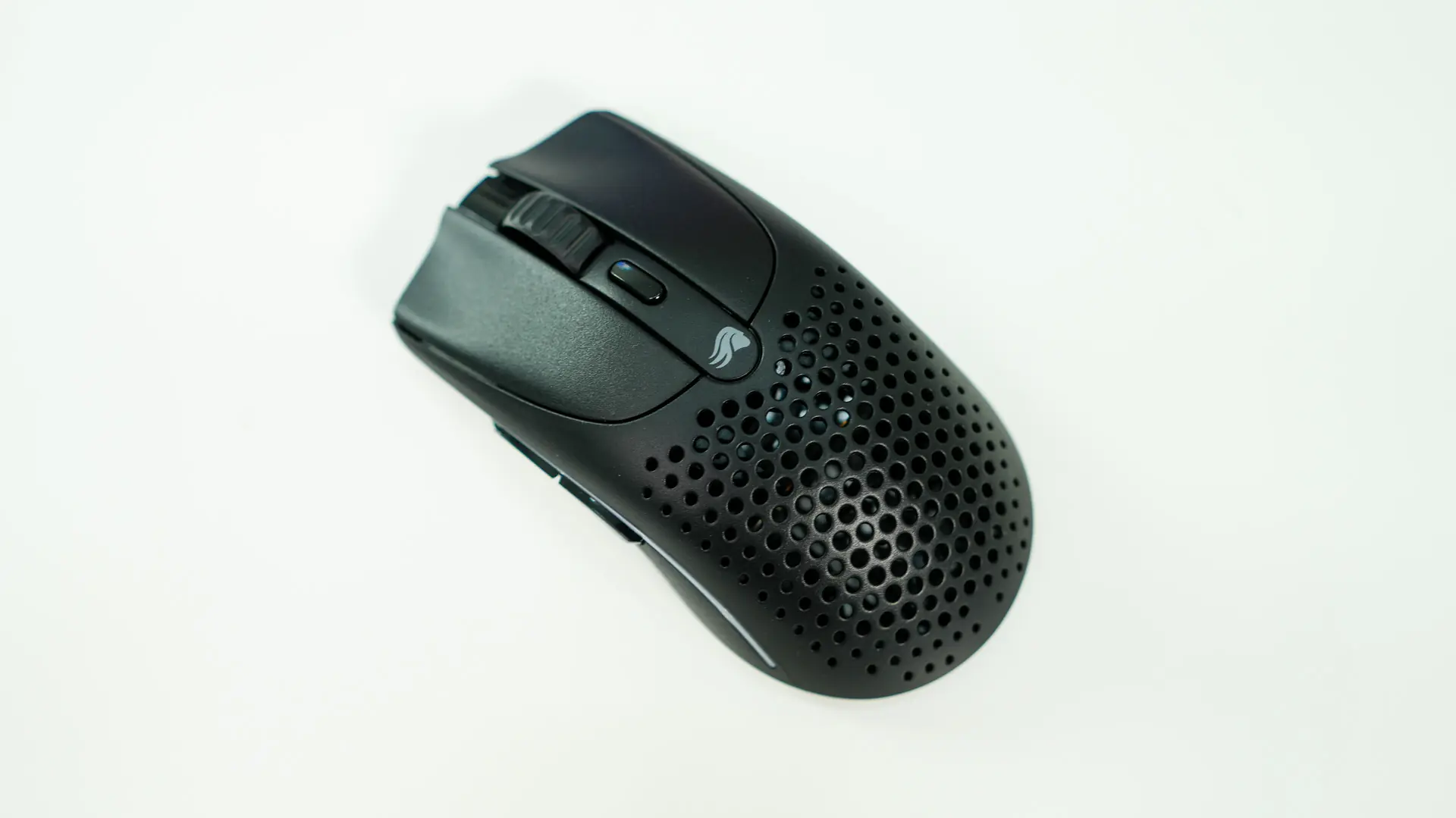
The mouse does have a symmetrical shape, although it is a right-handed mouse as we only have side buttons on one side. The mouse weighs in at 57-grams and this is partly achieved by the cut-outs in the palm rest.
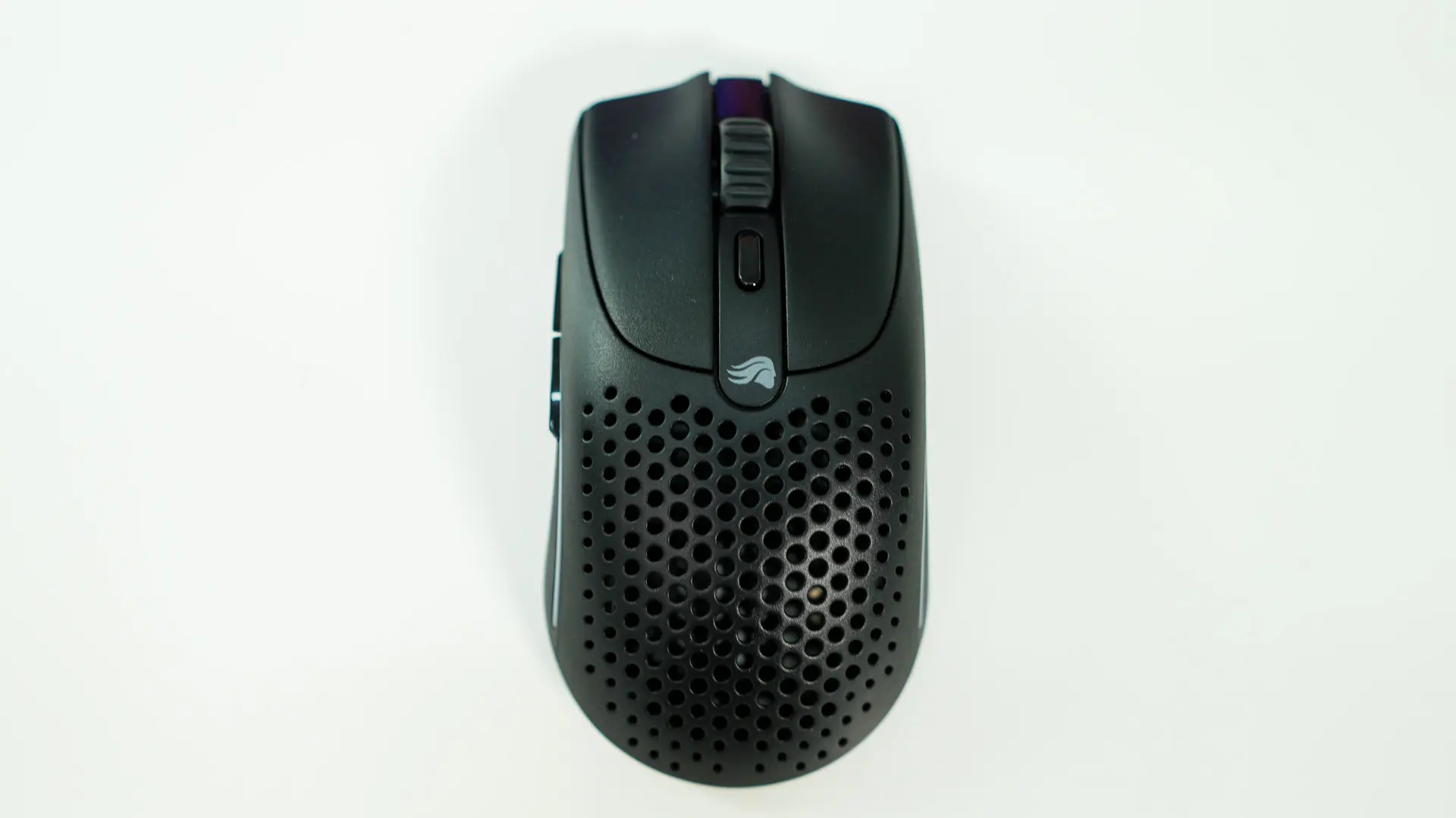
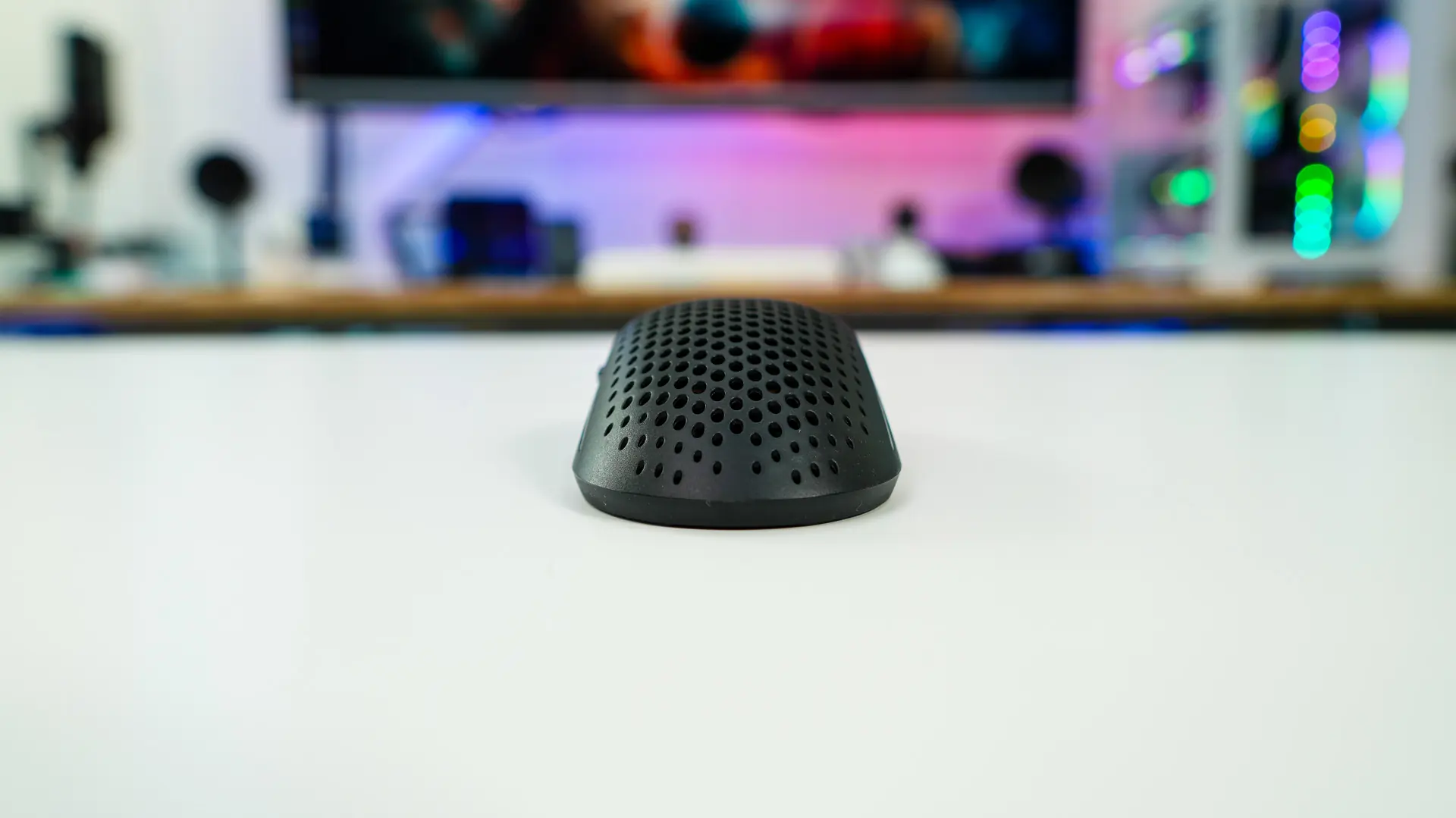
Towards the front of the mouse we have our two main buttons, a scroll wheel, and a smaller DPI button. The mouse buttons themselves have a slightly concave design to hold your fingers in place. These button are powered by Glorious’s own mechanical switches, which are rated for 80 million clicks. The mouse wheel itself is rubberized to give you a good grip.
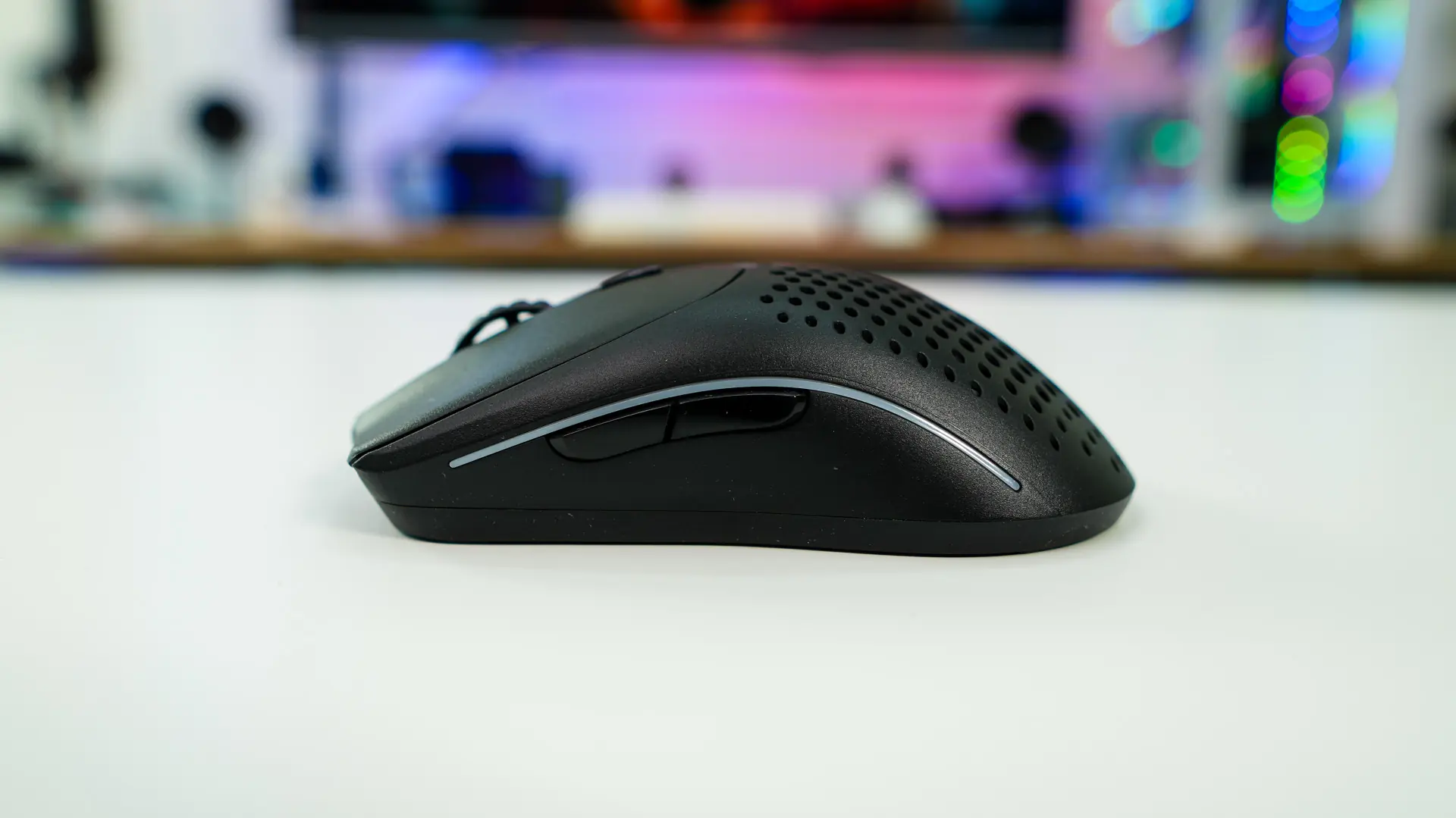
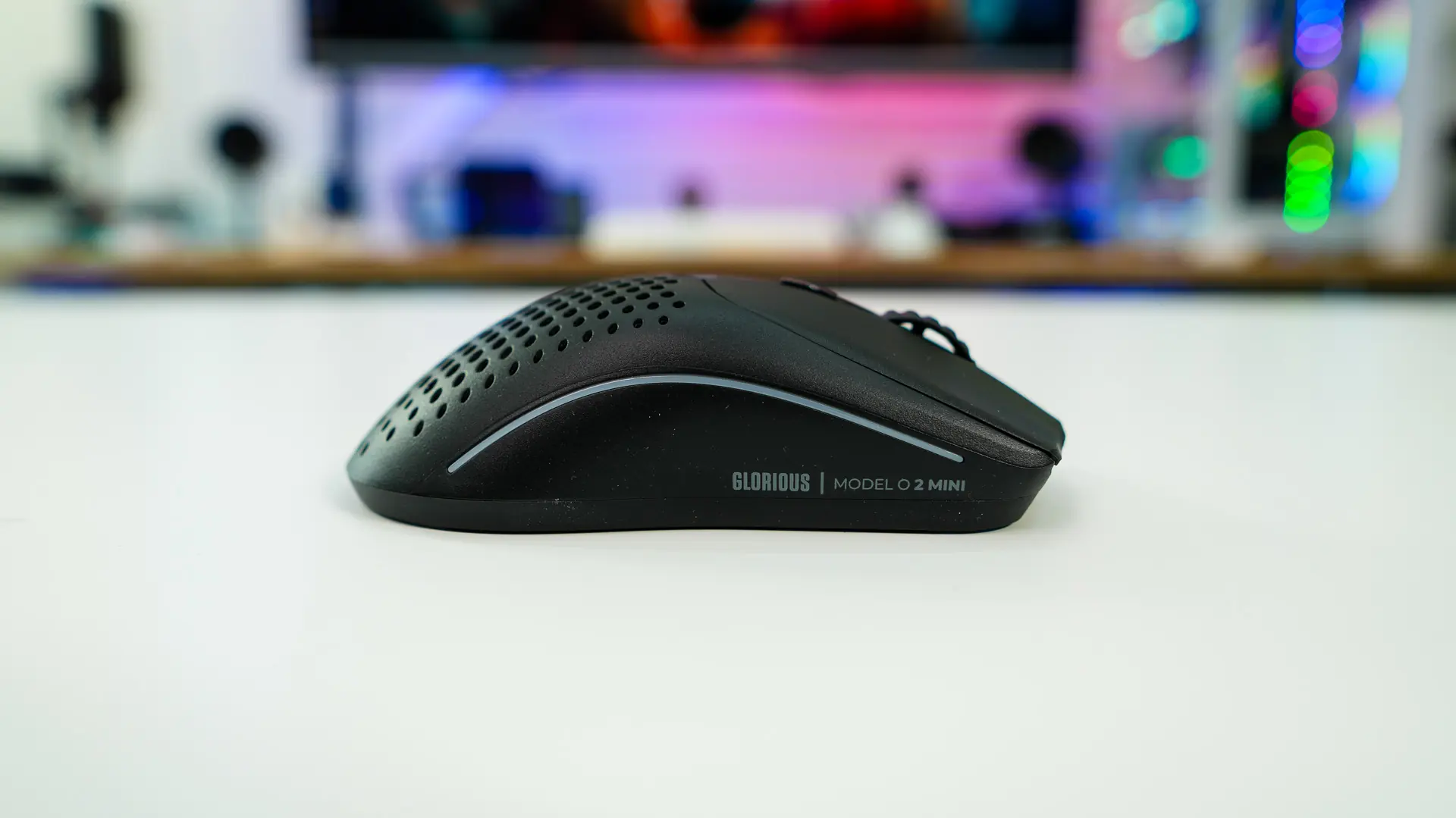
Looking at the mouse from the side we can get a better idea of the overall shape of the mouse. On the left side we have two buttons and as I mentioned there are no buttons on the opposite side. There are however lighting strips on each side of the mouse, more on that in a bit. With these two side buttons, the two main buttons, and the DPI button we have a total of 6 programmable buttons.
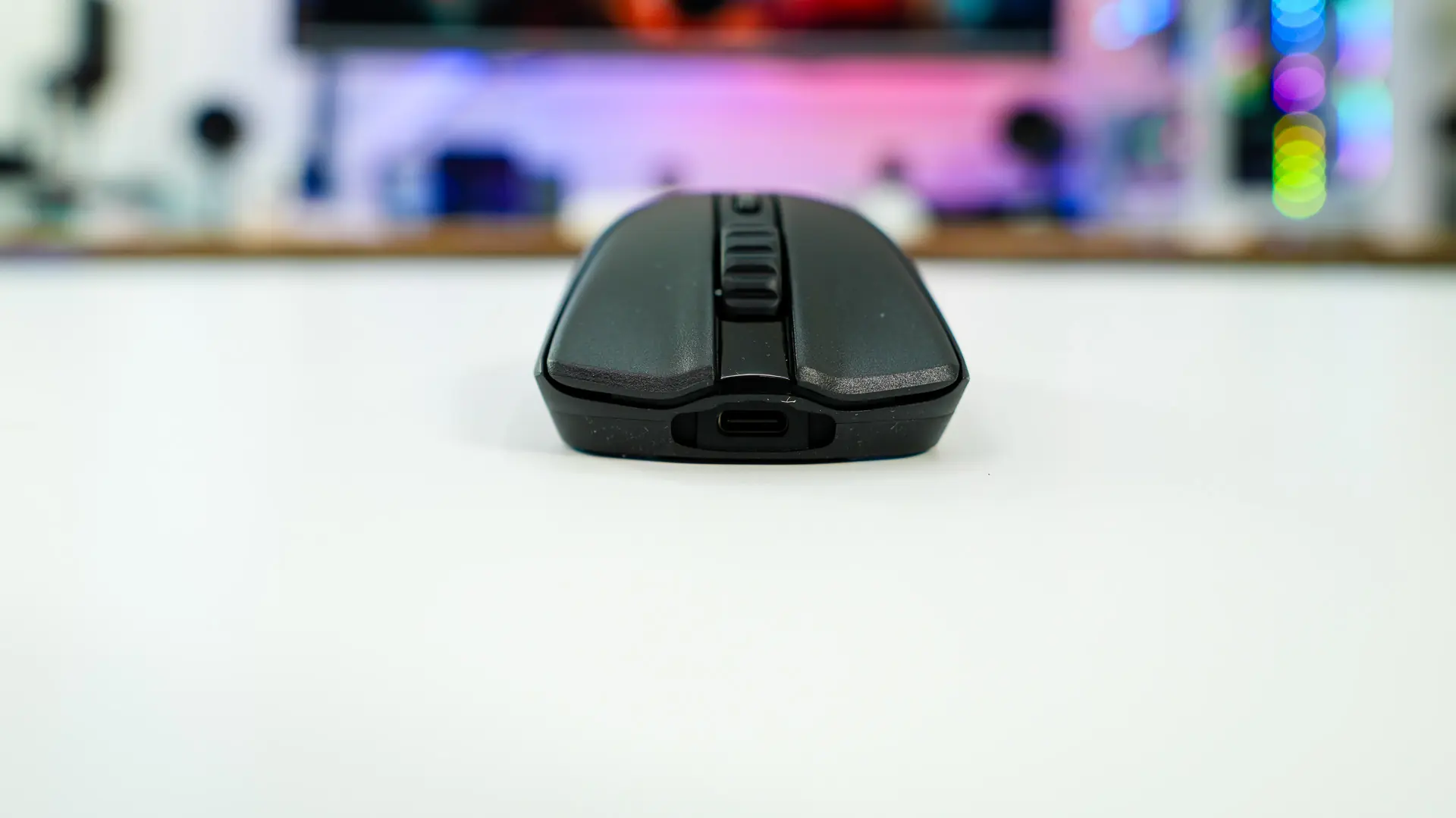
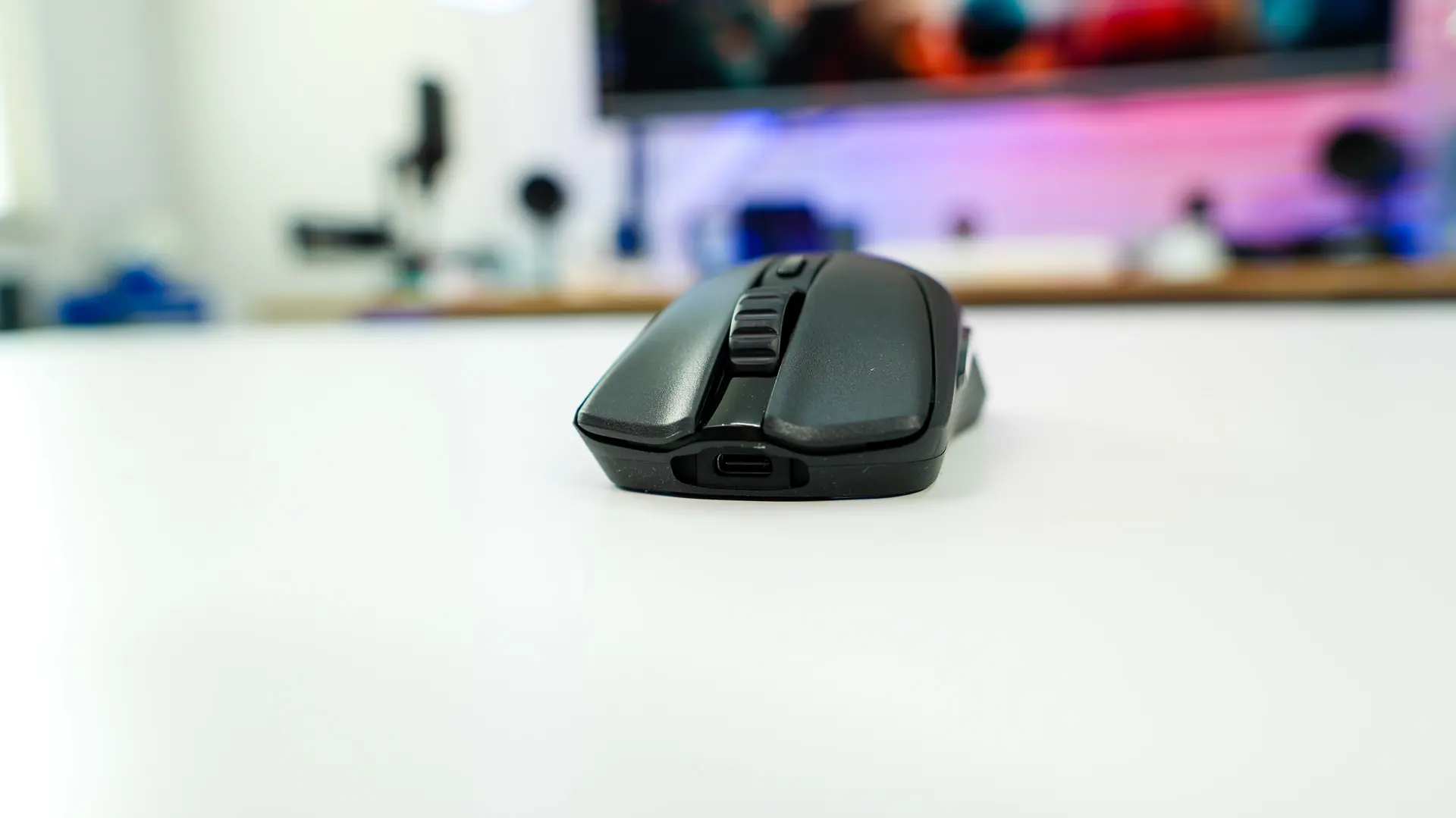
On the front of the mouse you’ll find a USB-C connection for charging the mouse and using it in wired mode. You’ll notice the unique cut-out, which is made for the cable that comes with the mouse.
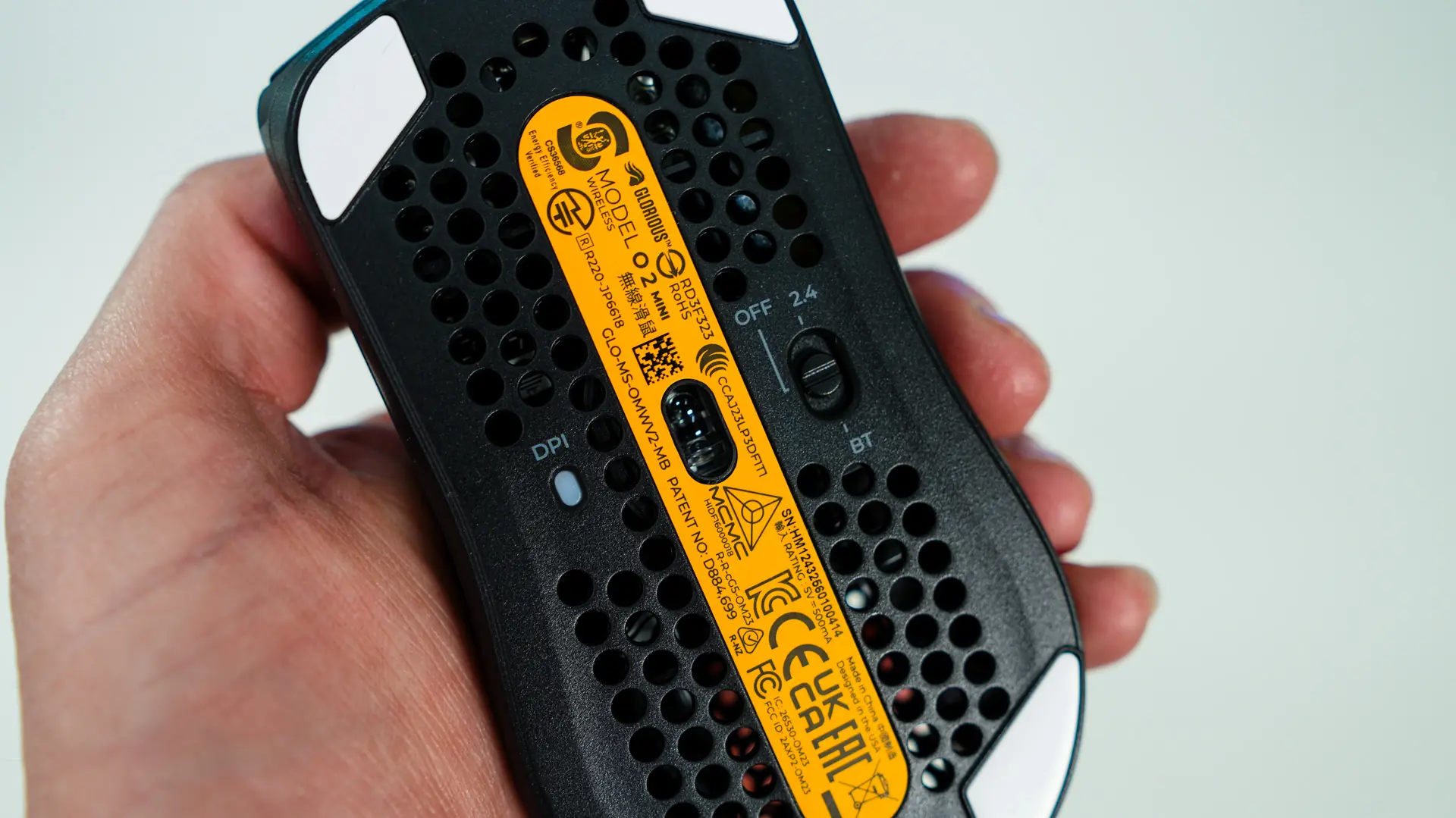
Flipping over to the bottom of the mouse we see more of those circular cut-outs which help keep the overall weight down. In the center we have our sensor which is the Glorious BAMF 2.0 26K optical sensor. This sensor has a max sensitivity of 26,000 DPI, max speed of 650 IPS, and max acceleration of 50G. There are four mouse feet on the bottom as well which are 100% PTFE.
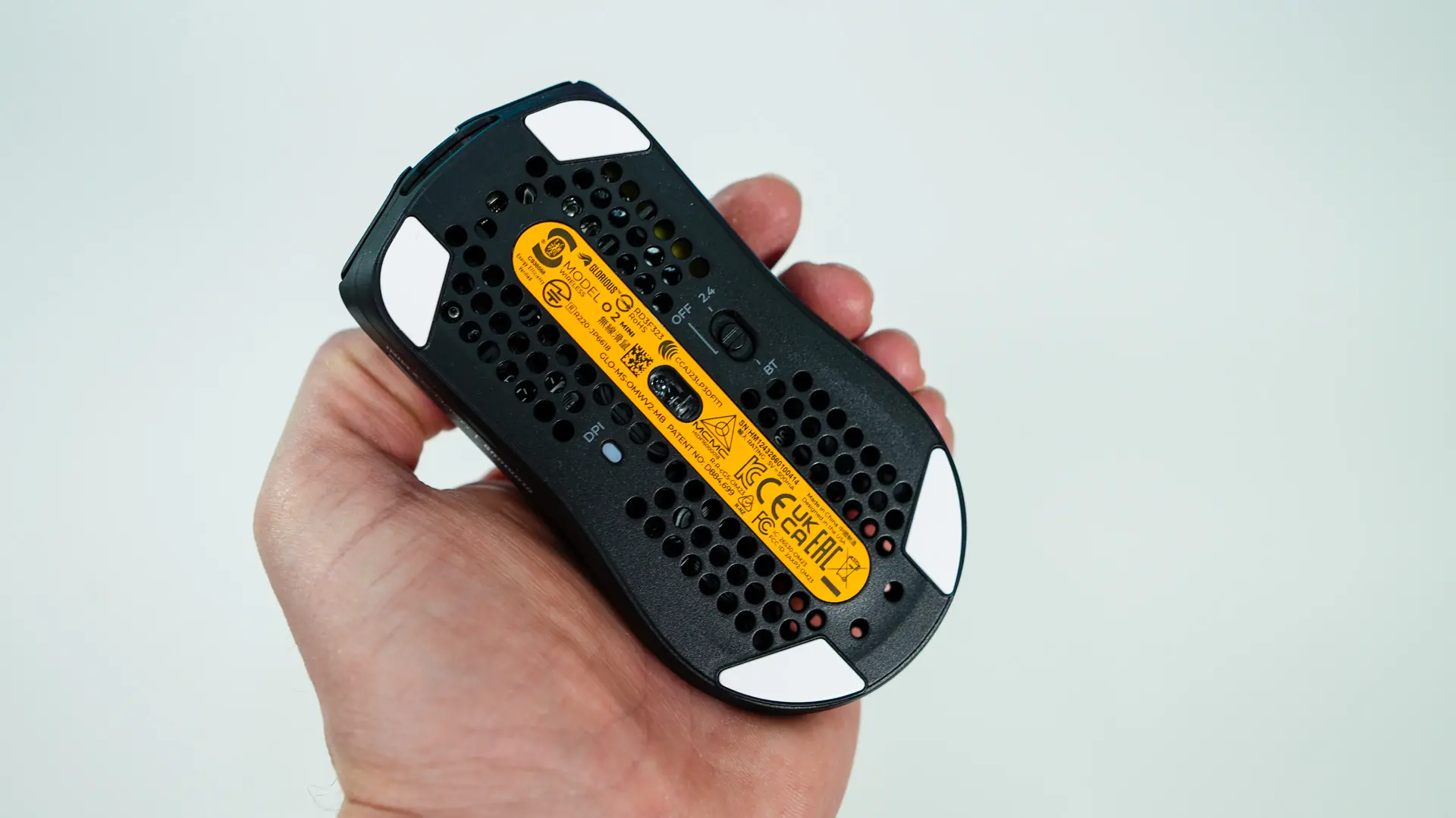
Towards the center on the bottom of the mouse you’ll find a DPI LED indicator, as well as a switch to toggle between 2.4 GHz, off (or wired mode), and Bluetooth mode. For 2.4 GHz you’ll need the included dongle, but this mouse does support Bluetooth 5.2 LE so if you happen to forget the dongle you should be able to use it with any Bluetooth device.